

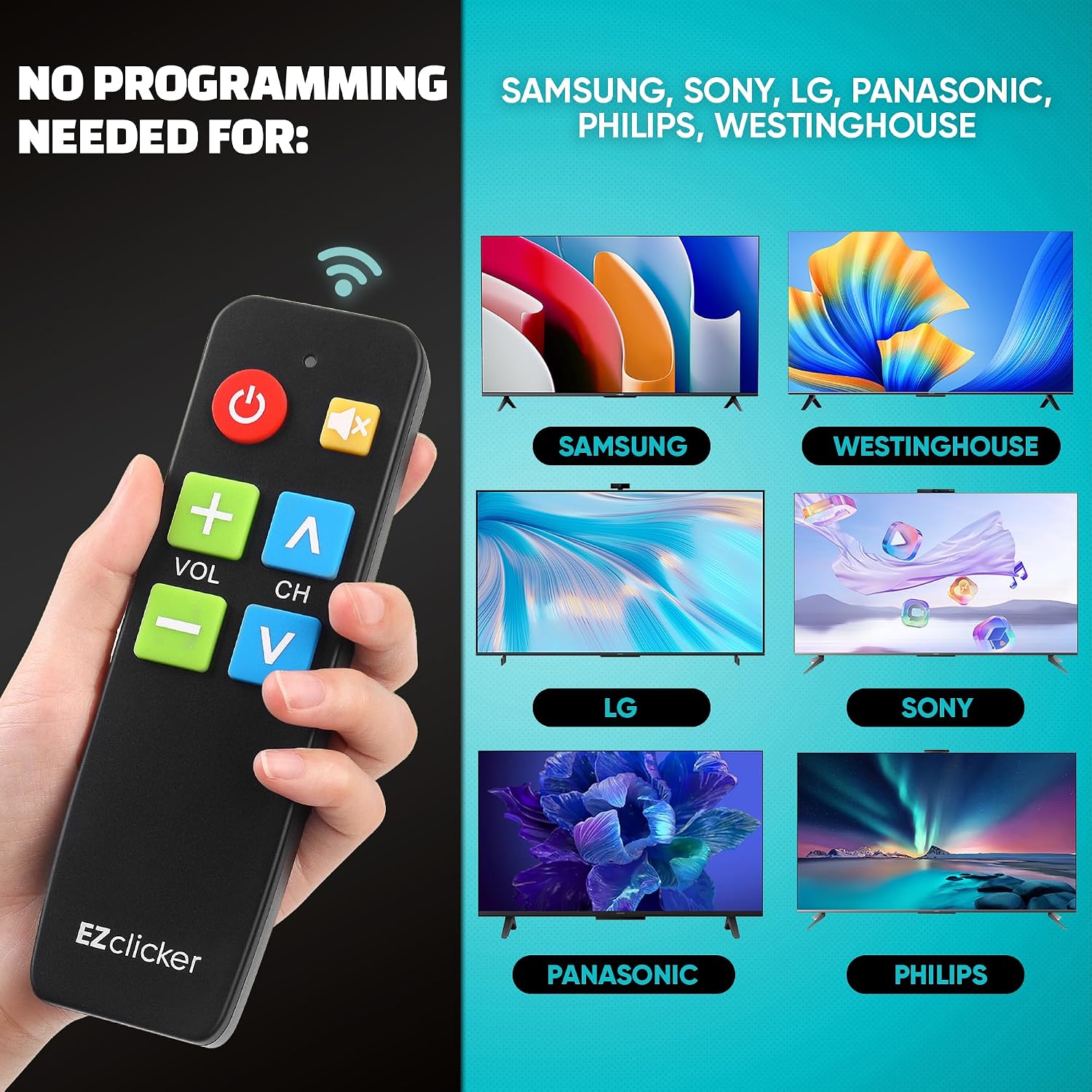
EZClicker EZclicker TV Remote for Seniors (Big Button, Extra Simple) — Black
Reviews
Price
Product description
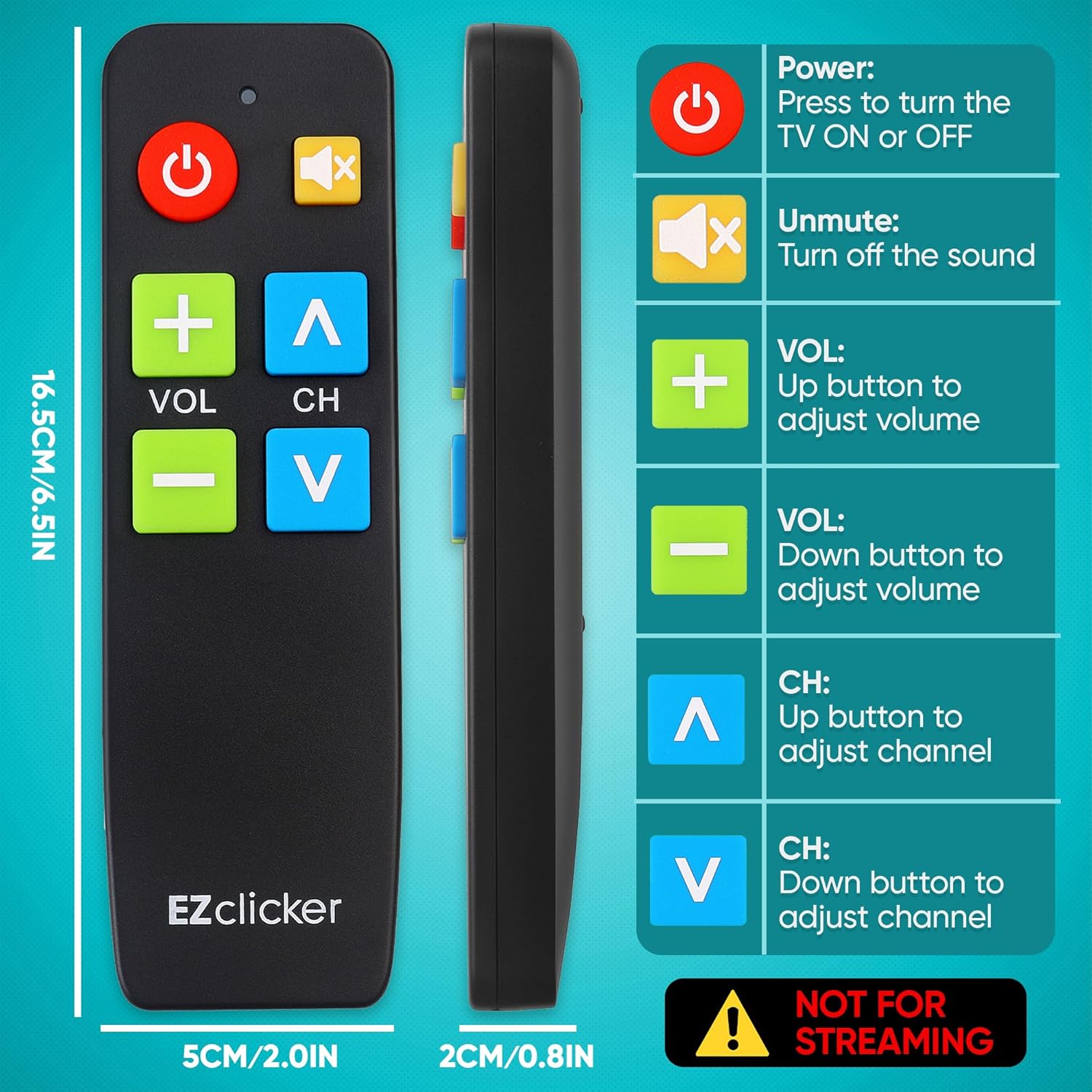
If TV remote controls have become a struggle, this is the kind of fix that’s easy to understand. The EZClicker EZclicker TV Remote for Seniors is built around big buttons, a simpler layout, and tactile feedback—so using your TV feels more straightforward, especially if dexterity or vision isn’t what it used to be.
What it is and what problem it solves
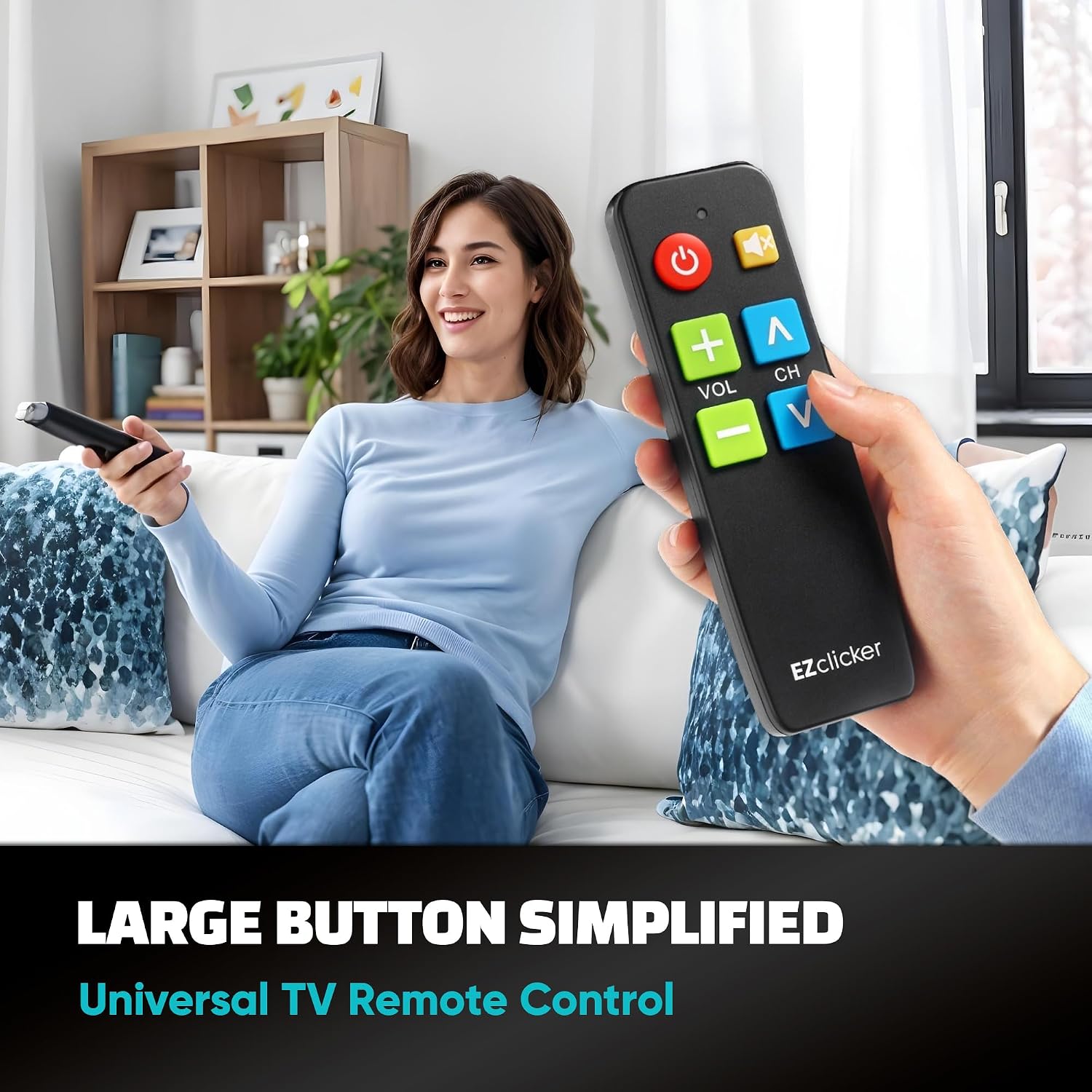
This is a universal TV remote designed for seniors and anyone who wants fewer steps and easier controls. Instead of a remote that’s packed with tiny labels and multi-function buttons, this one leans into readability and touch. On paper, that means less guessing, fewer “where is that button?” moments, and a more comfortable day-to-day experience.
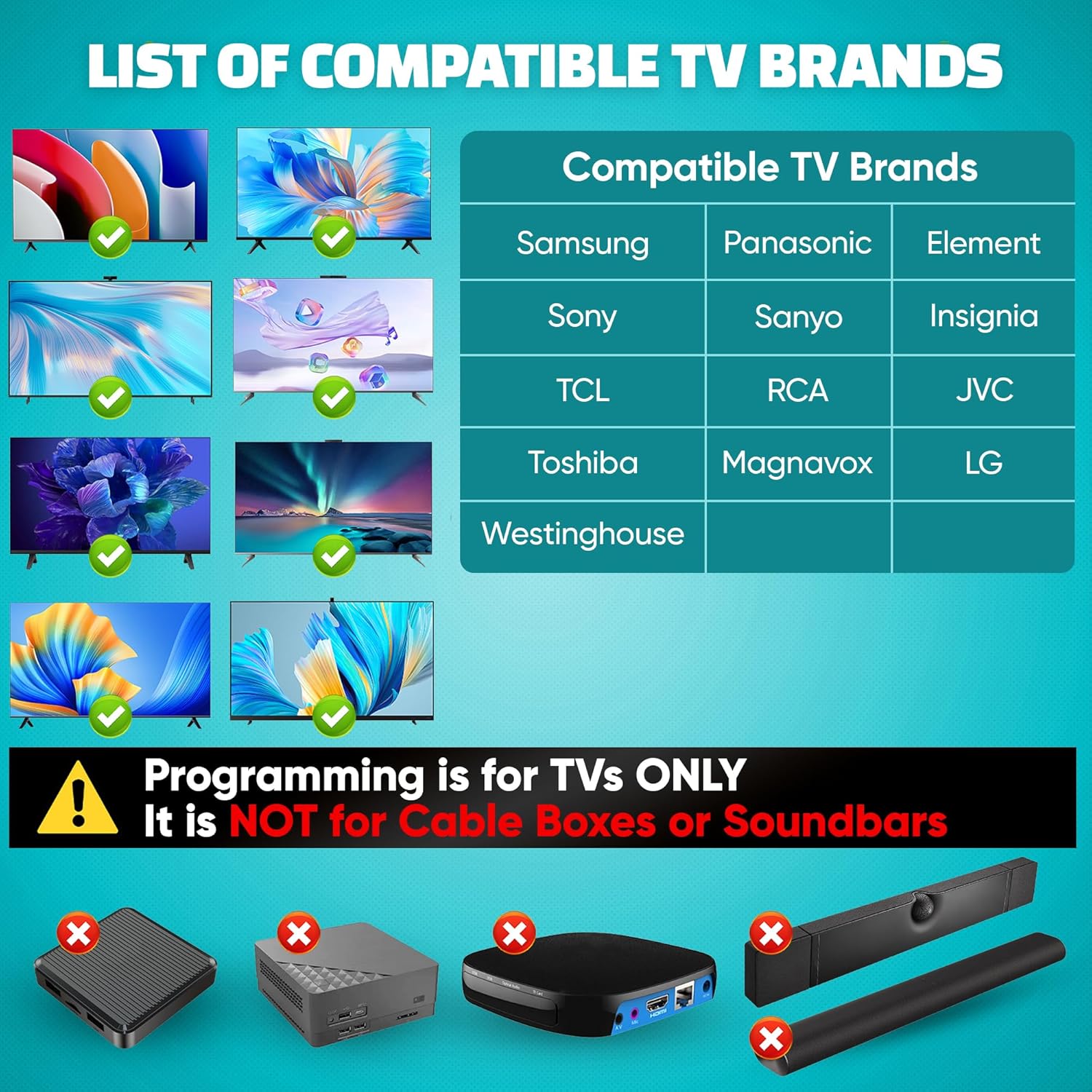
Still, it’s not a streaming remote. It’s meant for TVs only, and it specifically notes it does not work for streaming boxes like Firestick and Rocktic, and it also isn’t for cable boxes.
Key points
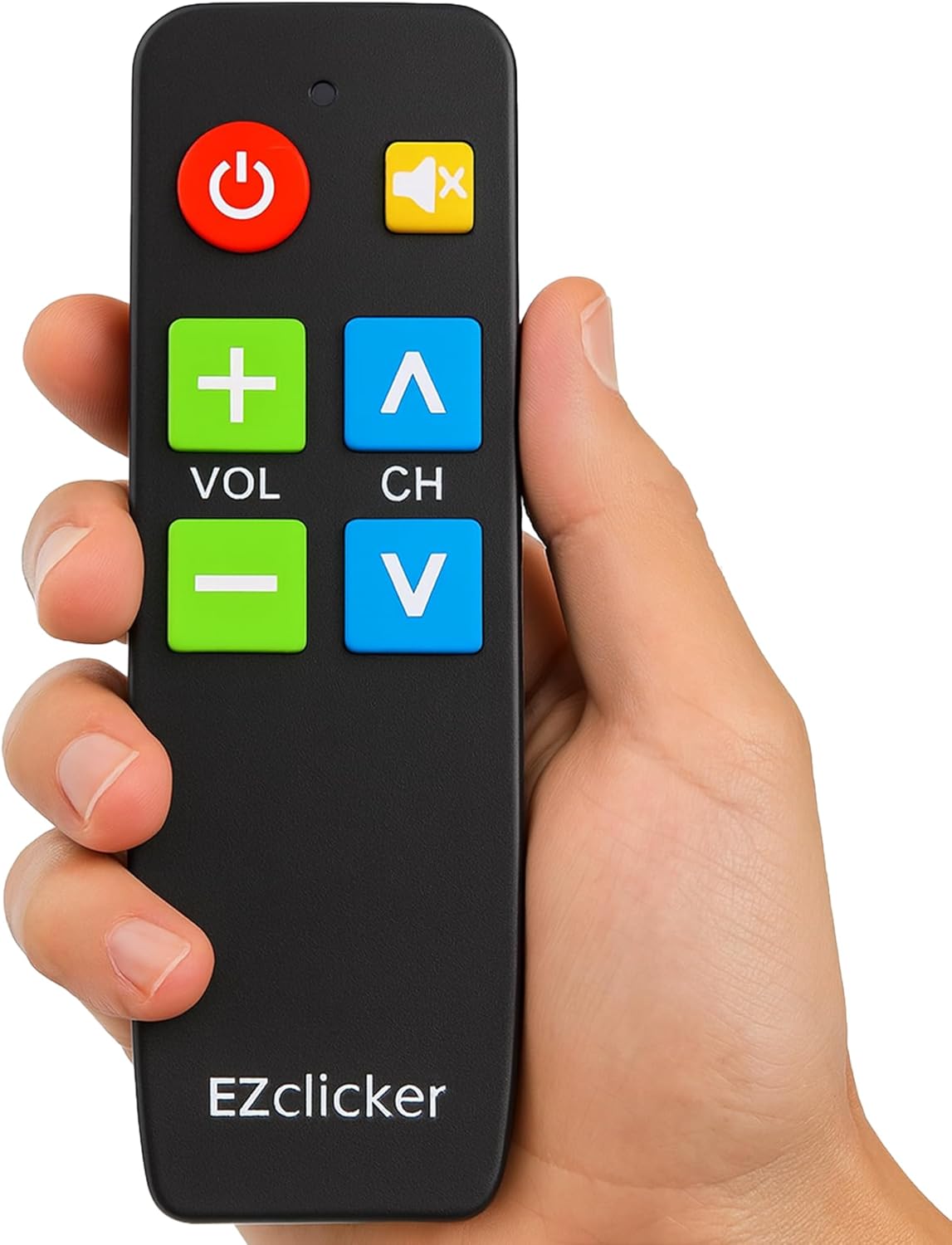
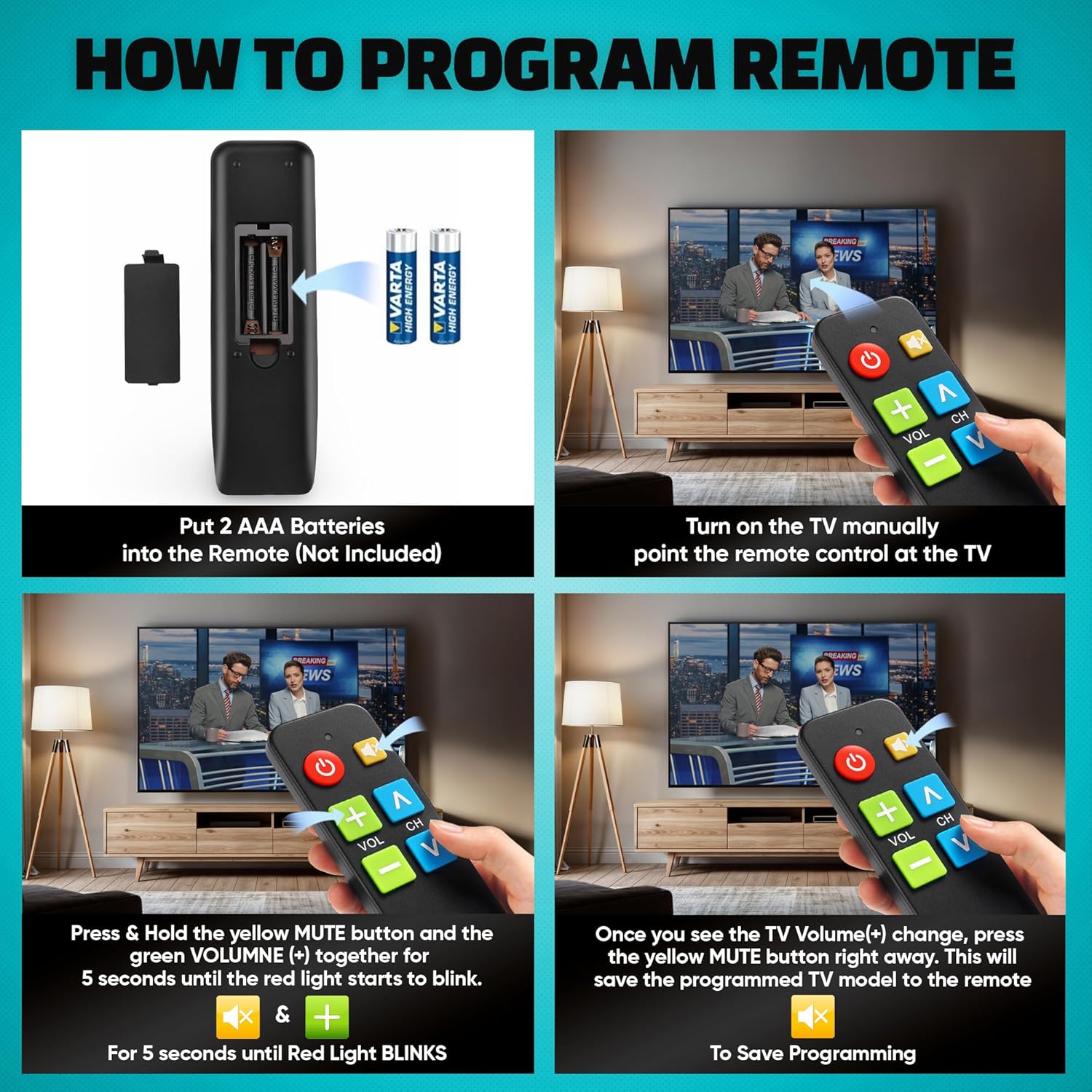
Big-button controls are the headline here, and they’re paired with tactile feedback so the remote feels more “confirming” when you press. Programming is kept simple: you turn on your TV, aim the remote at the TV, then press Silence and Volume+ together for up to 60 seconds. When Volume+ changes, you release the buttons and the remote is set. That’s a pretty direct process for people who don’t want a complicated setup routine.
Where it stands out (and what feels limiting)
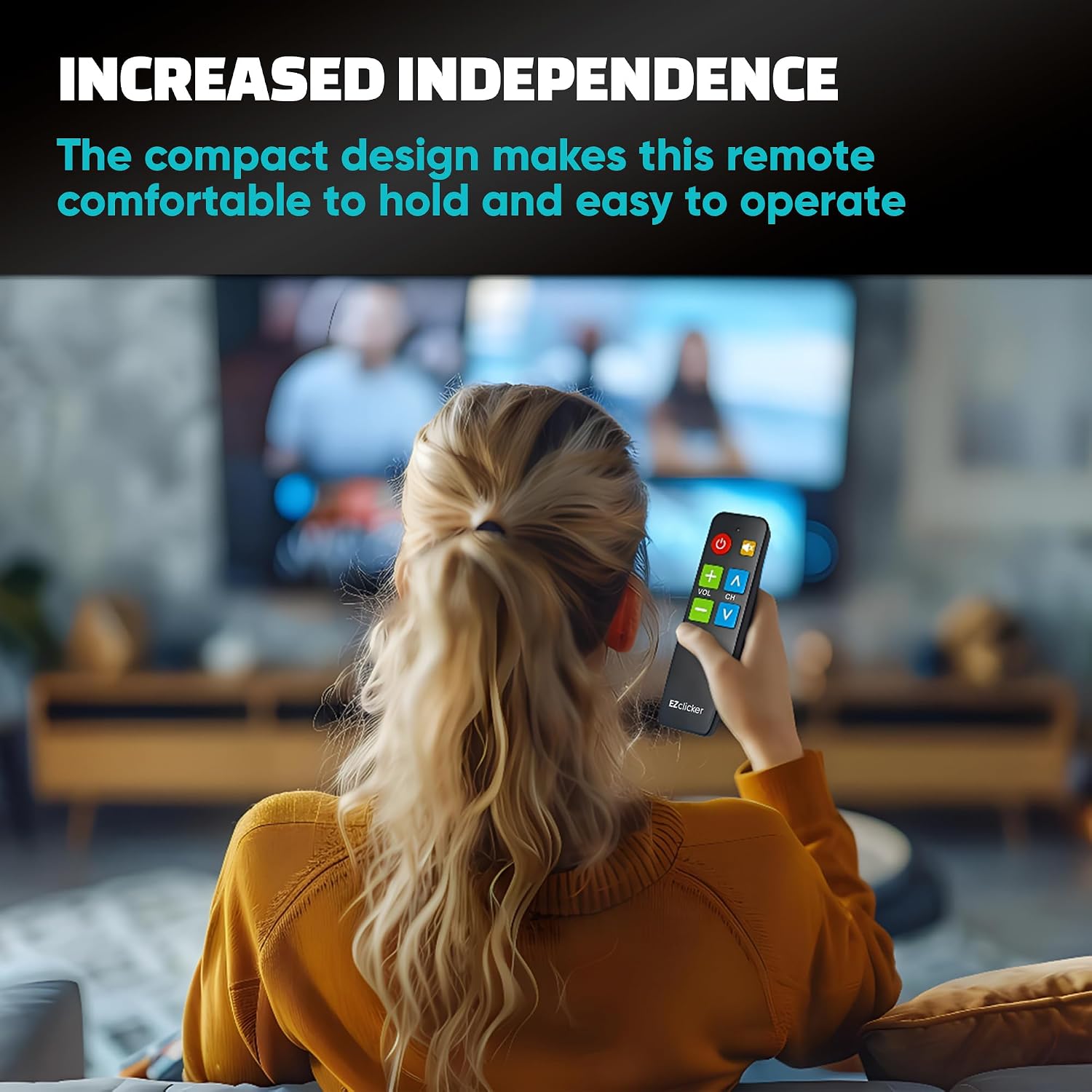
Where it shines is everyday usability. The buttons are large, the controls are simplified, and the remote is described as compact and light—so it’s easier to hold and store than many standard TV remotes.
Worth noting: if your goal is streaming (or controlling an external streaming device), this may frustrate you. The product text makes it clear it’s NOT for streaming, and it also says it won’t work for cable boxes. If your setup relies on anything beyond the TV’s own input and on-screen controls, you’ll want to double-check compatibility before buying.
Practical setup and how you’d use it
A typical use day might look like this: you replace or set up the remote, then use the “Silence + Volume+” pairing approach once. After that, you can focus on what matters—volume control, muting, and basic TV navigation. Because the programming relies on your TV reacting to the remote (Volume+ changing), the process is designed to be noticeable rather than abstract.
If you’re buying for a loved one, this can be the kind of remote that reduces the “wrong button” frustration. That matters a lot when you want the TV to be reachable without constant help.
Tech specs
- Type: TV remote (universal)
- Buttons: Extra simple design with large buttons
- Tactile feedback: Included (as described)
- Compatibility: Works with major TV brands (check images for the full list)
- Not for: Streaming devices and cable boxes (per description)
- Batteries: Requires 2x AAA batteries (not included)
- Size: 6 x 2 x 1 inches
- Color: Black
Who it makes sense for
It suits you if you’re looking for a senior-friendly remote with an easy-to-follow setup and big, easy-to-press buttons. It’s also presented as a thoughtful fit for grandparents, elderly users, and people with limited vision or reduced dexterity—plus users dealing with dementia or Alzheimer’s, where simplicity and quick recognition matter.
It may not suit you if you need control for streaming boxes or cable systems. In those cases, you may be better off choosing a remote or setup approach that’s explicitly meant for that kind of equipment.
Quick buying checklist (before you commit)
- Confirm your TV model is on the compatibility list (the description says to check the images for the full list).
- Make sure you’re not expecting it to handle streaming devices or cable boxes.
- Plan for batteries: it needs 2x AAA (not included), so factor that into your purchase.
- If multiple devices control your TV (like a box or receiver), understand this remote is TV-focused.
Is it worth it?
Buy it if you want a simplified, big-button TV remote with a straightforward programming step and a design aimed at seniors and accessibility needs. It’s especially compelling when the current remote is hard to read or difficult to operate.
Skip it if streaming or cable-box control is part of your daily routine—this model is explicitly not for streaming and not for those setups. Also, if your TV model doesn’t match the compatibility list, it could be a dead end. When the requirements line up, though, this is exactly the kind of “less complexity, more control” remote that can make TV time feel easier again.
Mini FAQ
Does it work with streaming devices like Firestick?
No. The description says it does not work for streaming, including Firestick and Rocktic.
Will it control a cable box?
No. It’s not apt for cable boxes.
How do you program it?
Turn on your TV and point the remote at the TV. Press Silence and Volume+ together for up to 60 seconds. Release when Volume+ changes.
What batteries does it use?
It requires 2x AAA batteries, which are not included.
Where can I check compatibility?
The description instructs you to check the product images for the full list of compatible TV models.