

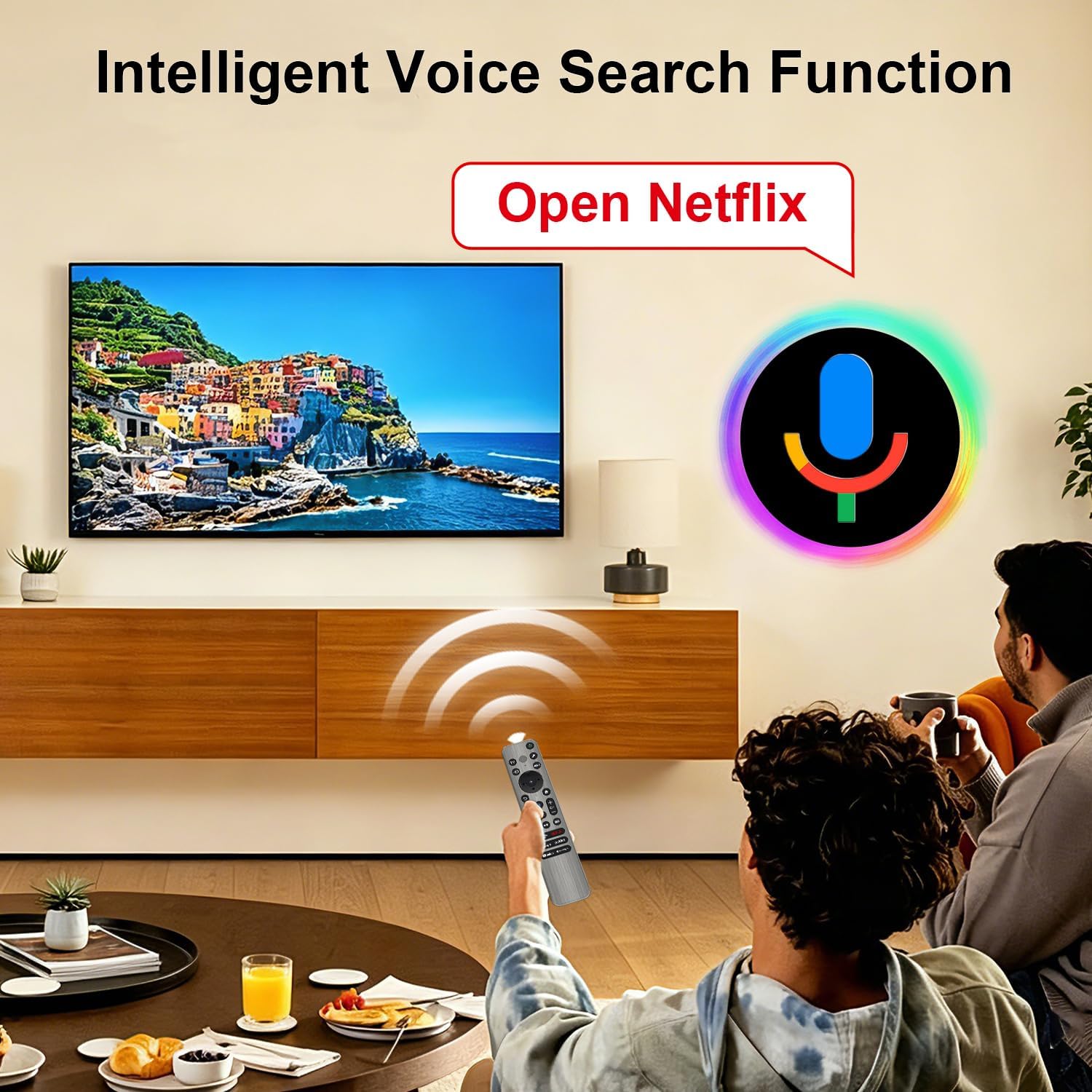
Replacement for Sony TV Remote with Voice & Backlight for Bravia Google 4K TV
Product description
What this remote is and what it aims to fix
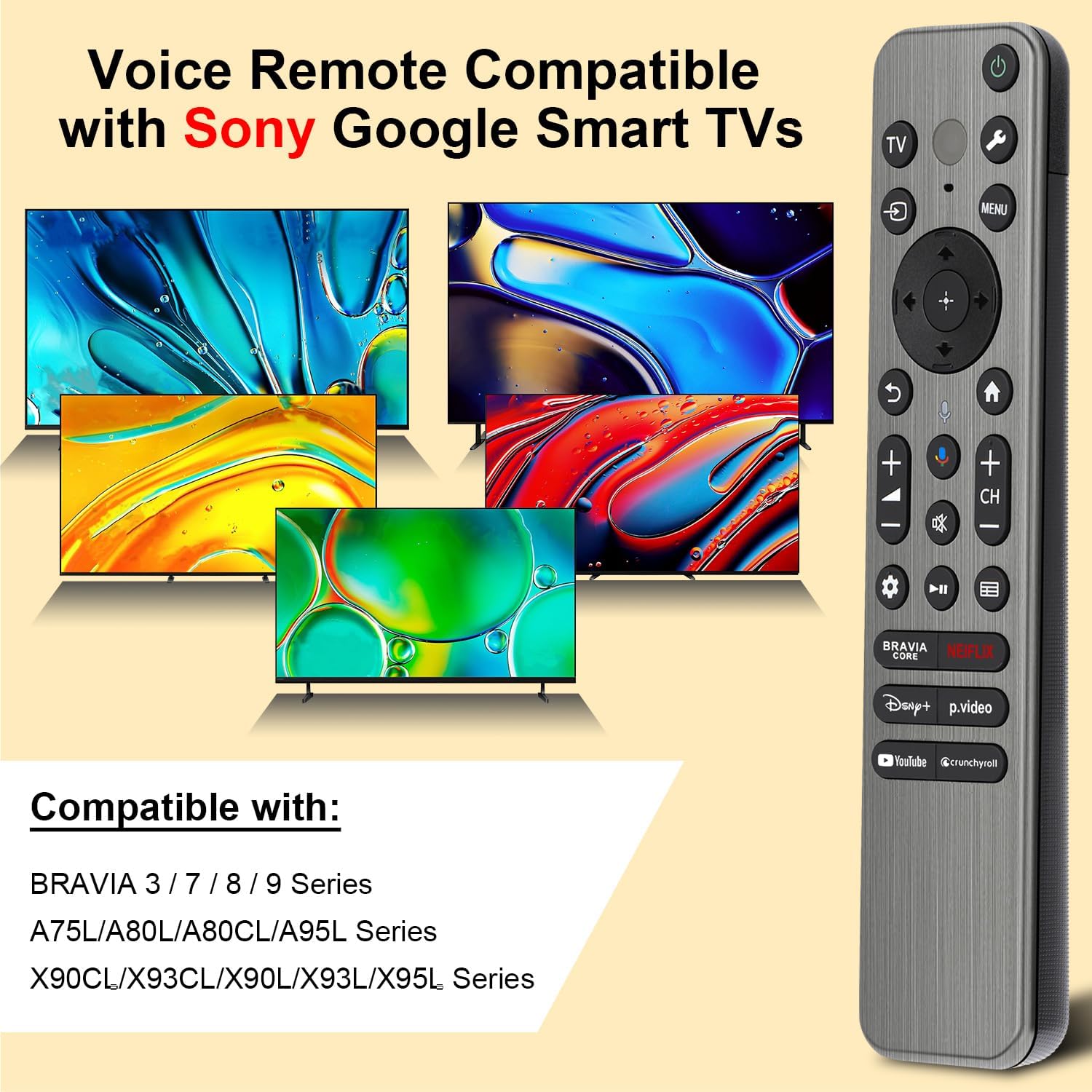
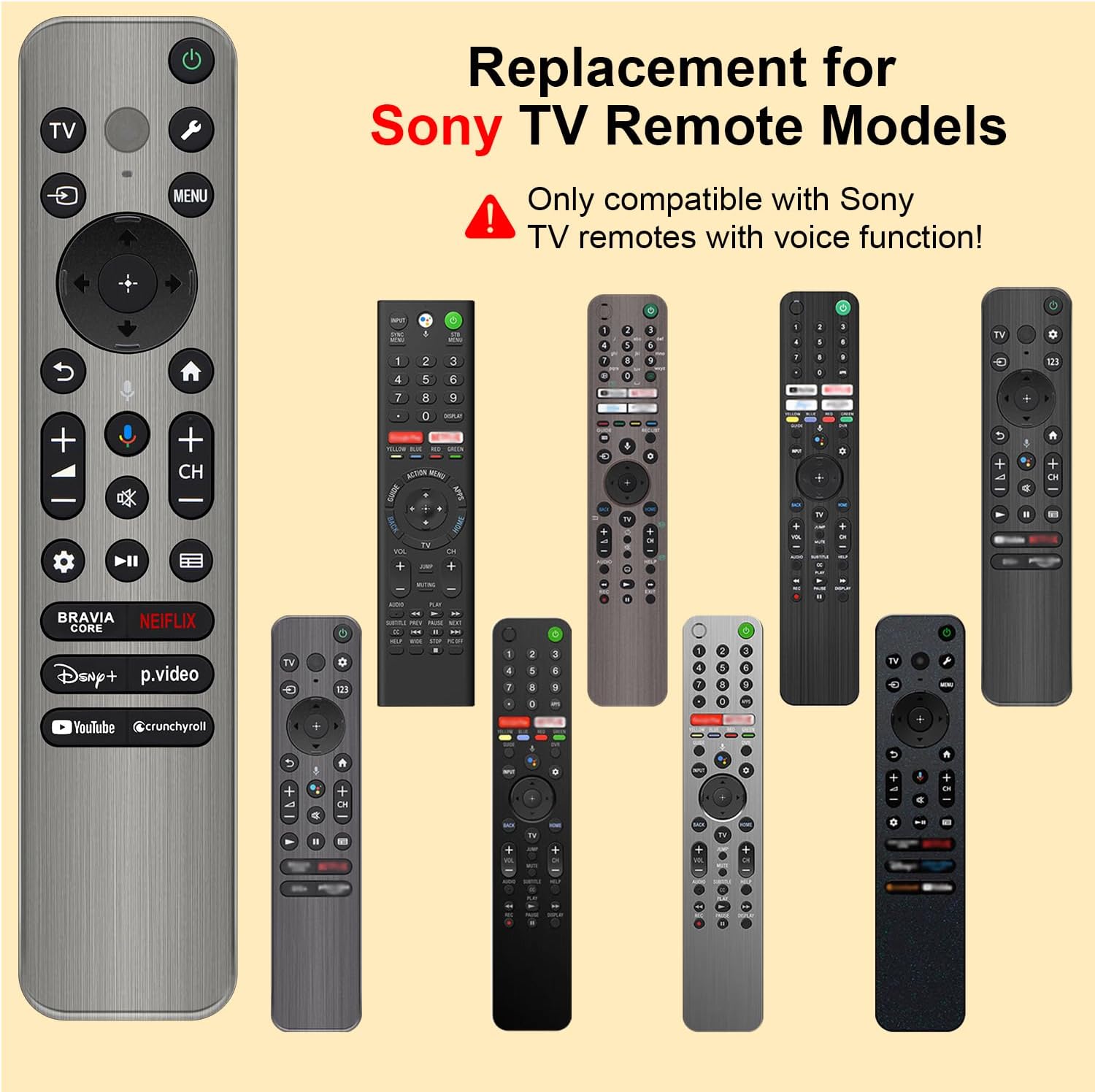
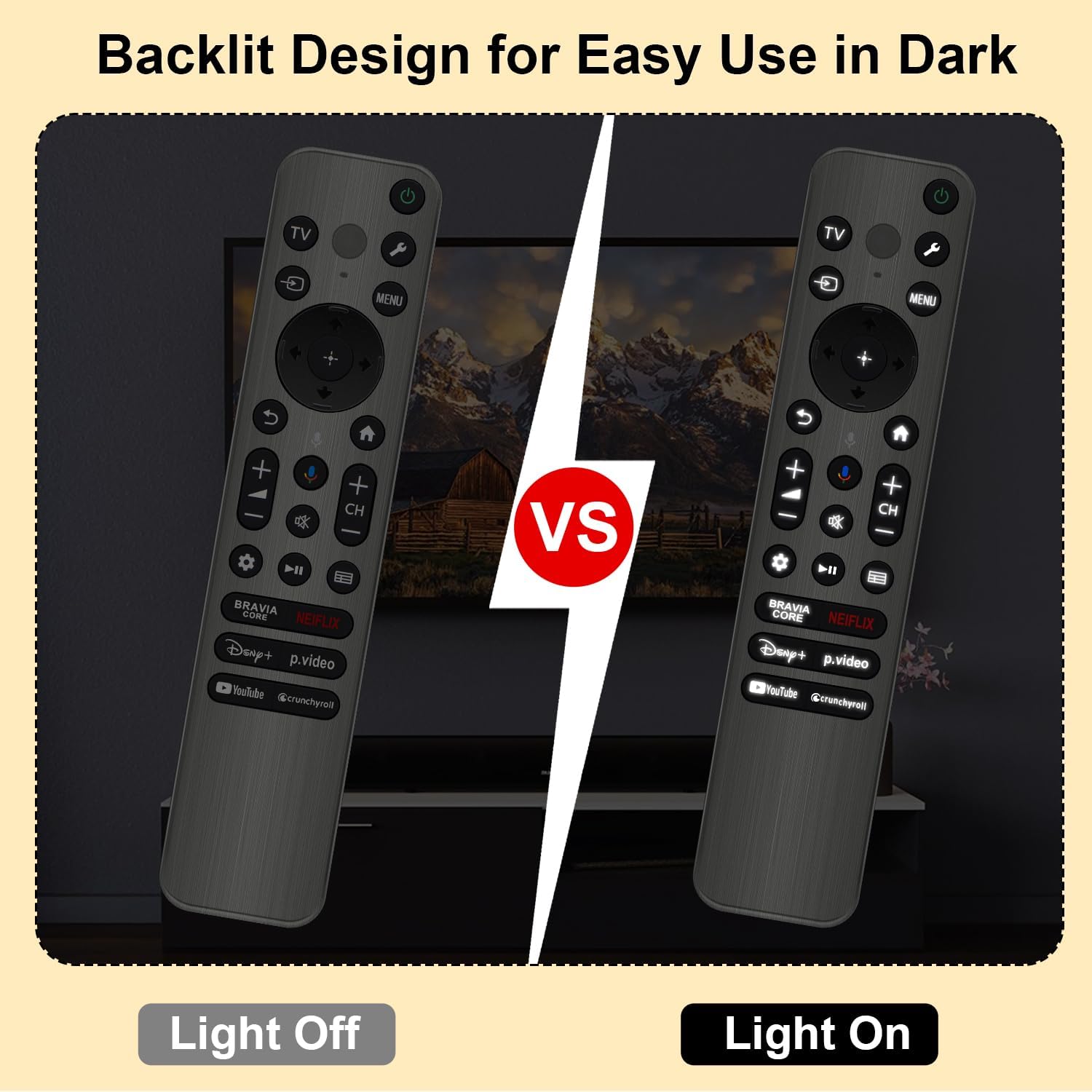
This is a replacement remote designed for Sony Bravia Google Smart TVs, including models like BRAVIA 3, BRAVIA 7, BRAVIA 8, BRAVIA 9, X90L, X90CL, X93L, X93CL, X95L, A75L, A80L, A80CL, A95L, and a range of RMF-TX810U, RMF-TX820U, RMF-TX910U, RMF-TX920U remotes. It isn’t sold as an original spare part from Sony, but it targets the everyday need to control a Sony smart TV when the original has issues or is not available. The standout feature is its backlight, which makes each button clearly visible in the dark, reducing fumbling and accidental presses late at night. If you value quick access to functions without squinting at a dim keypad, this can be a practical option.
How it works and what’s included
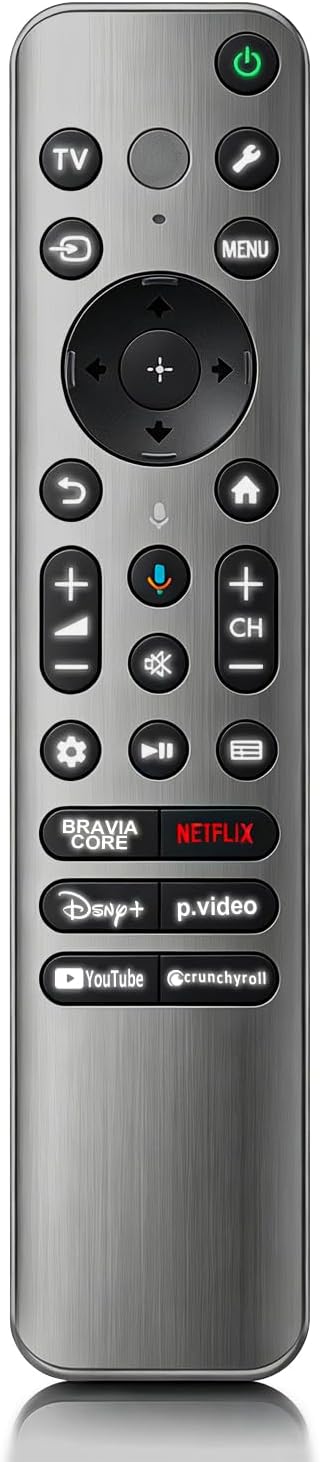
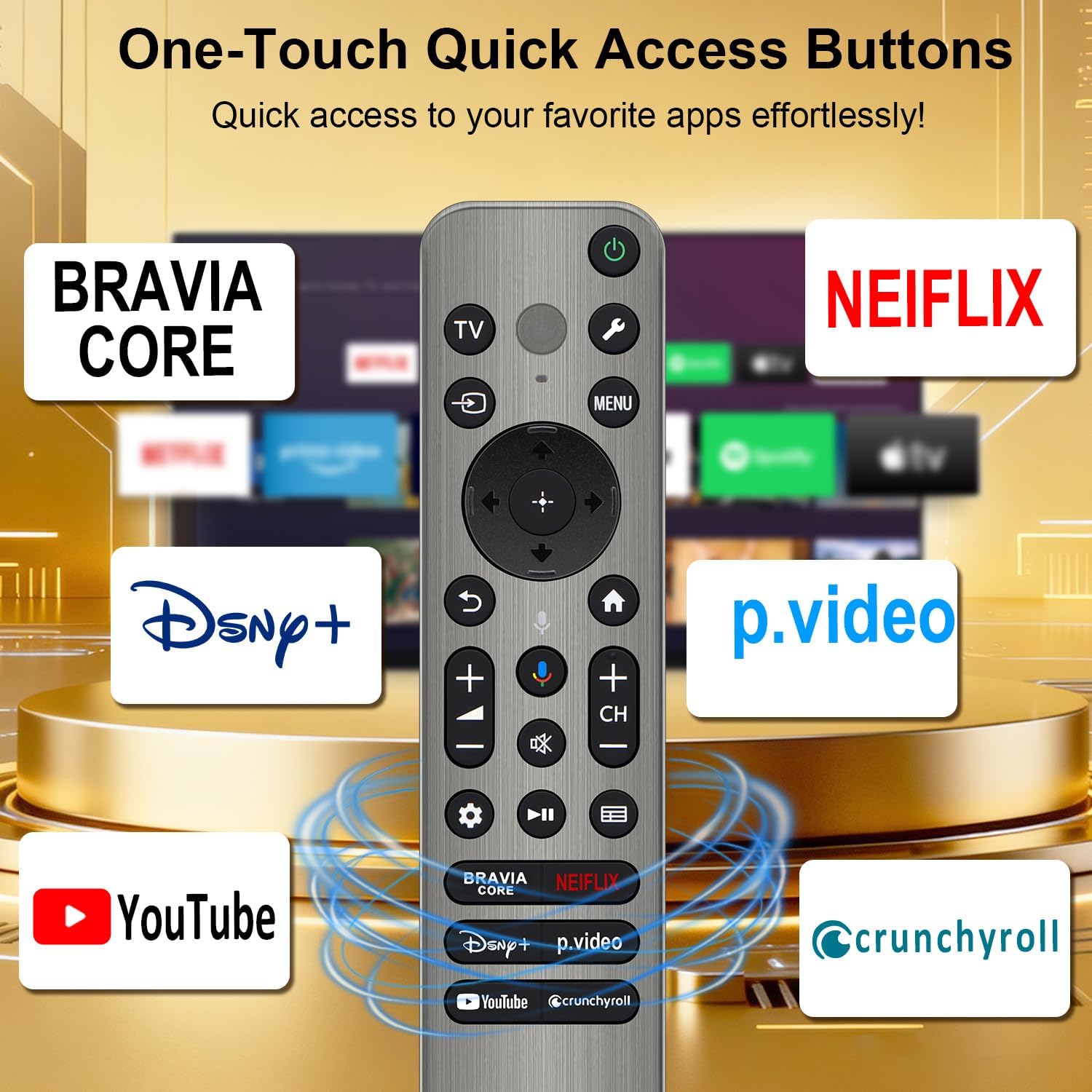
The package includes a Voice Remote and a User Manual. Batteries are not included, so you’ll need two AAA batteries to get started. The remote supports a voice function setup: insert batteries, then press and hold the VOL- and Mic buttons for 5 seconds until the indicator blinks to confirm pairing. If pairing ever fails, the setup can be attempted again. The remote is promoted as offering six quick-access buttons for popular apps and features—NFLX, Video, Disney+, YouTube, Bravia Core, and Crunchyroll—facilitating one-tap access to frequently used content from across streaming apps.
Range, speed, and durability cues
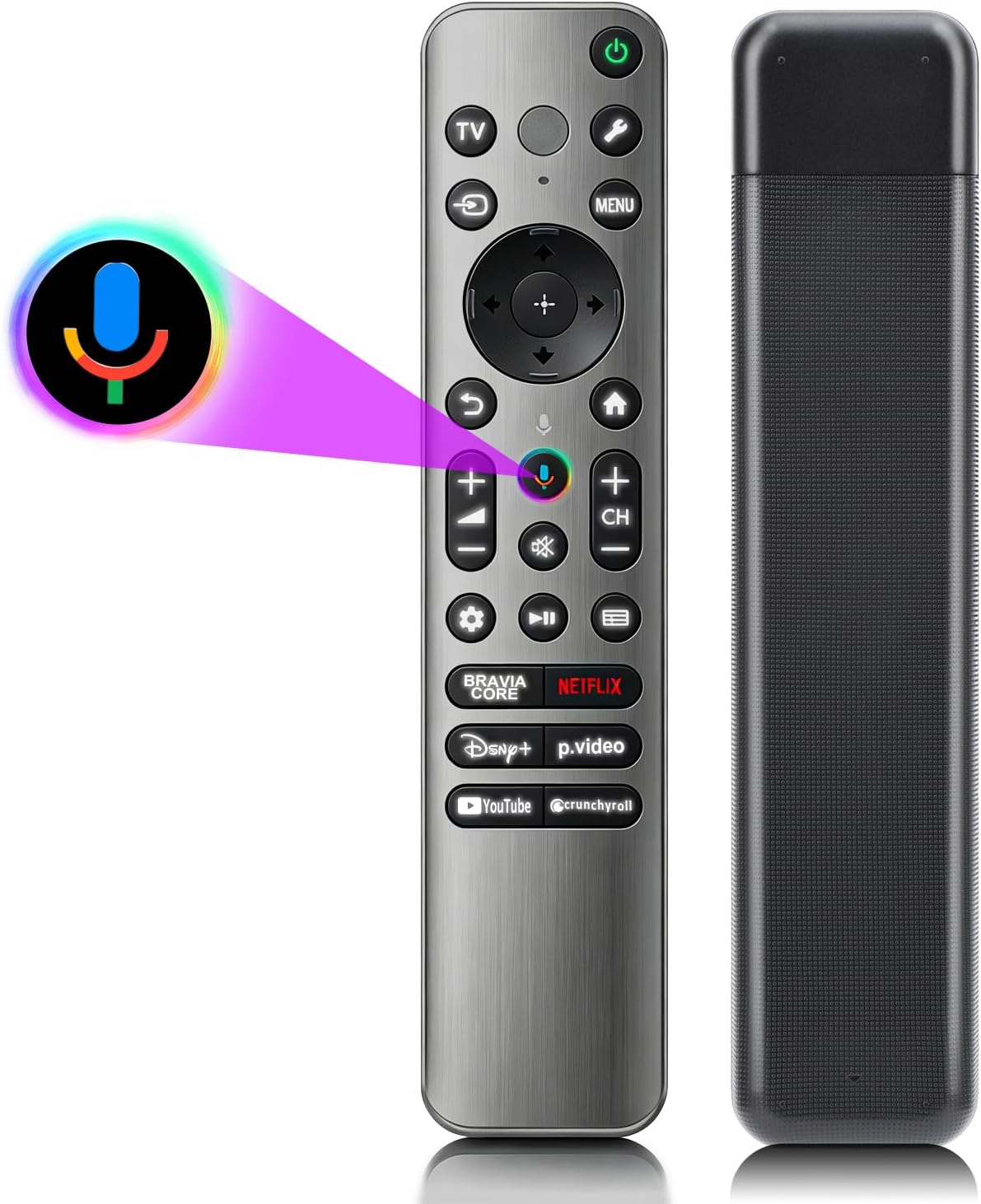
According to the description, the remote claims a 32ft range and a 0.2s response time, and it supports over 120K button presses. While these figures set expectations for responsive control, they’re best viewed as general guidance rather than guarantees. The “backlight” function aims to improve usability in any dimly lit room, but long-term reliability isn’t documented here beyond the stated features.
Who it’s for
If you’re using a Sony Bravia Google Smart TV and need a replacement remote that covers common TV control plus voice input, this option could fit you well. It’s particularly relevant if your original remote has failed or if you want a backup that’s easy to operate in the dark. It also suits households where multiple people share a TV and the standard remote is too fiddly or hard to read at night.
Pros and what stands out
- Backlit keys for easier use in low light. This is the most tangible improvement over non-backlit remotes.
- Voice capability can simplify searching and navigation without relying on the on-screen keyboard.
- Shortcuts to popular apps offer quicker access to content than navigating menus from scratch.
- Broad model compatibility within Sony Bravia Google Smart TVs and several RMF-TX presets suggests flexibility if you switch between compatible Sony sets.
Cons and potential caveats
- It’s a replacement, not an official Sony part, so there’s a question of long-term compatibility or firmware-specific quirks on future updates.
- Batteries are required (not included), and the user must understand the pairing process to ensure reliable voice control.
- The claim of 32ft range and 120K+ clicks is helpful for setting expectations but isn’t a guarantee in every room or with every TV environment.
- Some users may prefer an original remote for guaranteed compatibility with every app or feature, this version is a solid substitute, not a guaranteed perfect match.
How to decide if it’s the right buy for you
Choose this replacement if you want a backlit, voice-enabled remote with fast app shortcuts for a Sony Bravia Google TV and you’re comfortable with a third-party accessory. It’s a sensible option when the goal is to restore straightforward TV control quickly and without the hassle of hunting a non-backlit remote in the dark. If you prize an impeccably exact replica of the original remote or rely on niche functions tied to a specific proprietary app, you may want to compare more closely with an official Sony part or explore other OEM options.
What to check before buying
- Confirm your TV model aligns with the listed compatible types and RMF-TX presets. If you’re unsure, double-check the exact model number on the TV and cross-reference with the supported ranges.
- Consider whether backlit keys and voice search are priorities for your setup. If you rarely need voice input, the value of the built-in mic feature might be less critical.
- Ensure you’re comfortable sourcing two AAA batteries and performing the pairing steps when you first set up.
Practical usage example
Imagine curling up on the couch after a long day and wanting to find a movie quickly. With the backlit keys, you can press the volume and mic buttons to trigger a voice search, then jump straight into YouTube or Netflix with one tap on a shortcut. It removes several keystrokes and makes night-time use smoother, especially if you’re sharing the TV with others who aren’t always confident in navigating a standard remote.
FAQ snapshot
- Is setup difficult? It’s straightforward: insert two AAA batteries, press VOL- and Mic for 5 seconds, then follow the blink cue to confirm pairing. If it fails, retry.
- Do the shortcut buttons work right away? Yes, the remote advertises six quick-access buttons for major streaming apps to streamline daily viewing.
- Will this replace my Sony original perfectly? It’s designed as a compatible replacement for many Bravia Google TVs and RMF-TX models, but there’s no guarantee of identical firmware interactions with every TV feature.
Final decision
Is it worth it?
Worth considering if you want a backlit, voice-enabled replacement that covers a wide range of Bravia Google TVs and offers fast app shortcuts. It’s a practical option for restoring ease of use when the original remote isn’t available, provided you’re comfortable with a non-official part and the pairing steps. For users who require guaranteed OEM compatibility or specific, rare functions, exploring official Sony remotes could be preferable.