

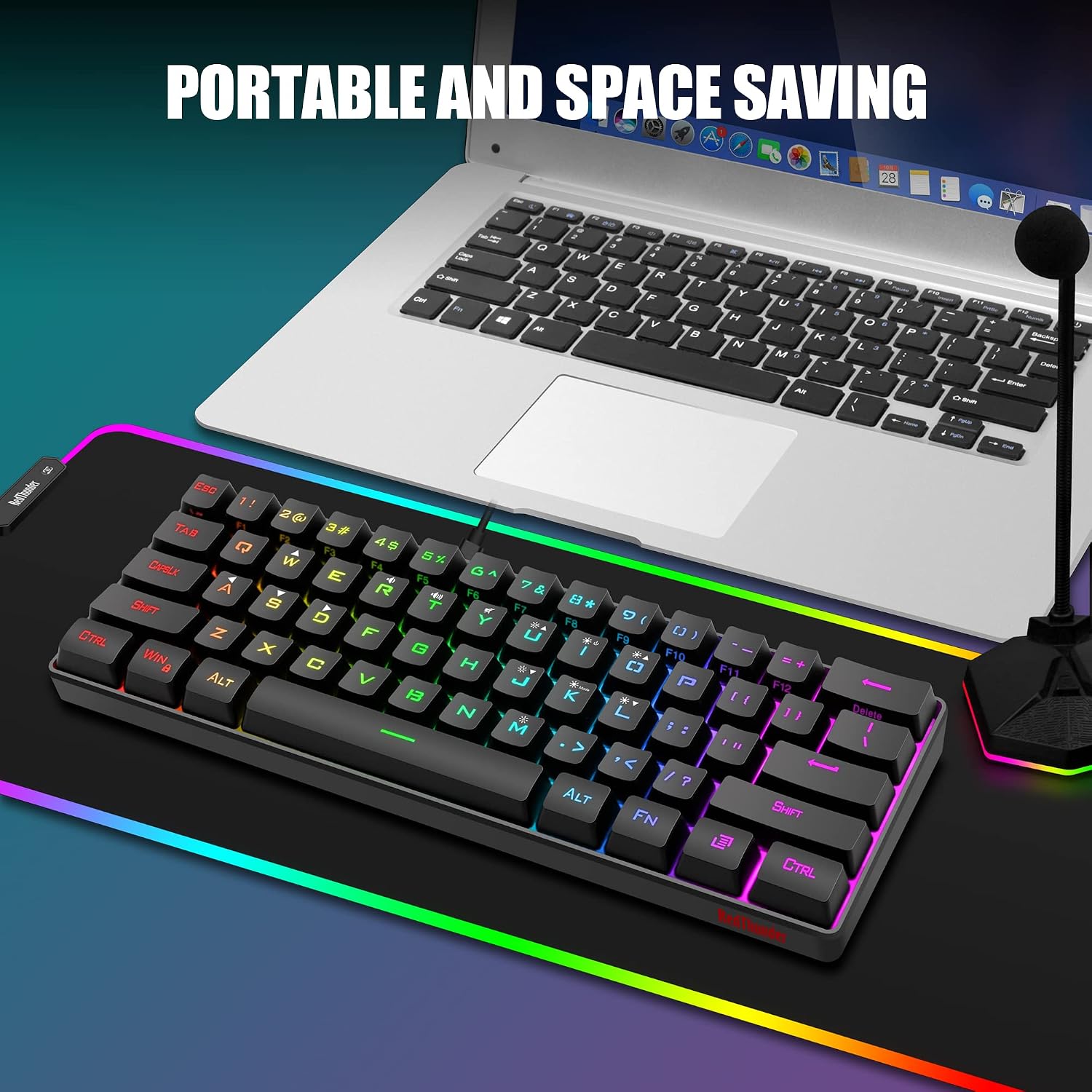
RedThunder 60% Gaming Keyboard and Mouse Combo
Reviews
Price
Product description
What it is and who it’s for
This is a compact 60% keyboard paired with a lightweight gaming mouse, designed for PC, Mac, PS5 and Xbox gamers who value a tidy desk and faster mouse movement in tight spaces. The keyboard omits a numpad for more room to maneuver the mouse, and the mouse is engineered to stay light while offering a high-precision optical sensor. If you’re chasing a minimal setup without sacrificing responsiveness, this combo presents a practical option.
How it’s built and what makes it stand out
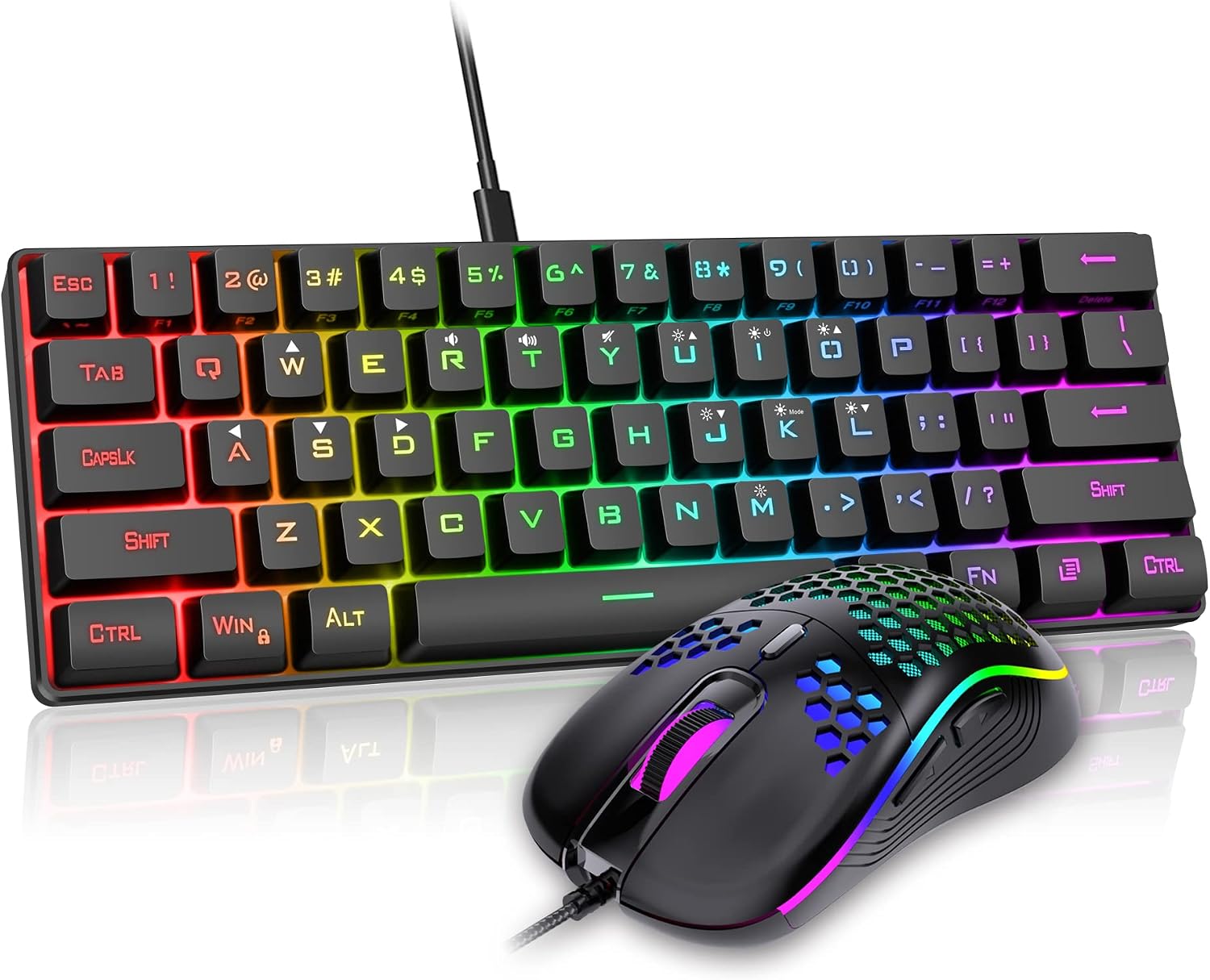
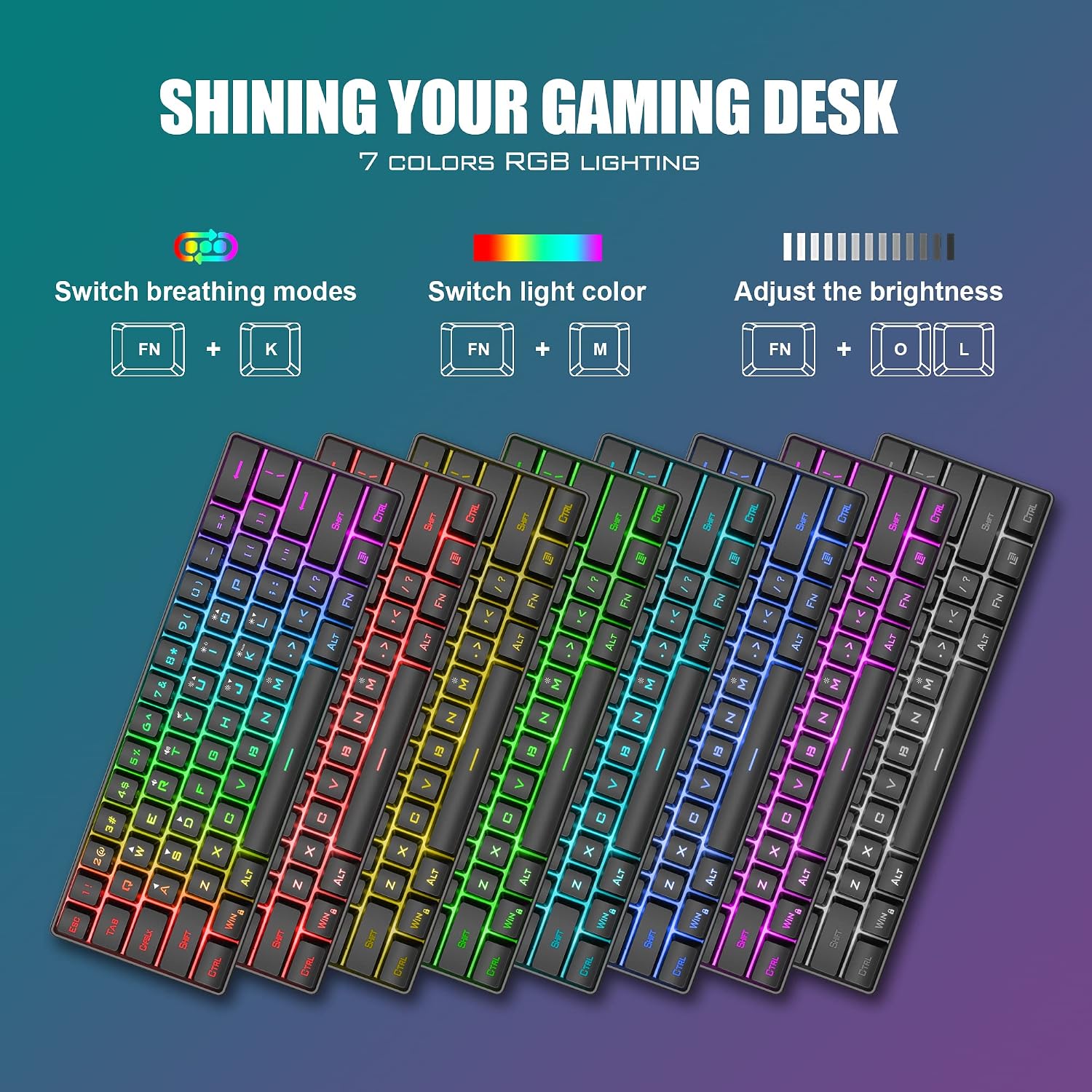
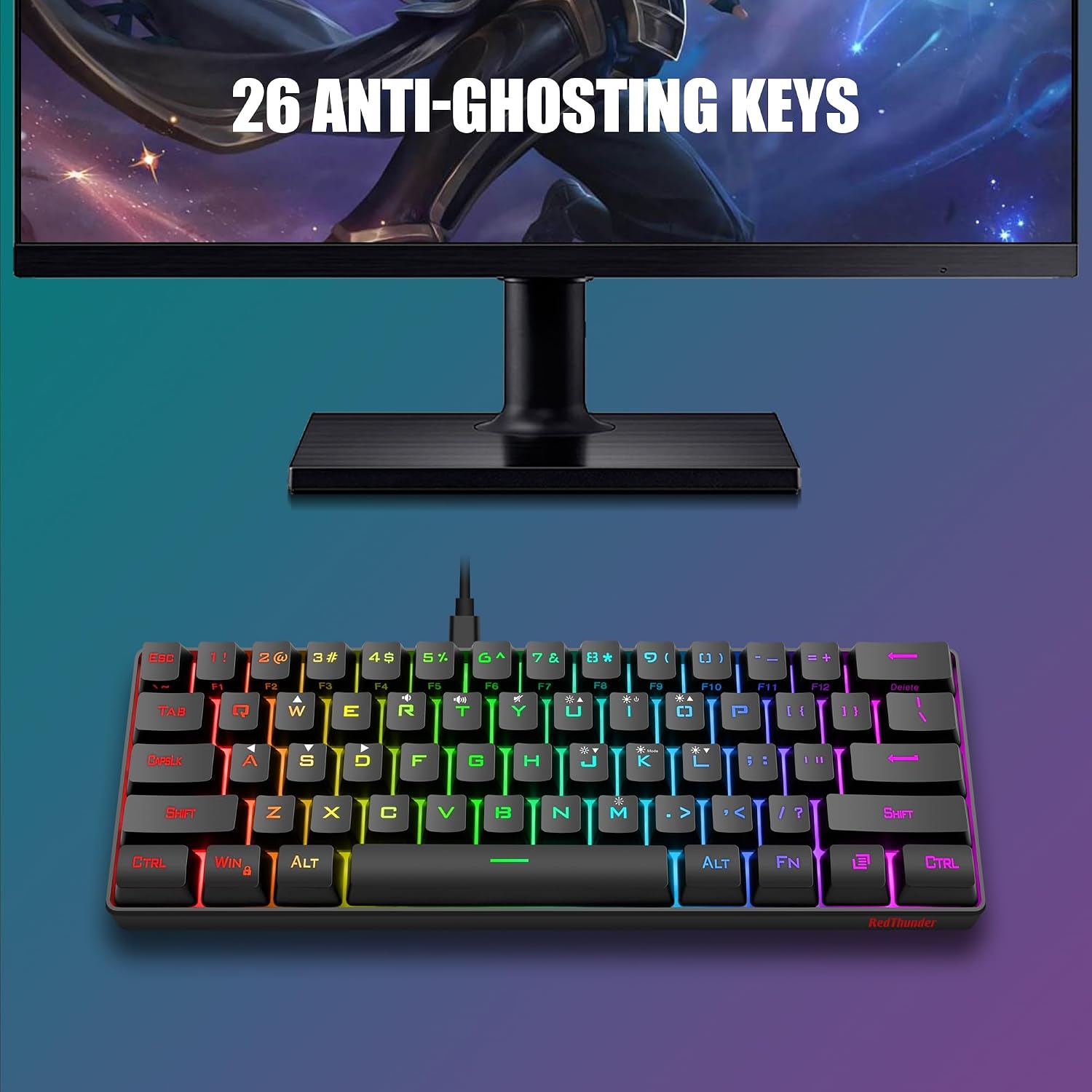
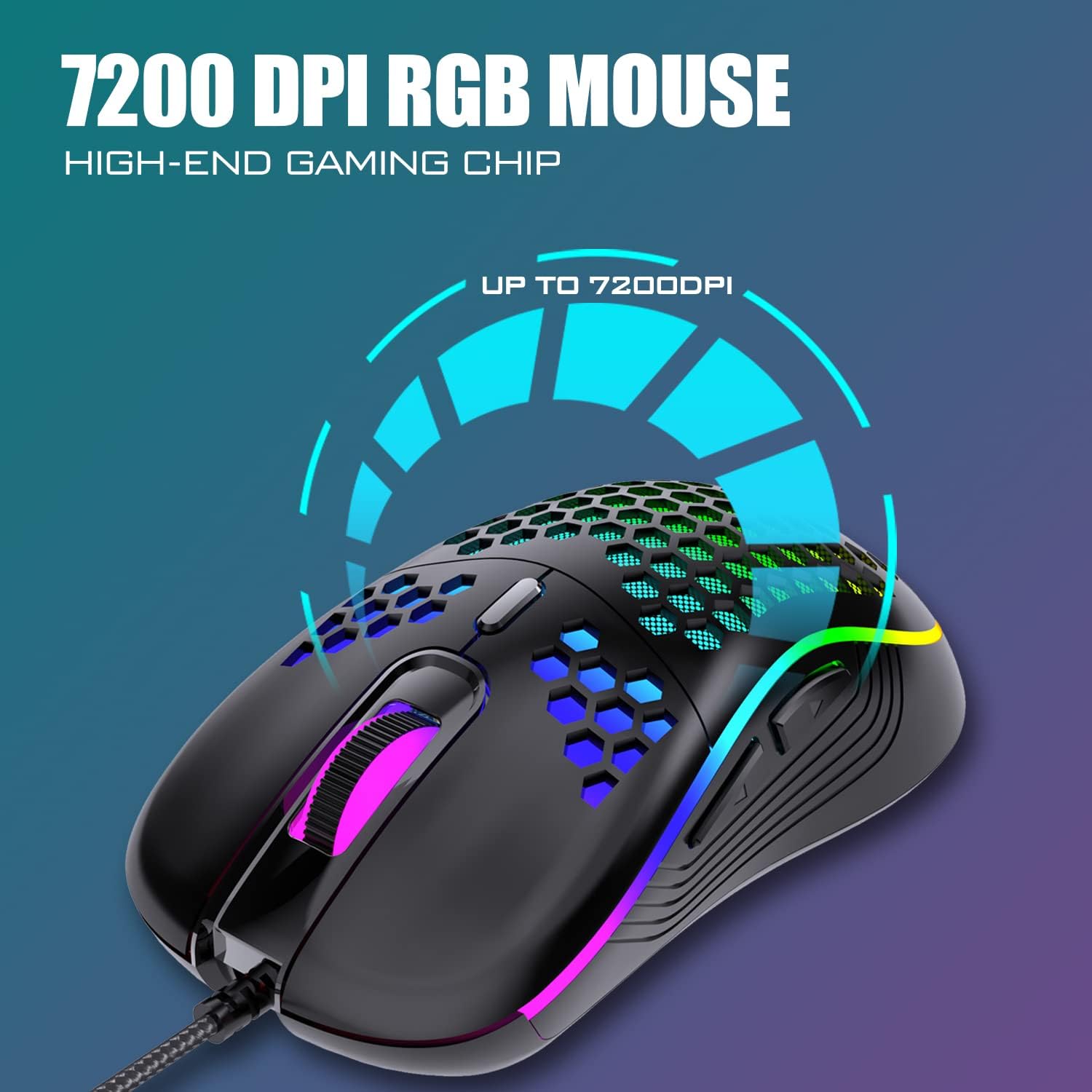
On the keyboard side, you get a 61-key, ultra-compact layout with RGB backlighting and multiple lighting modes, including breathing and static options. The backlight and brightness are adjustable, which helps in low-light environments or late-night gaming sessions. The shell uses a perforated honeycomb design to keep weight down, and the mouse is advertised as very light (around 65 grams) with an ergonomic, symmetrical shape meant for both left- and right-handed use. In terms of durability, the base claims a water-resistant keyboard and a protective design aimed at reducing interference and improving data transmission, supported by a gold-plated interface and a robust USB cable.
What you’ll notice in use (pros and cons)
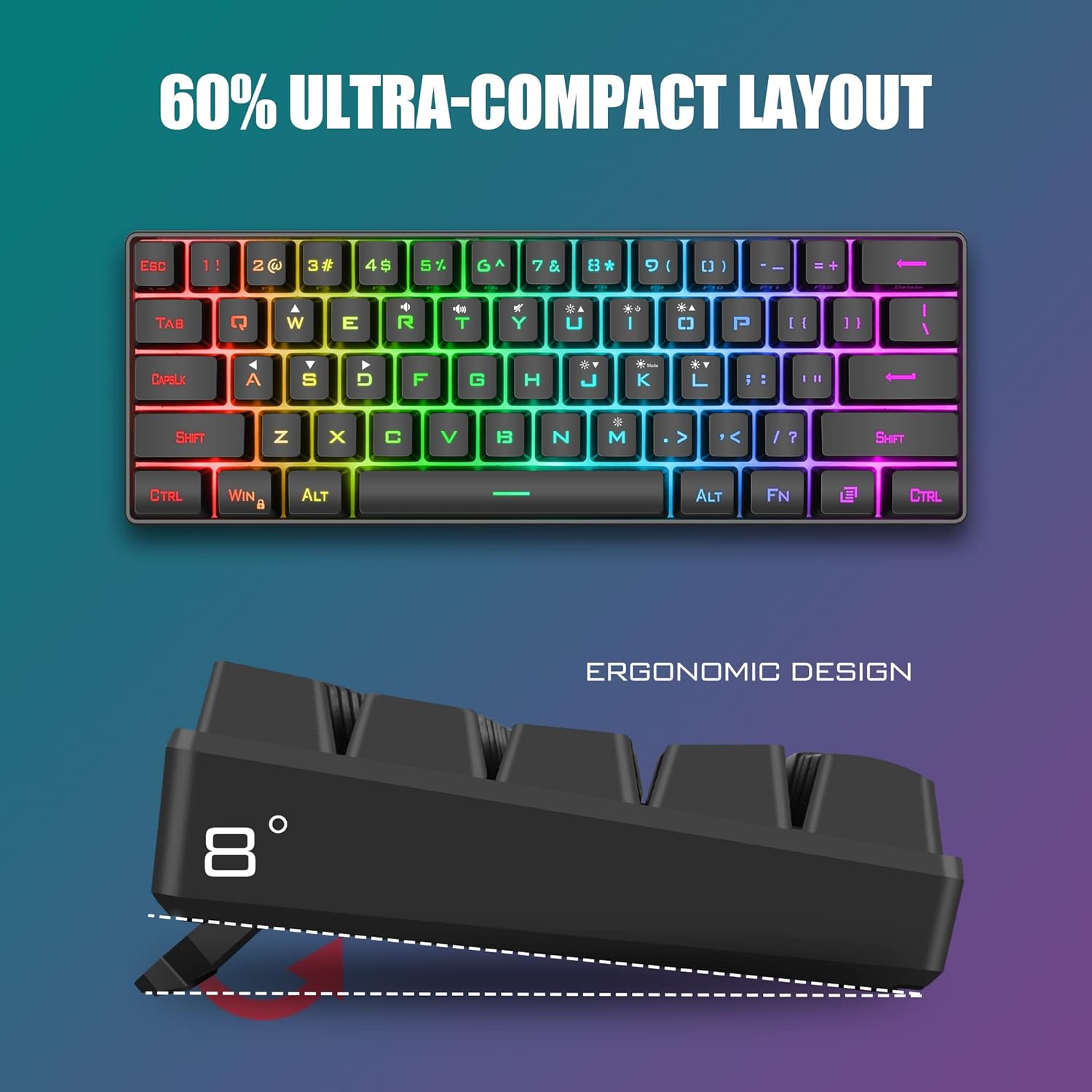
- Pros: compact footprint that frees desk space, lightweight mouse for quick on-screen movement, customizable RGB lighting to fit your setup, the light-weight design can help with long gaming sessions, decent sensor specs at a high DPI (7200) with a high scan rate and fast tracking claims.
- Cons: a 60% layout means fewer keys and no dedicated media or function row, which can slow some workflows if you rely on those keys, the “water resistance” claim is useful in spills but doesn’t replace careful handling, the comfort of the small keyboard and tiny mouse depends on your grip and play style, and some users may prefer a larger, more traditional setup.
Who this is best for
If you value a clean, portable desk and play primarily shooters or fast-paced games where mouse movement matters, this combo can be appealing. It’s potentially a good fit for gamers who travel or work in limited desk spaces, and who don’t mind learning a slightly different key layout. It’s also worth considering if you want a budget-friendly start into a wired gaming set without committing to a larger footprint.
When it may not be the best choice
It might not be ideal if you rely heavily on a numpad, macro keys, or a full-size keyboard for productivity tasks. If you prefer a heavier mouse with a larger ergonomic profile, or if you want wireless connectivity, this wired, ultra-compact setup may feel limiting.
What to check before you buy
- Confirm you’re comfortable with a 61-key layout and the absence of a numpad.
- Consider whether your preferred grip and playstyle suit a very light, compact mouse.
- Think about your lighting environment and whether you’ll benefit from the RGB backlighting and its adjustability.
- Ensure your PC or console supports wired peripherals in the intended setup (USB connections, compatibility considerations for console use).
How this compares to other approaches
If you’re choosing between a compact wired set and a traditional full-size keyboard, the main trade-off is space and speed vs. convenience of a familiar layout. For users who want to maximize desk space and prioritize quick lateral mouse movements in FPS games, a 60% keyboard paired with a light mouse often makes more sense. If you need a broader key range, dedicated media keys, or wireless flexibility, a larger keyboard or a different ergonomic design could be more suitable.
What’s included
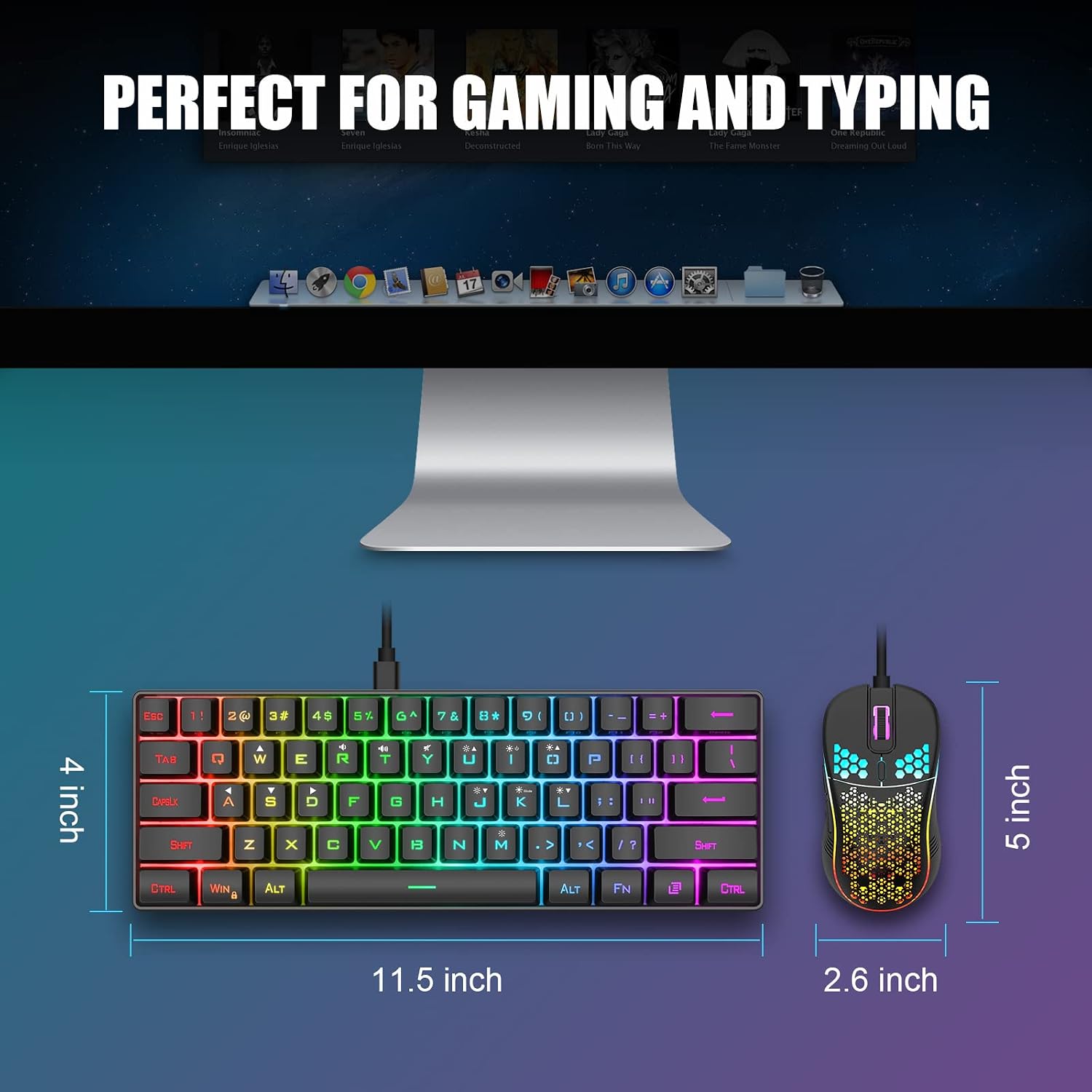
The packaging centers on the compact keyboard and the matching ultra-light mouse, with a wired connection. The description does not list additional accessories, so it’s reasonable to expect the core components to be the two devices you’ll use together.
Quick usage snapshot
Imagine gaming at night with minimal desk clutter: you slide the keyboard closer, slide the mouse in the same reach, and toggle the RGB modes to match your team’s colors. The honeycomb shell helps keep weight down in long sessions, so you might notice less fatigue in the fingers and wrist after a few hours of play.
FAQ
Q: Is the keyboard truly spill-resistant? A: The base claims water resistance and a protective design, but it’s wise to avoid liquids near the setup and not rely on it as a spill-proof guarantee. Q: Can I use this with a Mac or console right away? A: Compatibility is stated for PC, Mac, PS5, and Xbox, but practical use may vary by system and software support. Q: Does the 60% layout affect gaming macros? A: Fewer physical keys mean you’ll rely on alternative key combos or software remapping, plan for how you’ll access needed commands.
Is it worth it?
It makes sense if you want a compact, affordable wired duo that prioritizes desk space, quick mouse control, and straightforward setup. It may not be the strongest pick if you need a more feature-rich keyboard or a heavier, more ergonomic mouse, but for minimalists or LAN-friendly rigs it offers tangible benefits in usability and setup simplicity.