

Quntis Computer Monitor Lamp: Eye-Friendly, Flicker-Free Desk Light with Auto-Dimming
Product description
What this is
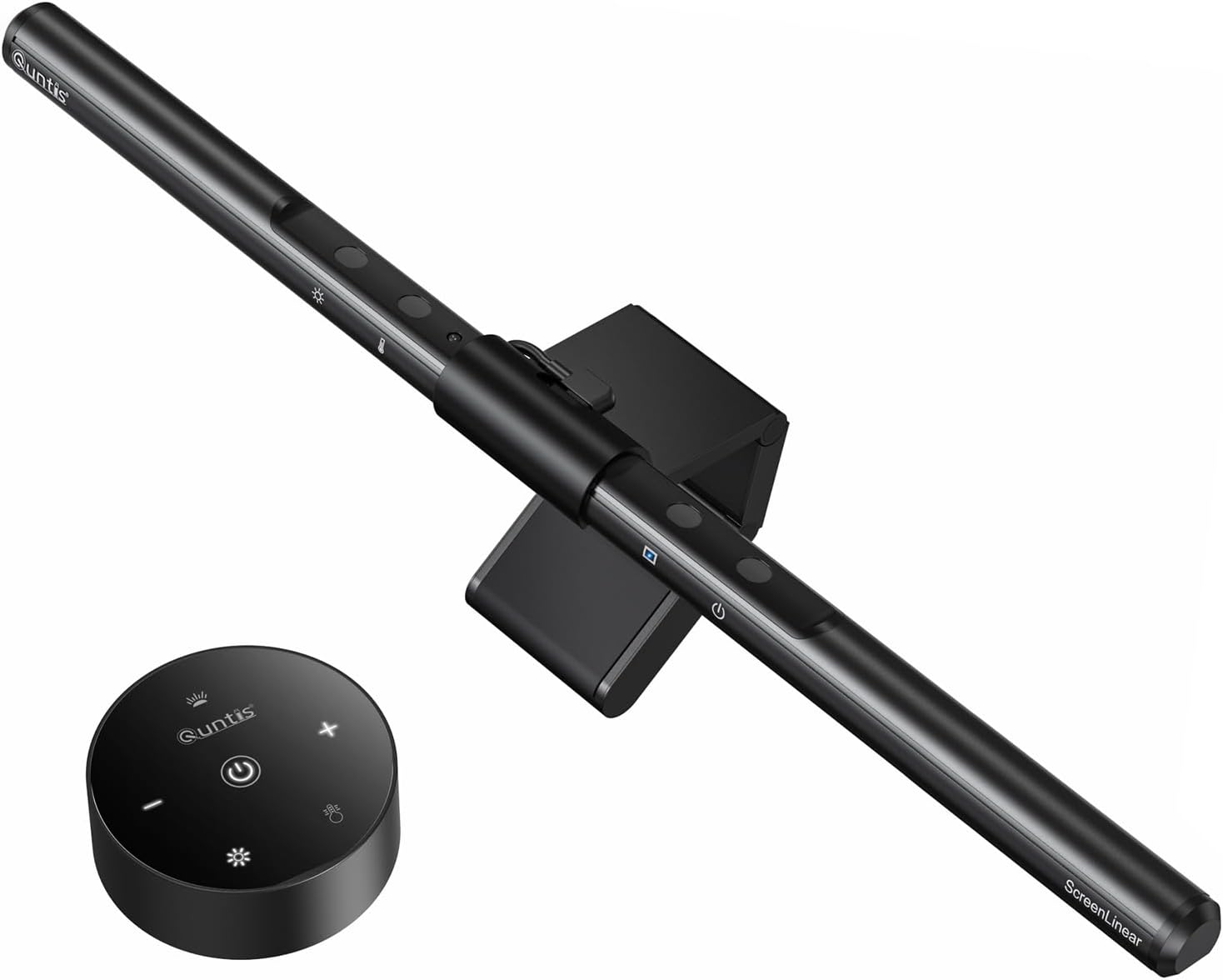
The Quntis Computer Monitor Lamp is a USB-powered LED light bar designed to illuminate your desk without adding glare to your screen. It Mounts on top of the monitor via a weighted clip and aims to reduce eye strain with a thoughtful, asymmetrical optical design that keeps the light on your workspace—not on your display.
Why it matters
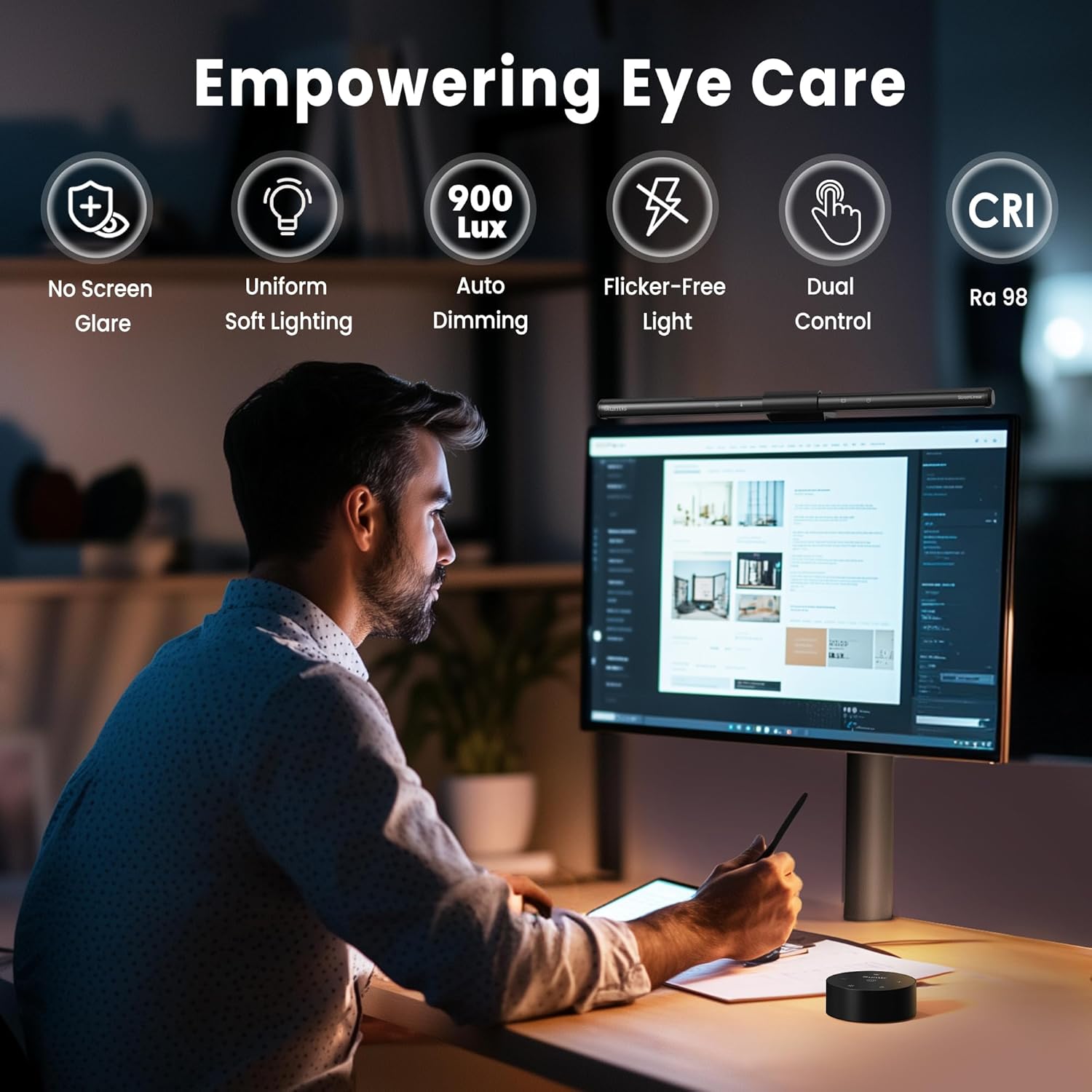
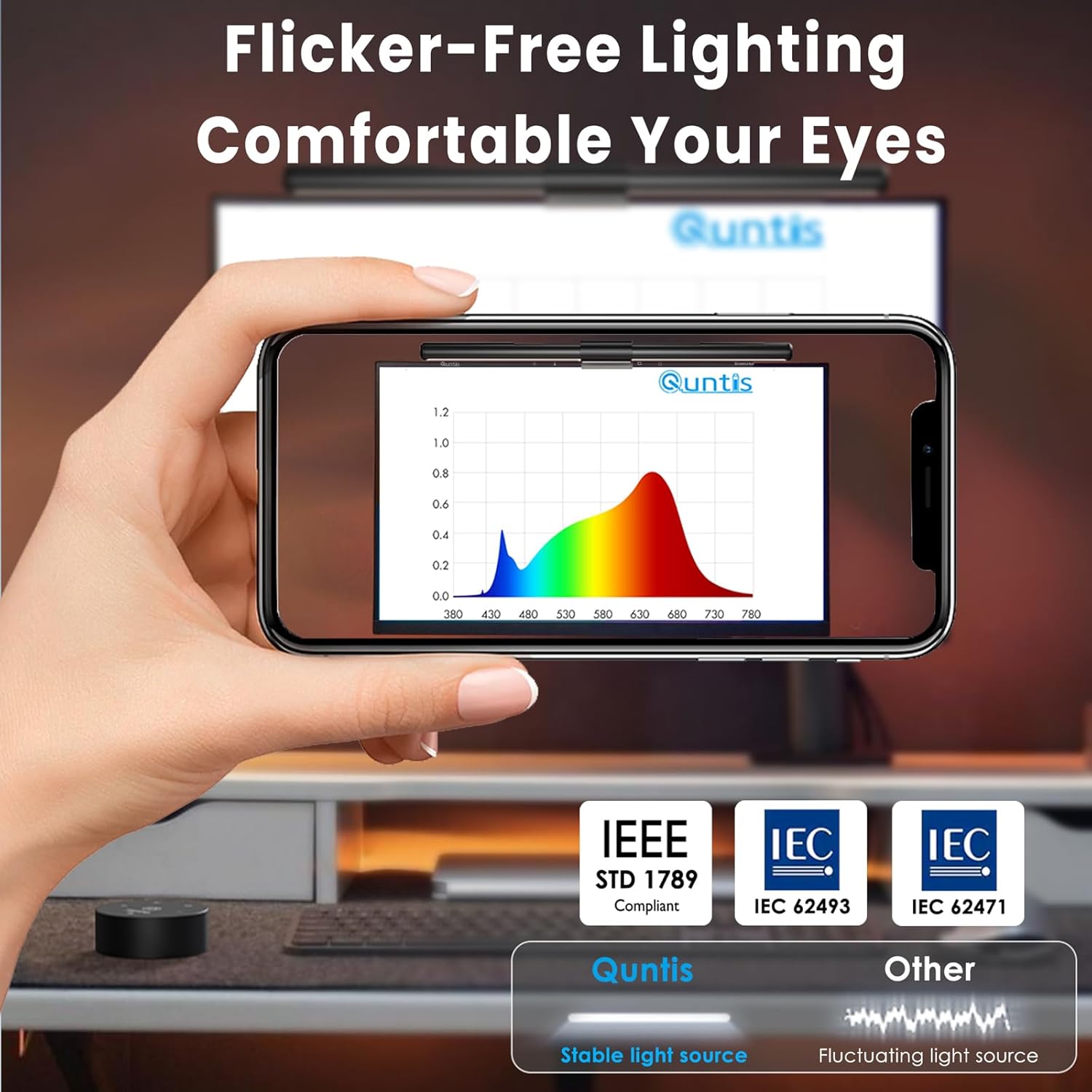
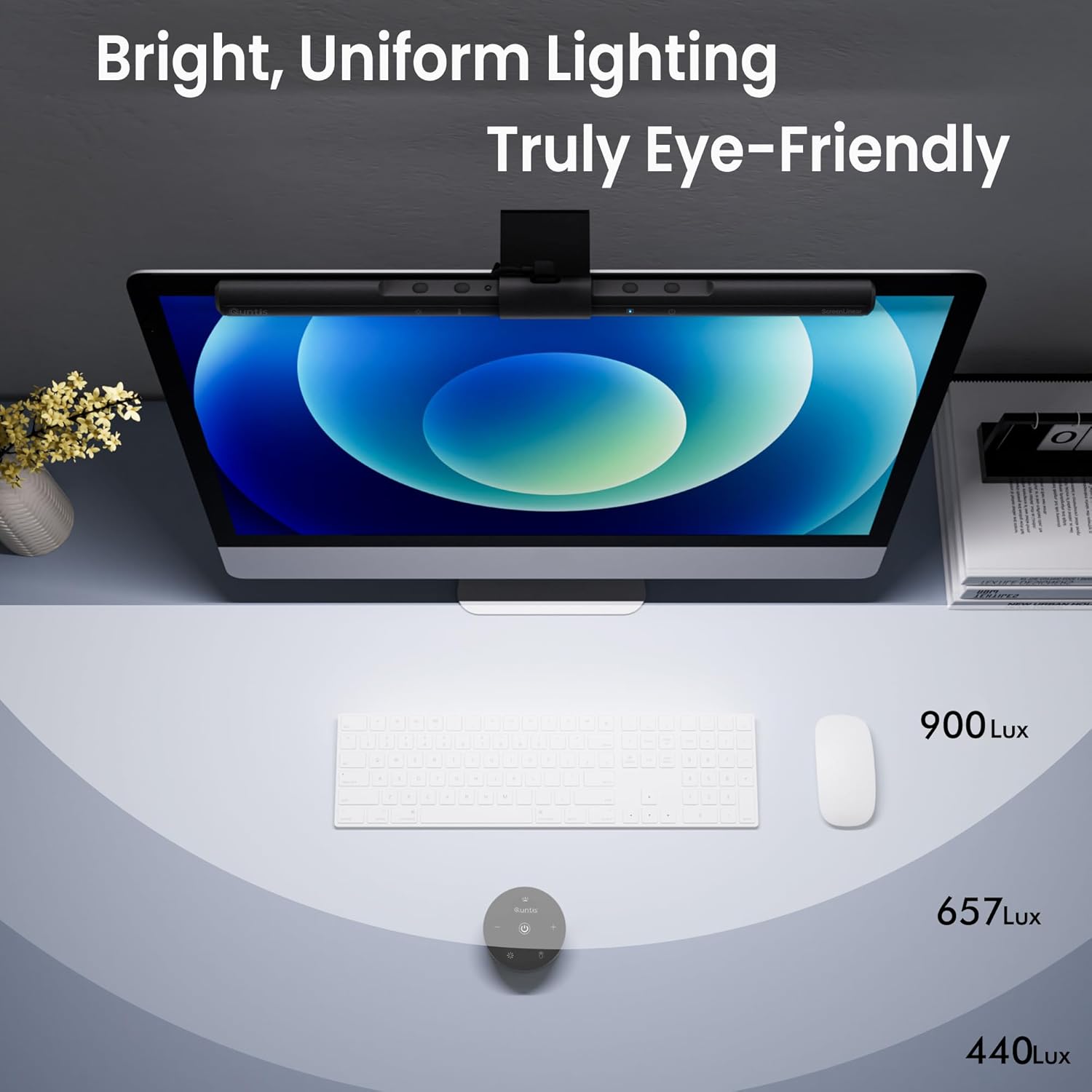
If you spend long hours at a computer, ambient lighting can affect comfort and accuracy. This lamp targets that issue by delivering steady, low-glare illumination that minimizes screen reflection and aims to protect your eyes from blue light and flicker in line with IEC standards. The result is a calmer environment for reading, coding, or creative work, especially in dim rooms.
What stands out (on paper)
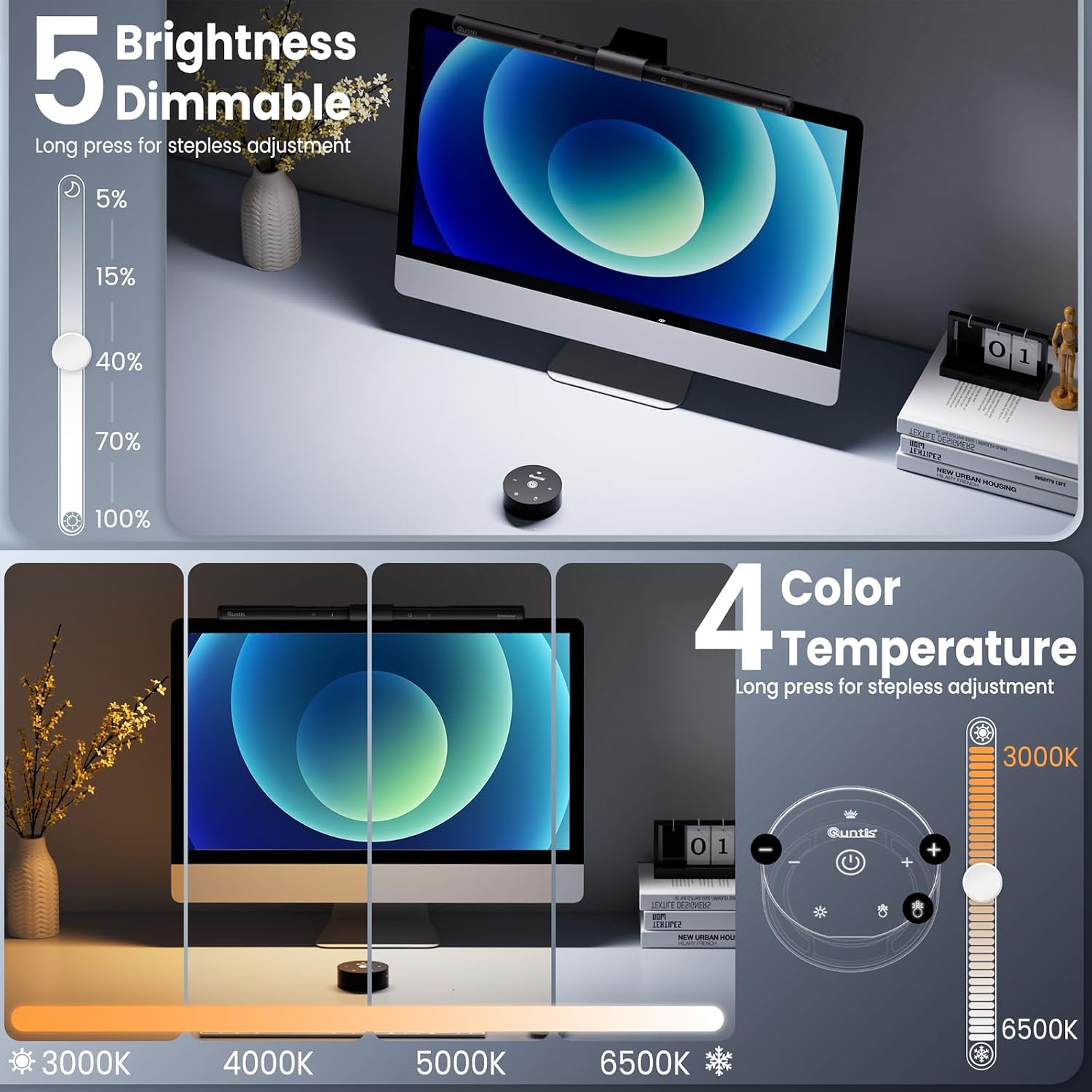
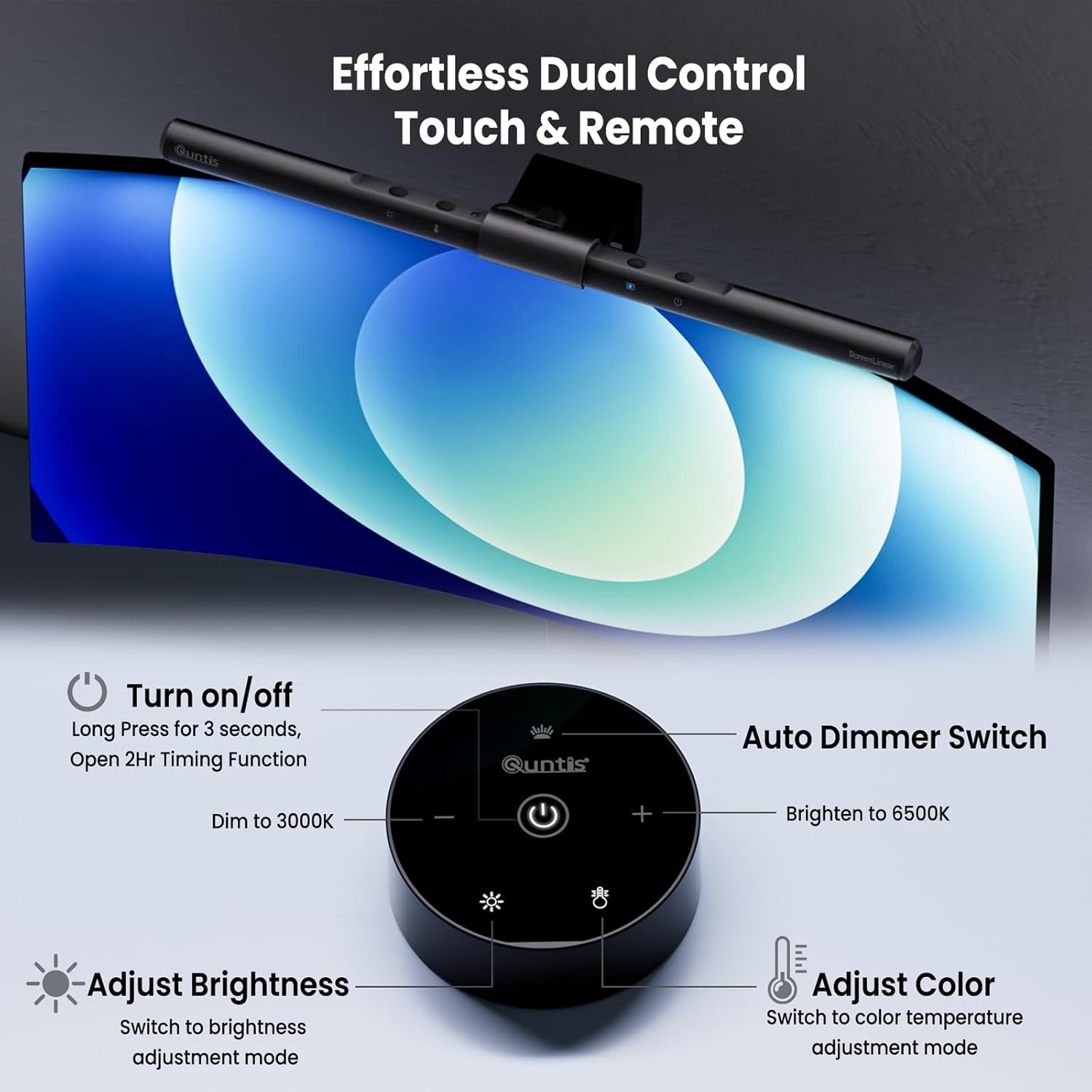
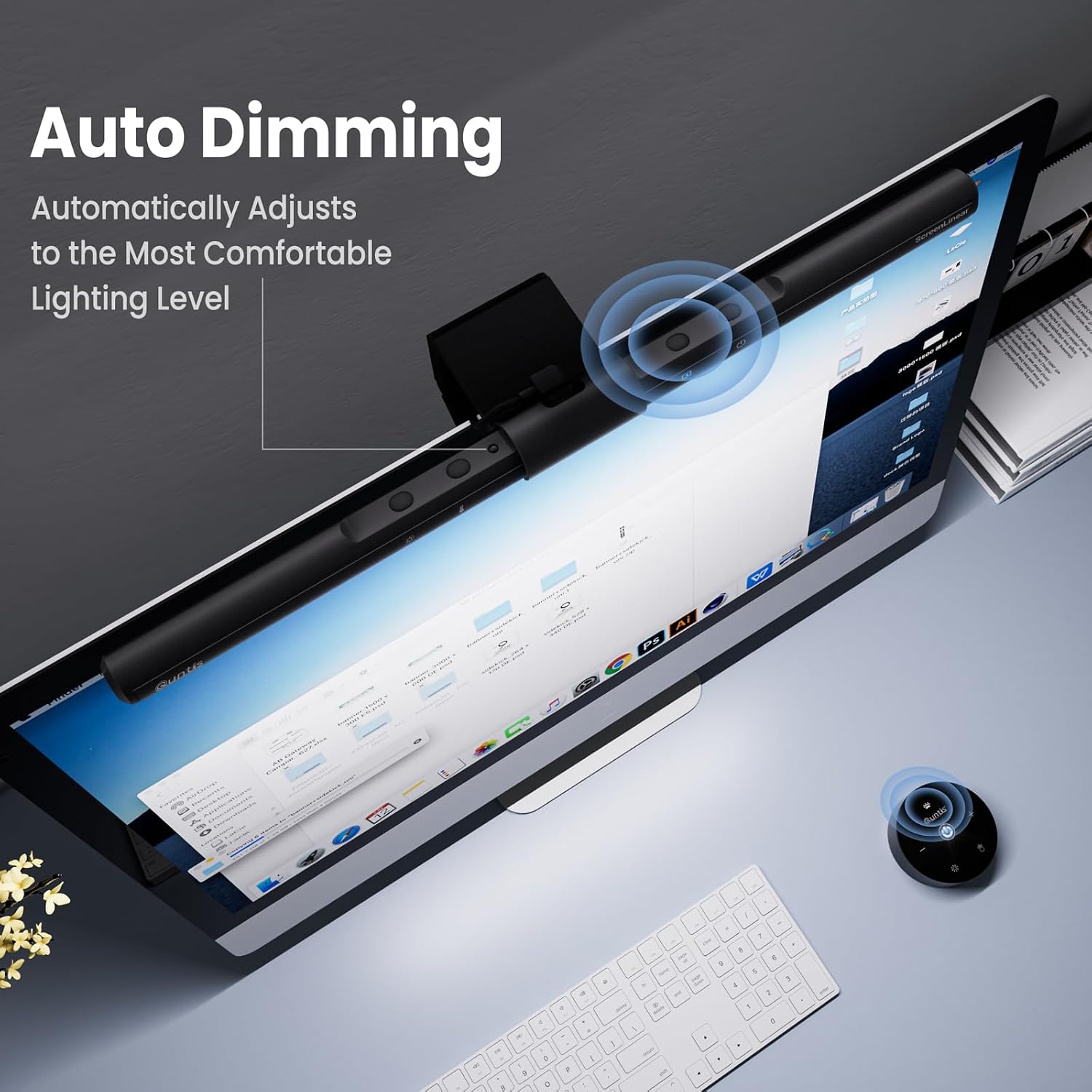
The lamp features an ambient light sensor that auto-dims to around 900 lux as ambient brightness changes. You can also manually adjust brightness and color temperature from 3000K to 6500K. With 78 LED beads, it seeks to balance even illumination with color fidelity (high CRI) and reduced shadows.
Pros and cons in practical terms
Pros: space-saving, clip-on design, auto-dimming that adapts to room lighting, adjustable color temperature for different tasks, reduced glare on the screen, flicker-free and certified lighting for eye comfort. Cons: exact output feels situational—if you work in a very bright room, auto-dimming may be less noticeable, the clip-on setup depends on the monitor’s top lip height and stability.
Who it’s for
This light bar is well-suited for students, designers, developers, or office workers who want a dedicated desk light that won’t crowd the desk. It’s particularly appealing if you value color accuracy (high CRI) and a glare-minimized environment when viewing screens for long periods.
Who it isn’t ideal for
If you need multi-directional room lighting or a stand-alone lamp with a large reach, this bar may feel limiting. It also depends on the monitor’s geometry for fit—some monitor tops might not allow ideal clipping.
When it makes sense to buy
Consider this if you want to reduce eye fatigue during long screen sessions, prefer a plug-and-play light that won’t hog desk space, and value automatic dimming with user-controlled tweaks to brightness and color temperature.
What to check before buying
Ensure your monitor top can accommodate the weighted clip, and consider whether the ambient lighting in your space will benefit from auto-dimming rather than a fixed brightness. Evaluate if you need color tuning across tasks, from warm reading light to cool detail work.
How it compares to alternatives
Compared to traditional desk lamps, this bar emphasizes screen glare reduction and desk space savings. For people who prioritize screen-centered illumination with a focus on eye comfort, this approach can be more suitable than larger, multi-LED desk lamps that illuminate the entire room.
What you’ll notice in use
In practice, you’ll likely see a calmer workspace where the light sits above the desk rather than spilling onto the screen. Reading and coding can feel less fatiguing when the light stays focused on the desk and not on your eyes.
Decision: Is it worth it?
It makes sense if you prioritize a compact, monitor-mounted solution that adapts to ambient light and offers adjustable color temperature for different tasks. It may not be perfect if your monitor geometry limits clipping or if you need broader room lighting.
FAQ
- Does it reduce blue light exposure? Yes, it’s marketed as having no blue light hazard and claims eye-friendly illumination.
- Can I adjust brightness and color temperature? Yes, with auto-dimming and manual controls available.
- Is it easy to install? The design uses a weighted clip that attaches to the monitor, which should be straightforward for most setups.