

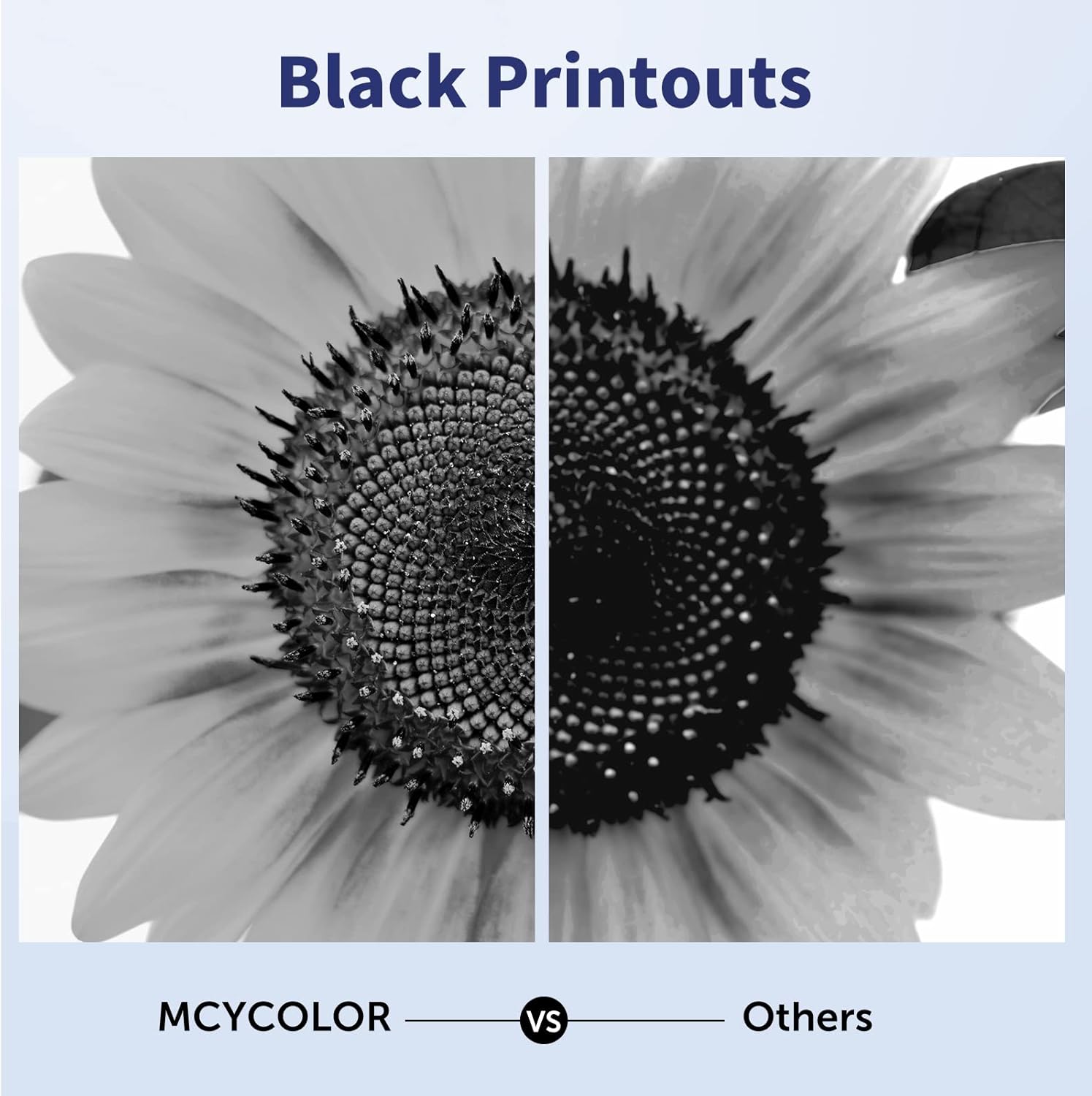
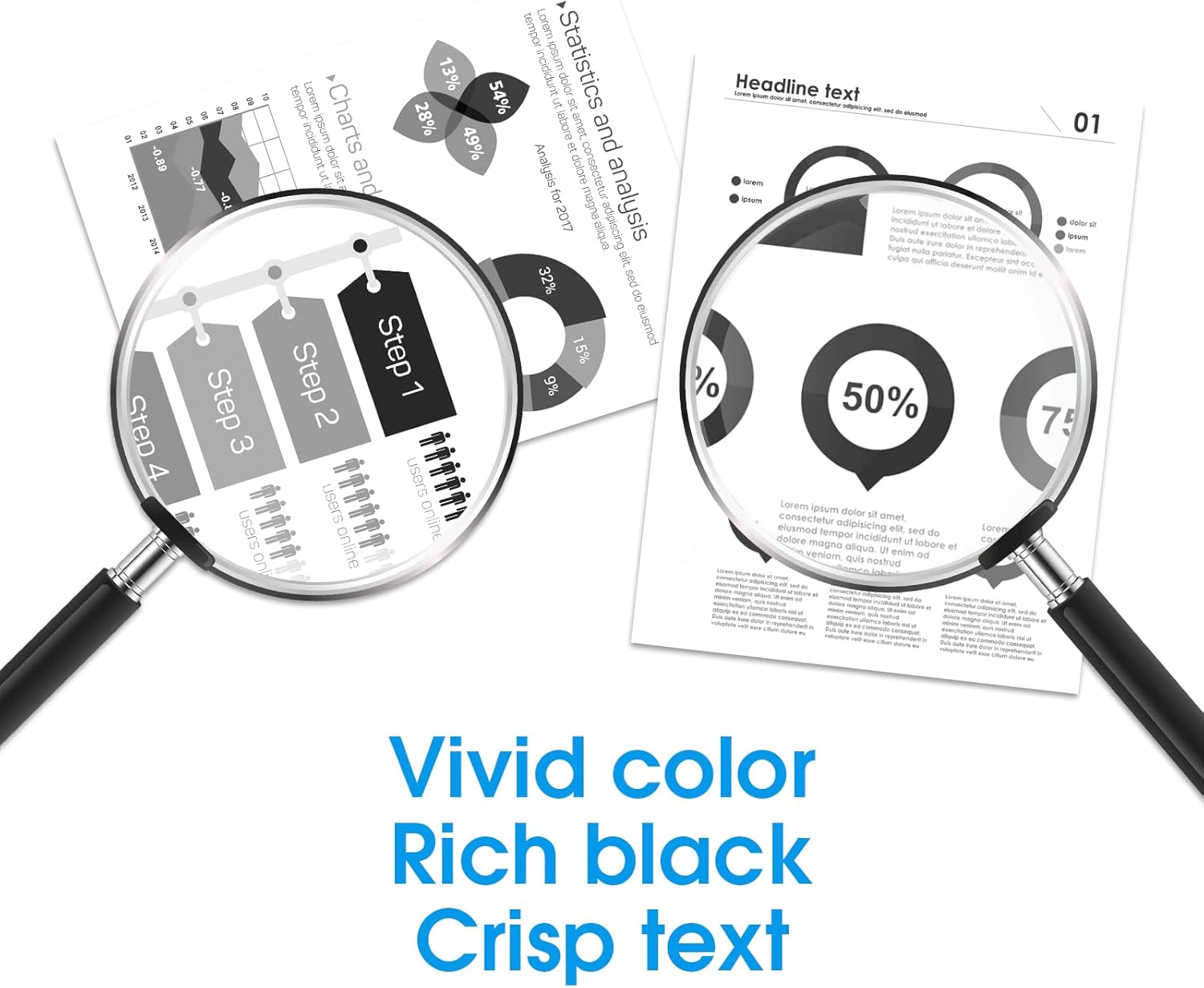

MCYCOLOR DR730 Drum Unit Replacement 12,000 pages
Product description
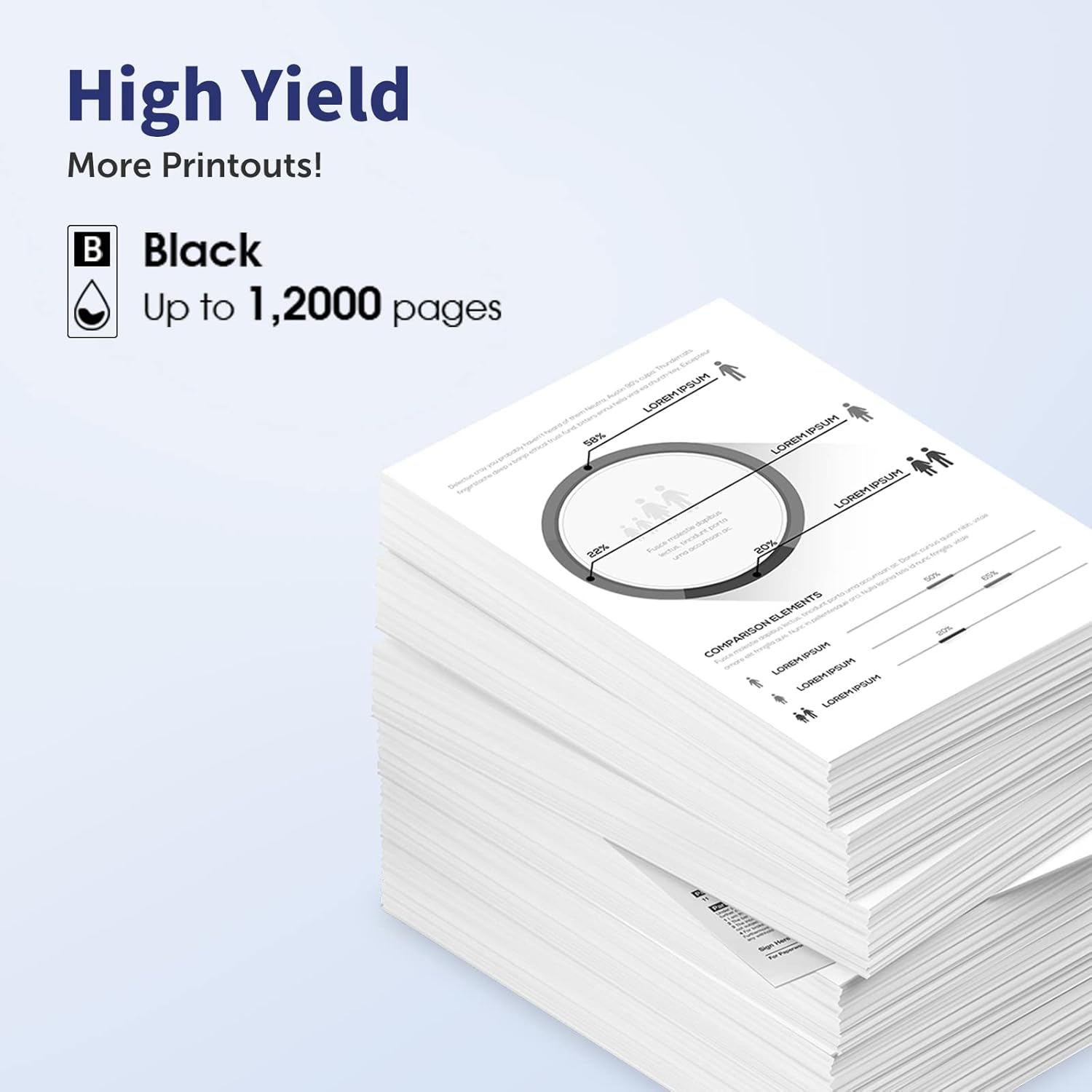
MCYCOLOR's DR730 drum unit replacement packs two drum units to keep compatible Brother laser printers running smoothly, offering up to 12,000 pages per drum at 5% coverage according to the manufacturer. This kit replaces the DR-730 drum assembly, it does not include toner cartridges, and the drum must be reset after installation to ensure proper printer reporting and print quality. A short video or the product details page shows the reset and installation steps for guidance.
Key features
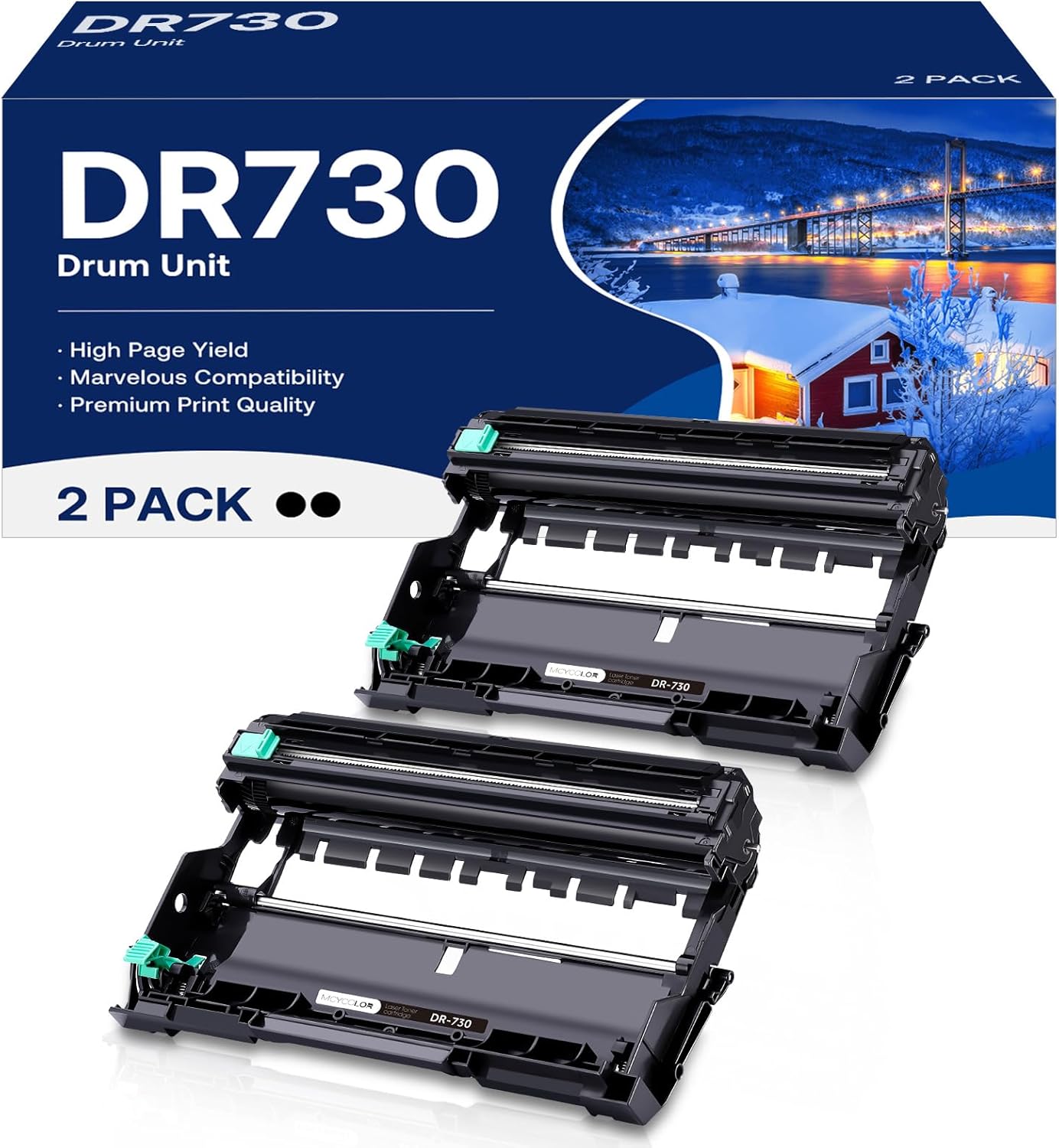
This two-pack focuses on consistent daily prints and maintenance ease. The drums fit a range of Brother models including several MFC, HL and DCP series printers listed by the manufacturer. Expect stable monochrome output for home office tasks, invoices and class materials. Keep in mind that print yield depends on document coverage and usage patterns, so actual results may vary.
Technical details
- Name: DR730 Drum Unit
- Capacity: Up to 12,000 pages per DR 730 drum (Letter/A4, 5% coverage)
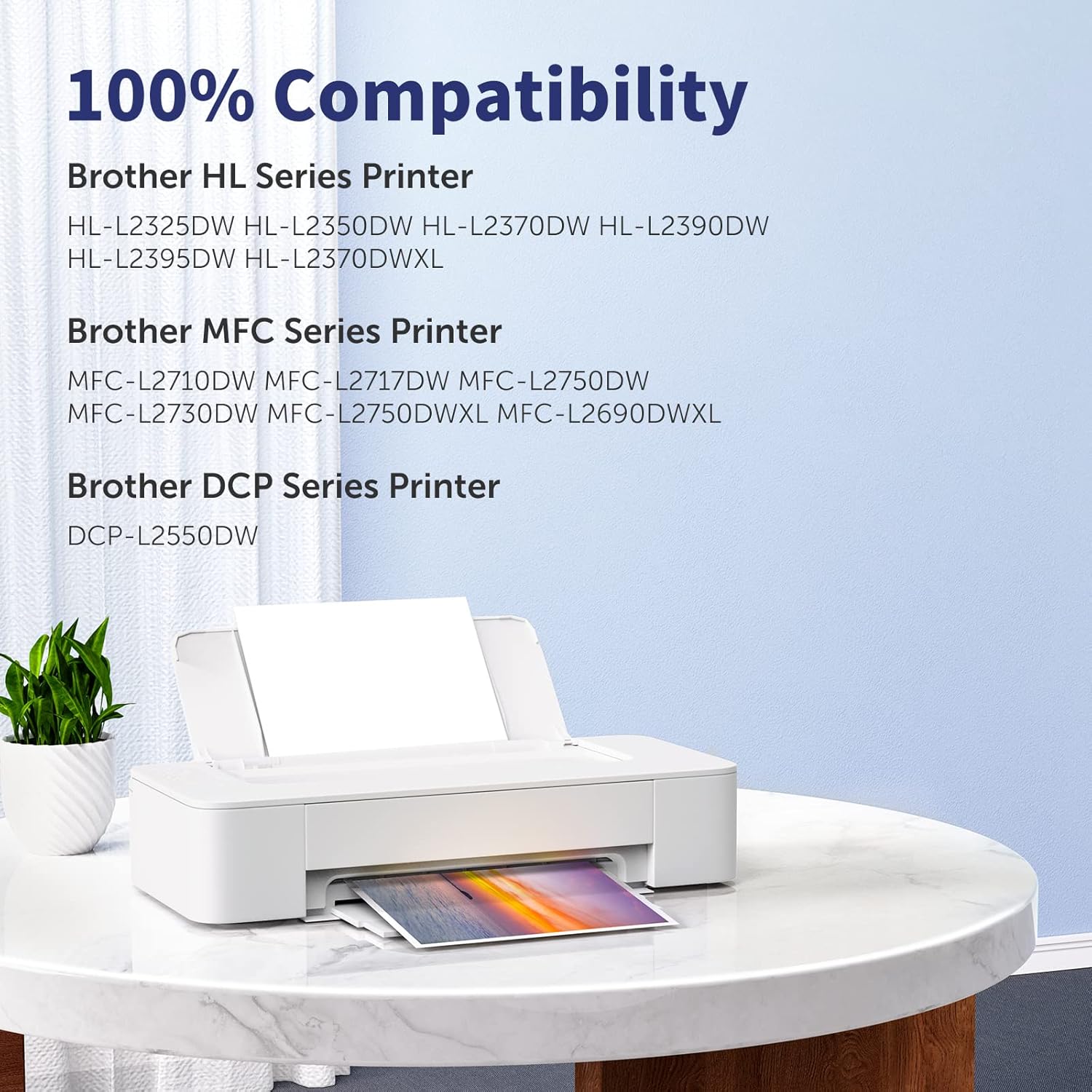
- Compatible models: MFC-L2710DW, MFC-L2750DW, HL-L2395DW, HL-L2370DW, HL-L2350DW, HL-L2390DW, DCP-L2550DW
- Format: 2 Pack
- Note: Toner cartridge not included
Usage tips
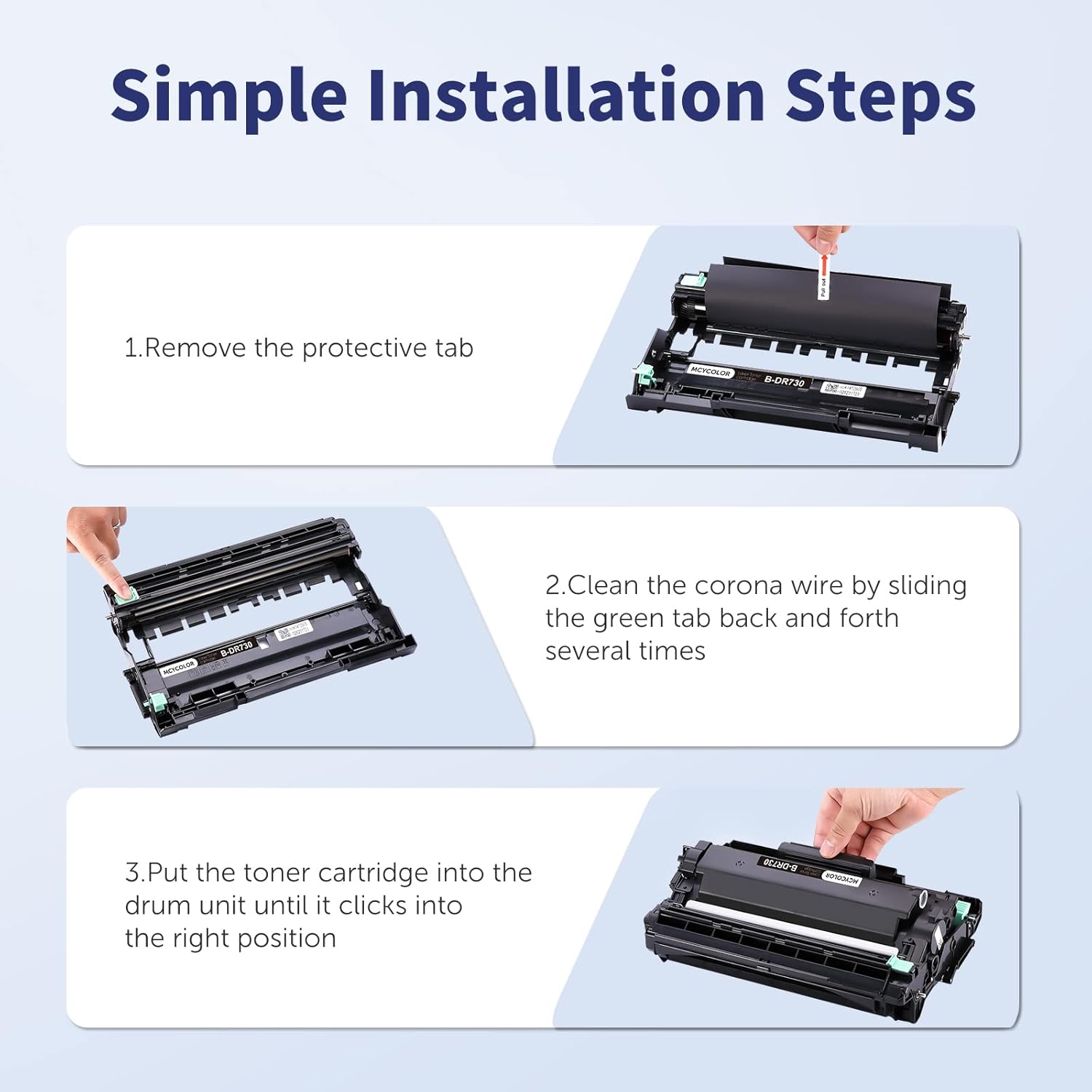
Installation is straightforward if you follow the manufacturer guidance and reset the drum after fitting the units. You’ll get the most consistent results by pairing the drum with a fresh, compatible toner cartridge and running a brief test print after reset. It’s a good idea to keep the replacement drum in its packaging until ready to install to avoid light exposure.
Care & maintenance
Handle the drum carefully to avoid fingerprints on the drum surface, which can cause print defects. Store unused drums in a cool, dry place away from direct sunlight. If you notice streaks or spots after installation, recheck seating and perform the reset procedure again according to the provided instructions.