

Nonbliep Wired PS5 Controller for PS5, PS4, and PC with Turbo and 6-Axis Gyro
Product description
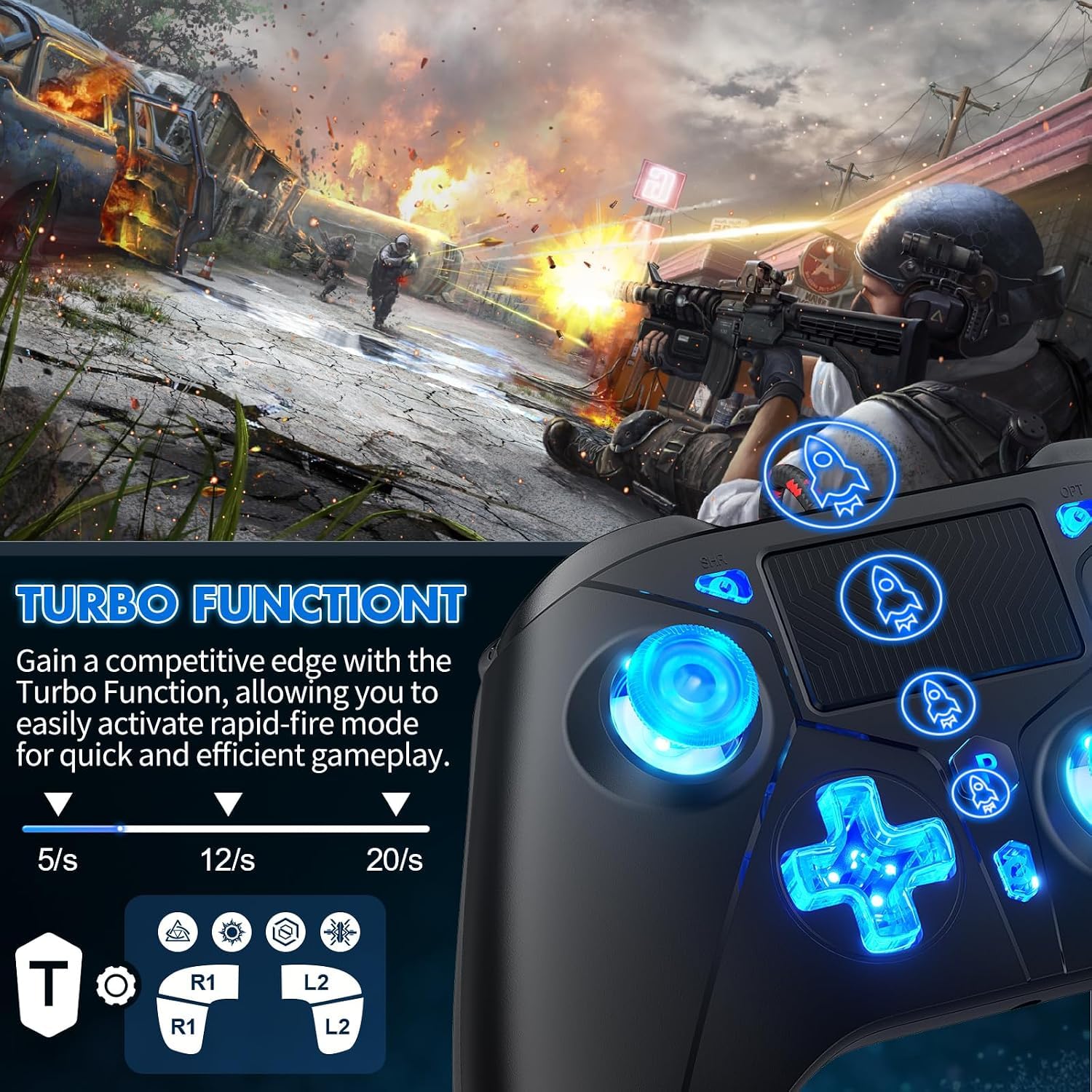
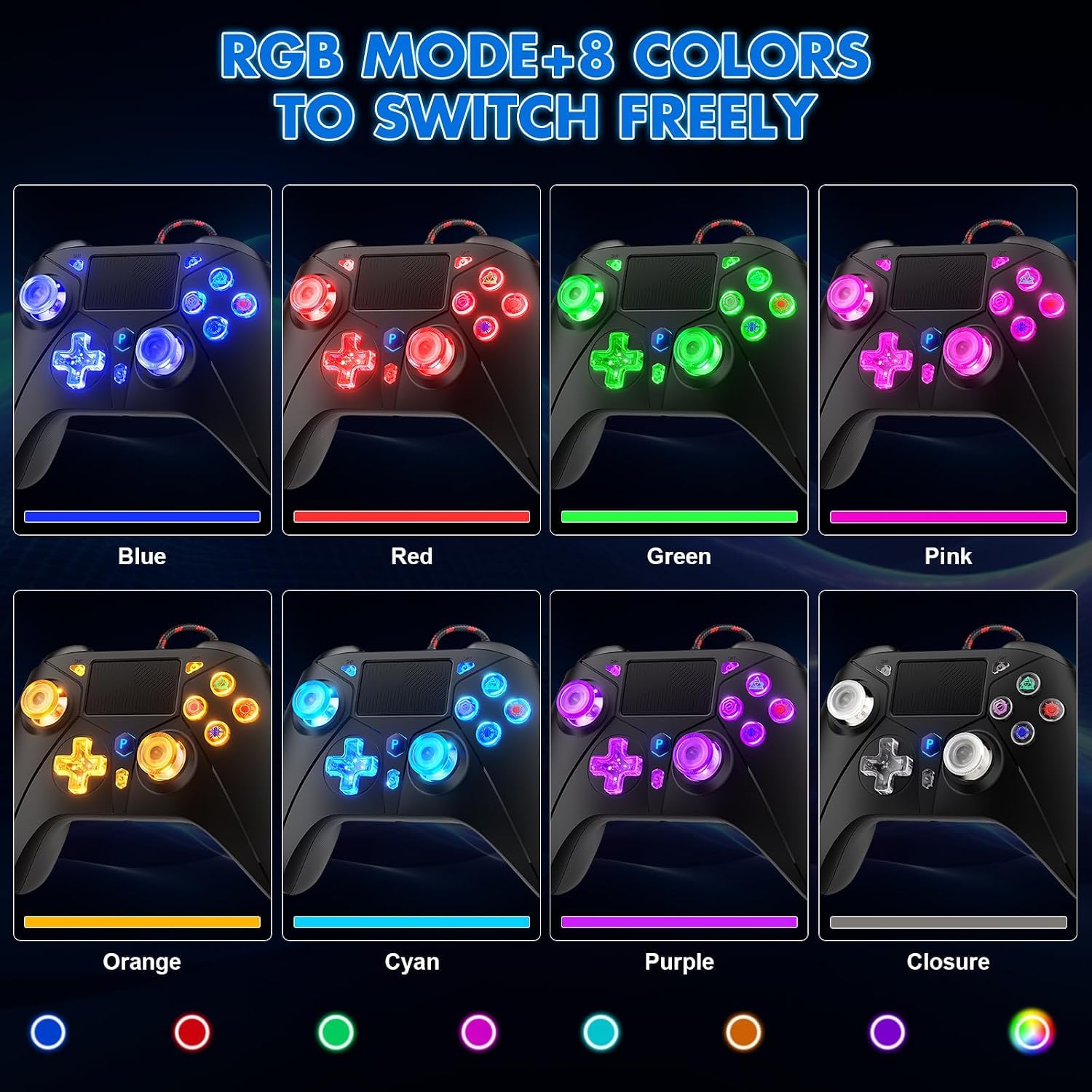
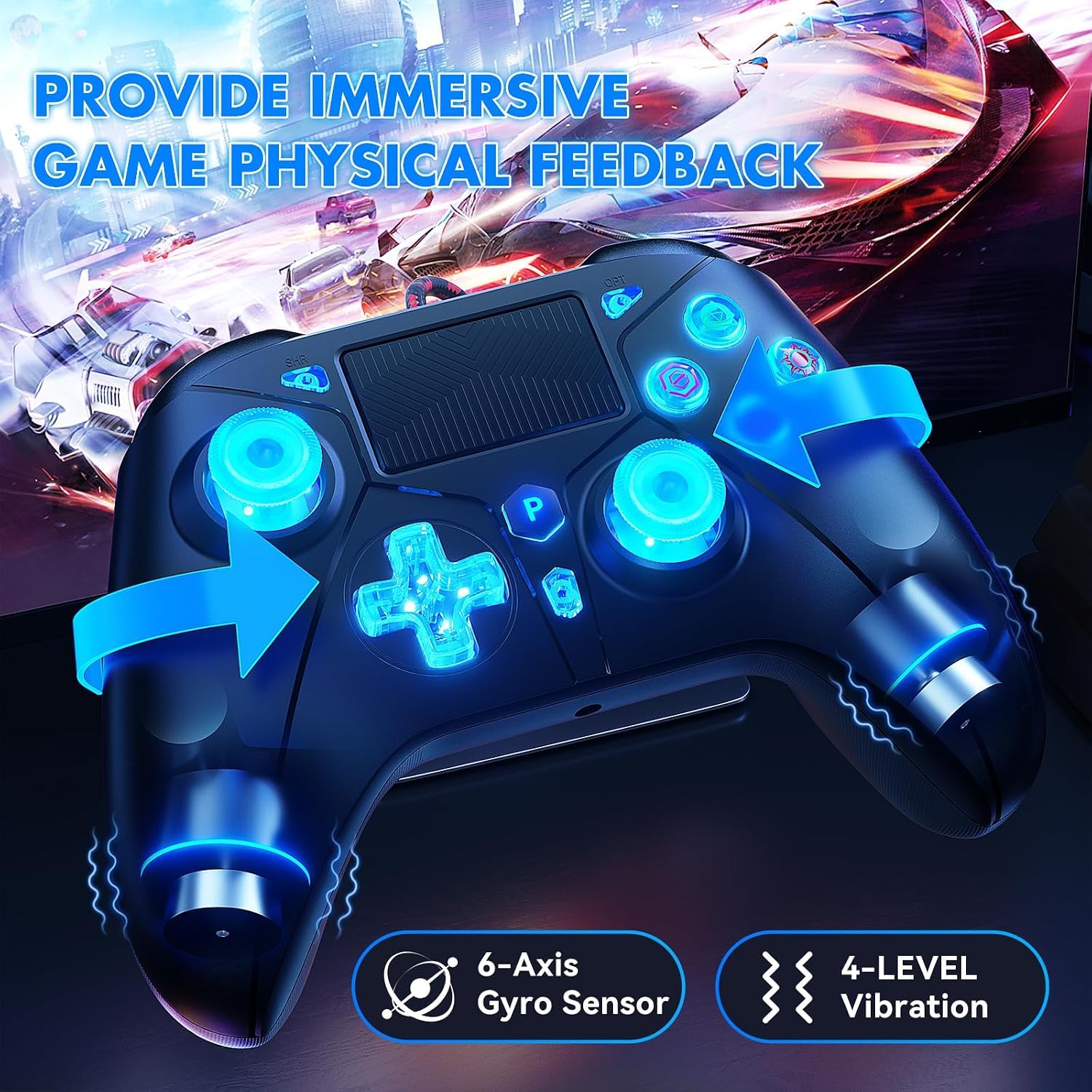
A 6.5-foot USB cable connects this Nonbliep gamepad to your gaming setup. It combines a six-axis gyroscope, dual vibration, a capacitive touchpad, and programmable controls in one wired controller. Need more control over repeated inputs? The Turbo function can assign a button for automatic rapid input in supported games.
Key takeaways
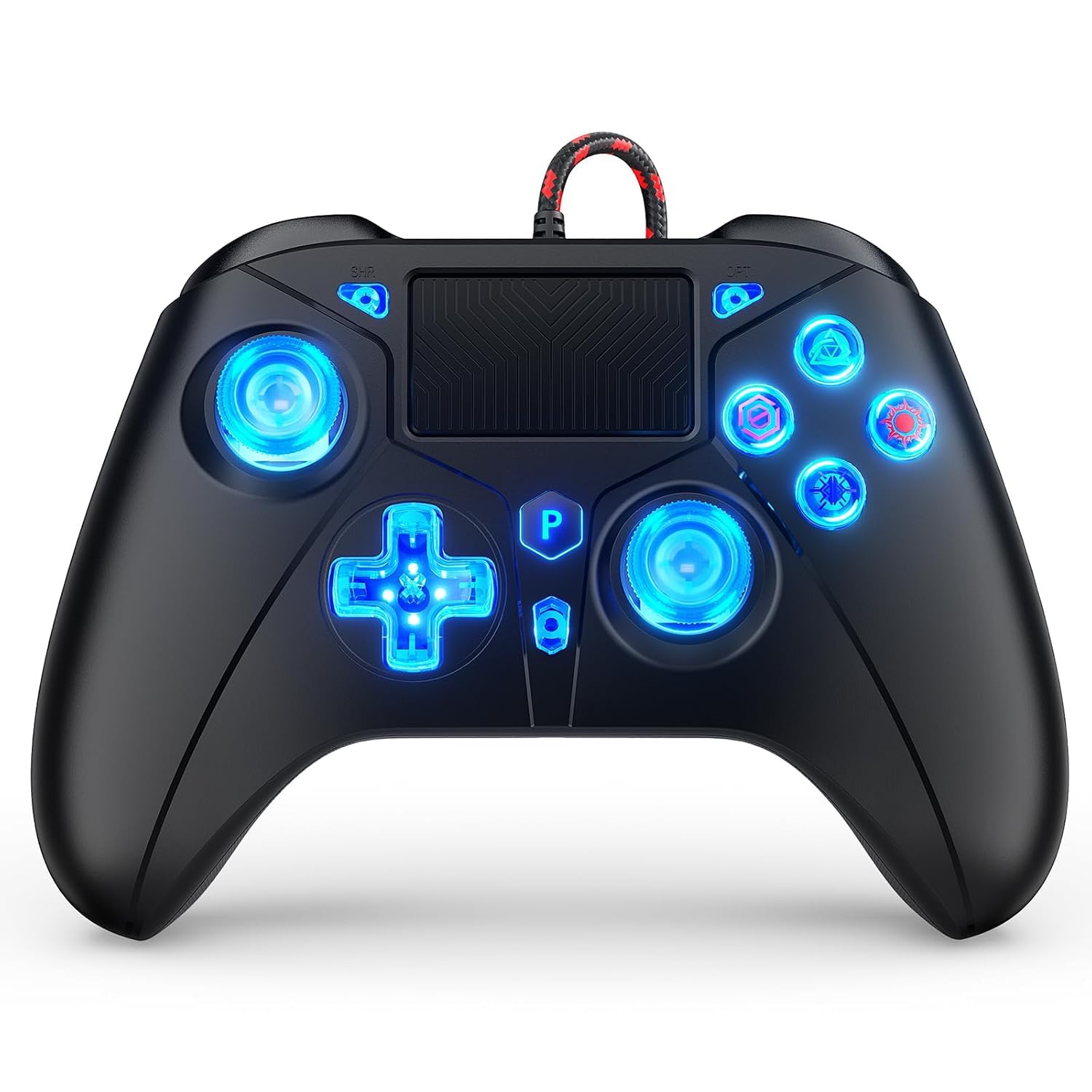
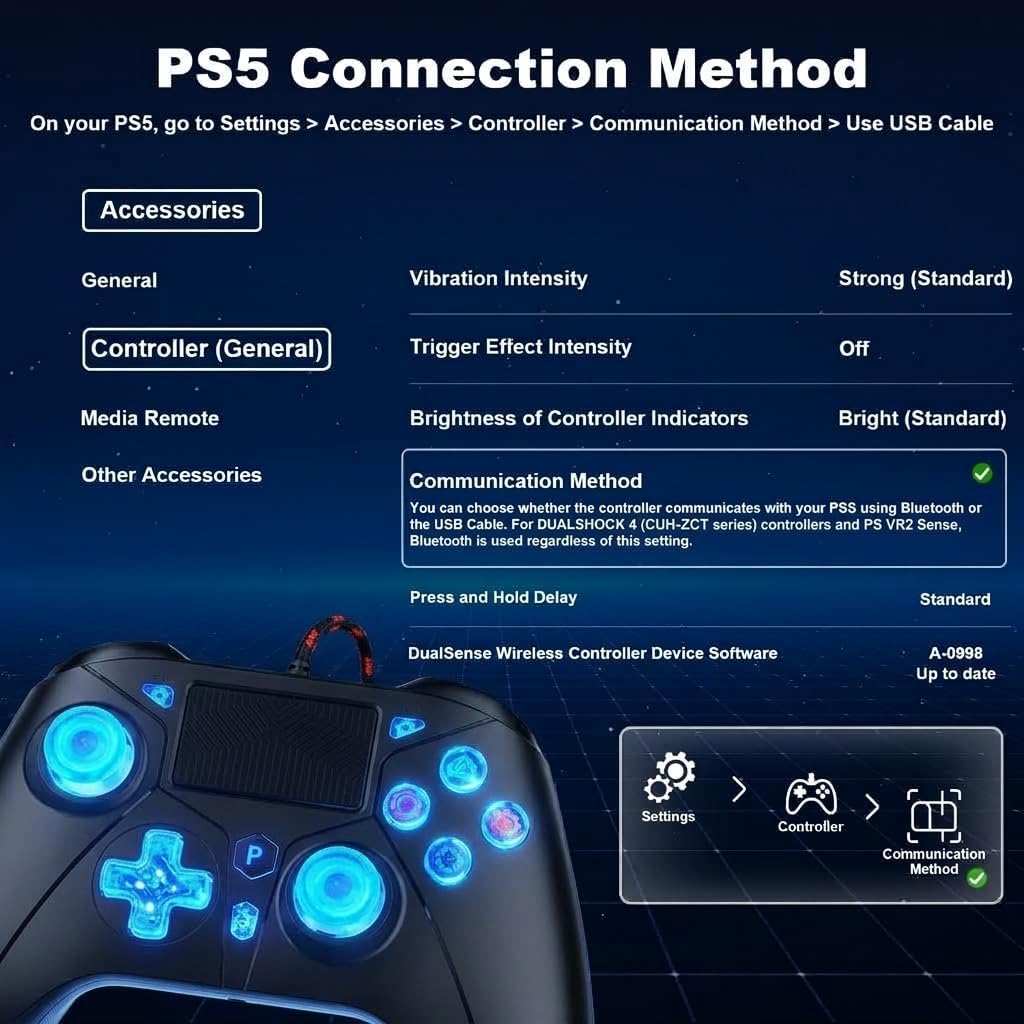
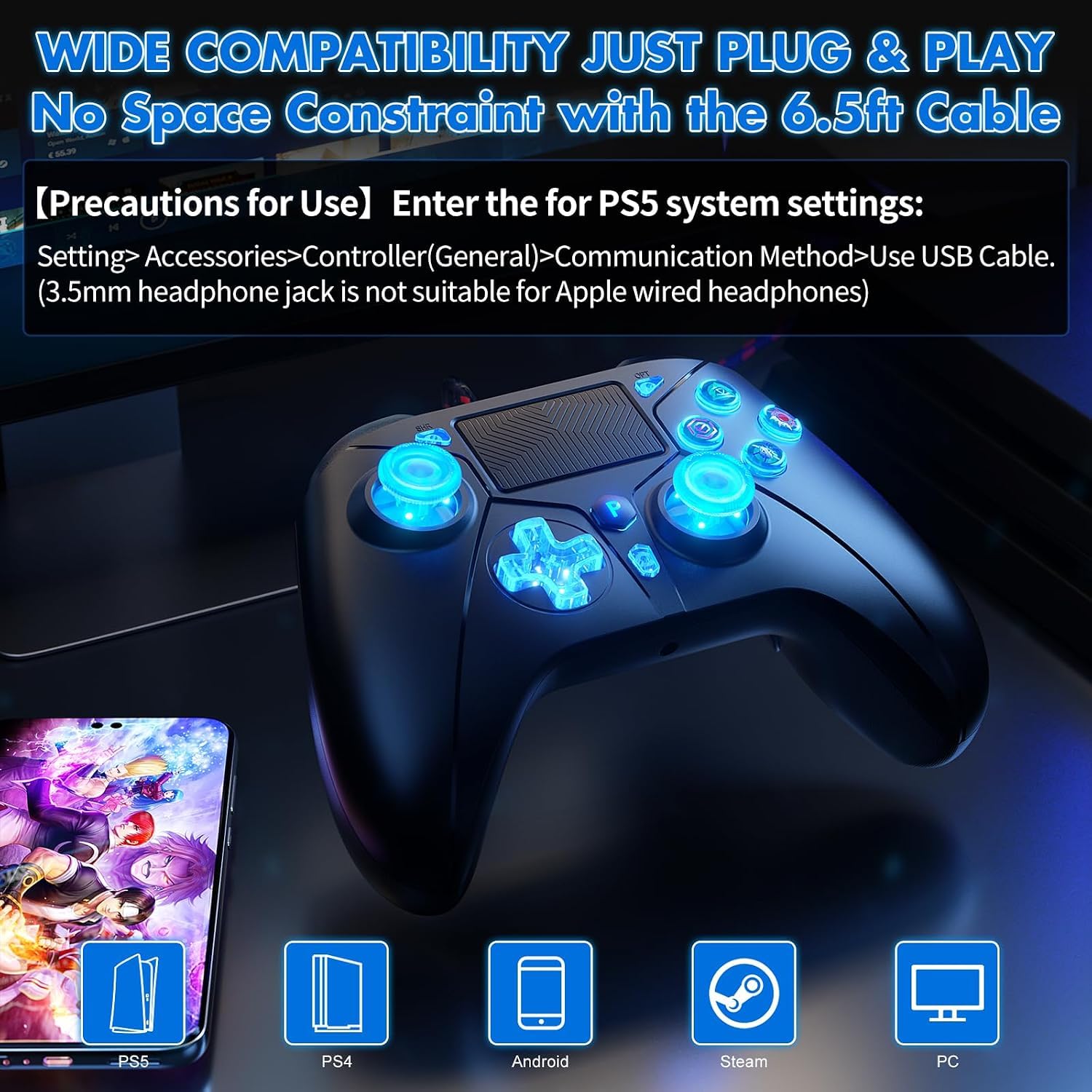
This controller is designed for PlayStation 5 and PlayStation 4, and is also listed as compatible with PC, Windows, Steam, iOS, and Android. Its wired USB connection provides a direct way to connect, while the cable gives room to position yourself comfortably during play. For PS5, set the controller communication method to “Use USB Cable” in the console settings.
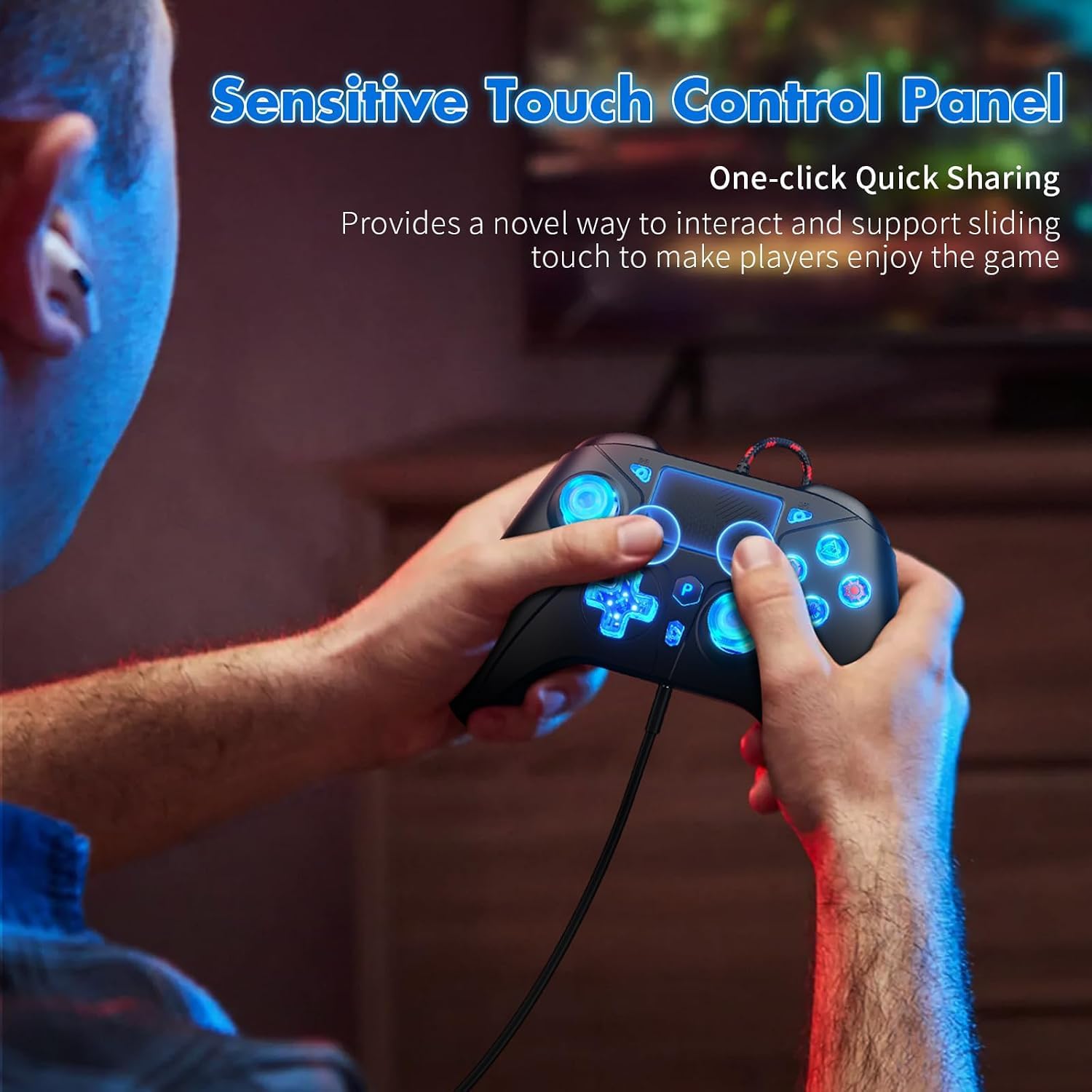
The feature set covers different play styles: use the six-axis gyroscope for motion input, the touchpad for supported game controls, and dual vibration for tactile feedback. Turbo lets you assign rapid repeated input to a function button, while the programmable PL/PR buttons offer additional control customization. Buyers praise the button and trigger response, and some appreciate the lighting, feedback on long-term reliability is mixed, so those impressions are best treated as individual experiences rather than a guarantee.
Who it’s for
This wired gamepad suits players who want a feature-rich controller for a PS5, PS4, or compatible PC setup, especially when programmable inputs and Turbo are useful for the games they play. It is also a practical fit for someone who prefers a USB connection over a wireless setup. Compared with a basic controller focused on standard inputs, this one adds a touchpad, motion sensing, vibration, and configurable buttons in the same device.
Usage tips
For PS5 play, open Settings, select Accessories, then Controller (General), and set Communication Method to Use USB Cable. Connect the controller by USB and choose the in-game control options that suit your play style. Its 3.5 mm TRRS jack supports headphones and microphones, Apple wired headphones are not suitable for this jack.
To set up Turbo, press and hold the Turbo button while pressing the function button you want to assign. That button then provides high-frequency automatic input when pressed in a game, which can help with sequences that call for repeated presses. The PL/PR buttons can also be programmed to match your preferred controls. For a straightforward session, connect over USB and use the standard controls, for games with supported motion or touchpad input, those features are available as additional ways to interact.
Before you decide
Which platforms is the controller compatible with? It is listed for PlayStation 5, PlayStation 4, and PC, including Windows and Steam, as well as iOS and Android. Compatibility can depend on the game and setup.
How do I connect it to a PS5? Connect it using the USB cable, then set the console’s communication method to “Use USB Cable” under Settings > Accessories > Controller (General).
How do I assign a Turbo button? Hold Turbo and press the function button you want to use for rapid input. Pressing that assigned button in a game activates the repeated-input effect.
Should you buy it?
Choose this Nonbliep controller if you want wired play alongside more than standard button controls. The combination of a six-axis gyroscope, dual vibration, capacitive touchpad, Turbo, and programmable PL/PR buttons gives you options for games that use motion, touch, or repeated inputs. It is a strong match for PS5, PS4, and compatible PC play when those added controls are part of the setup you want.