

Nintendo Switch USB-C Charging Cable
Product description
For Switch owners who want to keep playing while charging without carrying the dock, this USB-A to USB-C cable is designed for a console, controller, or compatible power source on the go. It can connect to a power bank, computer, or USB-A car charger, and the listing recommends a 5V/2A adapter for charging. The green color is intended to match green Joy-Con controllers, while the cable’s travel-friendly setup gives you another way to top up away from a dock. One detail to keep in mind: the listing doesn’t give a cable length or a specific charging rate.
How to use it
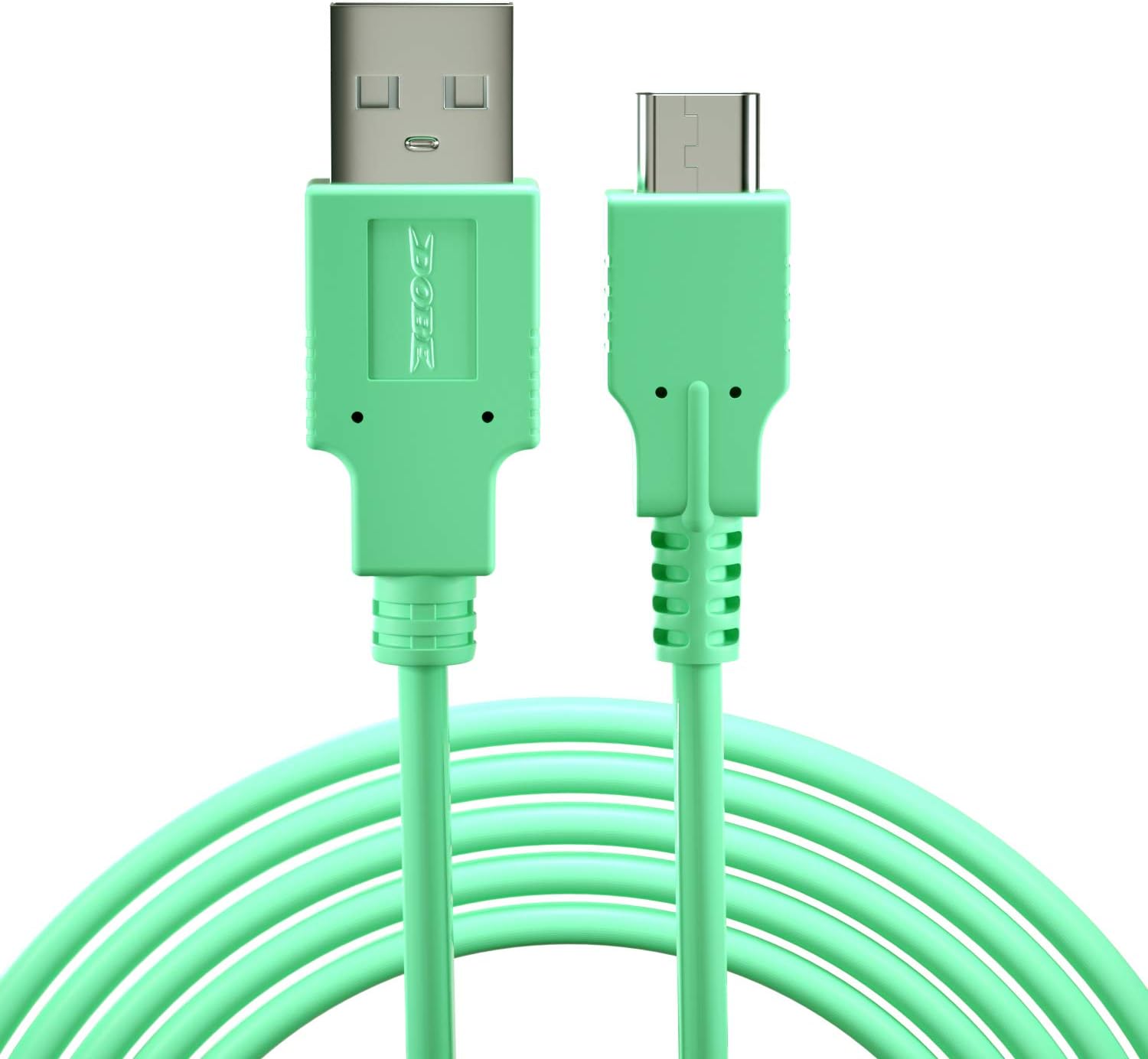
Connect the USB-C end to the console and plug the USB-A end into a suitable power source. For a road trip, that might mean charging from a power bank during a break or from a USB-A car charger between stops, at home, a computer or USB-A wall adapter can serve as the source. The listing says you can play while charging, which is useful when a game session runs longer than the battery. It also describes use with a Switch dock, Joy-Con Grip, and controller, though it doesn’t specify charging times for any of them.
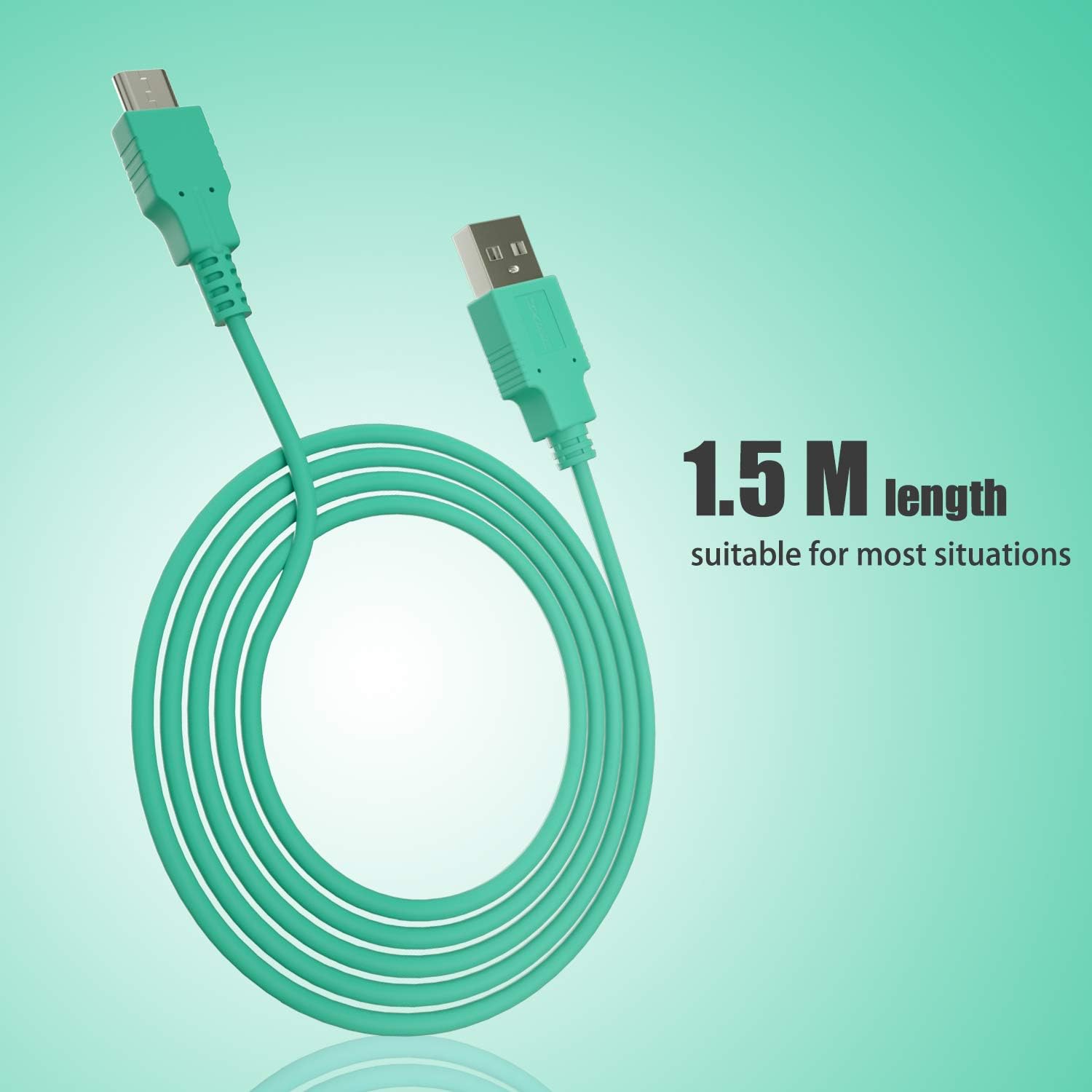
Why carry a dock when you only need a charge? This cable offers a simpler, more portable approach, but it still depends on having a USB-A power source available. The product description recommends a 5V/2A adapter, it doesn’t state that an adapter comes with the cable. It’s a great fit if you want a compact charging option for travel or everyday use and already have a compatible USB-A source. Better avoided if you need a stated cable length, a defined charging speed, or a setup that doesn’t rely on USB-A.
Pros
- Supports playing while the console is charging, according to the listing.
- Can connect to USB-A power from a power bank, computer, or car charger.
- Green color is designed to coordinate with green Joy-Con controllers.
- The cable can be stored with a Switch travel case, according to the product description.
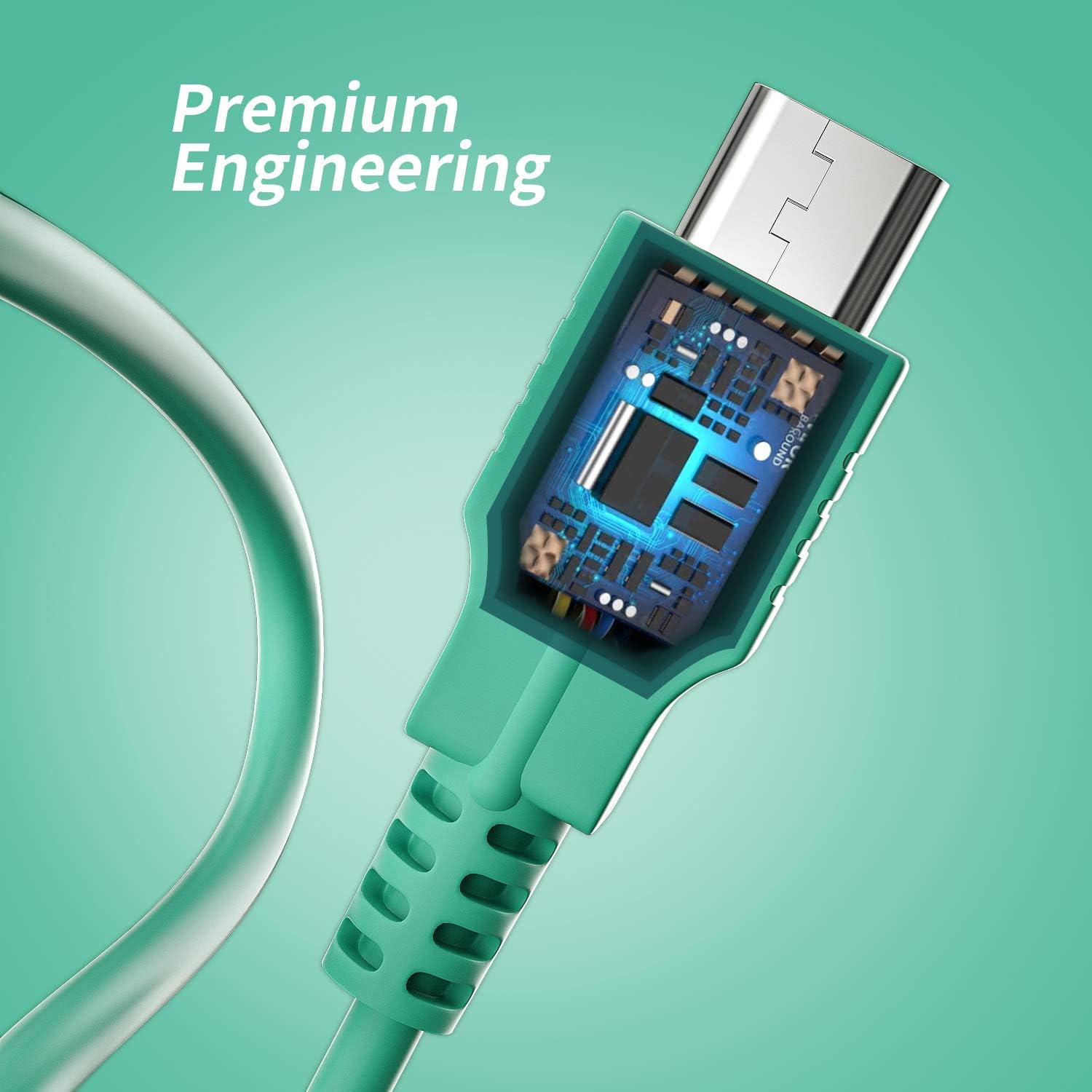
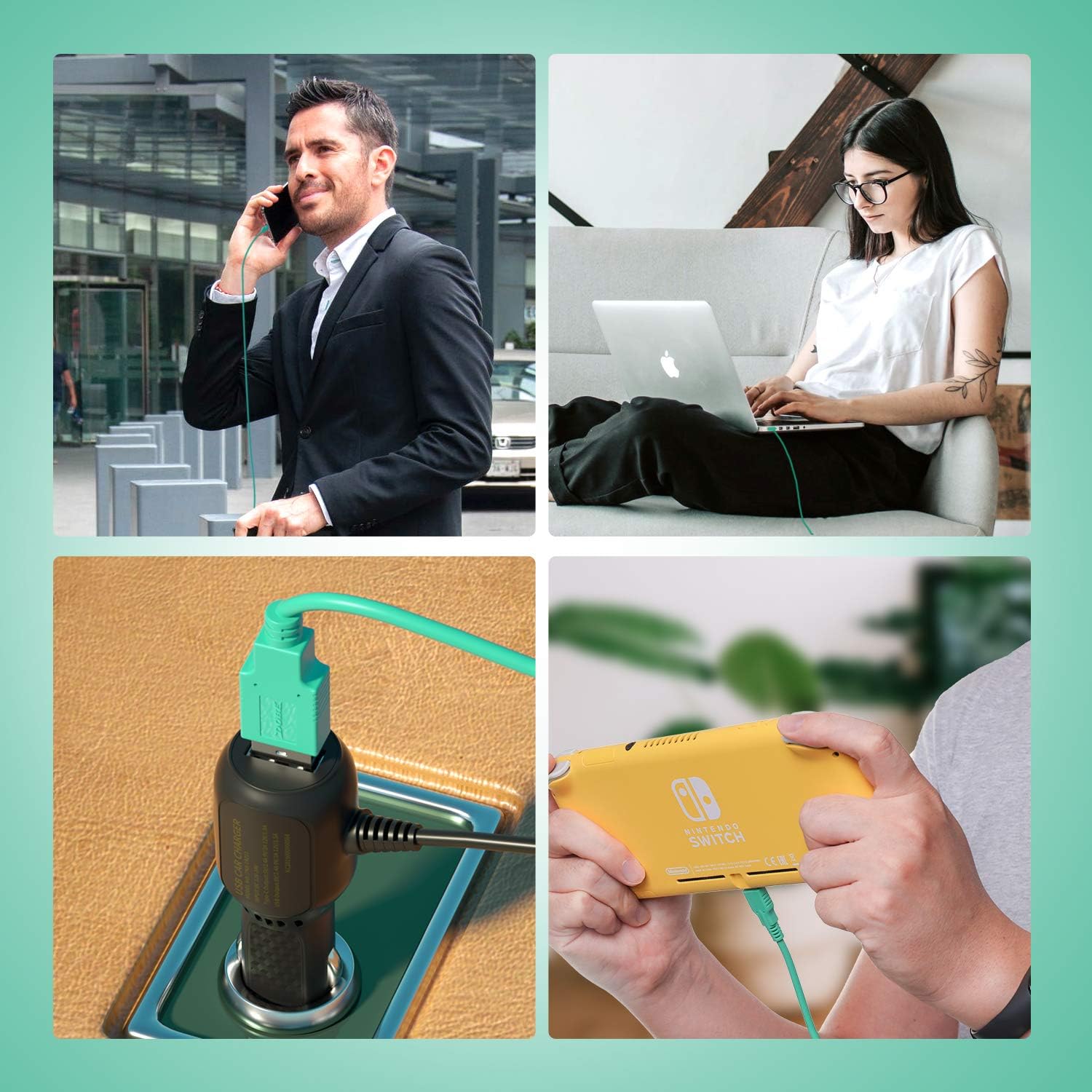
The practical advantage is flexibility rather than a documented speed boost: you can use a USB-A source you already have instead of bringing the dock just to charge. The limitation is that no length or measured charging performance is provided, so there’s little basis for judging reach or comparing charge times. The description calls the cable sturdy and says it stays connected, but those claims aren’t backed by specific construction details.
Spec sheet
- Name: Nintendo Switch USB-A to USB-C charging cable
- Type: Charging cable
- Format: USB-A to USB-C
- Color: Green, designed to match green Joy-Con
- Listed uses: Switch console, dock, Joy-Con Grip, and controller
- Recommended adapter: 5V/2A
Buying verdict
This cable makes sense if you want to charge a Switch console or listed accessories from a USB-A source, especially while traveling or playing away from the dock. Its appeal is straightforward: a portable cable, multiple described power-source options, and support for play while charging. From the way it is set up, the main trade-off is dependence on USB-A and missing details about length and charging speed. Choose it for a basic, flexible charging connection, look for a better-documented option if exact reach or performance is a deciding factor.