

UGREEN Steam Deck Dock 9-in-1 USB-C Docking Station
Reviews
Price
Product description
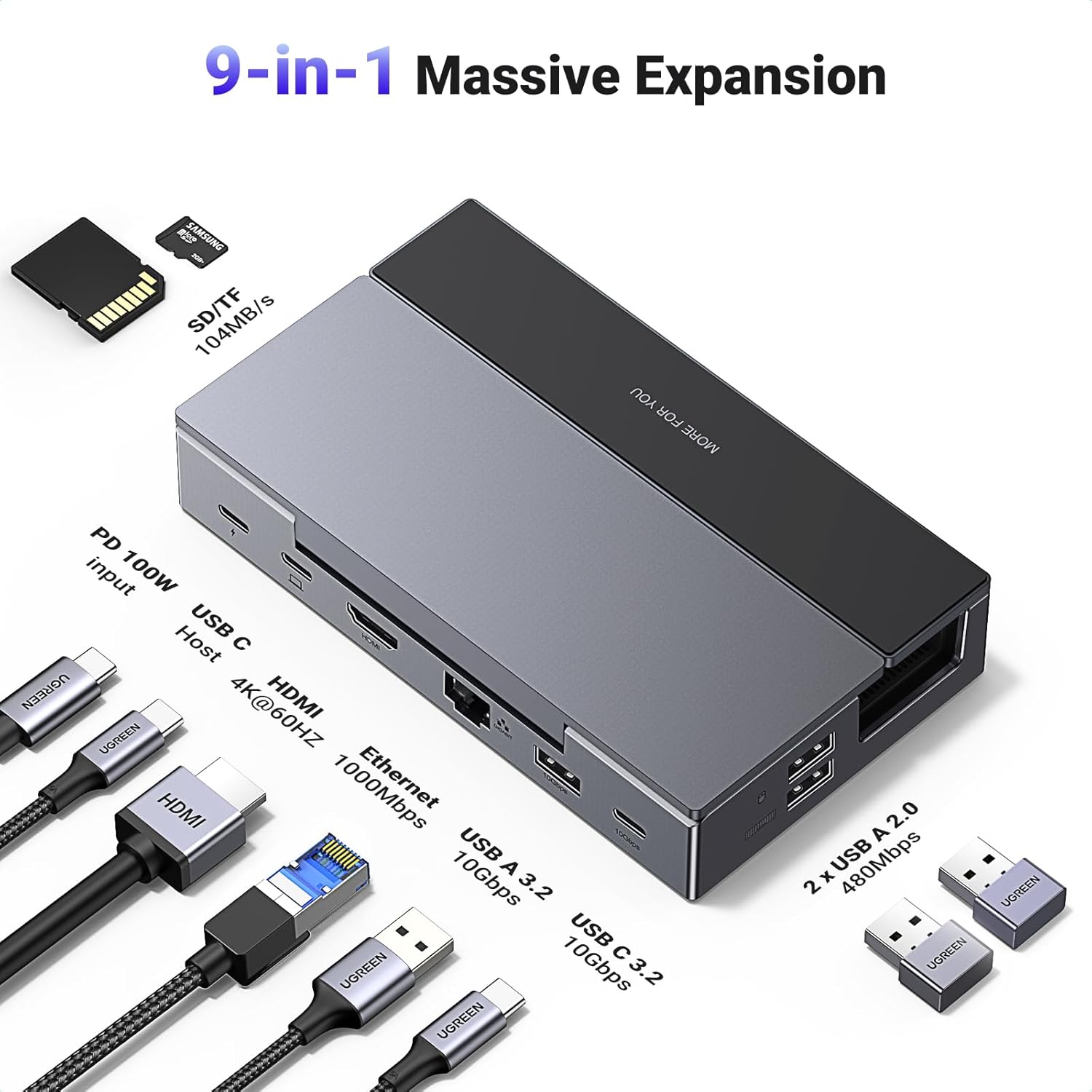
This foldable USB-C docking station from UGREEN turns a Steam Deck or similar handheld PC into a compact desktop setup, adding a large-screen output, wired networking and multiple high-speed ports for storage and accessories. It’s designed to keep the console upright while providing 4K@60Hz HDMI, gigabit Ethernet and power delivery to support longer play sessions and easier peripheral connections.
Key Points
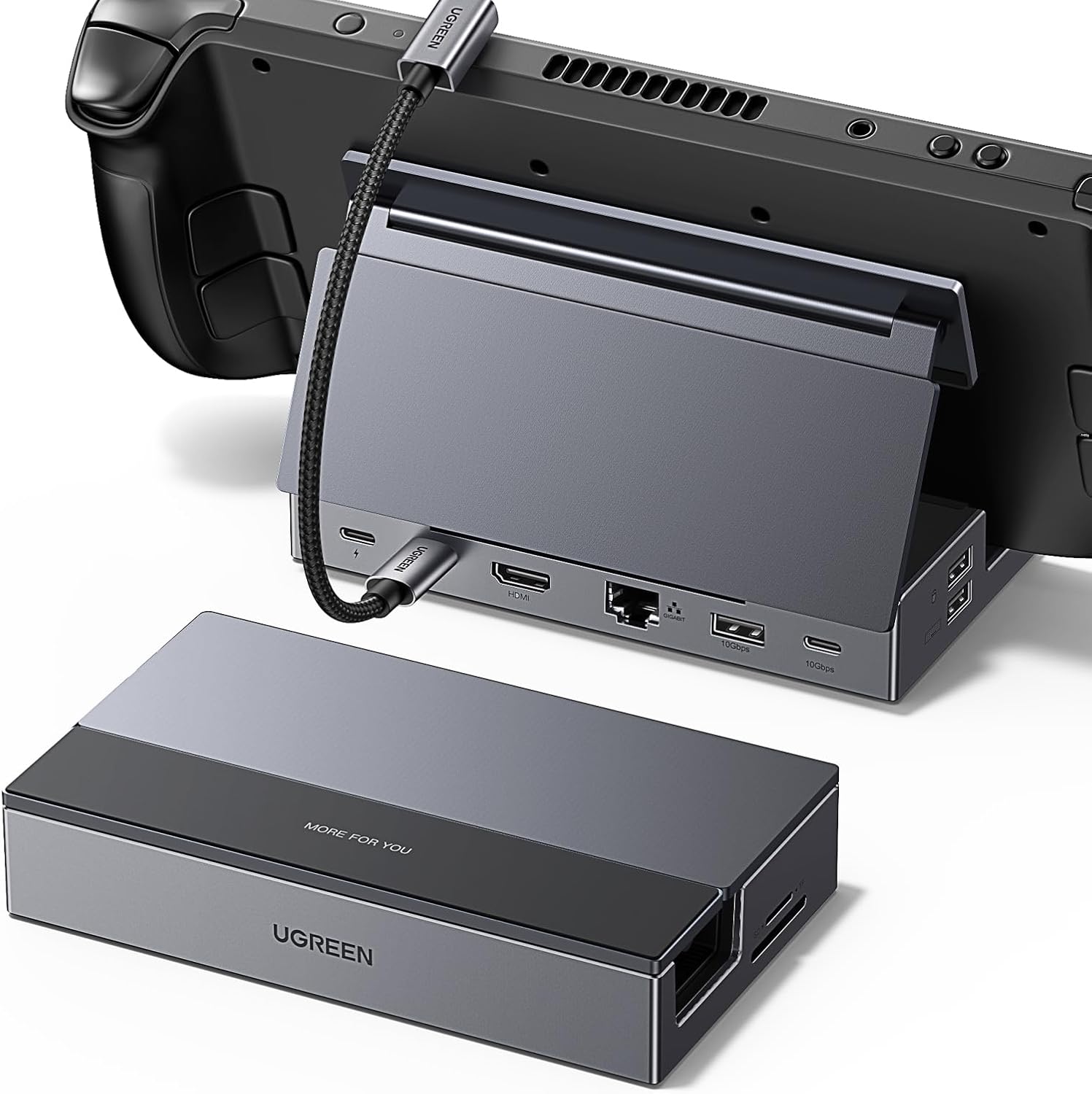
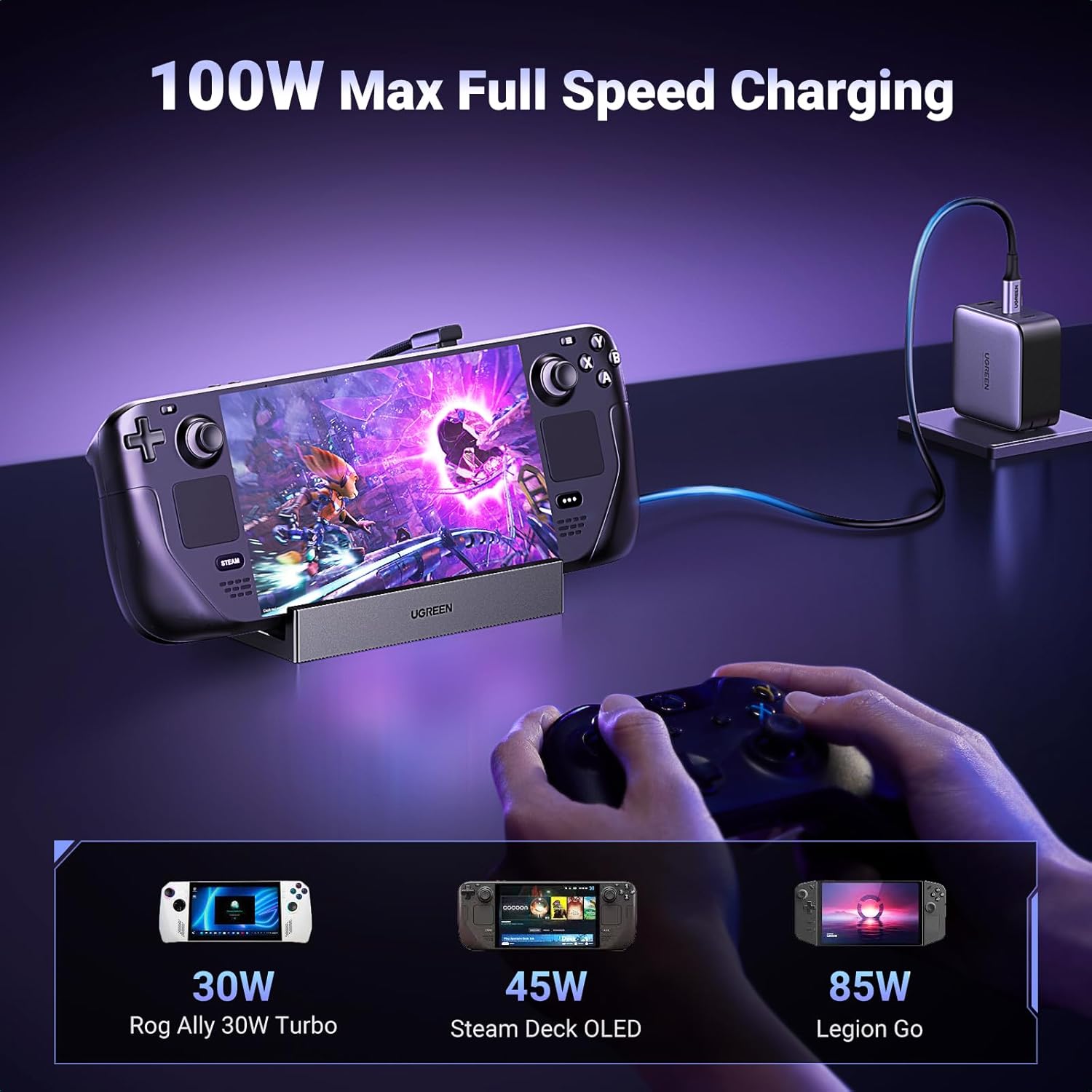
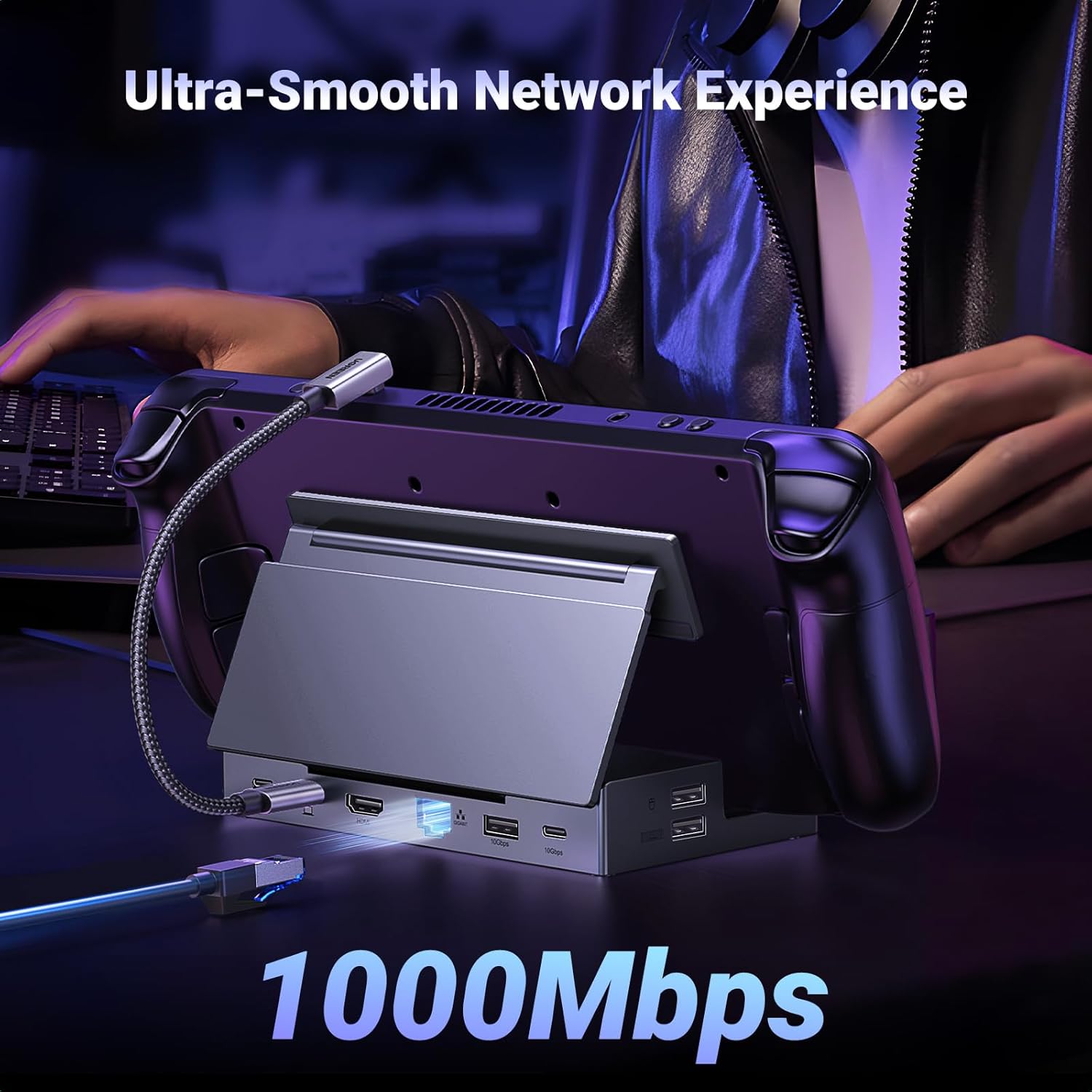
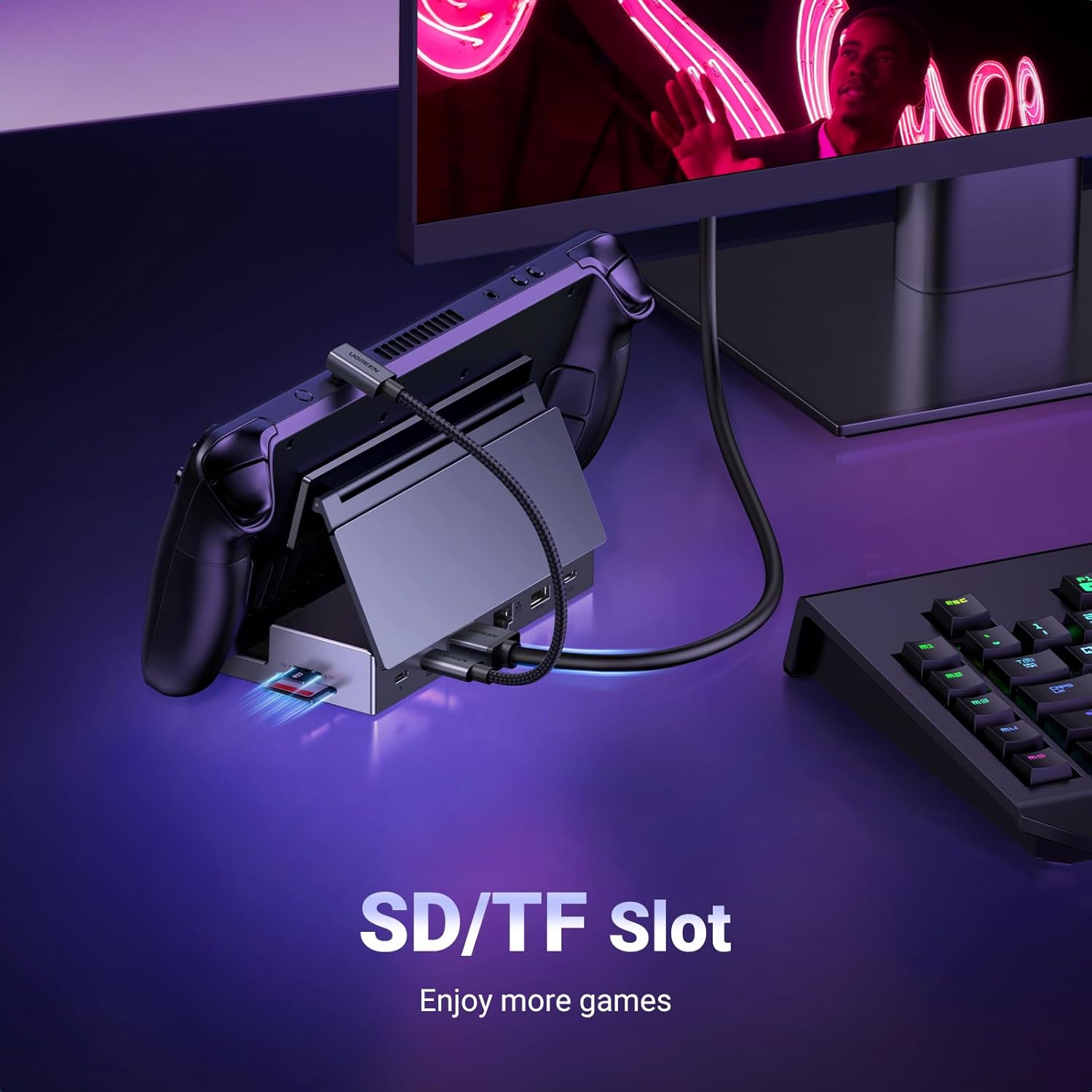
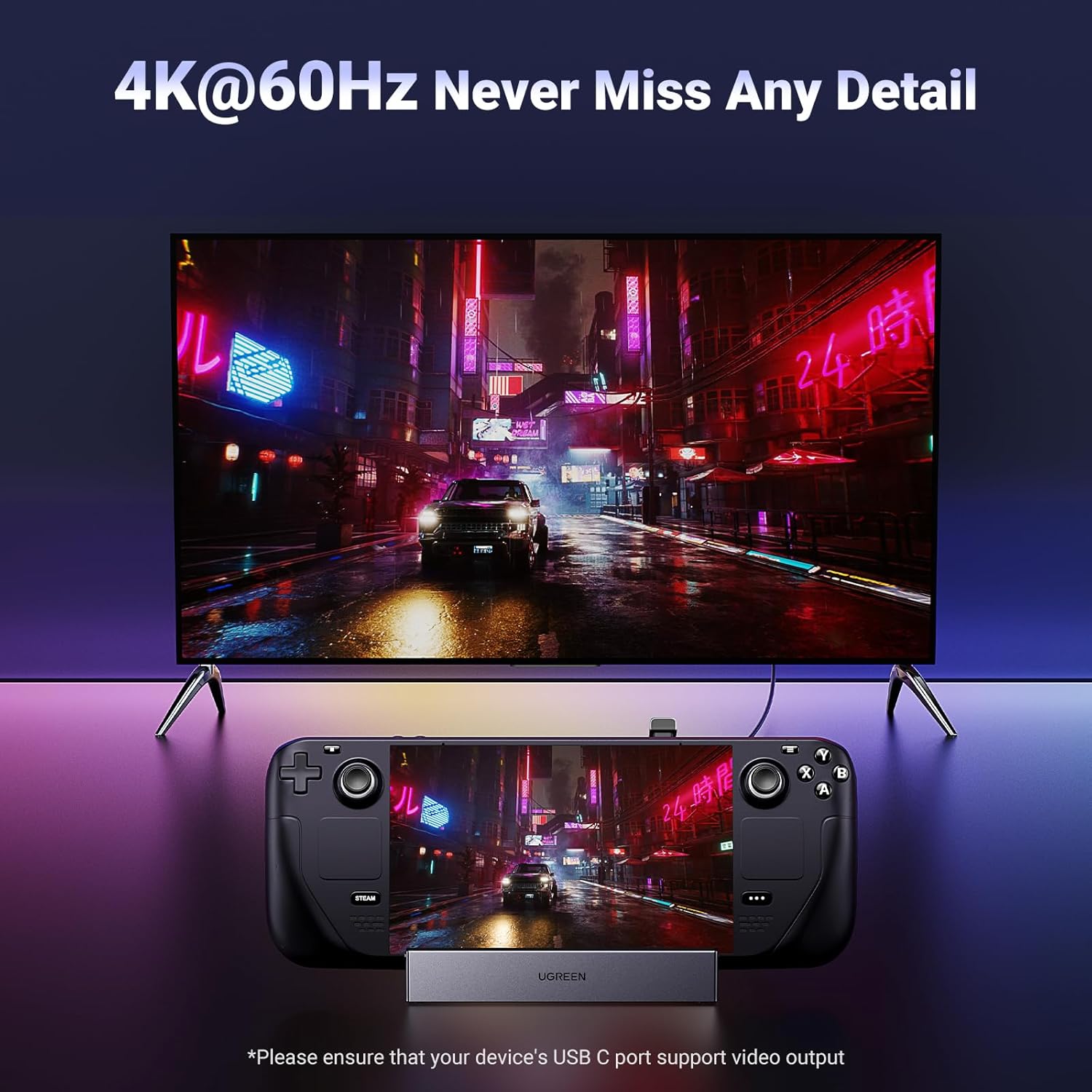
The dock includes an HDMI output that supports up to 4K at 60Hz and several common gaming resolutions and refresh rates, allowing connection to TVs and monitors for sharper, smoother visuals. It also integrates a Gigabit Ethernet port for stable wired internet and a USB-C PD port rated up to 100W, which can top up the console while powering connected devices. Two high-speed data ports offer 10Gbps transfers and are suitable for modern external SSDs and USB-C drives. Two additional USB-A 2.0 ports and dual SD/TF card slots expand compatibility with controllers, mice, keyboards and memory cards. The unit functions both as a hub and as a stand, with silicone pads on the base to keep the handheld secure and avoid blocking ventilation. Consider that the dock consumes some power itself, so achieving full device charging may require a charger with output higher than the original console adapter, according to the manufacturer.
Technical Specifications
- Name: UGREEN Steam Deck Dock 9-in-1 USB C Docking Station
- HDMI: 4K@60Hz, compatible with lower resolutions and higher refresh rates such as 2560x1440 at up to 144Hz and 1080p at up to 240Hz
- Ethernet: Gigabit RJ45, supports 1000/100/10 Mbps
- Power Delivery: USB-C PD up to 100W
- USB Data Ports: - USB-A 3.2 10Gbps, - USB-C 3.2 10Gbps, - two USB-A 2.0 480Mbps
- Card Readers: TF and SD card slots
- Additional: Foldable stand design with silicone anti-slip base.
Usage Recommendations
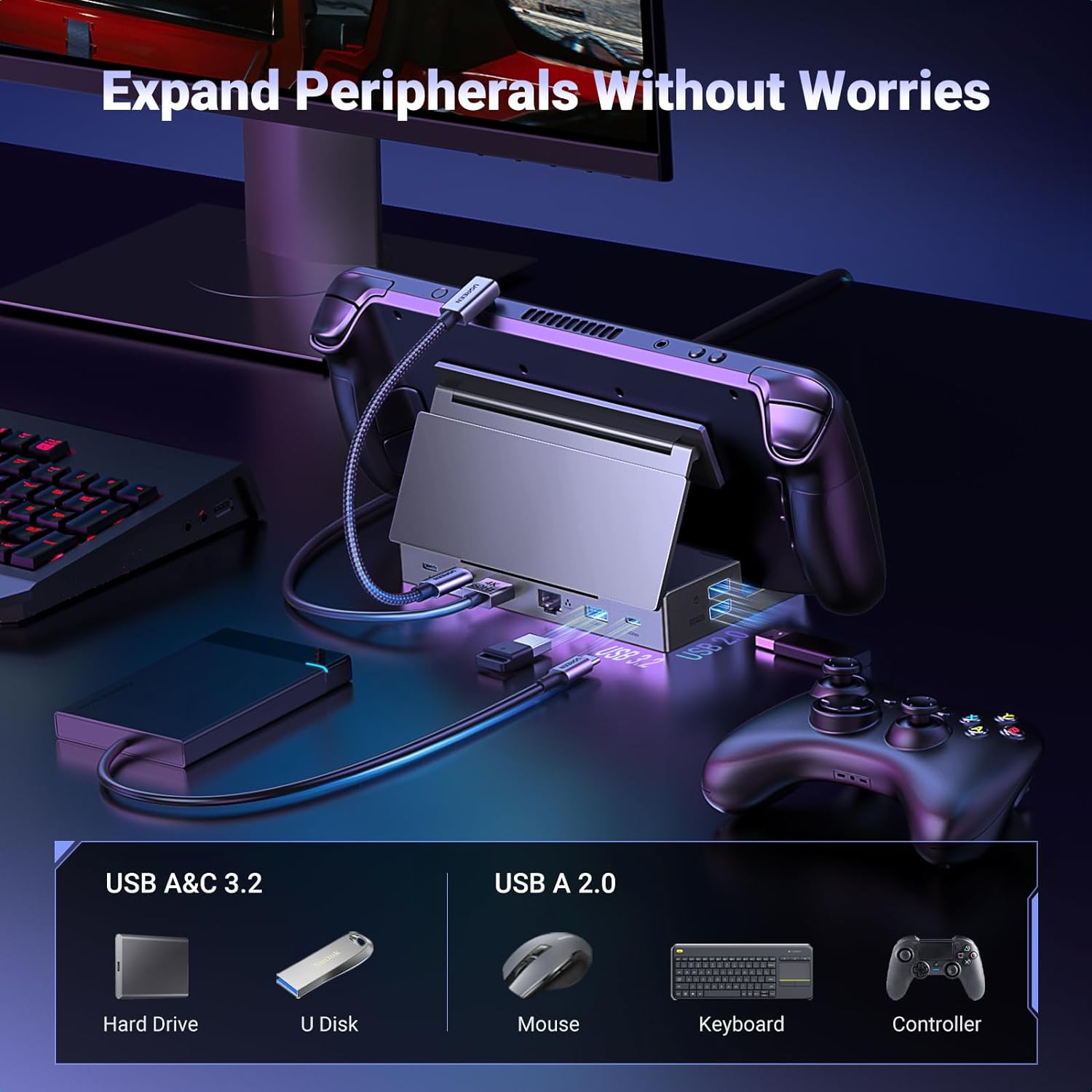
When using with a Steam Deck or Steam Deck OLED, switch the handheld to Desktop Mode before connecting USB storage devices or setting screen resolutions for proper recognition and performance. For the best charging results, pair the dock with a power adapter that exceeds the original charger’s wattage because the hub draws about 10W for its own operation. Avoid using the console while it remains inside a bulky protective case, since the manufacturer advises connecting without a protective shell to ensure a secure fit in the stand and to prevent connection issues. For consoles like ROG Ally or Legion Go, check device-specific display and power settings when first linking to an external monitor to confirm the desired resolution and refresh rate.
Positive Aspects
The combination of a compact footprint and a robust port selection makes this dock practical for quick transitions between handheld and desktop use, especially for those who want wired networking and fast external storage. The foldable stand reduces desk clutter and helps keep airflow accessible while the console sits upright. Two of the ports deliver true 10Gbps speeds which can noticeably reduce file transfer times when working with large game libraries or media files.