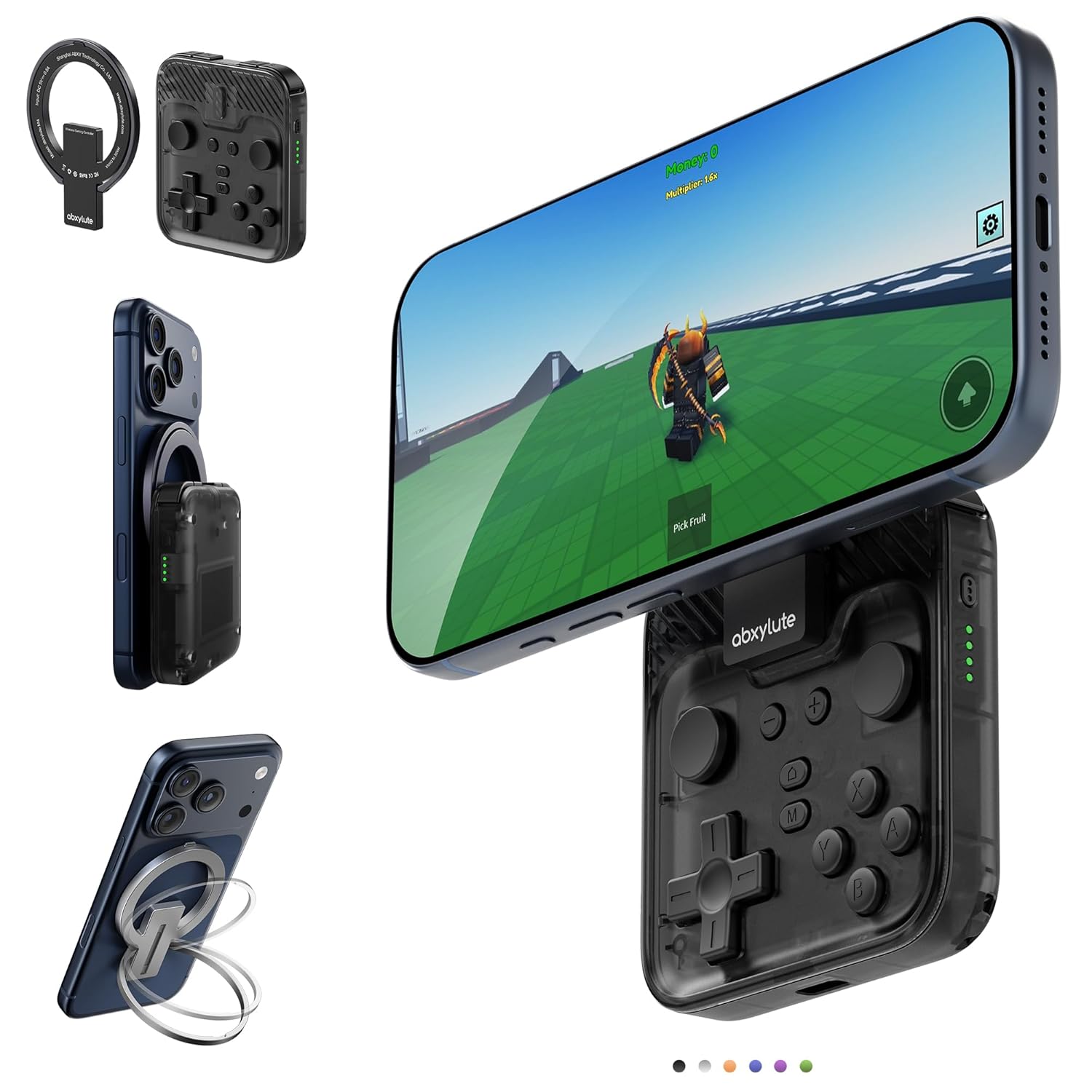
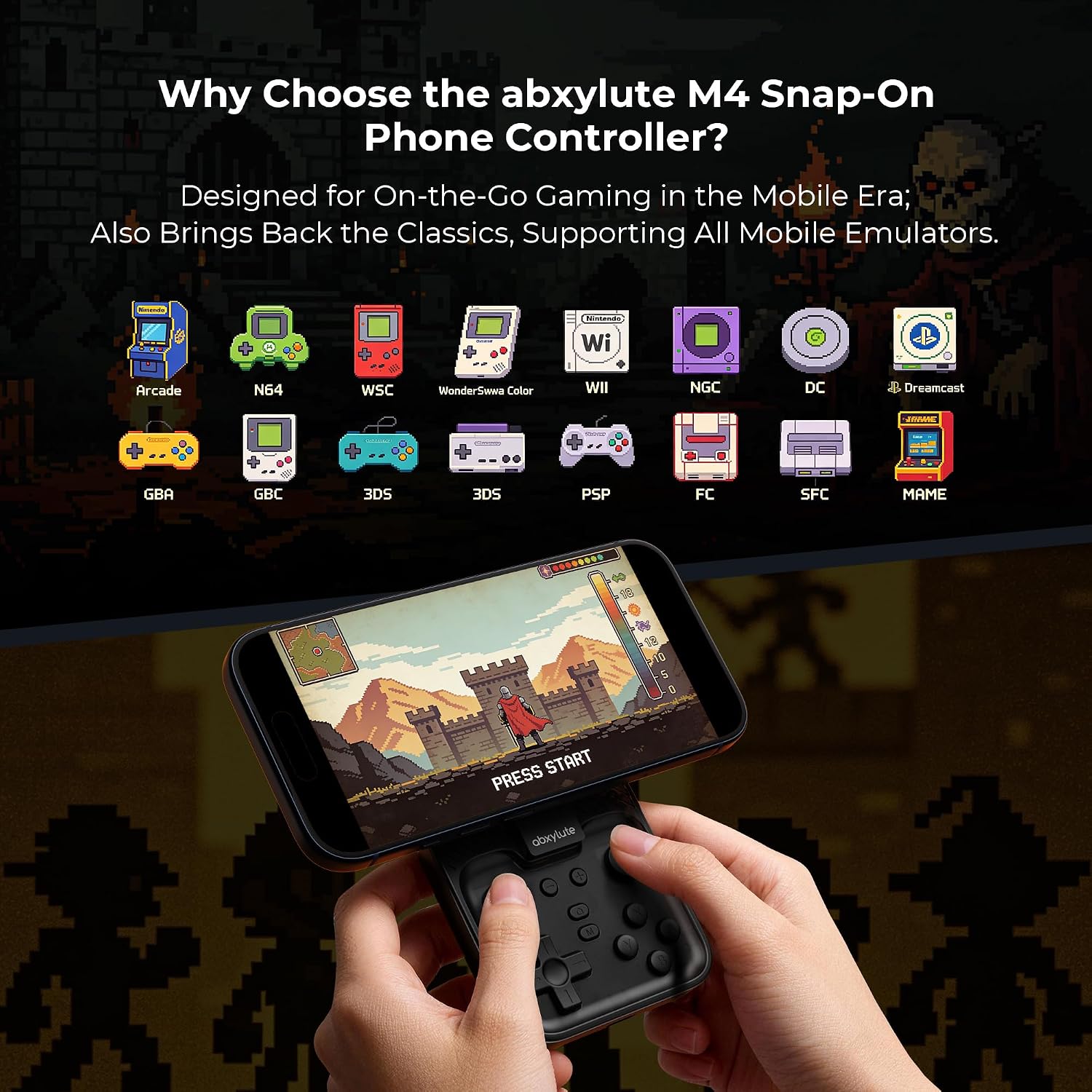
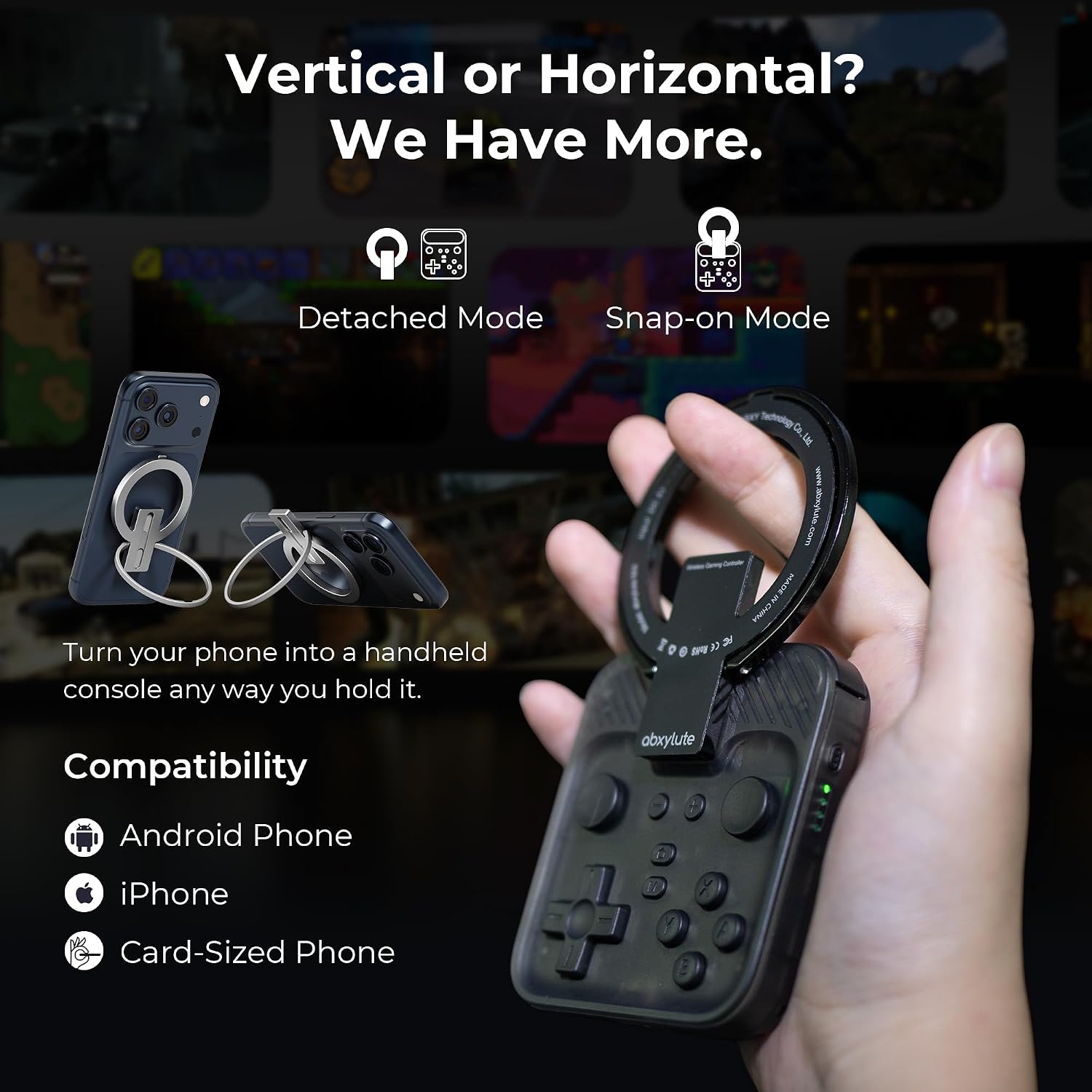
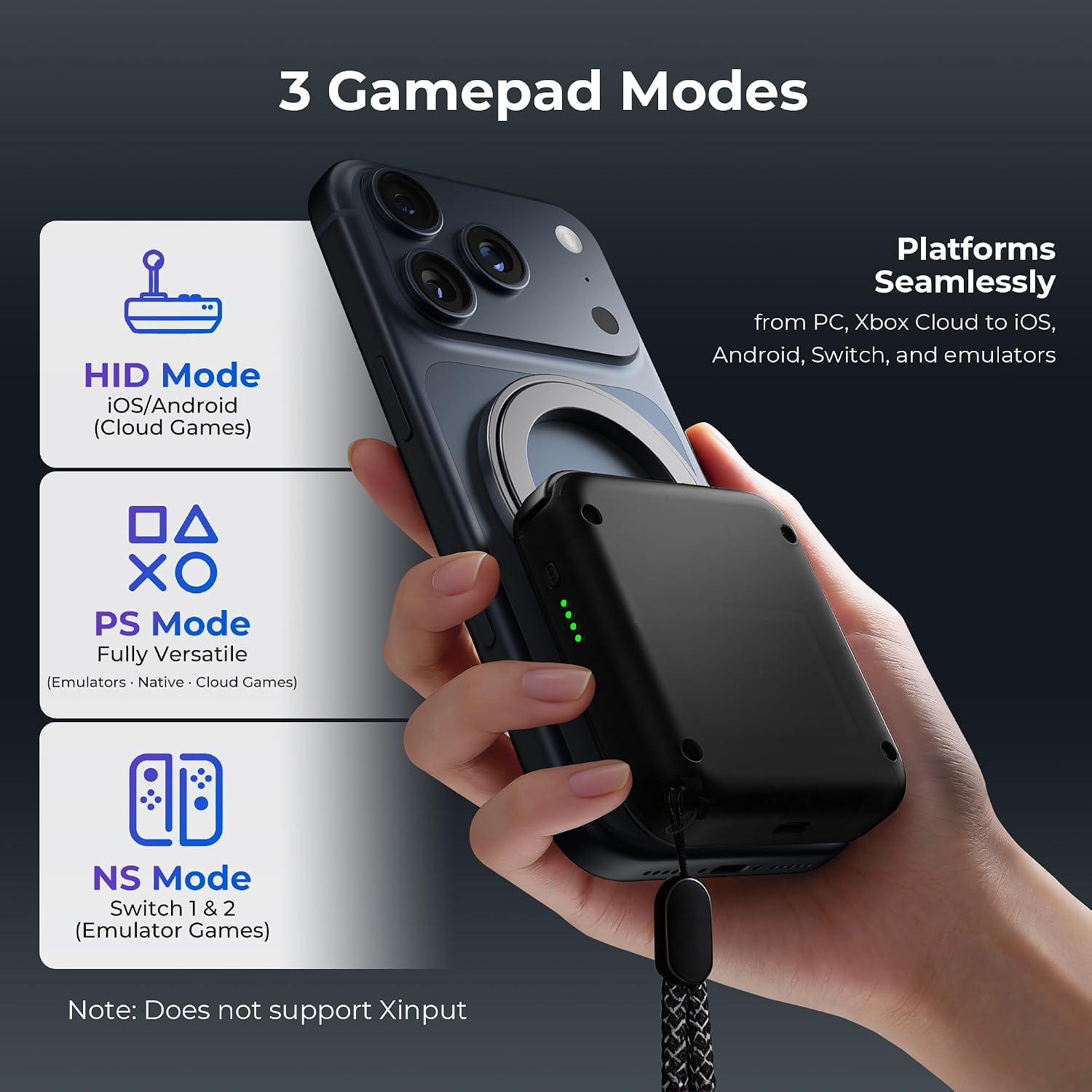
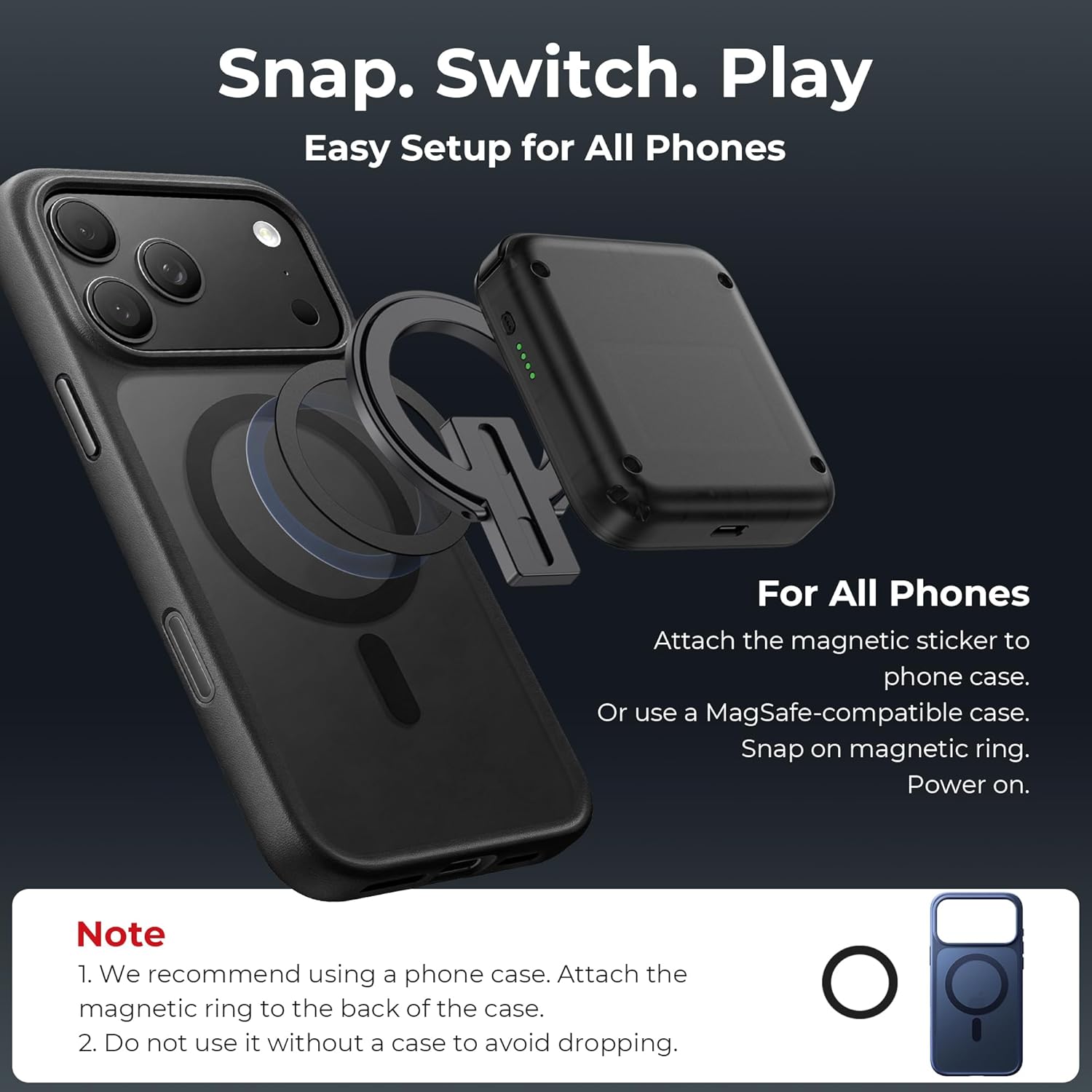
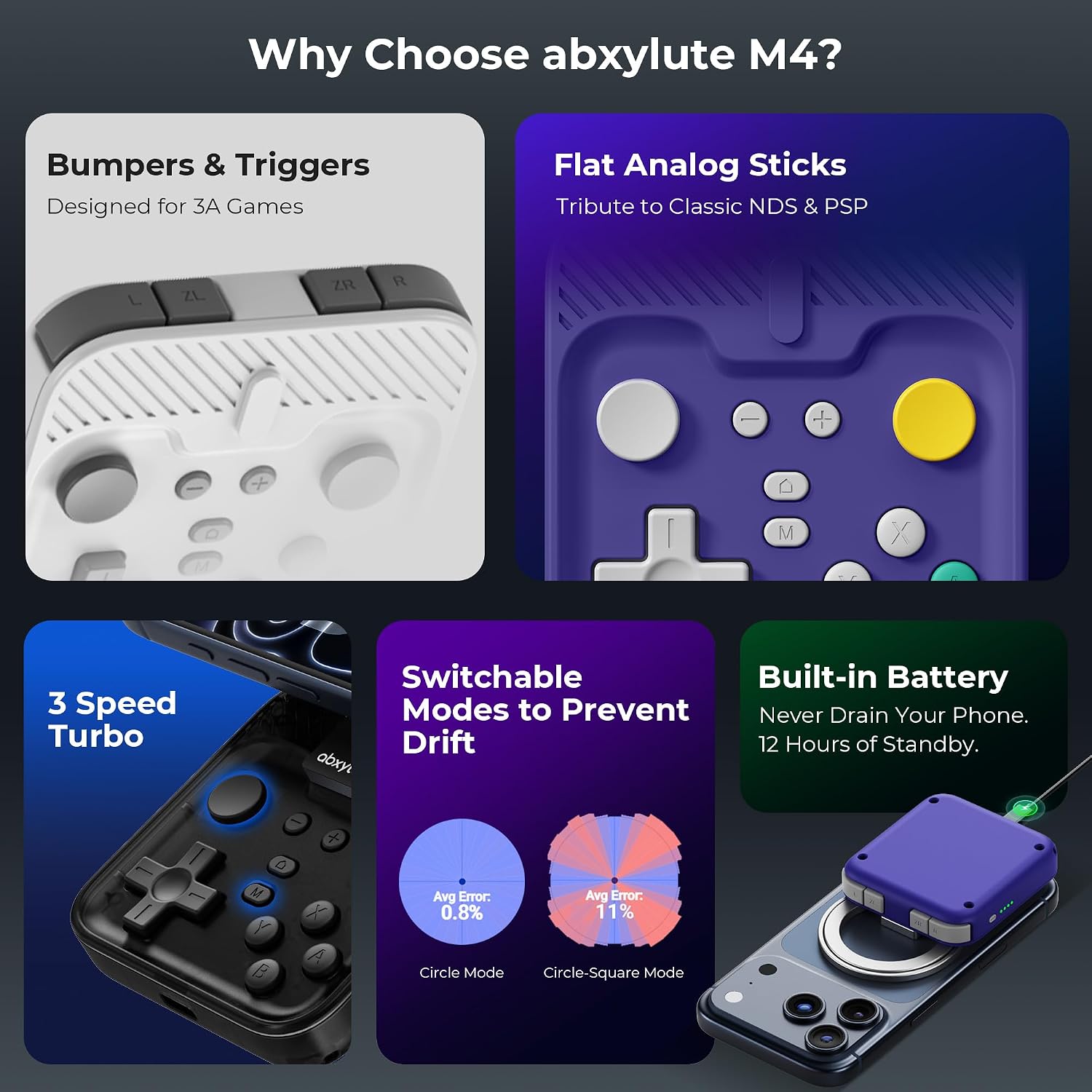
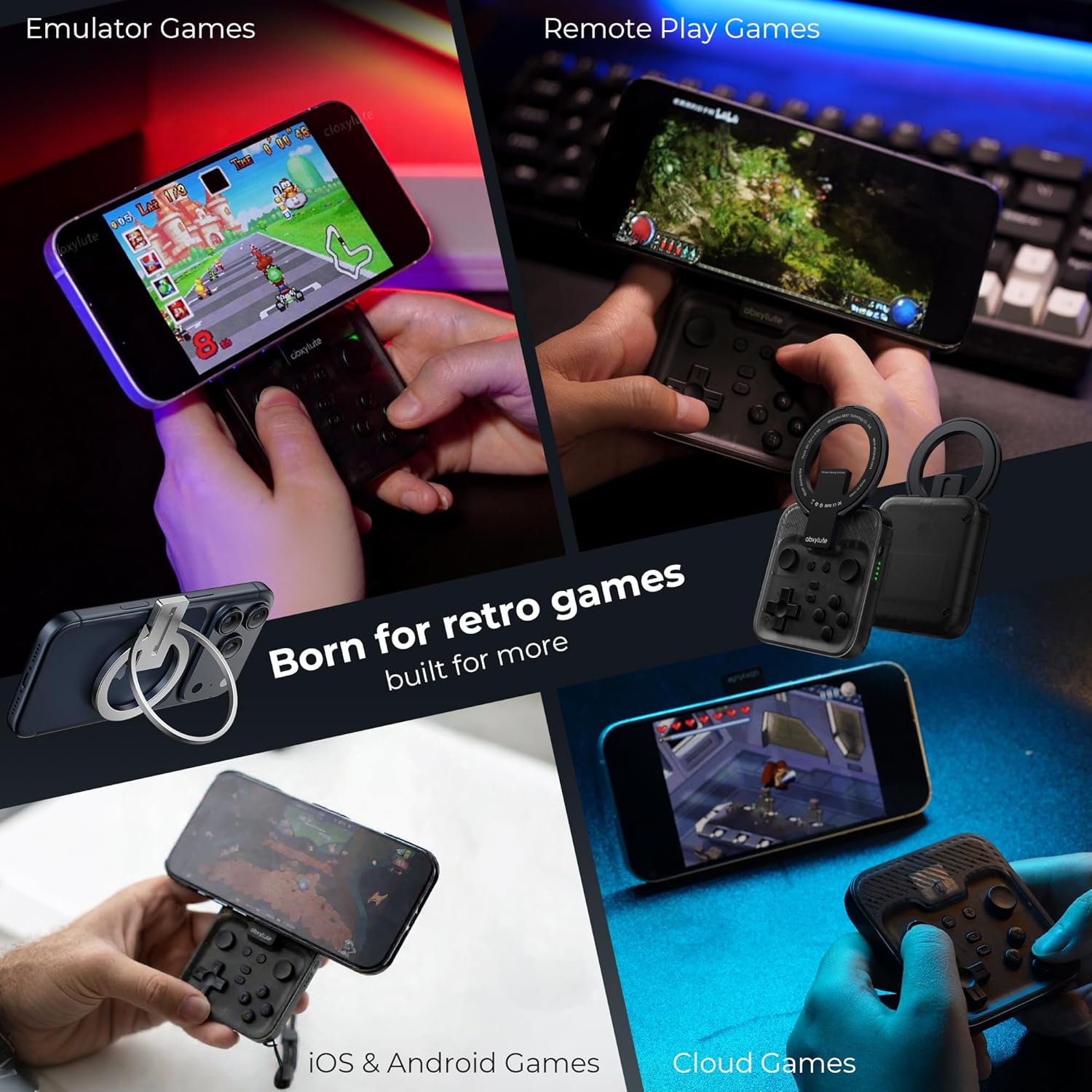
What this is and what it solves\nThe abxylute M4 Snap-On is a compact, clip-on mobile gaming controller designed to boost quick, retro-focused sessions on the go. If you squeeze in short bursts of gaming during commutes, coffee breaks, or between tasks, this tiny USB/Bluetooth-style pad aims to give you physical controls without weighing you down. It’s built to work with Android and iPhone devices, plus it doubles as a backup controller for Switch 1 and Switch 2. On paper, it blends portability with versatility by supporting three control modes (HID for Android local play, PS for CODM and PS Remote Play, and NS for emulation) while keeping a pocket-friendly footprint.\n\n## Design, fit and everyday practicality\nMeasuring around 74.8 x 69.5 x 15 mm and weighing roughly 56 grams, the M4 is ultra-portable enough to slip into a pocket or small bag. The magnetic ring and phone-case approach is central to its setup, with options tailored for MagSafe iPhone cases or non-MagSafe layouts. For devices that rely on MagSafe, snap the ring onto the case and power on, for others, attach the included magnetic sticker first, then snap the ring on. The goal is a quick, “power on and play” experience, not prolonged pairing rituals.\n\n## What stands out about the M4\nOn paper, the M4 is built for retro-era nostalgia without sacrificing modern convenience. It supports a range of classic platforms—3DS, FC, SFC, SS, N64, GBA, GBC, NDS, and more—through emulation apps like Delta, RetroArch, and PPSSPP on iOS and Android. It also claims broad compatibility with mainstream phones, including iPhone models with MagSafe, and a wide array of Android devices. If you prize portability with a dedicated compact controller for retro emulation, the M4 ticks some important boxes.\n\n## How it feels in use (the practical side)\nIn practice, you’ll notice the bite-sized form factor translates into easy pocket carry and quick access during short sessions. The inclusion of two joysticks and 18 buttons aims to deliver a familiar handheld feel, even when you’re traveling. The controller supports three modes—HID, PS, NS—so you can switch between local Android gaming, remote Play/PS-compatible titles, and emulation without swapping hardware. That said, the experience may be best described as “fast and convenient for short bursts” rather than a substitute for full-length sessions on a dedicated handheld.\n\n## Who it’s for (and who should temper expectations)\nIf you routinely squeeze gaming into fragmented moments and you care about retro titles, the M4 can be a compelling companion. It’s particularly appealing if you want a tiny clip-on that doesn’t demand a large upfront investment or your phone’s screen real estate. However, it isn’t ideal for pro-longed gaming marathons, as the claim is explicitly framed around “short quick gaming.” Those wanting a high-precision controller for long campaigns or competitive play may prefer something larger or more feature-dense.\n\n## Pros and cons (at a glance)\nPros: ultra-portable, quick setup with magnetic attachment, three usable modes (HID/PS/NS), supports popular retro emulation apps, doubles as a backup controller for Switch. Cons: emphasis on short sessions, slight top-heaviness on larger iPhone Pro/Pro Max models may affect balance, not compatible with foldable phones, and battery life claims (12 hours) depend on usage patterns and Bluetooth power draw.\n\n## Before you buy: what to check\n- Confirm your device compatibility, especially if you’re on a non-MagSafe case or a foldable phone.\n- Consider your typical gaming sessions: if you often play long hours, factor in comfort and grip, since the unit is very compact.\n- Review how you emulation apps integrate with external controllers on iOS versus Android, since some apps have platform-specific quirks.\n- Check the magnetic attachment method with your case to avoid phone alignment issues during play.\n\n## Practical usage example\nImagine stepping off a train with a phone tucked into a pocket. You clamp the M4 on, power it up, and in moments you’re navigating retro emulation menus or blasting through a quick CODM round in PS mode. The compact footprint means you’re not juggling extra devices or cables, just your phone and this slim controller.\n\n## The decision moment: is it worth it for you?\n- It makes sense if you value ultra-portability and quick retro sessions during short breaks.\n- It may not be the best fit if you’re chasing marathon gaming comfort or high-end precision.\n- It suits gamers who want a portable, inexpensive workaround for retro play and as a backup controller for a variety of devices.\n\n## FAQ (quick clarity)\n- Is it compatible with my iPhone? It supports iPhone models with MagSafe and general iOS devices via Bluetooth, though MagSafe compatibility is optimized with the magnetic ring on a case.\n- Can I use it for Android local play? Yes, in HID mode it handles local Android games.\n- How long does the battery last in real life? The advertised 12-hour claim depends on usage, expect shorter life with heavy Bluetooth activity and backlighting.\n