

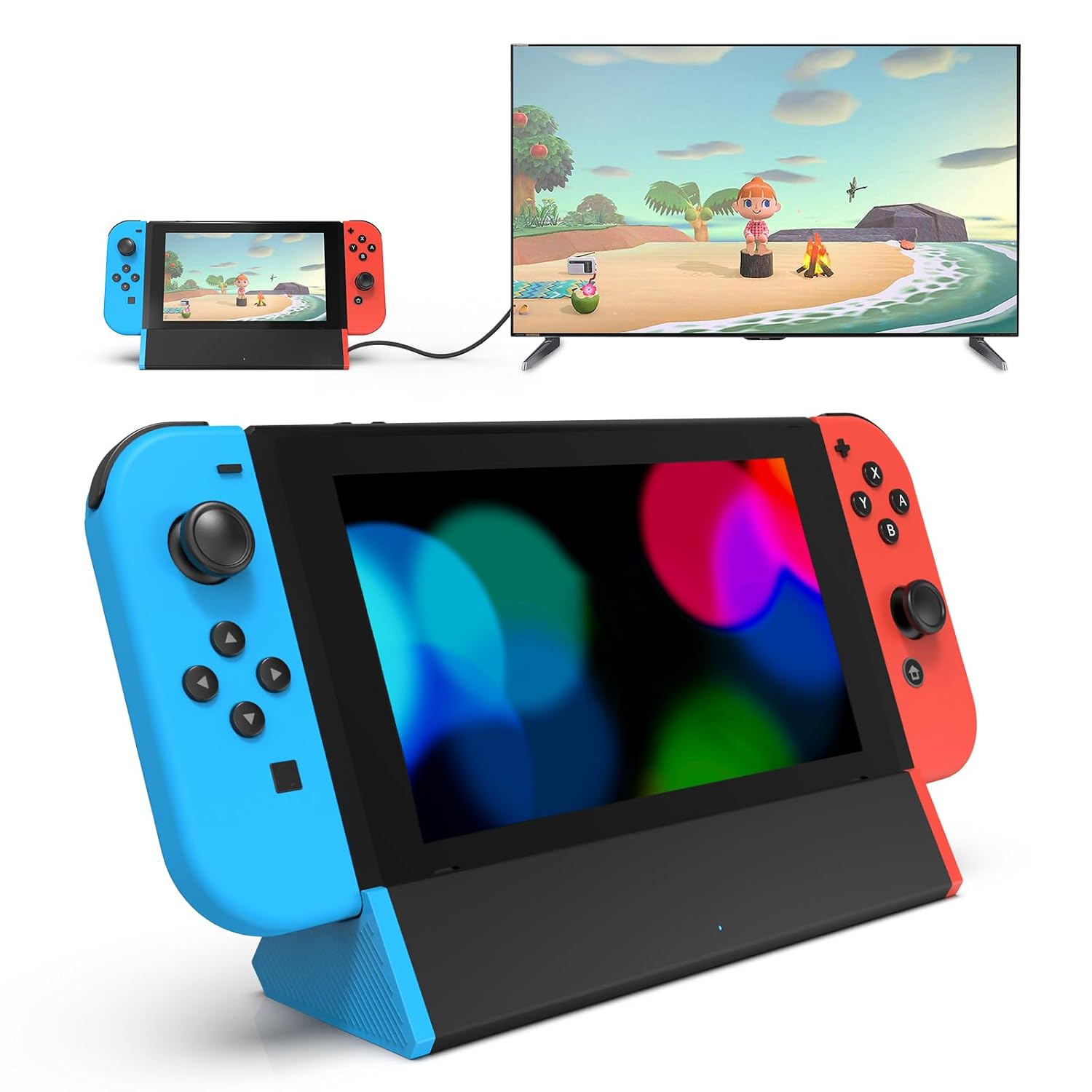
SIWIQU for Nintendo Switch 2 Dock Station — Portable TV/Tabletop Dock with HDMI (Switch 2 Only)
Product description
Product overview: a Switch 2 dock replacement for TV and tabletop
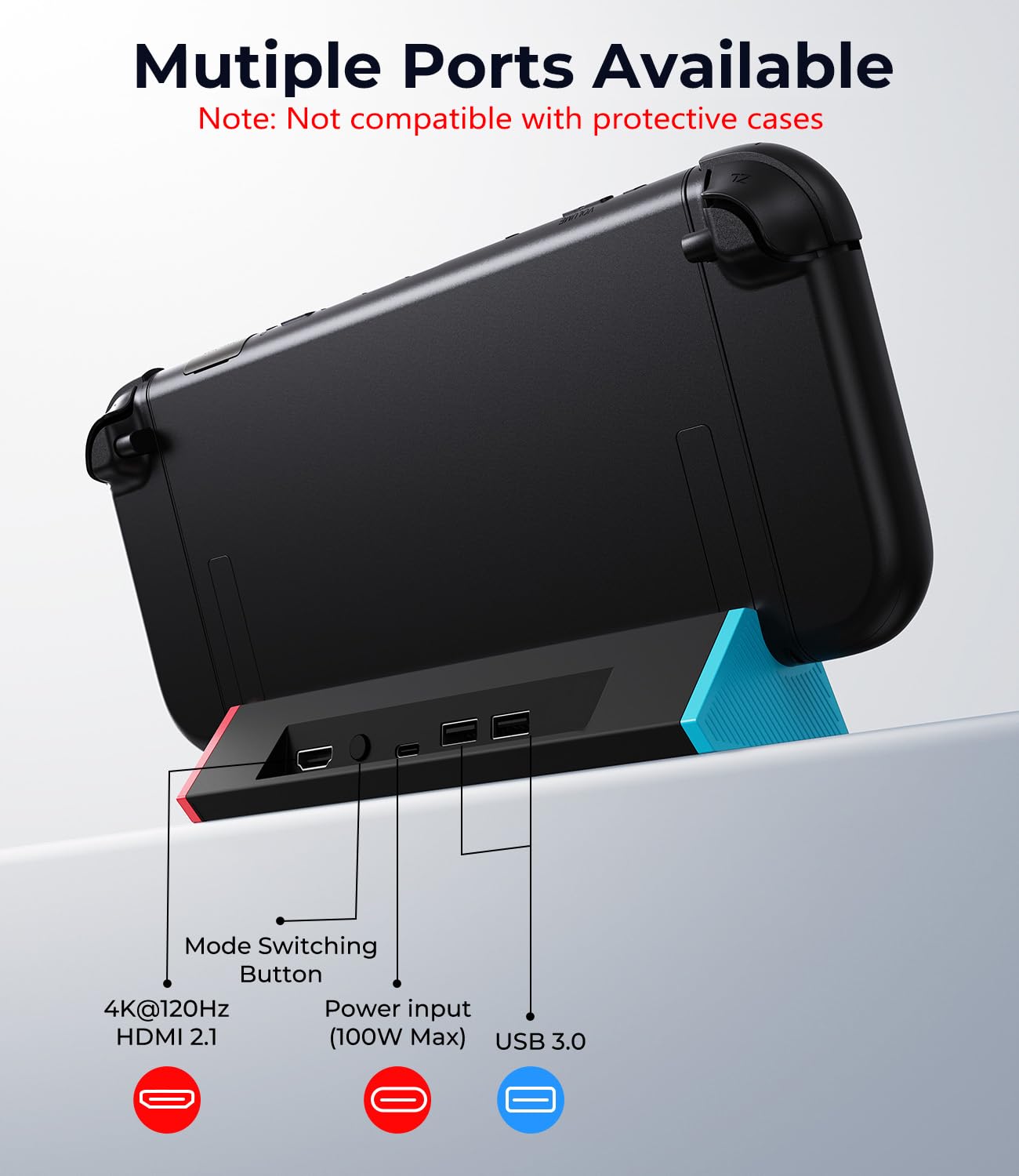
If you want your Nintendo Switch 2 to output to a bigger screen without carrying the full-size setup, this SIWIQU Nintendo Switch 2 dock is built for that job. It’s designed as a portable docking station replacement specifically for Nintendo Switch 2 “ONLY,” and it switches between Tabletop Mode and TV output using a button on the back of the dock.
On paper, it also targets smooth video output (including 4K@120Hz support) and adds dual USB ports plus a USB-C port. There’s even a charging-while-playing concept, so you’re not stuck choosing between playing on TV/tabletop or keeping the system powered up.
Still, it’s not perfect for everyone. The compatibility limitations are real (no Switch 1/OLED/Lite support), and it also notes it’s not compatible with protective cases. If you rely on a case daily, that’s the kind of detail that can make or break the purchase.
Key features you’ll actually use day to day
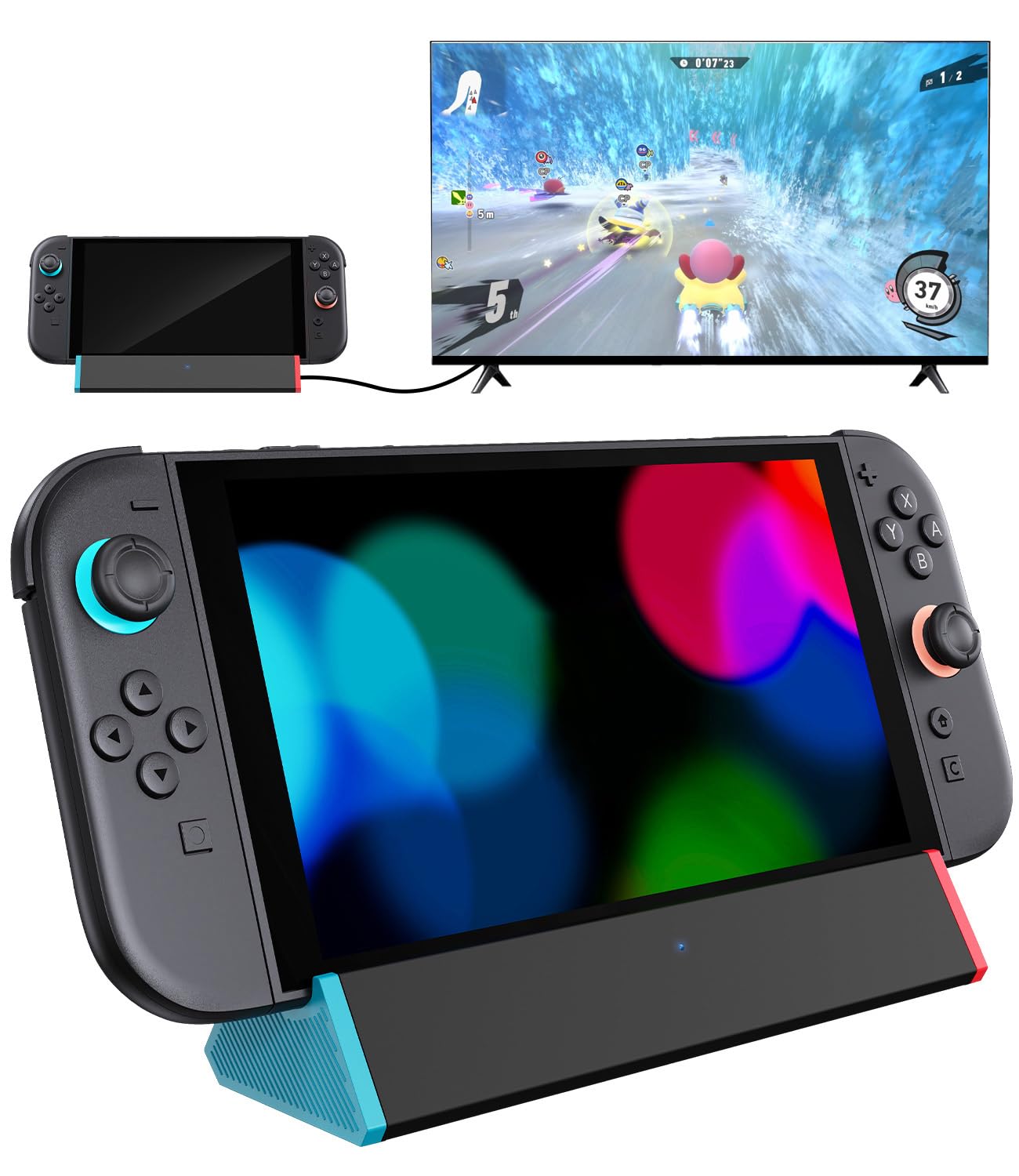
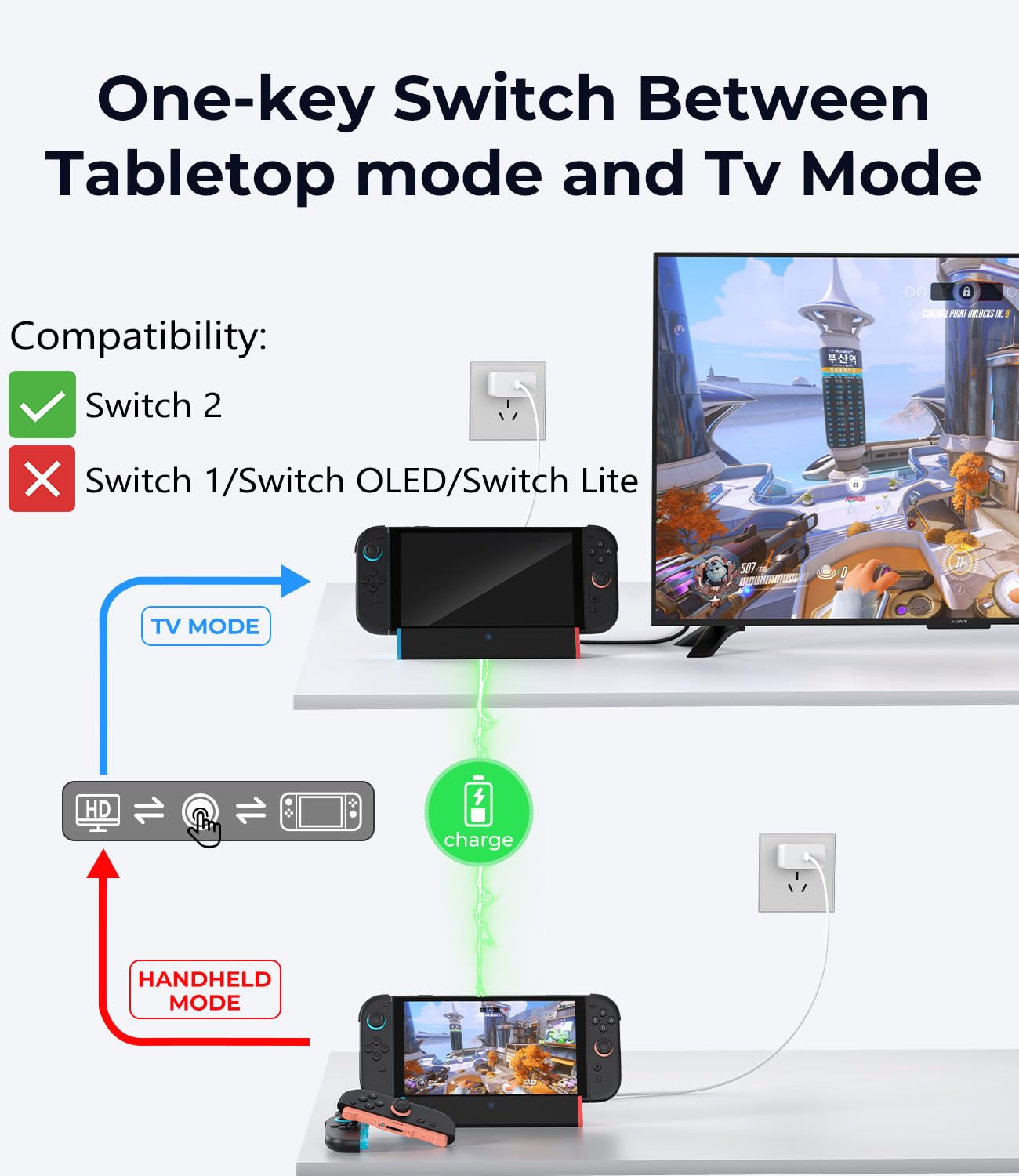
The main draw here is the simple “TV/Tabletop Mode” switching. Instead of messing with setups, you press the mode button at the back of the dock to choose whether you’re running tabletop or routing to the TV.
The dock is also described as a tight, secure fit. That’s good for stability, but it also means you’ll want to dock carefully—and again, protective cases are called out as not compatible. There’s an anti-skid pad on the bottom intended to help prevent sliding or tipping during normal use.
Charging while playing
This dock includes a charging stand function so the Switch 2 system can charge while in TV or tabletop mode. For long sessions, that’s the sort of practical feature that tends to matter more than specs on a box.
One more note: the listing mentions smart chip protections (short-circuit, over power, recovery, and overheating protection). It’s not a substitute for good habits, but it gives some peace of mind about how the dock handles power.
Video output: what to expect (and the one limitation to notice)
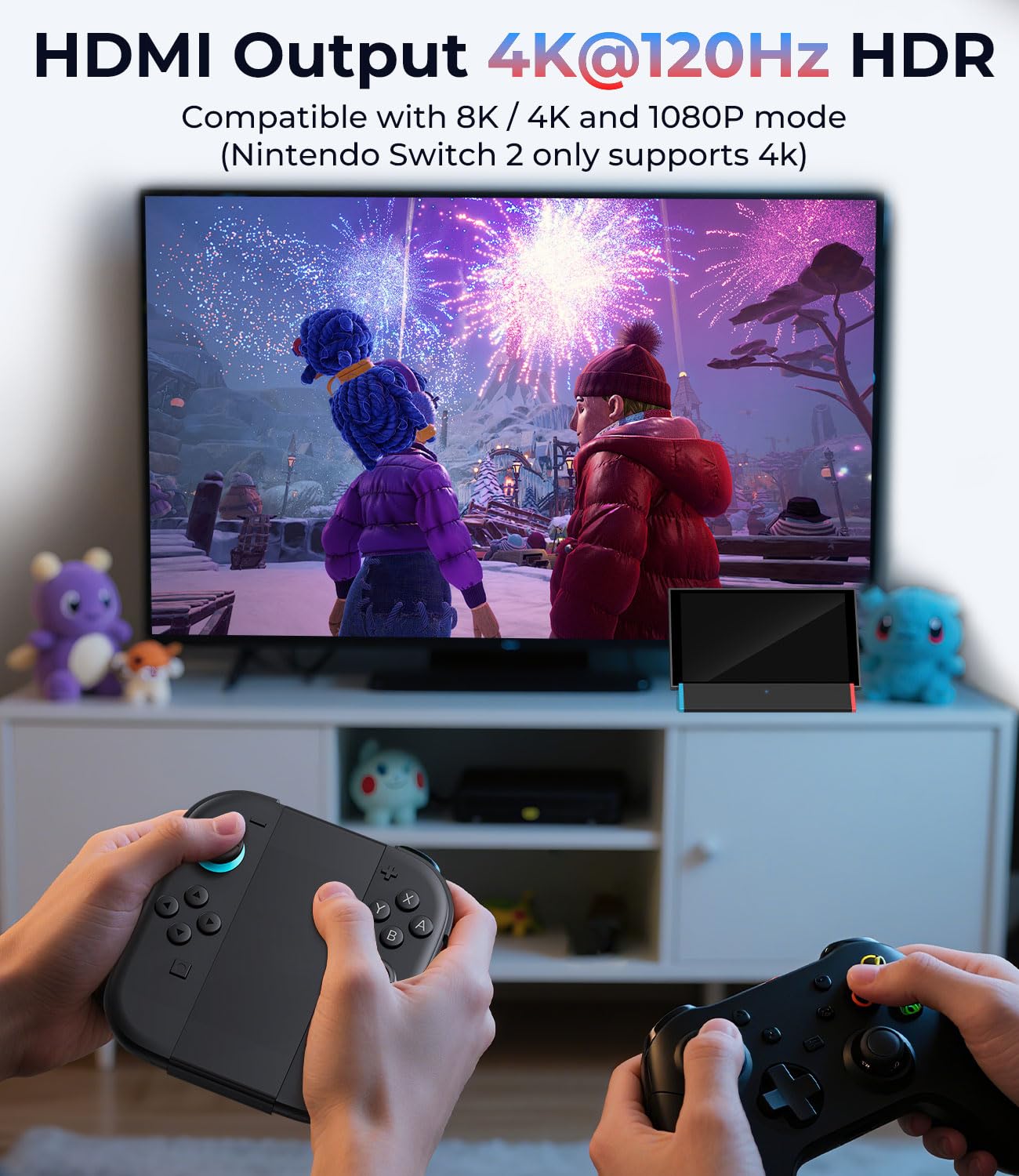
The spec claims support for 8K and 4K@120Hz, plus 1080P video output. That’s attractive if your setup is built around high-refresh viewing.
However, the listing also includes a specific source note: it says to select HDMI 1 because Switch 2 supports “4k@60HZ” in that context. So while the dock positions itself for very high-end output, you’ll want to pay attention to how you select the HDMI input on your TV/monitor.
It also states the dock is for Nintendo Switch 2 only and “not work with switch 1/Oled/Lite.” If you don’t have Switch 2, you’re buying the wrong accessory.
Tech specs (from the listing)
- Name: SIWIQU for Nintendo Switch 2 Dock Station
- Type: Docking station / TV & tabletop output adapter
- Format: Portable dock with HDMI adapter
- Size: 7.5 in * 2.3 in * 1.3 in
- Weight: 109g (0.24lb)
- Ports: 2 USB Port and Type C Port
- Supported video outputs: 8K, 4K@120Hz, and 1080P
Who it’s for (and who should skip it)
It’s a solid fit if you: - Have a Nintendo Switch 2 and want a lighter, travel-friendly dock replacement. - Prefer quick switching between tabletop and TV mode. - Want the system to charge while docked, rather than hunting for a separate charger.
It may not suit you if: - You use a protective case on your Switch 2 (the listing says it’s not compatible with protective cases). - You’re trying to dock a different model like Switch 1, OLED, or Lite (compatibility is Switch 2 only). - You need “no-setup” convenience with existing power gear—because the dock package notes it includes only the docking station (no cable or charger), and you’re expected to use the official Switch power adapter.
Getting the most from it: practical setup tips
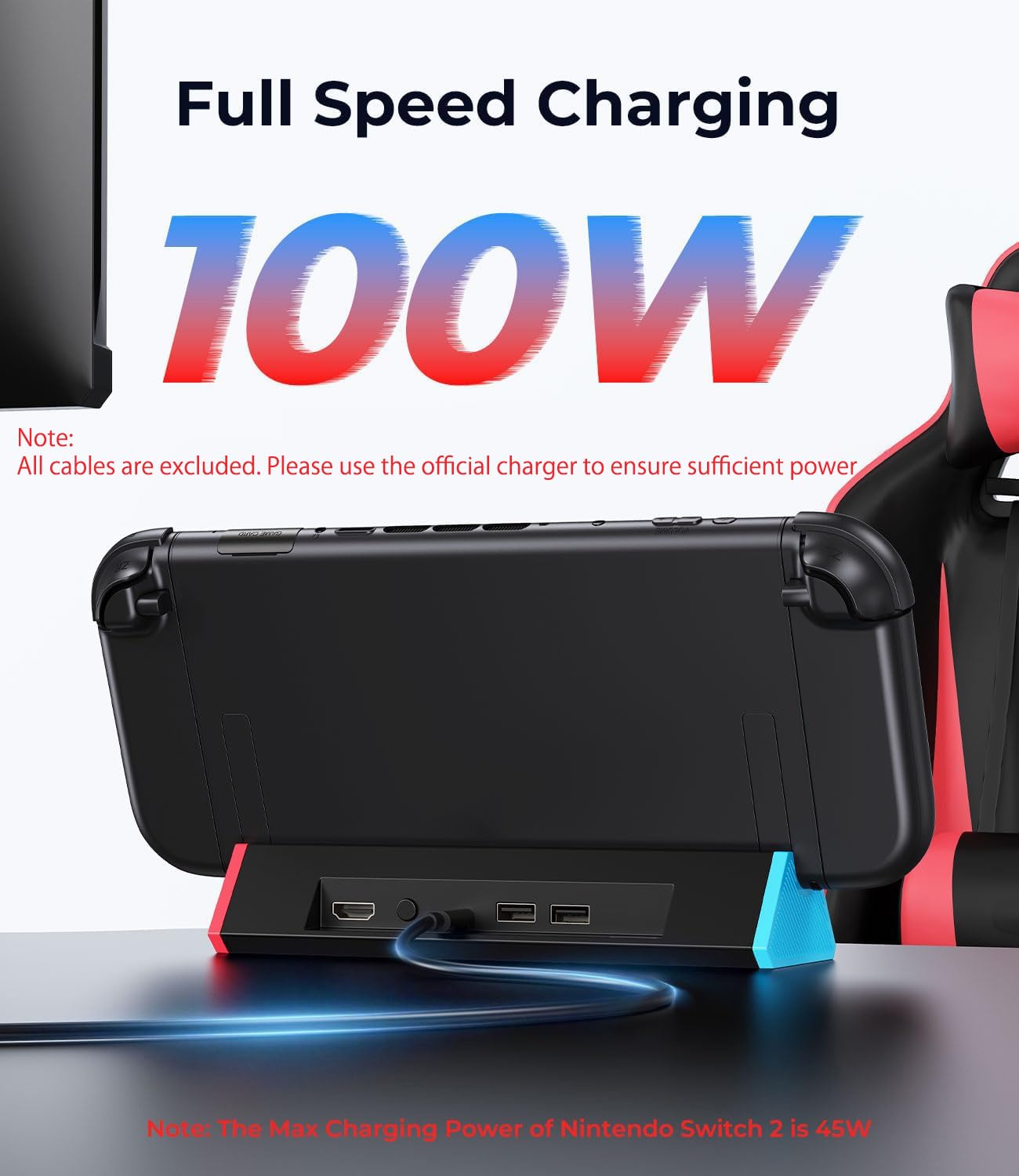
A quick, realistic way to think about setup: use your official Switch power adapter, plug the dock into your TV, then use the back button to toggle between Tabletop Mode and TV output. The “tight fit” design means the console should dock securely, but you don’t want to force it.
Also, if you’re aiming for the best video behavior, make sure you’re selecting the correct HDMI input the listing calls out (it specifically mentions HDMI 1 as part of the source guidance). Small TV-menu details like that can matter when you’re chasing higher resolution or refresh.
And for travel: its portable size and low weight suggest it’s meant to be carried alongside your Switch 2. Just don’t expect it to behave like a full bundle with every cable included—this one is more of a replacement dock body.
Is it worth it?
Buying verdict
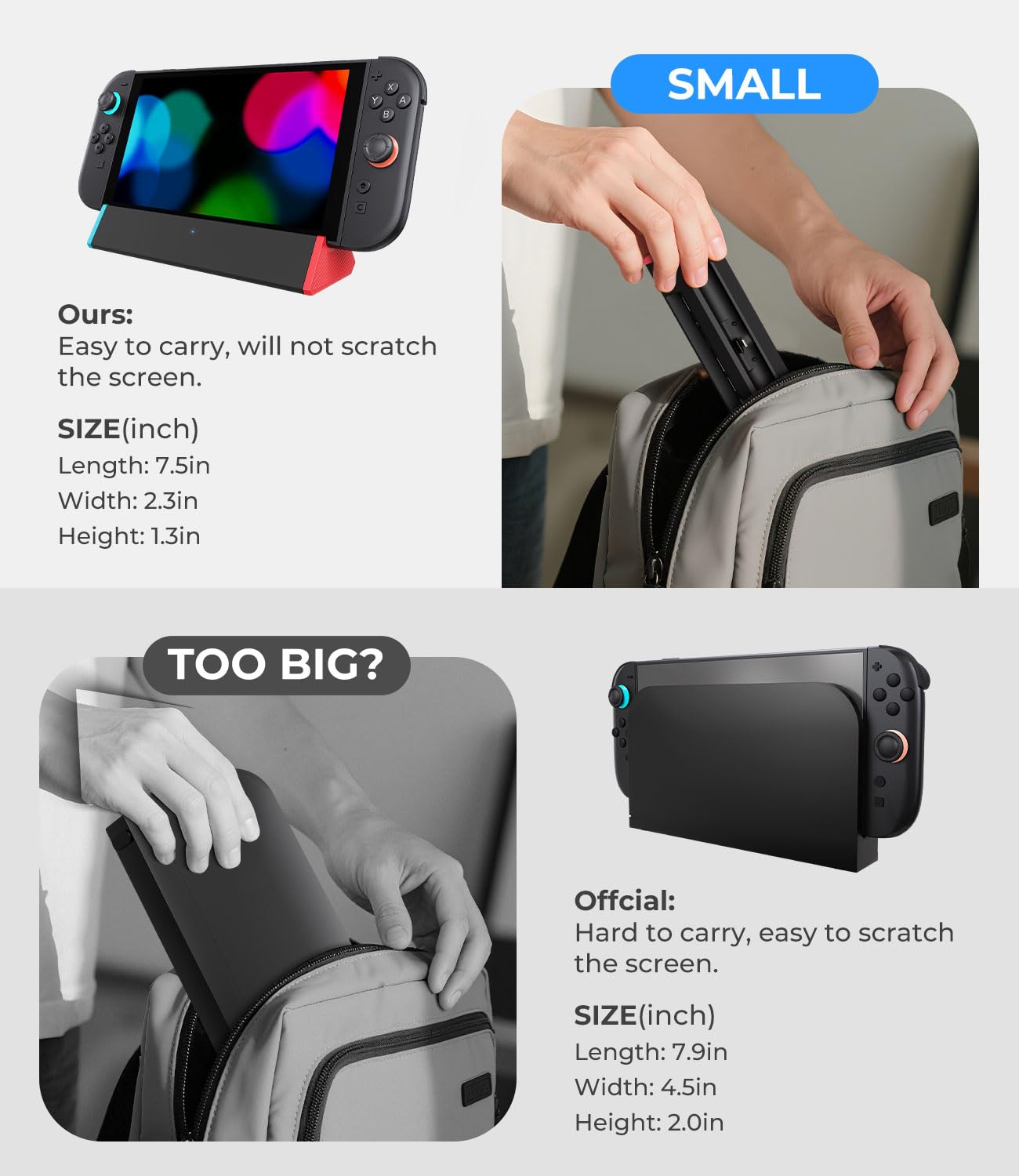
This SIWIQU dock is worth considering if you own Nintendo Switch 2 and want a portable, mode-switching way to get TV output (with charging while playing) without buying into a heavier official-style dock setup. The anti-skid base and spring-buffer guide notch are the kind of everyday design details that can reduce hassle over time.
When you should pass
Skip it if you need compatibility beyond Nintendo Switch 2, or if you rely on a protective case. Also, be mindful that you’ll need your own cables/power setup—this listing specifically says the dock station alone is included.
Final thought
It’s more “practical replacement” than “universal dock,” and it stays pretty honest about what it supports.
Mini FAQ
Does this dock work with Nintendo Switch 1, OLED, or Lite?
No. The listing states it only works with Nintendo Switch 2.
What’s included in the box?
Only the docking station is included. The listing notes no cable or charger, and recommends using the official Switch original power adapter.
Can I use a protective case with it?
The listing says it’s not compatible with protective cases.
How do I switch between tabletop and TV?
Press the TV/Tabletop Mode button on the back of the dock.
What video output does it support?
It claims support for 8K, 4K@120Hz, and 1080P, with a note to select HDMI 1 for source guidance.