

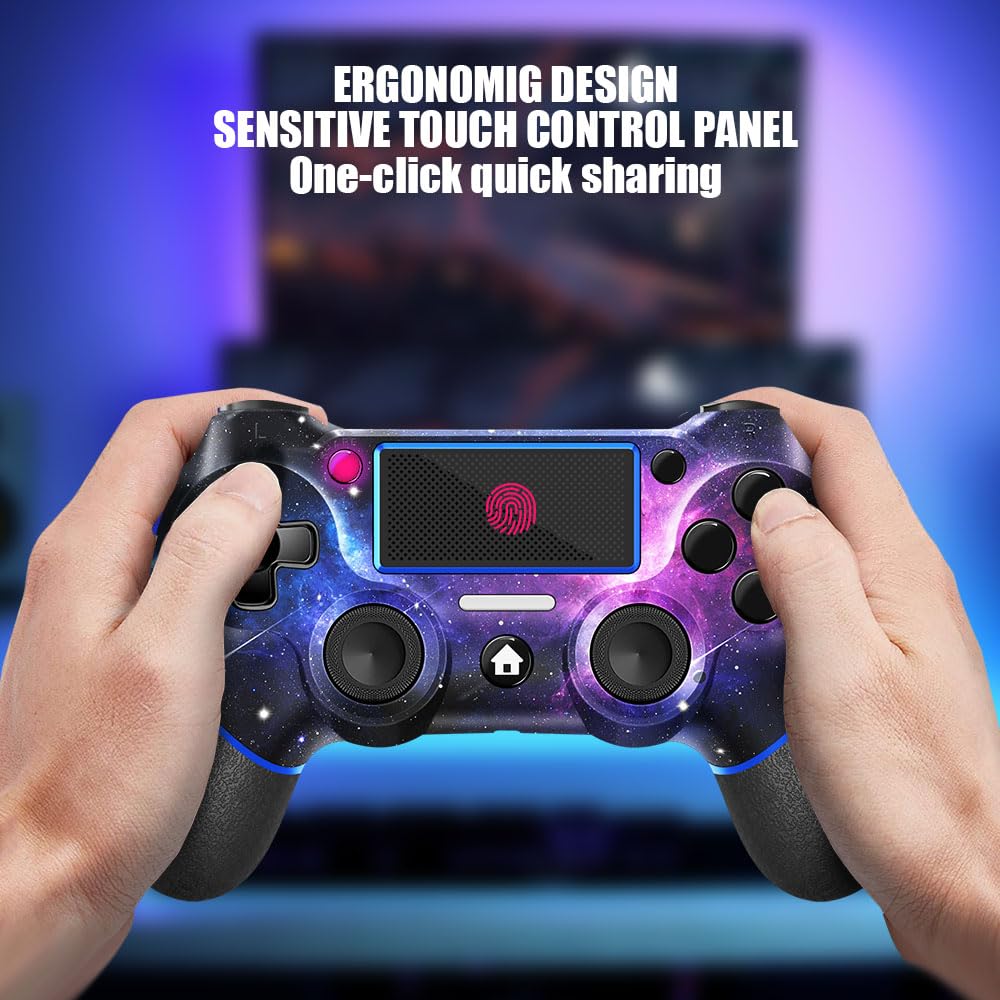
AceGamer Wireless Controller for PS4 (Custom Design V2, Galaxy) with 3.5mm Audio Jack
Product description
What it is and why people look at it
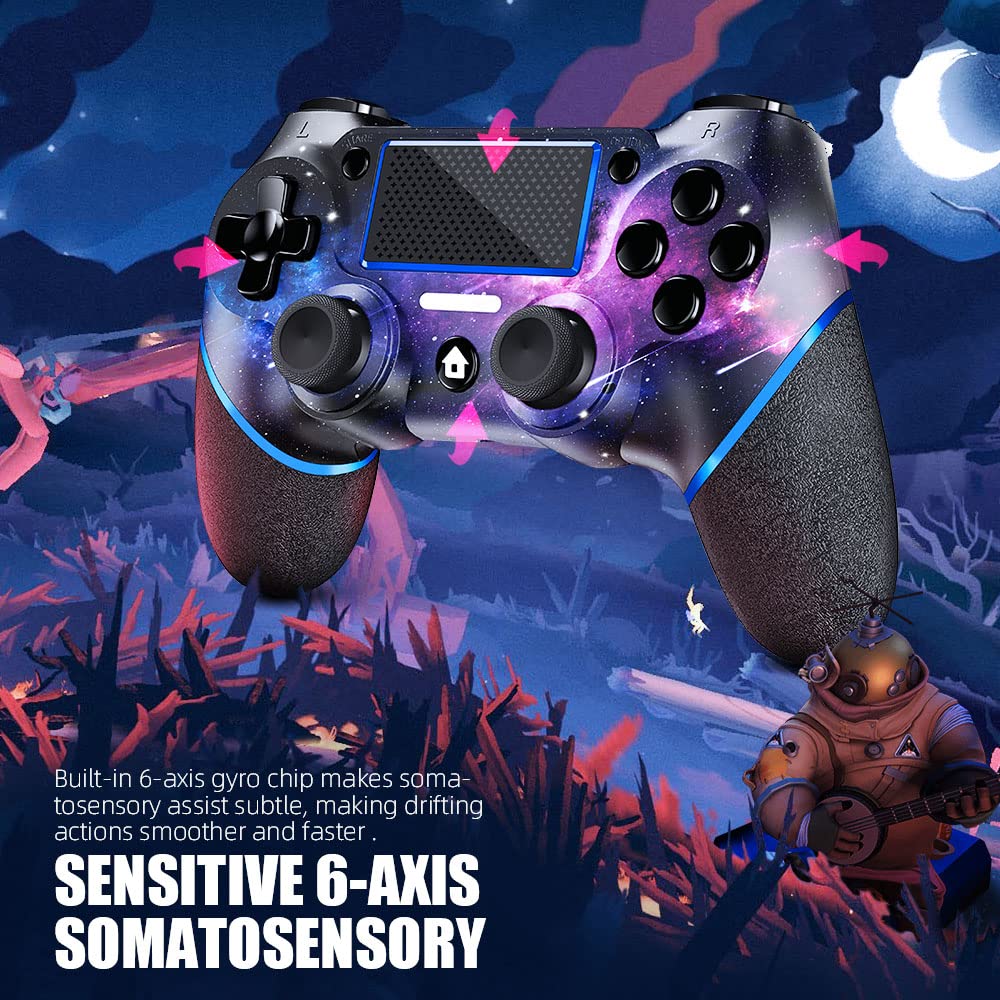
This AceGamer wireless controller for PS4 is built for players who want a more personal look and a few extra control options—without switching platforms or learning a whole new setup. On paper, it covers PS4/PS4 Pro/PS4 Slim and can also connect to Windows PC, so it fits the “one controller, more than one device” mindset.
The standout here is the Galaxy custom design (printed via a water transfer process) plus the idea of a non-slip grip on both sides and a 3.5mm audio jack. It’s not trying to reinvent everything, it’s more like a custom-styled, feature-added controller for everyday play.
One thing to keep in mind: since this is a wireless controller, first-time pairing matters, and the manual notes a couple of button steps depending on whether you’re connecting to PS4 or to a Windows PC.
Key things you’ll notice in daily use
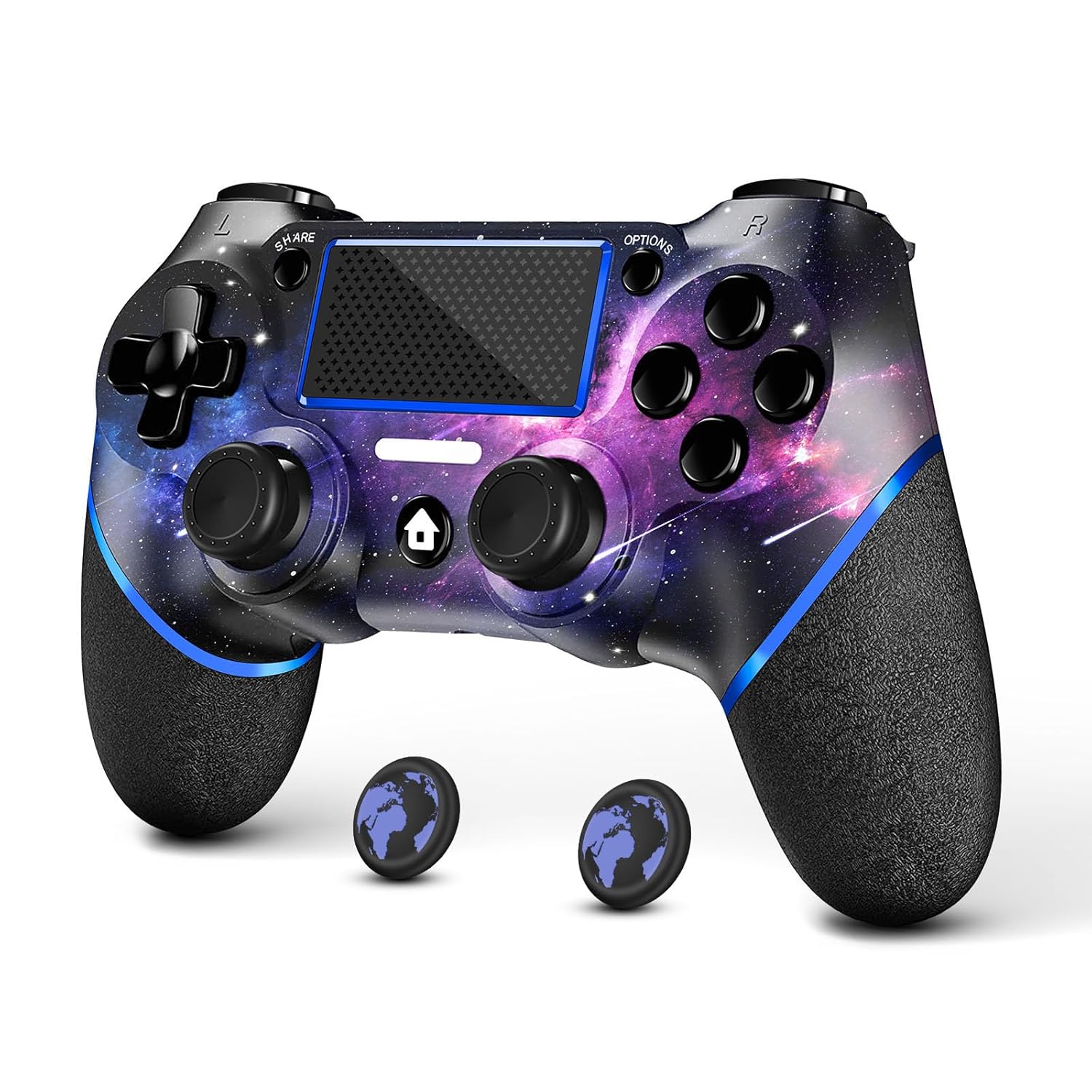
The design is more than decoration. The Galaxy artwork is printed on the shell (not described as cheap stickers), and AceGamer also mentions a smooth hand-feel oil on the surface to help resist sweat erosion over time. That’s the kind of detail that can actually matter during longer sessions, especially if you tend to grip tightly.
Then there’s the usability angle: the controller includes thumb caps, and it features a non-slip grip on both sides. That combination can be a practical upgrade if your hands get sweaty or if you prefer more confident traction during intense gameplay.
There’s also a 3.5mm audio jack, which is handy if you want to plug in headphones directly instead of relying on console audio routes. Not every buyer needs this—but if you do, it’s one of those “small thing, big comfort” features.
And yes, the turbo function is part of the pitch: you can customize a key as a turbo key and adjust turbo frequency using the button/joystick steps described in the manual. If you like tweaking controls for your play style, this is the feature most likely to feel “extra.”
Turbo and customization: where it helps (and where it may not)
The turbo function is positioned as the controller’s control-flex upgrade. The instructions say you can: - set which key acts as the turbo key by holding the “share” key first - adjust turbo frequency by using the right joystick up/down - choose between three gear levels for adjustment
That’s useful for repetitive actions in some games. However, it can also be a bit of a learning curve at first—because the manual relies on button sequences. If you prefer controllers that just “work out of the box” without any configuration, you may not use turbo much.
Also, there’s no mention of advanced profiles, software customization, or game-by-game saving in the details provided. So if your expectation is deep tuning and persistent setups, you might find it more limited than higher-end customization approaches.
Compatibility and setup you should verify before buying
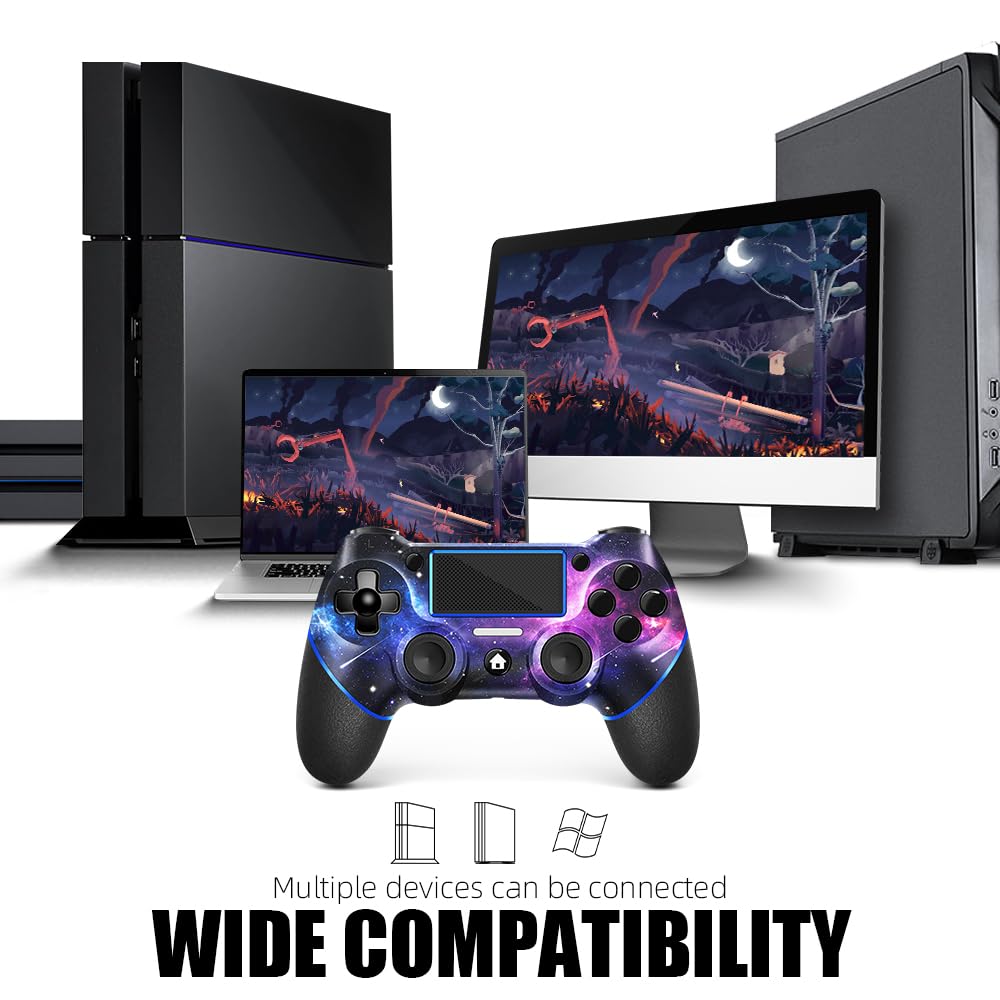
This controller is listed as compatible with PS4, PS4 Pro, PS4 Slim, and Windows PC. That’s a good range for a wireless pad.
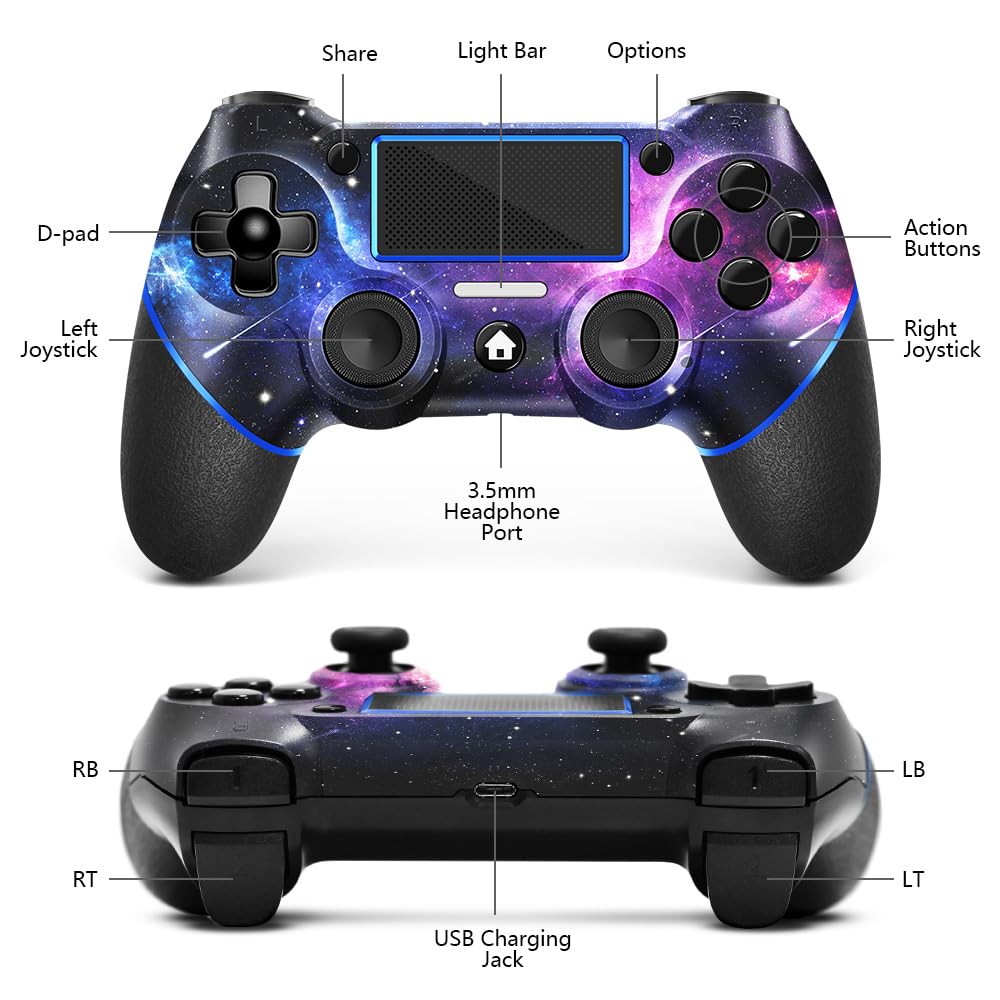
Setup details matter: - When connecting it to a game console for the first time, the manual notes you need to use the charge cable included in the package. - When connecting to a PC, you need to hold down “share + home” for 3 seconds. The white light flashes, and you should see the controller on your PC with the Bluetooth name “wireless controller.”
If you don’t want to deal with Bluetooth naming and button combos, double-check your tolerance for a first-time pairing process.
Tech specs (as stated in the listing)
Product specs
- Name: AceGamer Wireless Controller for PS4 (Custom Design V2, Galaxy)
- Type: Wireless gamepad controller
- Format: Controller with 3.5mm audio jack
- Color: Galaxy (custom design)
Note: Beyond the compatibility and feature notes above, the listing details provided here don’t include more technical specs like battery capacity, dimensions, or weight.
Who it’s for—and who should skip it
It makes sense if you: - want a wireless PS4 controller with a custom Galaxy design - care about grip feel and don’t want the artwork to be “just stickers” (based on the water transfer printing description) - like having a 3.5mm audio jack for headphones - are interested in turbo key customization and frequency adjustment
It might not be the best match if you: - want zero setup friction every time and dislike button-sequence pairing - expect high-end, software-driven customization with persistent profiles (the provided info focuses on manual turbo setup) - mainly want premium build specs beyond what’s mentioned (the listing doesn’t supply deeper tech details here)
Is it worth it?
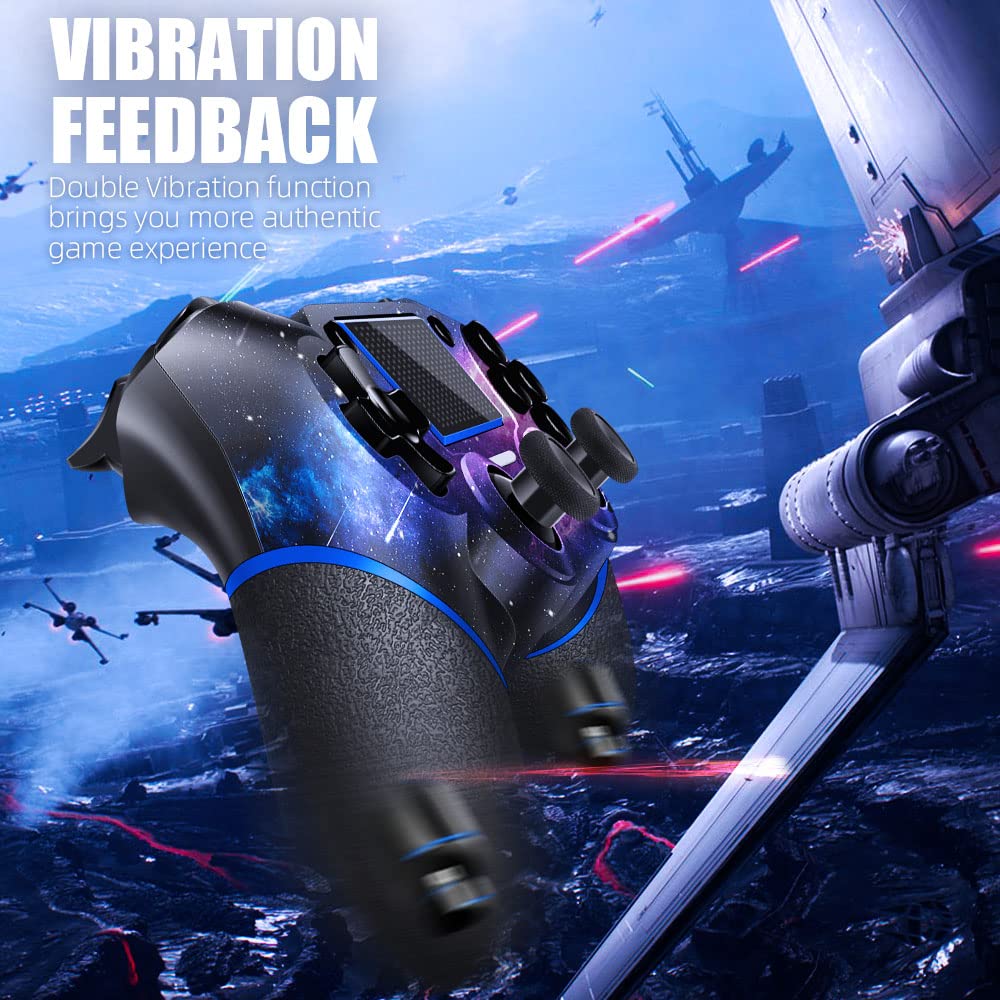
If your main goal is a PS4 wireless controller that looks distinctive (Galaxy shell) and adds practical extras like non-slip grip and a 3.5mm audio jack, the AceGamer design checks enough boxes to be worth considering. The turbo feature is also a real differentiator on paper, especially if you like adjusting action speed for your preferred play style.
That said, it’s not perfect for everyone. The first-time pairing steps and the manual-based turbo setup mean it’s better if you’re comfortable doing a quick configuration once. If you want a controller that requires no tinkering at all, or if you’re hunting for deeper customization than turbo key behavior, you may want to look elsewhere.
Mini FAQ
FAQ
Does it work on PS4, PS4 Pro, and PS4 Slim? Yes, the listing states compatibility with PS4, PS4 Pro, and PS4 Slim.
Can it connect to a Windows PC? Yes. The listing includes a PC connection step using “share + home” for 3 seconds and references the Bluetooth name “wireless controller.”
Do I need the charge cable to connect for the first time? According to the provided details, yes—when connecting to a console for the first time, you need to use the charge cable included in the package.
Is the Galaxy design just a sticker? No, the listing says the Galaxy design is printed on the controller shell using a water transfer process.
What does the 3.5mm audio jack let me do? It lets you plug in a wired audio connection through the controller, which can be useful if you use headphones.
Buying verdict
Worth checking out if you want a wireless PS4 controller with a custom Galaxy look, non-slip grip, thumb caps included, a 3.5mm audio jack, and turbo key customization. Just be realistic: it’s more of a practical “feature + style” controller than something you’d buy expecting full high-end software customization.