

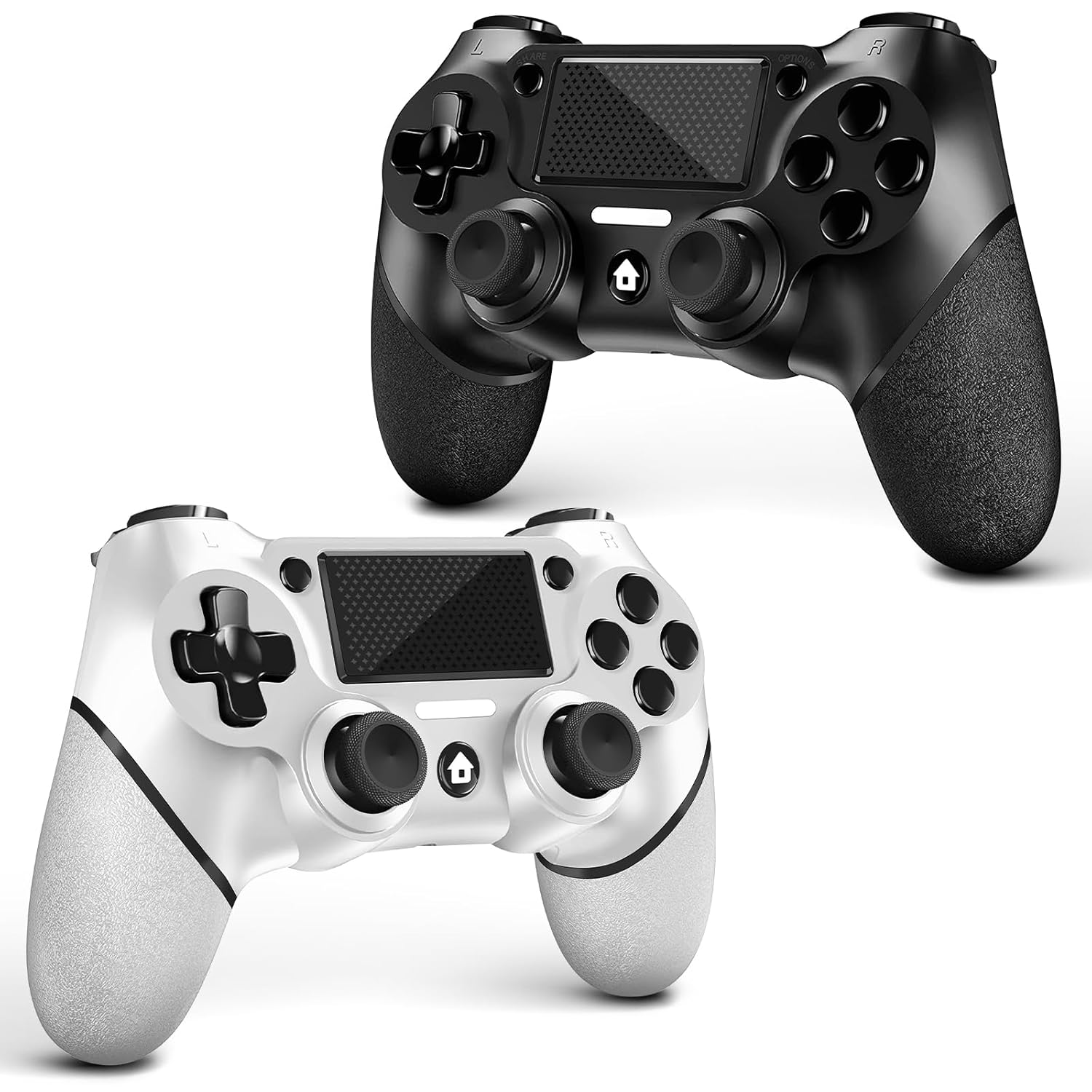
AceGamer 2-Pack Wireless PS4 Controller (Black & White) with Dual-Motor Vibration, Non-Slip Grip, USB-C Cable
Product description
If you’re shopping for a pair of replacement controllers or you want extra pads for couch co-op, the AceGamer 2-Pack is built around that exact idea: two wireless controllers in one box, plus the cable you need to get started. On paper, it targets everyday gaming with familiar controls, non-slip grips, and vibration.
That said, there are a couple of “depends on your setup” moments. First-time pairing and PC support aren’t fully hands-off, so it’s smart to check your platform and Bluetooth expectations before you click buy.
The essentials
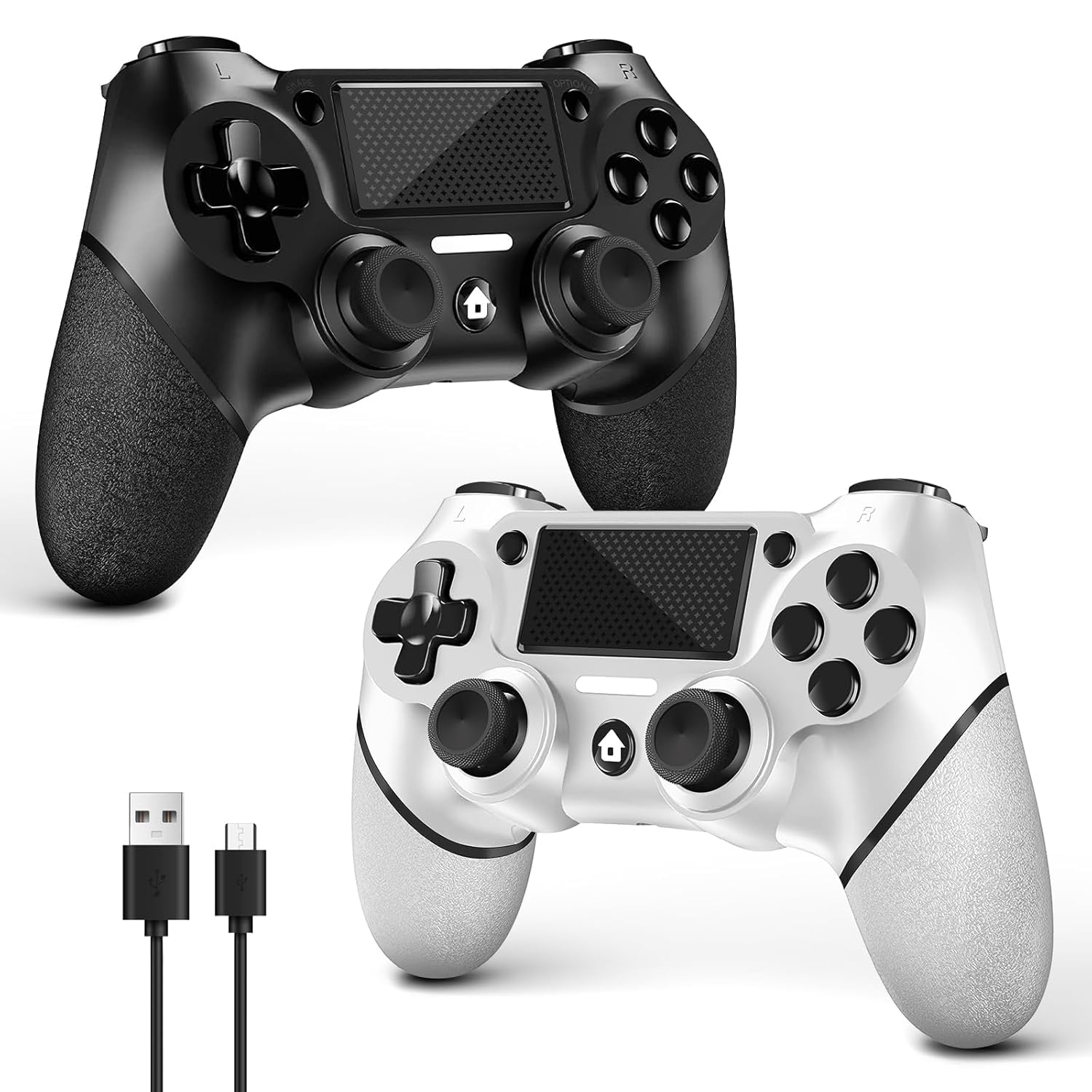
You get two wireless controllers packaged together, which is usually the more convenient route when you want one for you and one for a friend, family member, or another setup in the house. The included USB-C cable is positioned as a key part of the initial activation/pairing flow.
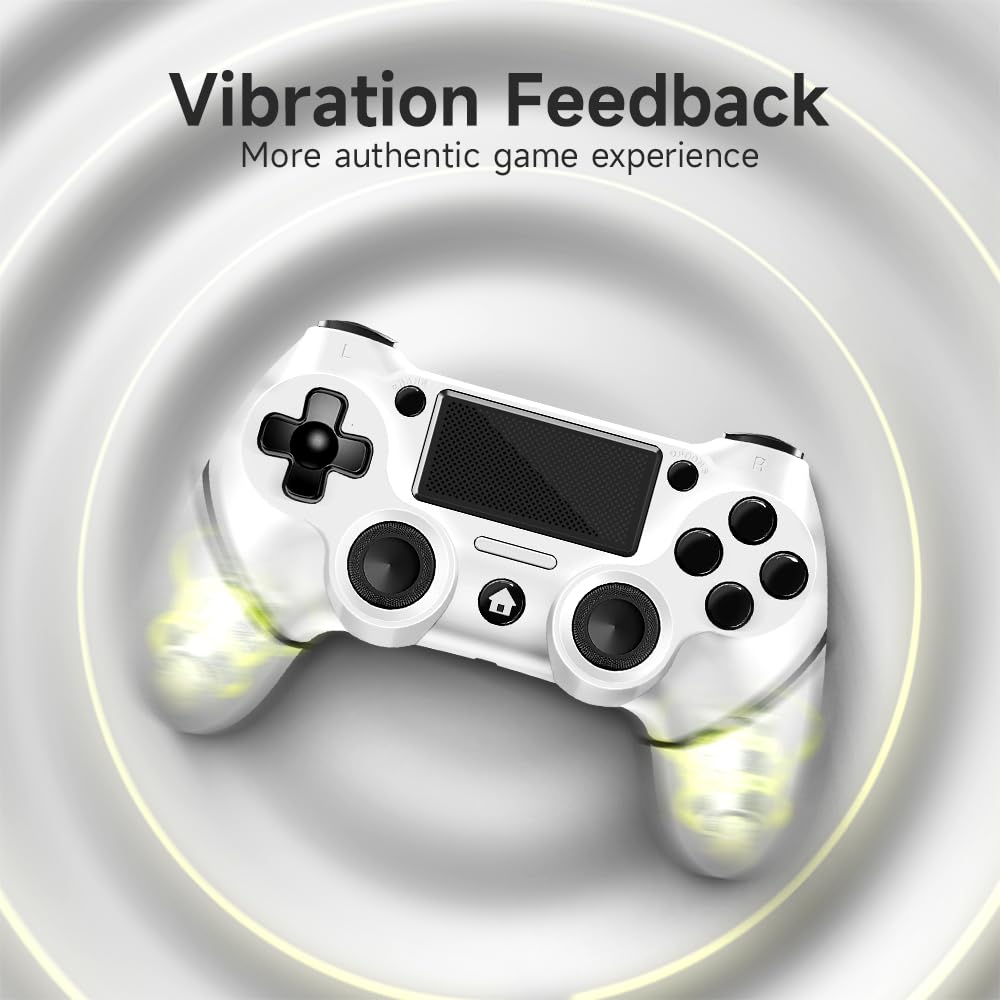
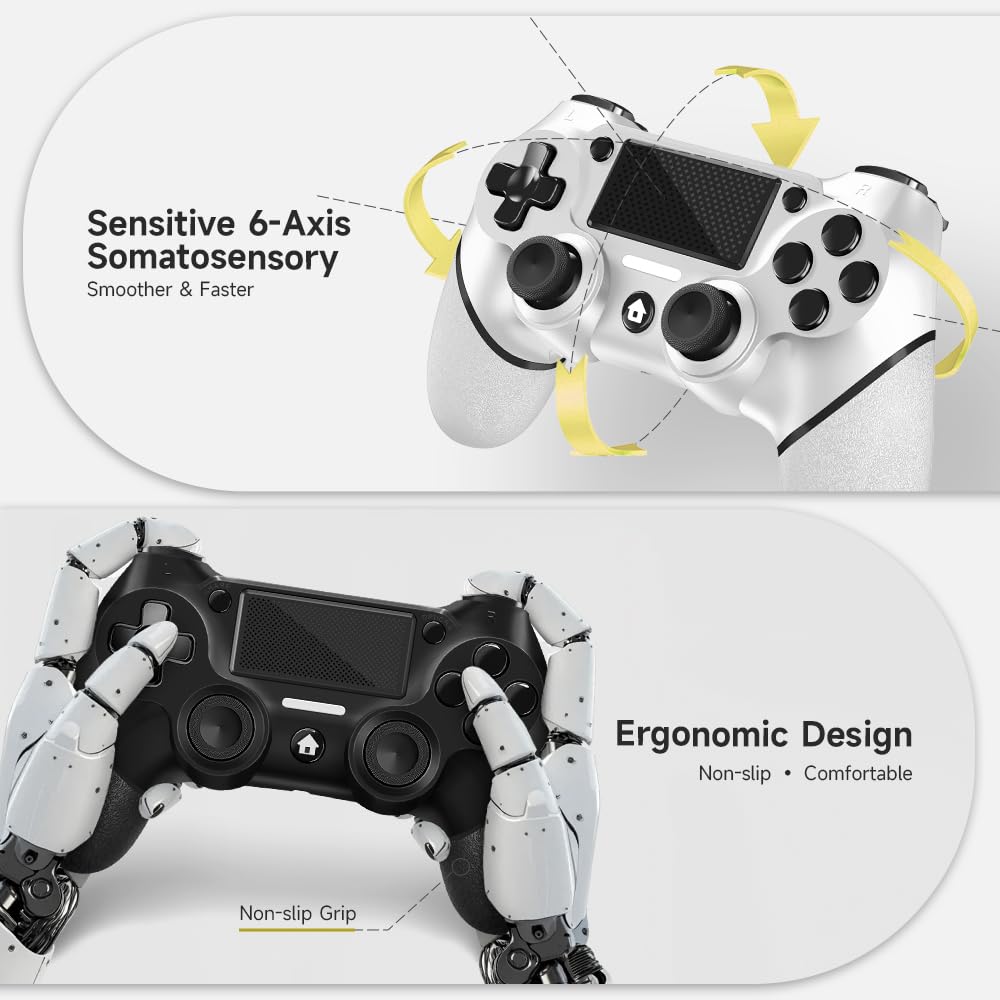
In terms of feel and control features, this controller set includes 360° refined analog sticks without dead zone (as stated), a new touch pad on the face of the controller, and a built-in 6-axis gyro sensor for more responsive in-game motion control. It also uses dual-motor vibration designed to make impacts and feedback feel more tactile.
What stands out day to day
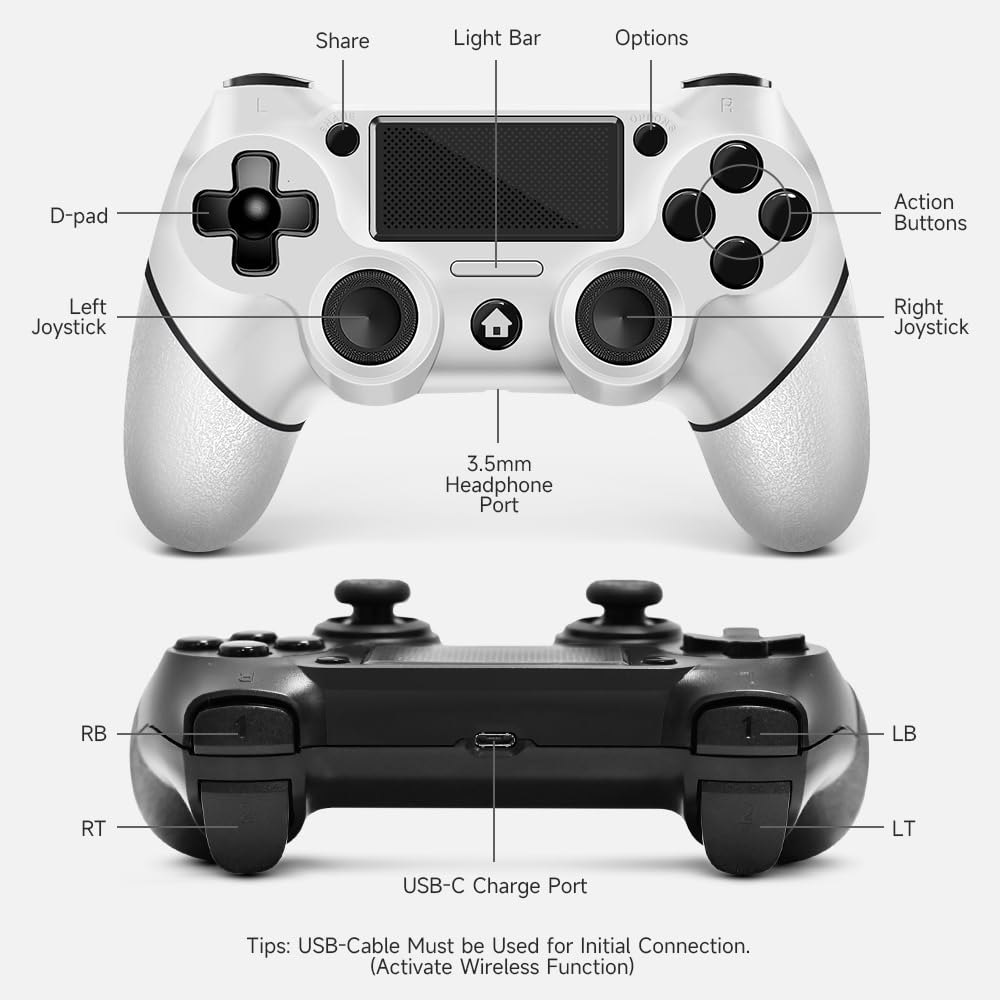
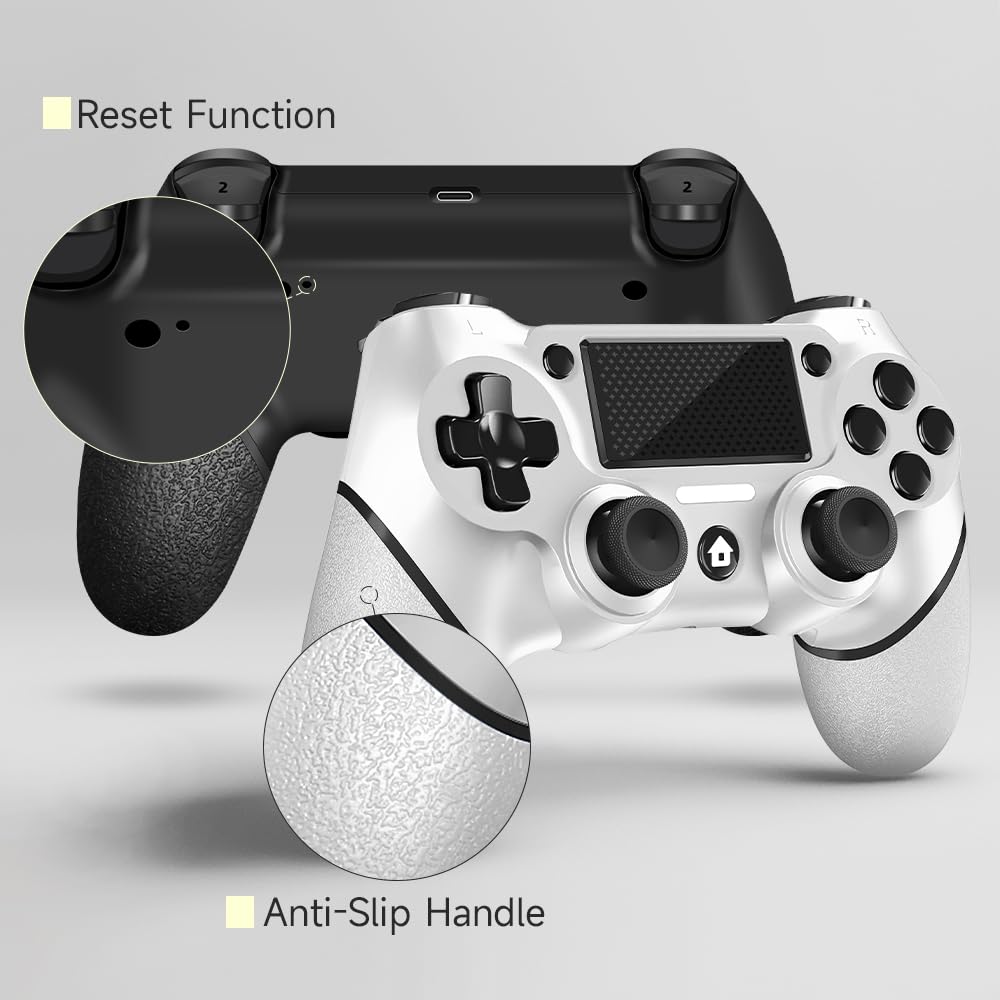
The non-slip grip is one of those details you’ll actually notice during longer sessions, especially if you play with sweaty hands or you tend to grip tightly when aiming. The layout also includes optimized buttons and triggers, and the overall ergonomic design is clearly aimed at comfort rather than gimmicks.
There’s also a turbo setting included. If you like rapid-fire style inputs (or you play titles where you want repeated actions without holding a button down), the controller lets you customize which key acts as the turbo key and then adjust the turbo frequency across multiple “gears.”
In a quick practical scenario: imagine you’re in a game where you need fast, repeated button presses—on this controller, you’d use the share key as the starting point, select the turbo key you want, then change the turbo frequency using the joystick touch steps described in the instructions.
Tech specs
- Type: Wireless controller (with USB-C cable for first-time activation/pairing)
- Compatibility: PS4 / PS4 Pro / PS4 Slim / Windows PC (PC guidance provided, Bluetooth assumptions differ)
- Analog sticks: 360° refined analog sticks (without dead zone, per listing)
- Touch pad: Included on the face of the controller
- Motion control: Built-in 6-axis gyro sensor
- Vibration: Dual motor vibration
- Turbo: Customizable turbo key + adjustable turbo frequency (three gears)
Where it shines (and where it may fall short)
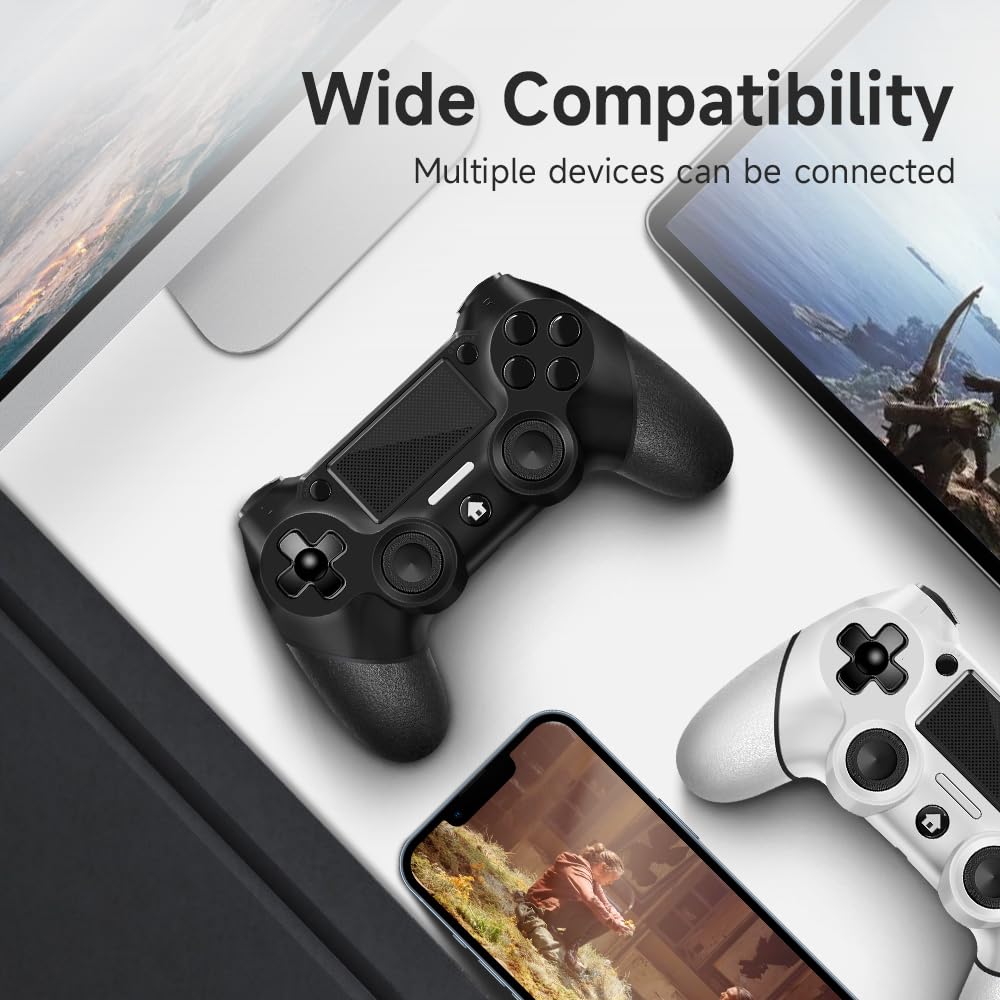
This is a good match if you want a simple way to pick up two controllers at once and keep things moving—especially if you’re mostly playing on PS4 models and you’re comfortable with first-time activation steps.
It may not be the best choice if you’re expecting fully plug-and-play behavior with a PC. The listing notes that connecting to PC “without Bluetooth” needs a receiver that isn’t included, and that PC Bluetooth workflows may involve setup beyond just charging and pairing.
Also, while the listing claims analog sticks without dead zone and highlights strong vibration and gyro features, there’s no additional performance testing or compatibility verification provided here. So if you’re extremely sensitive to controller latency, precision feel, or you rely on flawless wireless behavior across multiple devices, you may want to double-check your requirements first.
Key takeaways before you buy
Make sure you align the controller with how you plan to connect:
- First connection on PS4 requires using the product’s original cable and host pairing to enable wireless. After that, normal wireless connection via Bluetooth can be used and USB data cable is no longer needed.
- For wireless pairing, the instructions specify holding the HOME and SHARE buttons for about 3–5 seconds, then selecting the controller name in your host Bluetooth device.
- For PC: if you don’t have Bluetooth for connecting, you’ll need a receiver (not included).
One more practical limitation: this listing emphasizes initial pairing steps and includes an instruction flow, but doesn’t mention extra software or driver customization. If your PC gaming setup expects a specific controller standard beyond typical Bluetooth behavior, it’s worth confirming before relying on this.
Is it worth it?
You should consider the AceGamer 2-Pack if you want two wireless PS4-compatible controllers in one purchase, like the idea of dual-motor vibration, and you’re okay following the first-time activation/pairing steps. It’s also a solid pick for anyone who wants extra controller support for multiplayer at home.
You may want to skip it if your primary use is PC without Bluetooth (since a receiver is required and not included), or if you need guaranteed out-of-the-box wireless behavior across devices without doing the pairing steps.
Finally, if you’re the type of player who values comfort, the non-slip grip and ergonomic design are the kind of benefits that tend to matter more than people expect—especially during longer sessions.
Quick questions
- Do I need the USB cable after pairing? The listing says USB data cable is no longer needed after normal Bluetooth connection is established.
- How do I enter wireless pairing mode? The instructions say to press and hold HOME and SHARE for 3–5 seconds, then pair from the host Bluetooth device.
- Will it work on Windows PC? It’s listed as compatible with Windows PC, but PC connection details depend on whether you’re using Bluetooth, a receiver is required for non-Bluetooth connections and is not included.
- Does it support turbo? Yes—any key can be set as a turbo key and turbo frequency can be adjusted using three gears.
- What features are included besides vibration? The controller set includes 360° refined analog sticks, a touch pad, and a built-in 6-axis gyro sensor.