

MIKIBY N75 V2 Mechanical Keyboard — 75% Layout with Knob, Tri-Mode Wireless & Gasket Design
Product description
What this is and the need it meets
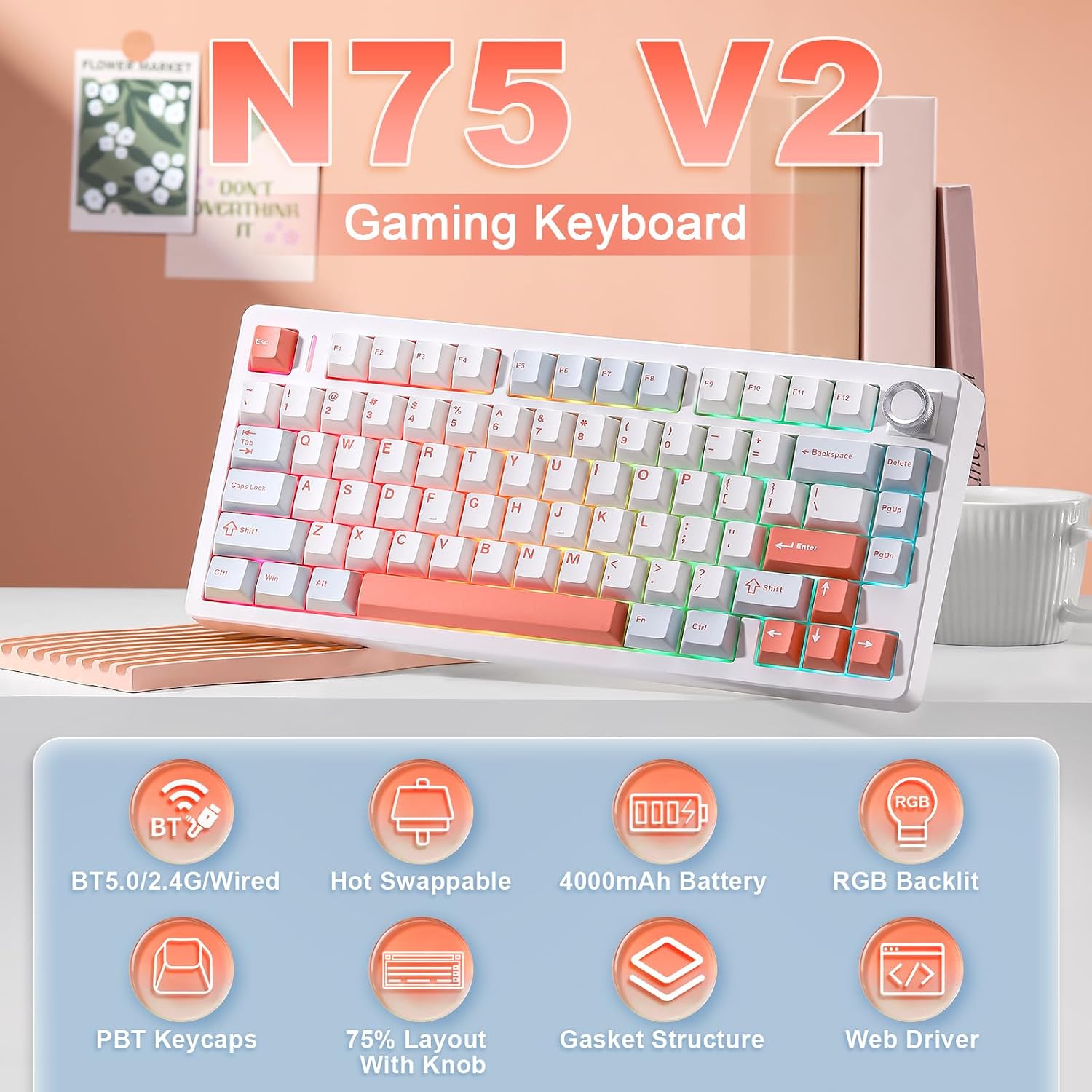
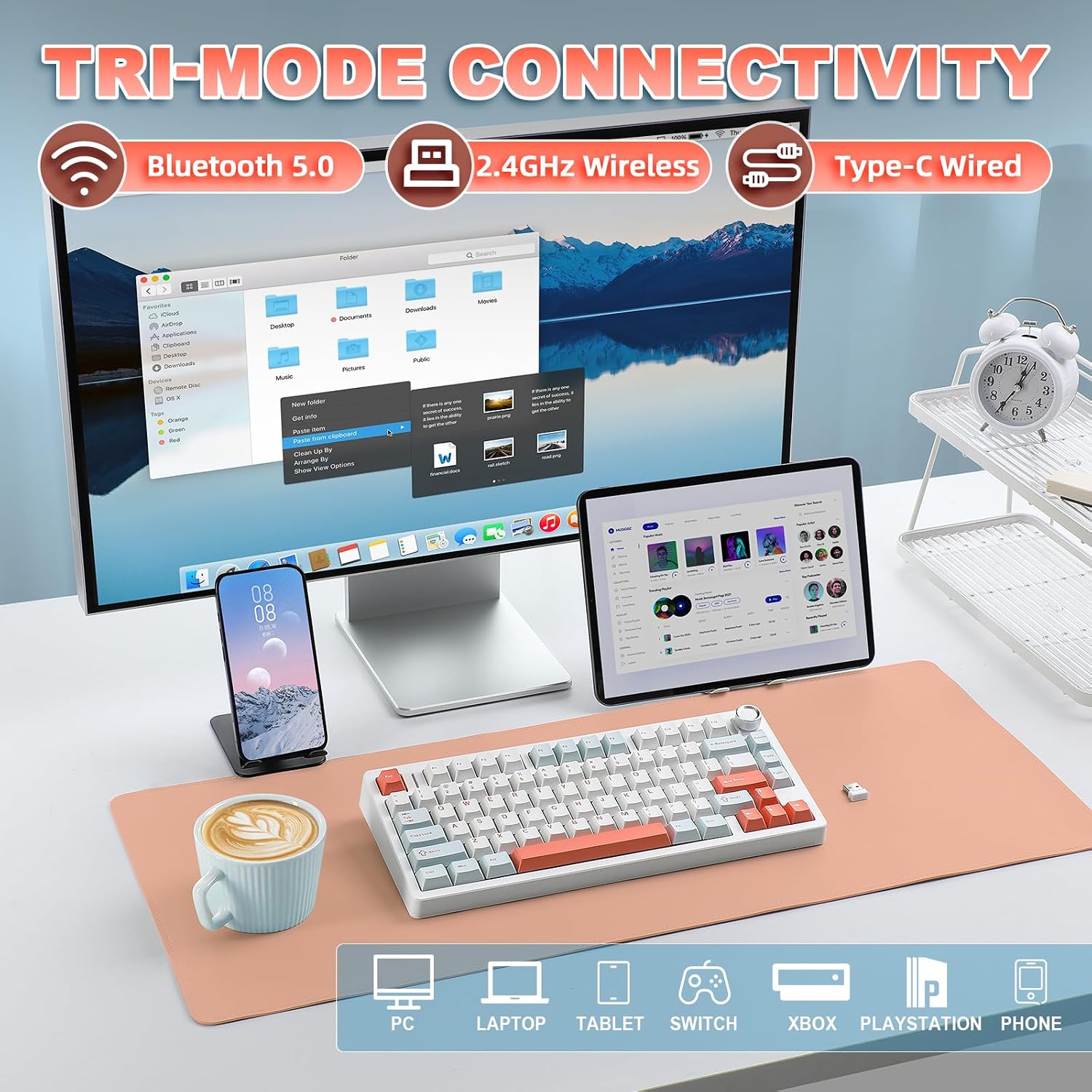
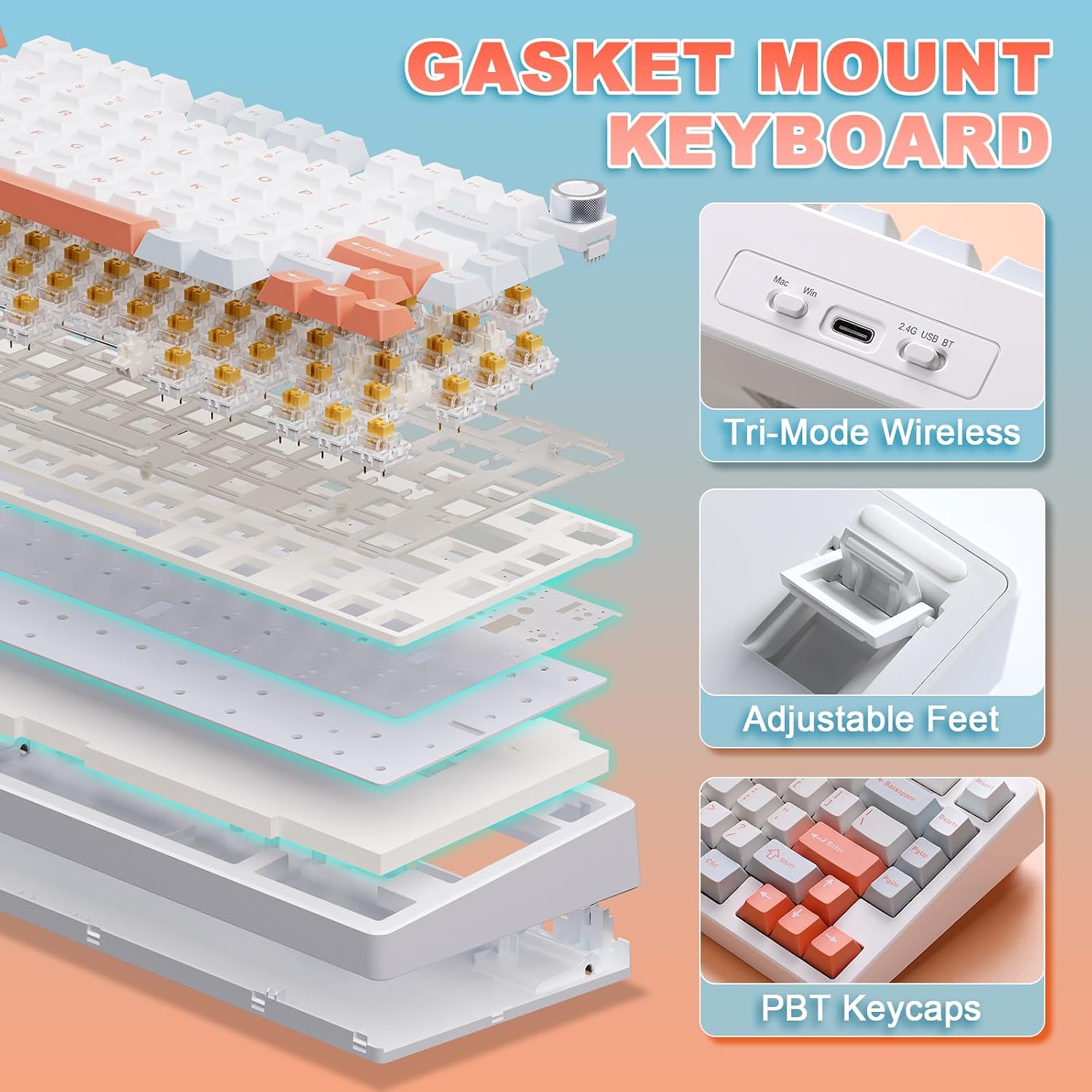
The MIKIBY N75 V2 is a compact 75% mechanical keyboard designed for gamers and productivity users who want strong wireless flexibility without giving up essential keys. It supports Bluetooth 5.0, 2.4GHz wireless, and USB wired connections, allowing connection to up to five devices and quick switching through dedicated shortcuts. If you value a clean desk setup, versatile connectivity, and a tactile, responsive typing feel, this keyboard aims to deliver.
How it feels and what makes it unique
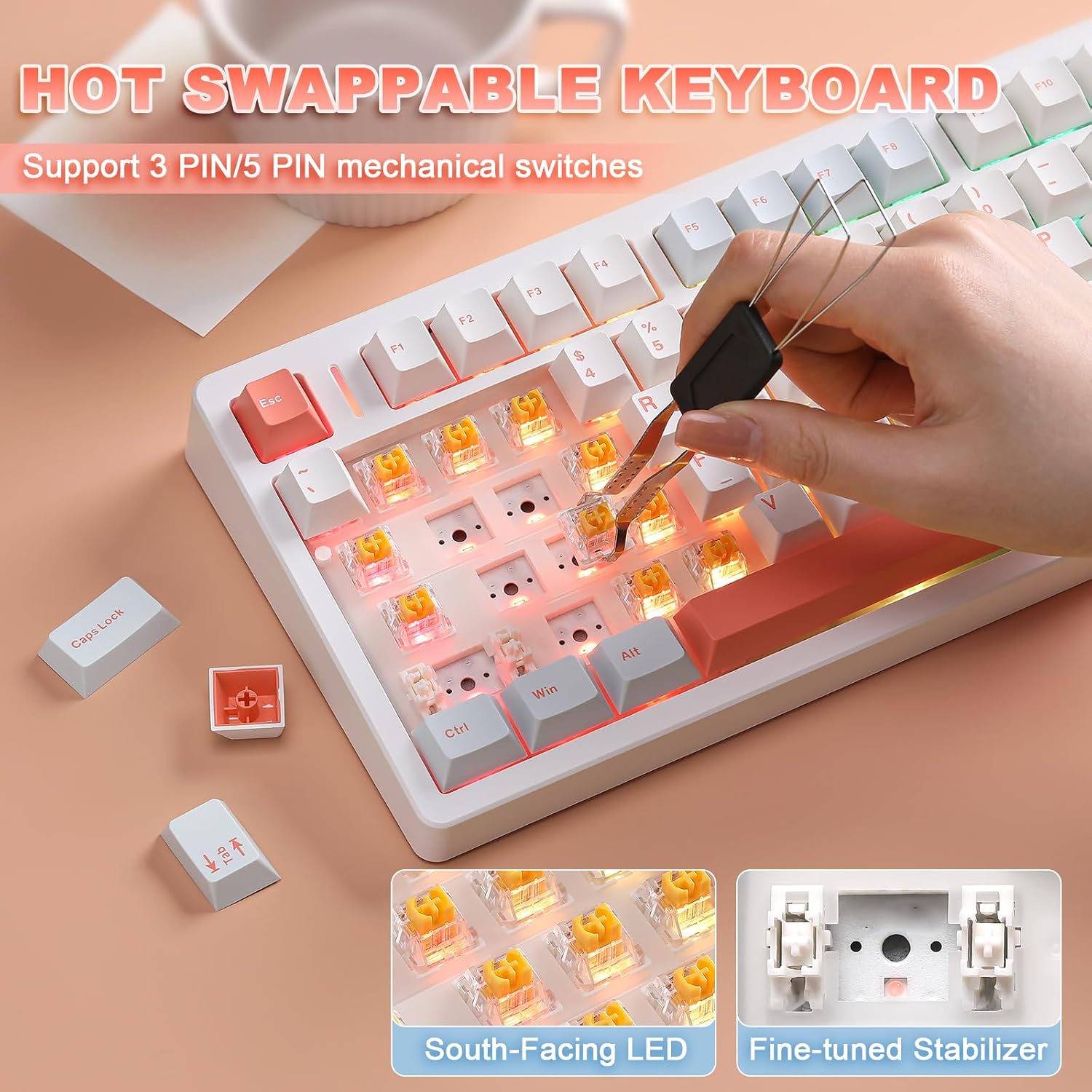
This model emphasizes a premium typing experience thanks to a gasket-mounted structure and five layers of internal dampening. The result is a softer, more “thocky” sound with reduced hollow noise, which many players and writers appreciate during long sessions. The hot-swappable socket supports both 3-pin and 5-pin switches, so you can experiment with switch types or swap them without soldering—great for beginners and tinkerers alike. Pre-lubricated stabilizers and Power Gold linear switches contribute to smooth, consistent keystrokes and fast response in fast-paced games.
Design and layout considerations
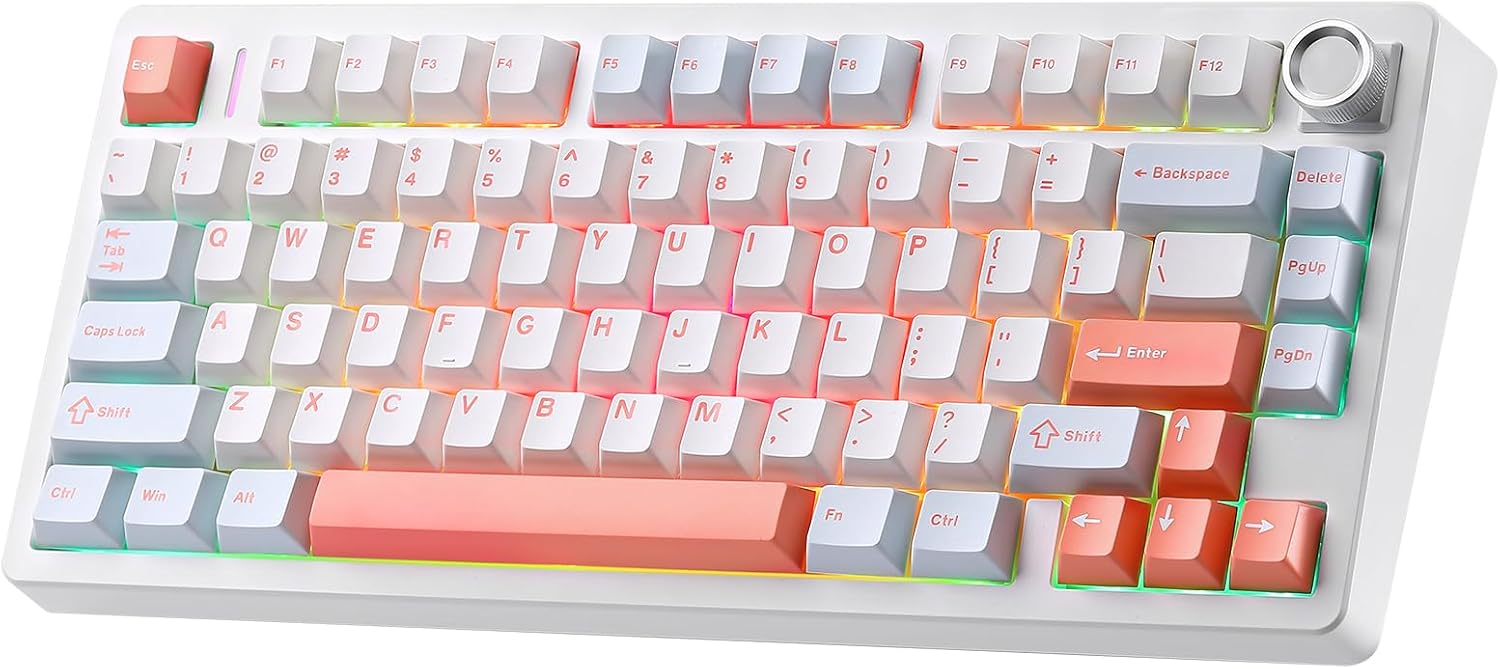
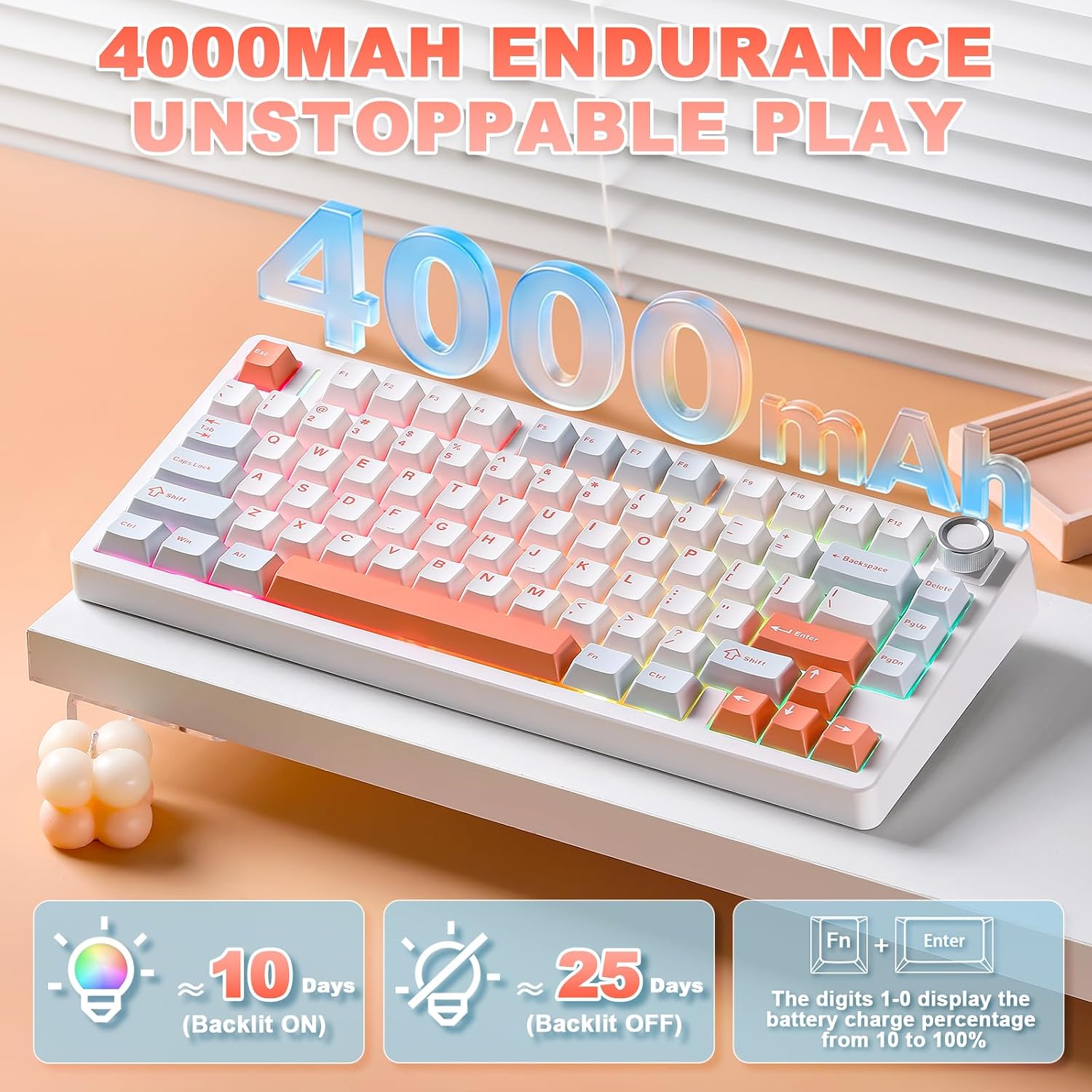
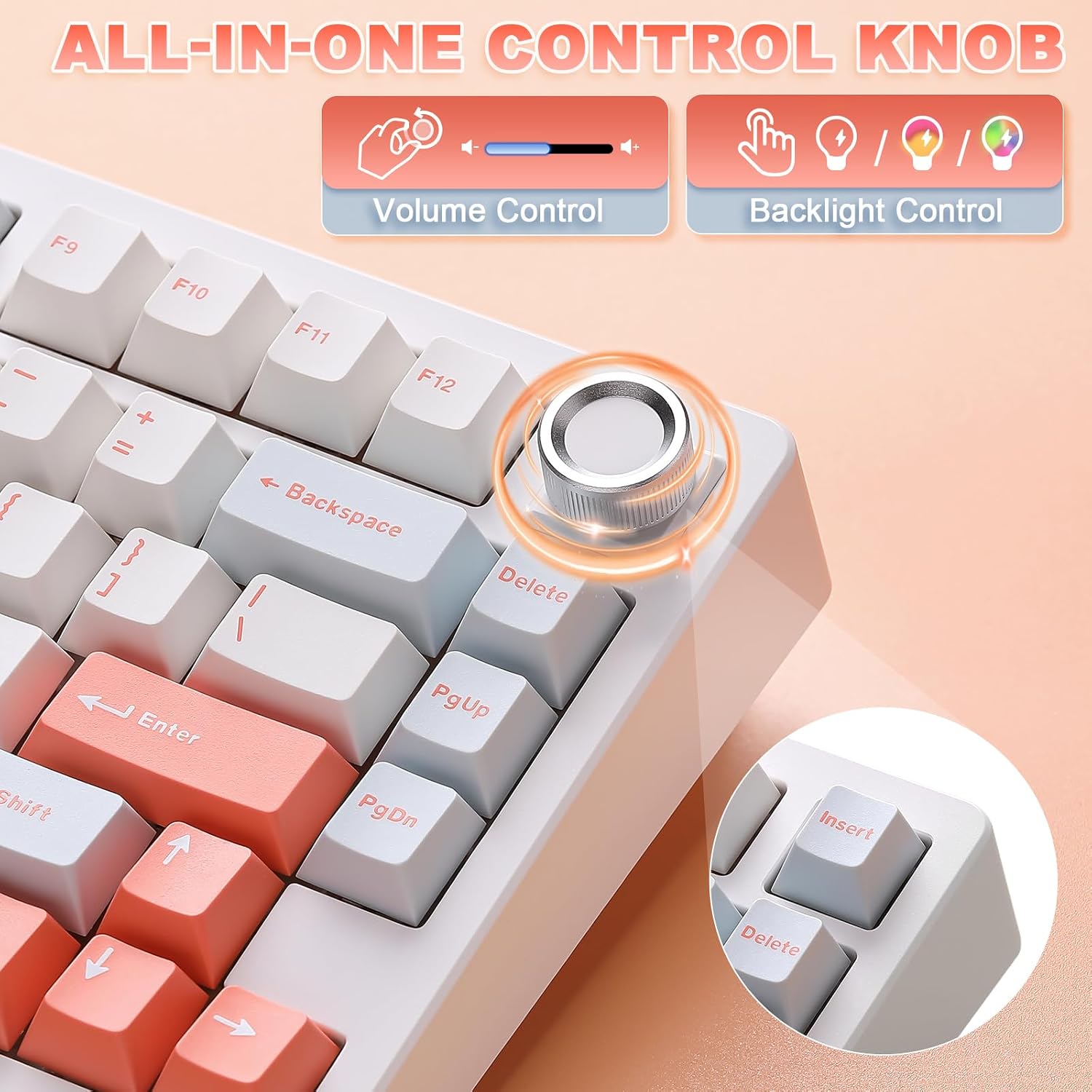
With a compact 75% footprint, the N75 V2 preserves arrow keys and a function row, making it a capable choice for competitive gaming and everyday work without crowding your desk. The keyboard supports N-key rollover and has a dedicated WIN lock to prevent accidental interruptions during intense matches. The aesthetic is a clean white finish with RGB backlighting—16.8 million colors and 16 lighting presets—plus a multifunction knob for quick volume and media control.
What stands out in use
The multifunction knob offers quick access to brightness, speed, and mode switching for gaming vs. office tasks. In gaming mode, lighting control aligns with in-game intensity or specific profiles, in office mode, the knob toggles practical functions like volume. The driver adds music-synced lighting options for immersive setups. A potential user note: if you prioritize a completely silent keyboard, the thocky, dampened typing feel may still be noticeable depending on your switch choice and desk surface.
Who it’s for and who should think twice
This keyboard suits players and power users who want a space-saving form factor without sacrificing essential keys, plus the flexibility of hot-swappable switches and tri-mode connectivity. It’s a solid pick if you use multiple devices (PC, laptop, tablet, phone) and want to streamline switching. It might not be the best option if you need a full-size layout with a separate numpad or if you require ultra-quiet switches in a shared workspace.
Before you buy: practical checks
- Confirm you’re comfortable with a gasket-mounted design and the resulting typing sound profile.
- Consider whether you’ll benefit from hot-swappable 3-pin/5-pin compatibility, and whether you plan to experiment with different switches.
- If you rely heavily on color aesthetics or specific lighting effects, test the RGB presets and software compatibility (Windows/macOS) before purchasing.
- Check whether a 75% layout matches your workflow: you keep arrows and function keys, but lose a dedicated number pad.
How this compares to the alternatives
Compared to larger boards, the N75 V2 saves desk space while keeping key modifiers accessible. If you value wireless versatility for mixed device ecosystems, tri-mode connectivity is a clear plus vs. a single-connection model. If you prefer soldered stability or a wider choice of switch types out of the box, you might lean toward other configurations, optional hot-swapping mitigates that concern here.
What to review before pulling the trigger
- Confirm your preferred switch type can be used with the hot-swappable sockets (3-pin or 5-pin).
- Ensure the driver and firmware support your OS and your preferred lighting modes.
- Think about your typical use: gaming bursts vs. long-form writing, and whether the keyboard’s form factor fits your setup.
Is it worth it?
This model is worth considering if you want a compact, versatile keyboard that can switch between multiple devices and supports easy customization without soldering. It may be less compelling if you require a quieter, more minimal sound profile or a full-size layout with a numeric keypad.
FAQ
- Can I use this keyboard with my Mac and PC at the same time? Yes, it supports Bluetooth 5.0, 2.4GHz wireless, and USB wired connections, enabling multi-device use.
- Do the switches come pre-lubricated? Yes, stabilizers are pre-lubricated and it uses Power Gold linear switches for a smooth feel.
- Is the keyboard truly hot-swappable for 3-pin and 5-pin switches? Yes, the hot-swappable sockets support both 3-pin and 5-pin switches without soldering.
- How many devices can be paired? It can pair up to five devices and switch between them via shortcuts.