

MechLands Aula Hero68 HE 8K Polling
Product description
Key features
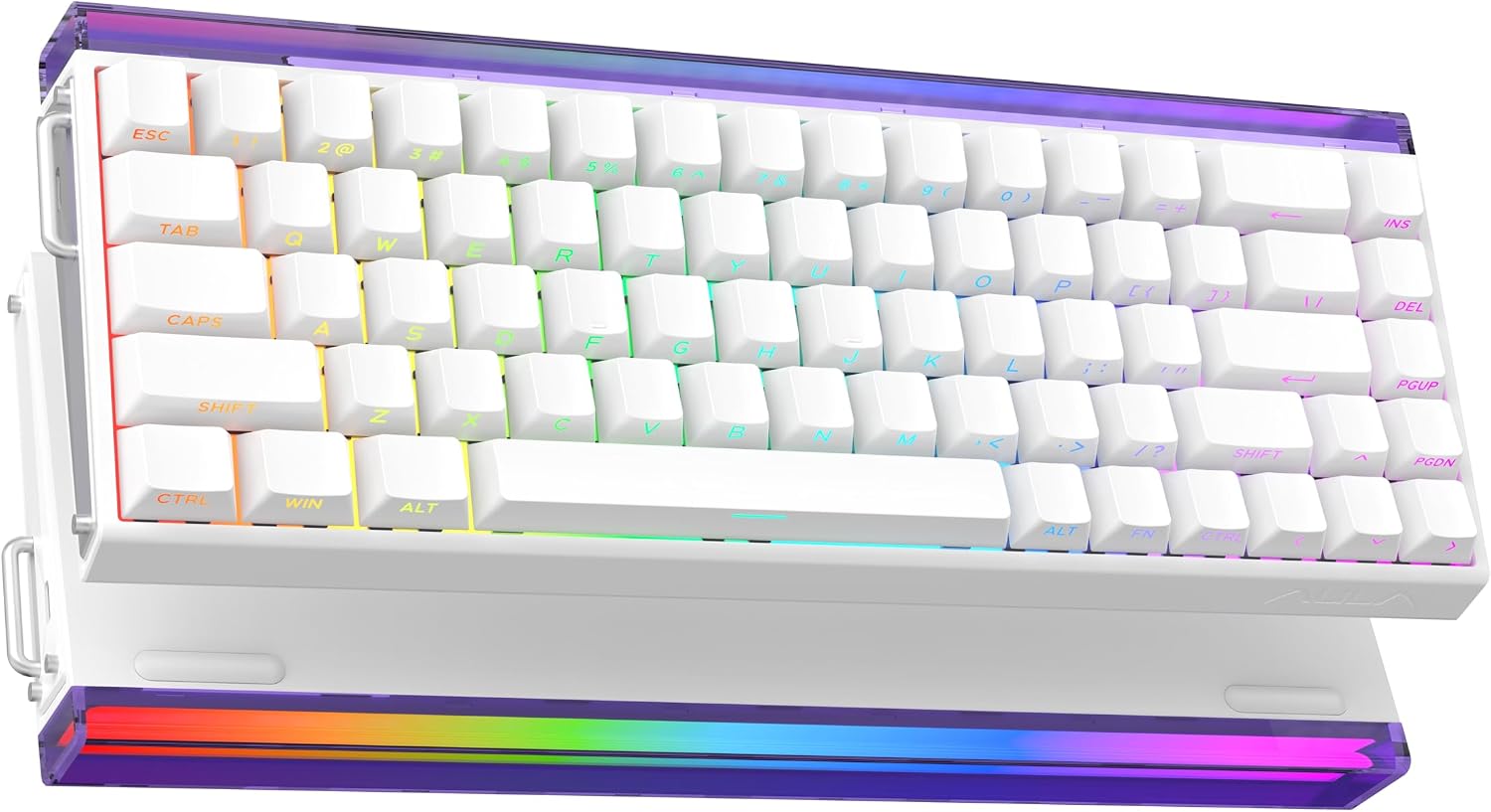
The MechLands Aula Hero68 HE is a wired 65% magnetic gaming keyboard that blends Hall effect switches with adjustable actuation for responsive play and precise typing. It targets players who need ultra-low latency and a solid, customizable typing feel, while saving desk space with a 68-key layout. In the first use you’ll notice the crisp actuation control and the refined sound profile, a useful mix for both fast shooters and careful strategy sessions.
Tech specs
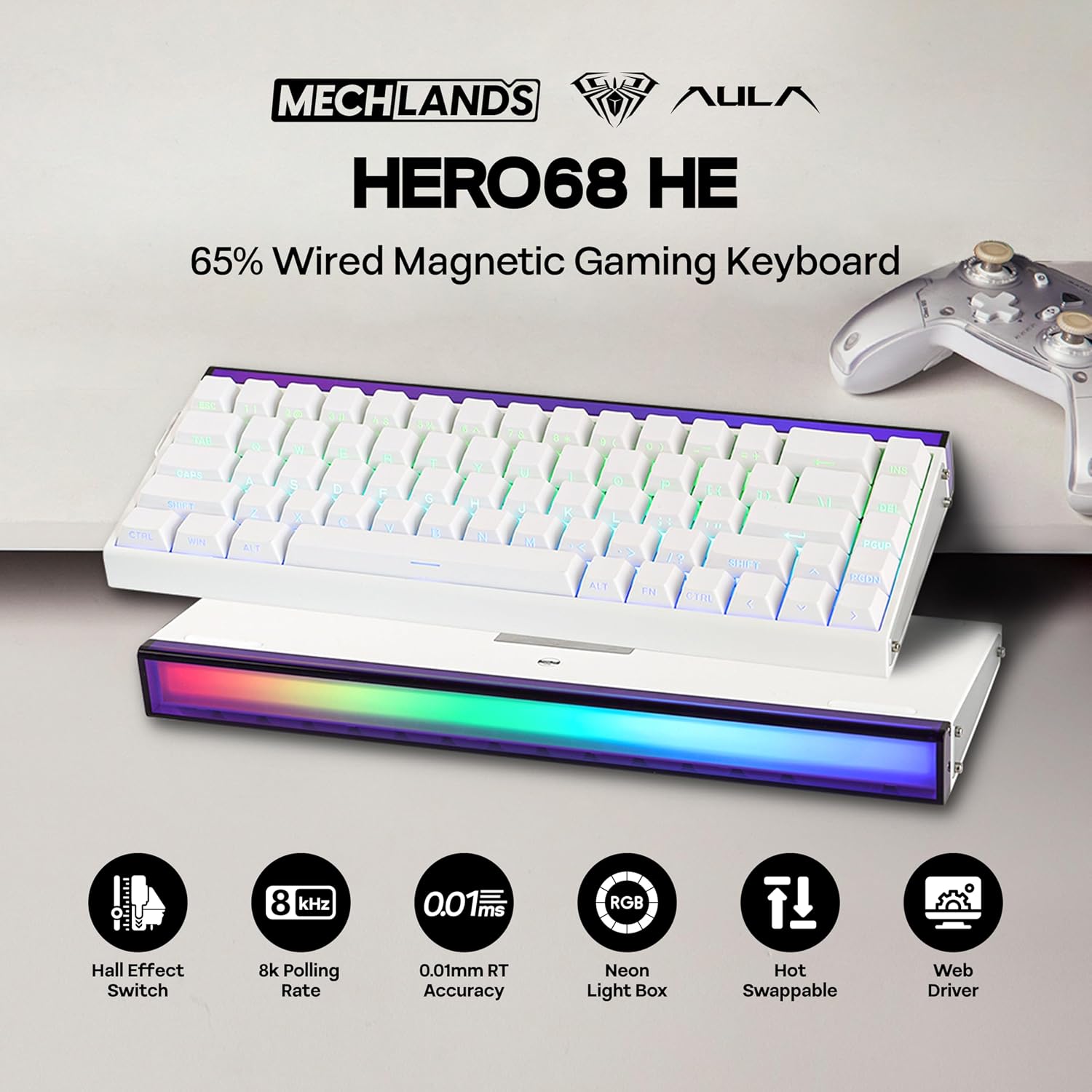
- Name: MechLands Aula Hero68 HE
- Type: Wired magnetic gaming keyboard
- Size: 65% 68-key layout
- Polling rate: 8KHz
- Material: Metal plate
- Color: White Topographic
- Format: Compact 68 keys
Why it’s worth it
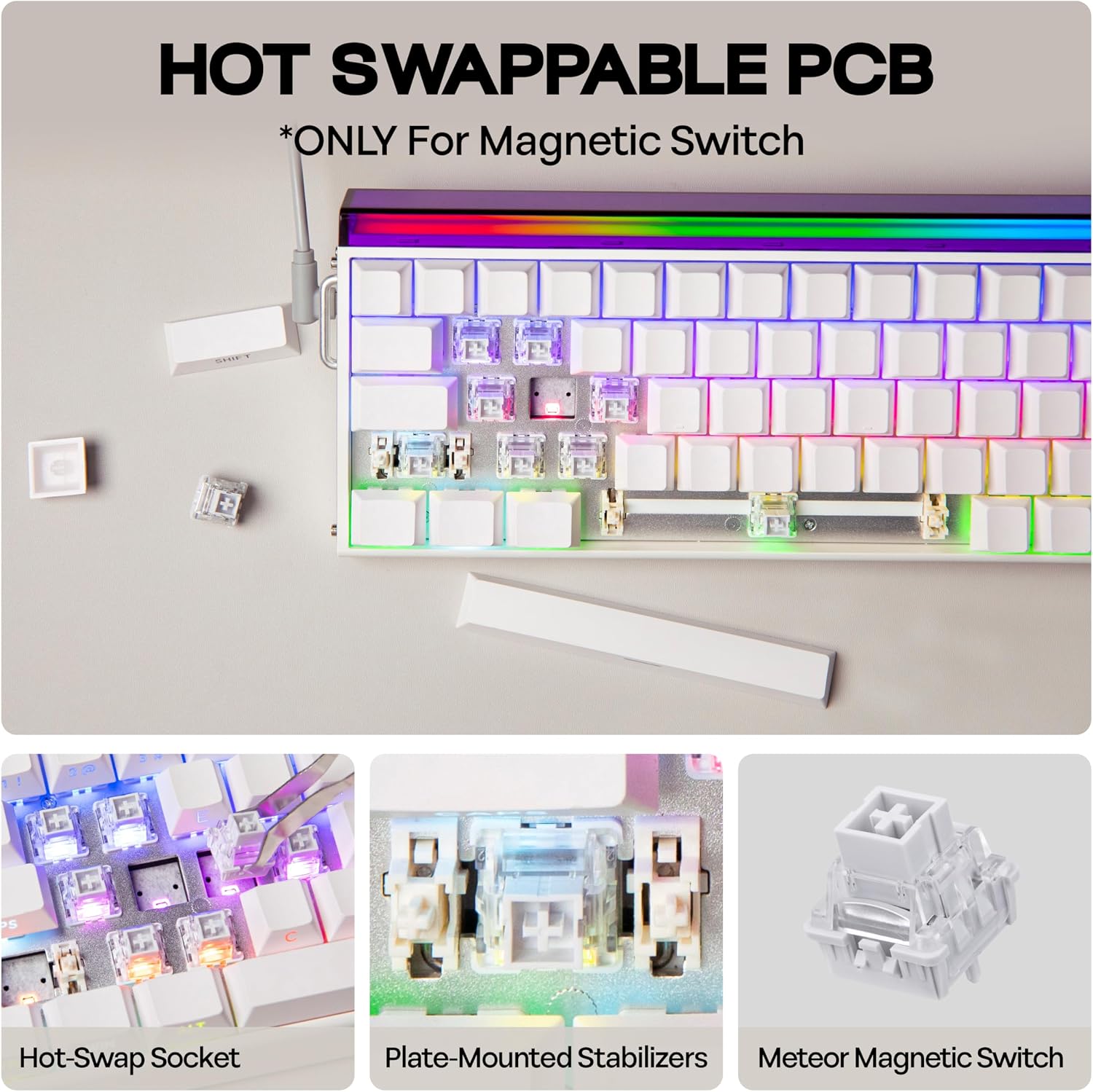
The Hero68 HE’s Hall effect magnetic switches remove physical contact during activation, which increases consistency and longevity according to the design. Adjustable actuation from 0.01mm up to 3.4mm gives you granular control over when keys register, so you can tune responsiveness for rapid input or deliberate key presses. The high polling and scanning rates reduce input lag, helping timing-sensitive actions feel more reliable.
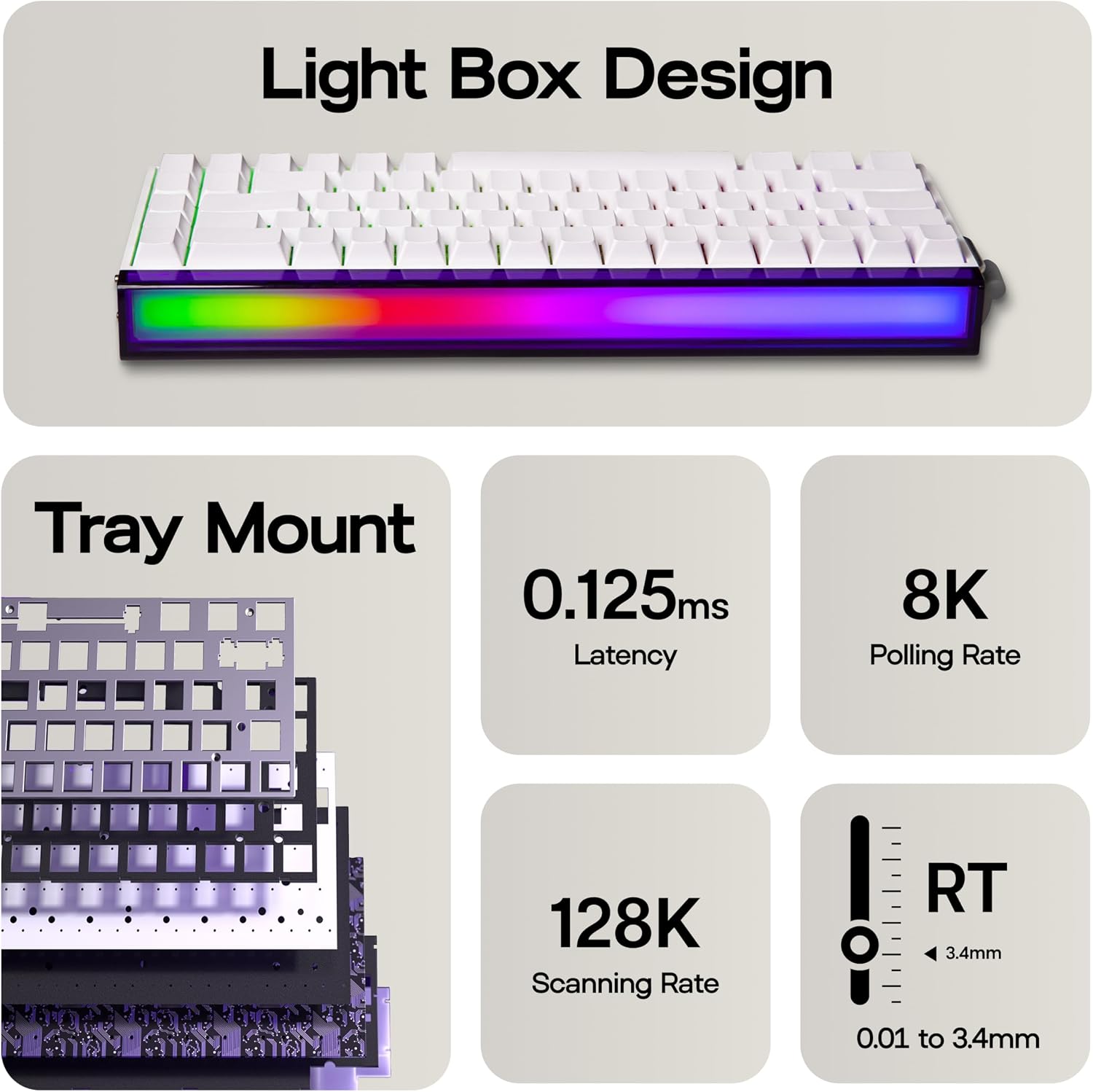
Sound is another focus here. The five-layer dampening system softens the typical mechanical clack into a deeper thock, creating a more pleasant acoustic signature for long sessions. The metal plate adds stability and heft, so the keyboard stays planted during intense play.
Getting the most from it
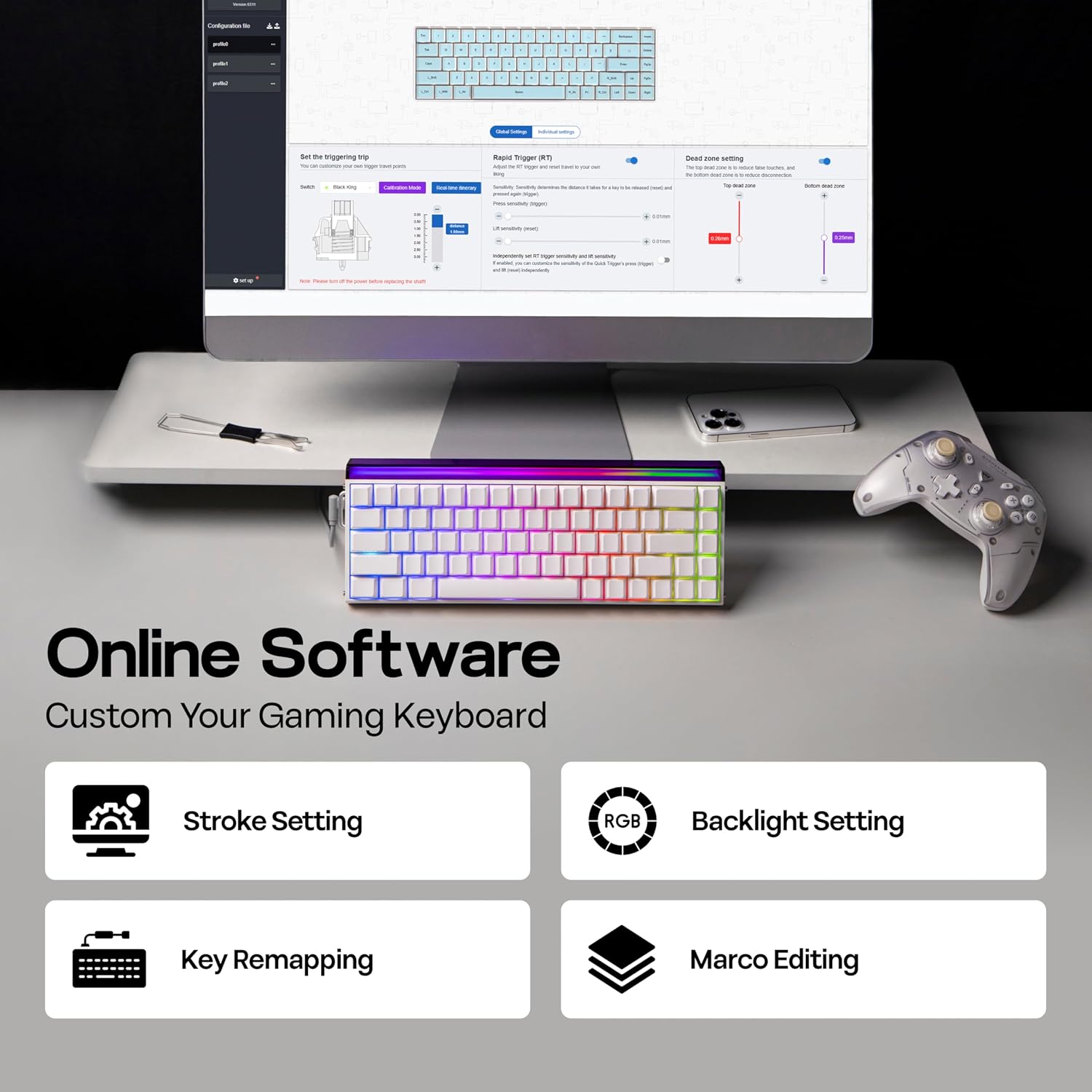
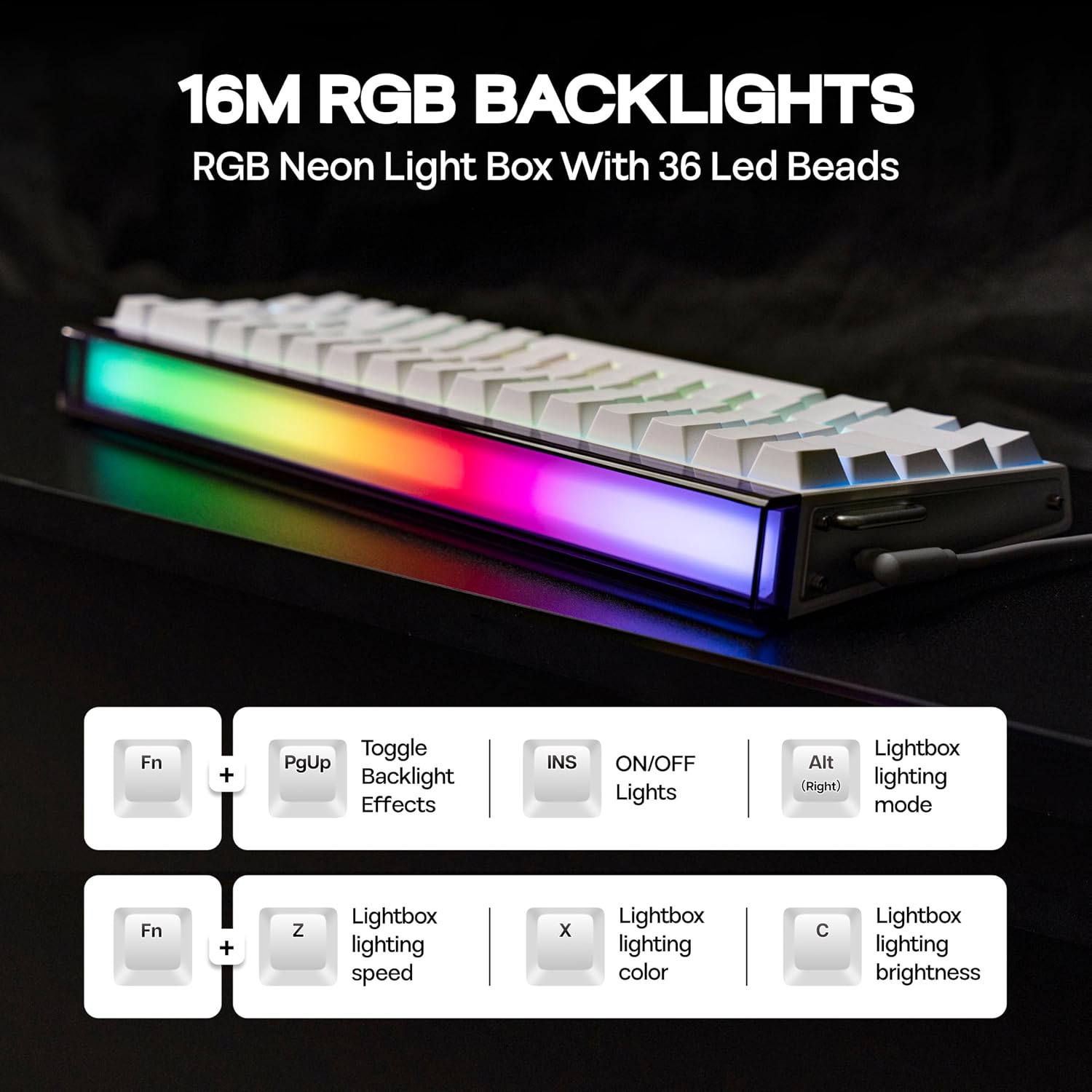
It connects via a braided L-shaped USB A to C cable that helps with tidy cable routing and reliable data transfer. Use the web driver in a Chromium-based browser to reassign keys, create macros and set lighting. You can also tweak actuation points on the fly, and experiment with Mod Tap and dynamic keystroke setups to pack more functions into fewer keys. Keep in mind that configuring advanced layers may take a short learning curve for newcomers, but the flexibility pays off once you settle on a setup.
Compatibility & requirements
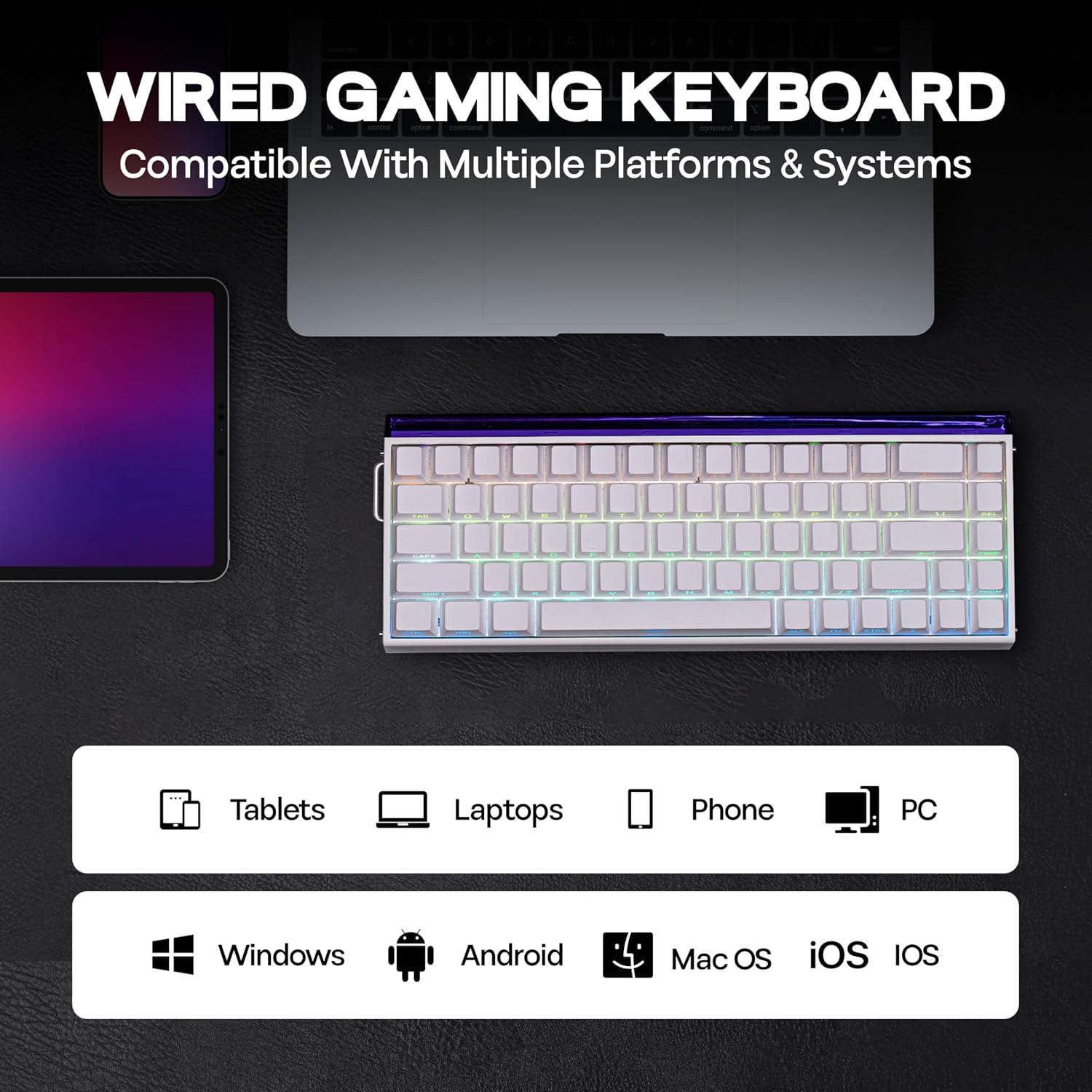
The keyboard works through a standard USB connection and the web driver runs in Chromium-based browsers, so modern Windows and macOS setups are supported as long as a compatible browser is available. If you prefer minimal setup, the keyboard still functions with default mappings out of the box.