

Logitech Creators Blue Yeti USB Microphone — Midnight Blue
Reviews
Price
Product description
What it is and who it’s for
The Logitech Creators Blue Yeti USB microphone is a plug‑and‑play condenser mic designed for PC and Mac creators who want broadcast‑quality voice for videos, streams, podcasts, meetings, and music ideas. In practice, it aims to simplify good‑sounding commentary and performances without a big setup. If you’re building a streaming rig, recording a podcast at home, or joining frequent video calls, this mic positions itself as a one‑box solution that can cover a range of recording needs.
Core features you’ll notice
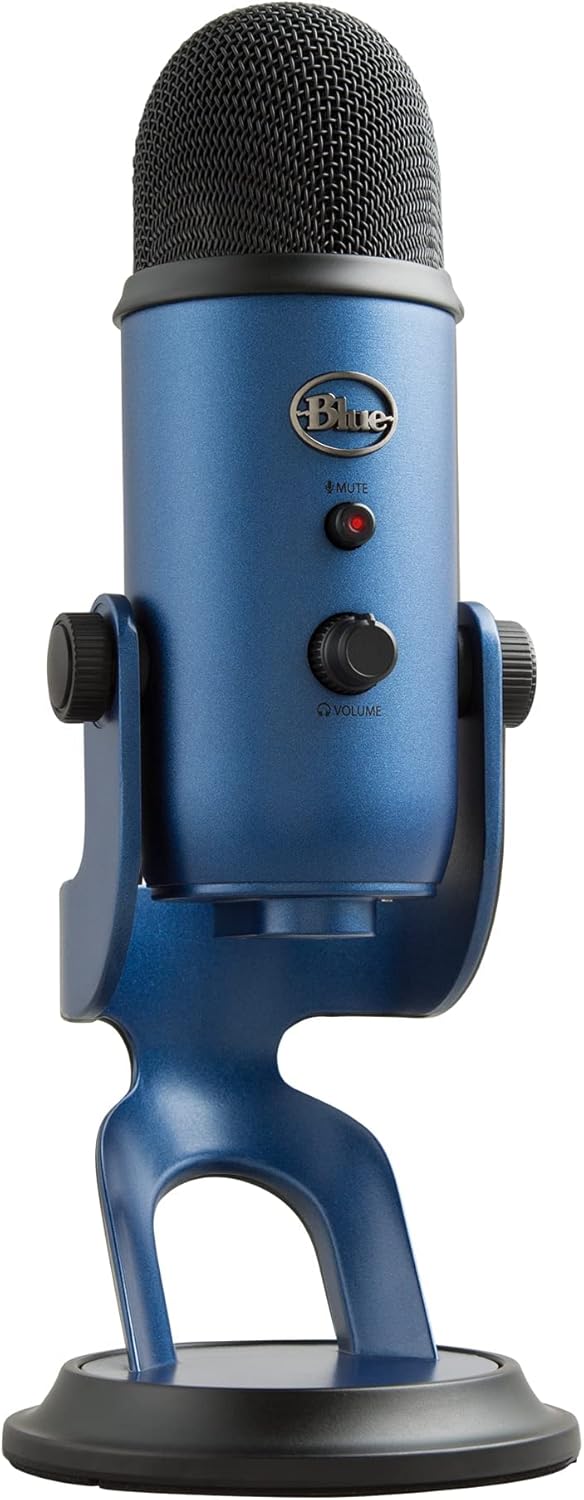
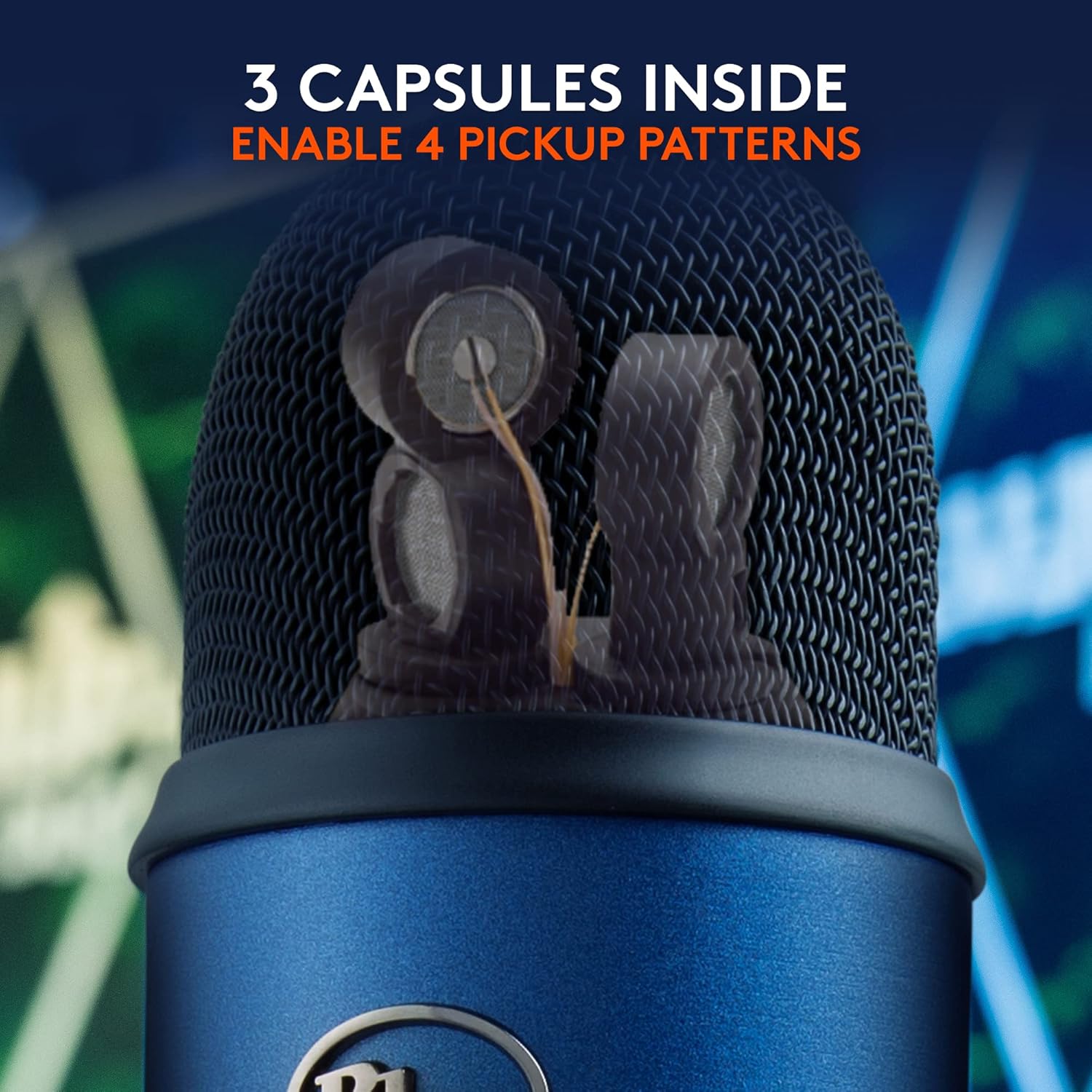
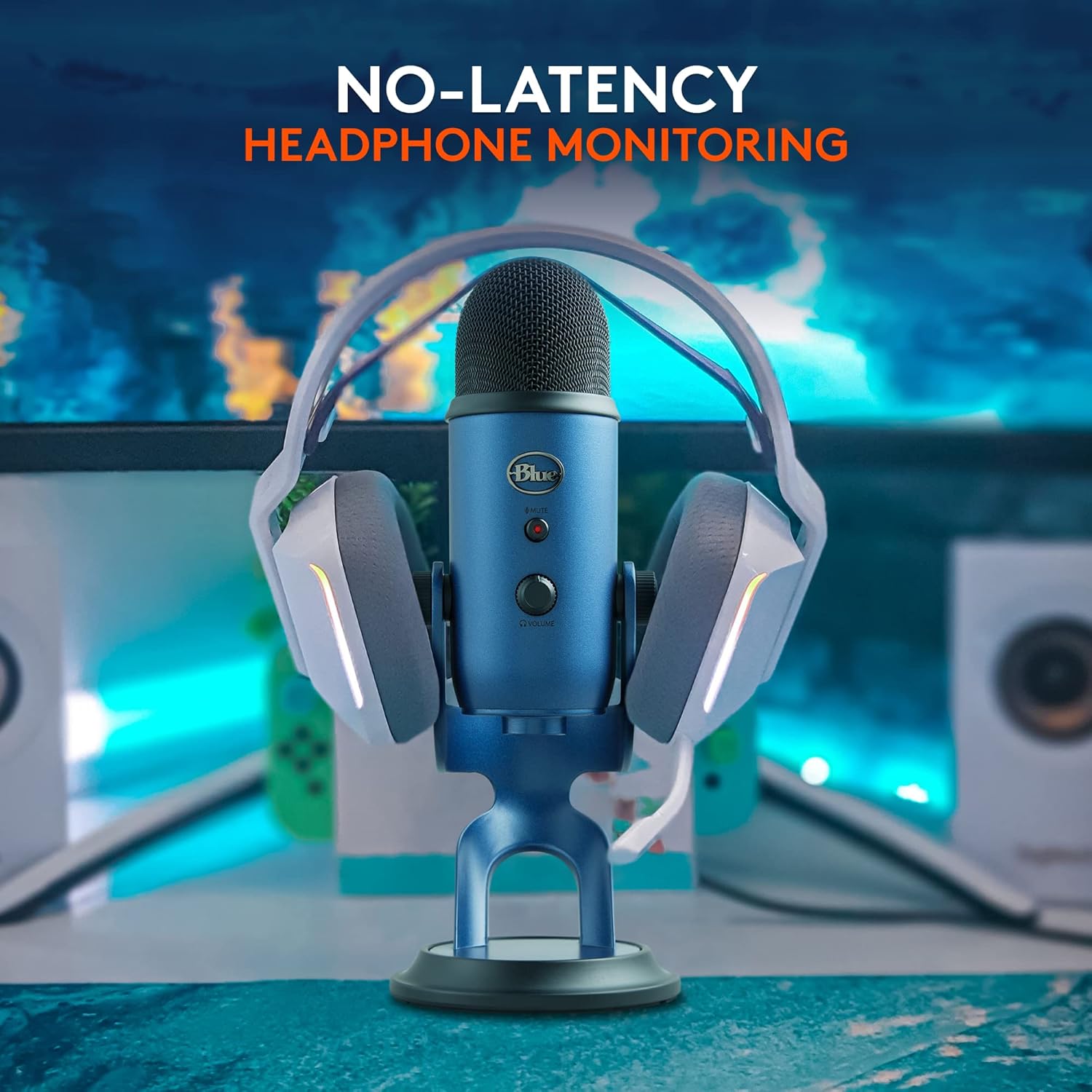
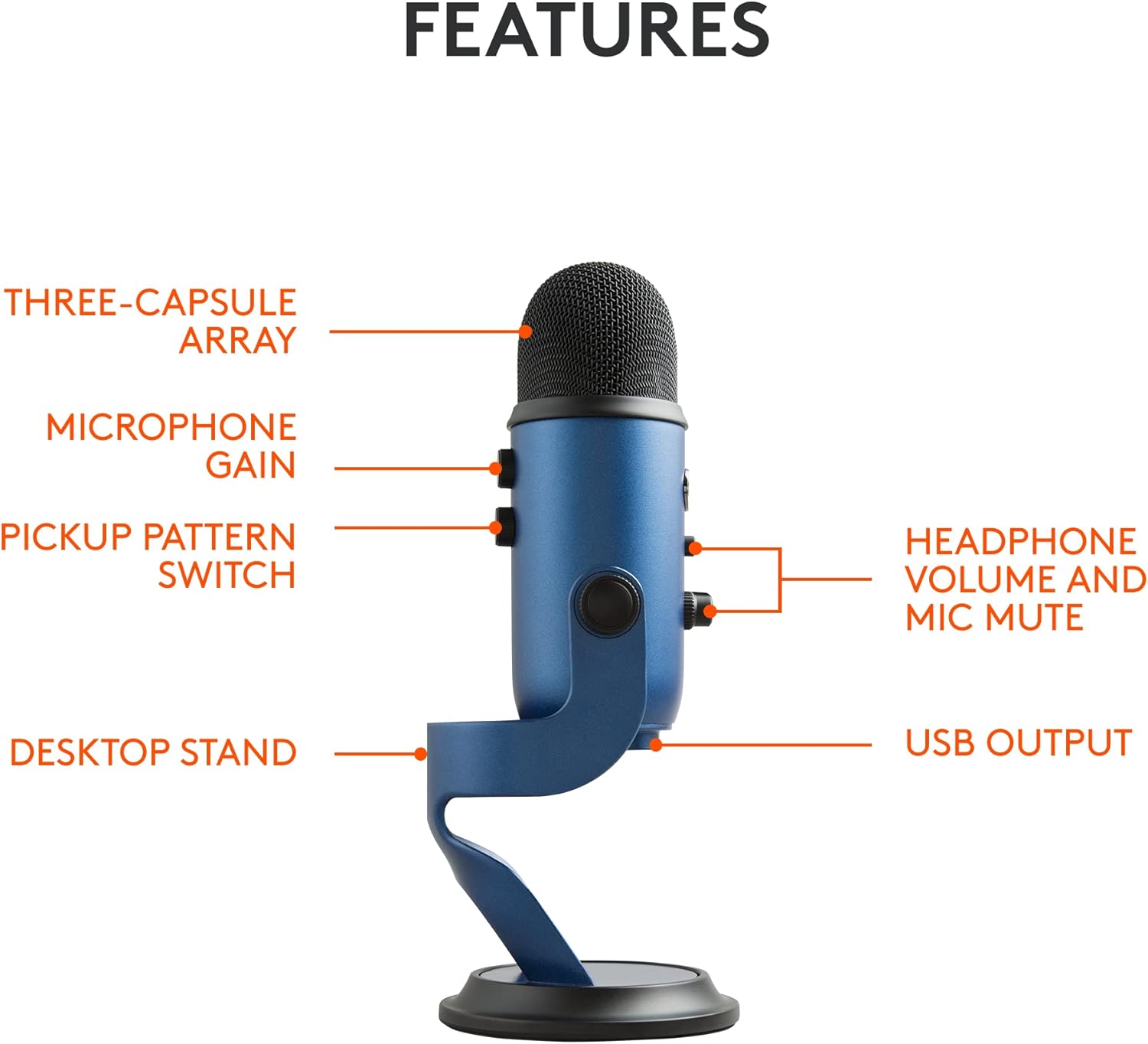
This mic uses a custom three‑capsule array and offers four pickup patterns: cardioid, omni, bidirectional, and stereo. That flexibility is useful when you’re trying to capture vocals, instruments, or ambient room sound with a single device. The onboard controls give you quick access to headphone volume, pattern selection, mute, and mic gain, so you can adjust levels on the fly during a live stream or a Zoom call. The included desktop stand supports positioning to align with your voice source, helping you reduce latency by monitoring in real time.
Sound and software notes
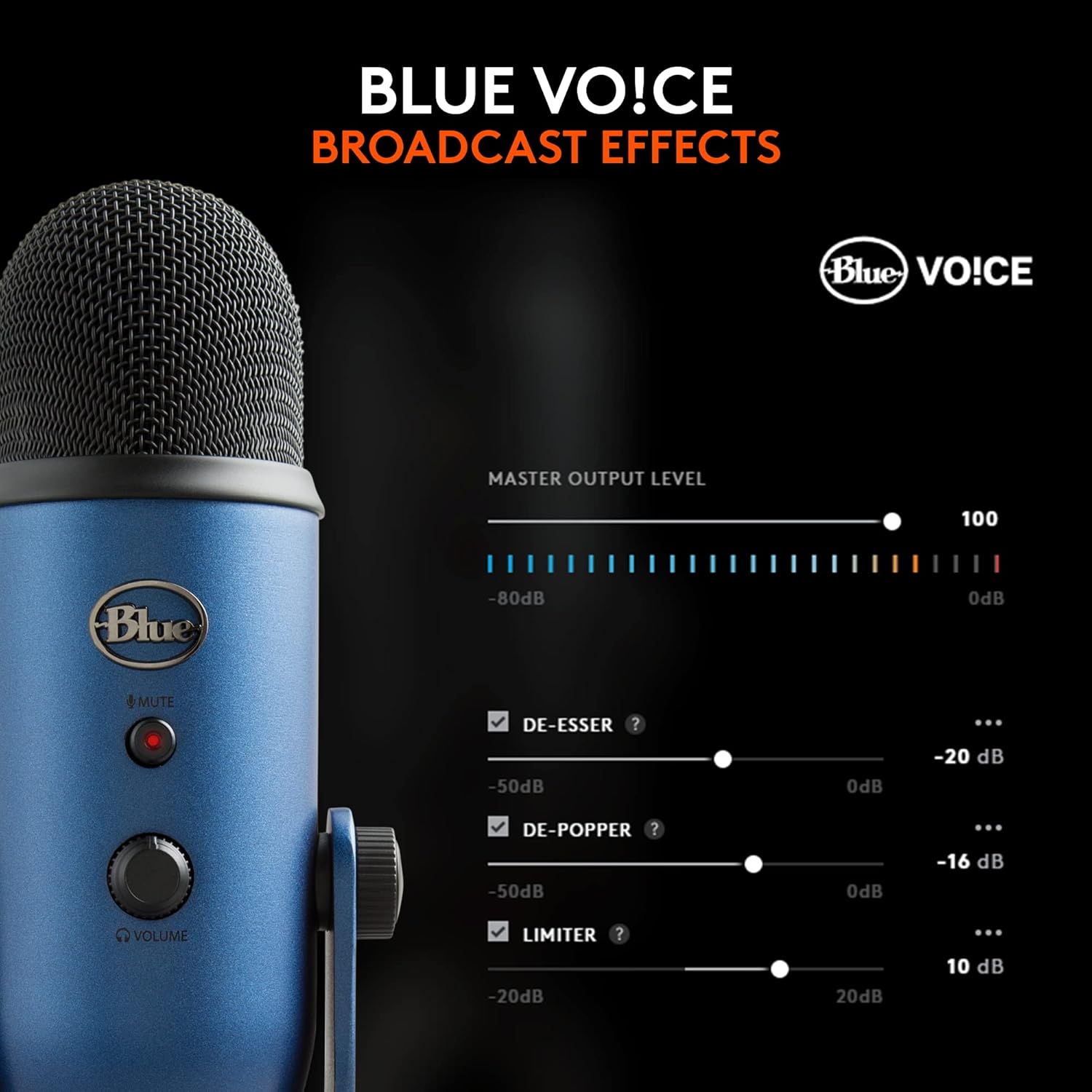
On paper, the Blue VO!CE software is a notable feature—it's intended to enhance vocal sound, add effects, and provide more control over your recorded voice. While software can offer a quick way to tweak tone and presence, the results depend on your voice, room, and how you apply the settings in practice. If you prioritize broadcast‑style voice and you plan to experiment with effects, VO!CE could be a meaningful addition.
What works well in everyday use
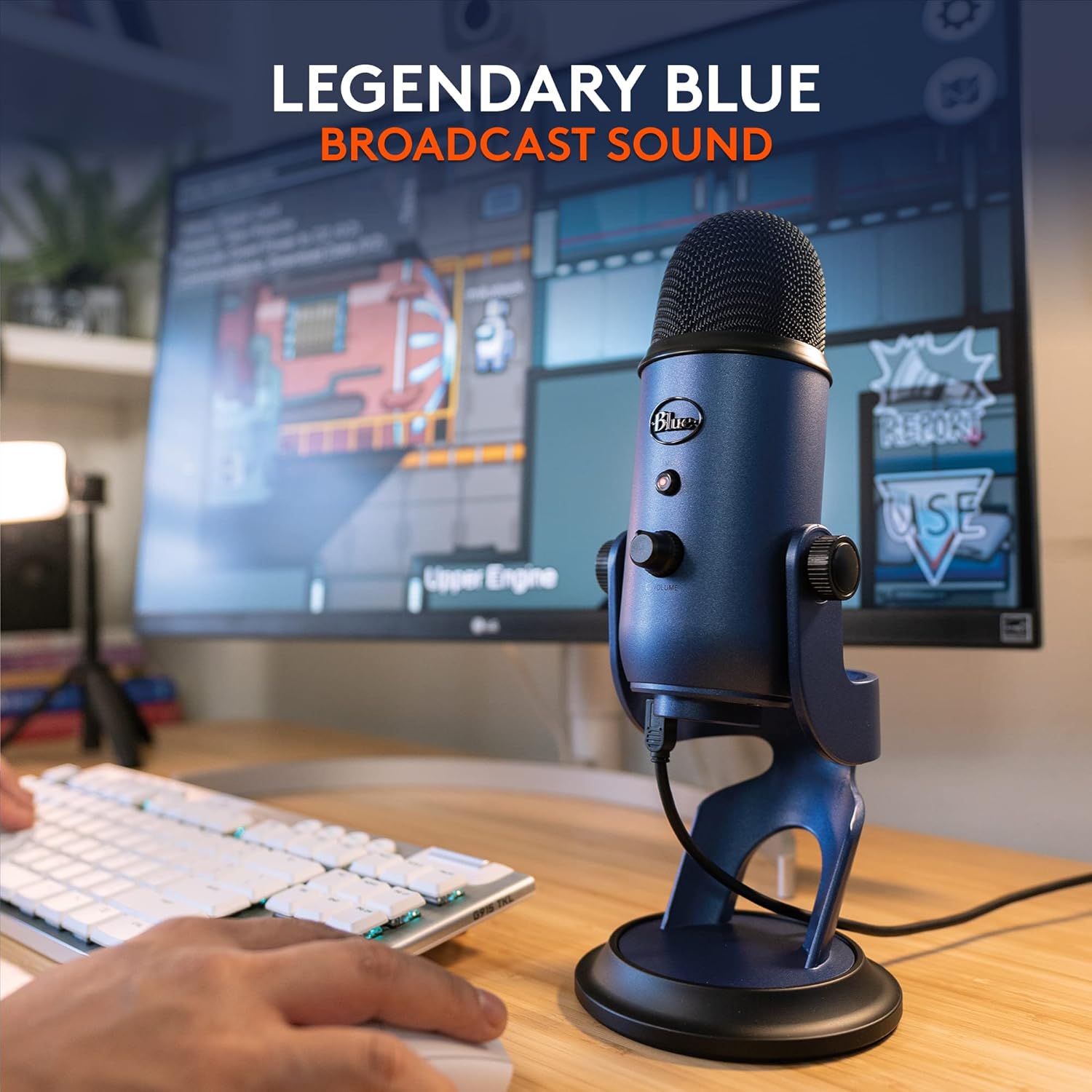
For solo voice work like streaming commentary or podcasting, the cardioid pattern focuses on the front, helping reduce off‑axis pickup and minimizing room noise. The omni and stereo patterns can be handy if you’re recording a duet, a small ensemble, or you want to capture a sense of space—though, in those cases, you’ll want to consider your room acoustics. The mic is designed for quick setup: connect to a computer, mount on the desktop stand, and you’re ready to go. The lack of additional hardware requirements makes it approachable for beginners and convenient for on‑the‑go setups.
Considerations and limitations
It’s not a bulletproof replacement for a dedicated multi‑mic setup in a treated studio. If you’re chasing the finest possible voice texture or you need separate mics for room ambiance, the four patterns help, but you may still prefer a more specialized arrangement. Also, VO!CE software can introduce a learning curve, to truly harness it, you’ll want to experiment with presets and adjust them to your voice and room. And while the Midnight Blue finish looks stylish, color should not be the deciding factor if you’re evaluating technical suitability.
Practical use cases and a real‑world feel
Imagine a mid‑tier streamer who records themselves talking in a modestly treated room. You’d likely start with the cardioid pattern to focus on your voice, tweak mic gain for clean levels, and monitor in real time via headphones. If you suddenly switch to a small duo podcast, you could switch to an omni or stereo pattern to capture both speakers with a single mic, keeping the setup simple. The on‑board controls reduce the friction of live sessions where you need to mute quickly or adjust VOICE effects mid‑stream.
What to check before buying
- Room acoustics: even with multiple patterns, a quiet, controlled space helps your chosen pickup pattern shine.
- Microphone placement: the pivoting stand is a boon, but correct distance and angle to your mouth will shape your recording quality.
- VO!CE expectations: assess whether you’ll actually use the software and how its effects align with your voice and brand.
- Future needs: if you anticipate needing separate mics for guests or a large‑room capture, consider how this mic fits into that plan.
Who it’s for and when it makes sense
This mic is a solid option for streamers, podcasters, and remote workers who want a straightforward USB solution with flexible pickup patterns and practical controls. It’s especially appealing if you value quick setup, decent built‑in processing options, and a stylish look. If your priority is studio‑grade isolation or you need a dedicated instrument mic with multiple stage inputs, you may want to explore more specialized gear.
FAQ highlights
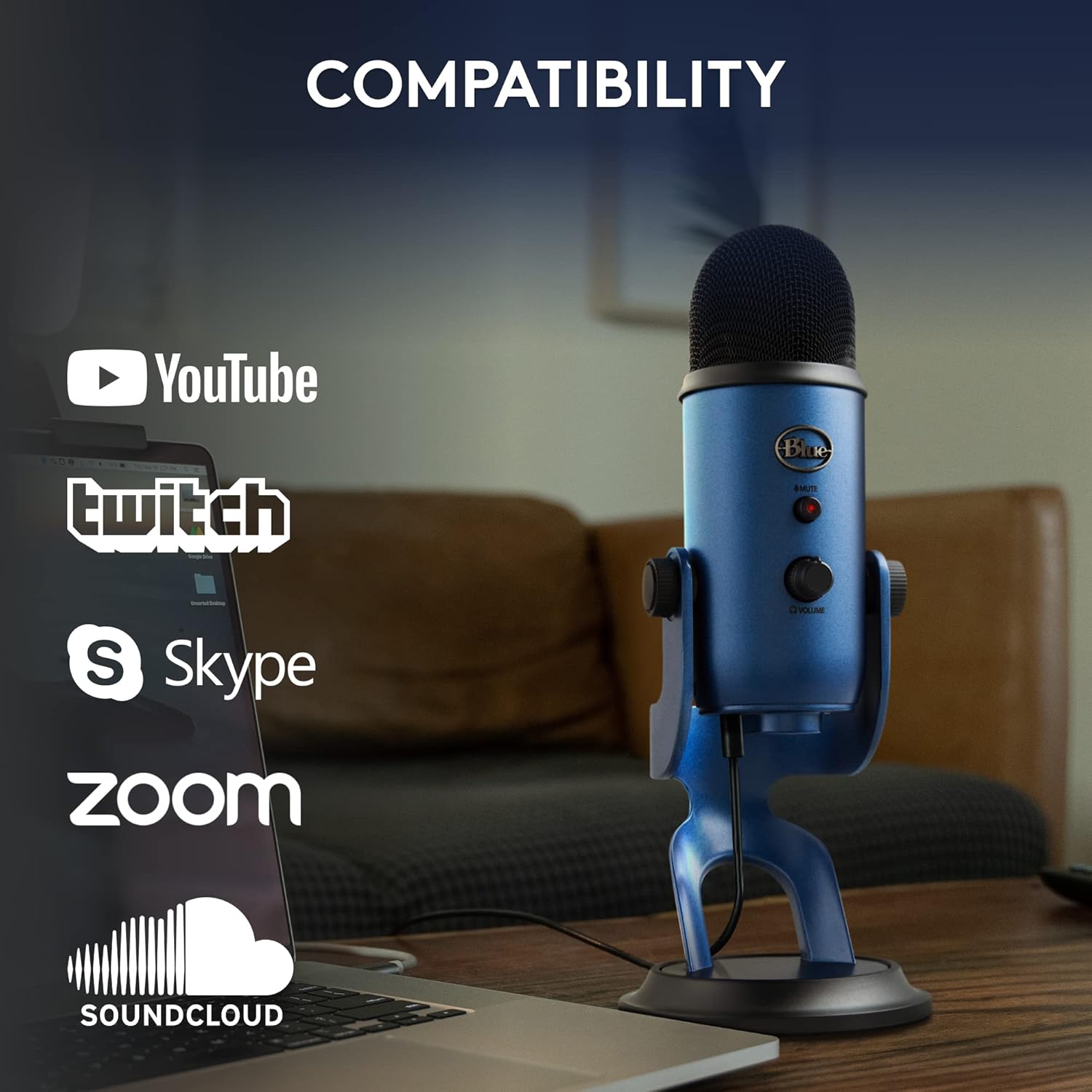
- Can I use it with Zoom or Discord? Yes, it’s plug‑and‑play on both PC and Mac for typical voice chat and recording workflows.
- Do the VO!CE effects require a powerful computer? VO!CE is software based, performance depends on your system and the effect depth you choose.
- Is it good for music recording beyond voice? It can handle basic music capture, but it’s primarily aimed at speech and vocal applications.
Is it worth it?
This is a reasonable choice if you want a versatile USB microphone with multiple pickup patterns, direct monitoring, and easy setup for streaming, podcasting, or online meetings. It might not be the best pick if you need separate mics for a full‑scale studio or if VO!CE features aren’t appealing to you. Consider your space, how often you’ll use different patterns, and whether you’ll leverage the built‑in controls to justify the investment.