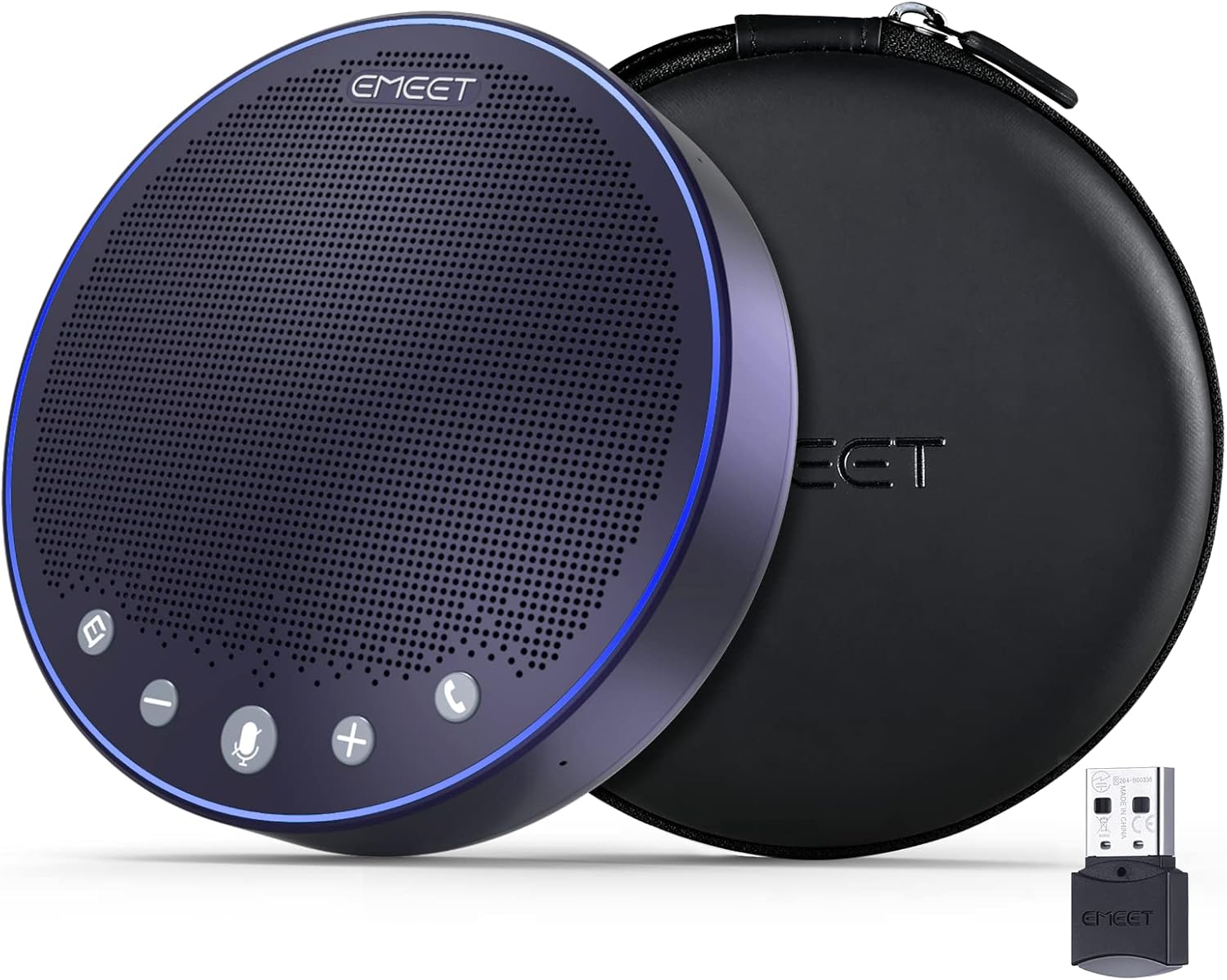
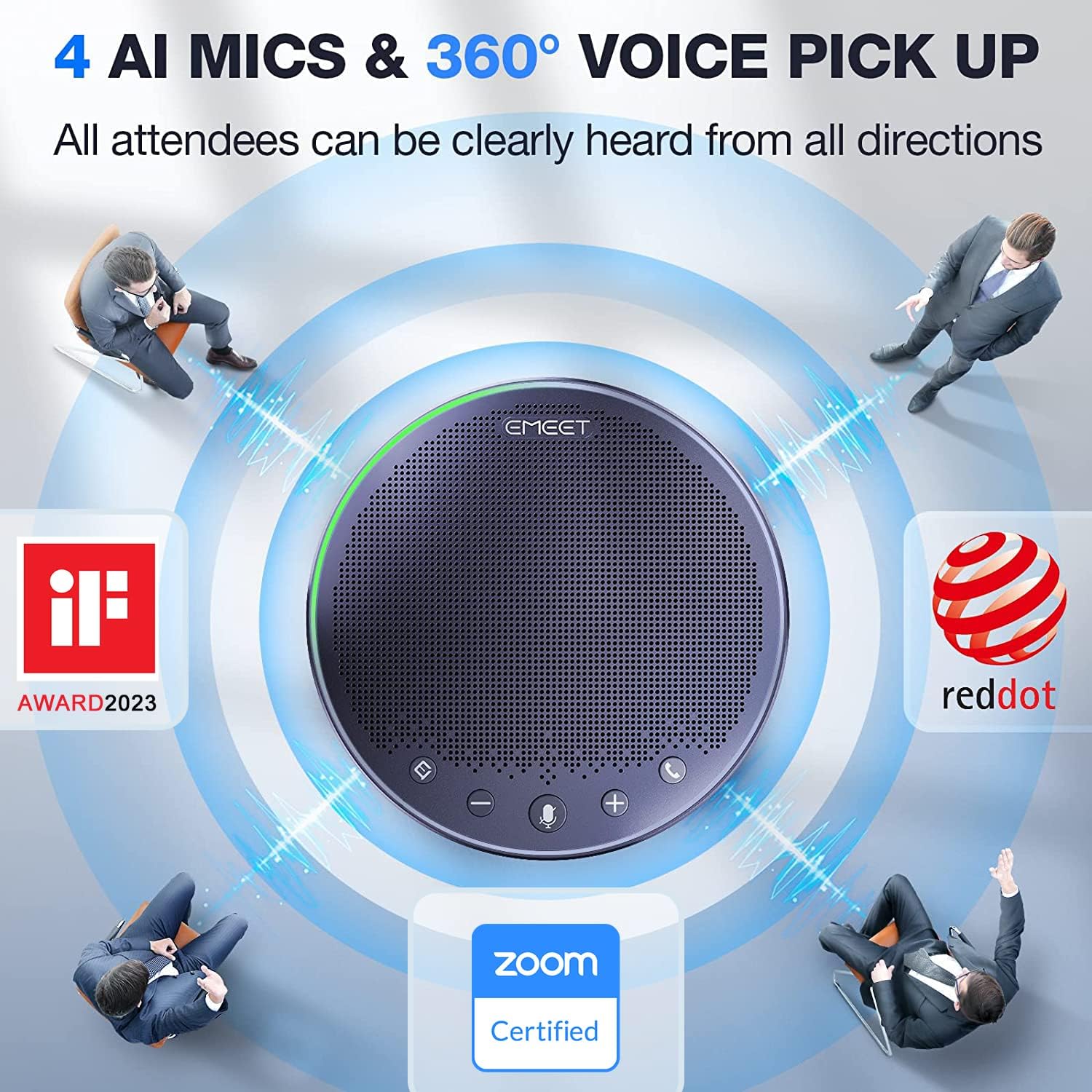
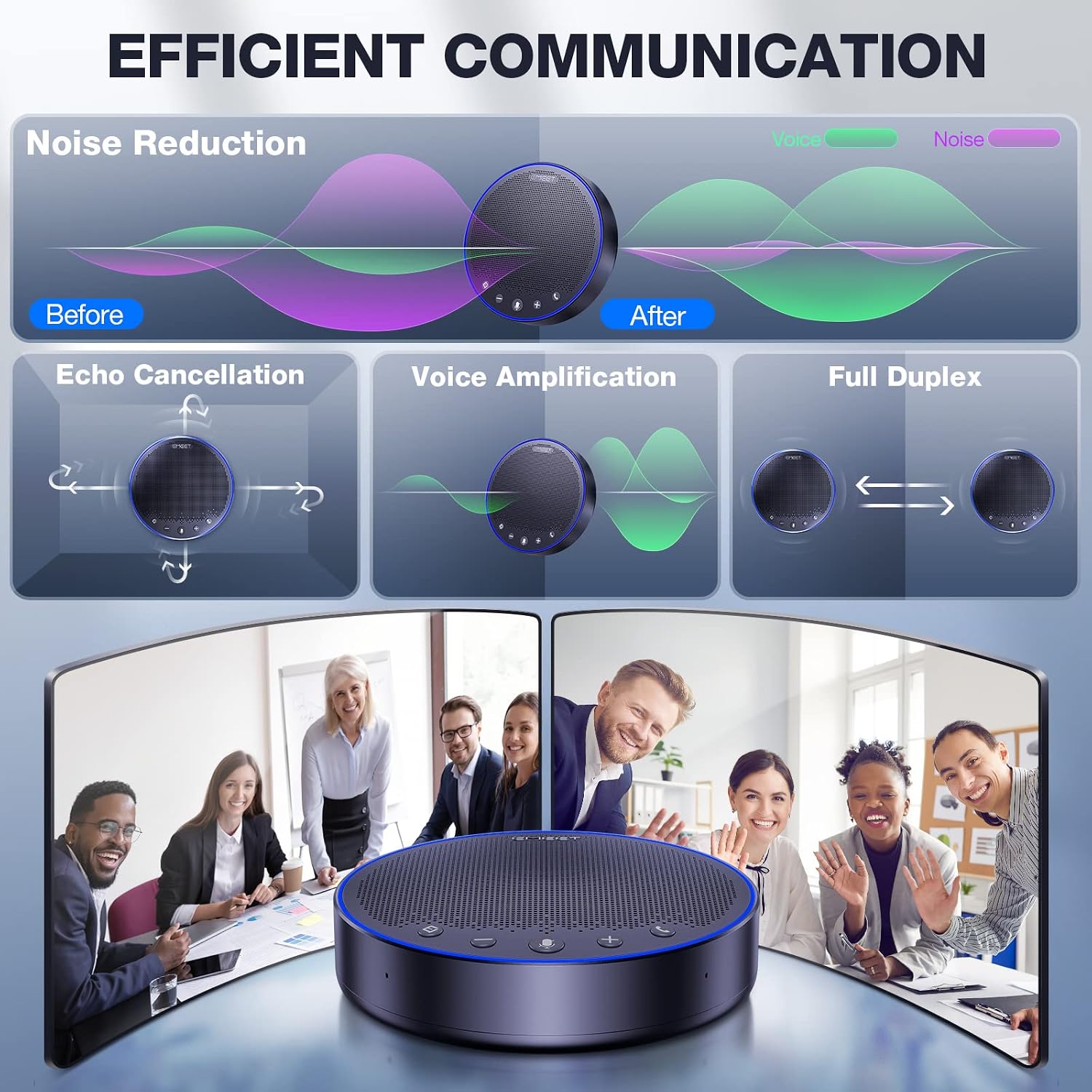
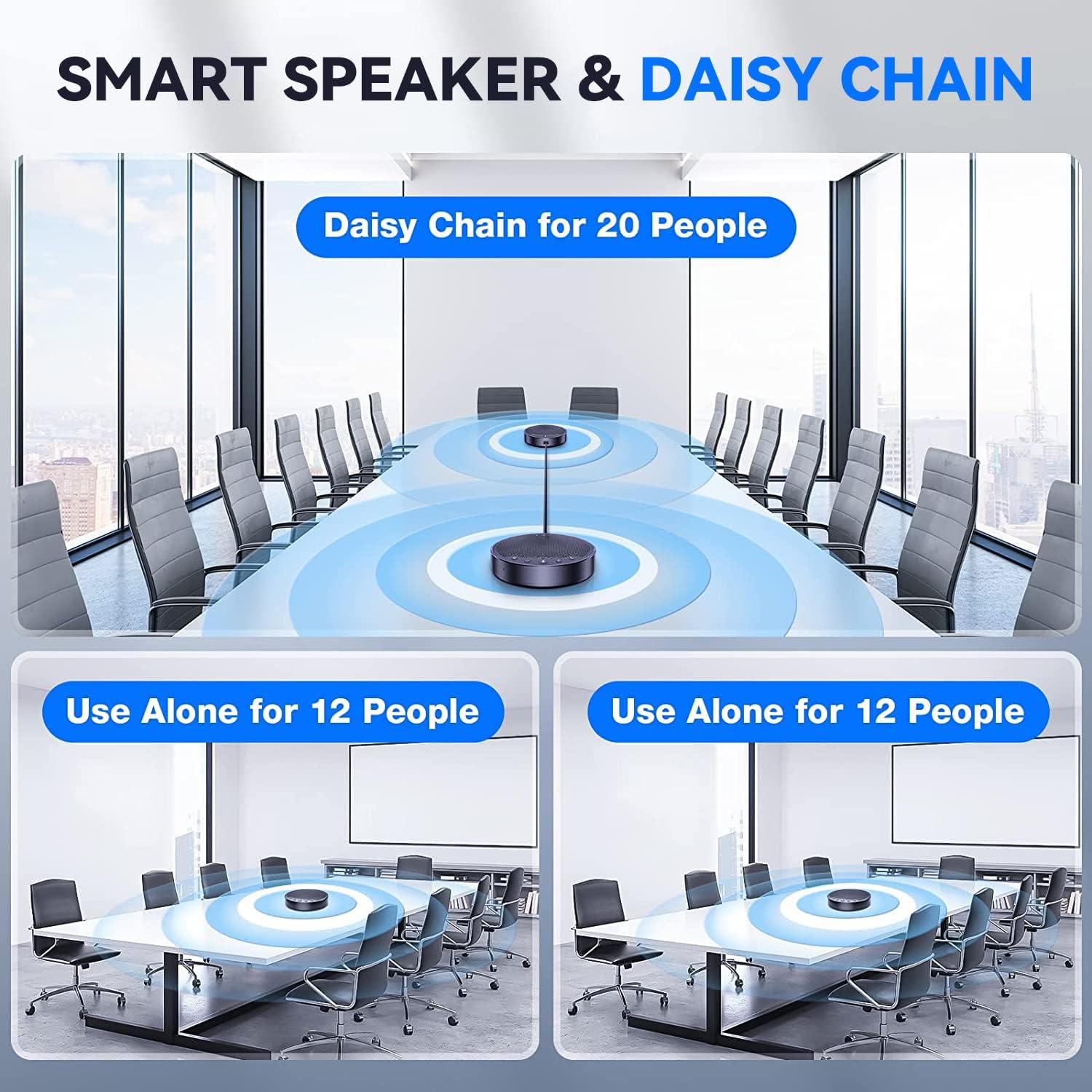
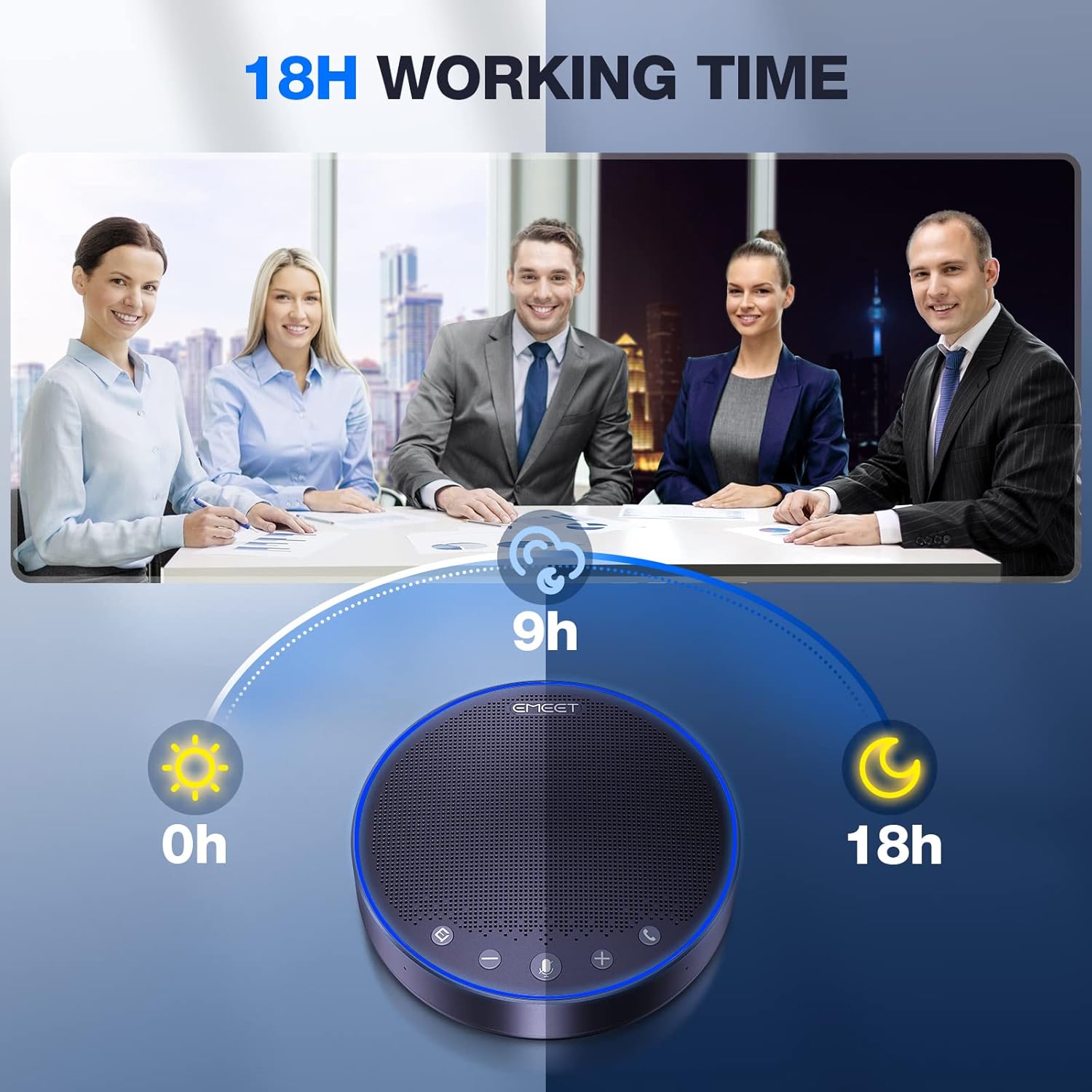
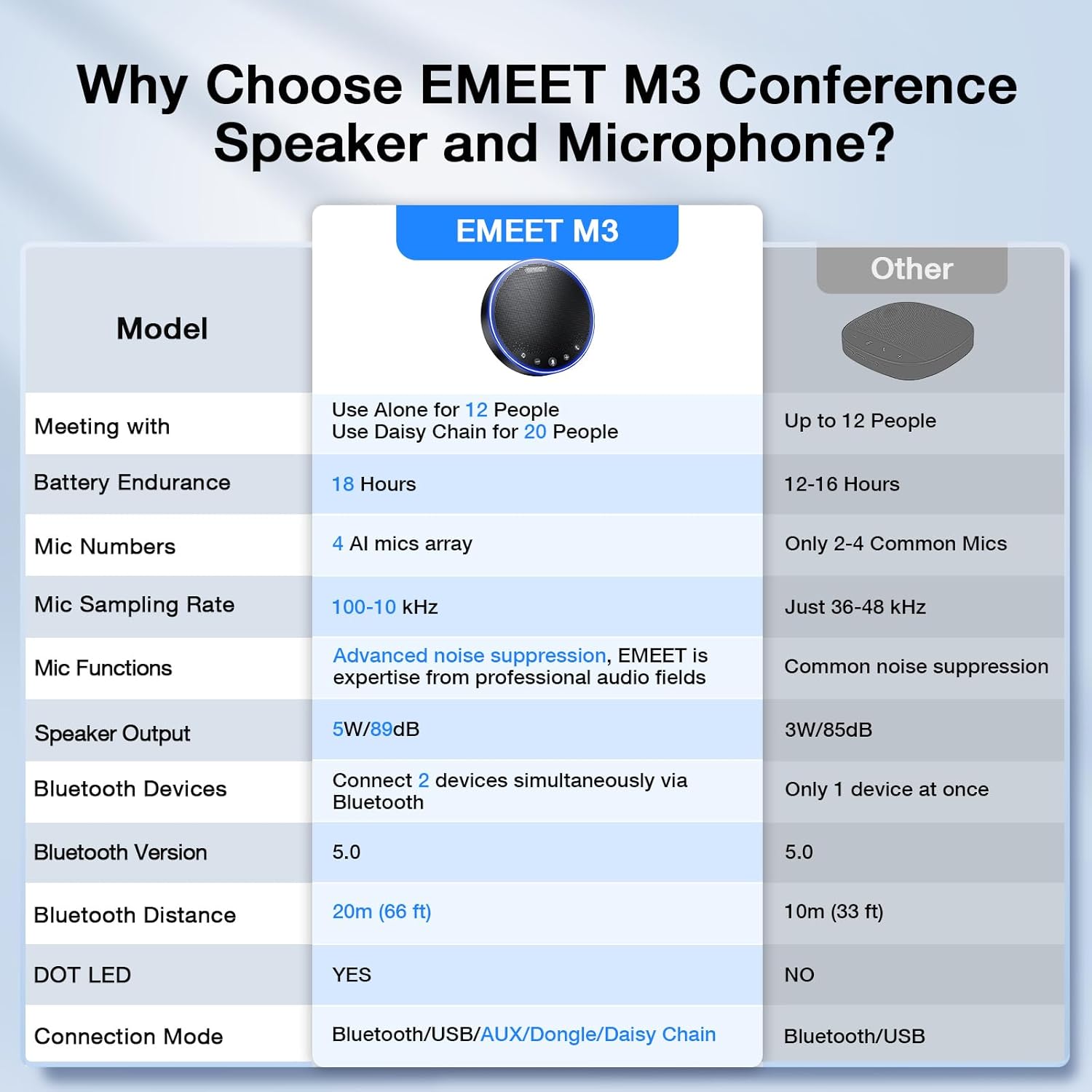
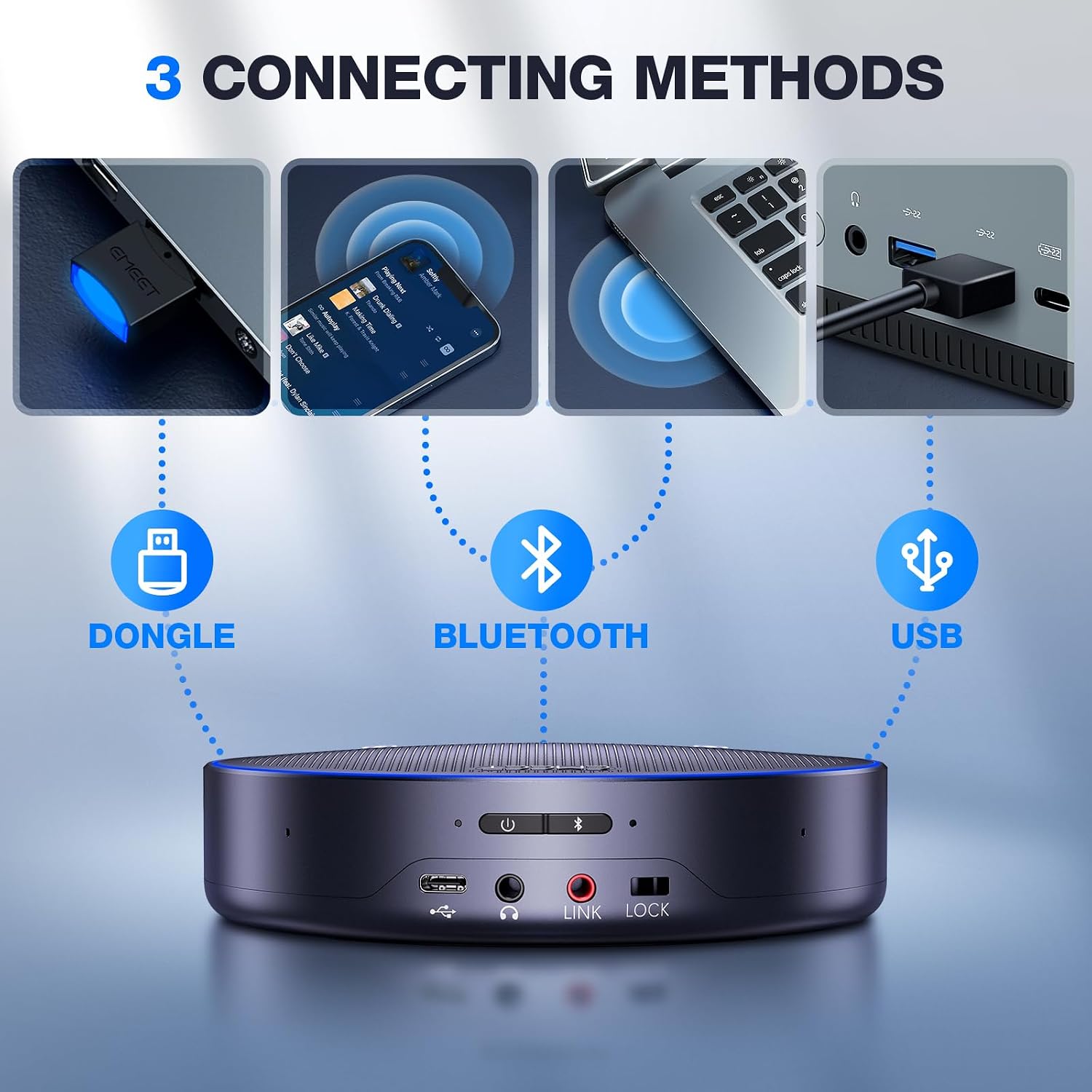
What it is and what problem it solves\nThe EMEET M3 is a conference speakerphone designed to handle medium to larger meetings with a built-in battery, multiple mic pickups, and both USB 2.0 and Bluetooth 5.0 connectivity. It targets situations where you need a dependable, hands-off audio solution for Zoom, Teams, and other collaboration apps, without constantly worrying about power or dropped audio. On paper, it combines long battery life, a dedicated mic array, and automatic sound balancing to keep voices clear while minimizing noise and echoes. If you’re running hybrid meetings or small to mid-sized conference rooms, the M3 promises a smoother, more inclusive audio experience for all attendees.\n\n## How it performs in real-world use\nThe M3 ships with four omnidirectional AI mics and a 5W speaker, aiming to capture voices from around the table up to a practical pickup range. The Intelligent voice algorithm is intended to reduce ambient noise and suppress echoes, which is crucial in rooms where chatter and HVAC hum can otherwise muddy the main speaker. The device’s automatic volume balancing helps maintain intelligibility whether participants are near or distant from the device. In setups with up to 20 attendees, the system is designed to keep conversations legible, provided the environment isn’t overly noisy. However, as with any centralized mic array, performance hinges on placement, room acoustics, and the presence of competing sound sources.\n\n## What stands out\nOn the positives, the M3 is Zoom Officially Recognized, giving confidence for compatibility and smoother integration with common meeting platforms. The combination of USB 2.0 wired and Bluetooth 5.0 wireless options offers flexible connection paths, which is helpful if you’re juggling multiple devices. The daisy chain feature is especially notable for larger groups, enabling up to 20 attendees when used with an EMEET daisy chain cable. Battery life is another practical plus: up to 18 hours of talk time from a 4-hour charge reduces the chance of mid-meeting power interruptions.\n\n## Notable limitations and cautions\nIt isn’t perfect for every setup. The pickup range is listed as up to 4.5 meters, but real-world performance can drop in particularly noisy rooms or when people cluster in ways that create feedback paths. Relying on a daisy chain for 20 attendees requires the exclusive EMEET cable, which means you’ll want to factor accessory availability into your planning. Also, while the device supports many OS and platforms, the actual experience can vary with different USB ports or docking stations, using underpowered USB ports can lead to sound cut-outs.\n\n## Ideal use cases and who it’s for\nThis device fits mid-sized meeting rooms, conference calls with several remote participants, and teams that want a simple plug-and-play audio solution without complex setups. It’s especially viable if you prioritize Zoom and Teams compatibility, a straightforward USB/Bluetooth workflow, and the assurance of a recognized brand in the meeting room space. It’s less ideal if your room has extreme noise levels, if you need ultra-high-fidelity music playback rather than voice, or if you rely heavily on wireless-only setups without a reliable USB path.\n\n## Before you buy: check these points\n- Confirm you have a free USB 2.0 port or a solid Bluetooth 5.0 connection on your primary device.\n- Consider room acoustics: a quieter room will unlock more of the M3’s intended noise suppression and voice pickup benefits.\n- If you plan to scale to 20 attendees, ensure you’re using the designated daisy chain setup so you don’t hit a ceiling in coverage.\n- Position the device to keep the pickup range unobstructed and avoid near-field feedback with loudspeakers.\n\n## Practical usage example\nIn a typical team meeting, you place the M3 at the center of the table. Attendees around the table are picked up clearly, with the furthest person still audible without shouting. The host can share screen content while others chime in, and the system’s auto-volume helps keep voices at a comfortable level even as people switch between speaking directions. If the room has HVAC noise or ambient chatter, the AI mic array and noise suppression work together to deliver more consistent intelligibility than a single speaker would.\n\n## Quick comparison perspective\nCompared to basic speakerphones, the M3 emphasizes a broader mic array, a recognized Zoom integration, and a battery-backed design for longer sessions. If your priorities are simply a wired headset or a small speakerphone with limited mic coverage, you might opt for a leaner option. On the other hand, if you need a system that can handle a mid-sized room with loose CX requirements and multiple conferencing platforms, the M3’s multi-connection paths and daisy chaining offer a practical edge.\n\n## FAQ (short)\n- Does it work with Windows and macOS? Yes, it supports Windows and macOS, along with Android and Linux in various modes.\n- Can I use it without a computer? Yes, via Bluetooth capability to mobile devices, though USB may yield more stable audio.\n- Is 18 hours of talk time realistic? That figure is stated for typical usage, actual endurance depends on volume level and usage patterns.\n\n## Final verdict\nIs it worth it? If you mostly run medium to large virtual meetings and care about reliable voice pickup, Zoom compatibility, and flexible connections, the M3 provides a thoughtful balance of features. It isn’t the only path to clear conferencing audio, but for environments where a dedicated device with a long battery life and a multi-mic setup matters, it’s a compelling option to consider.