

EMEET OfficeCore M1A USB Speakerphone (Zoom Certified) with 360° AI mics for 5–8 people
Product description
The essentials
If your meetings sound more like a hallway than a conference room, an all-in-one USB speakerphone can make a noticeable difference fast. The EMEET USB Speakerphone M1A is built for group calls where you want multiple voices to come through clearly, not just the person closest to the laptop.
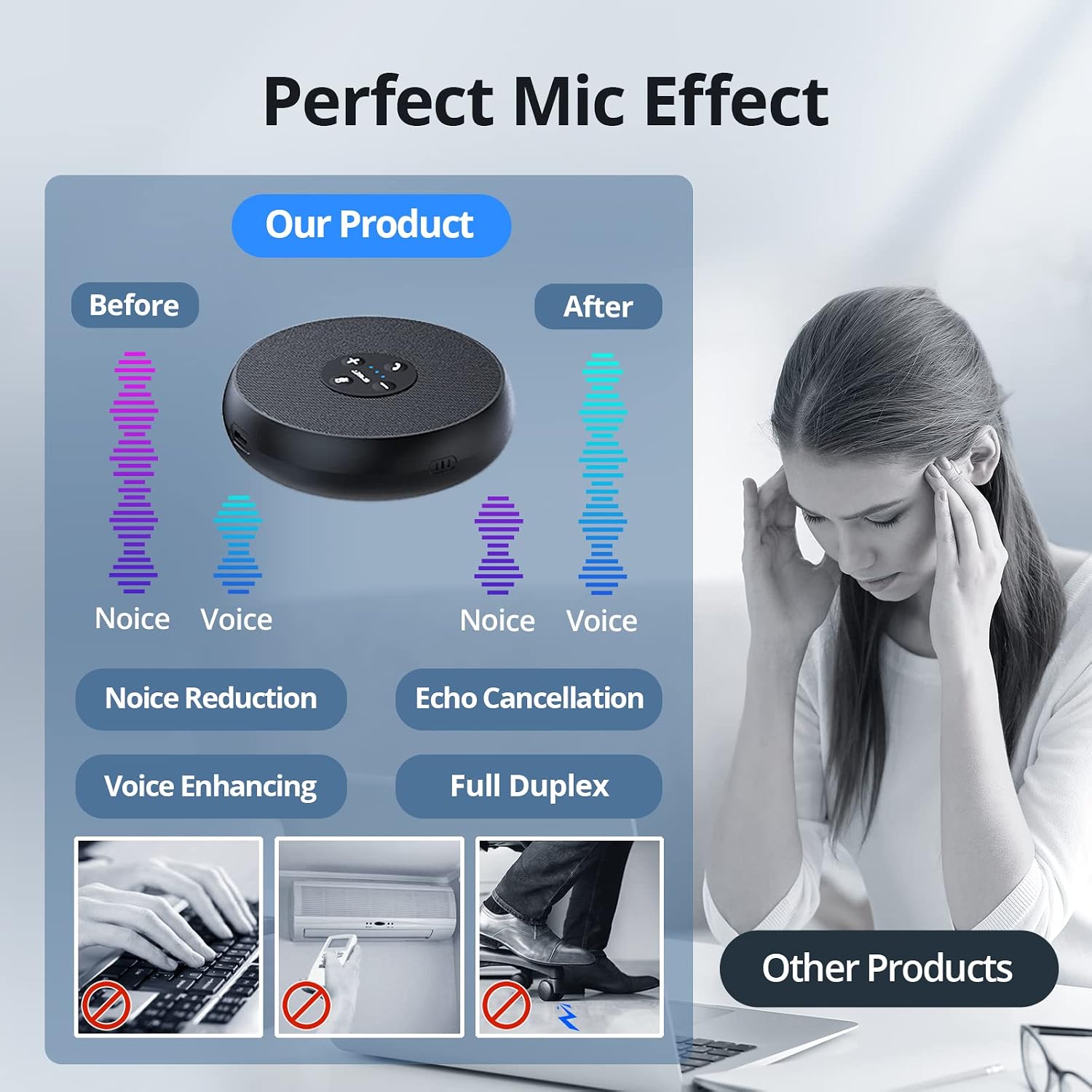
On paper, it leans into “pickup everywhere” with 360° voice capture and AI-focused mic processing—noise reduction, echo cancellation, and voice amplification—plus hands-on controls like fast mute. It’s also marketed as Zoom certified for compatibility, and it’s designed to work across several common meeting platforms.
Still, it’s worth keeping expectations realistic: any speakerphone depends heavily on room layout and background noise. In a very echoey space or with harsh constant noise, results can vary.
What it does best in real meetings
This is a USB speakerphone with built-in speaker output and a microphone system intended for conference calls. Its pitch is simple: it should help a small group (the listing positions it for 5–8 people) share audio without everyone needing to crowd around the mic.
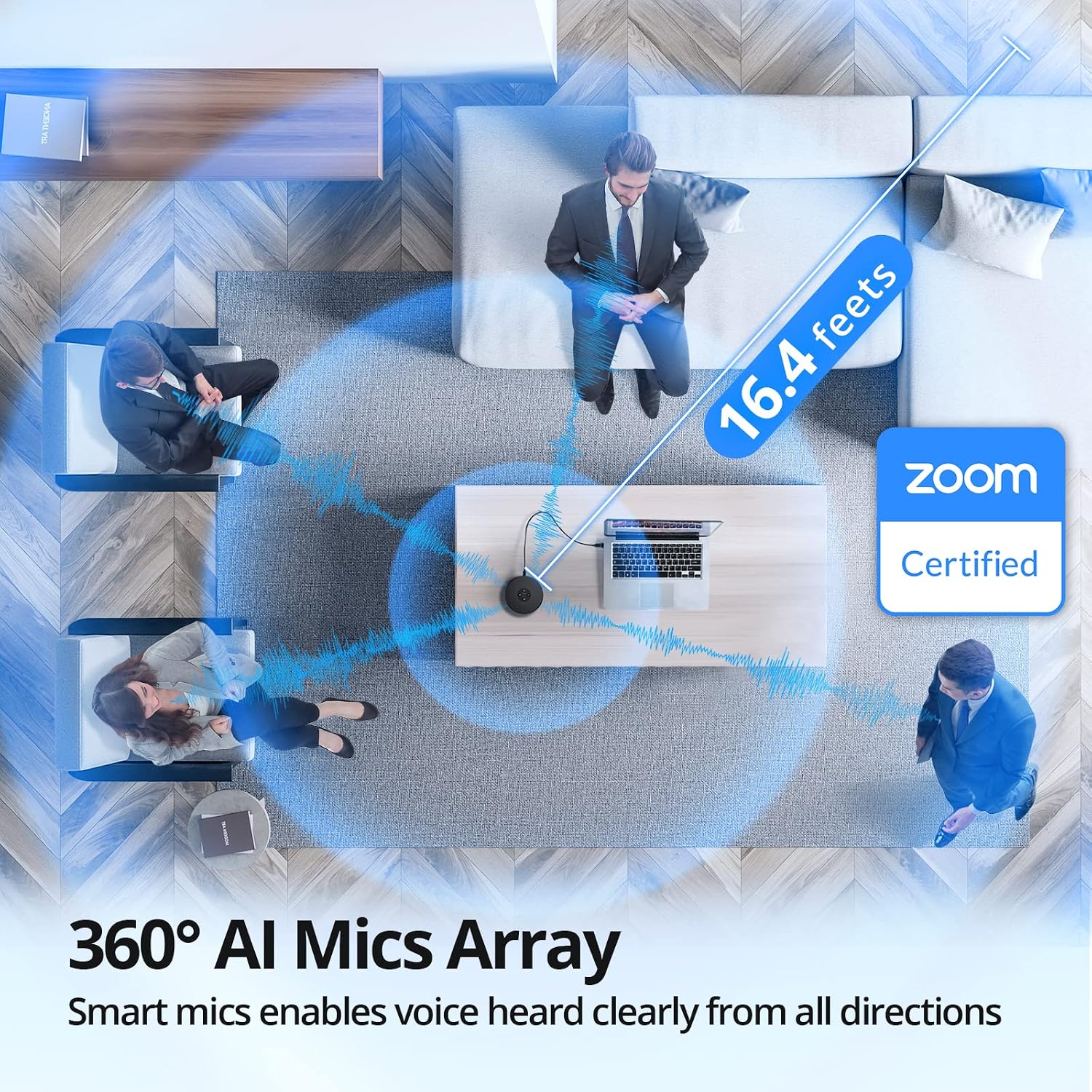
The 360° voice pickup is handled by two omnidirectional microphones, positioned to capture voices from different directions. So, if you’re running a stand-up in a small training room or a hybrid meeting in a classroom, the audio setup is less “face the device” and more “the room can work.”
For example, imagine a quick morning team check-in: people sit around a table with the speakerphone connected to a laptop. With 360° capture, someone speaking from the far end isn’t automatically drowned out just because they’re not directly in front of the unit. It’s not magic, but it’s the kind of practical improvement that makes group calls feel less frustrating.
Key points
The big story here is voice tech meant for online calls: noise reduction, echo cancellation, and voice amplification, paired with full-duplex operation (so it’s designed to handle both speaking and listening at the same time). That combination is what you’d look for if you’ve ever heard robotic audio artifacts or people talking over each other.
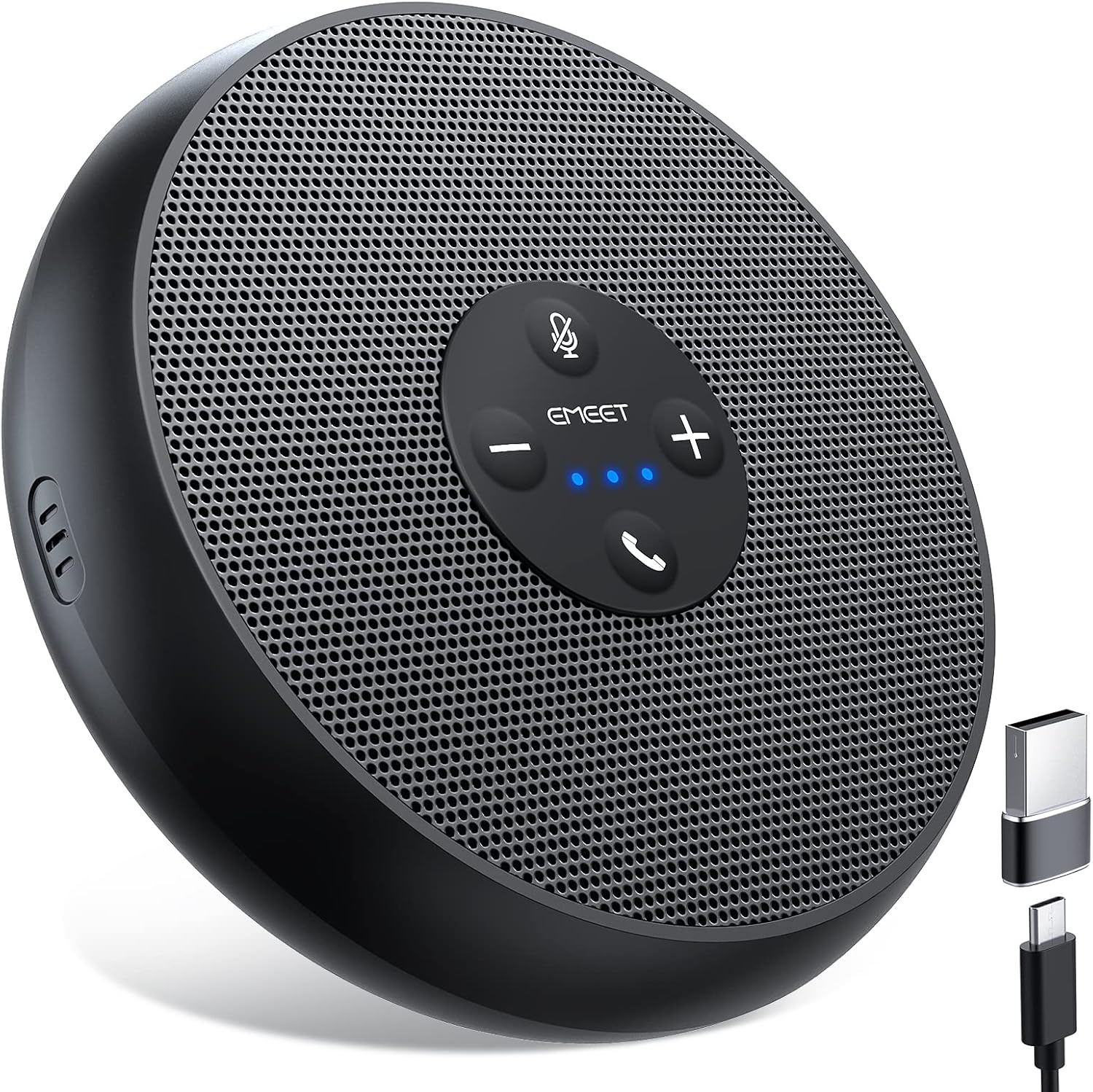
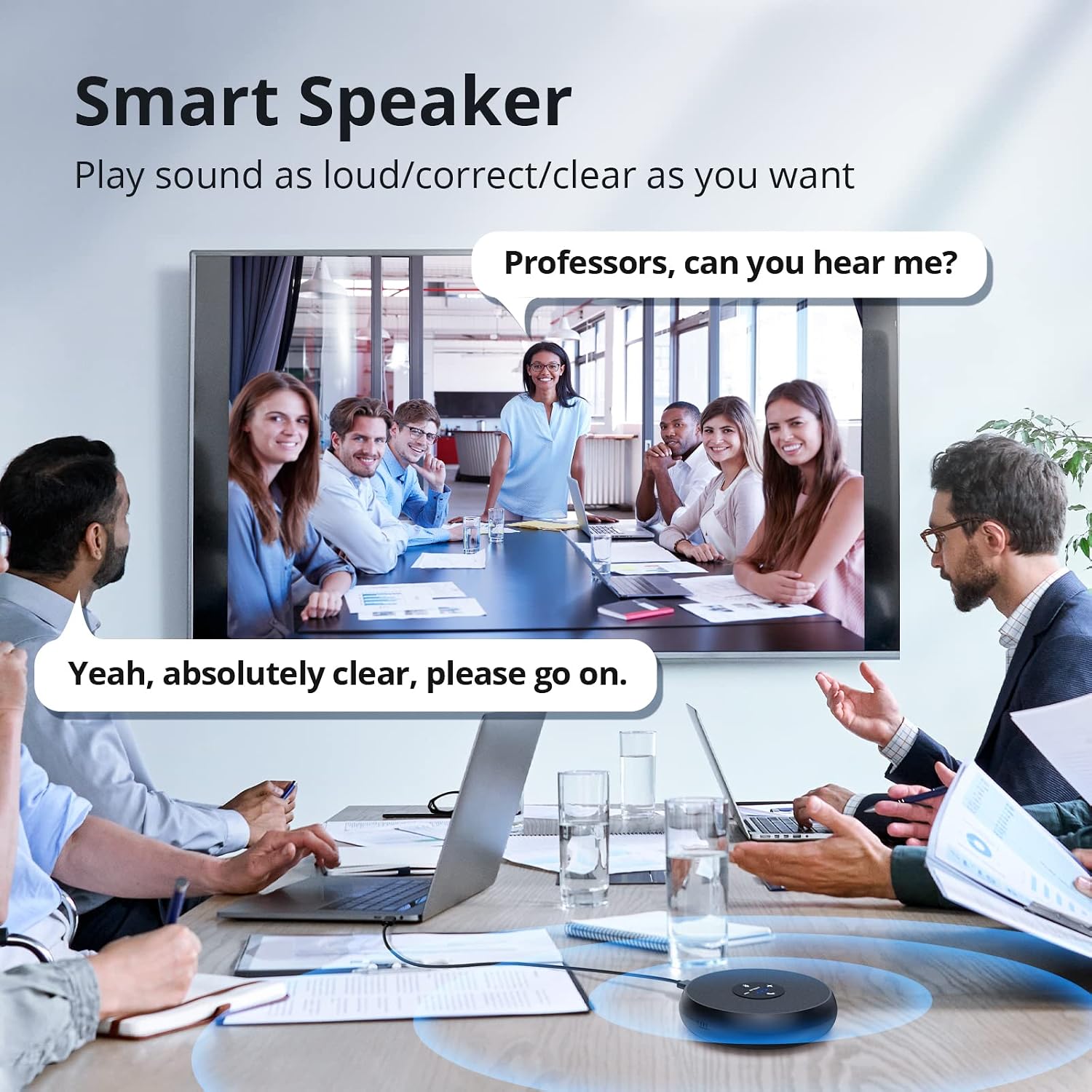
You also get a smart speaker with 9 voice volumes. Having volume control on the device itself (and indicated via the blue LED on the panel) matters more than you’d think during live calls—less fumbling with a laptop slider while you’re trying to keep the meeting moving.
One more detail: privacy is addressed with the ability to mute the speaker and microphone. If you’ve joined calls where you’re not sure your mic is actually live, that kind of quick control is a real day-to-day quality-of-life feature.
Tech specs
- Type: USB speakerphone with built-in microphone and speaker
- Audio pickup: 360° voice pickup with 2 omnidirectional microphones
- Voice processing: noise reduction, echo cancellation, voice amplification
- Operation mode: full duplex
- Speaker volume levels: 9 voice volumes (adjustable via control panel)
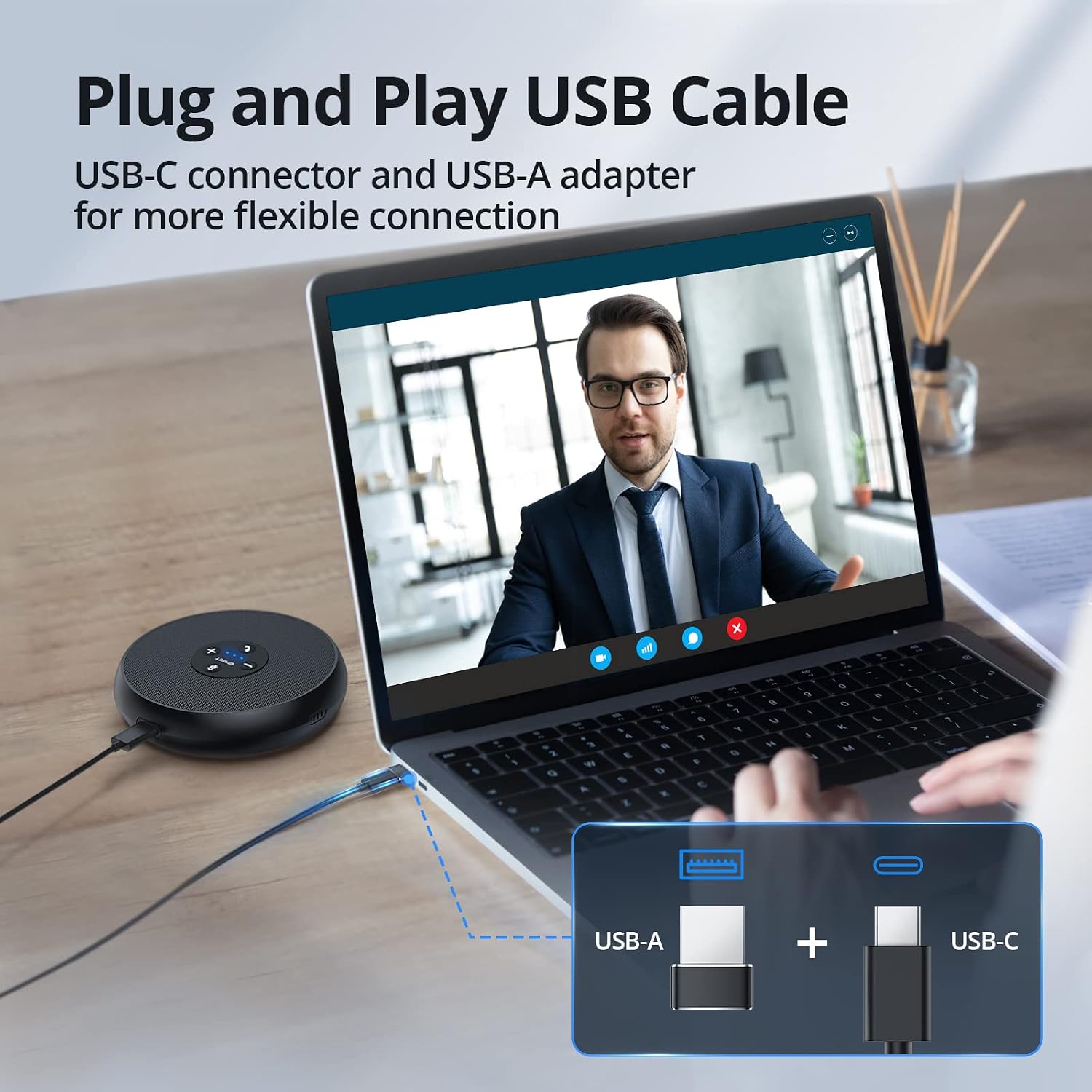
- Connection: USB Type C-A plug-and-play, works via USB-C connector or USB-A adapter
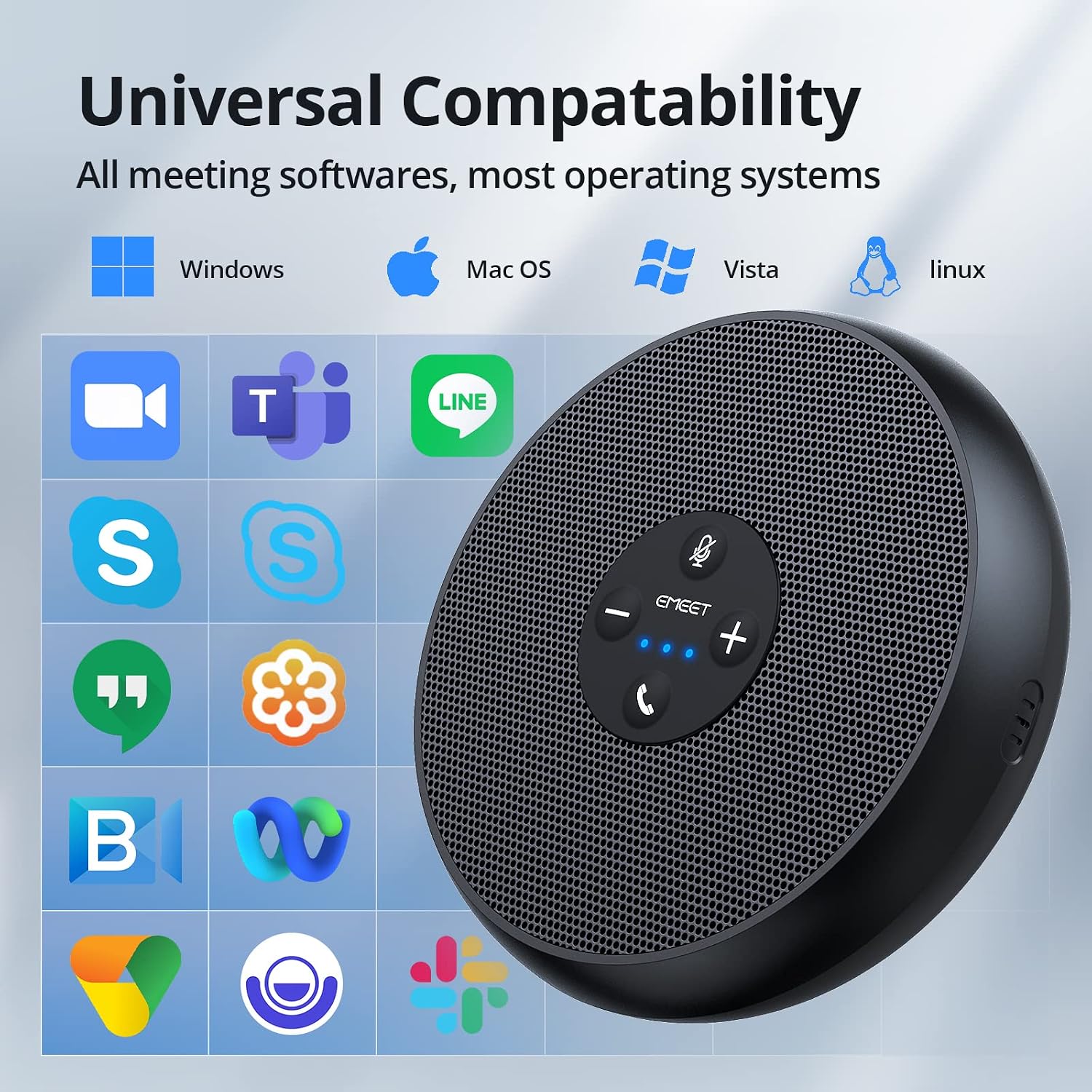
- Certification/compatibility: listed as Zoom certified, also described as working with Skype, Skype for Business, Microsoft Lync, Google Hangouts, FaceTime, GoTo Meeting, BlueJeans, and Webex
Where it shines (and where it might not)
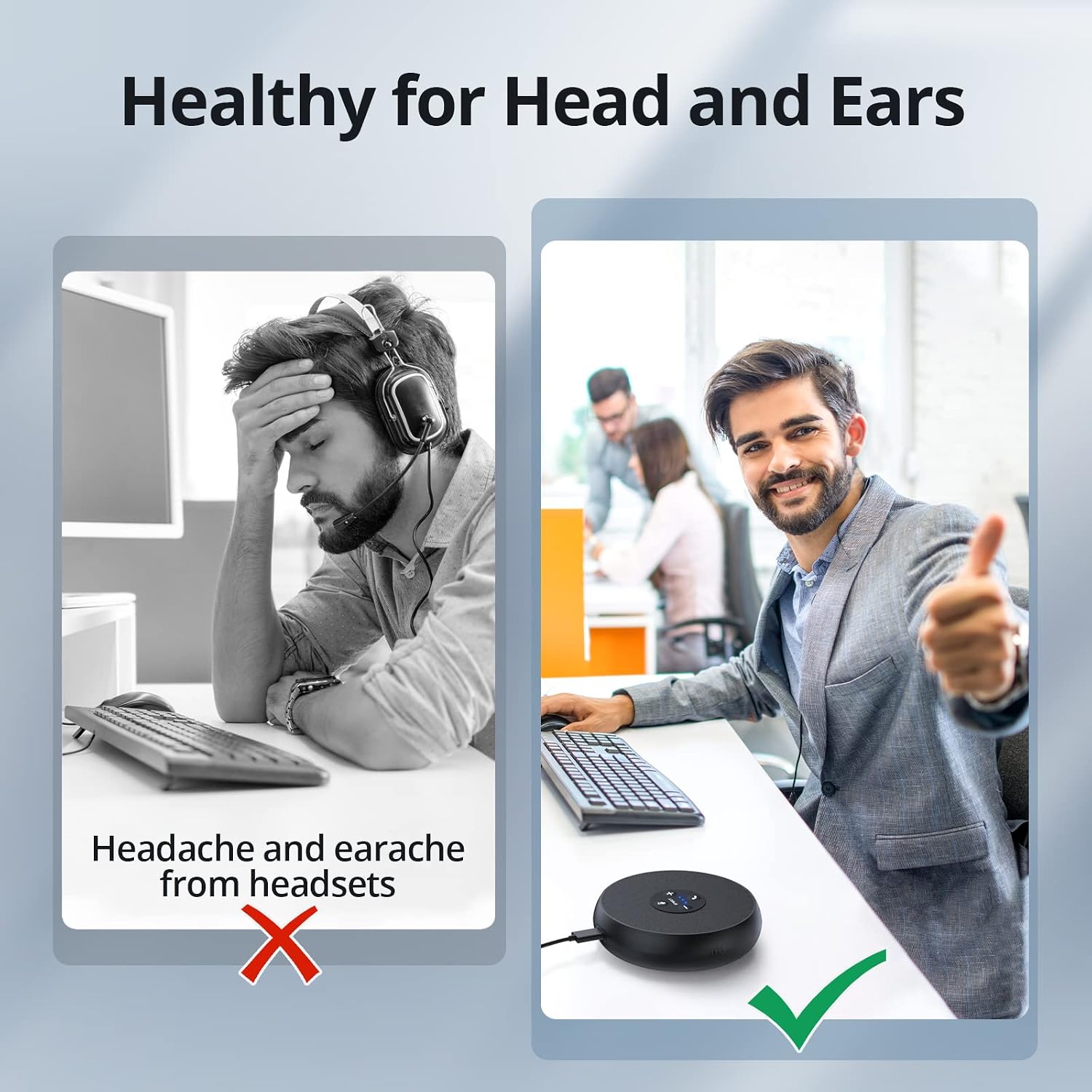
It makes the most sense if you regularly run small-group calls and need a simpler audio setup than relying on a laptop mic plus tinny speaker output. This is the kind of tool that helps meetings feel smoother—especially when you want voices to be captured from multiple seats around a table.
You may want to skip it if your room conditions are challenging in a way that can’t be solved by software processing alone. The listing doesn’t claim “studio” audio, and no speakerphone can fully erase problems caused by extreme echoes, loud background noise, or very long distances between participants.
Also, if you only do single-person calls or you typically meet with just one other person at close range, you might not need a 5–8 person style conference setup.
Is it worth it?
Buy the EMEET OfficeCore M1A if you want a plug-and-play USB speakerphone geared for group calls, with 360° microphone capture and call-focused processing like noise reduction and echo cancellation. It’s especially compelling if you care about fast mute and want practical controls (including 9 speaker volume levels) during meetings.
Don’t buy it if your main goal is maximum audio fidelity in a controlled recording setup—this is aimed at conferencing, not studio production. Also, if your environment is consistently noisy or highly reflective, keep in mind that results can fall short of what you’d expect from a perfectly treated room.
If you’re choosing based on Zoom use, the listing’s “Zoom certified” positioning is a reassuring starting point—just still double-check your setup on your specific laptop and meeting workflow.
Mini FAQ
Compatibility: Will it work with my meeting apps?
It’s described as Zoom certified and also compatible with several other platforms listed by the manufacturer, including Skype, Microsoft Lync, Google Hangouts, FaceTime, GoTo Meeting, BlueJeans, and Webex.
Setup: Is it really plug-and-play?
The listing says it will plug and play after connecting through USB-C or via a USB-A adapter.
How does it handle people sitting around it?
It uses two omnidirectional microphones for 360° smart voice pickup, designed to capture voices from different directions.
Can I mute quickly during a call?
Yes. The listing notes privacy protection by allowing you to mute the speaker and microphone anytime.
How loud can it get?
The speaker offers 9 voice volume levels adjustable on the control panel, with the current level indicated by a blue LED light.