

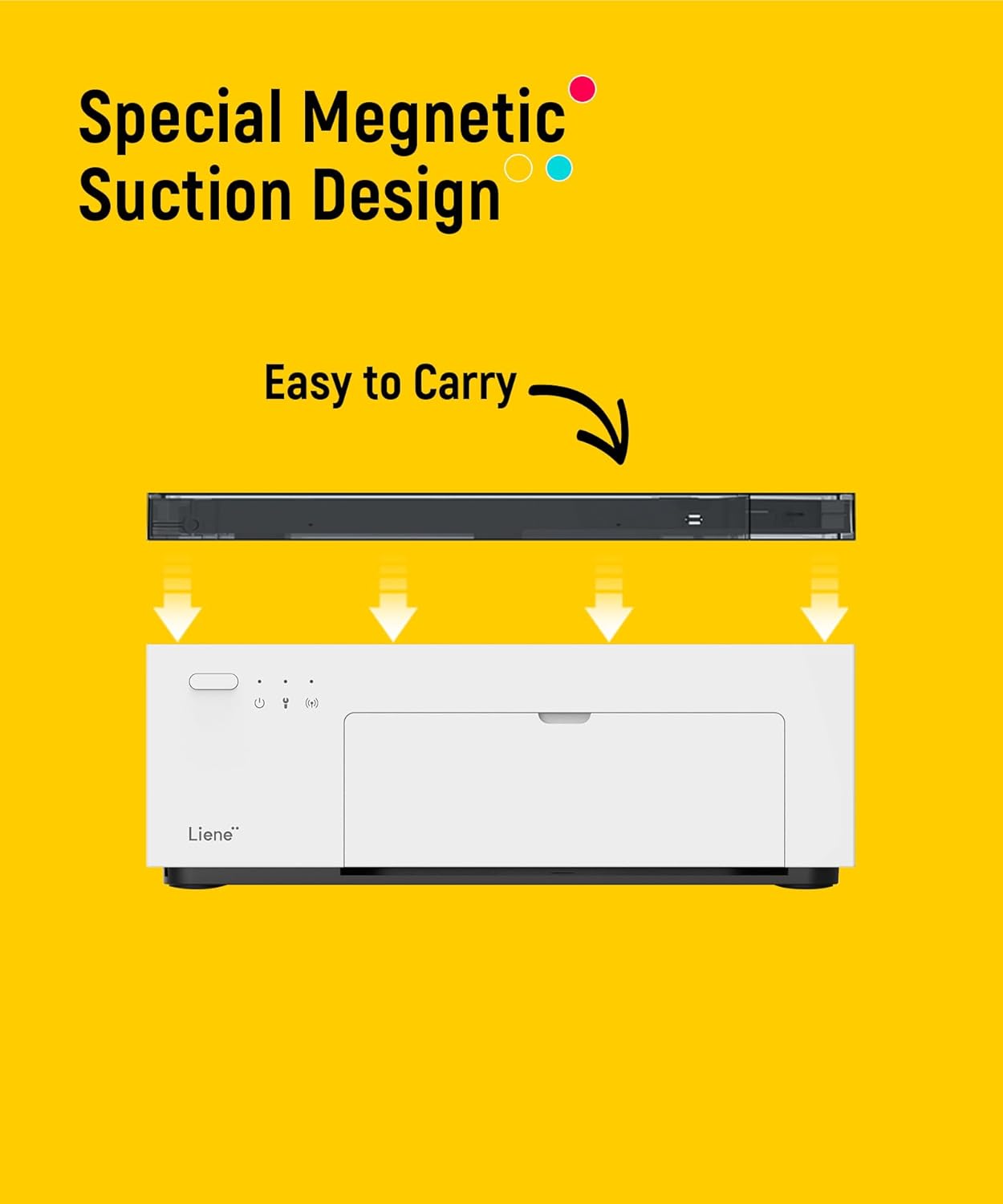
Liene M100 4x6 Photo Printer 📸
Product description
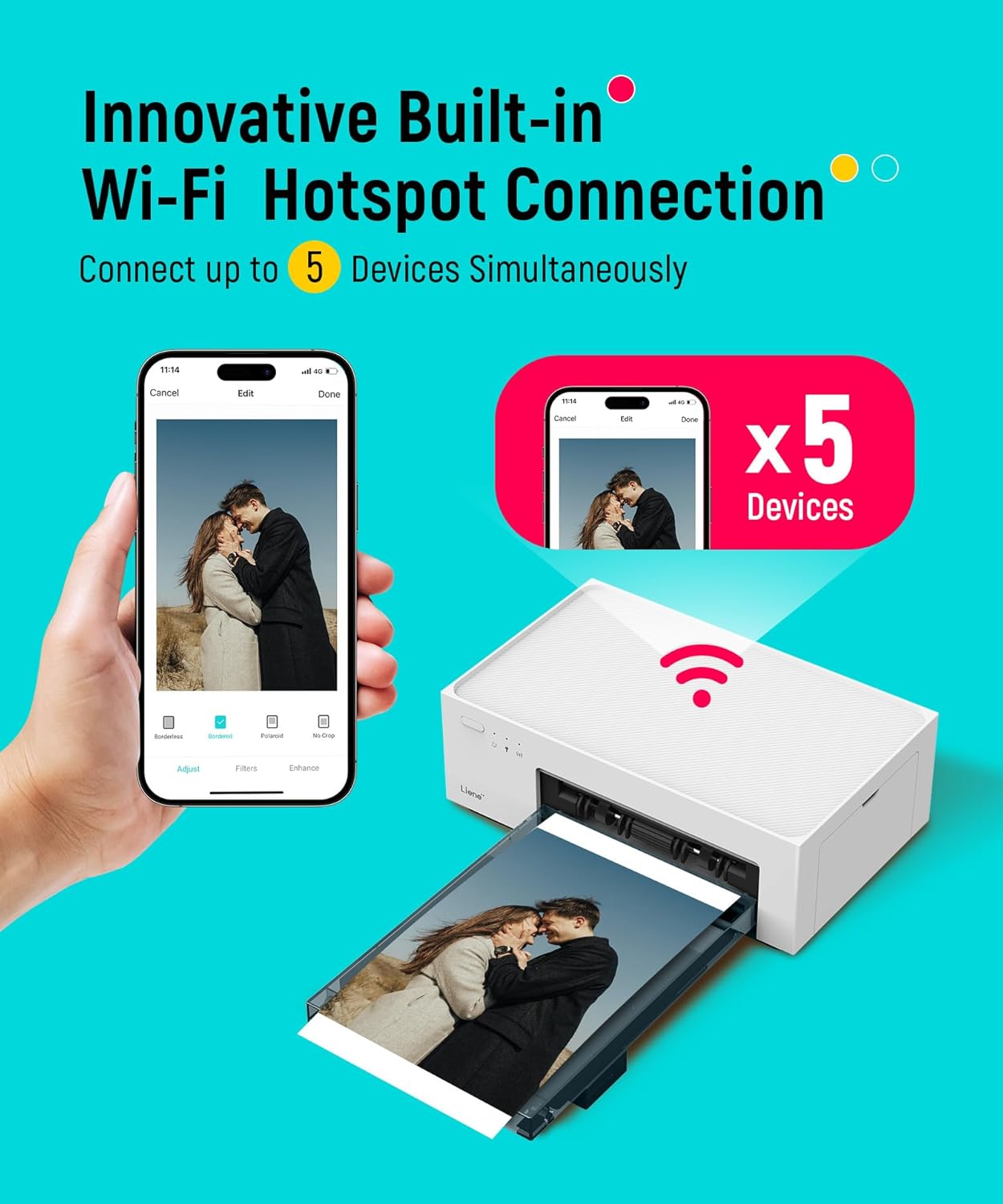
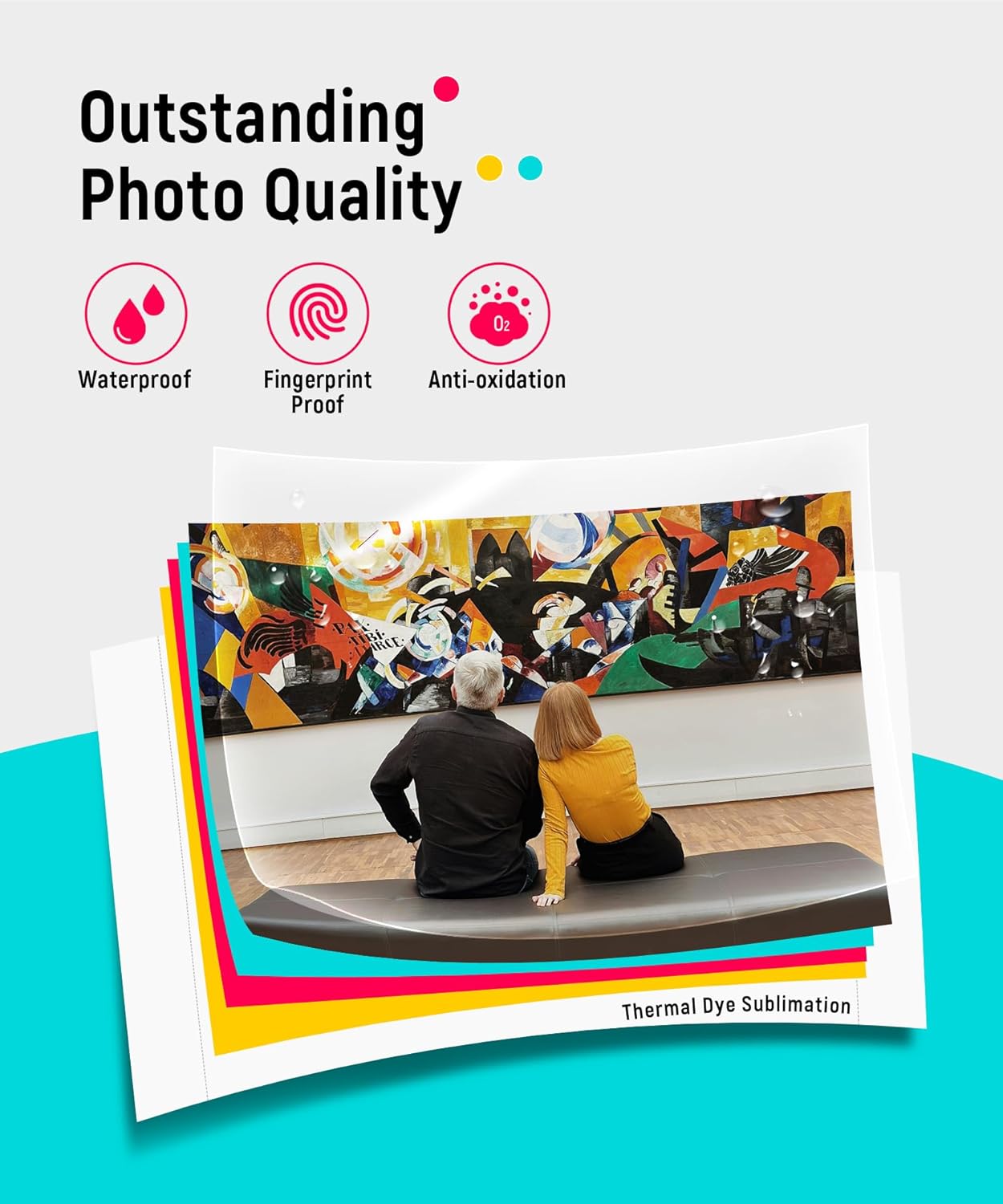
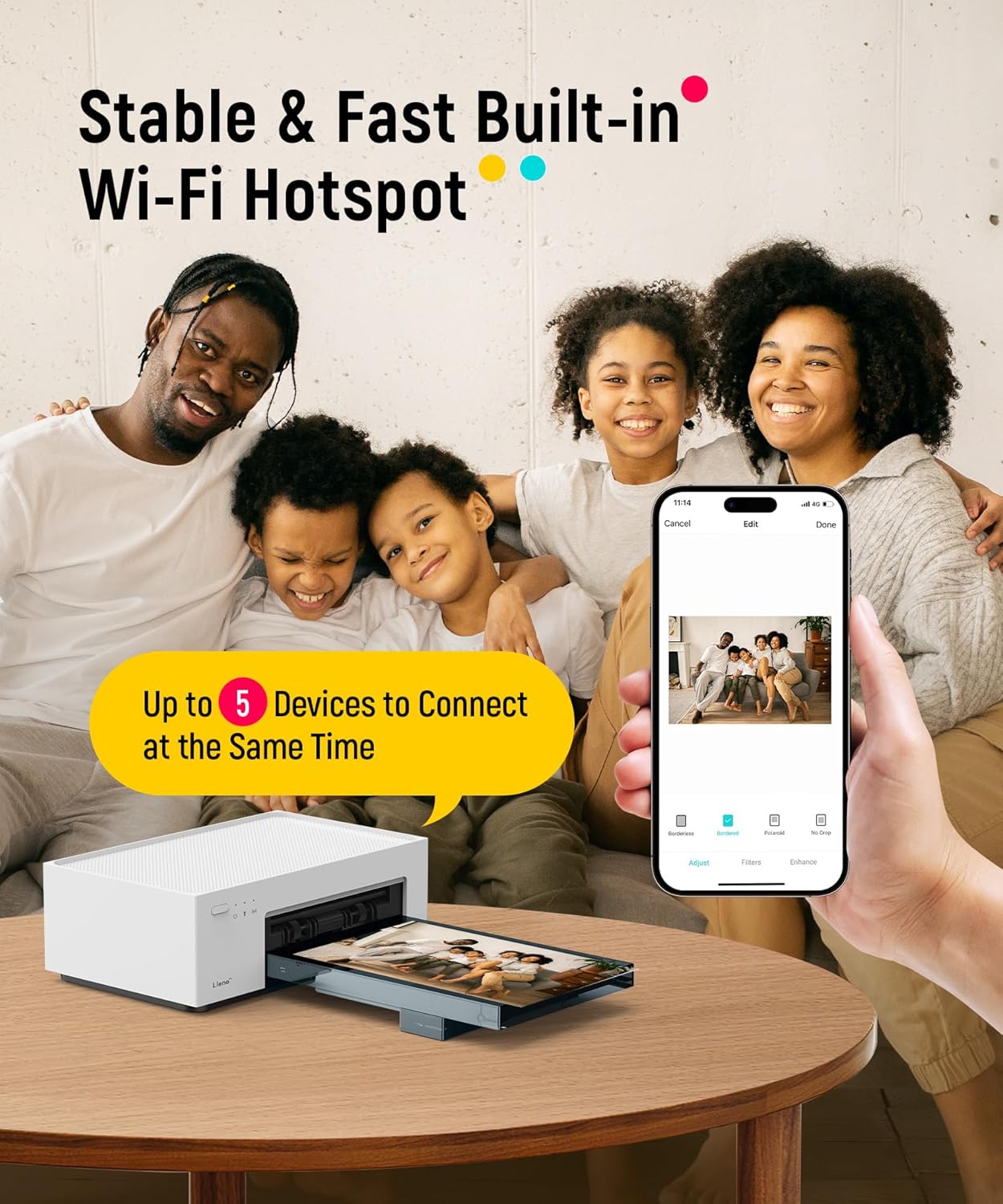
This Liene M100 4x6 photo printer delivers crisp, vibrant prints using thermal dye-sublimation technology, allowing users to instantly create high-quality photos from their smartphones or computers. Ideal for everyday memory sharing, it produces durable 4x6” prints with a protective layer that resists water, scratches, and fading. The device connects seamlessly via built-in Wi-Fi hotspot, eliminating the need for external networks or cables.
Key Points
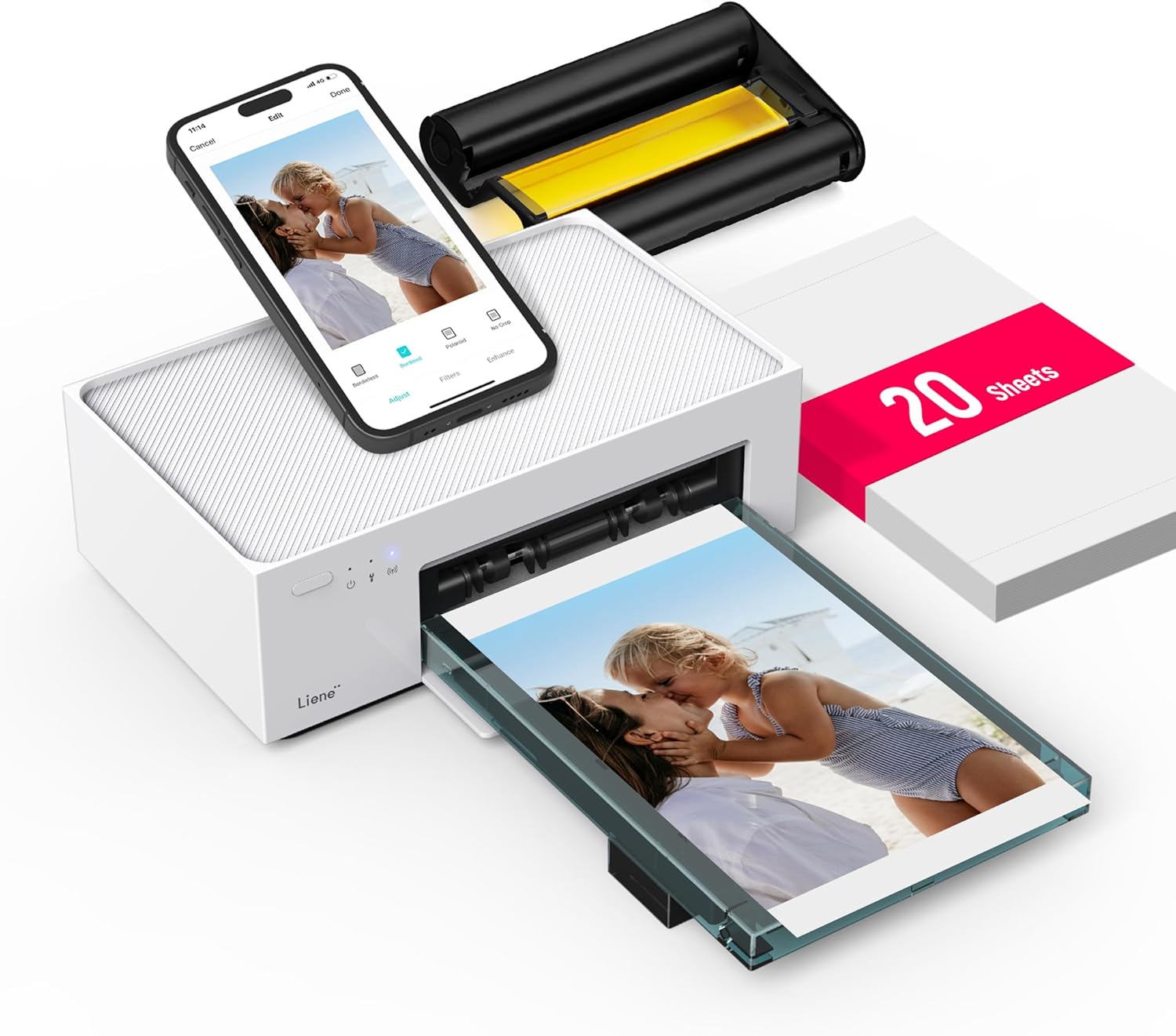
The Liene M100 offers instant printing with a simple, intuitive interface that guides users through common issues via the Liene app. It includes a 20-pack of photo paper and one ink cartridge in the box. No paper jams occur due to the printer’s automatic alignment system. The device supports up to five devices at once, making it convenient for shared use among family or friends.
Technical Specifications
- Print Size: 4x6 inches
- Technology: Thermal dye-sublimation
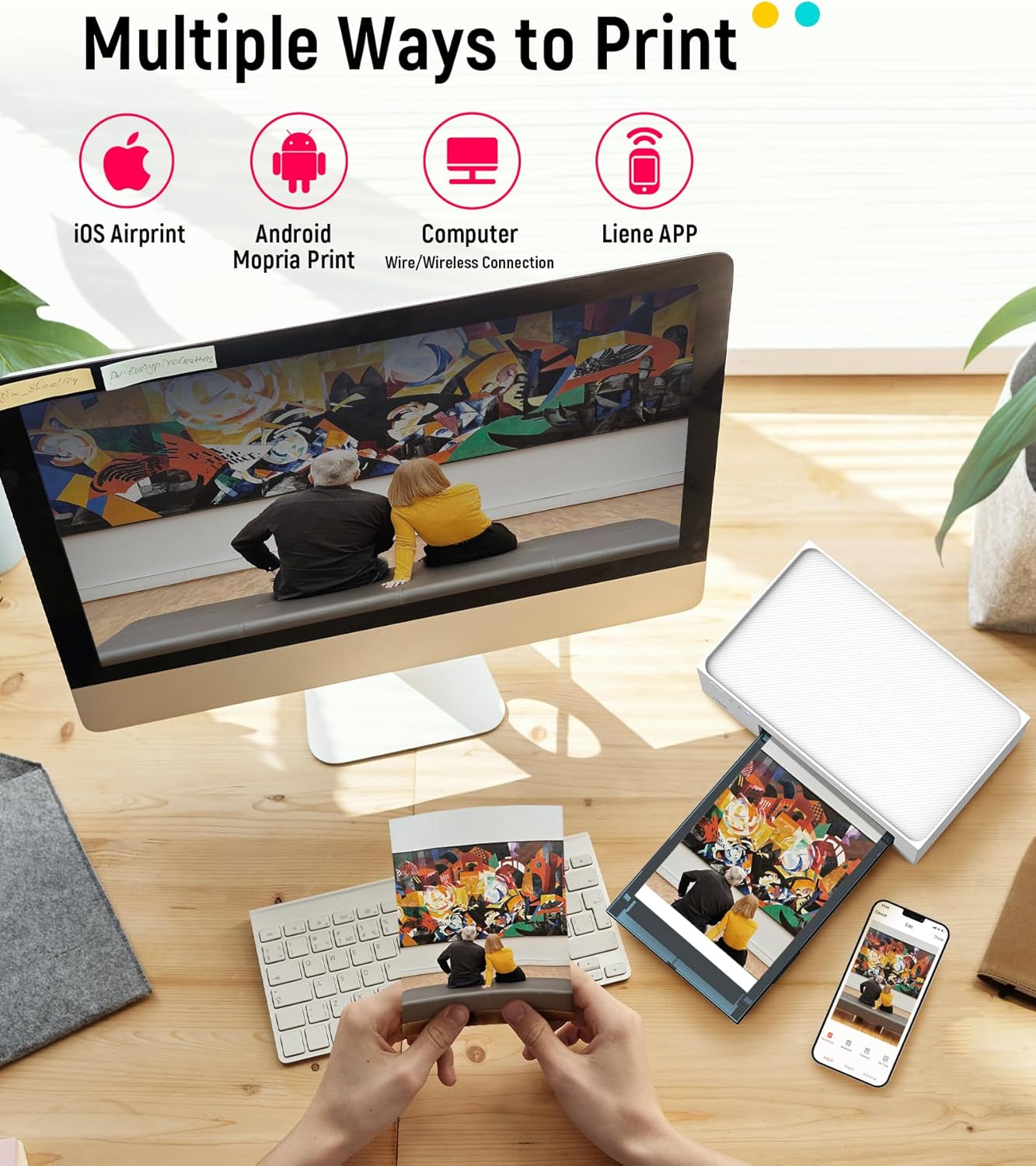
- Connectivity: Built-in Wi-Fi hotspot, compatible with iOS, Android, PCs, and laptops
- Print Speed: Up to 10 seconds per print
- Paper Capacity: 20 sheets included, fits standard photo paper
- Ink Type: Dye-based, with real-time ink level alerts
Benefits
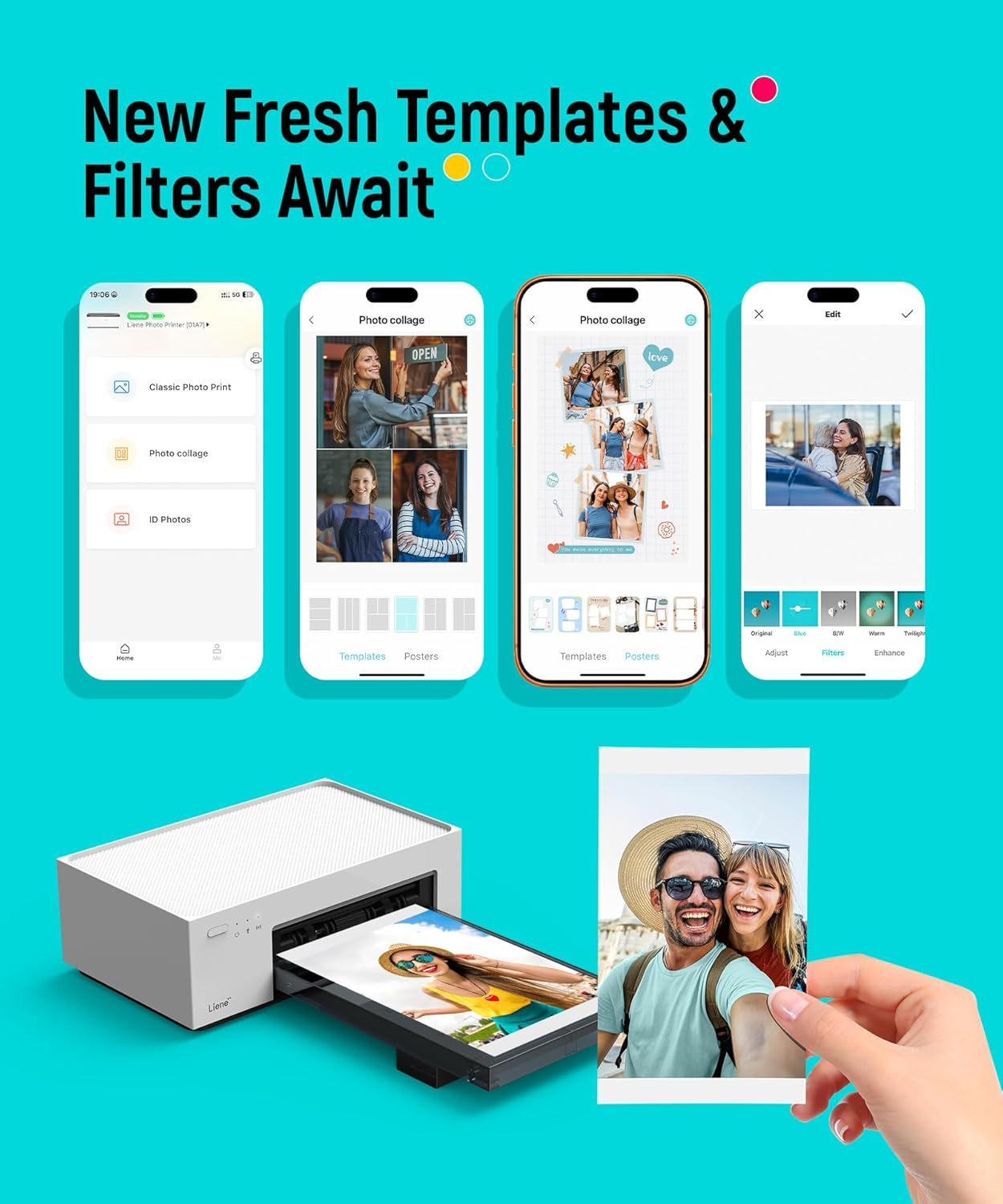
The printer ensures photos retain rich colors and fine details, thanks to deep dye penetration into the paper. The protective coating helps maintain image quality over time, even under normal handling. With direct device pairing, users avoid network complexities and achieve faster setup. The app allows adding filters, frames, and text before printing, offering creative control over final output.
Usage Recommendations
For best results, use standard photo paper with a smooth surface. Start by downloading the Liene app to explore customization options and check ink or paper levels before printing. Print from your smartphone, tablet, or computer using the app’s interface. If you're printing multiple photos, keep the printer powered and ensure the paper is properly aligned. The device works well in homes, offices, or travel settings where quick photo sharing is needed.