

Lenovo Hybrid USB-C with USB-A Cable
Product description
The Lenovo Hybrid USB-C with USB-A Cable makes connecting laptops and phones quick and fuss free, combining USB‑C versatility with a USB‑A plug for broad compatibility. It’s designed for simple plug and play use, so you can transfer files or charge devices without extra adapters.
Key features
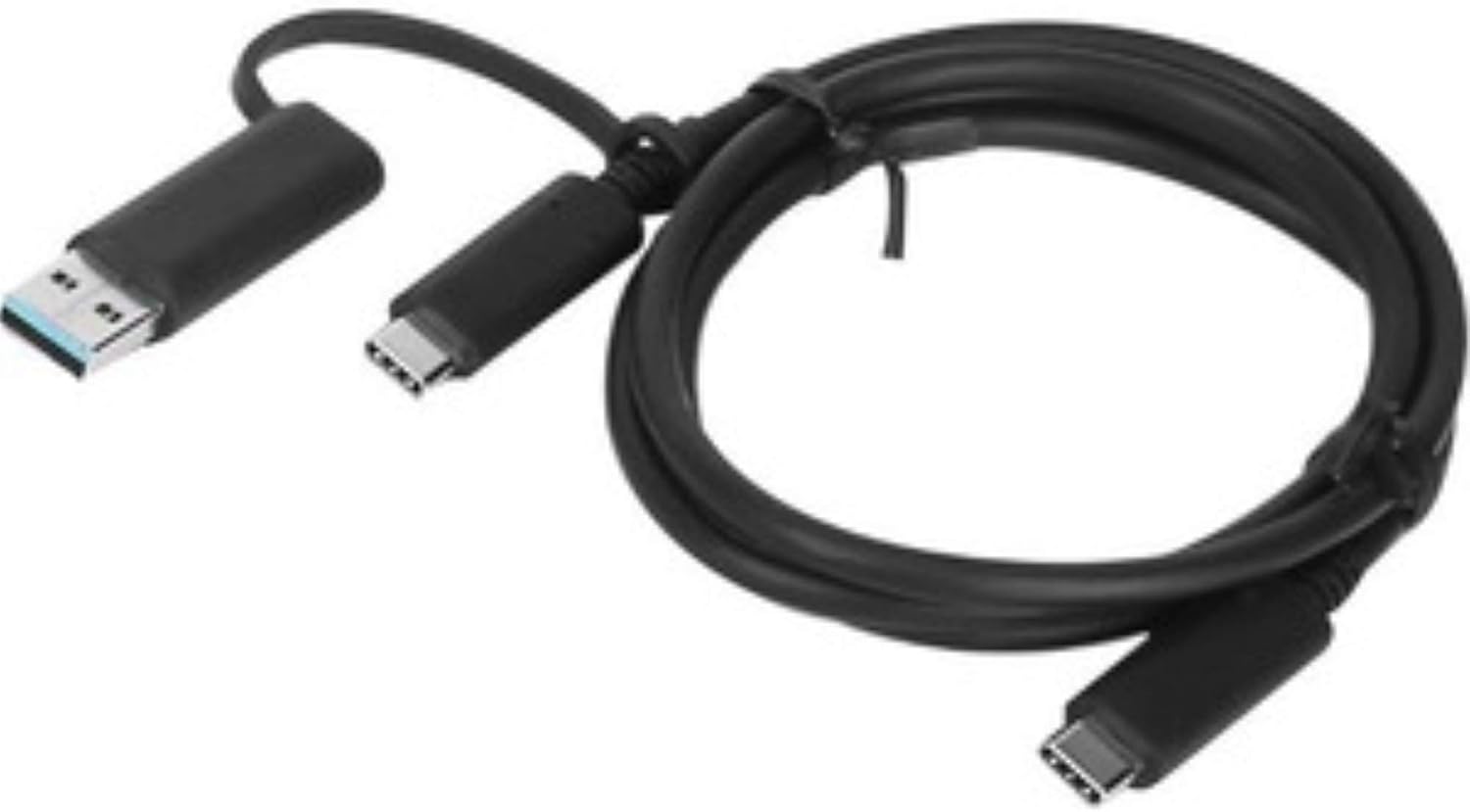
This cable handles data transfer and basic charging between devices, and it works with a wide range of notebooks and peripherals. It’s a practical choice when you need a single cable that bridges newer USB‑C ports and legacy USB‑A sockets. Keep in mind that charging speed and transfer rates depend on the connected devices and their ports.
Specifications
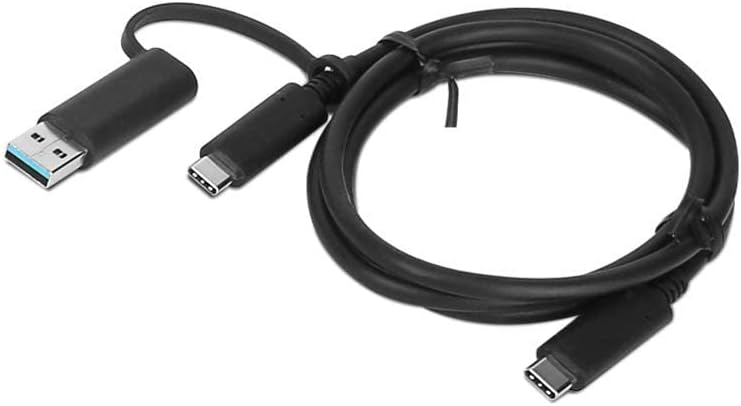
- Name: Lenovo Hybrid USB-C with USB-A Cable
- Type: Hybrid cable
- Format: USB-C to USB-A
- Compatibility: Fully compatible with notebooks
Usage tips
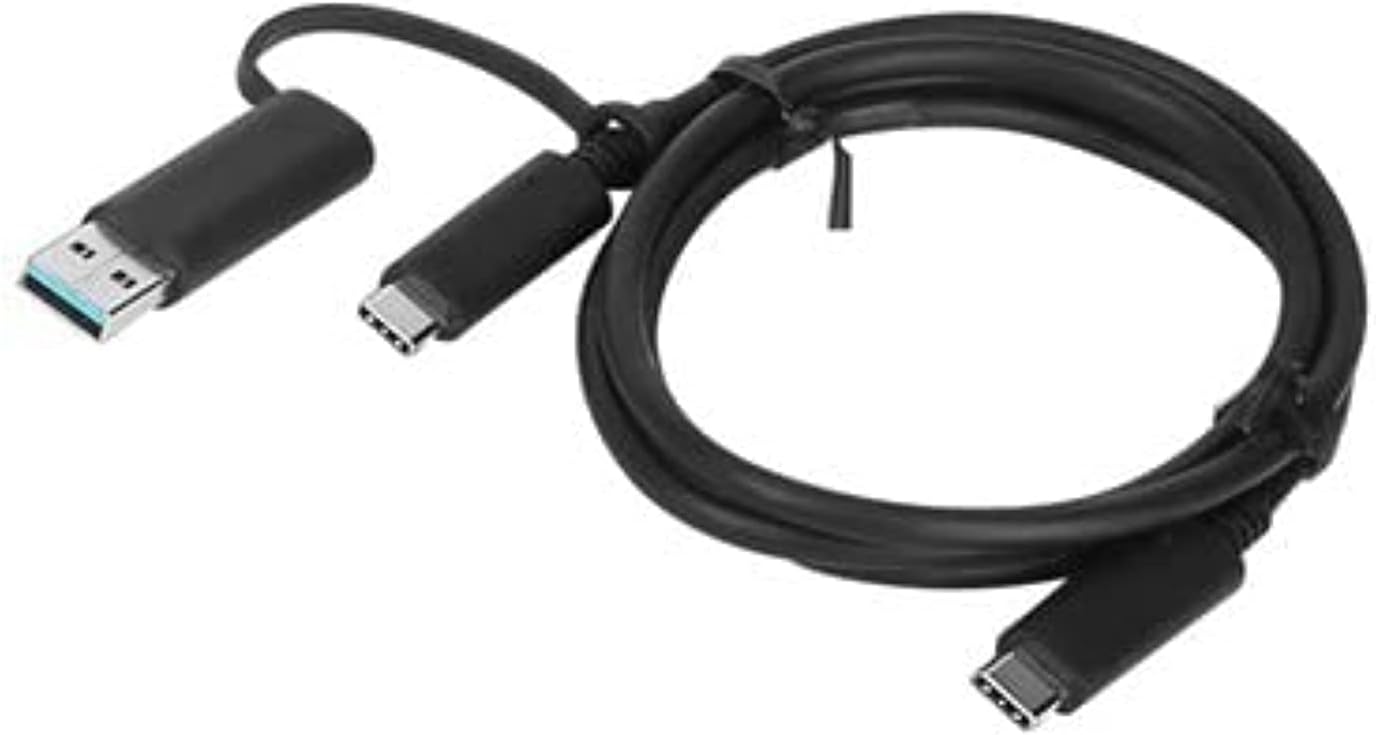
Plug the USB‑A end into a host computer or charger and the USB‑C end into your device, then wait for the connection to establish. If the device does not respond immediately, try a different USB port or check that drivers are up to date. You’ll appreciate it if you often move files between older laptops and newer phones or tablets, and it makes sense to keep one in your bag as a reliable backup.
Care & maintenance
Store the cable loosely coiled to avoid kinks and avoid pulling on the cord when unplugging. If you notice frayed insulation or a loose connector, replace the cable for safety. Using the cable within device specifications helps preserve port longevity.
The Lenovo Hybrid USB-C with USB-A Cable offers straightforward connectivity for everyday file transfers and occasional charging, with broad notebook compatibility and plug and play convenience.