

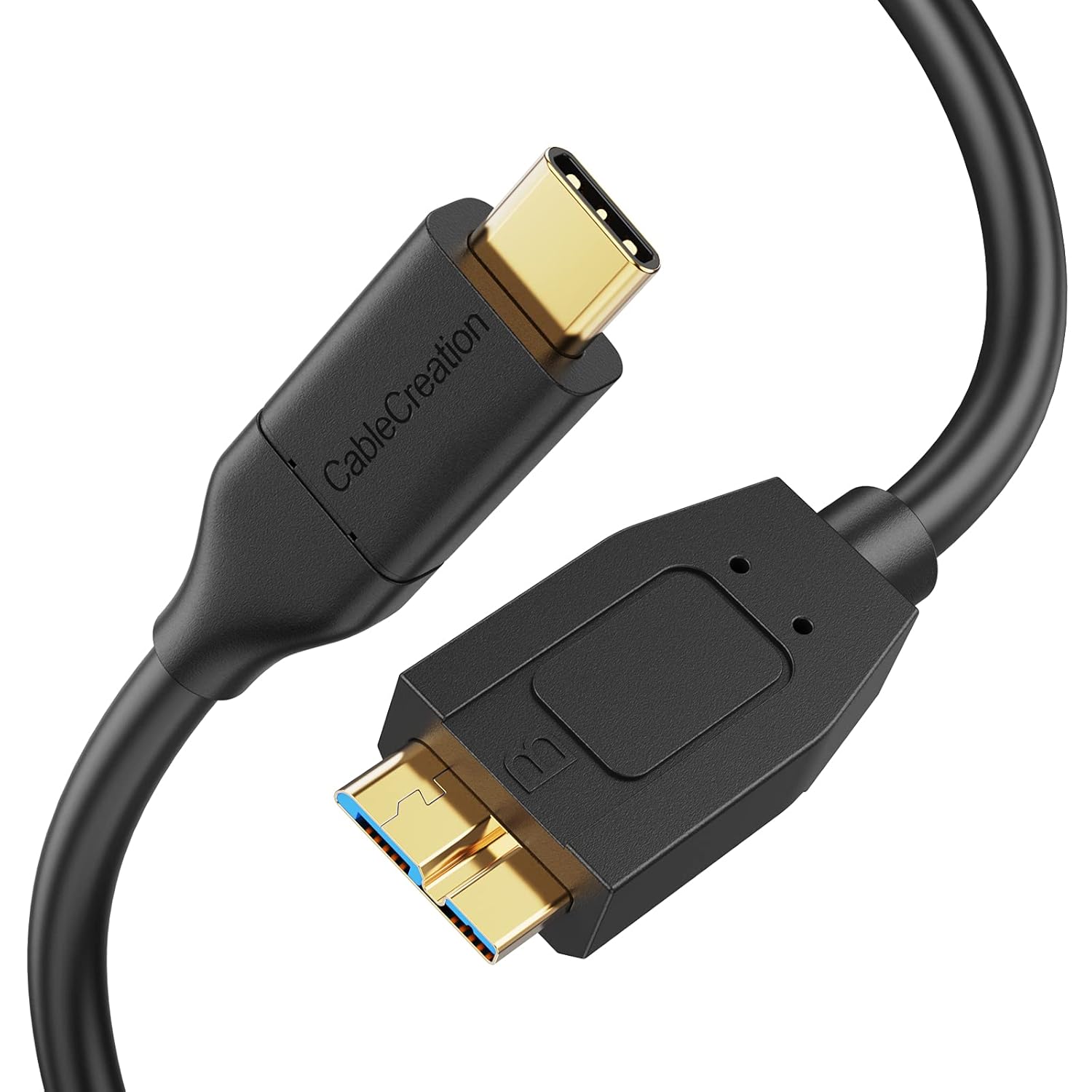
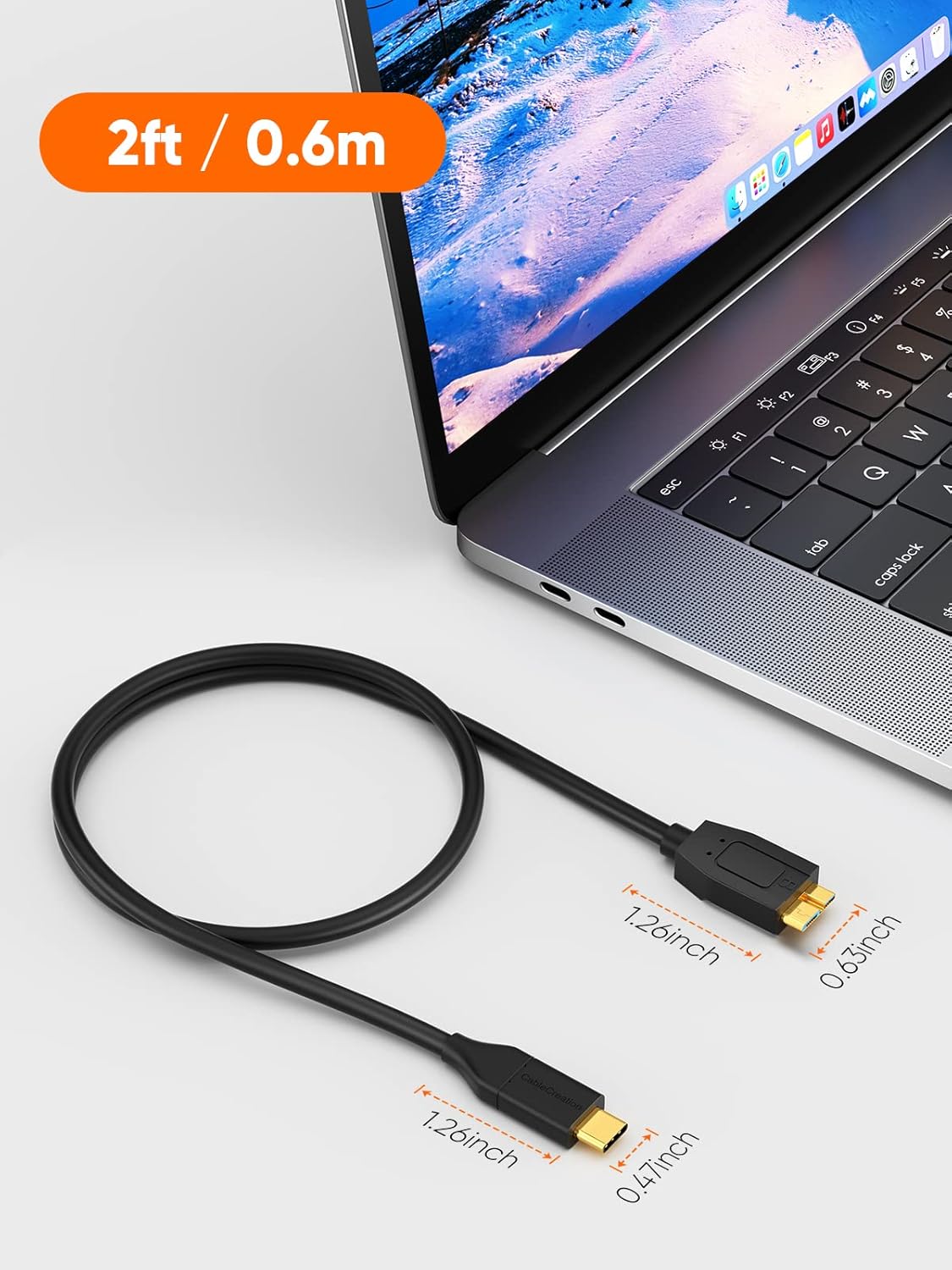
CableCreation USB C to Micro B Short Cable 2FT: 10Gbps USB 3.1 Gen 2 for External Drives and More
Product description
What it is and what it does
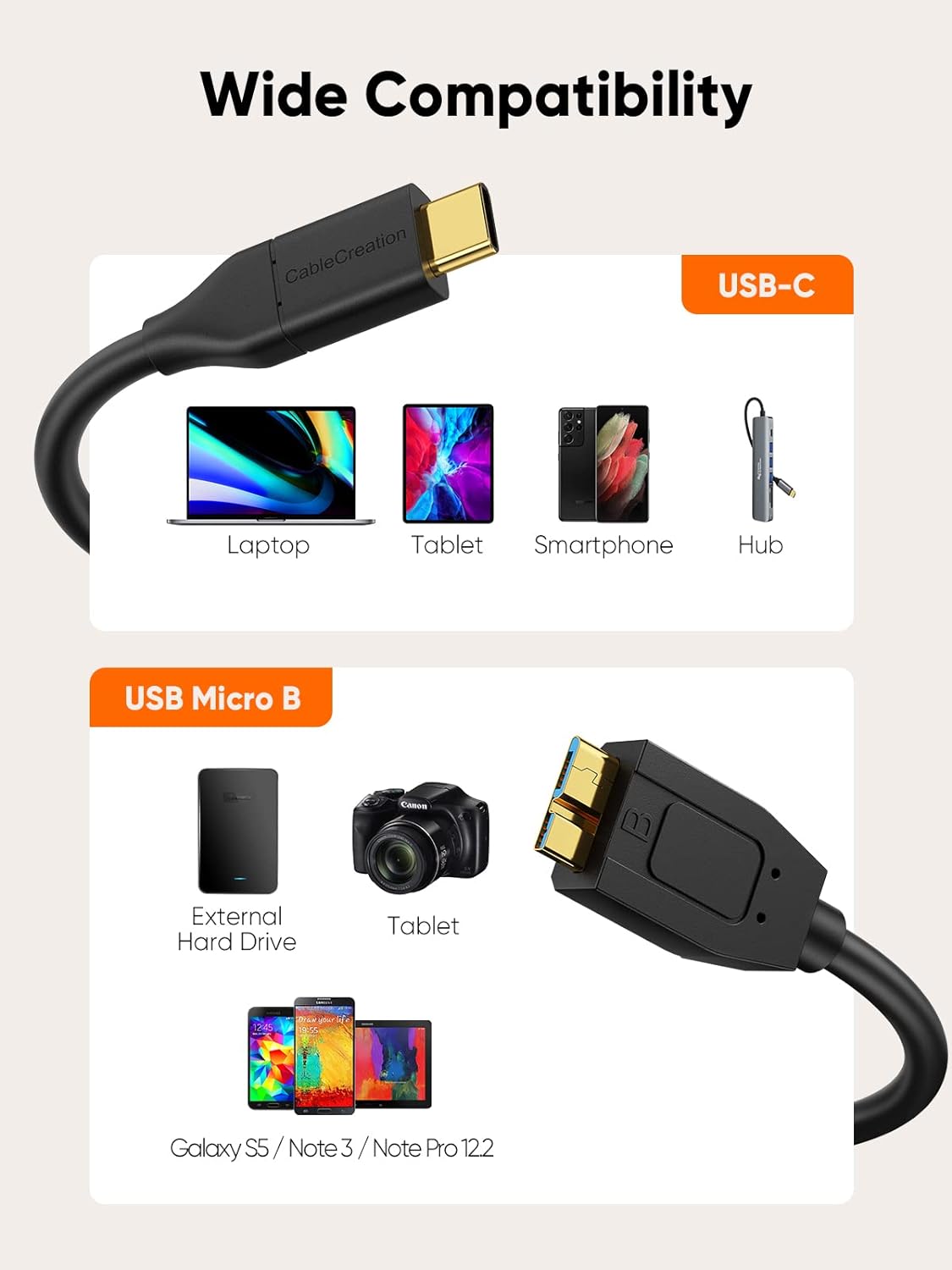
This is a USB C to Micro B short cable, measuring 2 feet, designed to connect a USB-C host (like a MacBook Pro, iPad Pro, or USB-C laptop) to USB 3.1 Micro B devices such as external hard drives. On paper, it aims to deliver fast data transfer and charging capability between a USB-C device and a Micro B device, making it a practical option for compact setups or on-the-go data transfers.
How it stands out in use
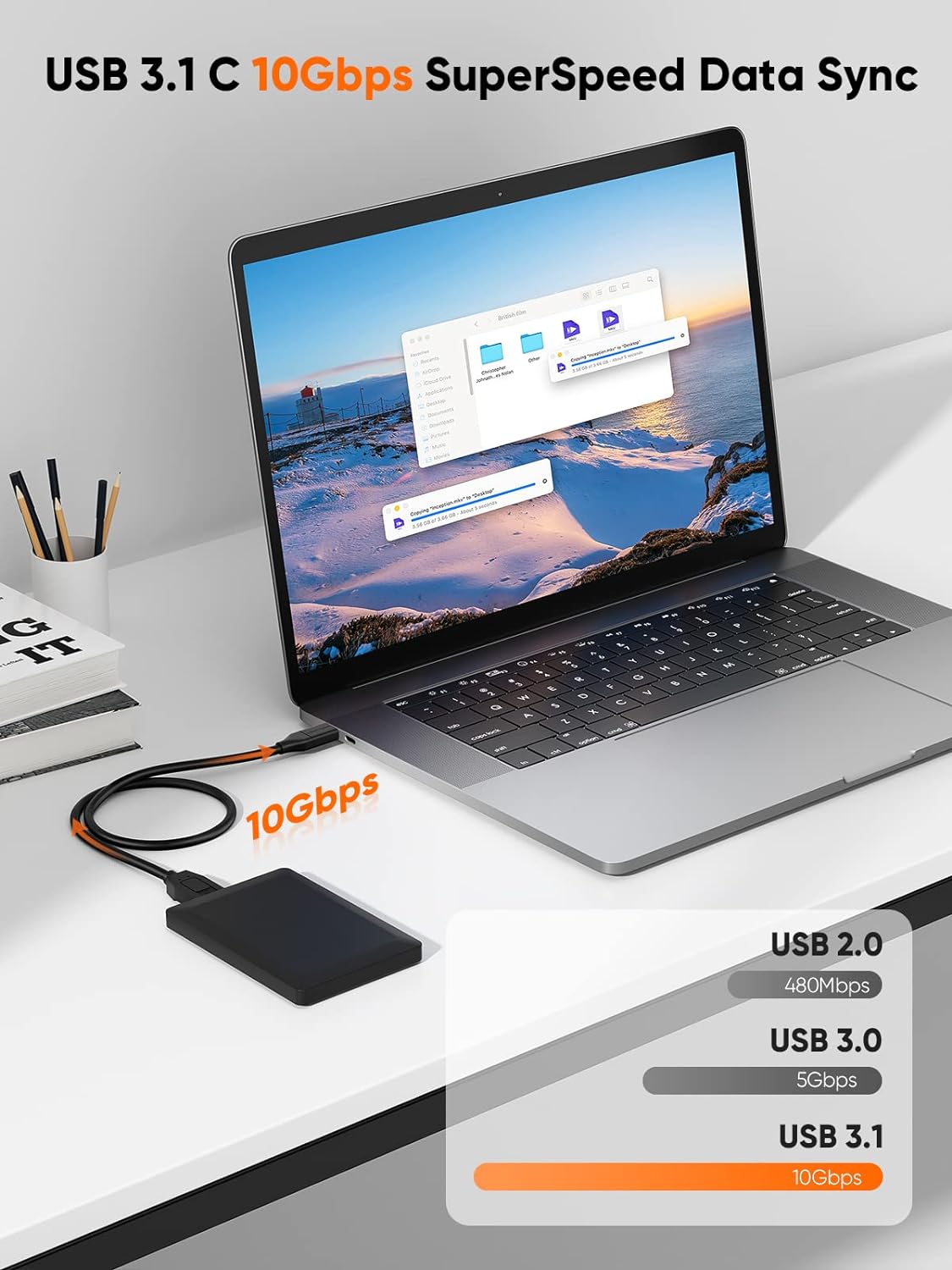
If you’re prioritizing speed, this cable advertises up to 10Gbps data transfer, which is notably faster than USB 2.0 and USB 3.0 approaches. It’s particularly useful when you’re moving large files to/from SSDs or syncing data from a smartphone that uses Micro B. Do keep in mind that with traditional hard drives the speed may fall closer to 5Gbps, so real-world performance can vary by device.
Pros and what to watch for
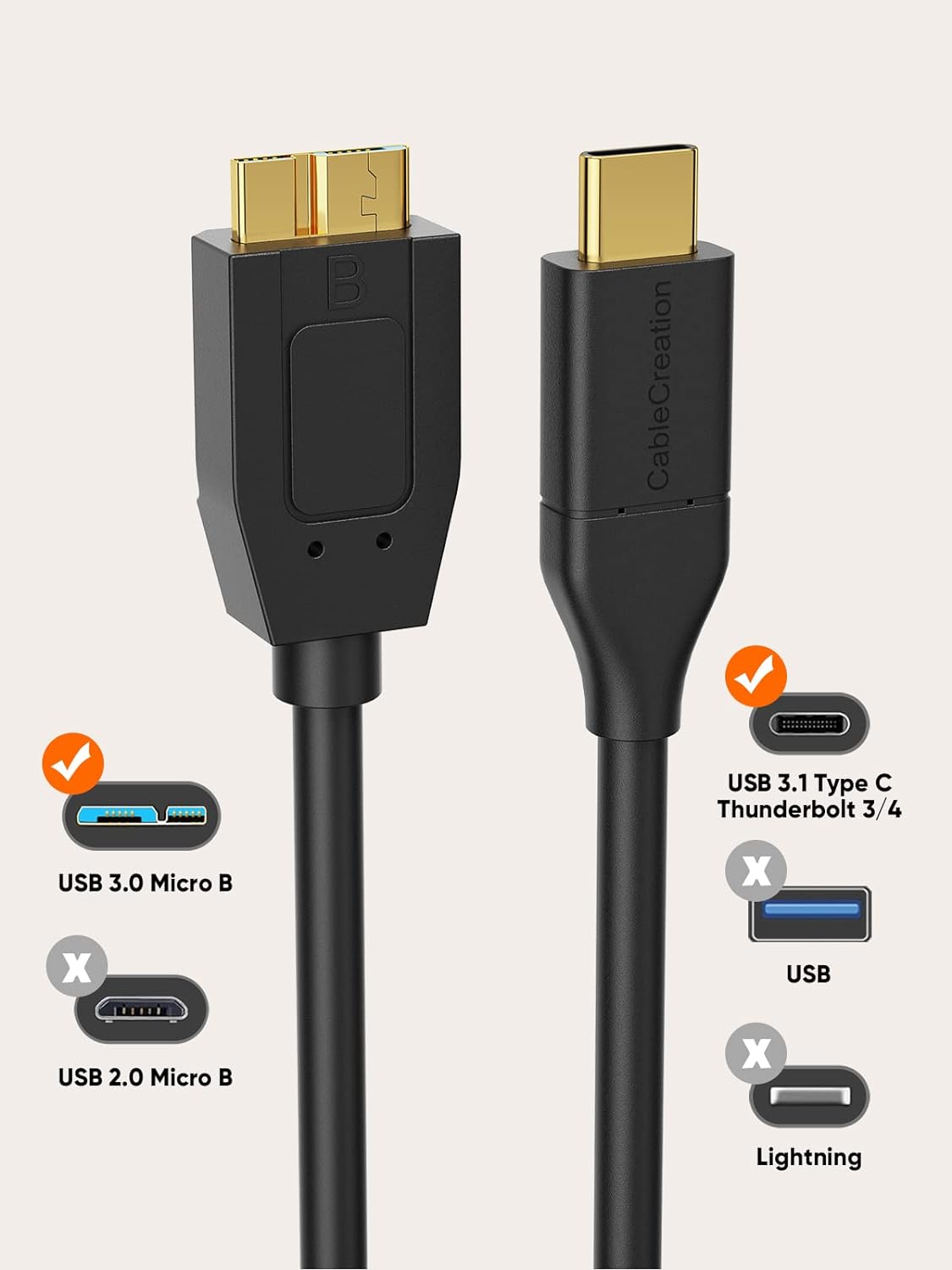
Pros: compact 2-foot design for portable setups, USB-C host compatibility on the PC/Mac side, claimed 10Gbps speed for supported devices, compatible with common USB 3.1 Micro B peripherals like WD My Passport and Seagate drives. Cons/limitations: not a USB 2.0 Micro-B cable, so it won’t fit older micro-B ports, not intended for iPhone charging or data. For heavy HDD workloads, don’t expect max theoretical speeds on every device, actual throughput depends on the drive and host controller.
Who it’s for
This cable appeals to users who want a short, tidy link between a USB-C laptop or tablet and a USB 3.1 Micro B external drive, especially when speed matters and space is tight. It can also help if you’re syncing data from a Micro USB 3.1 device to a USB-C host.
Who it’s not ideal for
If your device uses USB-C on one end but your other device is micro-B USB 2.0 or you need iPhone compatibility, this cable isn’t the best fit. It’s also not the best choice if you’re primarily dealing with USB 2.0 devices or older hardware that doesn’t support USB 3.1 Gen 2 speeds.
When it makes sense to buy
If you’re assembling a compact workstation, frequently transfer large files to/from an external drive, or want a straightforward, short connector for travel, this cable offers a practical balance of length and speed on paper.
What to check before buying
Verify that your host device has a USB-C port and that your target device accepts USB 3.1 Micro B. Remember that the stated speeds are theoretical and can vary with the drive type (SSD vs HDD) and the controller in use. Consider length needs (2 feet is short) and ensure your setup benefits from a shorter, tangle-free cable.
How this compares to other options
In practice, you’ll often weigh length and speed against a longer USB-C to Micro B option or a USB-C to USB-C chain. If your workflow revolves around compact setups or you’re moving data between a USB-C laptop and an external drive, the 2FT + 10Gbps claim can be worth considering over longer, more flexible cables that trade speed for reach.
Final buying decision
Is it worth it?
Worth considering if you need a short, USB-C to Micro B link with fast transfer potential for external drives and mobile devices. It’s a solid pick for compact desks or travel setups, but not ideal if you require USB 2.0 compatibility or iPhone-specific connections.
Quick FAQ
- What devices is this cable compatible with? It works with USB-C hosts (like MacBook Pro, iPad Pro, certain laptops) and Micro B ports on external drives or similar devices.
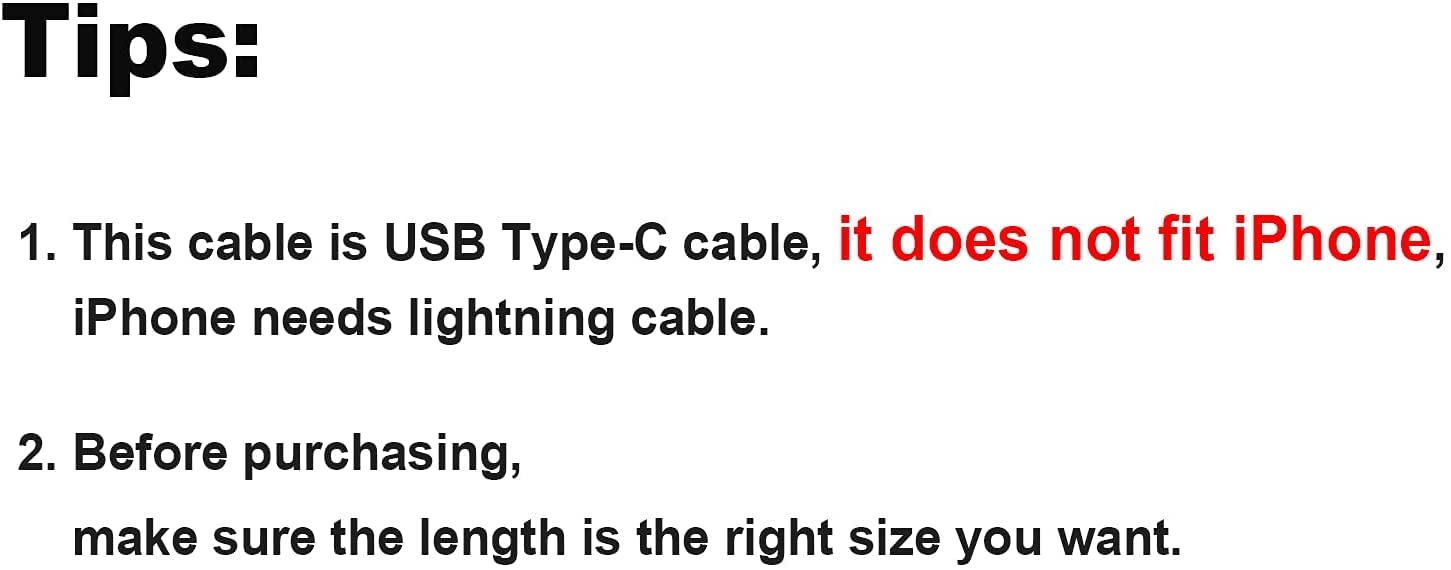
- Can I use it with iPhone? No, this cable is not intended for iPhone data or charging.
- How fast is the data transfer? The cable is designed for up to 10Gbps on compatible devices, real-world speeds vary with the drive type and host controller.