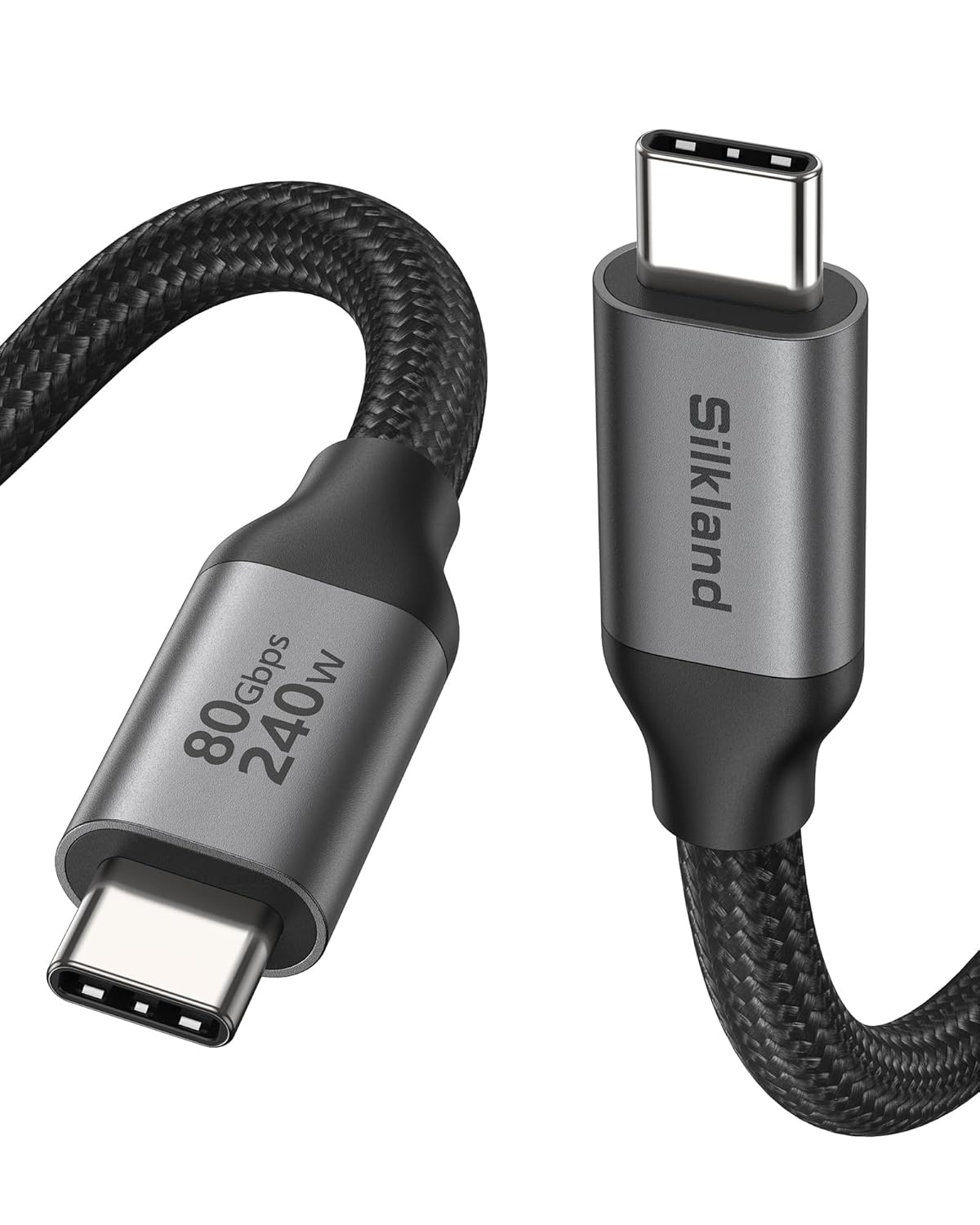
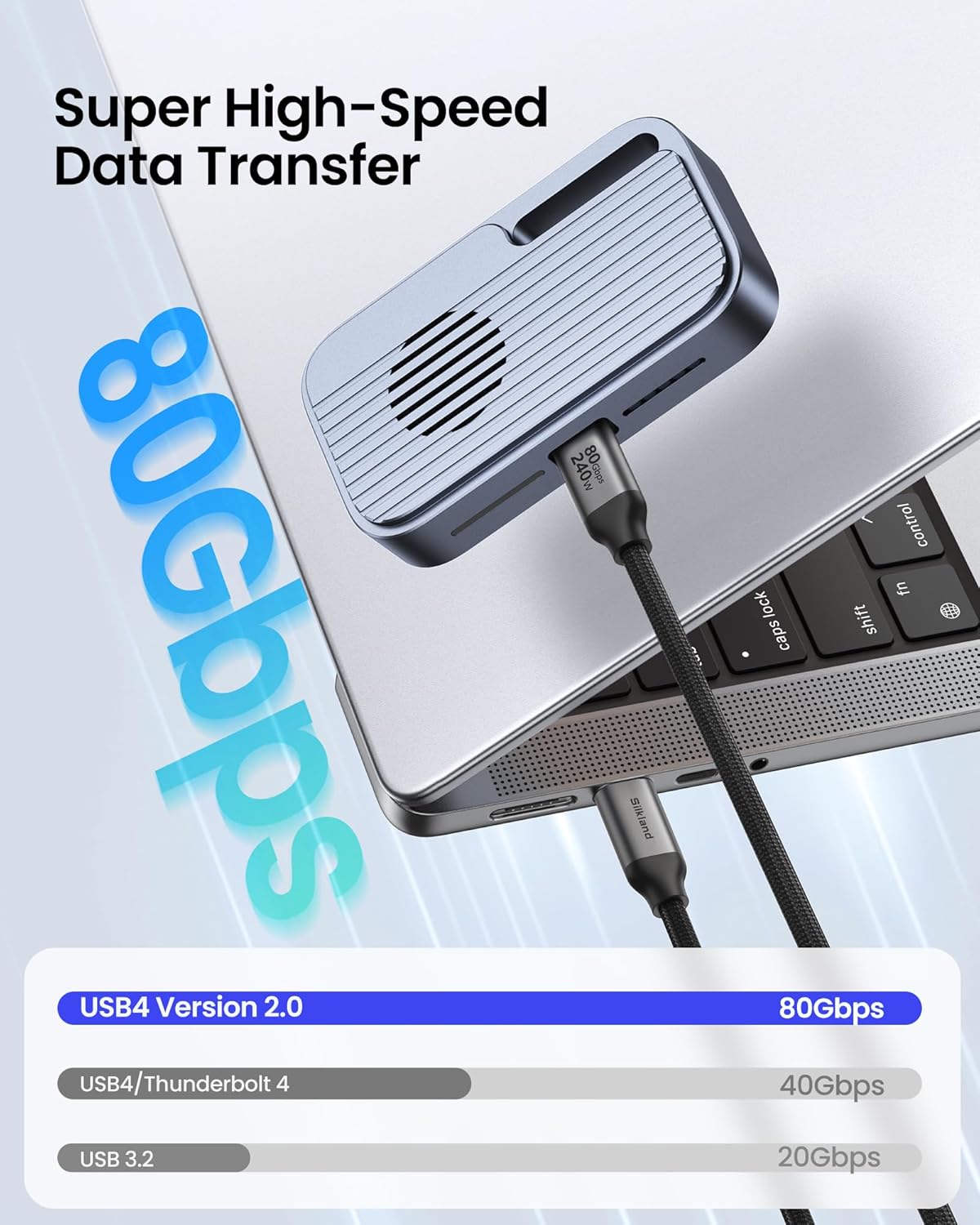
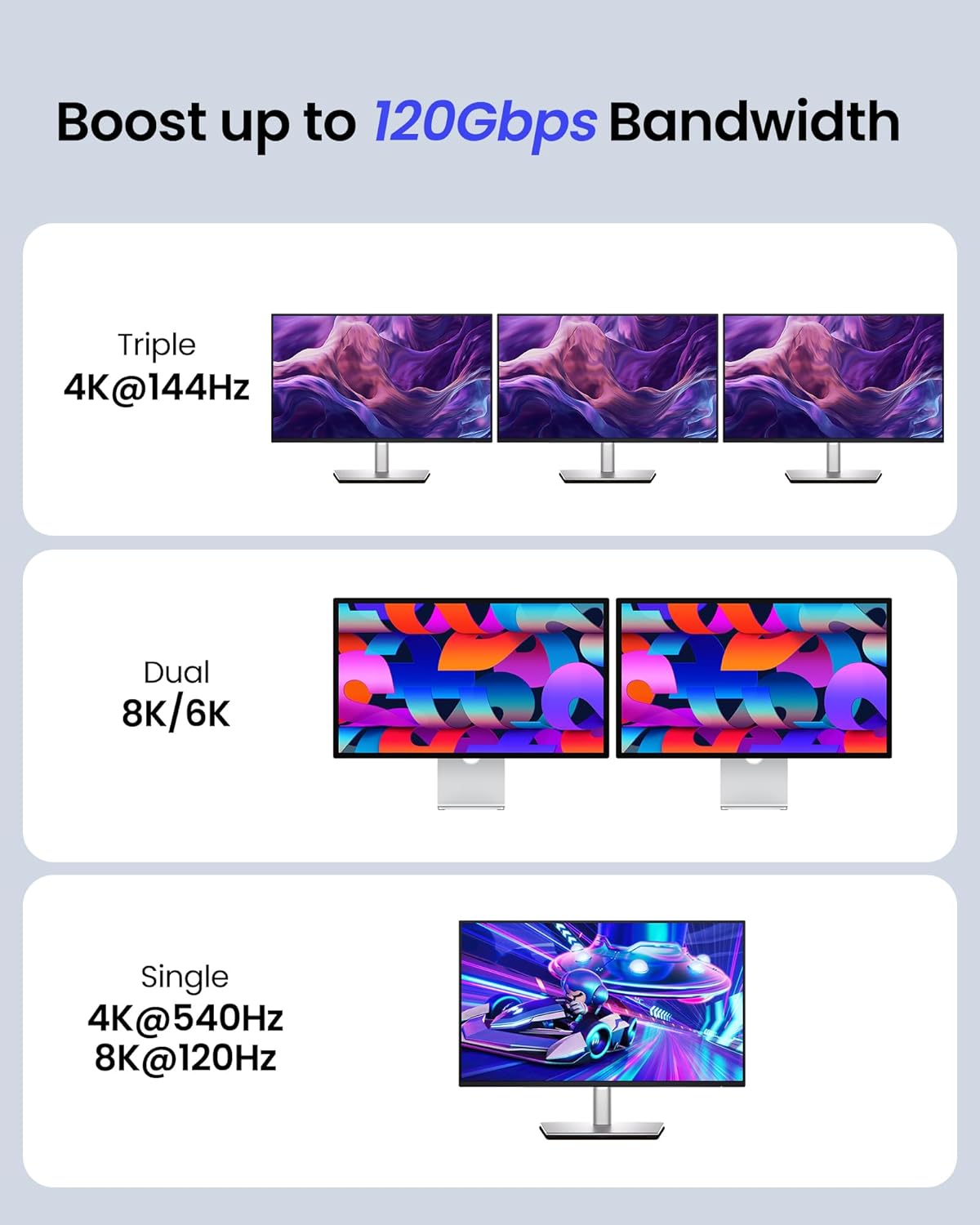
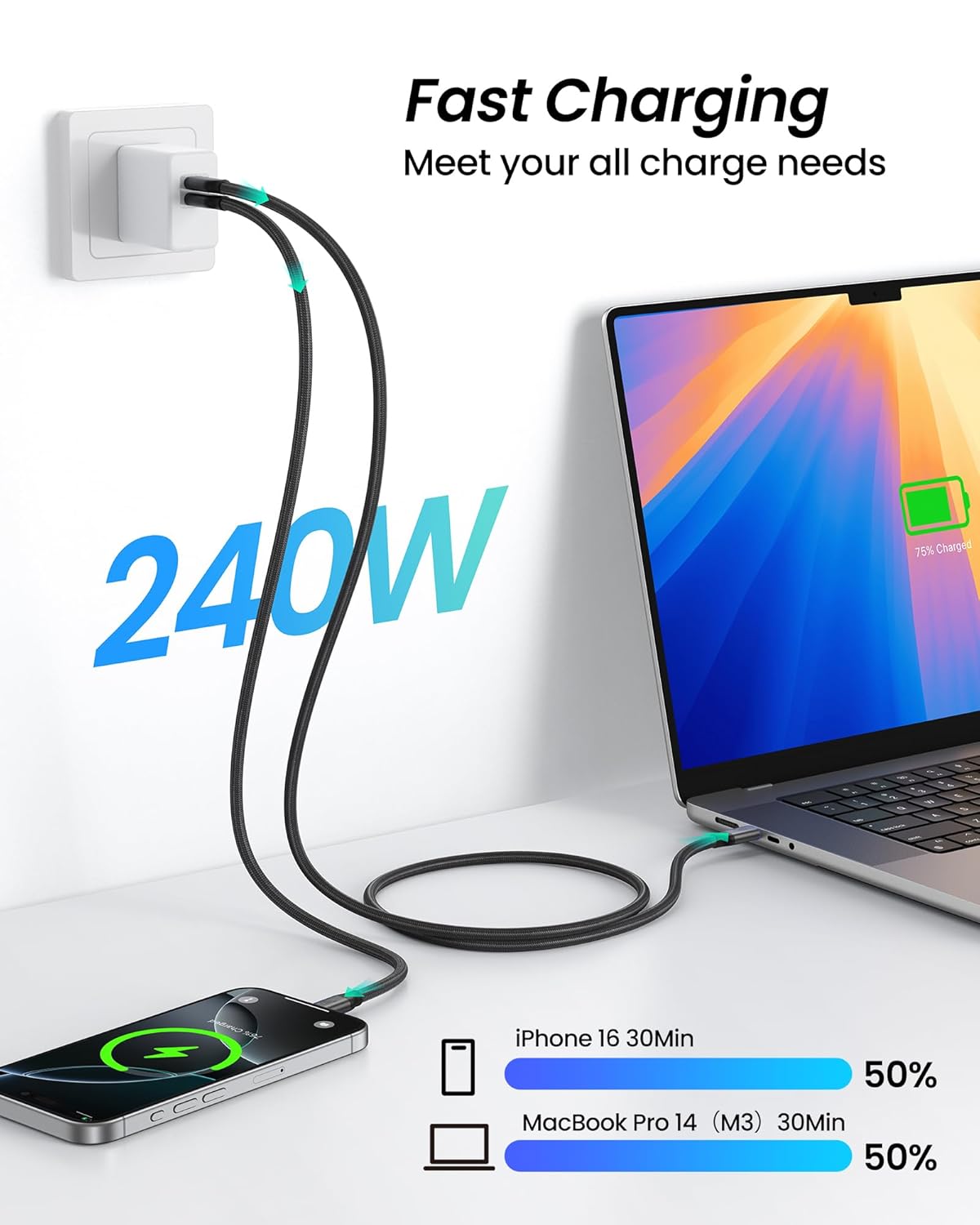
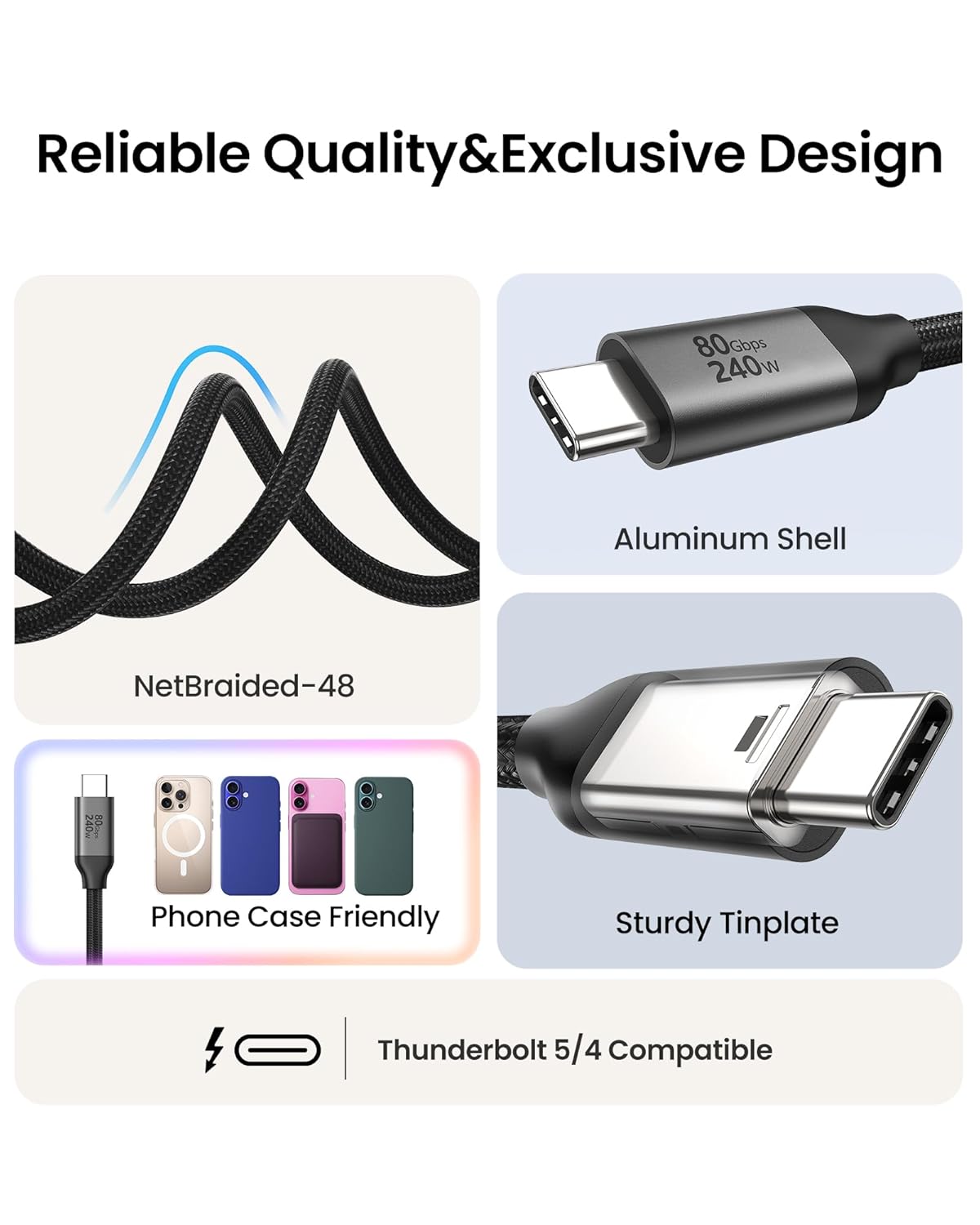
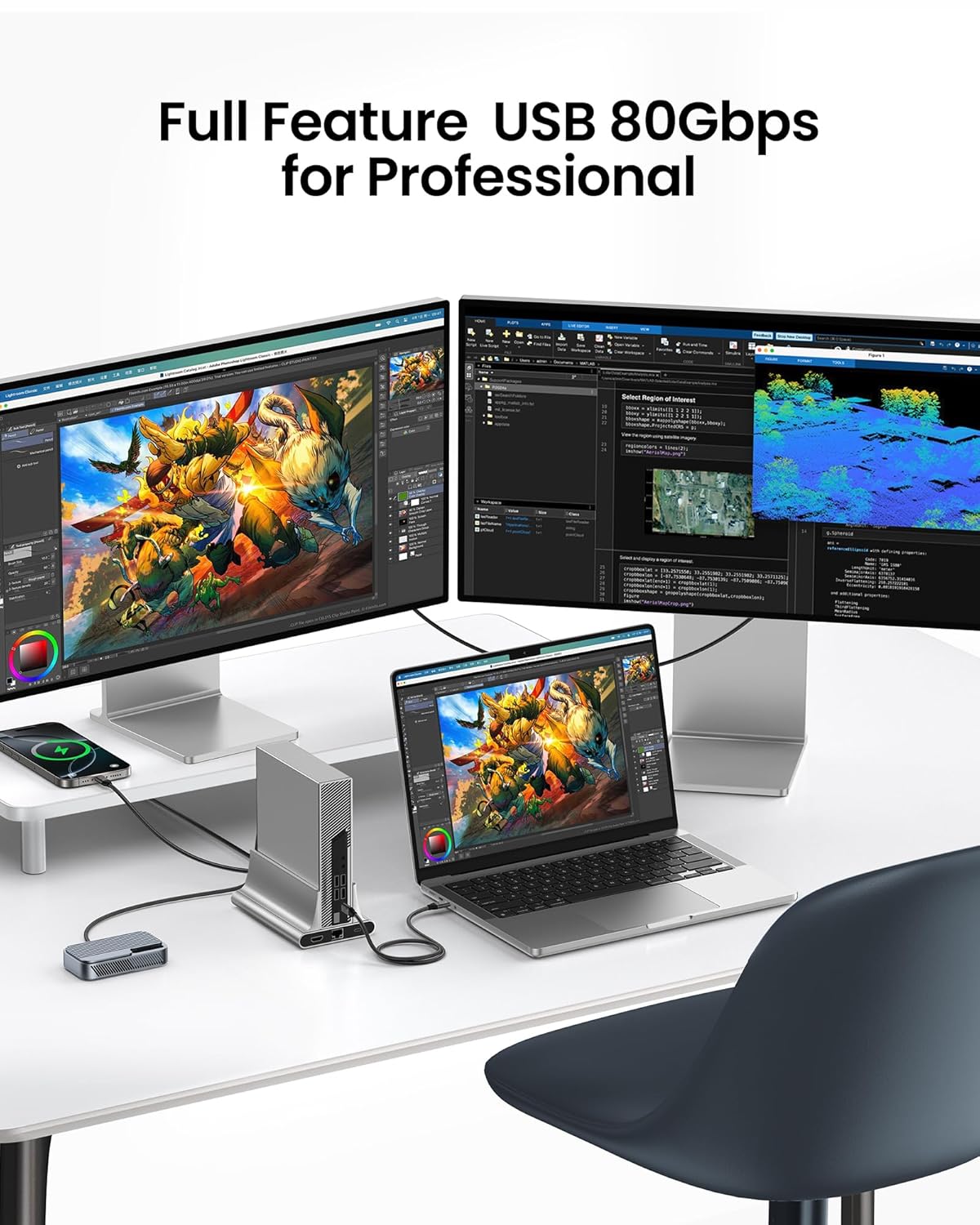
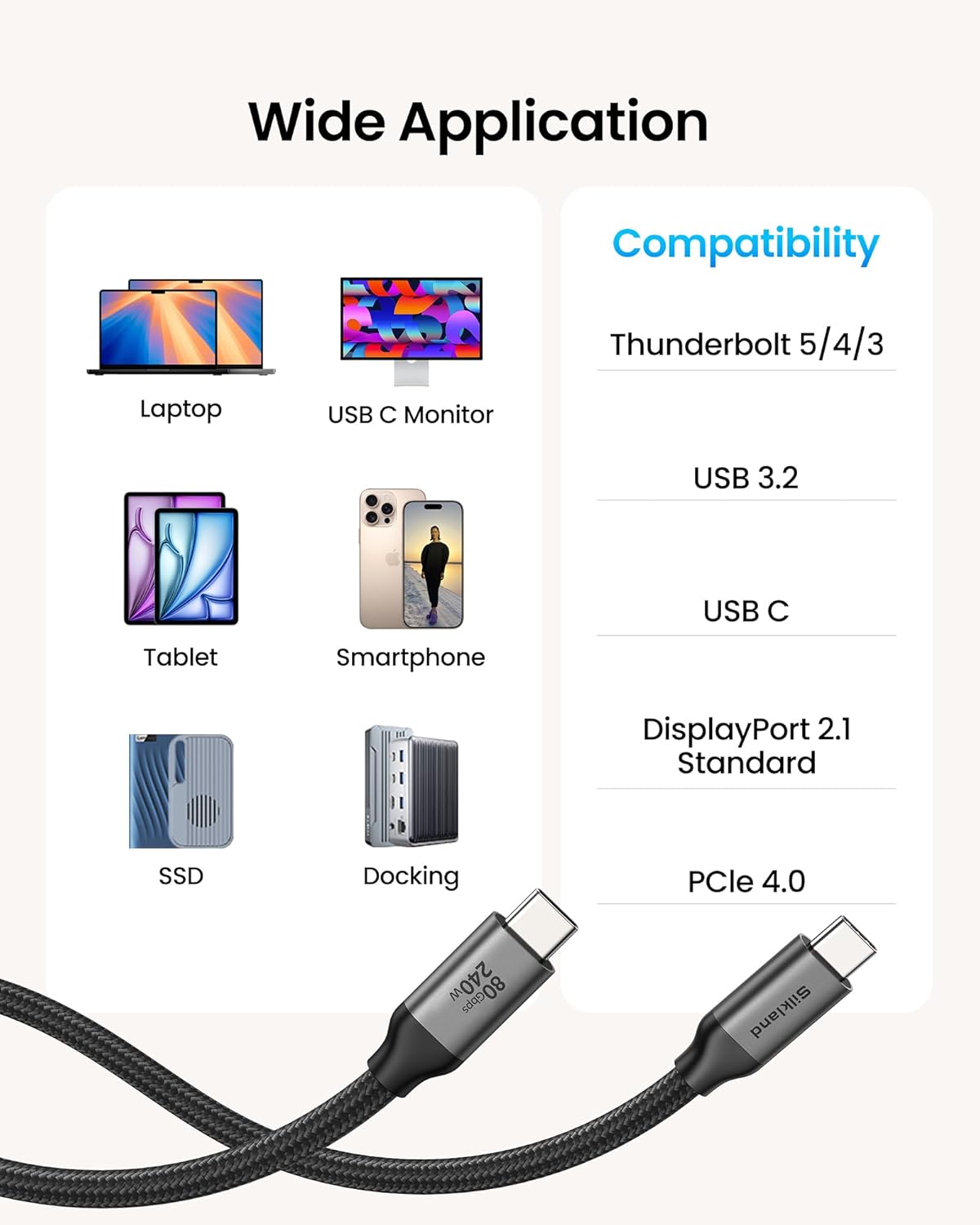
What this cable is and what it aims to solve\nSilkland’s USB 4 Version 2.0 cable is designed for power users who want more from their USB-C ecosystem. On paper it promises very high data throughput, extremely strong display bandwidth, and substantial charging power all in a single, durable cable. If you frequently work with large files, drive multi-monitor setups, or power a fast-charging laptop, this cable is positioned to reduce bottlenecks and simplify cabling.\n\n## What stands out on paper\nThis model advertises 80Gbps bidirectional data and a 120Gbps unidirectional display bandwidth. That combination can support dual 8K or triple 4K displays, and it even targets 16K in certain scenarios. For content creators or engineers dealing with big media files, the speed claims translate to quicker file transfers and smoother workflows. The 240W maximum charging supports PD 3.1 and remains backward compatible, which means it can top up power-hungry devices while you work.\n\n## Pros and potential drawbacks\nPros: high bandwidth for data and displays, robust charging, backward compatibility with Thunderbolt 4/3 and USB4, and a case-friendly 10FT length for flexible desk setups. The build uses a braided nylon sheath and a triple-shield design for signal integrity, plus an E-Marker chip for safety. Cons: actual performance depends on the host device and peripherals, not every computer or monitor will push to the full advertised speeds. The 16K capability is impressive but may be more theoretical in typical consumer rigs.\n\n## Who it’s for\nThis cable is a sensible pick if you work with heavy video workflows, run multiple high-resolution displays, or own a MacBook/Mac ecosystem that supports Thunderbolt 5 or USB4 at maximum. It also suits users who want a single cable that handles data, video, and power without juggling several adapters.\n\n## Who should think twice\nIf your setup is standard a single HDMI 4K monitor and a basic USB-C device, you might not need the extreme bandwidth. If you don’t plan to run multi-monitor setups or push 80Gbps data regularly, a more modest cable could be a better value.\n\n## What to check before buying\n- Confirm your devices support high-end USB4/Thunderbolt 5 speeds to approach the claimed throughput.\n- Ensure your power adapter can supply enough wattage to leverage 240W charging.\n- Consider cable length: 10FT is great for larger desks but may add impedance if used in tight paths.\n- Verify compatibility with your monitor and host gear, since some combinations don’t realize peak speeds.\n\n## How it compares in practice\nCompared to more basic USB-C cables, this model bundles data, video, and power in one, which can simplify workstation setups. It’s not just about raw speed, the real value is reducing cable clutter and ensuring stable multi-monitor output when your hardware supports it. If you’re mostly eyeing a single 4K display or standard file transfers, a simpler solution might suffice.\n\n## Practical usage example\nImagine editing 8K raw footage across two 8K displays while continuously backing up large export files. A cable like Silkland’s would aim to keep data streaming smoothly, display bandwidth ample for high refresh rates, and charging steady so your laptop stays powered without a wall-wart in the way.\n\n## Is it worth it? (Final thoughts)\nIf your workflow demands peak data and display throughput alongside robust power delivery, this cable addresses those needs in one package. It’s most compelling for creators and professionals who regularly push high-resolution displays and large transfers. If your usage is lighter, you might not need the upper-tier capability and could opt for a simpler, lower-cost option.\n\n## FAQ (quick answers)\n- Can it charge my laptop at 240W? Yes, it supports up to 240W with PD 3.1 compatibility.\n- Will it drive two 8K monitors? The spec suggests it can handle dual 8K under certain conditions, but real-world results depend on your host and monitors.\n- Is it compatible with Thunderbolt 3/4? Yes, it remains backward compatible with Thunderbolt 4/3 and USB4.