

LabelRange 4x6 Thermal Shipping Label Printer (BT320) with Bluetooth and USB for Amazon, eBay, USPS, Pirate Ship
Reviews
Price
Product description
What this printer is for
If your shipping workflow currently depends on printing labels in an office or waiting on someone else to run toner and ink, LabelRange’s 4x6 thermal label printer is aimed at cutting that friction fast. It’s a direct thermal (thermal direct) printer, so you’re not dealing with ink cartridges or toner in the normal sense—labels print when you need them, which is the whole point of thermal direct technology.
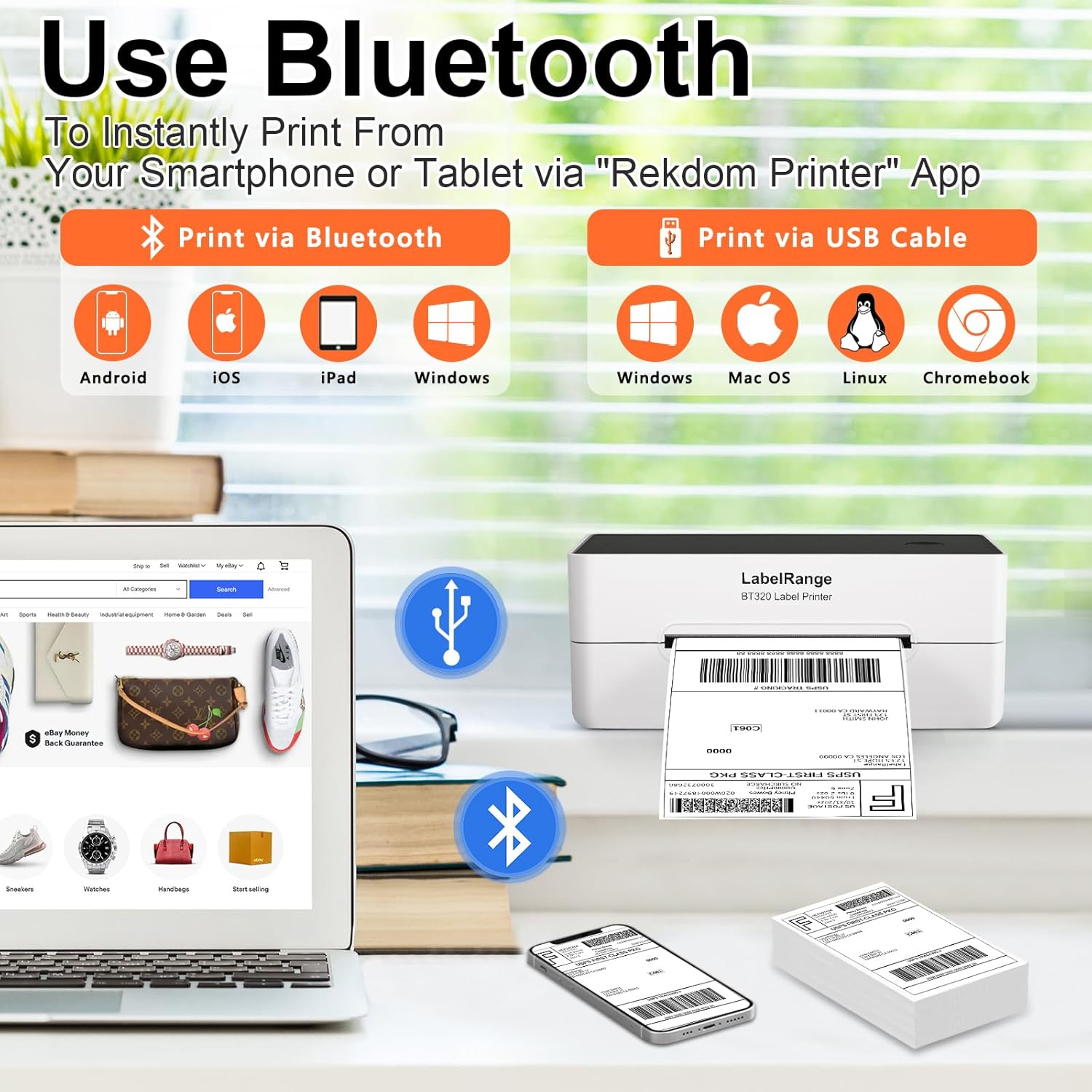
In day-to-day use, it’s best thought of as a “print labels right from your desk” tool for eCommerce sellers. You can run it via Bluetooth through a companion app (labeled as “Rekdom Printer”), or connect by USB—useful when you’re setting up a small shipping station and don’t want to wrestle with networking.
The essentials at a glance
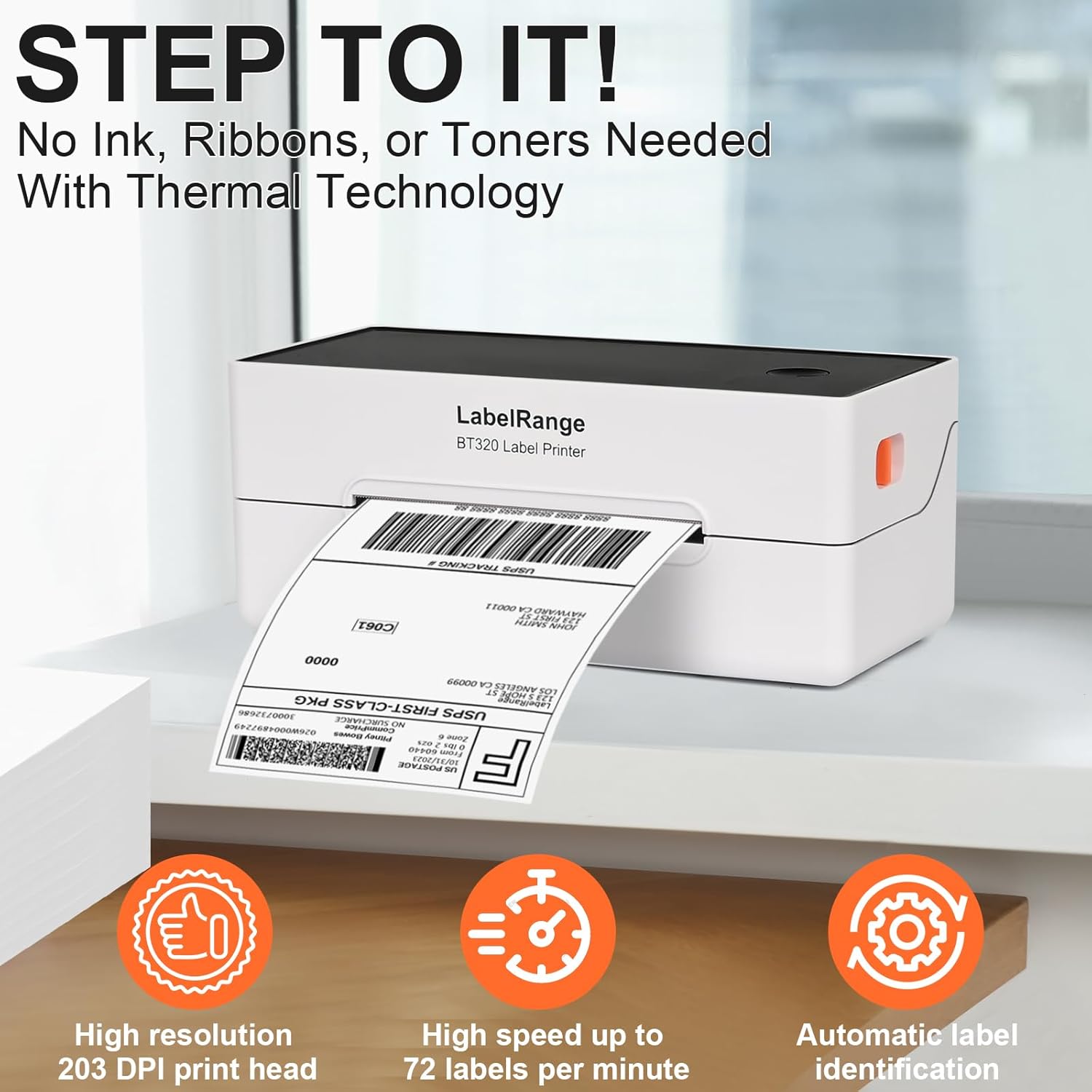
On paper, the main things that stand out are speed and readability. The printer is listed as able to print at up to 72 labels per minute, and the print head is rated at 203 DPI, which should help keep shipping addresses and barcodes crisp enough to scan.
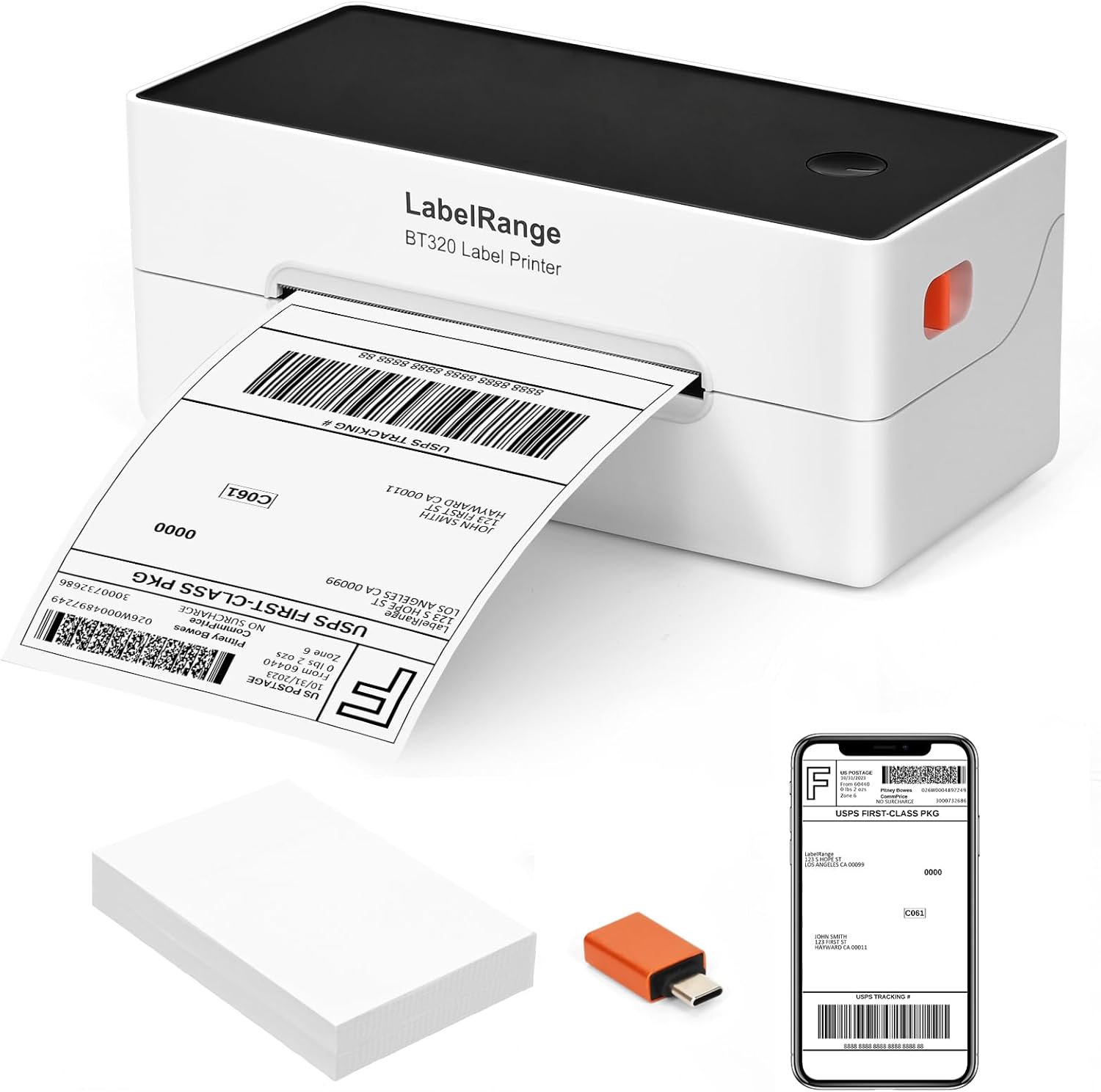
It also supports adhesive label backing, so you don’t need to apply cut labels or tape during packaging. That’s a small detail, but it’s the kind that changes how quickly you can pack orders during busy days.
One note to keep expectations realistic: “works perfectly” claims are usually app- and setup-dependent. Your results will depend quite a bit on using the right label format inside your shipping platform and pairing the device connection (Bluetooth vs USB) correctly.
Key specs that affect real buying decisions
Here are the technical points that actually influence how well it fits most eCommerce label workflows:
Tech specs
- Name: LabelRange Ecommerce Label Printer 4x6 (BT320)
- Type: Thermal shipping label printer (direct thermal)
- Print speed: up to 72 labels per minute
- Print resolution: 203 DPI
- Connection: Bluetooth and USB
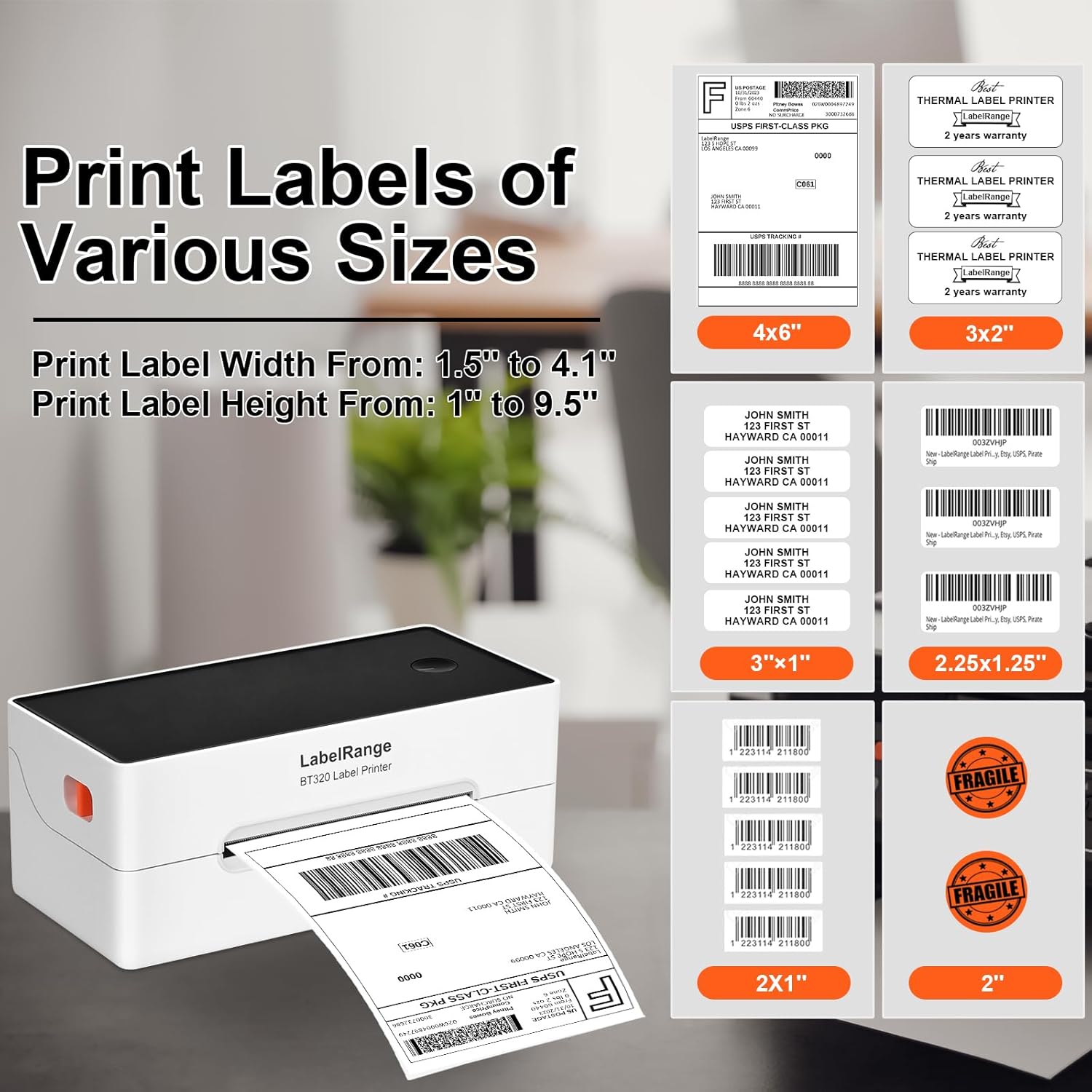
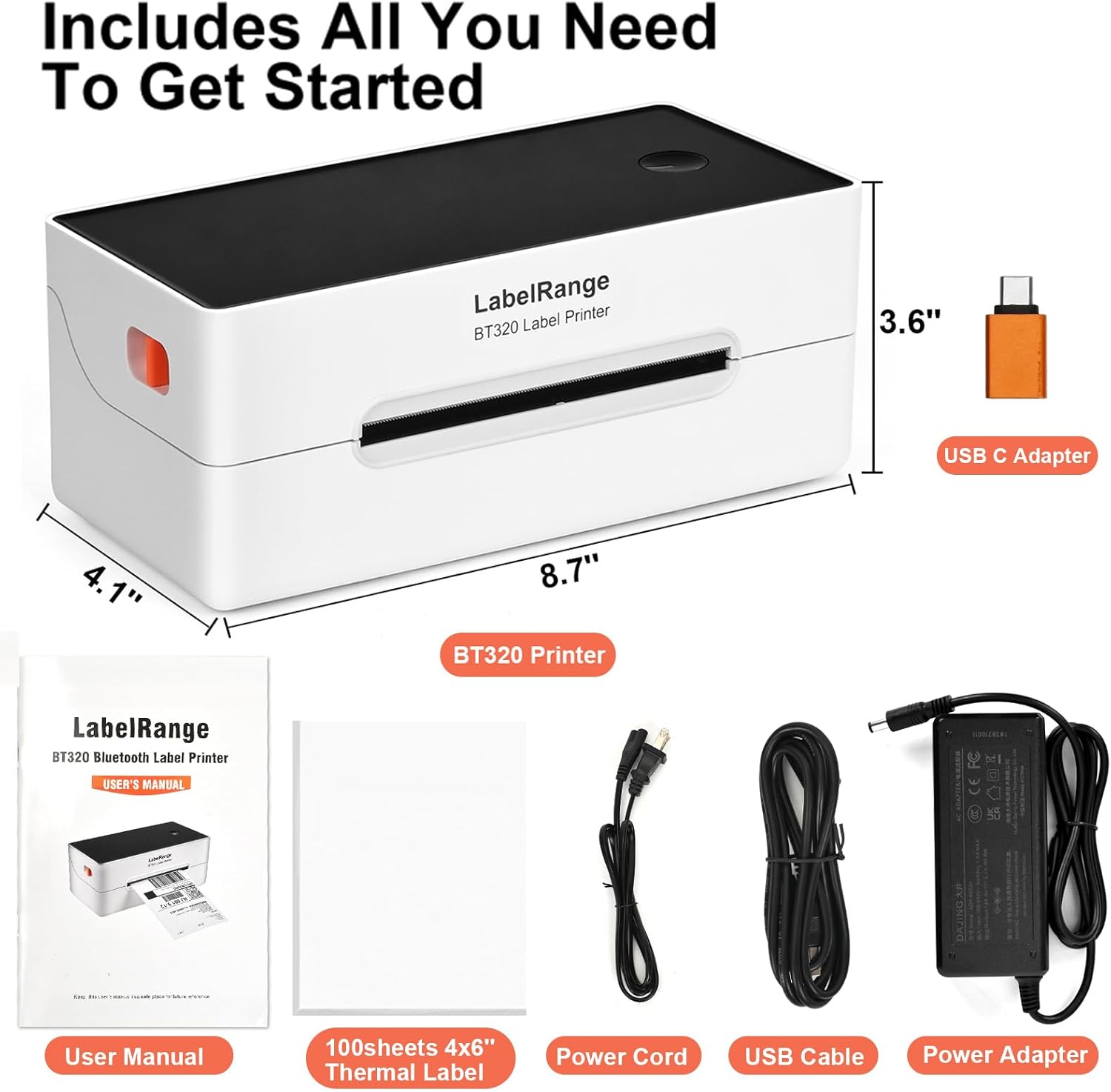
- Supported label width: 1.5 to 4.1 inches
- Supported label height: 1 to 9.5 inches
What you’ll notice in everyday use
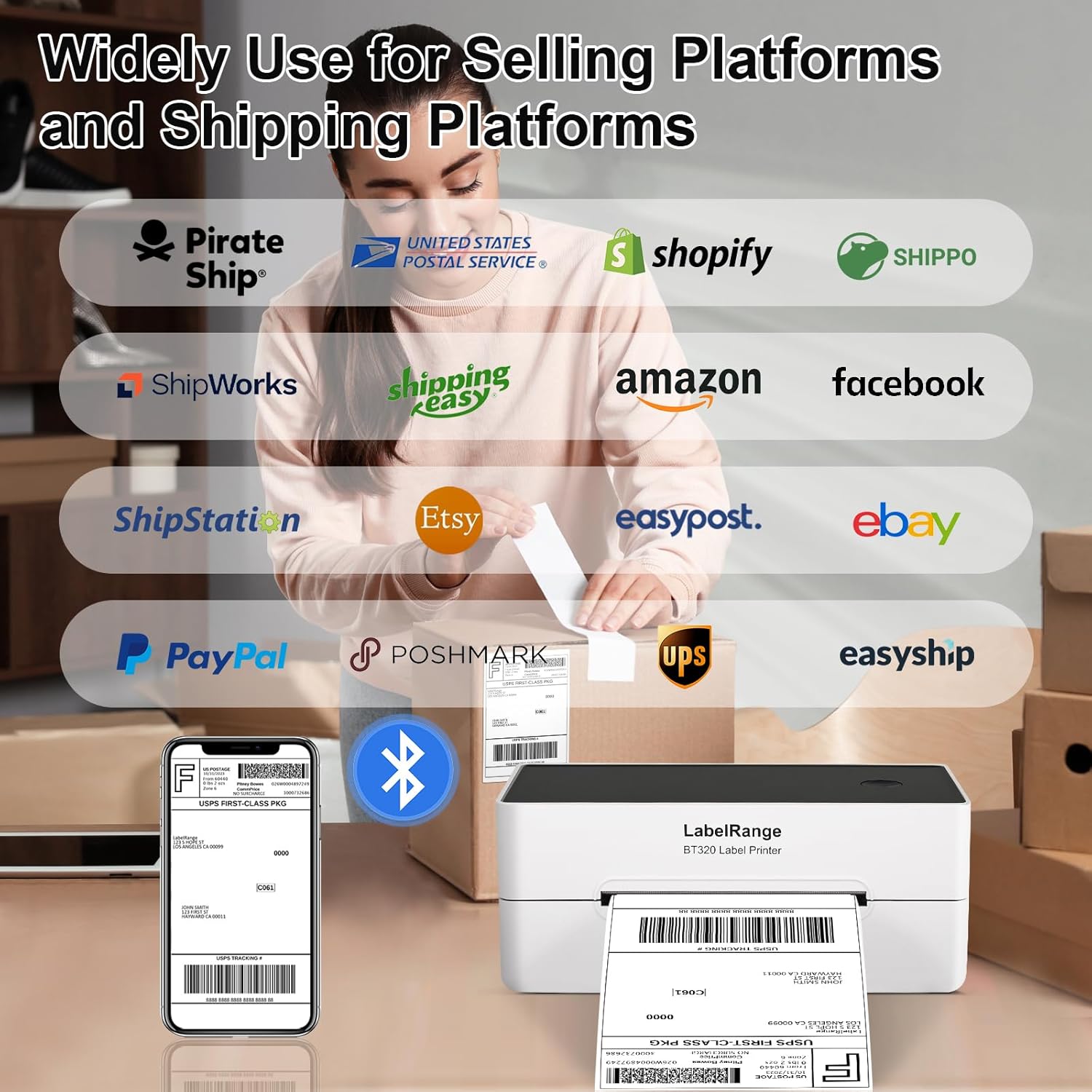
The biggest practical question for buyers is usually: “Can I print the labels I already generate?” This model is positioned for that. It’s described as supporting major shipping platforms and marketplaces, including USPS and other common shipping and selling workflows like amazon and eBay.
It also covers label sizes beyond just 4x6. The listing specifically mentions 4 x 6 shipping labels, plus smaller options like 3 x 2, 3 x 1, 2 x 2, and 2 x 1—so if you sell different item types (or you sometimes use smaller barcode labels for SKUs and inventory), you’re not locked into only one format.
And here’s the micro-example that shows why that matters: imagine you’re packing two orders back-to-back—one needs a standard 4x6 shipping label, the next needs a 2x1 SKU barcode. With this printer’s stated width/height range, your workflow can stay in the same “print and stick” rhythm instead of switching tools.
Bluetooth vs USB: compatibility and limitations to consider
The printer includes both Bluetooth and USB options, but the listing is pretty clear that Mac, Linux, and Chrome OS users are generally limited to USB connections. It also mentions an exception for Macs with M1, M2, or M3 chips, which can print via Bluetooth using the app.
That means the experience can be smooth if you’re on iOS/Android and use the Rekdom Printer app. If you’re on a different setup, it may still work, but you should expect USB to be your default route.
Also, keep in mind label formats inside your platforms. The listing notes that many platforms now generate 4x6 labels directly, but you still need to choose the 4x6 label format before creating the label in many cases. If you mismatch label size, you can end up with awkward results—even when the printer itself is capable.
Who it suits (and who should look elsewhere)
It suits you if: You run an eCommerce operation where printing shipping labels frequently is part of the day, and you want a dedicated thermal label printer with both Bluetooth and USB for flexibility.
You’ll appreciate it if you regularly print 4x6 labels (common for USPS and many marketplace workflows) but also want the option to handle smaller labels for SKUs, storage, or multi-use labeling.
It may not suit you if: You need strong support for non-USB setups on Mac/Linux/Chrome OS. The listing indicates Bluetooth may not be available there (with the M1/M2/M3 exception), so you could spend time adjusting your setup.
It might also be a less ideal fit if you rarely print labels. In that case, a lower-commitment approach (sharing a printer, outsourcing label printing, or using a more basic setup) could be more practical than dedicating space to a label printer.
Should you buy it?
If your goal is to simplify shipping label printing at home or in a small business, this LabelRange 4x6 thermal shipping label printer makes a lot of sense on paper. The combination of direct thermal printing (no toner/tinting workflow mentioned), 203 DPI for readability, and fast output speed is designed for the “print quickly, scan easily, stick and ship” routine.
That said, don’t treat Bluetooth compatibility as universal. Before you buy, make sure your device setup matches the connection method you plan to use (Bluetooth for iOS/Android with the app, USB as the safer baseline for Mac/Linux/Chrome OS).
If you’re ready to commit to frequent label printing and you’ll use the correct label size format in your shipping platform, it’s the kind of tool that can genuinely speed up fulfillment.
Mini FAQ
What size labels can this printer handle?
It’s listed as supporting thermal direct labels from 1.5 to 4.1 inches wide and 1 to 9.5 inches high, including 4 x 6 shipping labels and several smaller formats.
Does it use ink or toner?
The listing says it uses thermal direct technology designed to help you avoid buying ink and toner.
Can I print from my phone or tablet?
Bluetooth printing is described as working with iOS and Android when using the Rekdom Printer app.
What about Mac, Linux, or Chrome OS?
The listing indicates those users can generally connect via USB, with an exception for Mac models with M1, M2, or M3 chips that can print via Bluetooth through the app.
What platforms does it support?
The listing claims compatibility with major shipping platforms (including USPS and Pirate Ship) and marketplaces like Amazon and eBay, among others, but you’ll still want to select the correct label format (like 4x6) when creating labels.