

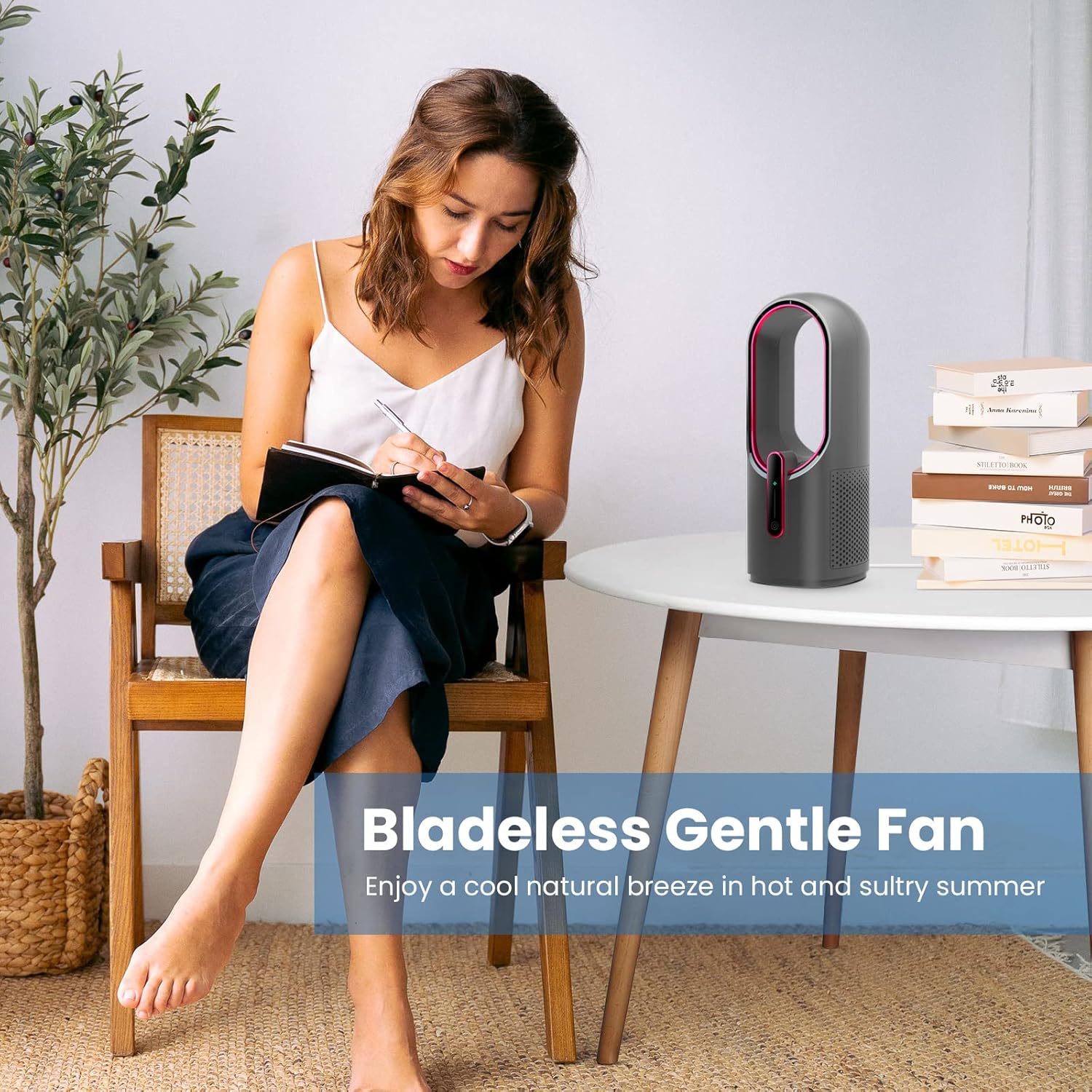
KONSIDEN 11.8 Inch Bladeless Desk Fan, 3-Speed 🌀
Product description
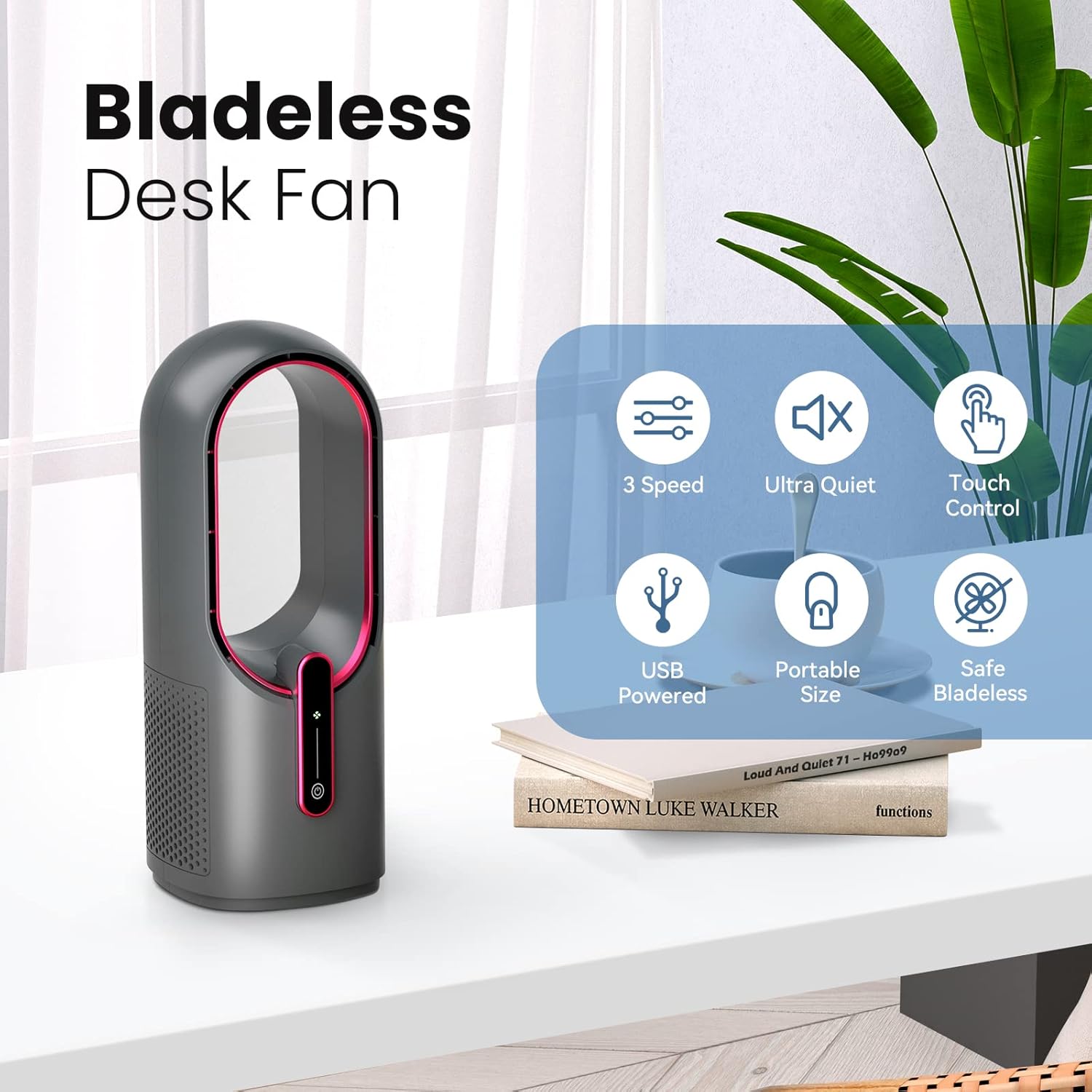
This bladeless desktop fan brings a modern look to personal cooling and delivers a steady breeze without the noise of traditional blades. If you need a reliable small quiet desk fan to keep a workspace or bedside area comfortable, this compact KONSIDEN unit offers touch controls and three selectable airflow levels for simple adjustments.
Key Points
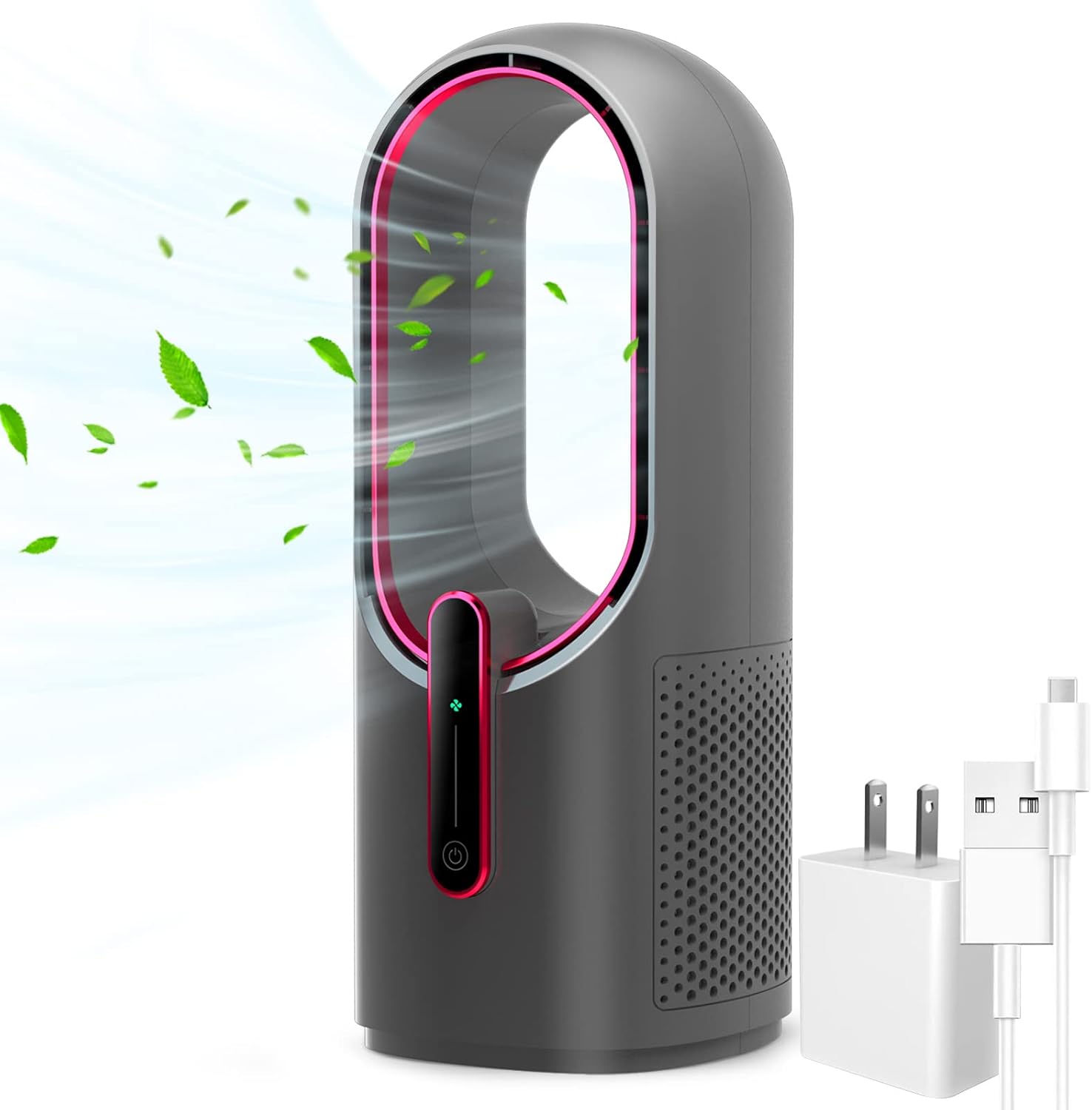
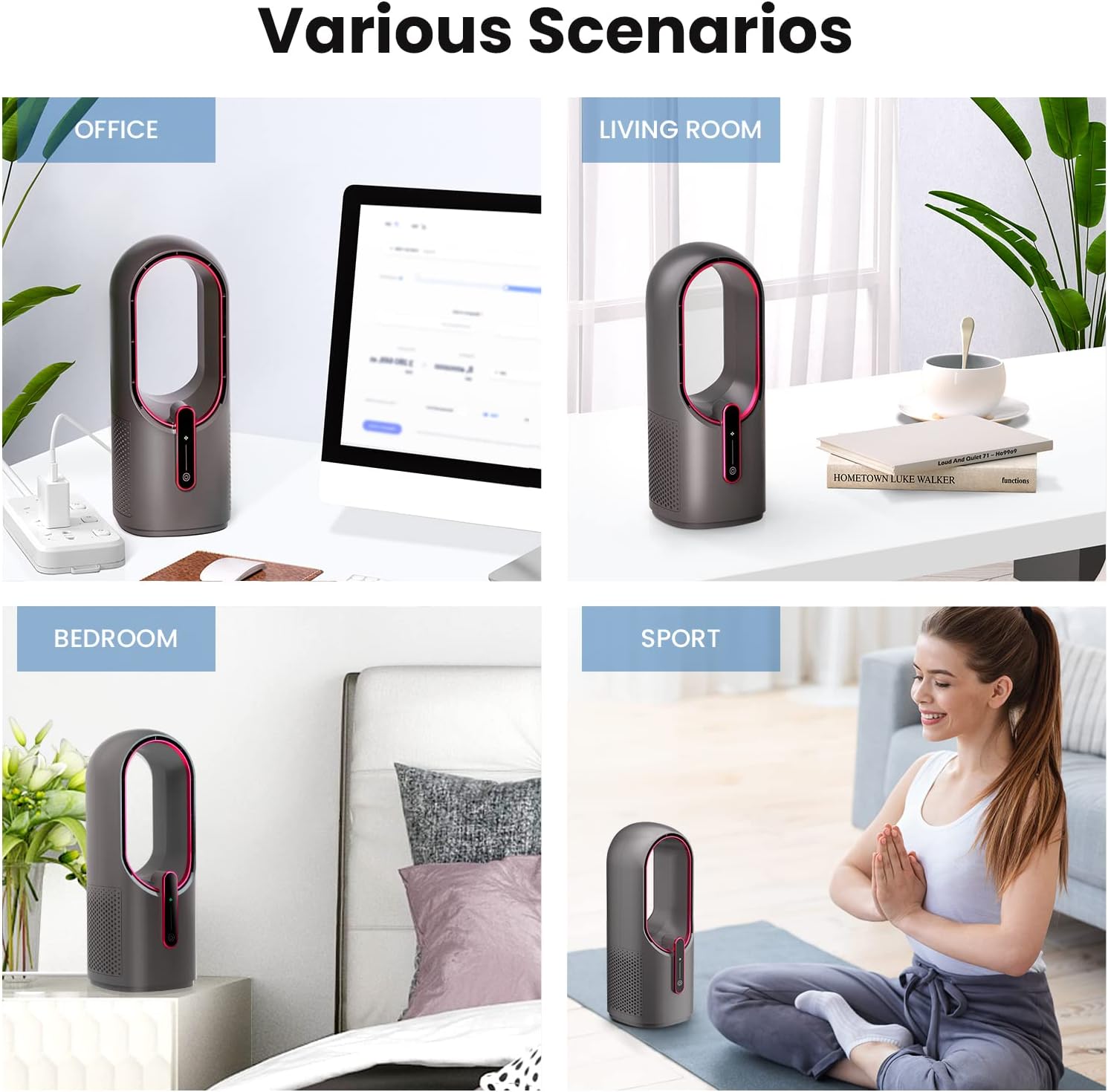
The bladeless concept reduces the risk of finger injury and makes cleaning faster than conventional blade fans. Its compact footprint fits on narrow desks and shelves, so it can move easily from an office to a bedroom or living room. The low operating noise helps maintain concentration during work or rest. Touch-sensitive controls let you change speeds with a single tap, and the USB power input means it works with many adapters and power banks. Consider that peak airflow is modest, so it is best for personal cooling rather than whole-room circulation.
Technical Specifications
- Name: KONSIDEN Desk Fan Bladeless 11.8 Inch
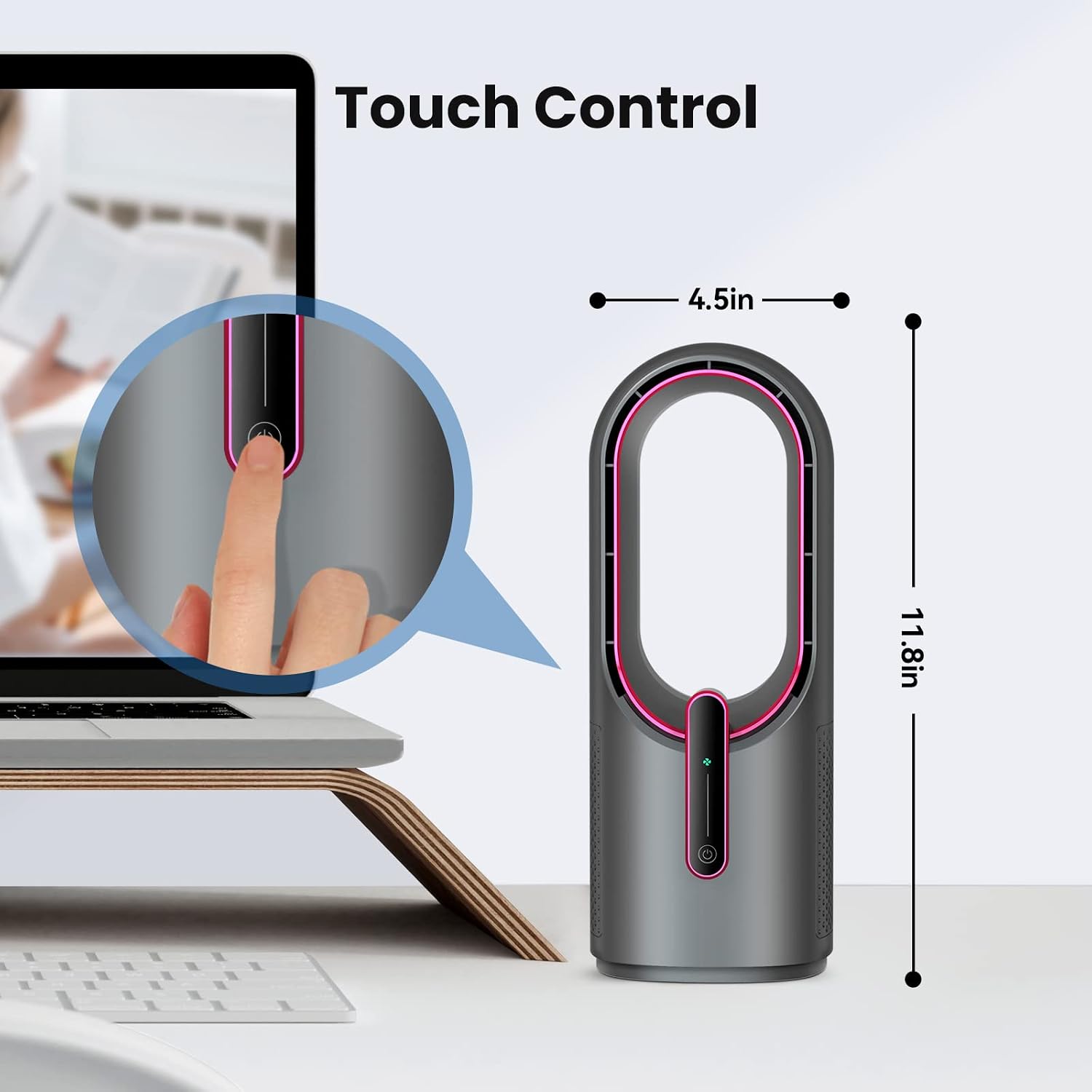
- Diameter: 11.8 inch
- Speeds: 3-speed adjustment
- Controls: Touch control panel
- Power input: USB
Benefits
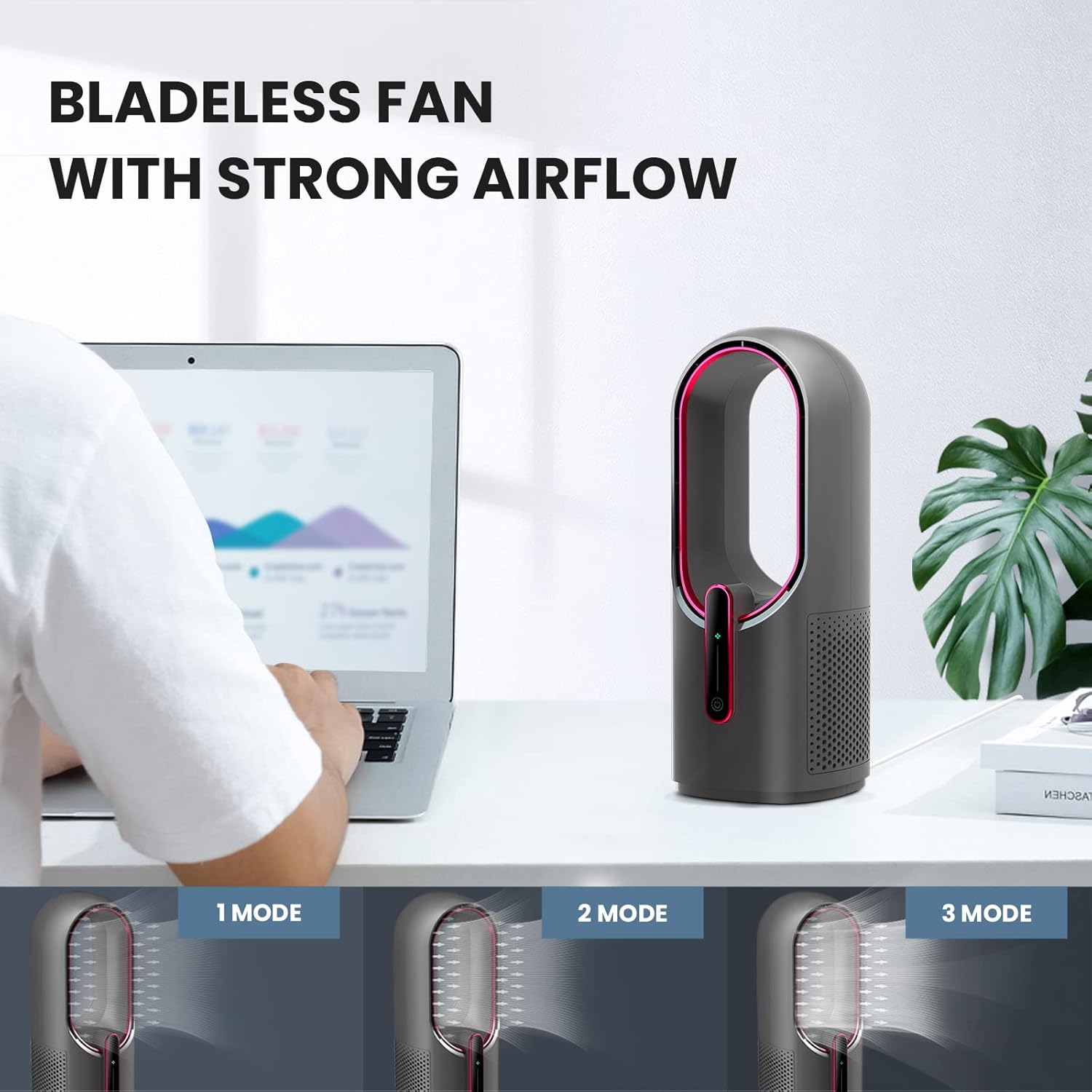
This fan offers quieter operation compared to small blade fans, helping to reduce distractions while you study or take calls. The bladeless appearance creates a cleaner aesthetic on the desk and removes the need to work around exposed spinning parts. Because it runs from USB power, it is versatile when paired with laptop ports, wall chargers, or portable battery packs. The lightweight build makes it simple to reposition when you need airflow in a different spot. A minor limitation is that the airflow is concentrated and most effective at close range, so it performs as a personal fan rather than a replacement for larger fans.
Usage Recommendations
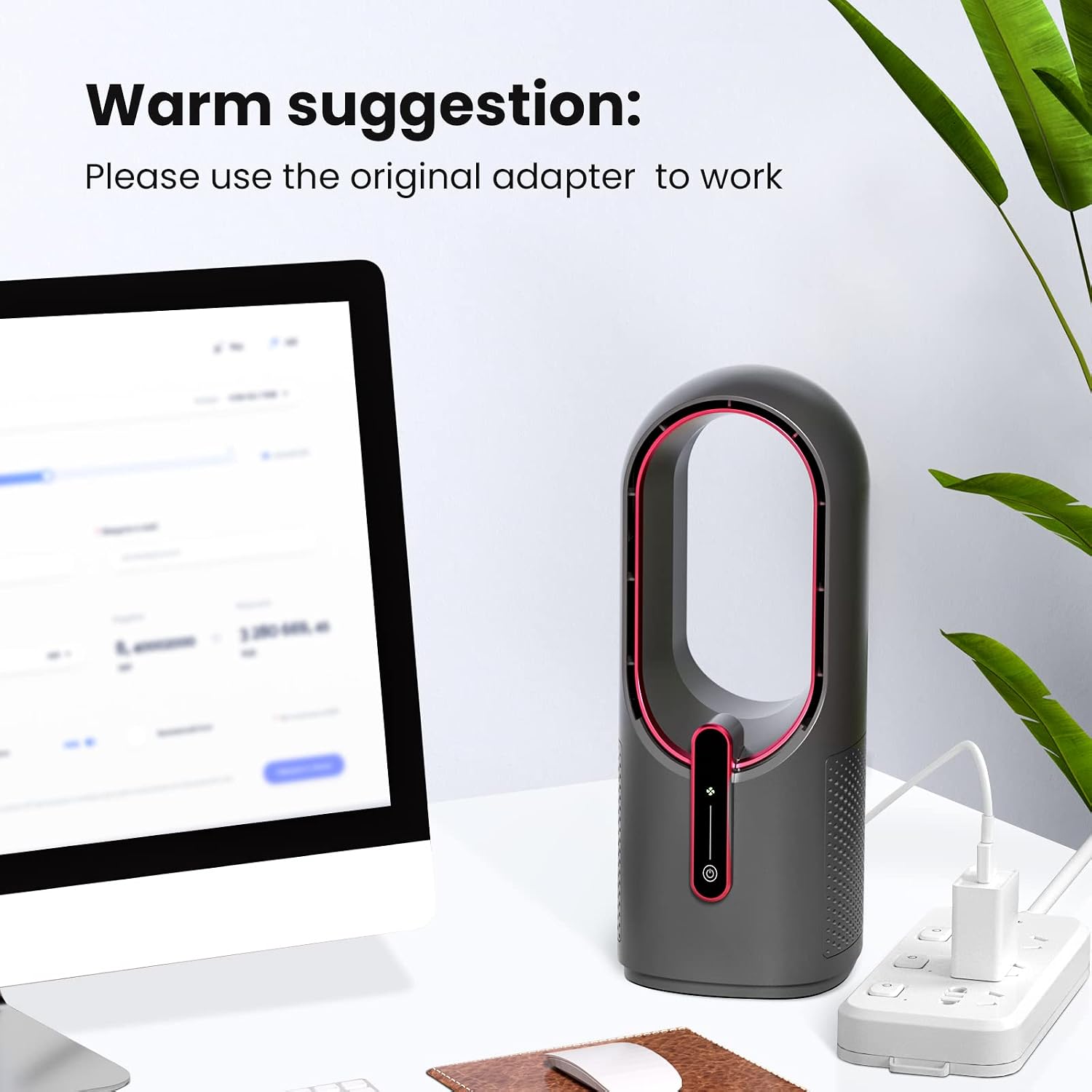
Place the unit on a flat surface within arm reach so the touch controls remain convenient. For prolonged use, plug into a reliable USB adapter according to the manufacturer recommendations to maintain consistent performance. To clean, wipe the outer surfaces and the inner ring with a damp cloth. The bladeless design reduces trapped dust, but occasional cleaning keeps output steady and prevents buildup. If quieter background conditions are required, select the lowest speed to balance air movement and noise.
Practical Tips
For desk setups with limited outlets, connect the fan to a laptop USB port or a compact power bank when you want portability. Avoid placing it directly against soft materials that could block airflow. Keep the fan upright while operating to preserve motor life and steady circulation. If you have young children or pets nearby, the bladeless frame offers safer interaction and simpler surface cleaning.