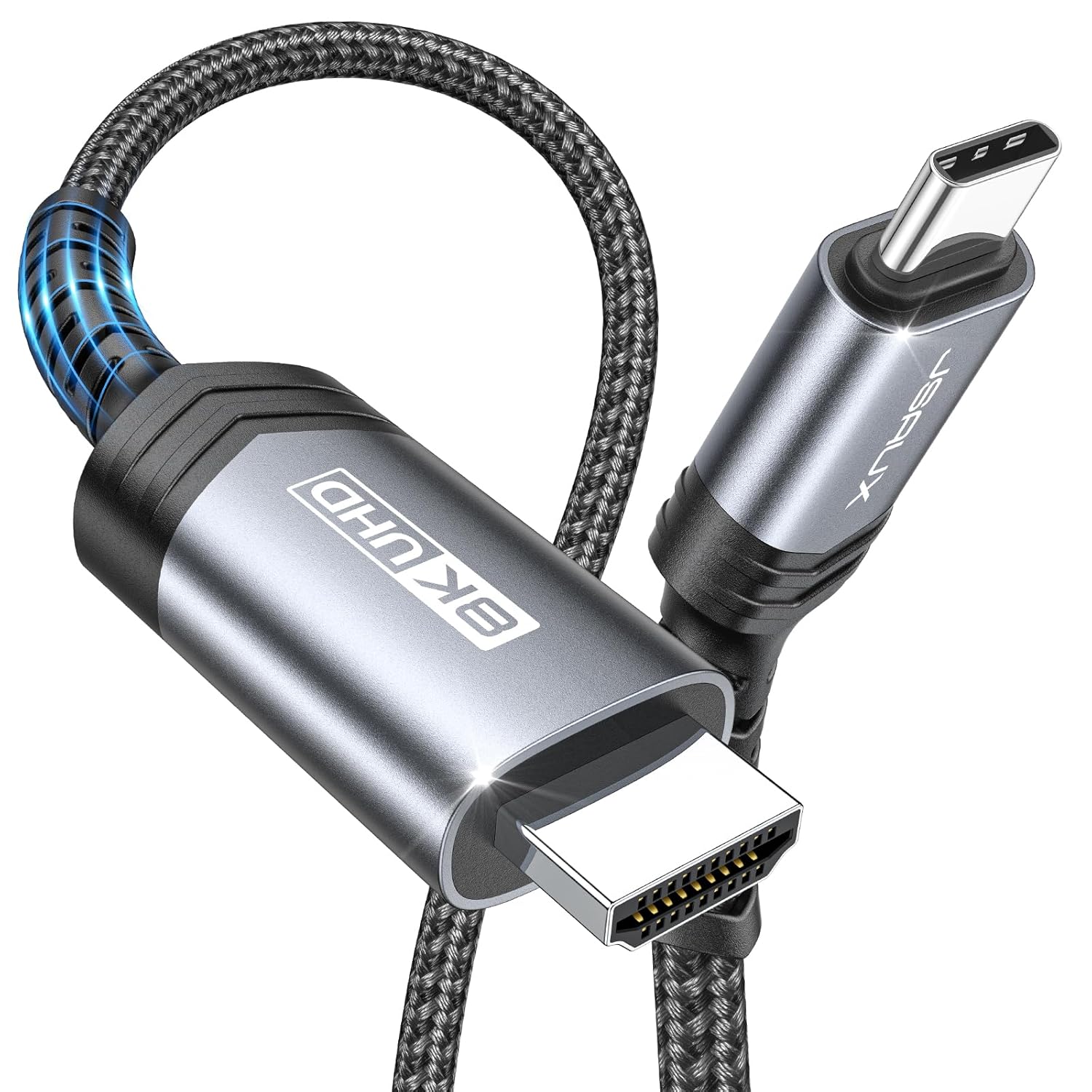
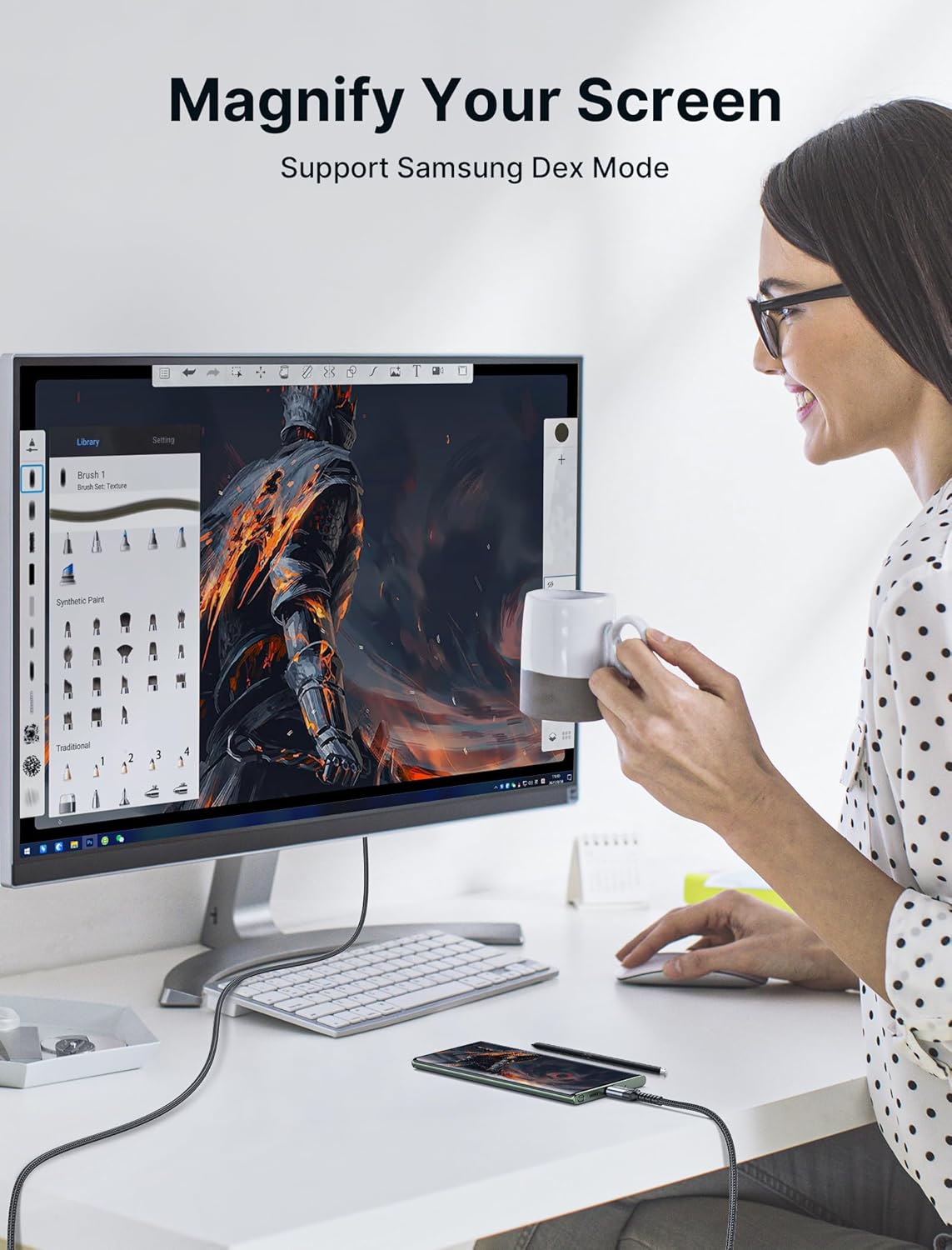
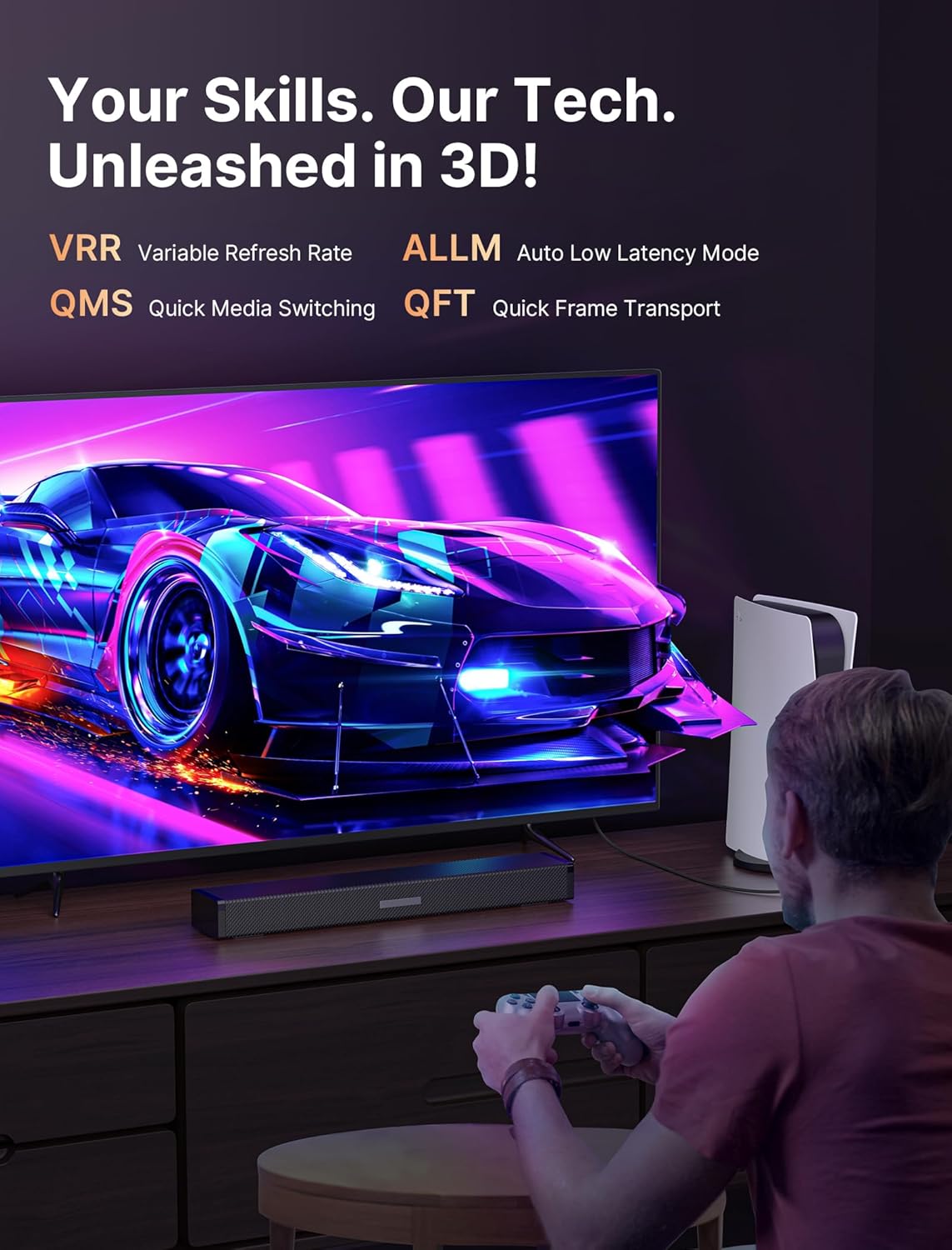
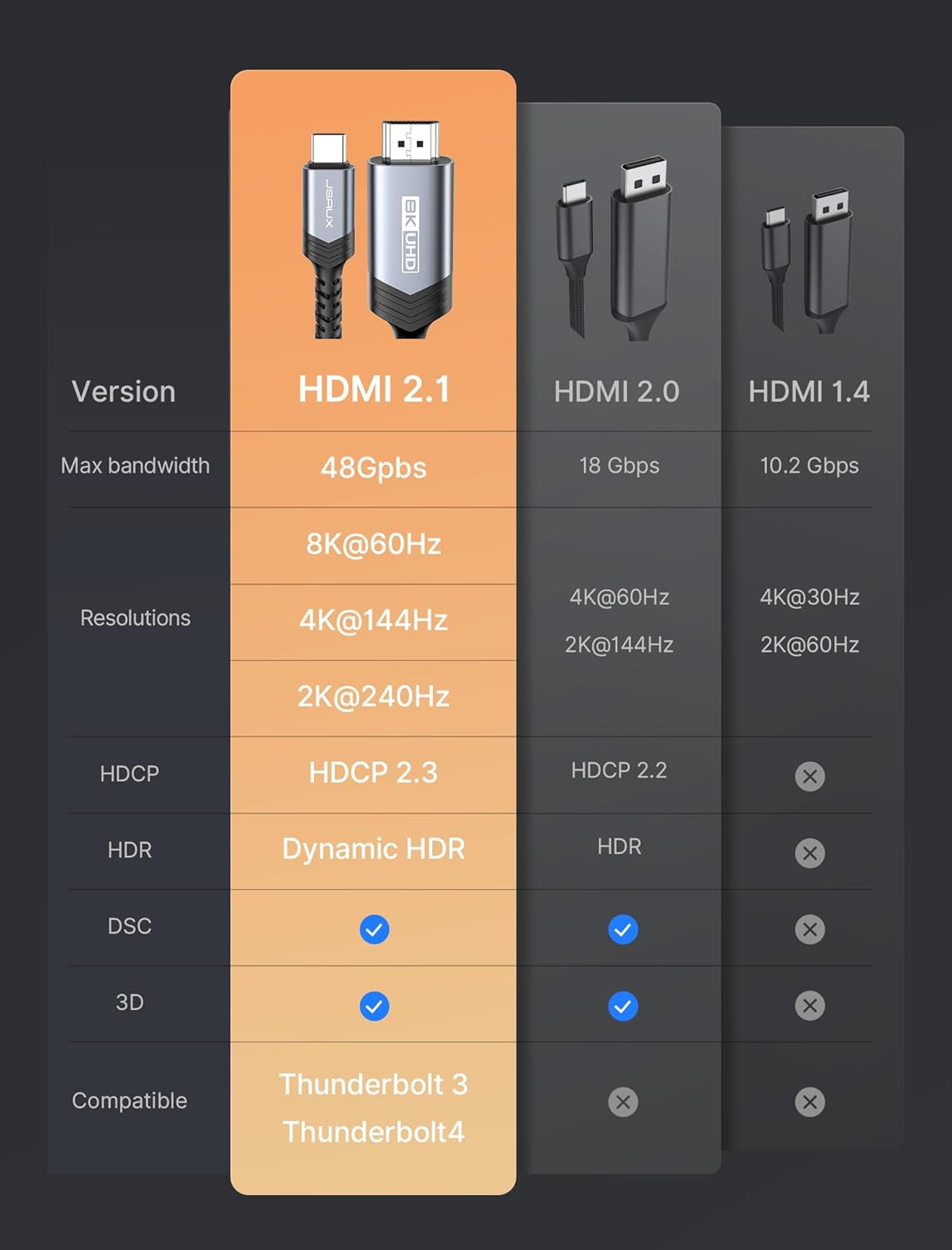
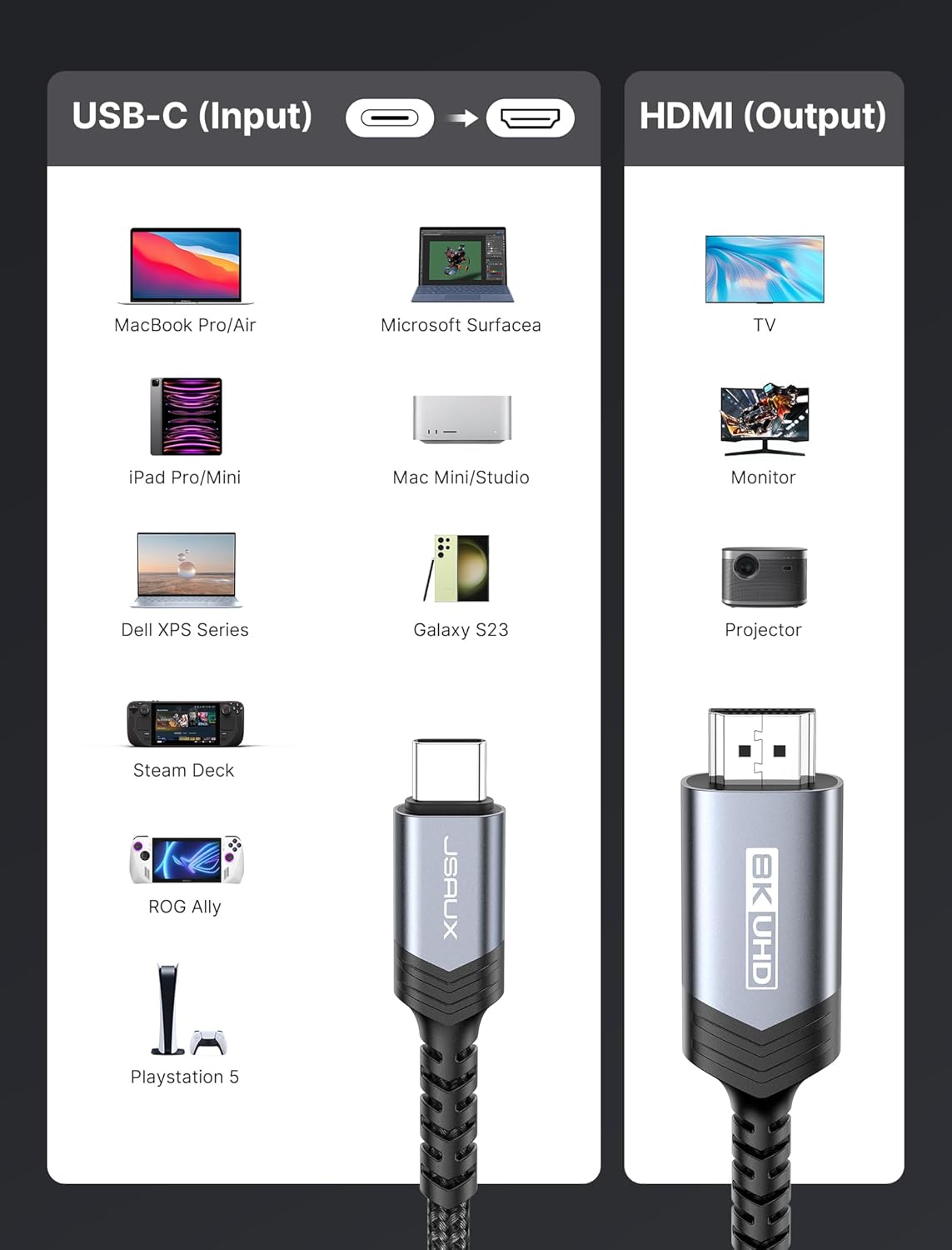
What this is and what it solves\nThe JSAUX USB C to HDMI 2.1 cable is a driver-free link from USB‑C devices to HDMI displays. Designed for laptops, phones, tablets, and other USB‑C devices that support DP Alt Mode or Thunderbolt, it aims to simplify mirroring or extending your screen to a monitor, TV, or projector without a separate adapter. On paper, it supports very high bandwidth and modern features, which could translate to smoother gameplay, richer video playback, and flexible multi‑screen setups.\n\n## Performance and key specs (on paper)\nThis is a true USB‑C to HDMI 2.1 cable. It advertises up to 8K @ 60Hz and 4K @ 240Hz, with 48Gbps bandwidth, HDCP 2.3/2.2, HDR, and various HDMI 2.1 enhancements like ALLM, QMS, QFT, eARC, and Dolby Atmos/Dolby Vision support. The physical build combines a flexible cotton braid and oxygen‑free copper wiring with an aluminum shell and triple shielding aimed at durability and reduced interference. If you’re chasing high‑refresh, you’ll likely notice the difference when pairing with a compatible source and display.\n\n## Pros and what to expect in use\n- High bandwidth and high refresh potential on compatible devices, which helps when gaming or watching high‑resolution video.\n- Driverless operation simplifies setup: plug USB‑C into the source and HDMI into the display.\n- Robust construction with shielding and heat dissipation considerations, the aluminum shell may help with durability and thermal management.\n- Broad compatibility across modern laptops, tablets, and phones that support DP Alt Mode or Thunderbolt 3/4/5.\n\n## Cons and practical caveats\n- Real-world performance depends on the source device and display capabilities, not every USB‑C device will hit 8K60 or 4K240, and some Macs, while compatible, may require audio routing adjustments.\n- MacBook users sometimes encounter audio routing tweaks when using HDMI adapters, so plan for a quick audio output check after connection.\n- Some users may find the 6.6 ft length optimal for desk setups but less convenient for couch viewing or very tight spaces.\n- Documentation notes that MacBook models may limit to 4K@60Hz due to hardware constraints—this isn’t a flaw in the cable, but a reminder of device limits.\n\n## Who it’s for (and who it’s not)\nThis cable makes sense if you want a single-cable path from a USB‑C/Thunderbolt laptop or phone to a big screen for gaming, streaming, or productivity, with minimal dongles. It’s particularly appealing if you value high refresh potential and a straightforward setup. It’s less compelling if your source or display can’t support HDMI 2.1 features, or if you primarily need only 1080p or 4K at modest refresh rates.\n\n## When to buy and when to skip\nBuy if you need a driverless, high‑bandwidth USB‑C to HDMI solution with support for advanced features like HDR and eARC. Skip if you don’t require 8K/4K at high refresh rates, or if your devices are limited to older HDMI paths that don’t leverage HDMI 2.1 features.\n\n## What to check before buying\n- Ensure your source device supports DP Alt Mode or Thunderbolt 3/4/5 for video output via USB‑C.\n- Confirm your display supports HDMI 2.1 features you want (8K/4K at high refresh rates, HDR, ALLM, eARC).\n- If you’re using a MacBook, be prepared to adjust audio output settings and recognize possible model‑specific limits.\n\n## Practical use case\nImagine you’re editing a presentation on a MacBook Pro and want a large, lag‑free display for a client meeting. You plug in this cable, and within seconds you’re mirroring at 4K with rich color depth and smooth motion, no extra adapters. For gaming, you connect a compatible TB/USB‑C laptop to a high‑end monitor and set the source to 4K/120Hz or higher as supported, ensuring your frame pacing stays fluid.\n\n## FAQ (practical, no fluff)\n- Q: Do I get sound through HDMI with this cable? A: Yes, but you may need to adjust audio output on the source device or display.\n- Q: Will it always run at 8K60? A: Not necessarily, it depends on your source and display capabilities and the HDMI 2.1 protocol handshakes.\n- Q: Is it compatible with all USB‑C devices? A: It works with devices that support DP Alt Mode or Thunderbolt 3/4/5, check your device specs to be sure.\n\n## Is it worth it?\nIt’s a solid pick if you prioritize a single, driverless cable that supports very high refresh rates and modern HDR features on capable devices. If your setup maxes out at 4K60 or you don’t need HDMI 2.1’s advanced specs, this may feel premium for the need. If you frequently switch between devices with different HDMI capabilities, this cable can simplify connectivity, but temper expectations for Mac devices or older GPUs where certain higher‑end specs won’t be realized.