

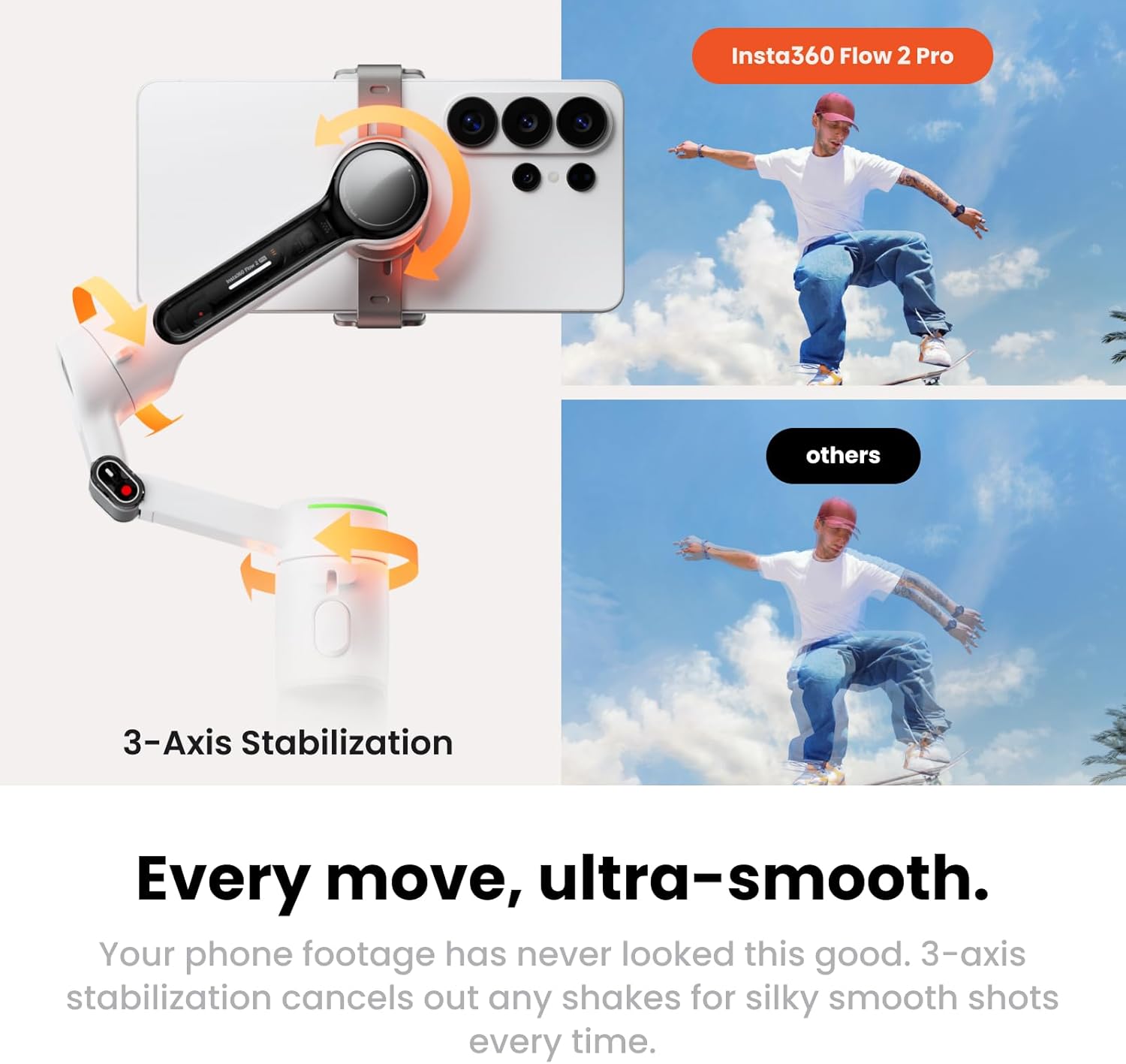
Insta360 phone gimbal Flow 2 Pro
Product description
Keeping yourself in frame while filming alone can turn a simple clip into a series of stops and retakes. The Insta360 Flow 2 Pro combines phone stabilization with tracking, a built-in tripod, and a selfie stick, so you can set up a shot and move around without holding the phone throughout. Its foldable design also suits travel and quick creator setups. The main buying question is whether its tracking features match your phone and the apps you actually use.
What matters most
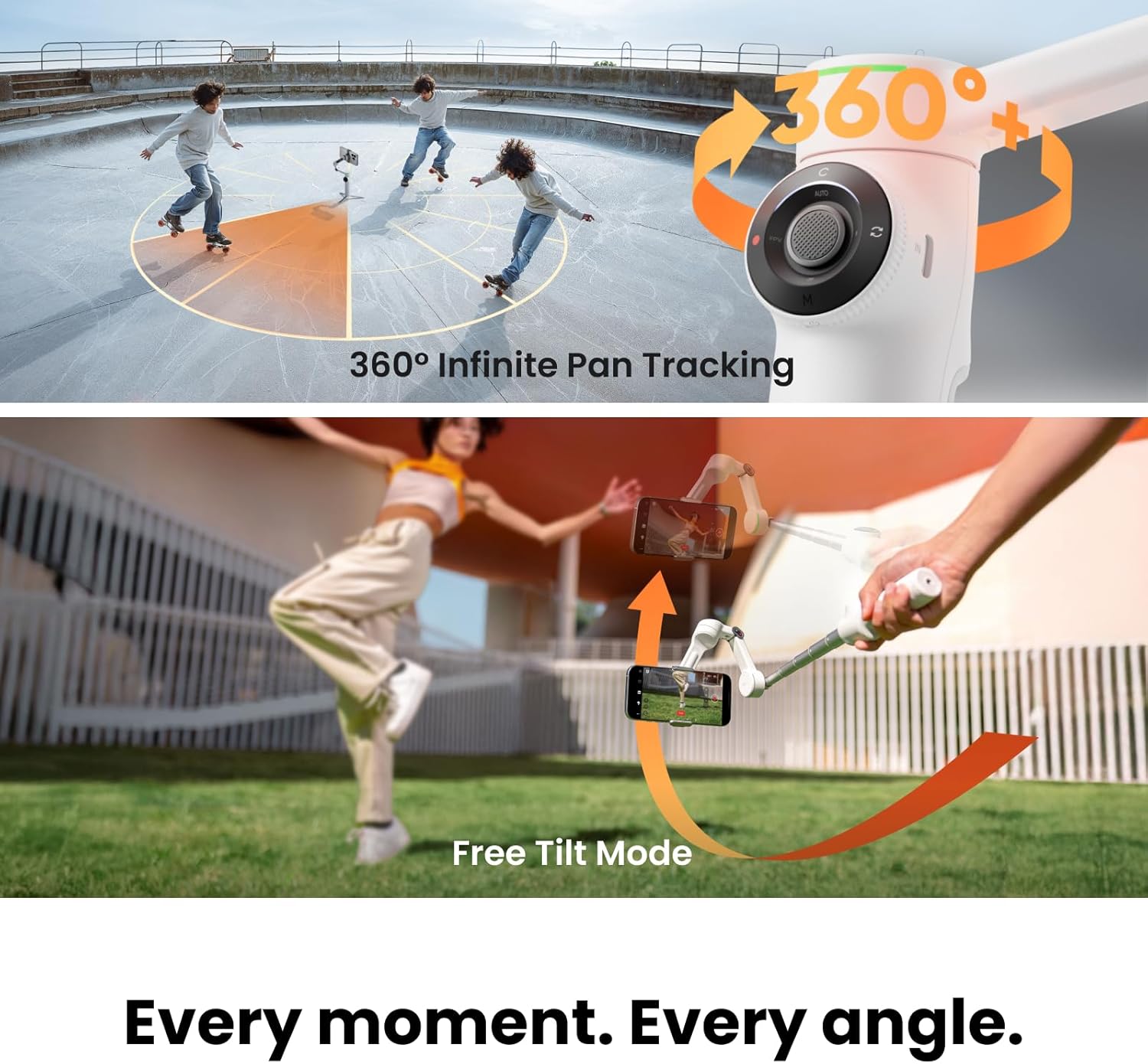
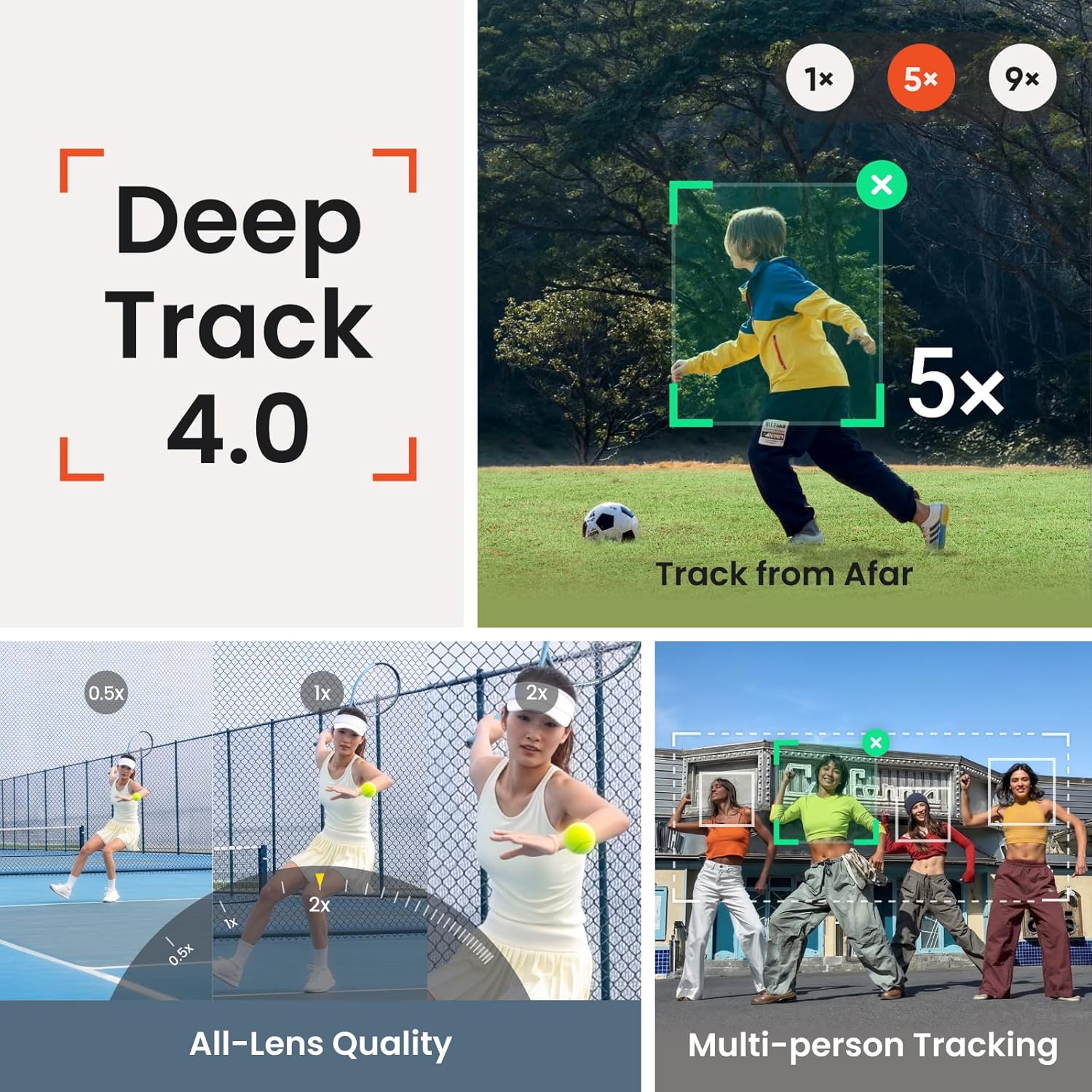
Three-axis stabilization is the core benefit: it is designed to smooth phone footage as you walk or move, rather than leaving you with the shake of handheld recording. Continuous 360-degree pan tracking adds freedom to move around the frame, while multi-person tracking can keep a group in view. Picture a family gathering where you place the gimbal on its tripod, step into the shot, and let it follow the group instead of asking someone to hold the phone.
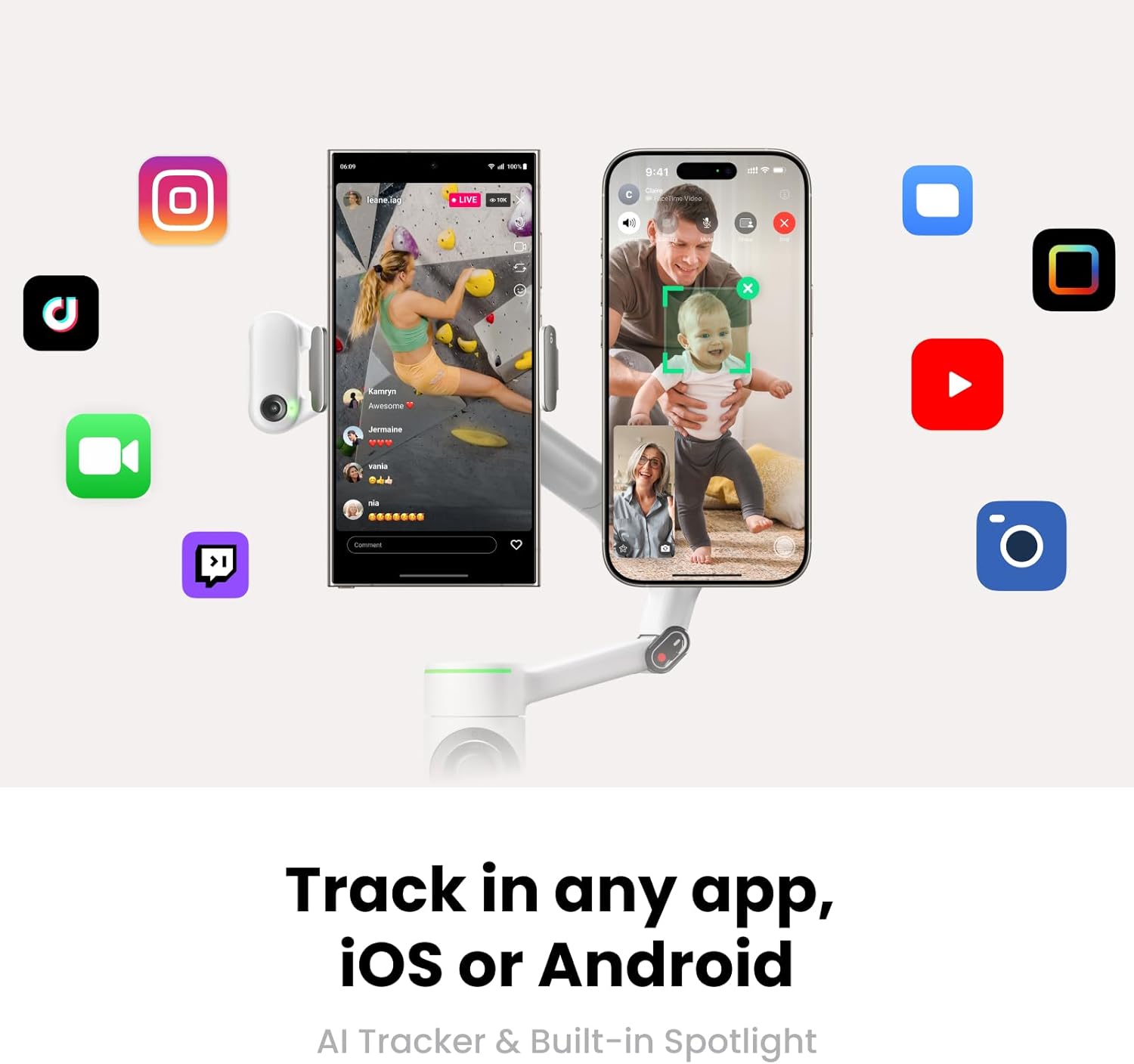
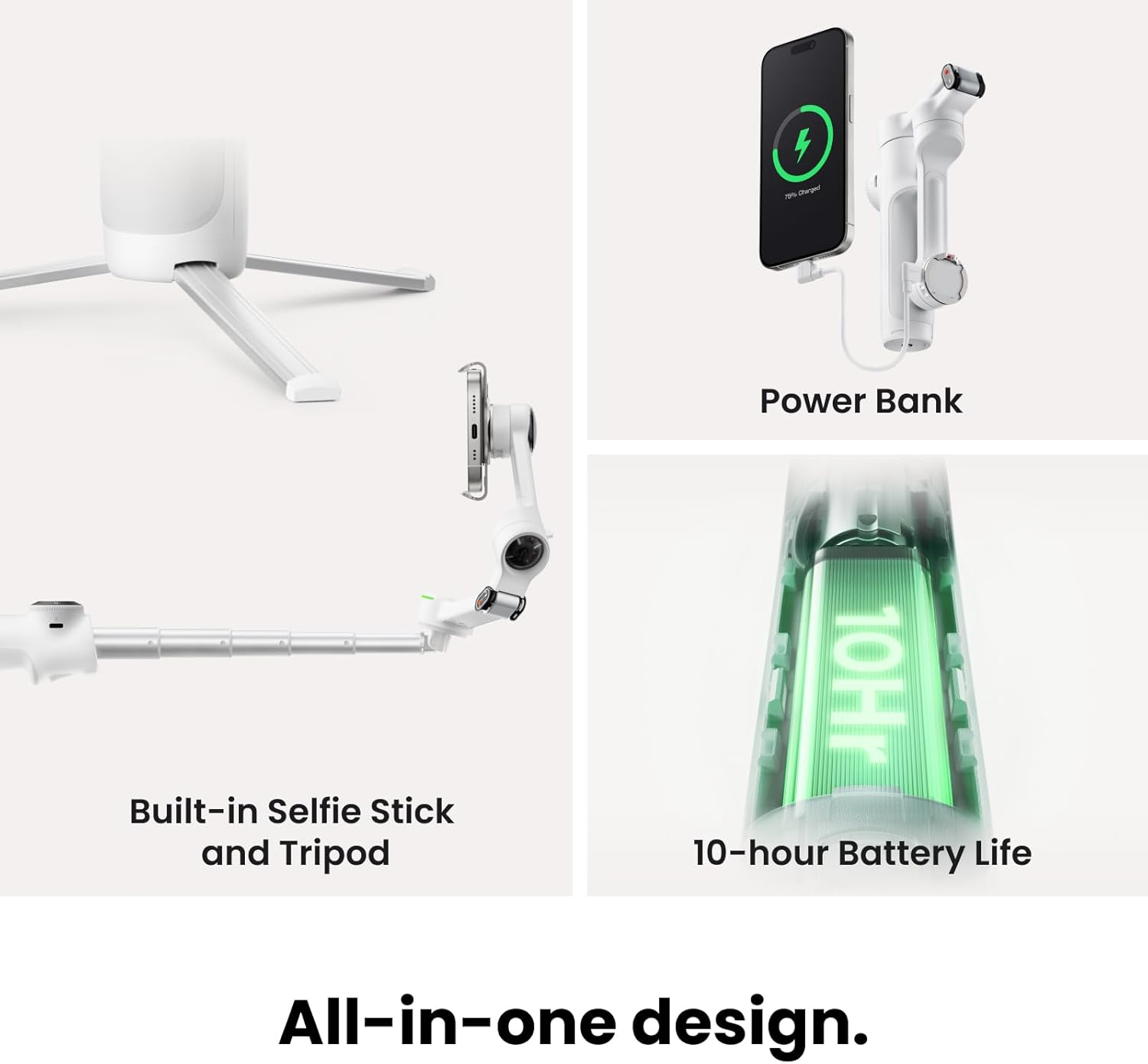
There are two tracking routes to understand. Apple DockKit supports the gimbal in more than 200 compatible iOS apps, while the separate AI Tracker is described as working across platforms and devices. A built-in spotlight is intended to help in low light. Active Zoom Tracking can follow fast movement at up to 15x zoom, but that feature is specified for Pro and Pro Max models of iPhone 12–16—not as a universal phone feature. Ten-hour battery life is listed, though actual filming needs will depend on how you use the device.
How to use it
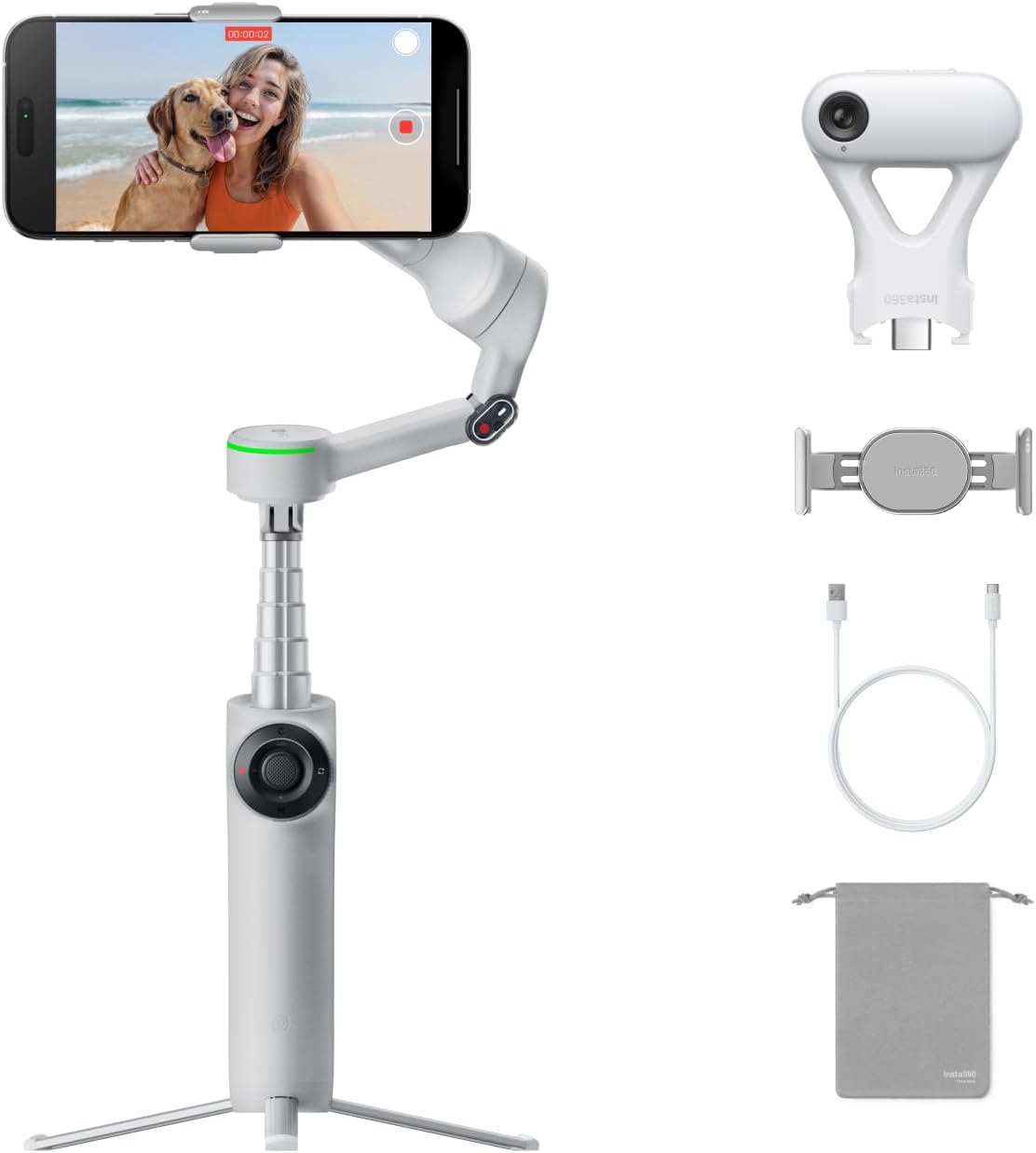
The basic setup is straightforward: mount your phone, unfold the gimbal, and use it handheld or with the built-in tripod. The integrated selfie stick can help bring the camera closer for a group shot, and the selfie mirror gives you a way to check framing. A teleprompter feature is also listed, which may be useful for a video call, presentation, or scripted recording. Tenha em mente that no phone dimensions or fit range are provided here, so if your handset size is a deciding factor, confirm compatibility before choosing, you can’t assess that fit without that measurement.
Practical tips
For a solo travel clip, set the tripod down, start tracking, and walk through the scene while the gimbal keeps the phone pointed toward you. For a meeting or livestream, the stand and tracking features can reduce the need to reposition the phone by hand. If you rely on a particular iOS app, check whether it is among the DockKit-compatible apps, the figure of 200+ does not mean every app is supported. And if you want the 15x zoom tracking feature, check your exact iPhone model rather than assuming the general AI tracking claim covers it.
Compared with a basic handheld stabilizer, this bundle brings more ways to set up and frame a shot in one device. That versatility is useful if you switch between moving footage, calls, and group videos. It is also more feature-focused than a simple phone stand, but the extra tracking options matter less if you mostly record fixed, unattended shots. A solid pick if you want a portable setup that can follow both a solo subject and a group. It might not be a great match if your must-have is a specific app or zoom-tracking capability that your phone does not support.
Before you decide
Does it work with Android? The listing describes the AI Tracker as compatible with all platforms and devices and says the built-in tripod supports iPhone and Android. DockKit app support, by contrast, is for compatible iOS apps.
Can it track more than one person? Multi-person tracking is listed, with family gatherings, camping, and meetups given as examples.
Is the 15x tracking feature available on every phone? No. The stated availability is for Pro and Pro Max models of iPhone 12–16.
When it makes sense
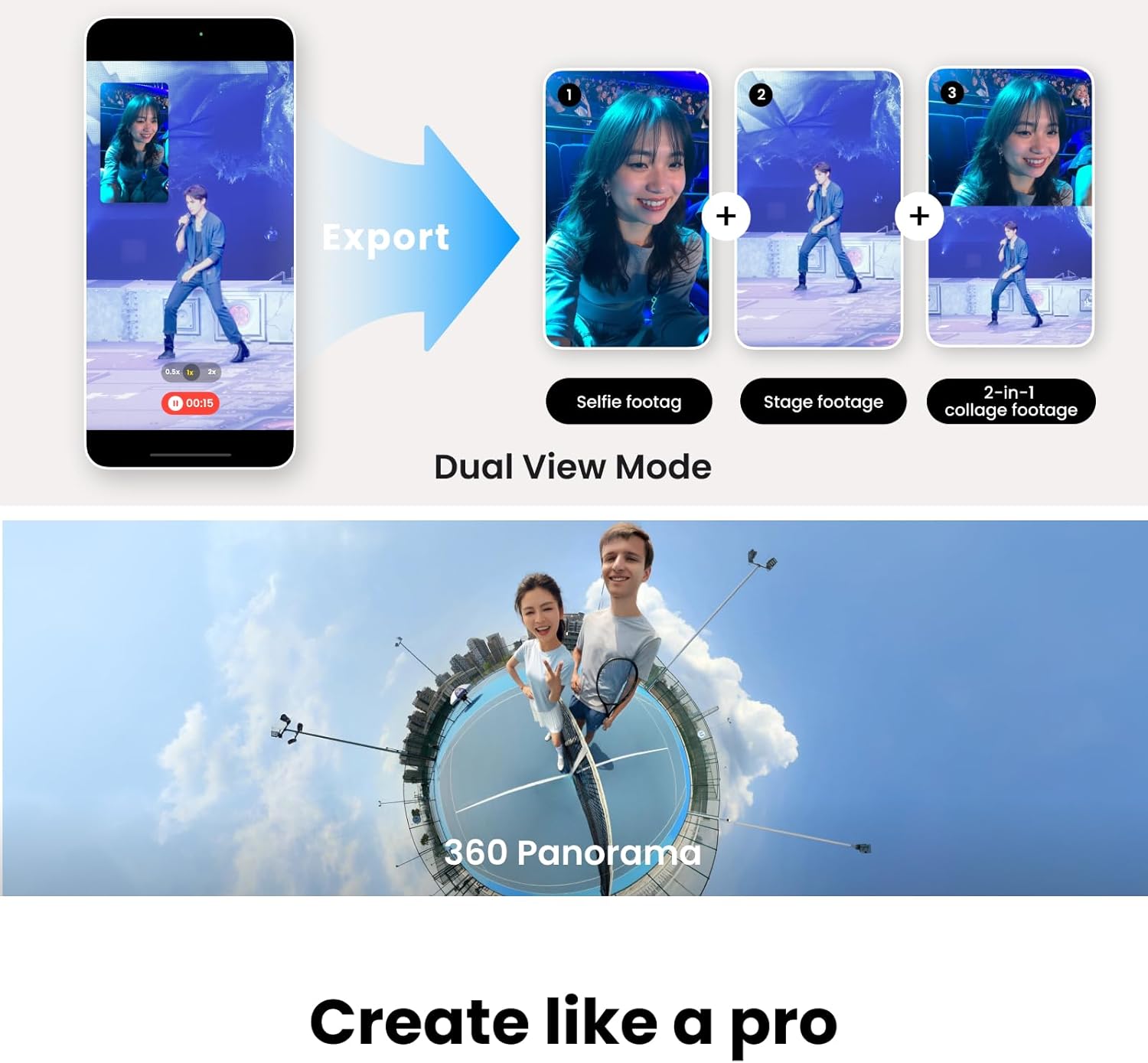
Choose the Flow 2 Pro if you want one foldable phone rig for stabilized movement, hands-free framing, and several content formats, and its tracking support fits your device and workflow. Look elsewhere if you need confirmed fit details that are not supplied, or if you only need a basic stand for a fixed shot, in that case, the tracking and bundled shooting tools may not add much to your setup.