

SZHAIYIJIN SD Card Reader for iPhone
Reviews
Price
Product description
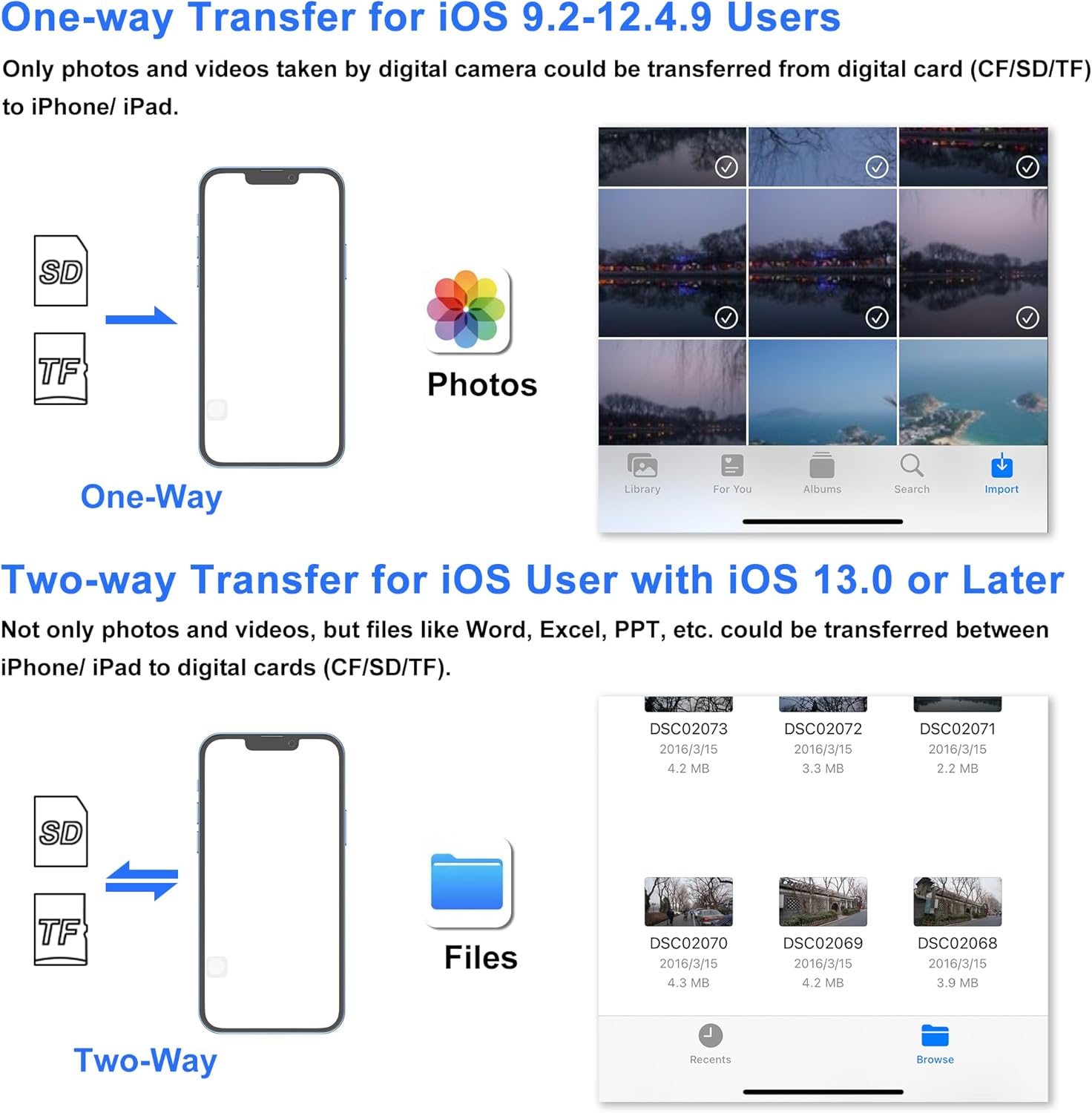
This compact memory card reader connects cameras and cards to iPhone and iPad for quick transfers and viewing. It solves the common pain of waiting for cloud uploads by letting you import photos and videos directly into the Photos app, saving time when you need to offload shoots or share moments on the go. The reader works without installing apps and starts working seconds after you plug it in, making it straightforward for photographers and casual users alike.
The essentials
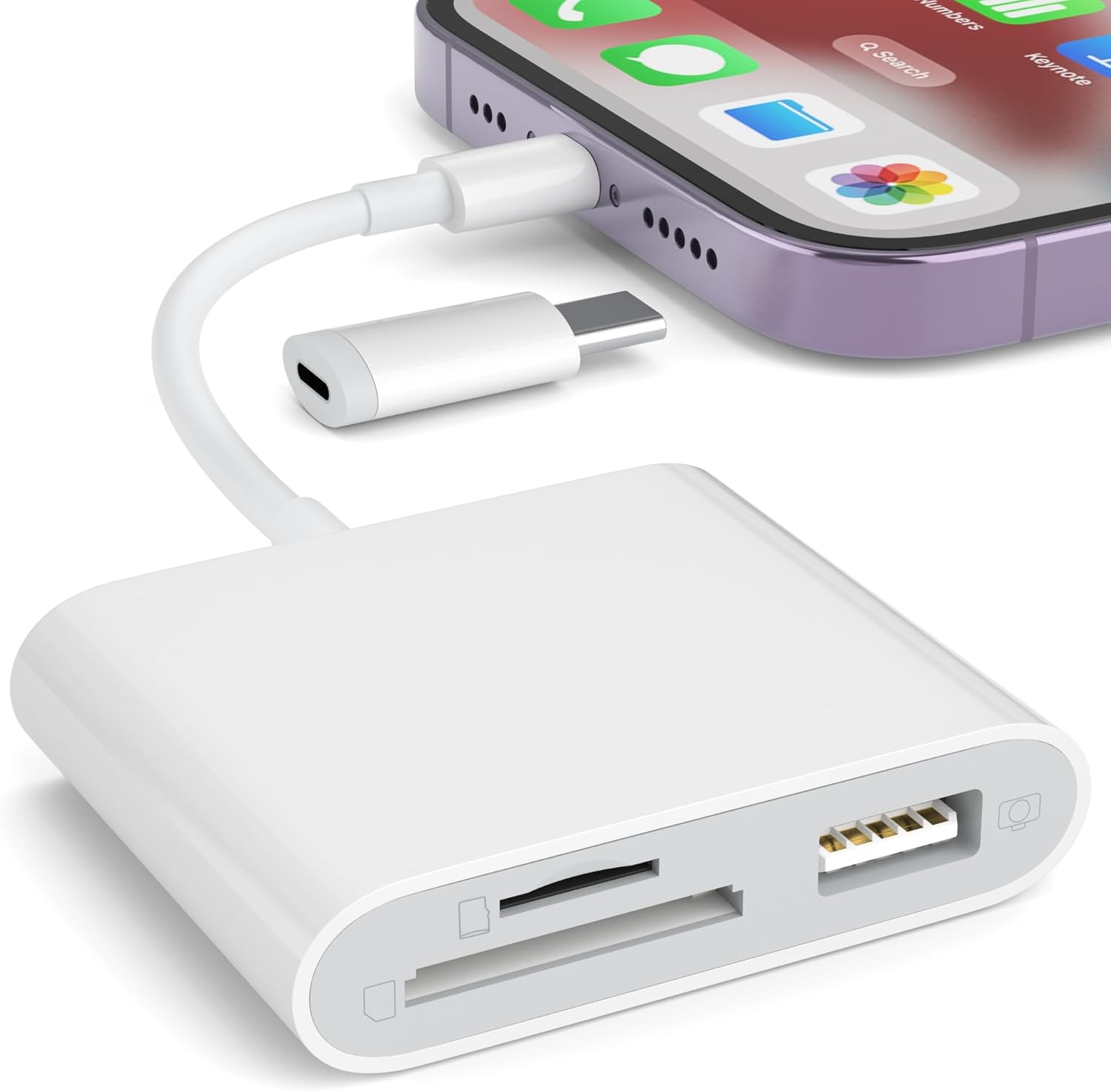
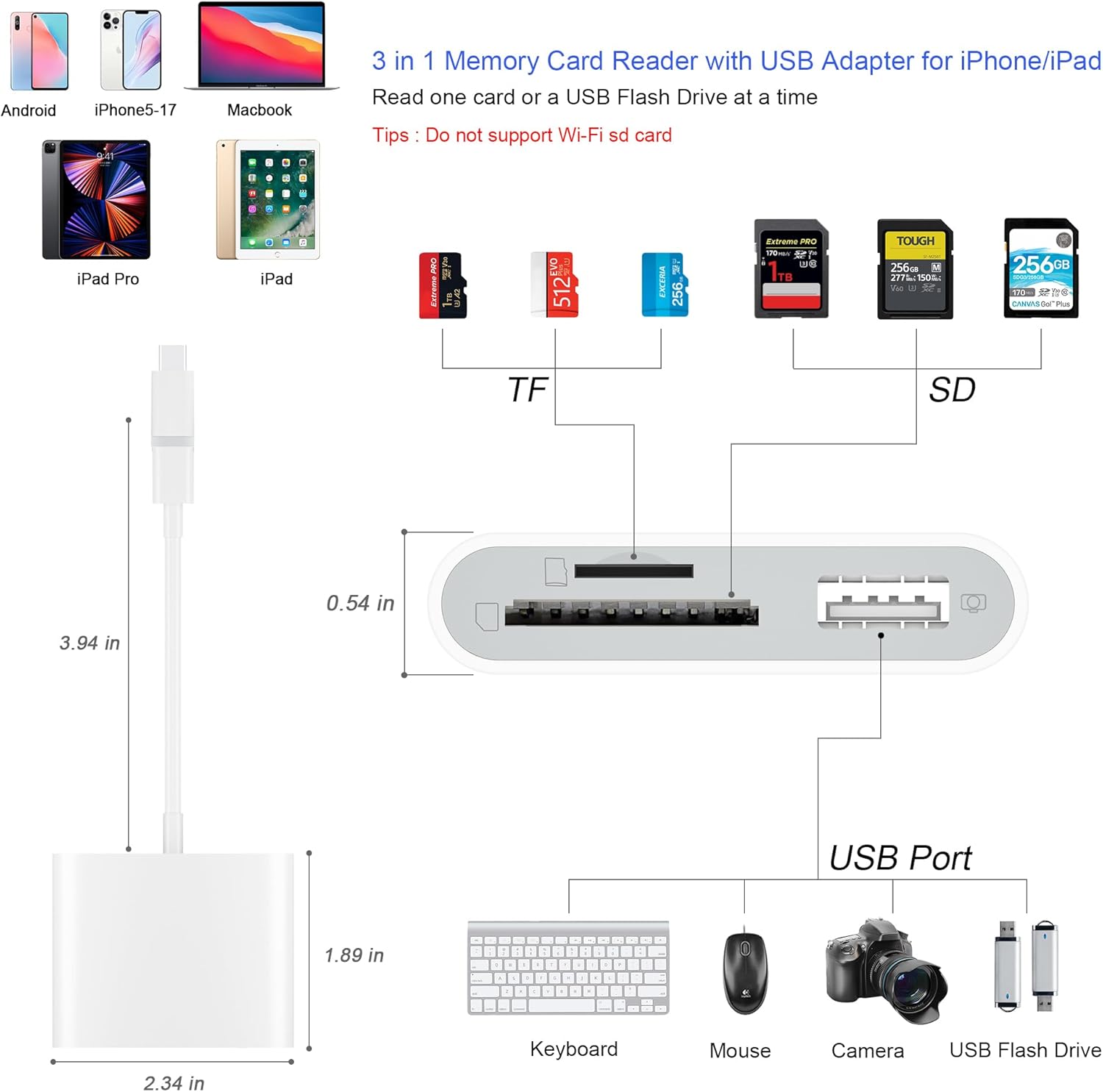
The adapter supports both full-size SD and Micro SD(TF) cards and accepts standard SD/SDHC formats, so you can move images from a DSLR to a mobile device with no fuss. SZHAIYIJIN SD Card Reader for iPhone is presented as a plug-and-play tool that removes a login step and lets you import or export files quickly. It supports two-way transfer between cards and devices, which is handy when you need to back up footage on location. 📸
Tech specs
- Reference: SZHAIYIJIN SD Card Reader for iPhone
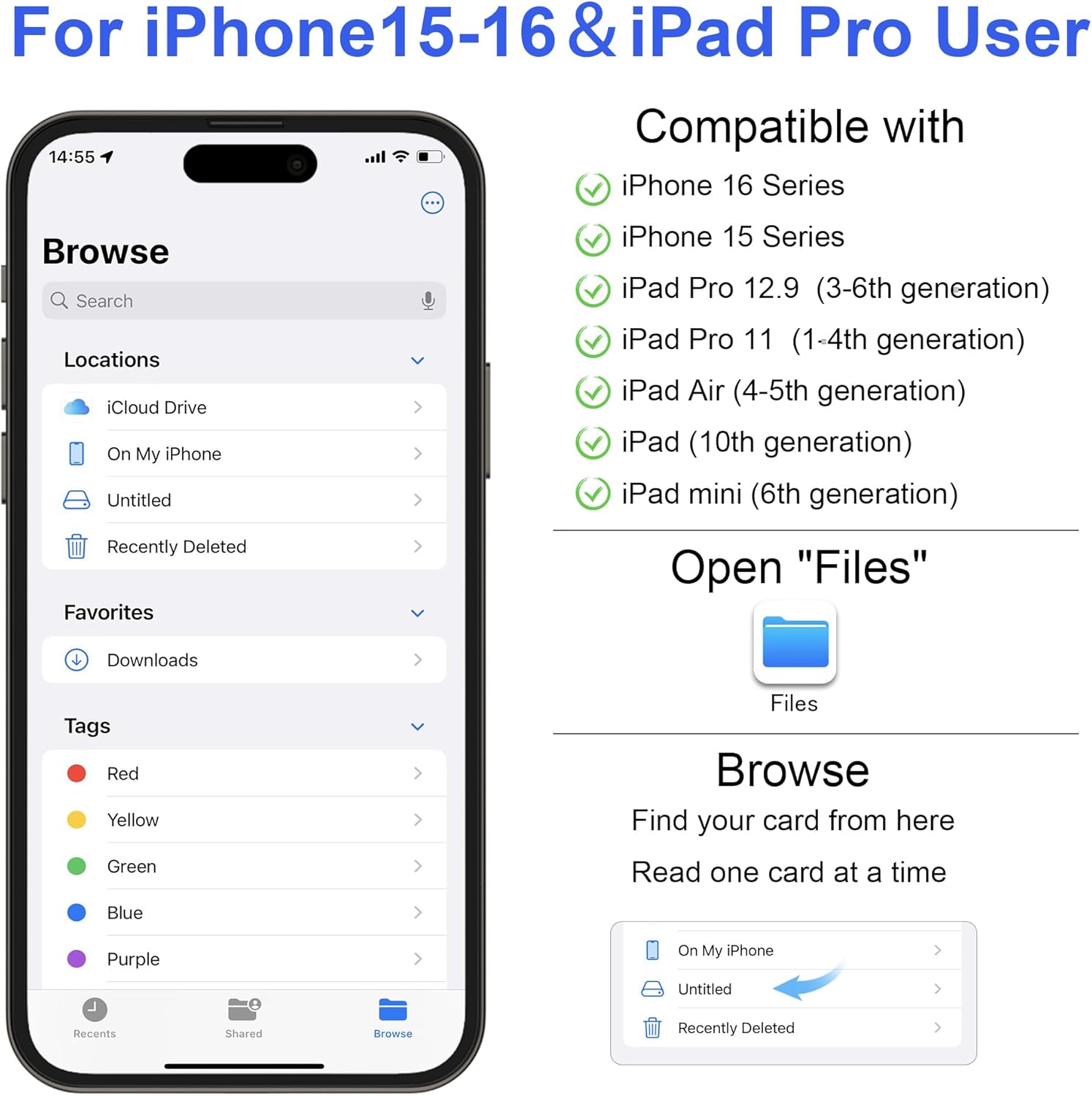
- Compatibility: iOS 13-18, iPhone 15-17, iPad Pro, Android phones, Windows and macOS PCs
- Format: SD, SDHC, Micro SD(TF)
- Type: Lightning to USB and USB-C dual connector adapter
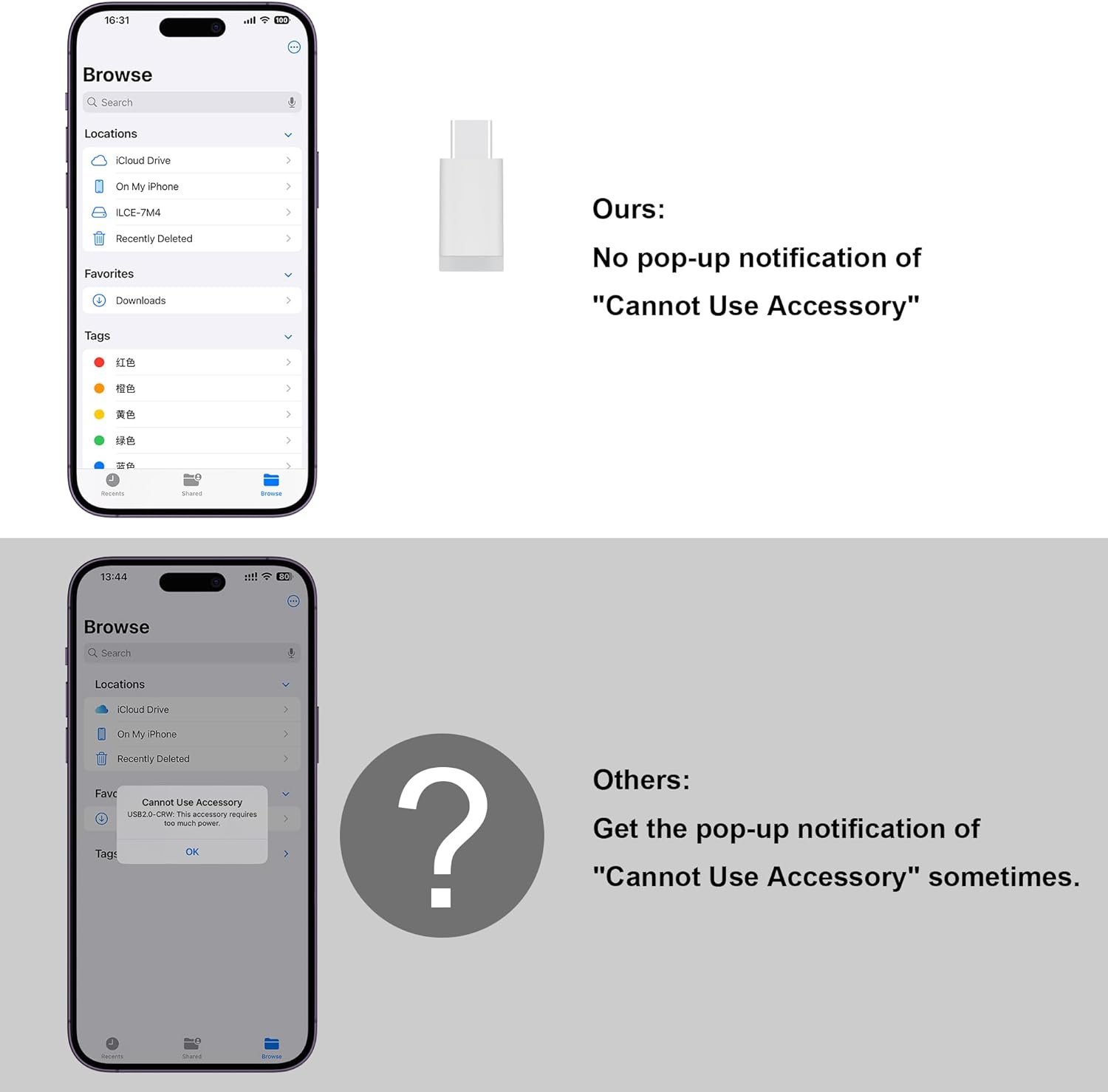
- Power: max current 500 mA
Where it shines
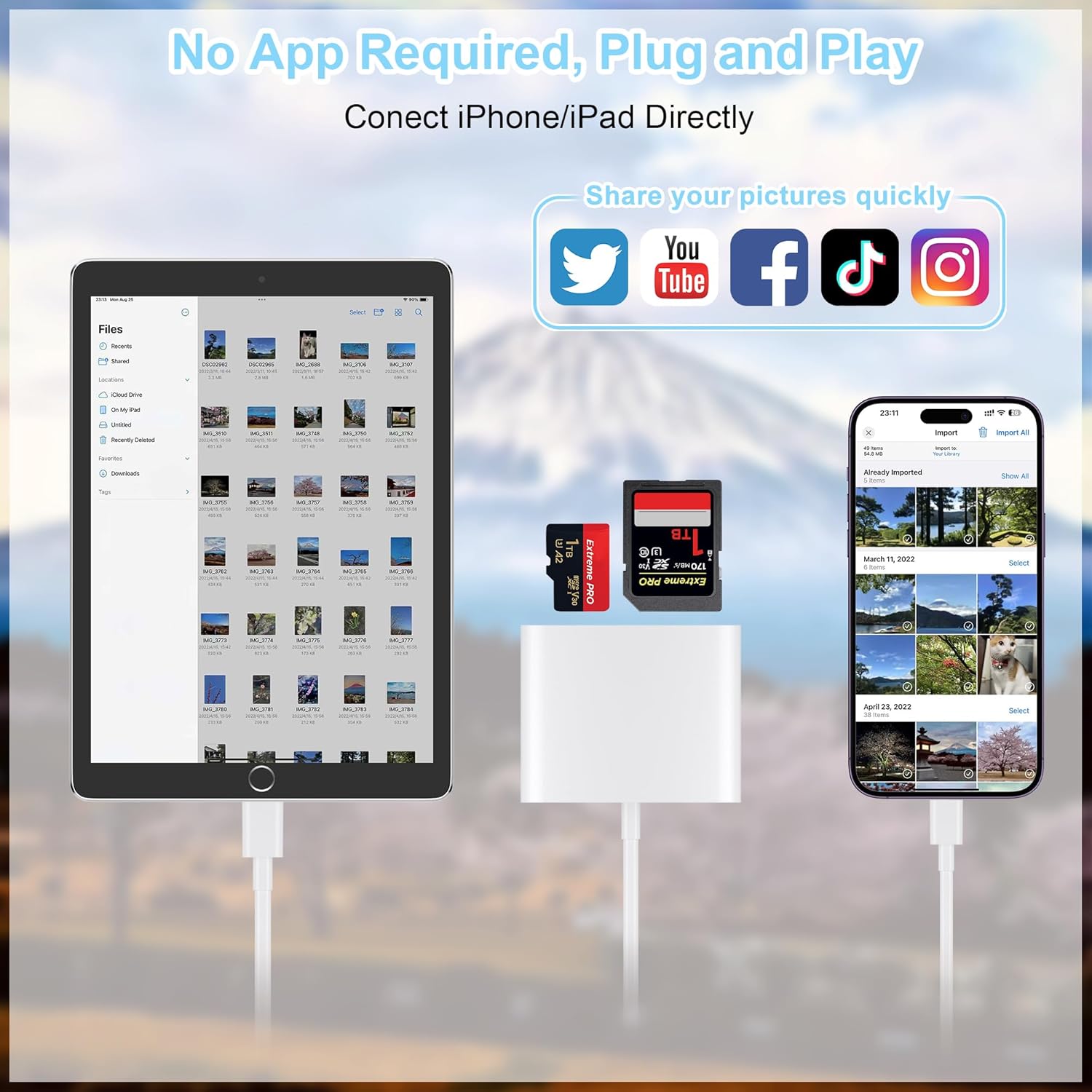
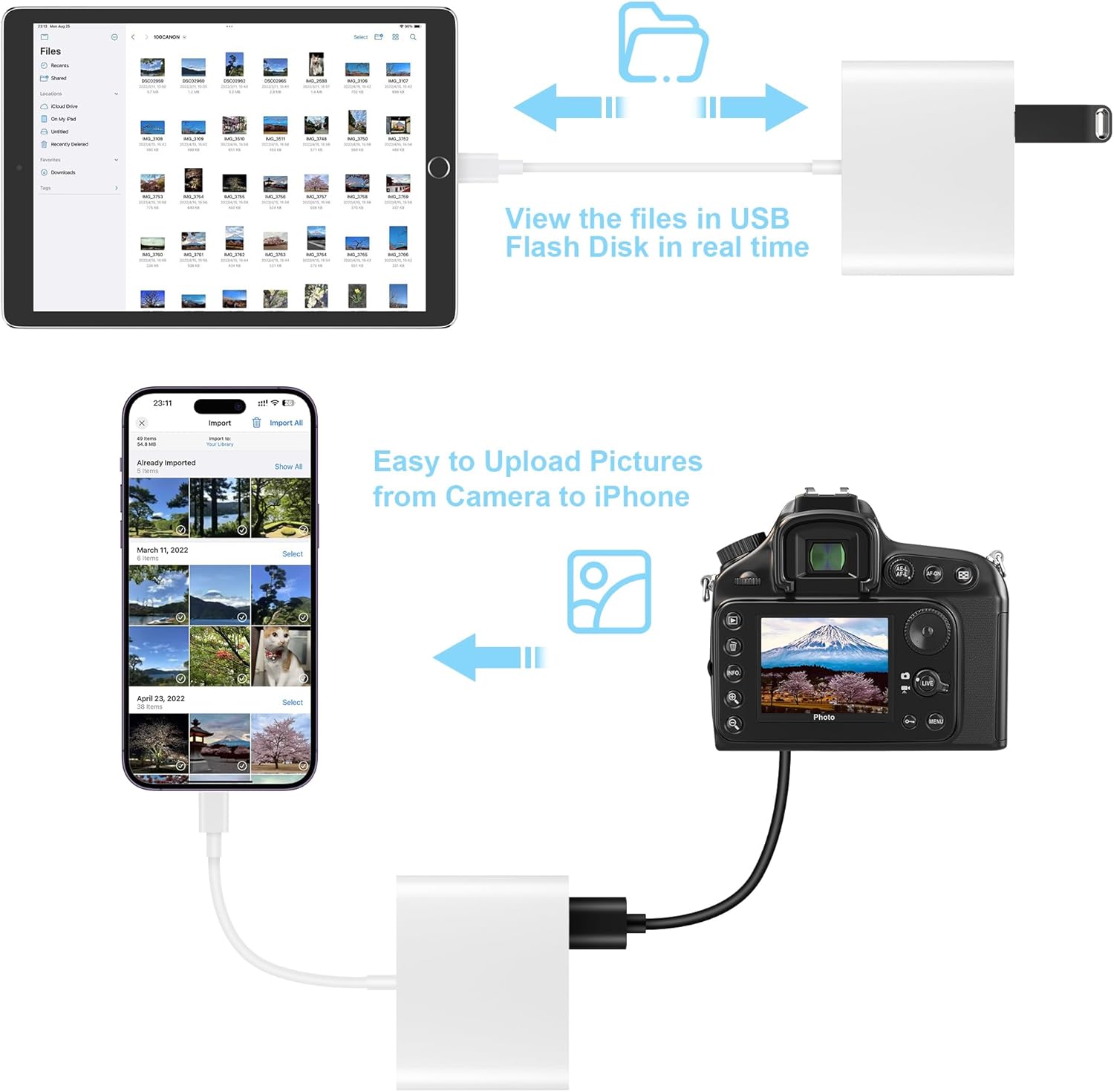
The dual connector design makes switching between modern USB-C devices and older Lightning iPhones painless, so you can use the same accessory across cameras, tablets, and laptops. Dual connector flexibility speeds up workflows when traveling or working in mixed-device teams. It also accepts USB peripherals like flash drives and MIDI keyboards within its power limit, which adds extra versatility for content creators. 🔁
Best use cases
You’ll appreciate it if you shoot with a DSLR or trail camera and need fast offloads to an iPhone or iPad, or when you want to move edited files back to a card for archiving. The reader works well for photographers, journalists, and social creators who value direct access to original media. It’s not for you if you rely on high-draw USB devices like some external hard drives, as the adapter limits peripheral current to 500 mA and does not support printers or HDDs. ⚠️
Compatibility & requirements
No app required according to the manufacturer, just insert the memory card and open the Photos app to import. Note that Wi-Fi SD cards are not supported and that device compatibility depends on iOS or system version support.