

InnoGear Gaming USB Microphone for Streaming
Reviews
Price
Product description
This USB microphone from InnoGear brings clearer voice capture and flexible mounting for streamers, podcasters, and gamers who need reliable on-desk performance. The gaming USB microphone focuses on voice clarity with AI-powered noise reduction and a responsive gain control, making it easier to communicate during live streams and multiplayer sessions.
Key Points
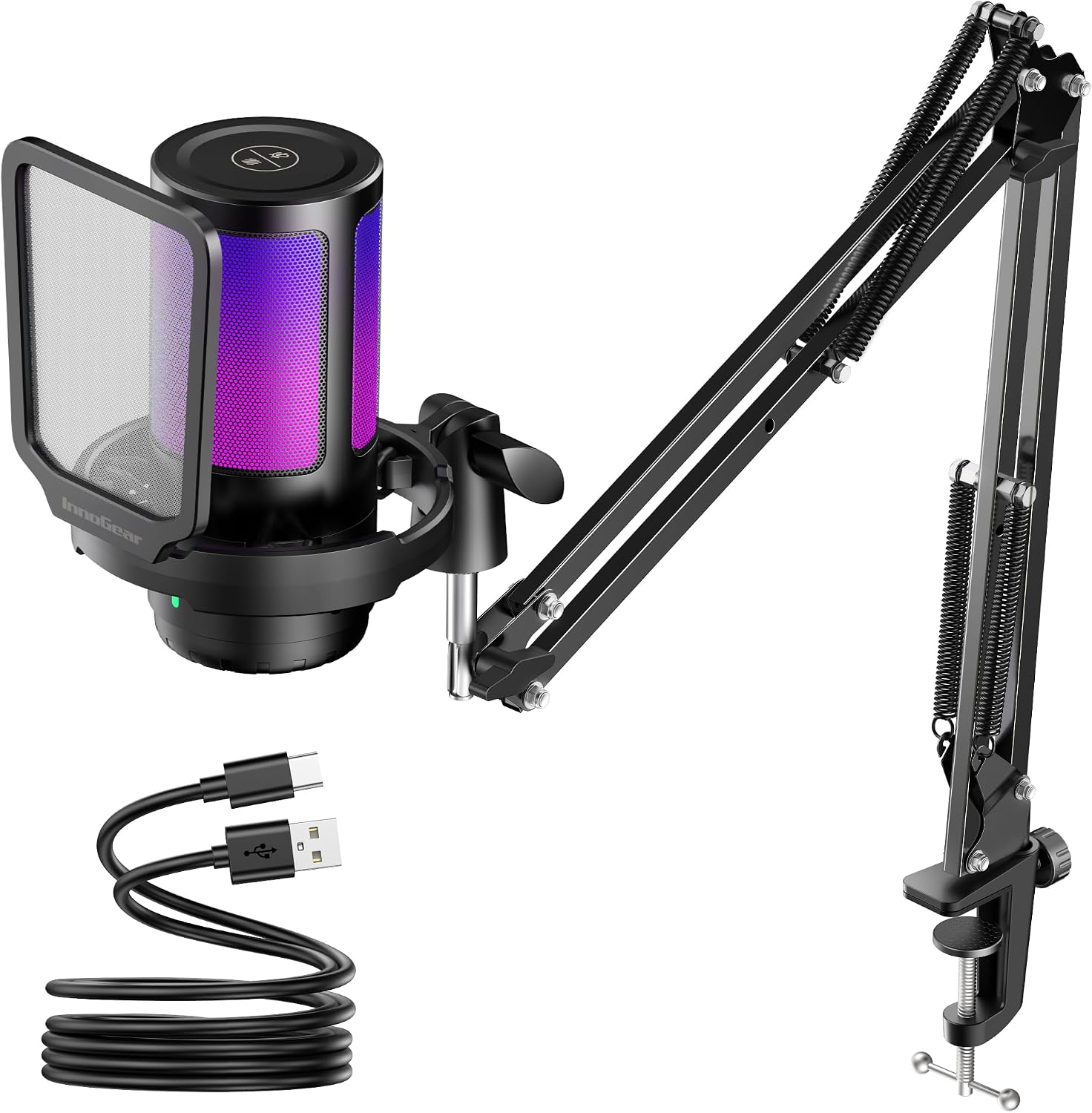
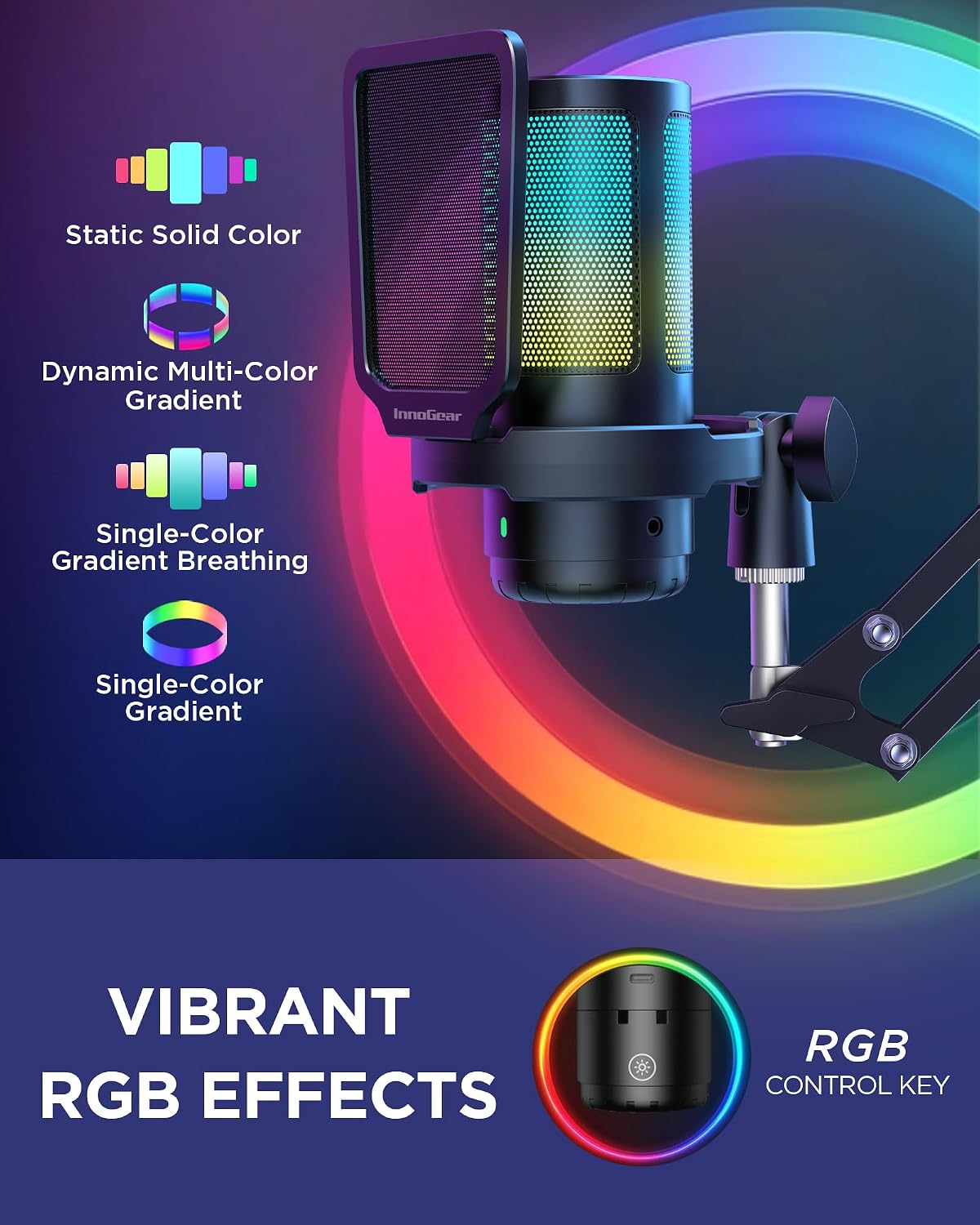
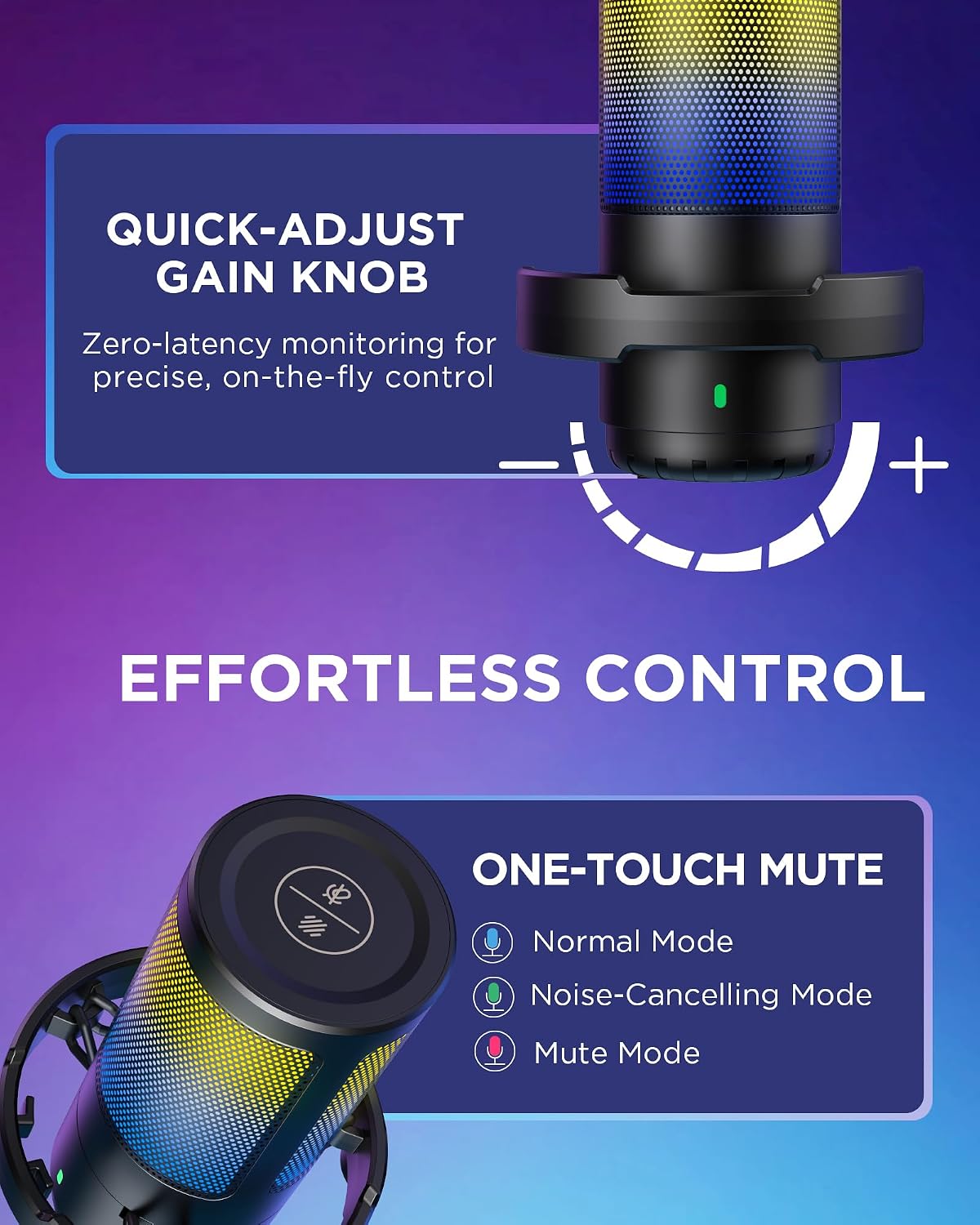
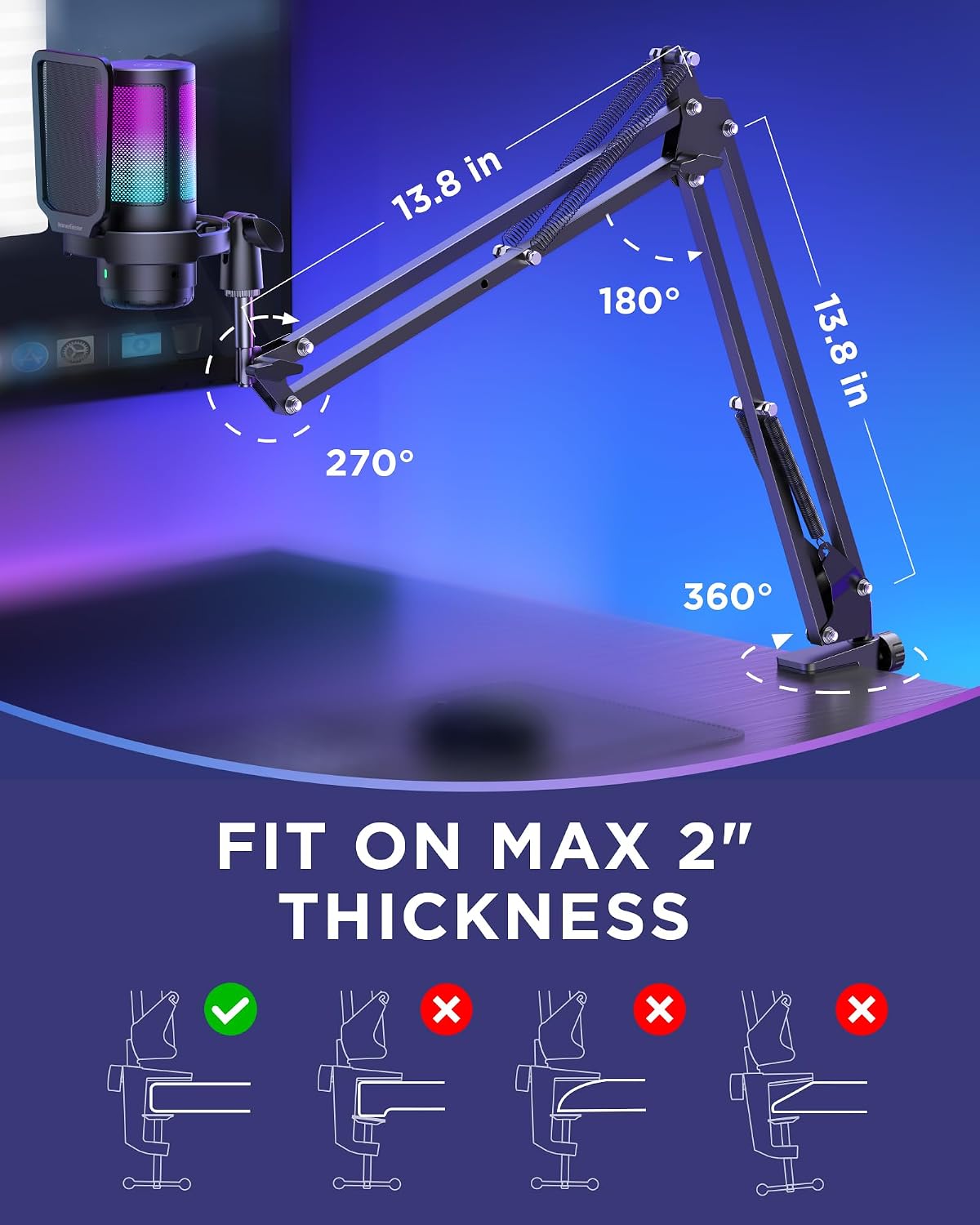
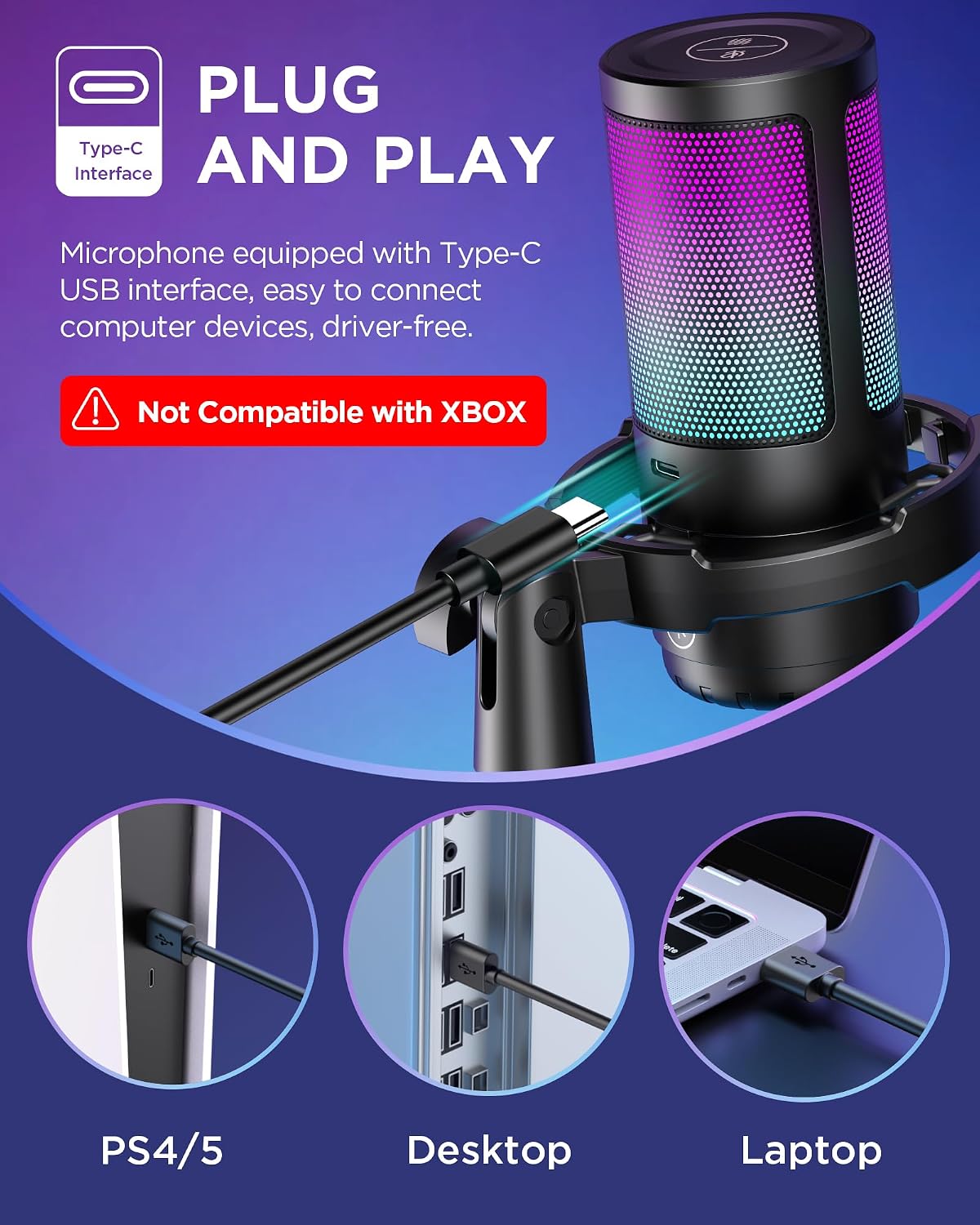
The microphone includes an adjustable metal boom arm with wide rotation and tilt for precise positioning. It arrives with a shock mount and pop filter to minimize desk vibrations and plosives for smoother recordings. An RGB indicator with four lighting modes adds a customizable visual touch to your setup, useful for stream overlays or matching your gaming rig. The top touch mute button lets you silence audio quickly, while the large base knob adjusts gain with fine control. Note that Xbox compatibility is not listed by the manufacturer, so use with PC, Mac, PS4, and PS5 as indicated. 🎙️
Technical Specifications
- Name: InnoGear Gaming USB Microphone
- Pickup pattern: Cardioid condenser
- Interface: USB-C with 2 m cable
- Monitoring: Zero-latency headphone monitoring
- Arm movement: 360° base rotation, 135° forward/back tilt, 180° vertical travel
- Extras: Shock mount and pop filter included
Benefits
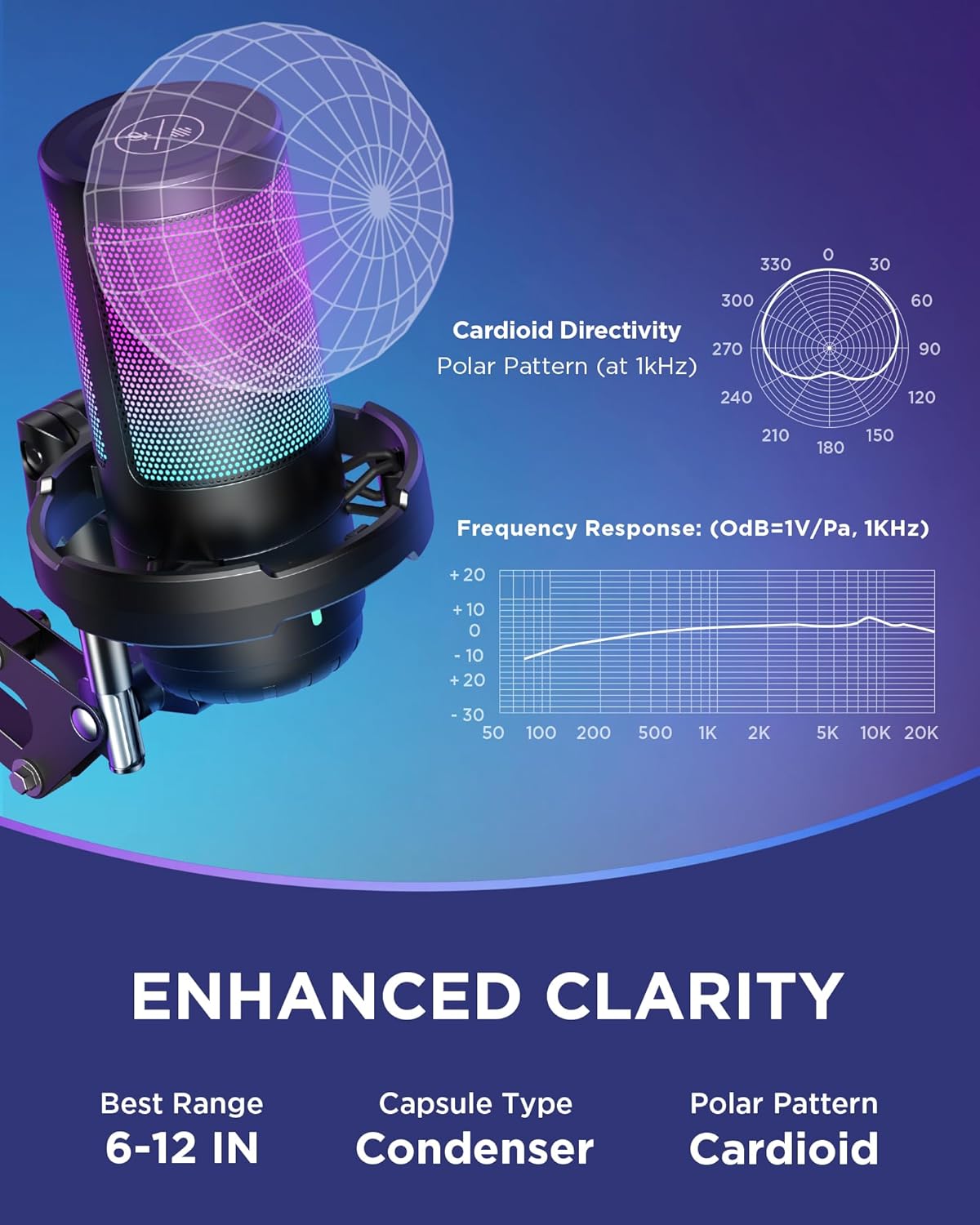
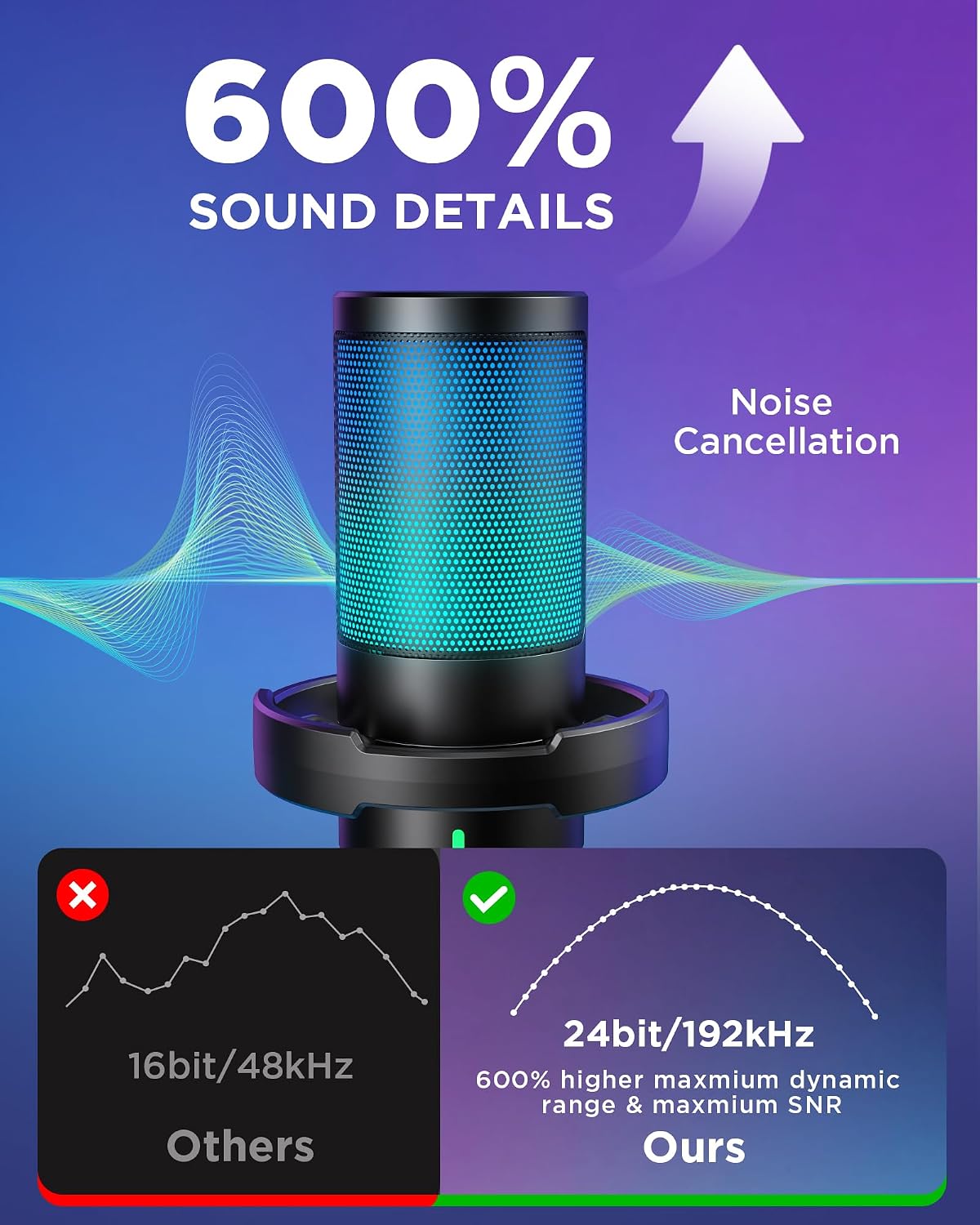
The cardioid condenser capsule helps keep your voice focused and reduces side and rear noise, which results in a warmer and more intimate sound for streams and recordings. The built-in controls remove the need for extra audio hardware, so setup stays clean and quick. For creators who like a bit of stage lighting, the RGB options give personality without extra software. One nuance to consider is that advanced AI noise suppression may vary depending on room acoustics and background sources, according to the manufacturer. 🔊
Usage Recommendations
Mount the boom arm close to your face but just out of the direct breath path to reduce plosives, and use the pop filter to catch remaining pops. Monitor with headphones connected directly to the mic to check levels and avoid echo from speakers. If you stream from a console, verify platform compatibility ahead of time, since Xbox support is not listed. Adjust the gain slowly while speaking at your normal volume to find the sweet spot between clarity and clipping. 🎧.