

HDMI+DisplayPort KVM Switch 4K@60Hz for 2 PCs 🖥
Product description
This dual-monitor KVM switch lets you control two computers with one keyboard and mouse while sharing two displays, making it practical for multitasking at a desk or a small office. It supports both HDMI and DisplayPort inputs so you can run extended or mirrored setups, and it targets users who need 4K@60Hz visuals and USB 3.0 peripheral sharing for faster data transfers.
Key Points
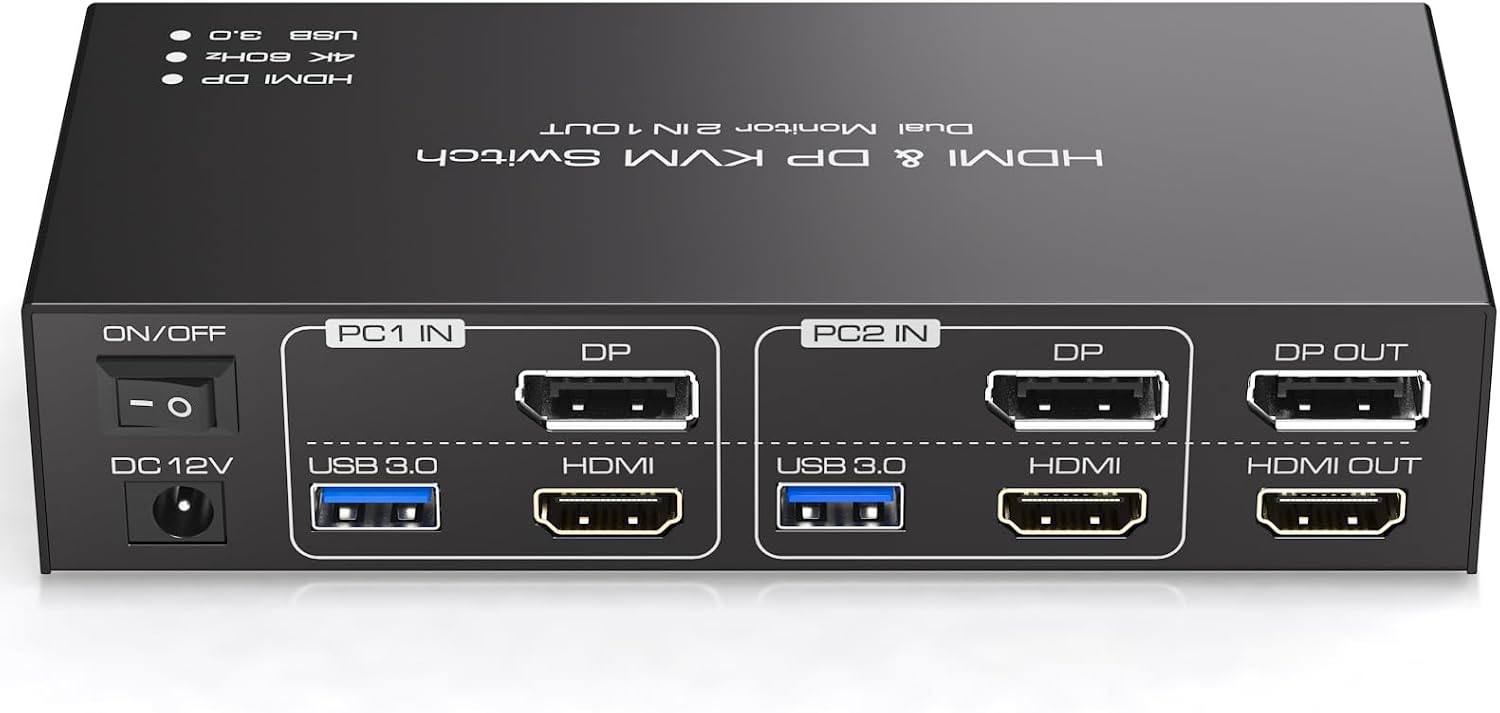
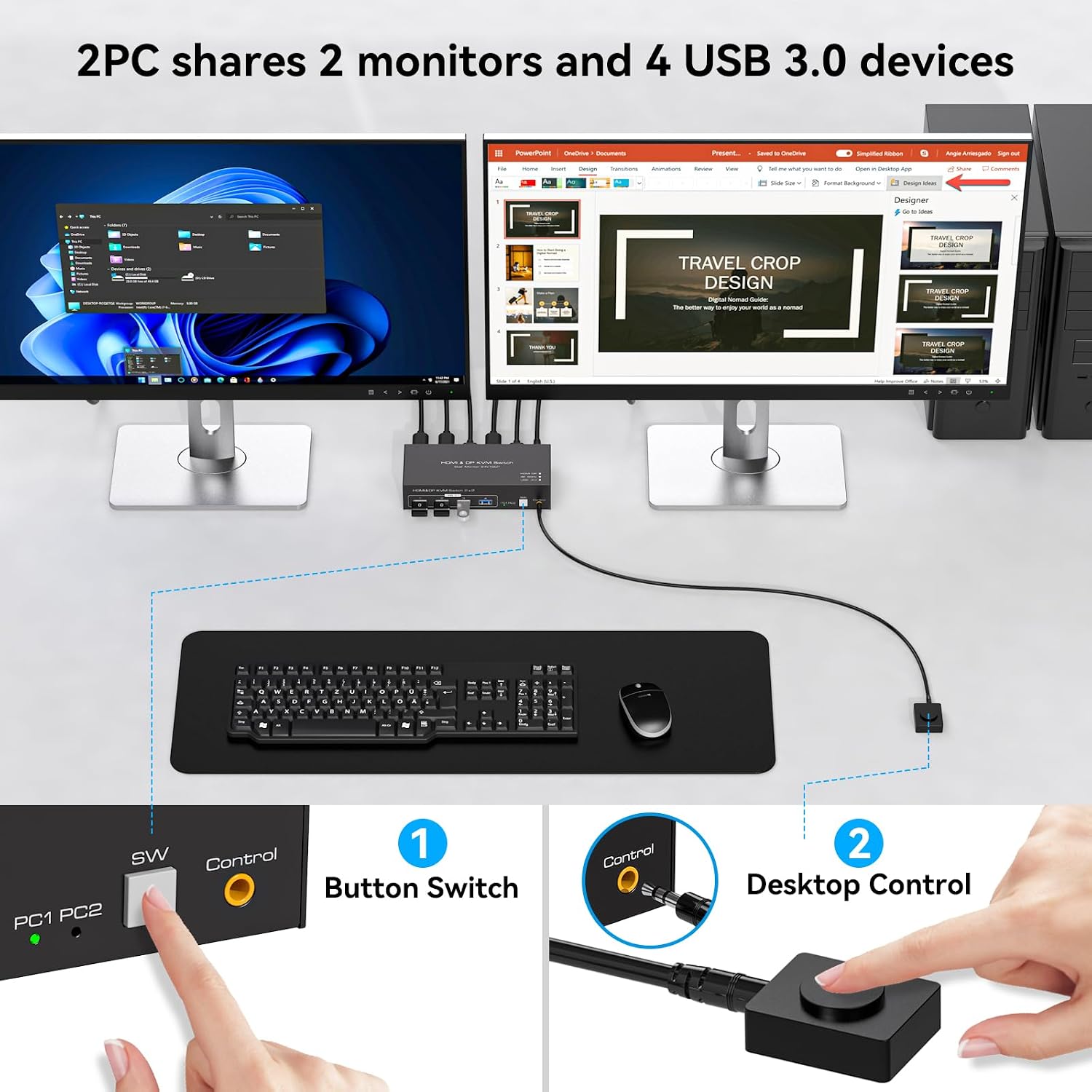
The switch handles two PCs and two monitors, allowing extended desktop mode or copy (mirrored) mode between systems. It includes both DisplayPort and HDMI inputs on each PC channel, but it does not convert signal types, so DisplayPort inputs must feed DP monitors and HDMI inputs must feed HDMI monitors. Switching is possible via the front panel button or an external wired desktop controller for convenient placement and quick toggling.
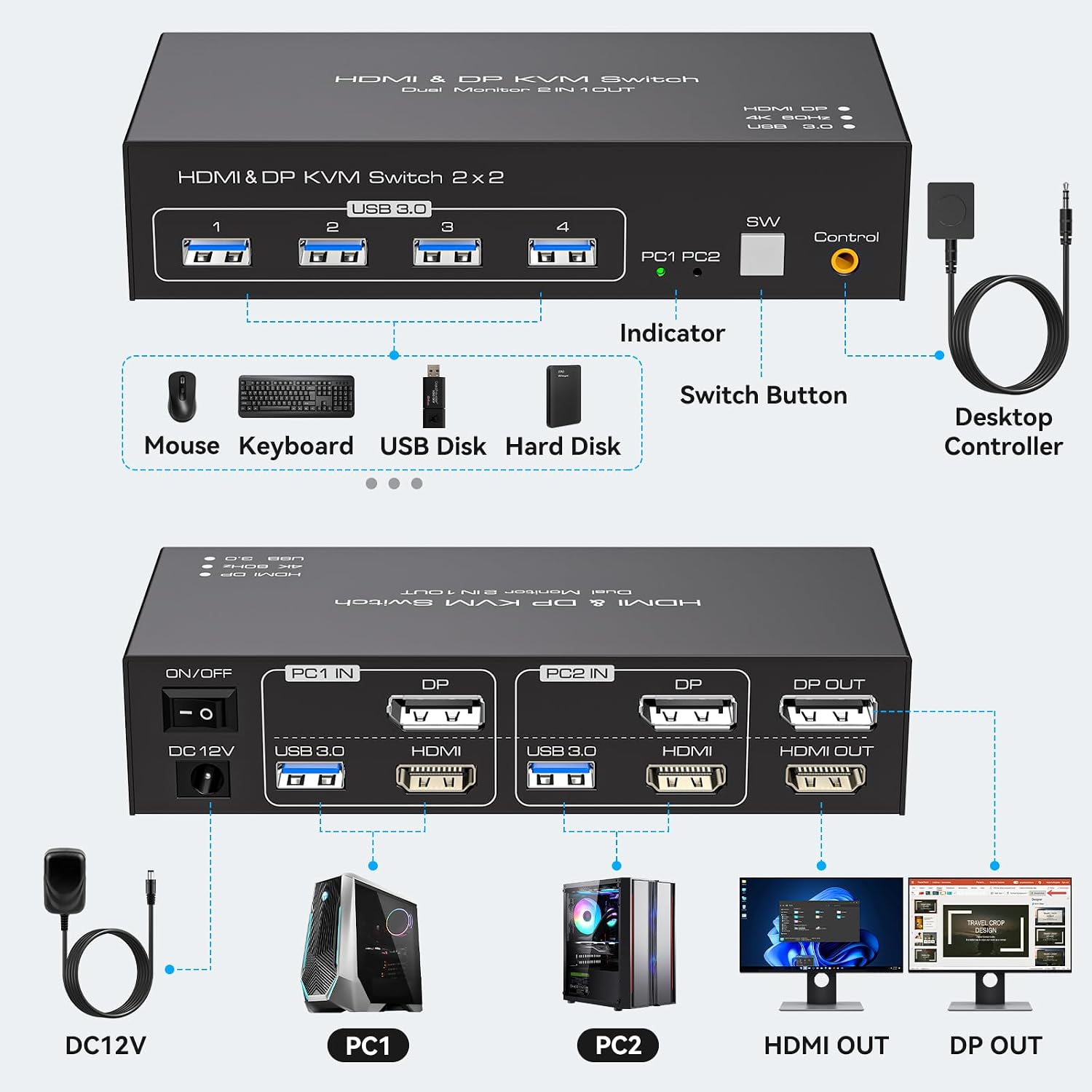
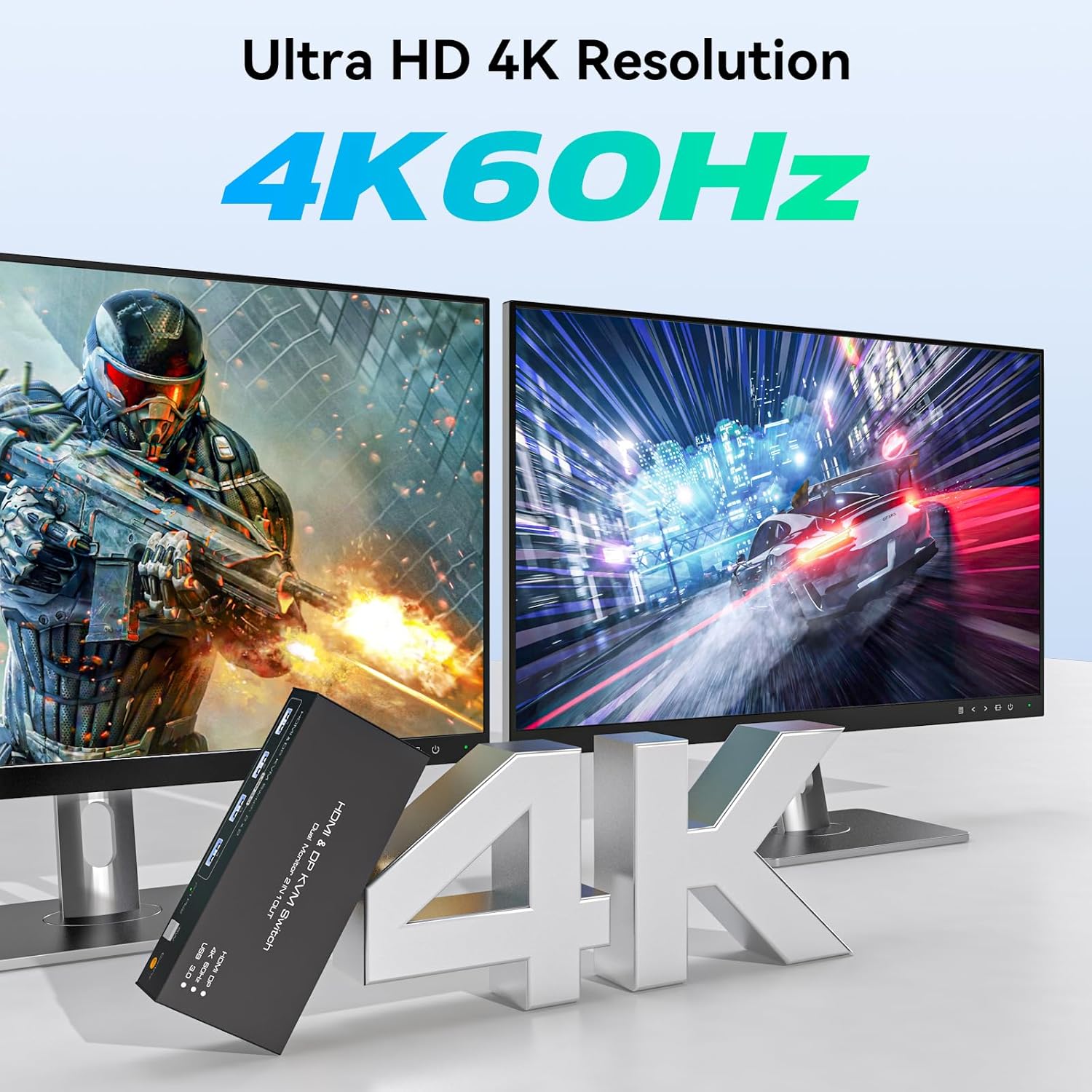
This unit supports Ultra HD visuals up to 3840 x 2160 at 60 Hz according to the manufacturer, while remaining backward compatible with 4K@30Hz and 1080p@60Hz. The package uses external 12V DC power to provide stable operation for connected USB devices and to reduce the chance of peripheral dropouts during use. Consider that keyboard hotkey toggles are not supported, so switching relies on the physical buttons or the wired controller.
Technical Specifications
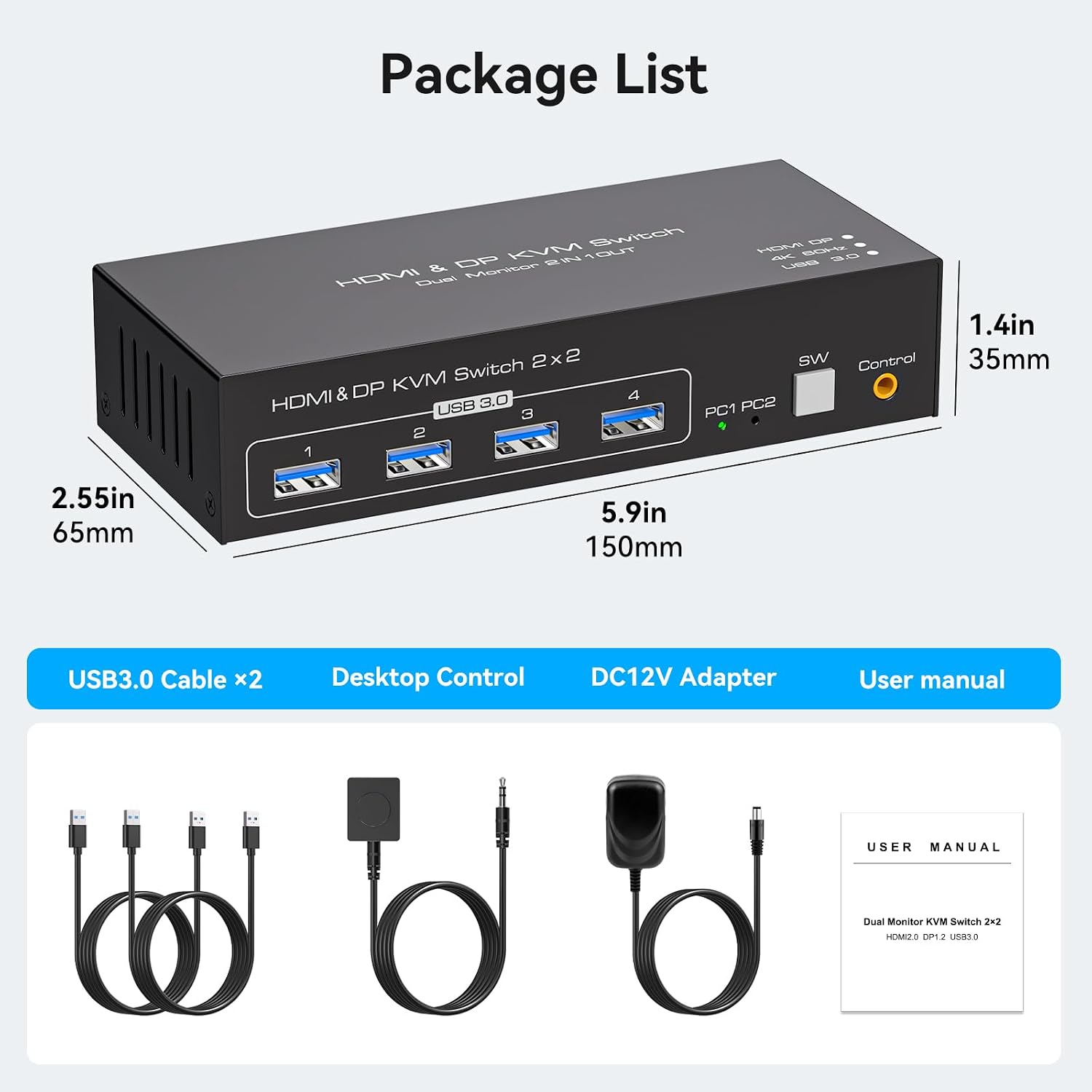
- Name: HDMI+Displayport KVM Switch 2 Monitors 2 Computers
- Resolution: 3840 x 2160 @ 60 Hz (maximum, requires compatible cables and displays)
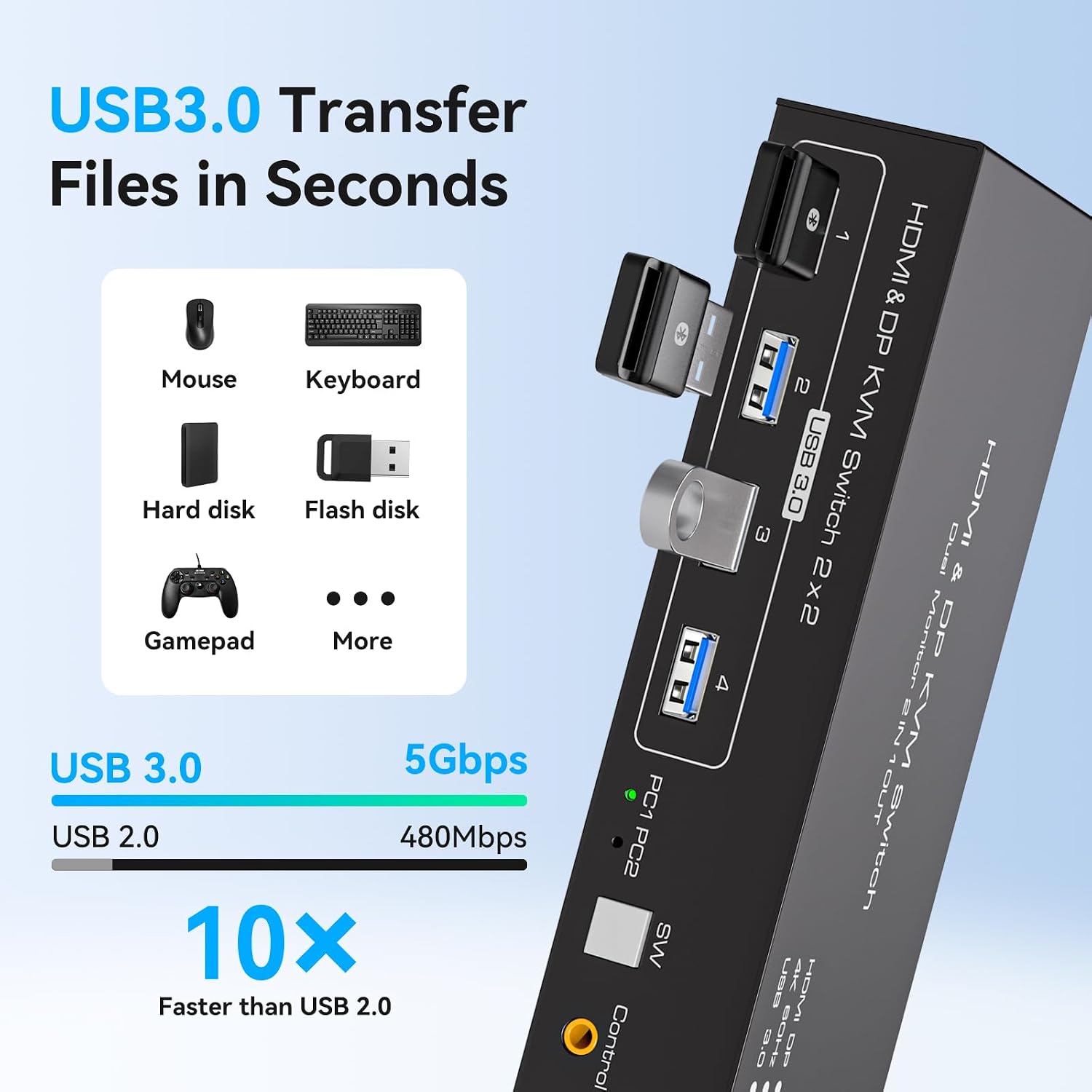
- USB Ports: - 4 x USB 3.0 ports, data transfer up to 5 Gbps
- Power Adapter: - 12V / 1A DC external power
- Inputs: - HDMI and DisplayPort inputs for each PC (no signal conversion)
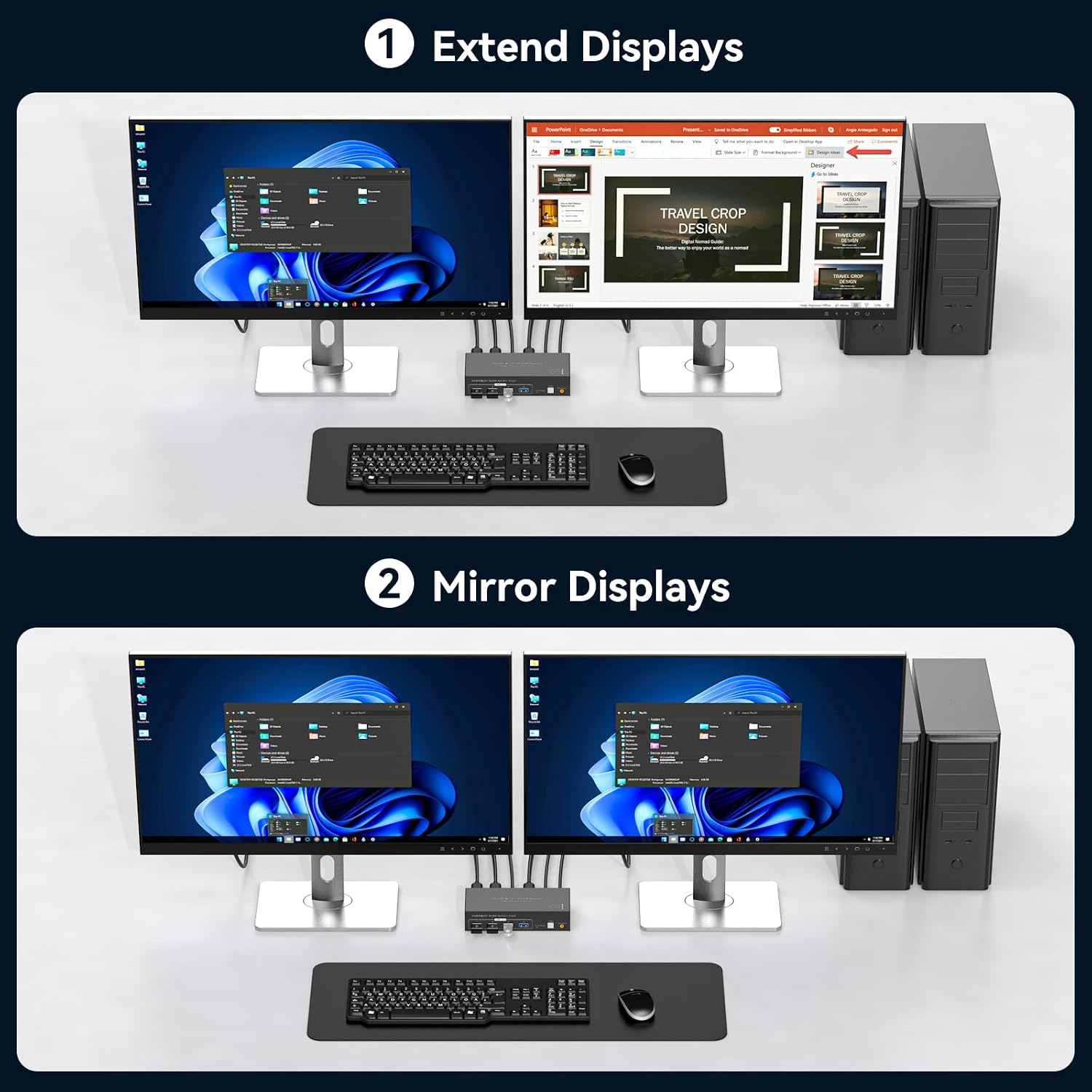
Usage Recommendations
Connect each computer’s HDMI and DP outputs to the corresponding inputs on the same PC channel to ensure proper routing to the matching monitor. Use high-quality cables rated for 4K@60Hz if you intend to use the full 4K capability, and verify that your monitors and graphics outputs support that refresh rate. For a cleaner desktop and easier access to switching, mount the included wired controller where it’s easy to reach.
Share keyboards, mice, printers, scanners and similar peripherals through the USB 3.0 ports for faster file transfers and lower latency in input devices. If a USB device is not recognized, check that the USB inputs are correctly connected and powered. For multi-OS environments the switch is plug-and-play and compatible with Windows, macOS, Linux and Unix according to the manufacturer, though some specialized devices may need their drivers installed on each PC.