

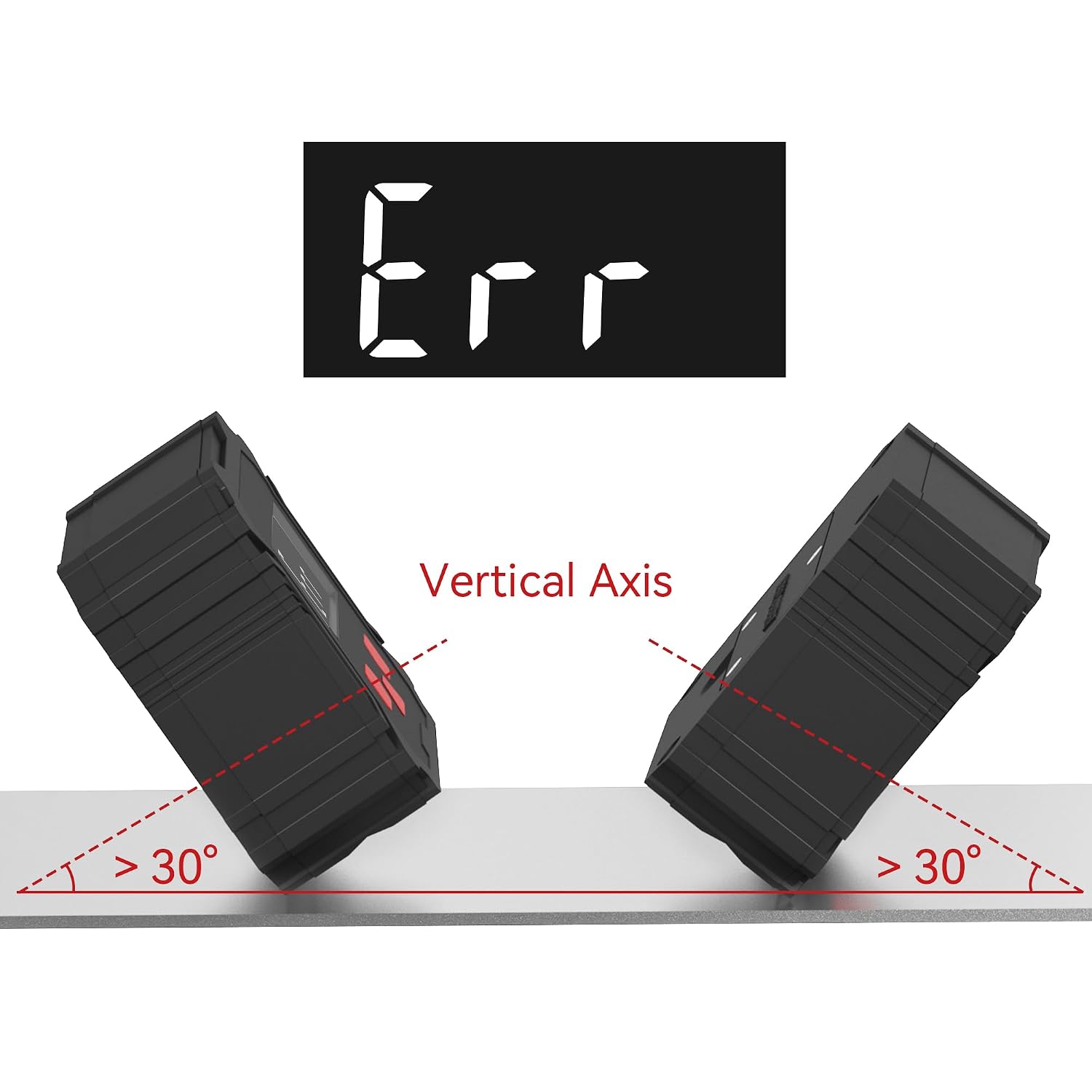
GemRed Digital Angle Gauge DAG-V1
Product description
Getting an angled cut or setup close by eye can leave you second-guessing the result. The GemRed DAG-V1 gives you a digital reading to work from instead.
It’s listed for woodworking and construction, so it may suit jobs where checking an angle matters more than relying on a visual estimate.
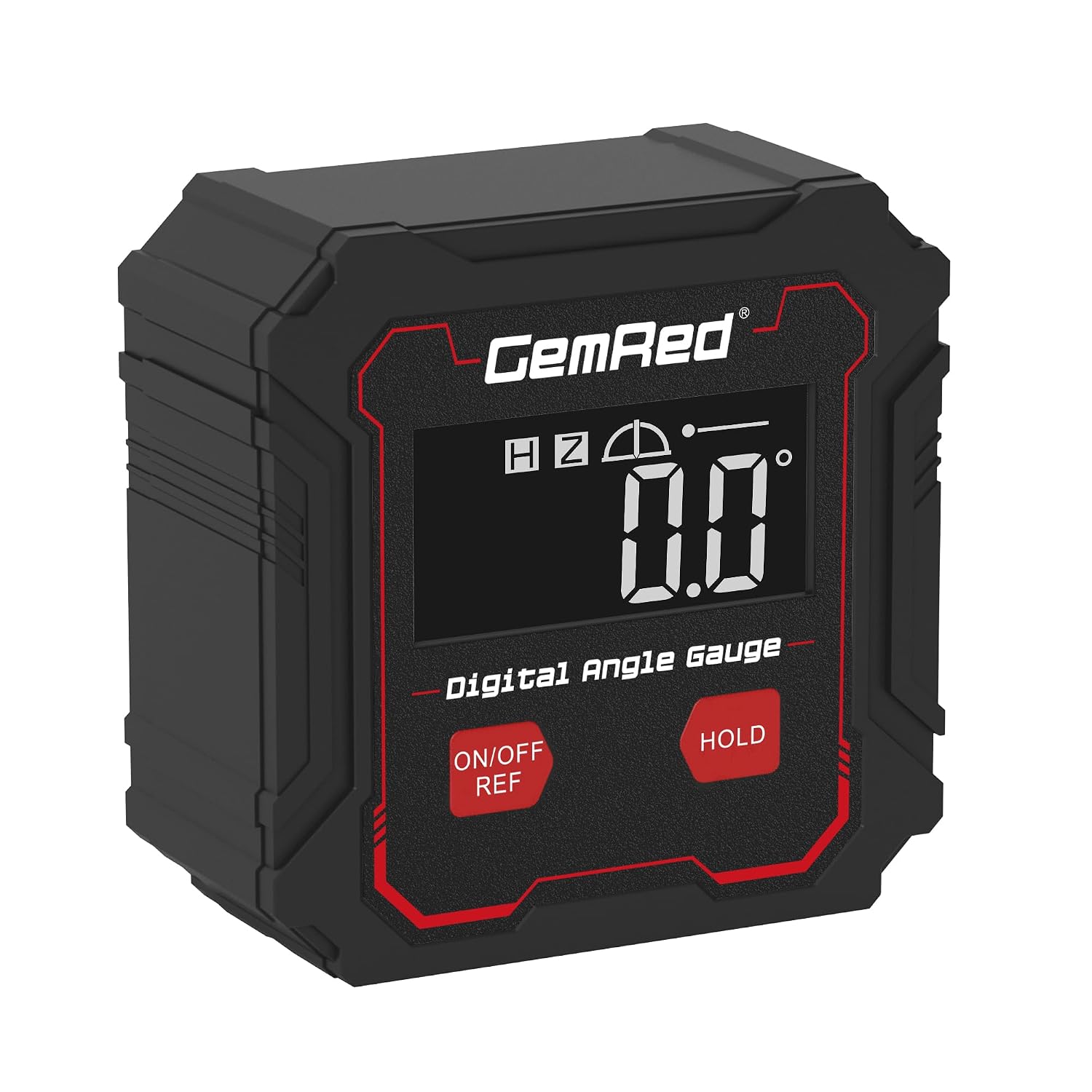
The stated accuracy is ±0.2°, with a resolution of 0.1°. That gives you useful reference information, though it doesn’t make every setup automatically precise.
Highlights
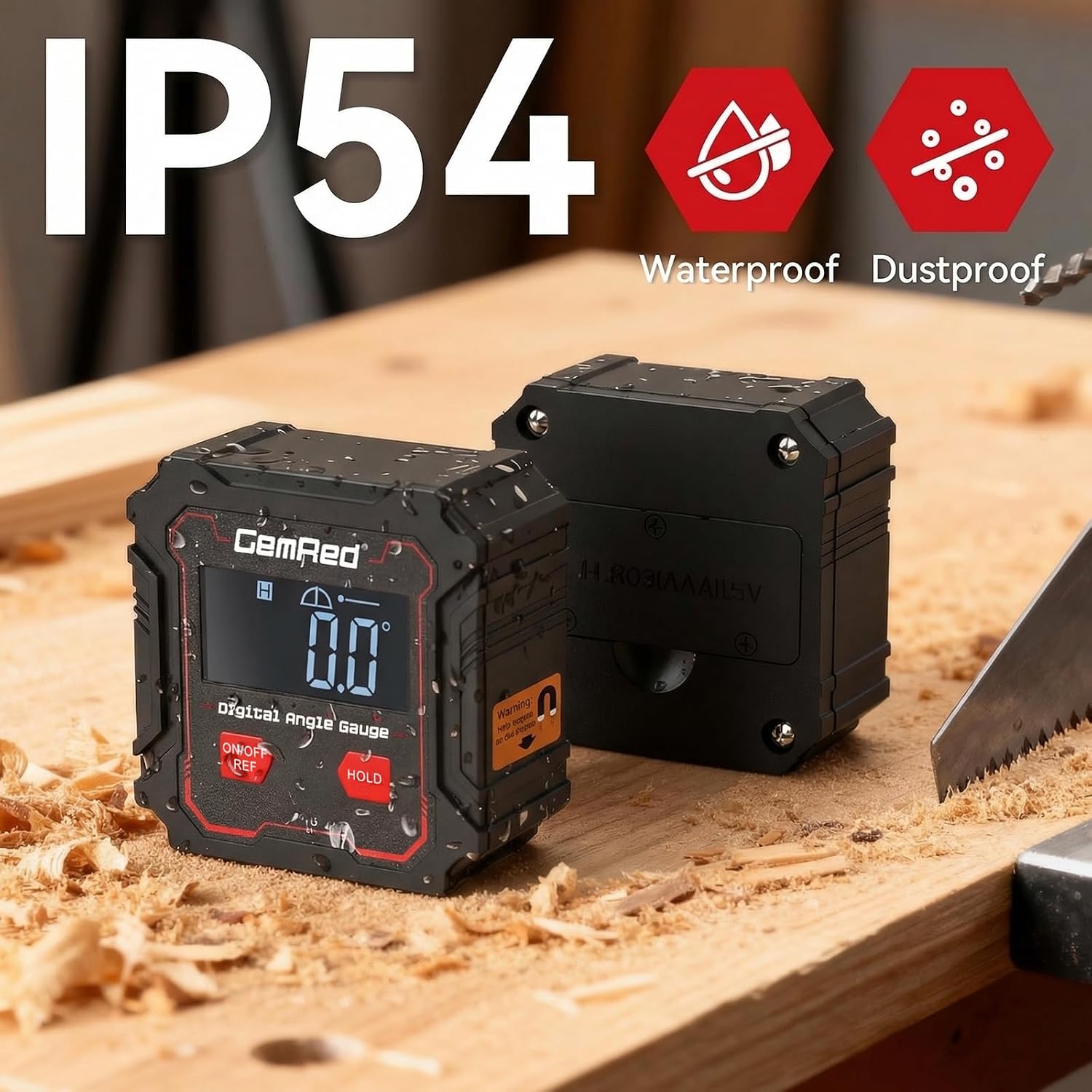
The gauge measures angles and displays the reading digitally. Its listed accuracy is ±0.2°, and its 0.1° resolution describes the smallest displayed increment. Keep in mind that those are different figures: seeing a tenth of a degree on the display doesn’t mean the measurement is guaranteed accurate to that same tenth.
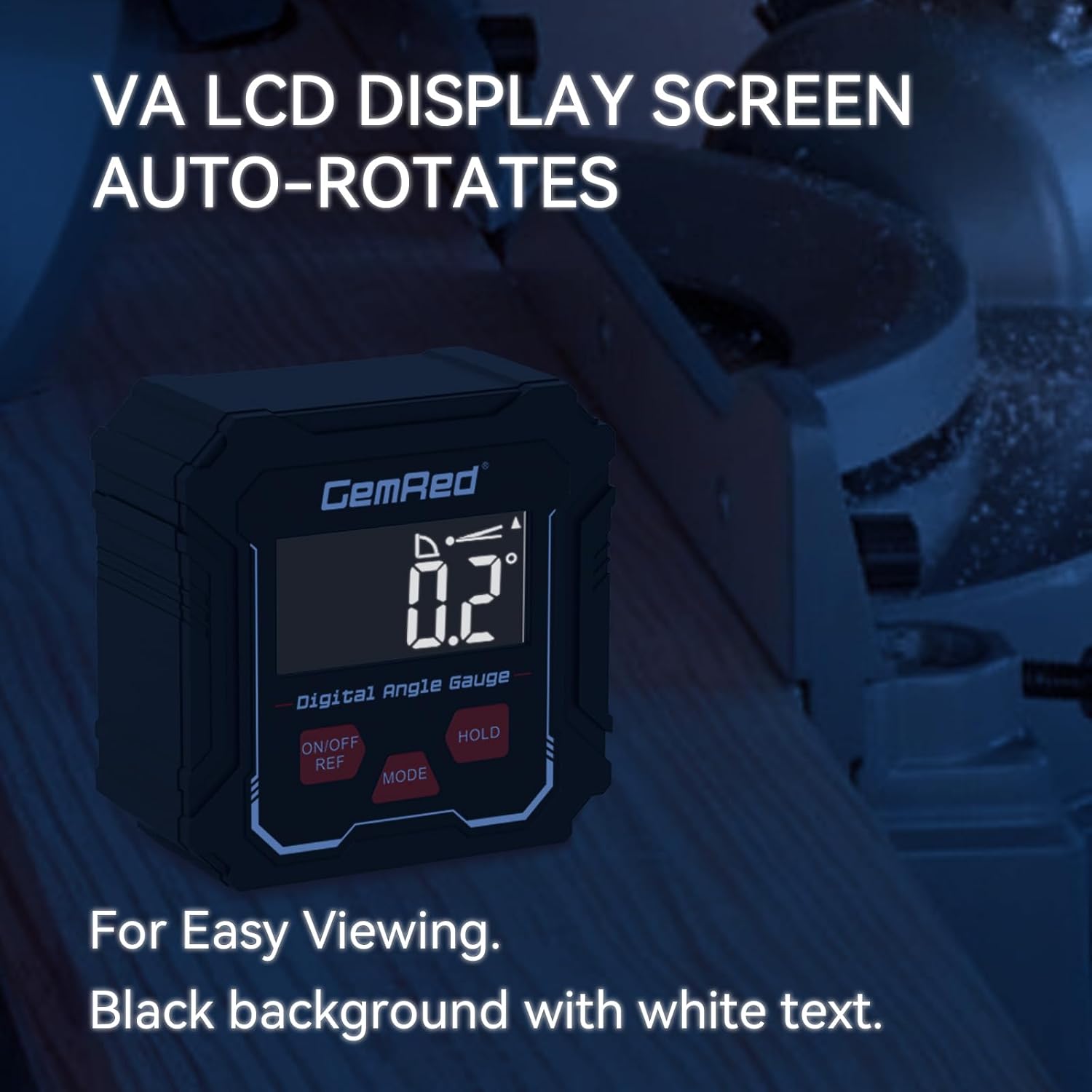
The product name also identifies backlight and calibration, while the description calls out a high-visibility display intended to remain readable in bright lighting. That may be handy when checking a setup in a well-lit workspace. The available details don’t explain the calibration process or how the backlight works, though, so don’t assume extra functions beyond what’s stated.
Best use cases
This is aimed at angle checks in woodworking and construction, rather than serving as a general-purpose measuring tool. For example, when setting up an angled cut, you can use the digital reading as a reference instead of judging the angle by eye. It suits you if you want a direct numerical check for that kind of task.
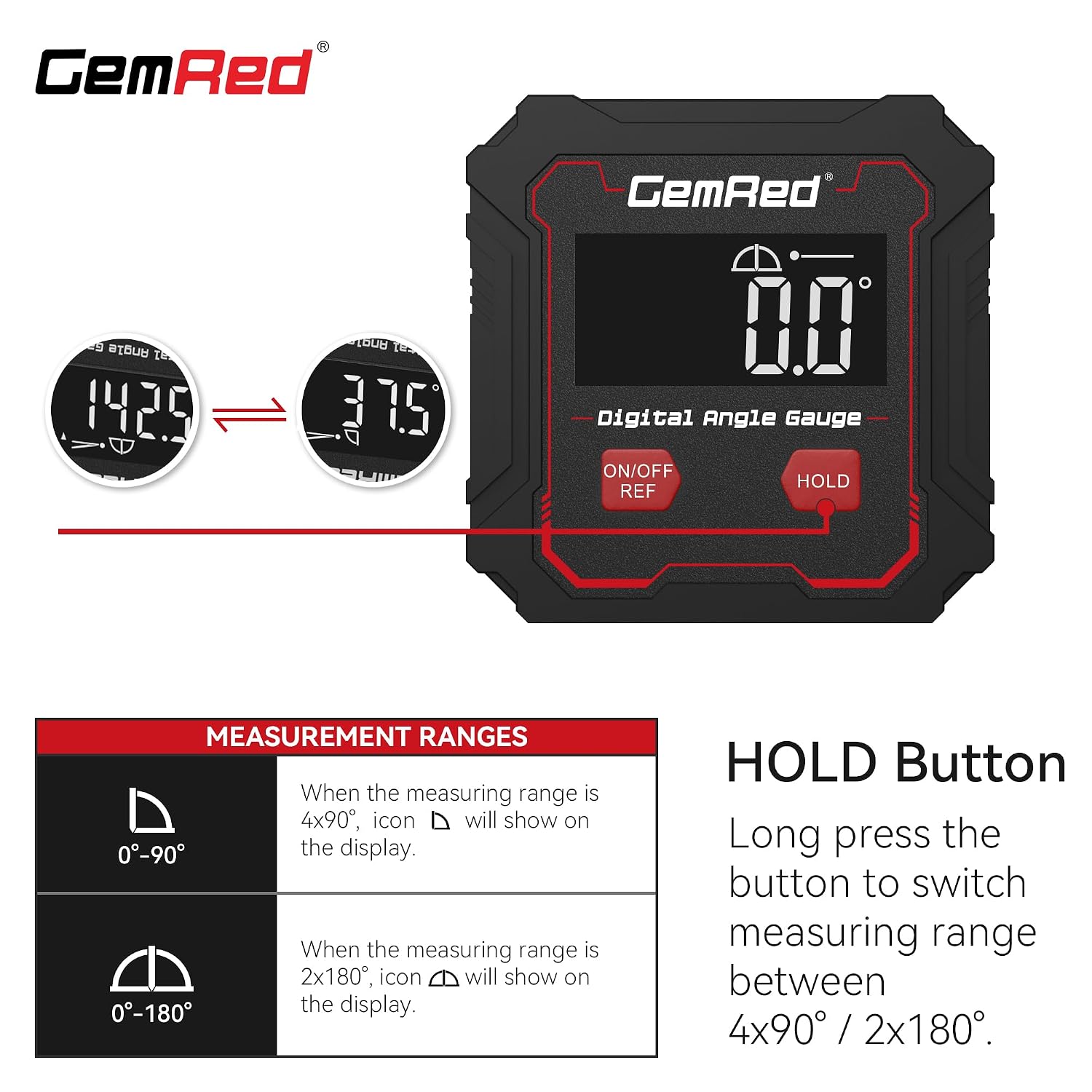
If your work depends on tighter tolerances than the stated ±0.2°, or you need dimensions and functions that aren’t listed here, this may not give you enough information to choose confidently. You may want to skip it if your decision depends on mounting options, measuring range, or other specifications that aren’t provided.
Tips for day-to-day use
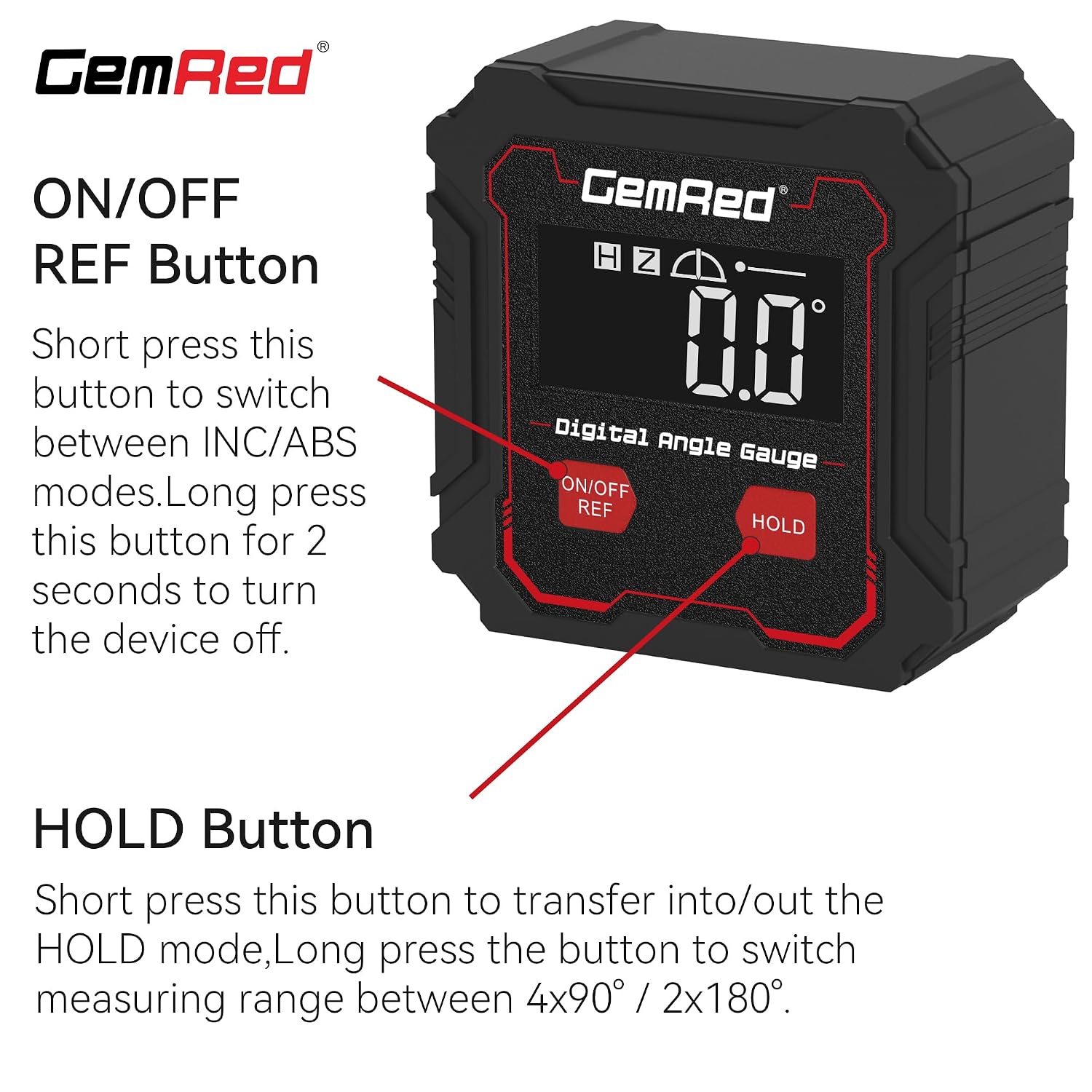
Use the displayed angle as a check against the setup you’re making, and pay attention to the stated accuracy when deciding how much precision a job needs. For a routine woodworking adjustment, that can help you spot a meaningful difference without relying only on sight. For a critical fit, confirm that ±0.2° is suitable for the work before depending on the reading, without that measurement, the display alone can’t tell you whether the finished result meets a stricter requirement.
The listing mentions calibration, but doesn’t describe its steps. Follow the instructions supplied with the gauge rather than guessing at a procedure. The high-visibility display is a useful stated feature, although readability in a particular workspace can still depend on the lighting and viewing angle.
When it makes sense
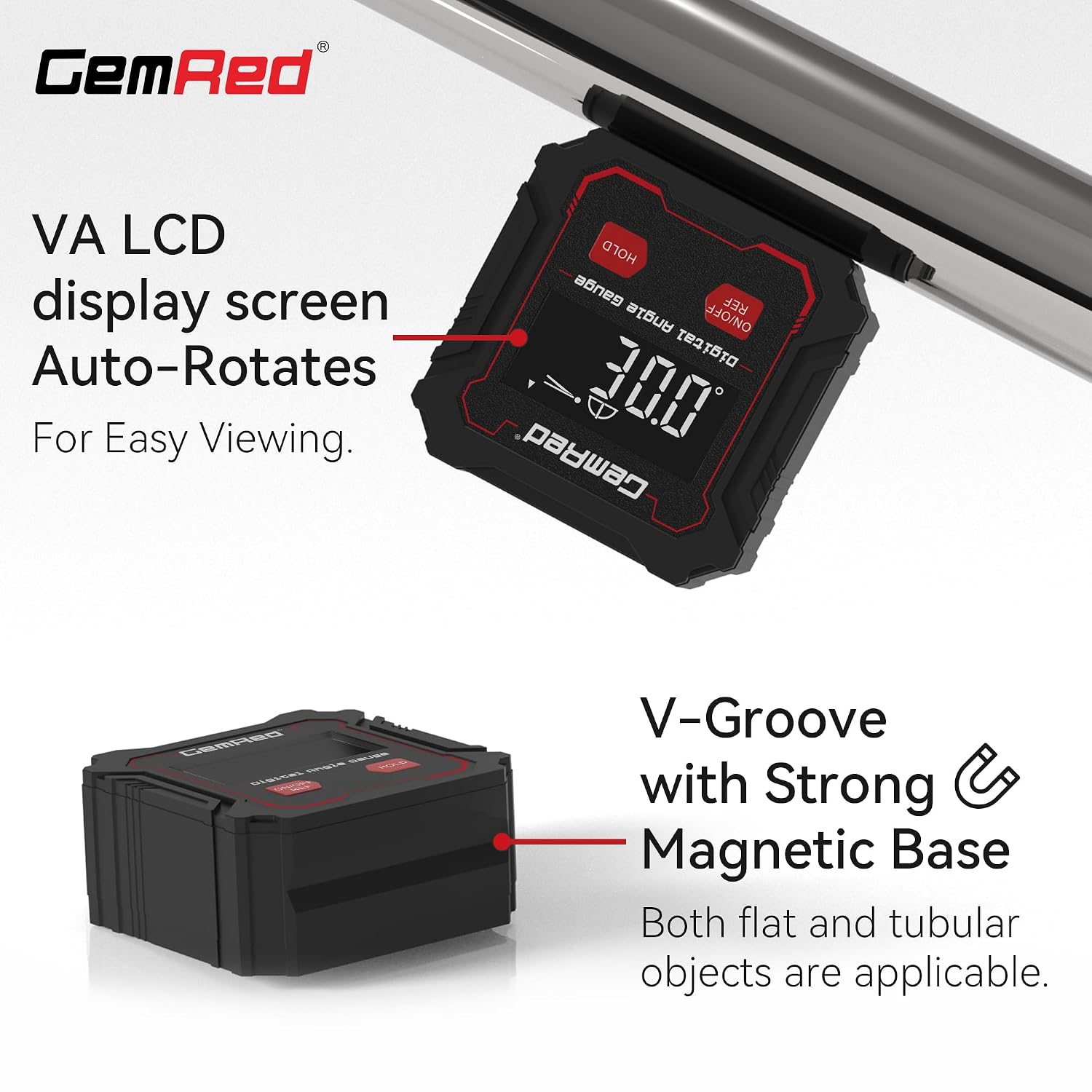
Choose this approach if you want a digital angle reading for woodworking or construction and the stated accuracy fits your needs. Compared with estimating an angle visually, a displayed value gives you a clearer reference while adjusting a setup. It’s a focused tool, however—not a substitute for measurements or features the listing doesn’t specify. If your project calls for known dimensions, a particular mounting method, or stricter accuracy, look for those details before making a decision.
Questions before you buy
What accuracy does the DAG-V1 list? It states an accuracy of ±0.2° and a resolution of 0.1°. The resolution is the display increment, not the same thing as guaranteed accuracy.
Is the display intended for bright workspaces? The description says the high-visibility display is designed to be clear even in bright lighting. It doesn’t provide further display specifications.
Does it include a backlight and calibration? Both appear in the product name, but the available details don’t explain how either feature works. Check the included product information if those specifics matter to your setup.