


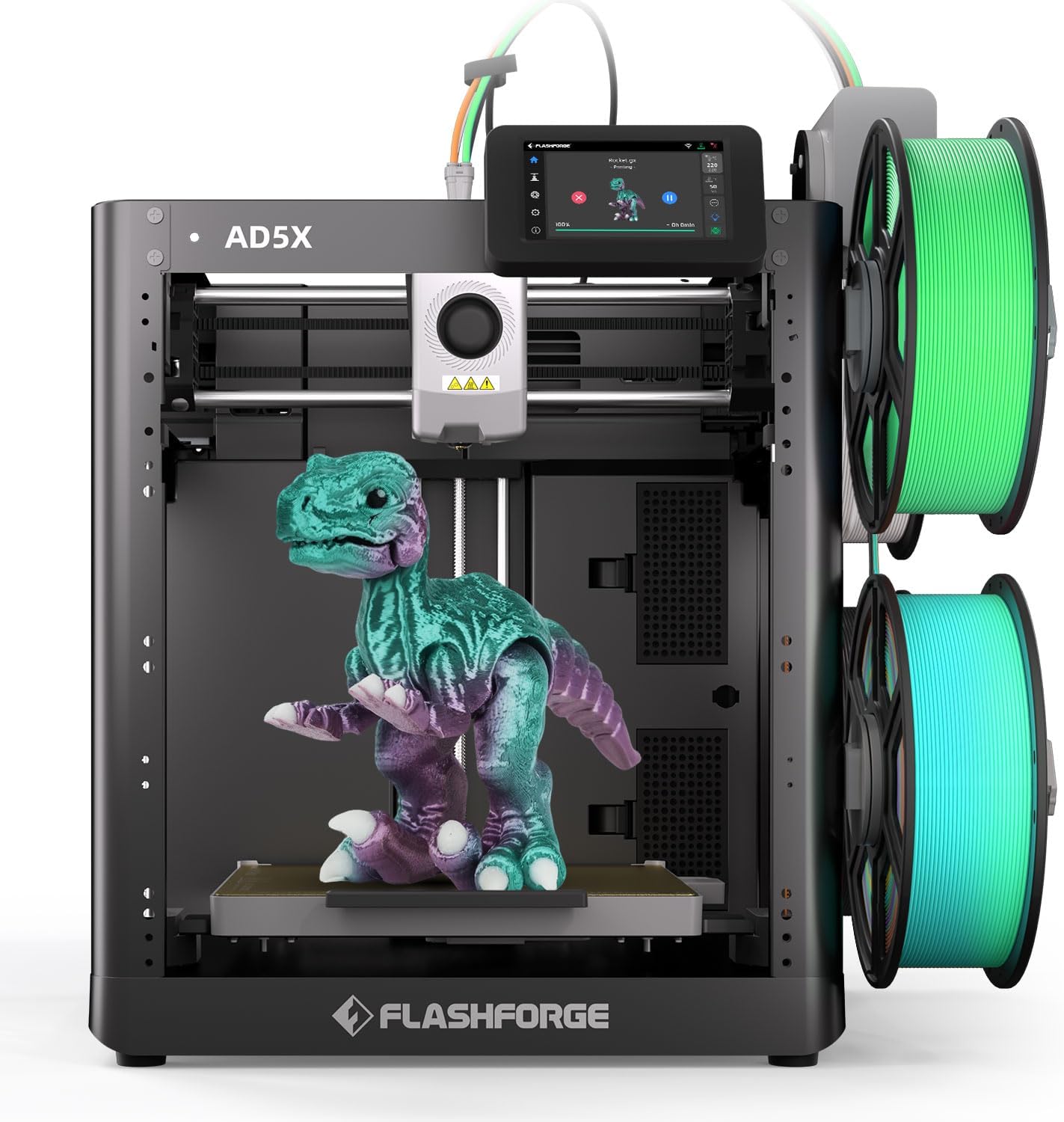
FLASHFORGE AD5X 600mm/s Multi-Material 3D Printer 🖨
Product description
This multi-material 3D printer aims to speed up multicolor prototyping while keeping layer detail and part accuracy, useful for makers and small production runs. It supports full-color four-material printing and promises fast throughput, so projects move from idea to part more quickly.
Key takeaways
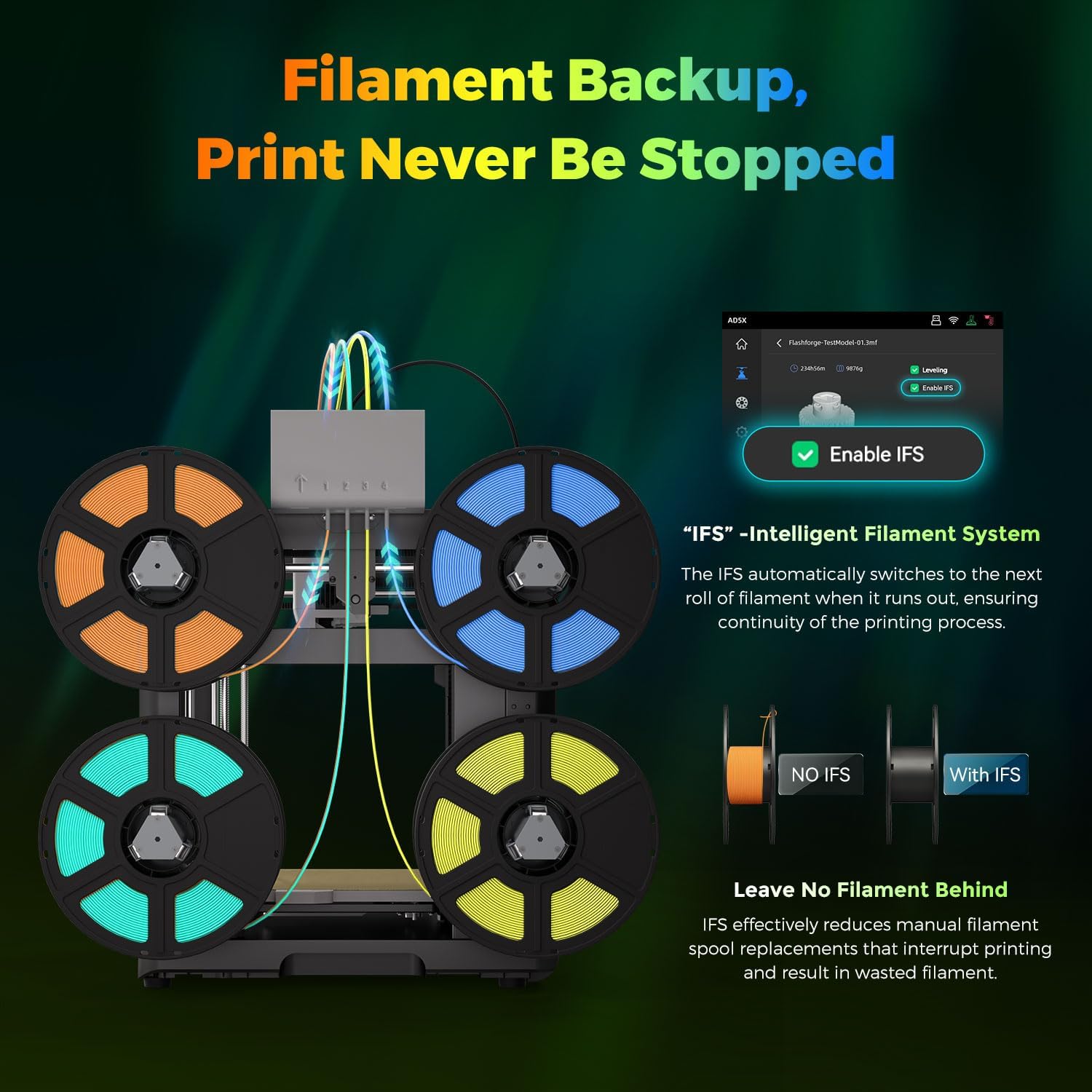
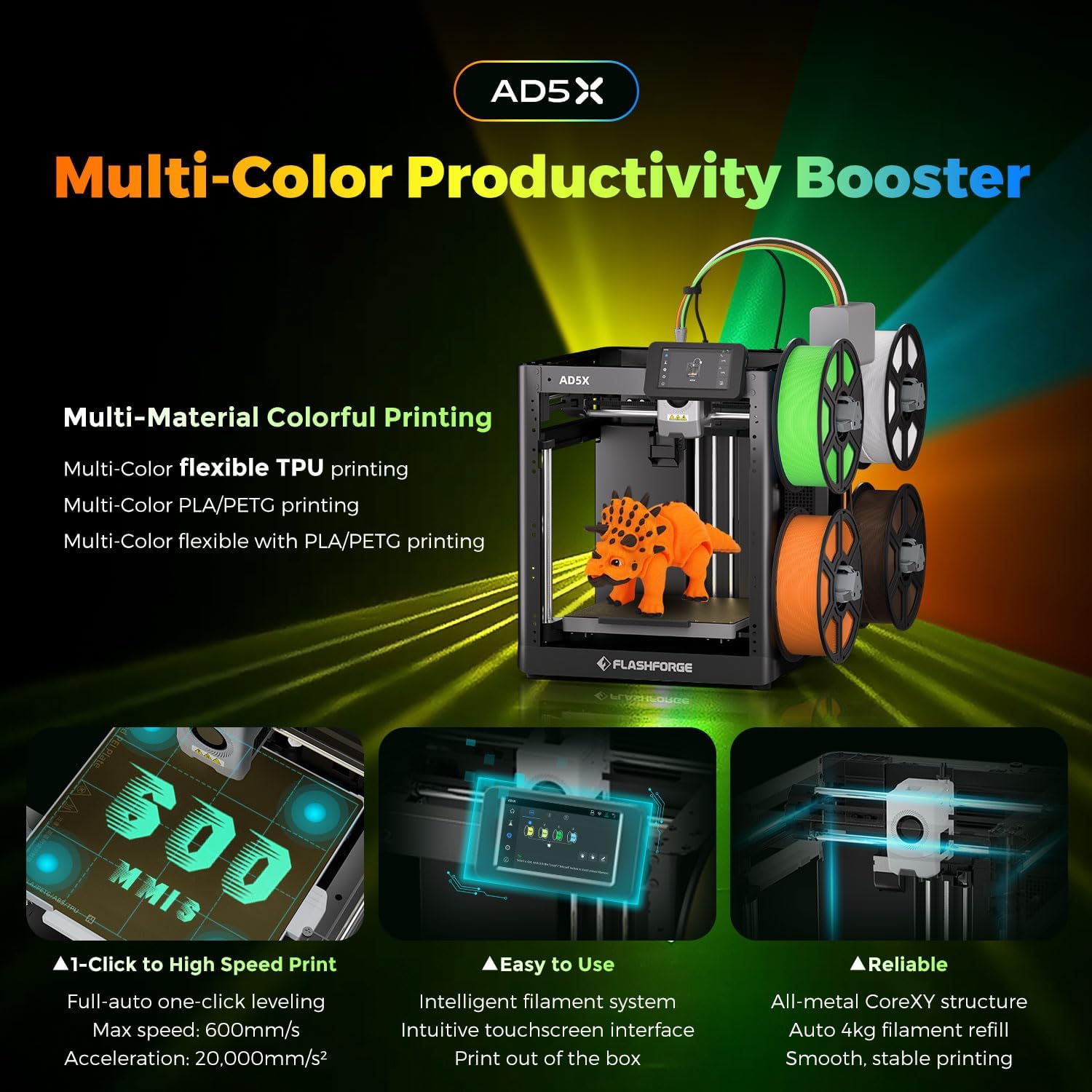
The AD5X focuses on productivity and ease of use. It pairs a CoreXY metal motion frame with vibration compensation to reduce alignment shifts and preserve detail, and a full-auto leveling sensor to help the first layer adhere evenly. The Intelligent Filament System arranges four spools side by side, enabling mixed materials and multi-color prints with fewer interruptions, which is helpful when you need complex parts with varied textures or colors. ⚙️
Tech specs
- Type: FLASHFORGE AD5X
- Compatibility: PLA, TPU, PETG, SILK, PLA-CF, PETG-CF
- Material: Multi-material four-color printing
- Capacity: Four spools side by side
- Structure: CoreXY metal motion
Best use cases
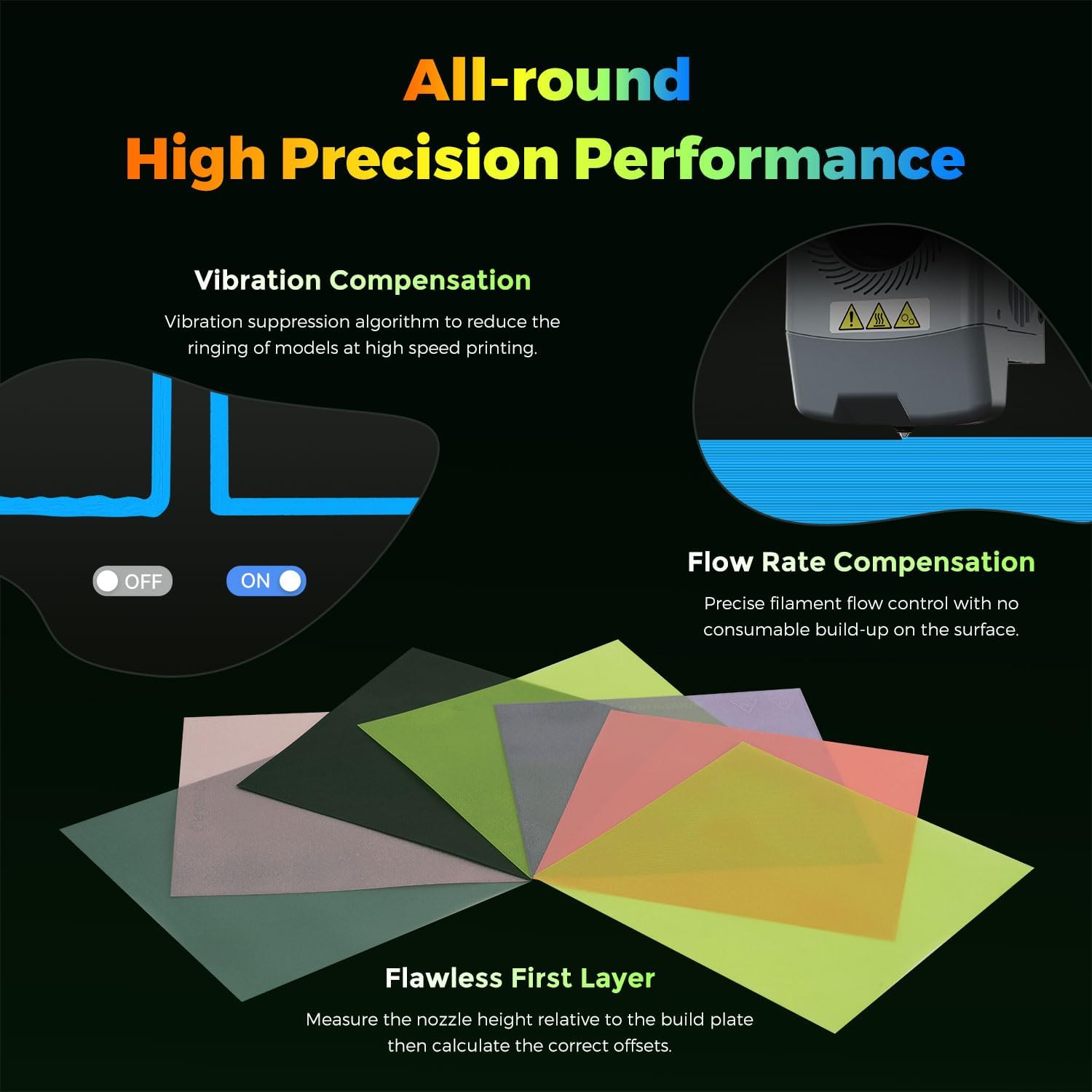

Prototyping and short production runs benefit from the AD5X’s speed and multi-material support. Designers can test color variations and tactile finishes without swapping machines. Educators and labs will value the straightforward setup and the filament backup feature that reduces failed prints during longer jobs. 🧩
Getting the most from it
Start with moderate print speeds for complex geometries, then scale up where tolerance allows, according to manufacturer guidance. The full-auto calibration simplifies setup, though fine-tuning slicer settings still helps reach the best surface quality. If you work with flexible filaments, test retraction and print temperature in small batches to confirm adhesion and extrusion stability. 🔧
You’ll appreciate it if you need higher throughput and multicolor parts in one build, with space-saving spool arrangement that keeps a compact footprint. It’s not for you if your workflow requires ultra-fine industrial tolerances beyond consumer prosumer class, or if you must rely on specifications not provided here.