

Creality K2 Plus Combo 3D Printer for Multi-Color Printing (CFS, 600mm/s, Auto-Leveling)
Reviews
Price
Product description
Key takeaways
The Creality K2 Plus Combo is built for people who want more than “just print something.” On paper, it targets faster runs, a big build area, and multi-color printing with its CFS approach—plus full auto-leveling that’s described as already mounted. If your goal is turning 3D models into finished, good-looking parts with less manual setup time, this combo format is the direction it’s aiming for.
That said, the spec sheet-like details here still leave some gaps that can matter in real buying decisions. Speed numbers and “multi color” claims can mean different workflows depending on slicer settings and how your files are prepared. If you mainly need reliable single-color prints for functional prototypes, you may not need a more complex multi-color setup.
What matters most day to day
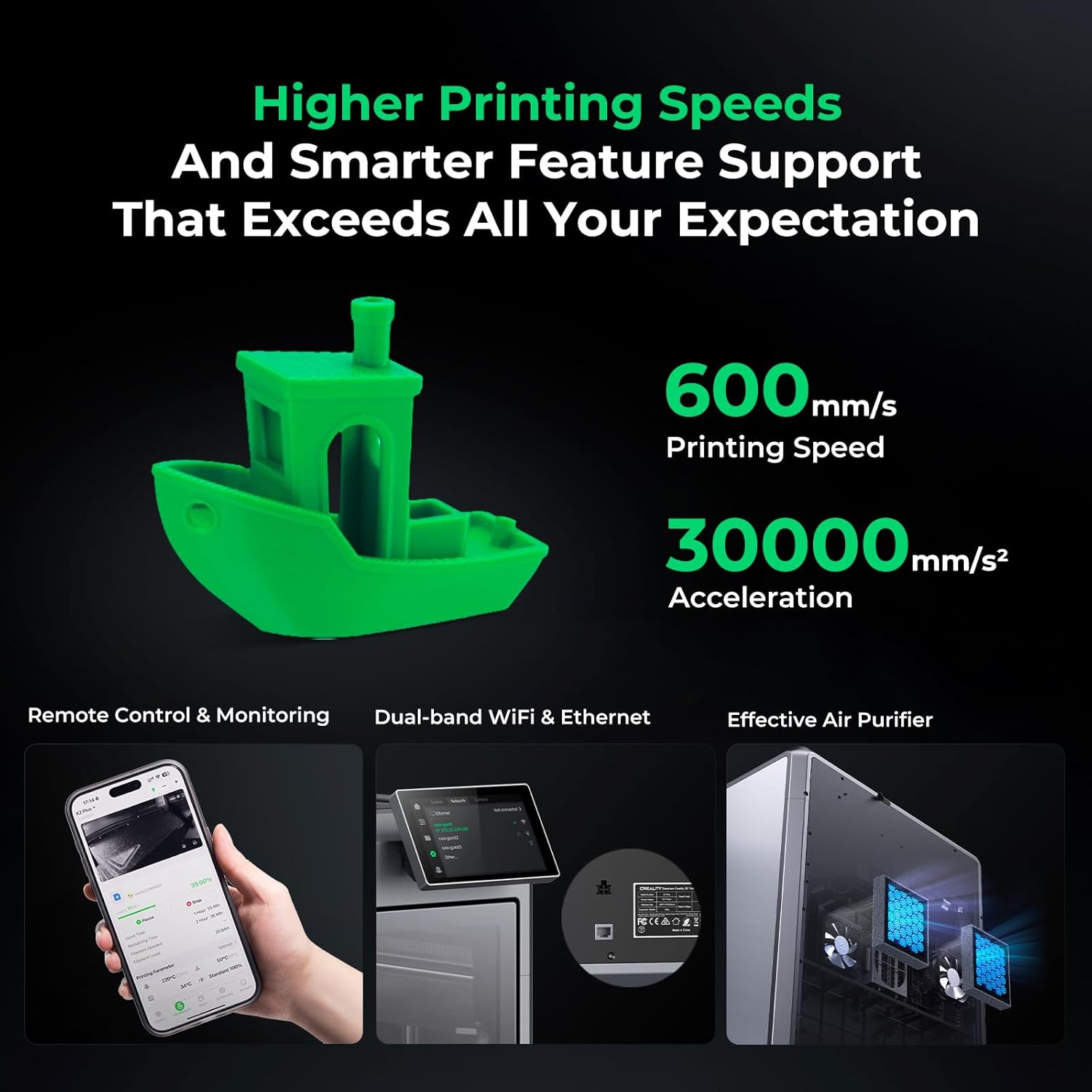
A 3D printer only feels “worth it” if it fits your routine. This one leans into speed and automation: it’s marketed with high-speed printing up to 600mm/s, fully assembled auto-leveling, and quiet operation listed as ≤45 dB. In a home or shared workspace, lower noise can be the difference between printing consistently and postponing projects.
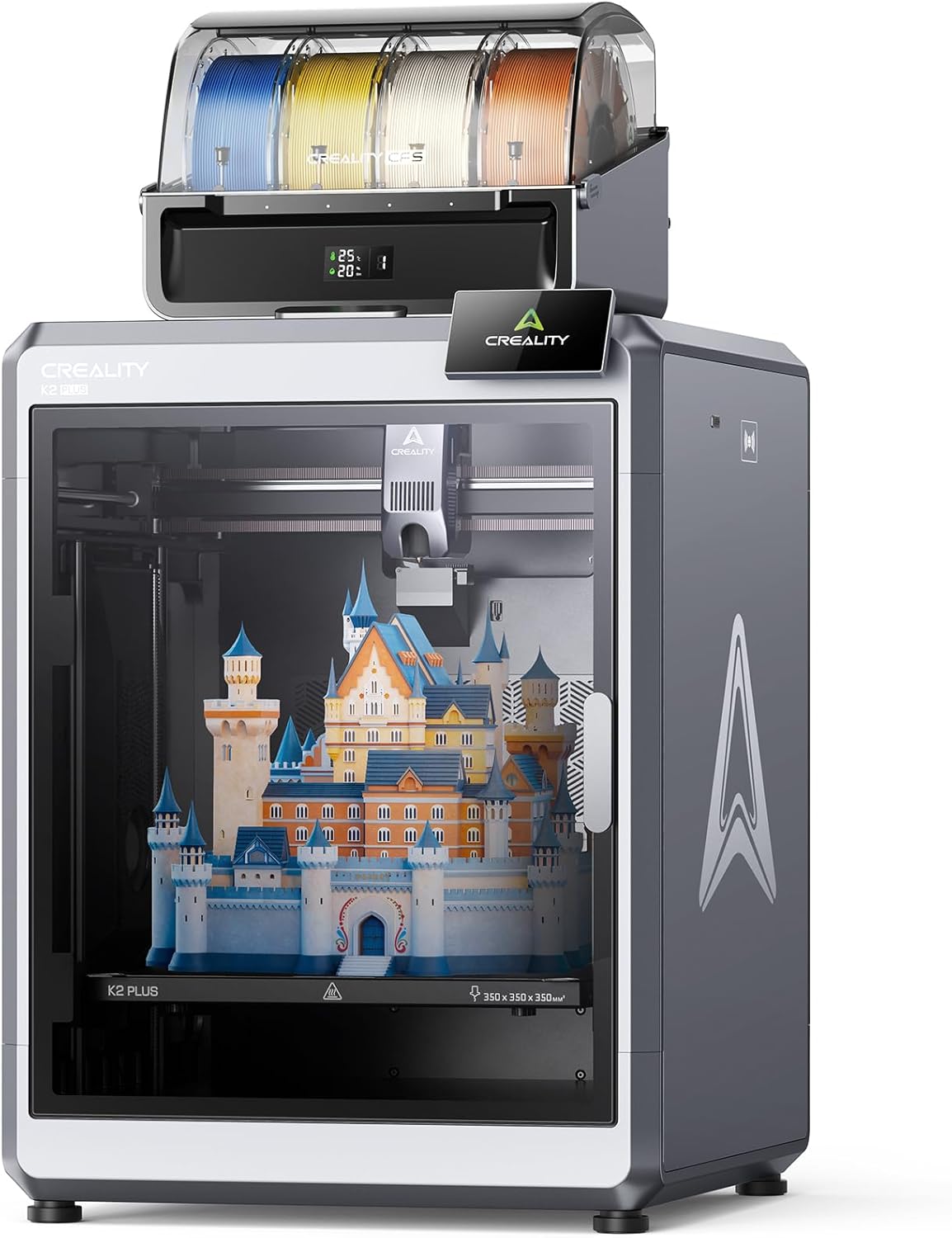
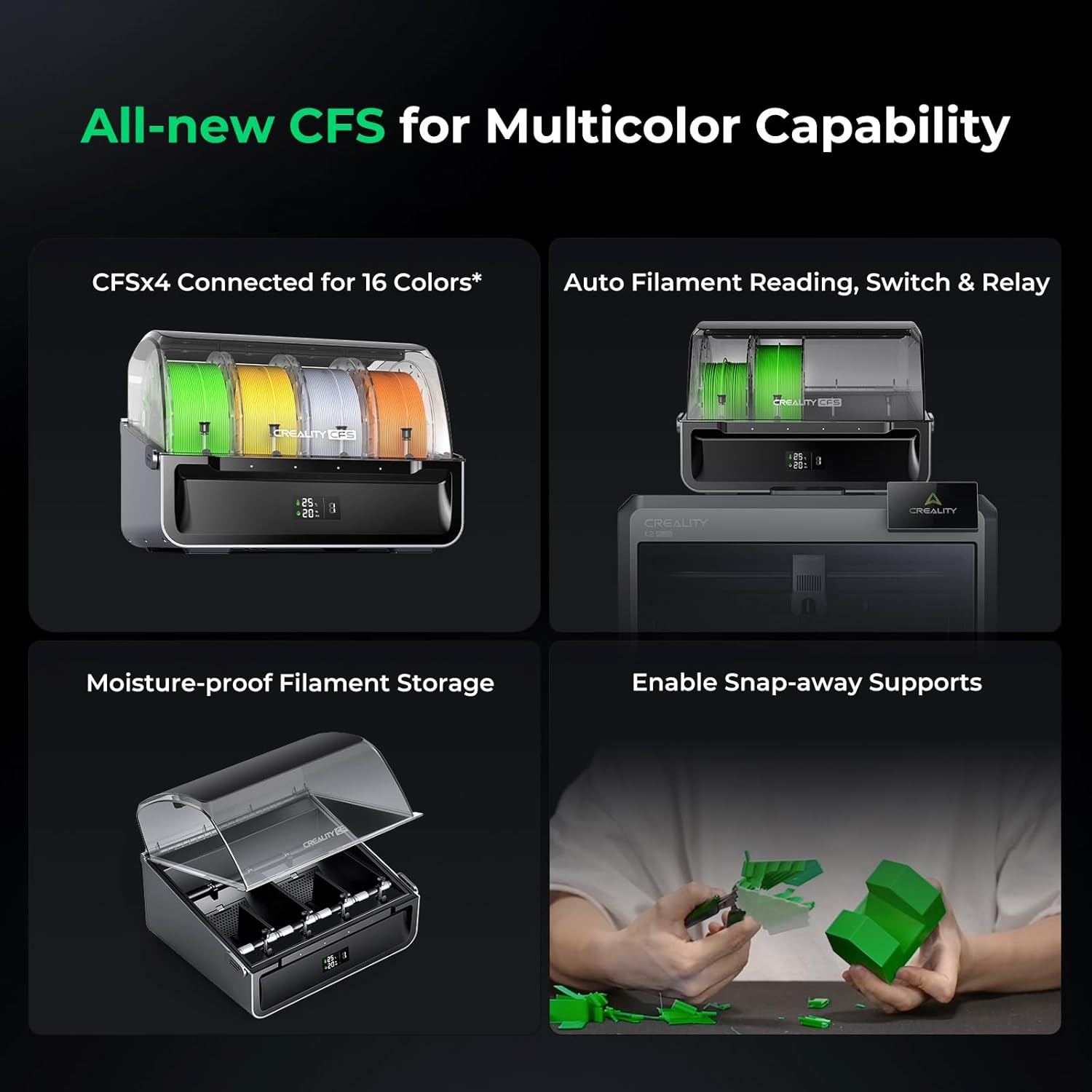
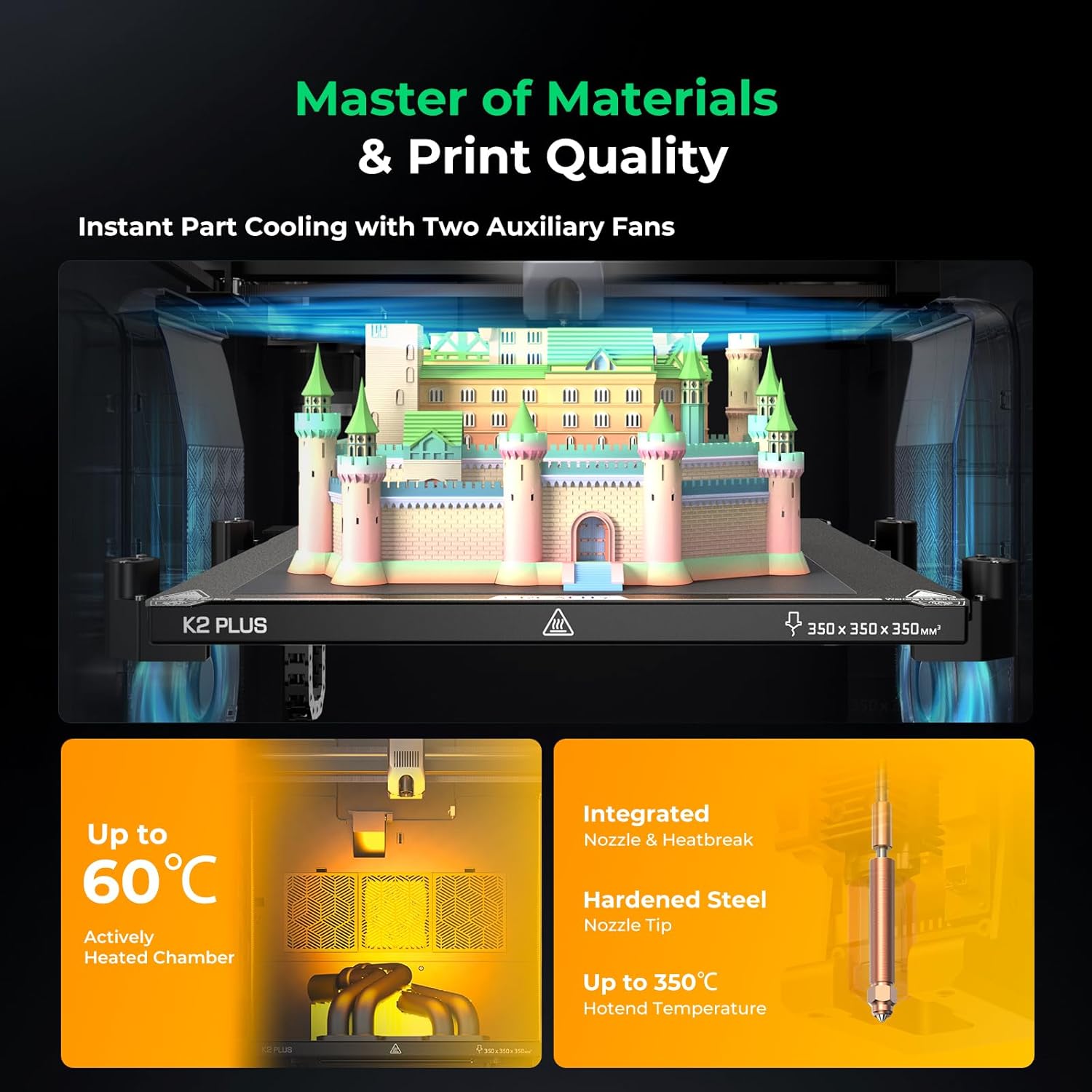
Multi-color printing is the other obvious hook. If you enjoy models that look better with color separation (logos, display pieces, educational prints, decorative parts), a multi-color capable system can save you from post-processing and painting. And with a large stated build size of 350 x 350 x 350 mm, you’re not limited to small tabletop objects.
Where it might feel less straightforward is the “combo” part: combos typically bundle the workflow together, but they also mean you’re committing to that ecosystem. If you prefer a simple, color-agnostic setup or you already have a strong routine around another printing method, the extra capability may not translate into extra value for every project.
Strengths that stand out
The K2 Plus Combo is positioned like a mid-to-upper feature set within the Creality lineup: faster printing, quieter operation, and automation that reduces tweaking.
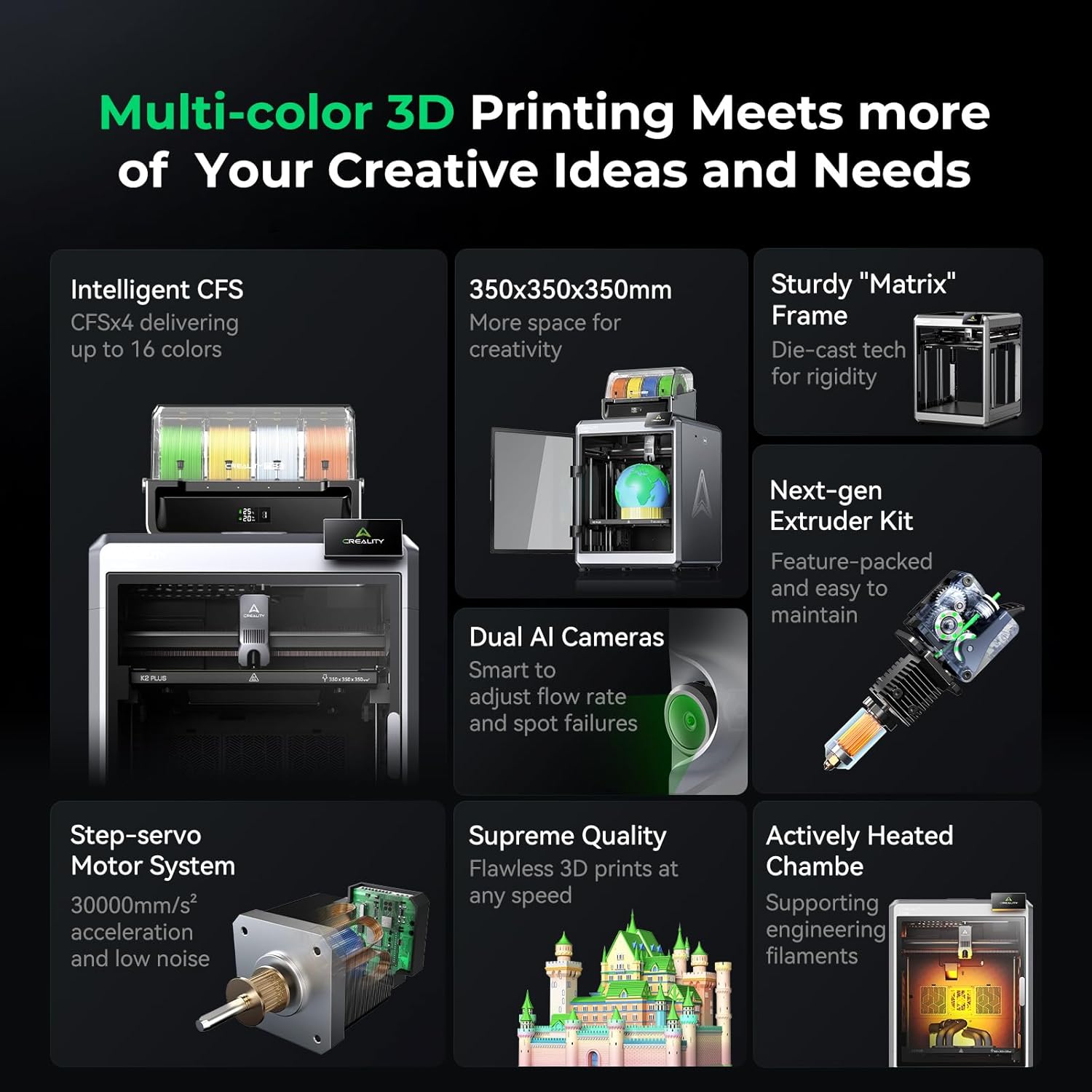
What you’ll likely notice in practice (based on the features described): - Auto-leveling helps cut down the “first layer drama,” especially if you print more than once a week and don’t want to constantly babysit bed calibration. - The stated build volume supports larger prints without splitting your model into multiple parts. - Multi color printing makes sense if you care about the visual outcome right off the printer, not only shape accuracy.
It’s not perfect, though. A listed speed target doesn’t automatically mean every print will hit that speed smoothly. Complex geometries, fine details, and how the multi-color workflow is handled can reduce real-world throughput.
Spec sheet and technical overview
Here are the details provided in the product information, translated into plain buying context.
Tech specs
- Name: Creality K2 Plus Combo 3D Printer
- Brand: Creality
- Multi-color printing: supported (with CFS, as described)
- Maximum high-speed printing: up to 600 mm/s (as stated)
- Auto-leveling: fully assembled / fully automatic leveling, as described
- Noise level: ≤45 dB (as stated)
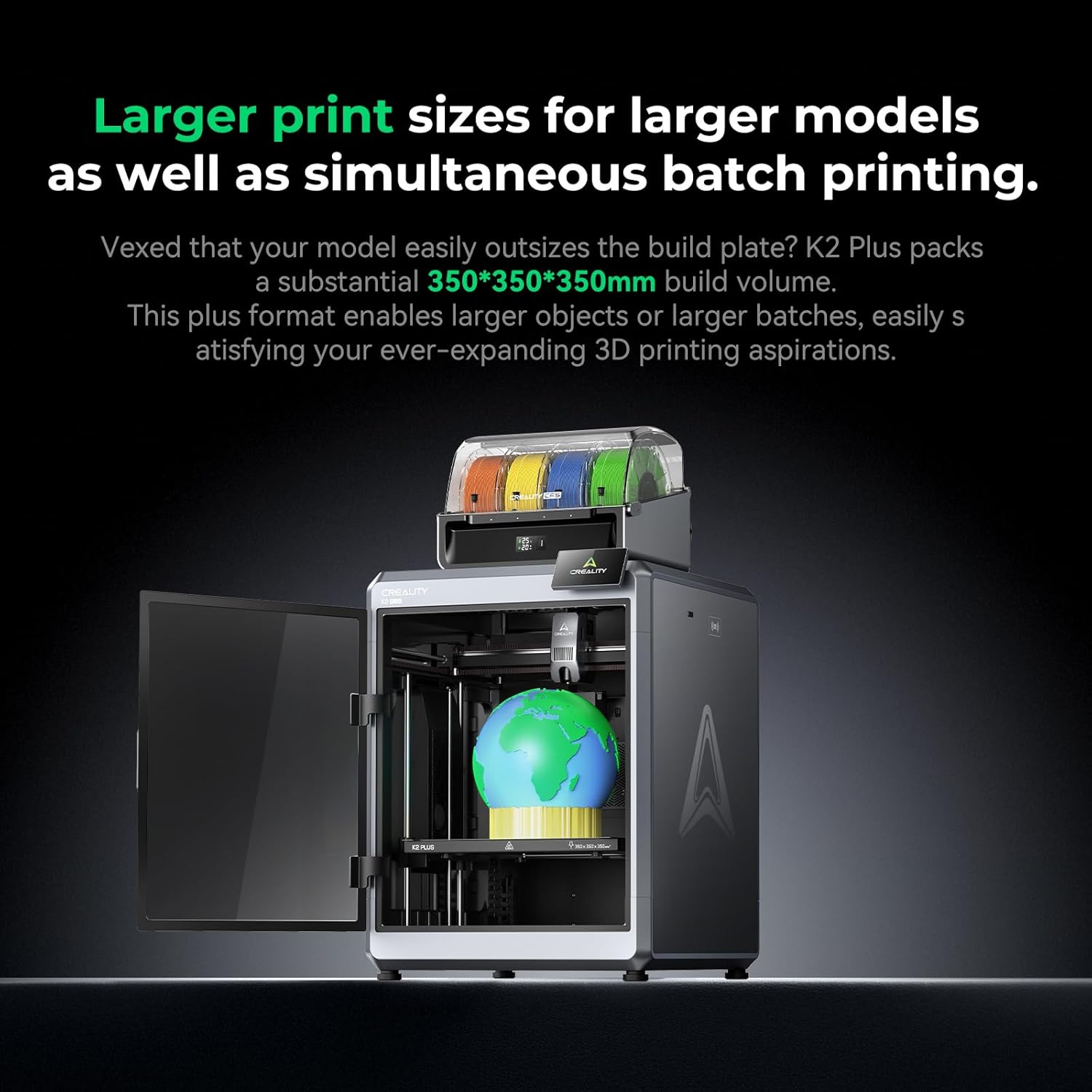
- Maximum build volume: 350 x 350 x 350 mm
Who it’s for (and who should skip it)
It makes sense if you’re actively trying to get better visual results with less manual setup. This is a strong fit if you: - Want multi-color prints instead of relying on painting or manual color changes. - Print medium-to-large projects and need a larger build volume. - Care about a calmer printing environment at home (the ≤45 dB claim is relevant here). - Would rather spend time designing than leveling the bed repeatedly.
You may want to skip it if you: - Only print simple, single-color prototypes and don’t need multi-color capability. - Prefer a very basic, low-maintenance approach where “combo” features aren’t part of your workflow. - Expect every print to run at the headline 600 mm/s without compromises—real results can vary depending on the model and settings.
Practical tips for first-time setup
Even with auto-leveling, take a moment to set yourself up for success. A good starting routine is to begin with a test model that includes fine detail plus some broader areas, then verify surface quality before committing to a bigger multi-color piece.
Also, for multi-color printing, pay attention to how your model is prepared. If your design relies on color separation, you’ll generally want files set up clearly for multi-material or multi-color layers so the printer can follow the intended sections.
Example scenario: if you’re printing a small brand-style display that needs distinct color regions, you’ll typically get the cleanest result when your model’s color boundaries are well-defined. Start with a smaller version of the same design to confirm alignment and color transitions before scaling up.
Is it worth it?
The Creality K2 Plus Combo looks worth considering if multi-color output, automation, and a large build volume are genuinely part of what you want to print. It’s aiming at a smoother experience—especially with fully automatic leveling and a quieter operation claim—while also offering speed up to 600 mm/s.
On the other hand, it may not be the best choice if you mostly need single-color prints and you’d rather keep your workflow simple. And keep expectations realistic: headline speed and multi-color performance can depend heavily on how your specific models and settings are handled.
If you’re buying for multi-color display-quality prints with less manual calibration and you plan to use the build volume, this combo format fits the brief.
Mini FAQ
What does “multi color printing” imply on the K2 Plus Combo?
It indicates the printer is intended to produce prints with multiple colors, using its CFS approach as described. The exact workflow can depend on how your model is prepared for multi-color printing.
Does the auto-leveling require setup?
The information says fully automatic leveling that’s fully assembled, which suggests less manual setup than non-assembled leveling systems. You’ll still want to follow the printer’s instructions when starting a new build.
How big can you print with this machine?
The provided maximum build volume is 350 x 350 x 350 mm, so it’s aimed at medium-to-large projects.
Is 600 mm/s guaranteed for every print?
The product info states maximum high-speed printing up to 600 mm/s. In real use, actual speeds can vary with print complexity and settings.
How quiet is it?
The listed noise level is ≤45 dB, which is meant to be noticeable in day-to-day comfort, especially in quieter rooms.