

EPOMAKER TH99 Pro 96% Mechanical Keyboard with Screen & Knob (Hot-Swap, Wireless 2.4G/Bluetooth) — Blue & White Creamy Jade
Product description
The setup problem this keyboard is built to solve
If you’re the type who constantly jumps between your keyboard, mouse, and a second screen, the EPOMAKER TH99 Pro is trying to make that feel unnecessary. It adds a glass screen and a physical volume knob so you can check keyboard status (battery and time) and control things without alt-tabbing. On paper, that’s a big deal for gaming and for desk workflows where every interruption costs you a second.
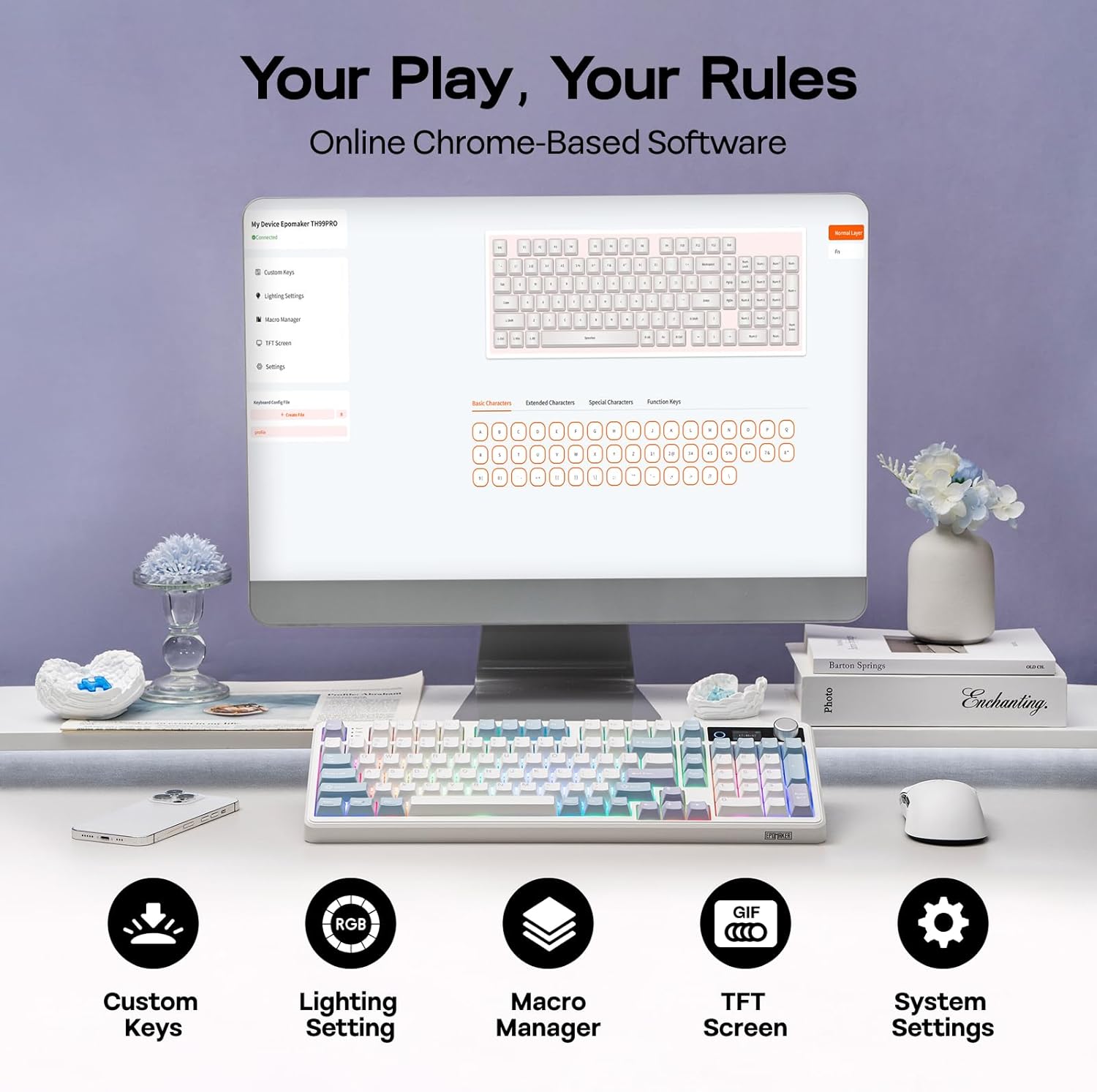
It also leans into “do more from one place.” There’s a software setup for remapping keys and recording complex macros, and the layout is a 96% board with a full numpad but still compact enough to keep your mouse movement comfortable.
The one caveat: a screen-and-knob keyboard is inherently more specialized than a standard 96% mechanical. If you don’t care about on-board status, GIF display, or a dedicated knob workflow, you may feel like you’re paying for features you won’t use.
What stands out: screen, knob, and a more “command center” feel
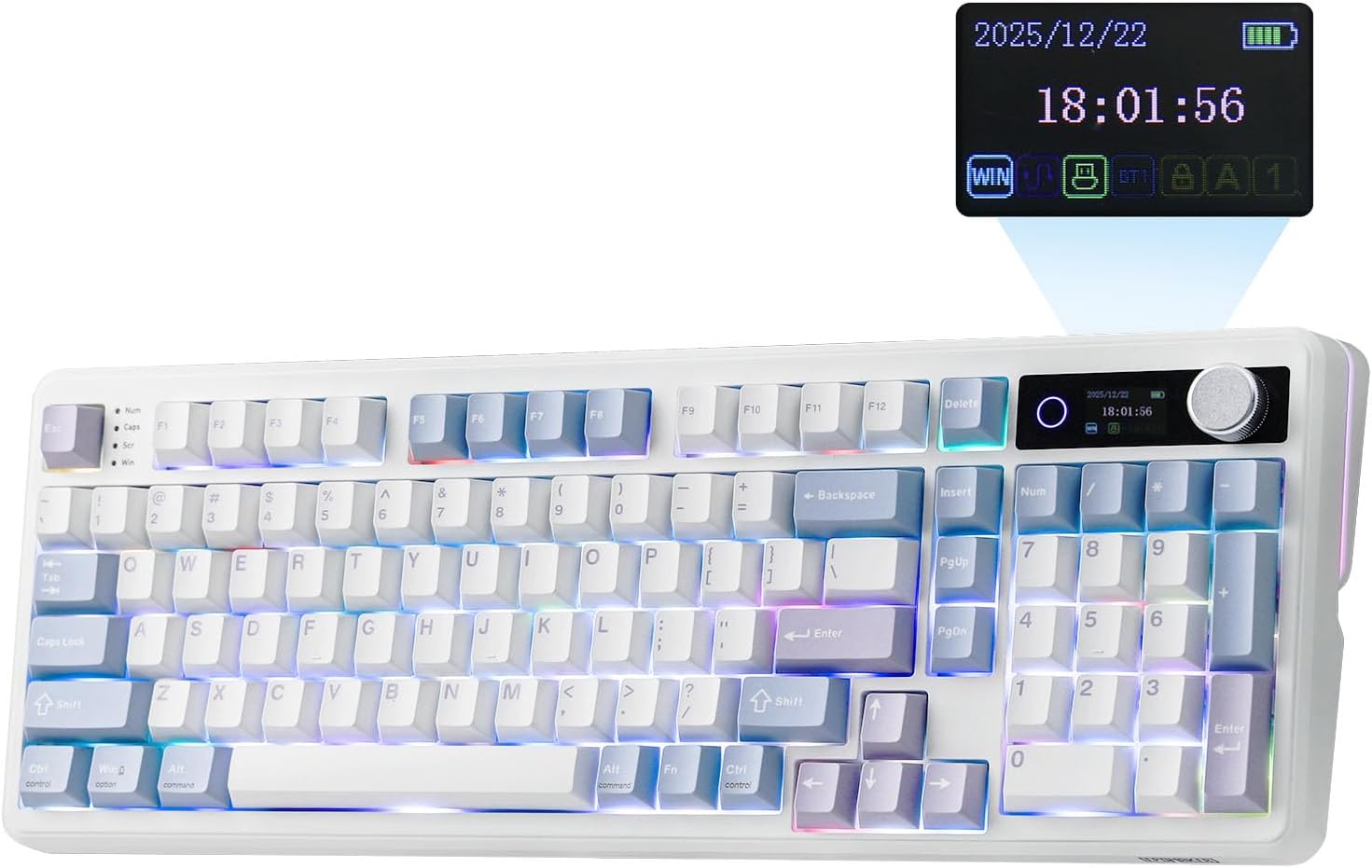
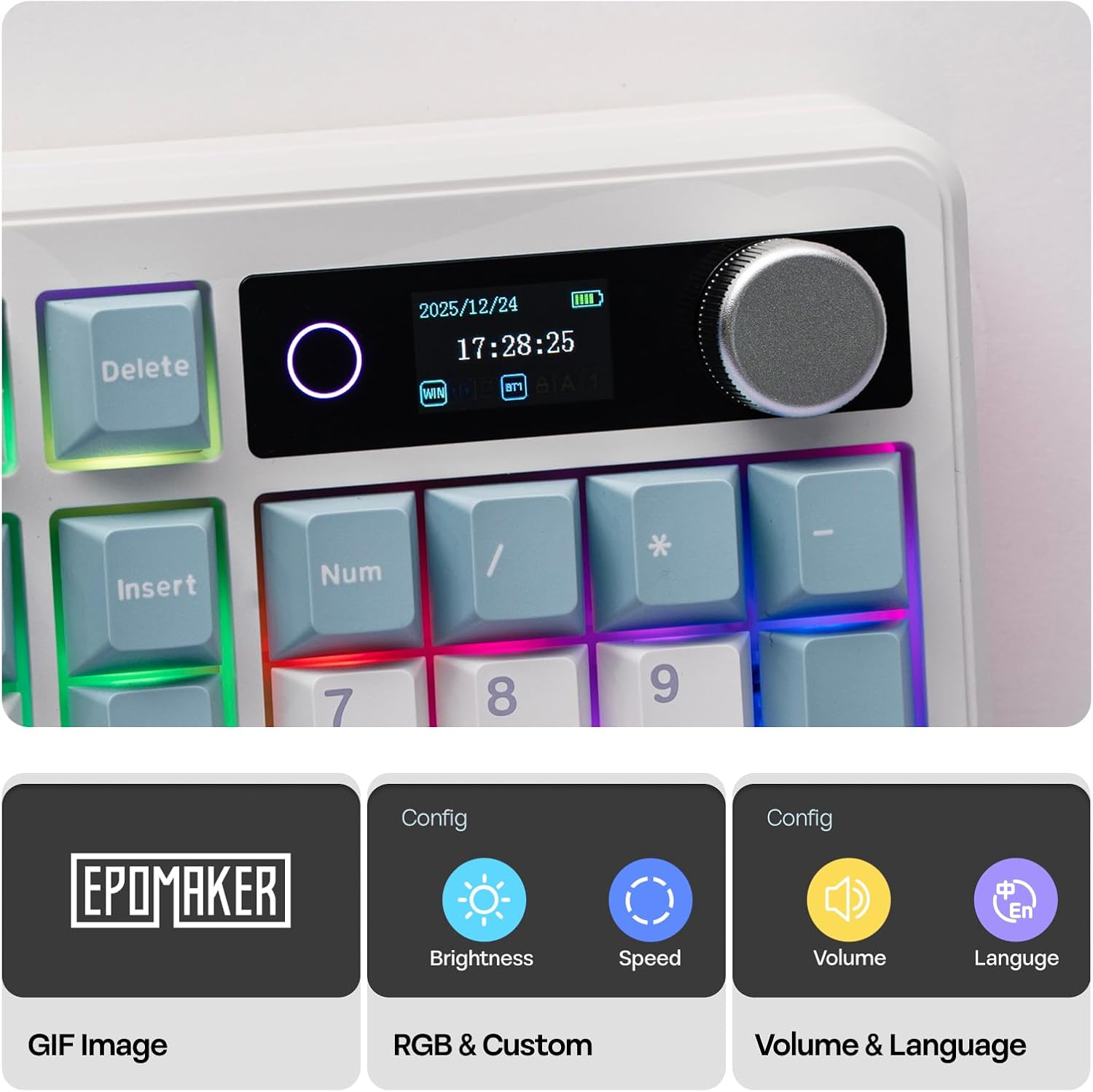
The TH99 Pro’s defining move is the glass screen plus the precision-engineered volume knob. The screen is described as an info page for keyboard status, with a battery and time monitor, plus a GIF display and an RGB control panel. The software then ties into that broader control by letting you remap keys and record macros.
A practical example: during a match, you can use the knob to toggle/adjust audio mid-game without tabbing out. Meanwhile, the screen can keep you oriented on your keyboard status so you’re not guessing whether you’re still running on battery or what’s happening at a glance.
This isn’t the kind of board that disappears into the background. It’s the opposite—more like a small desk dashboard that happens to be a keyboard.
Key performance angle: tri-mode wireless plus big battery
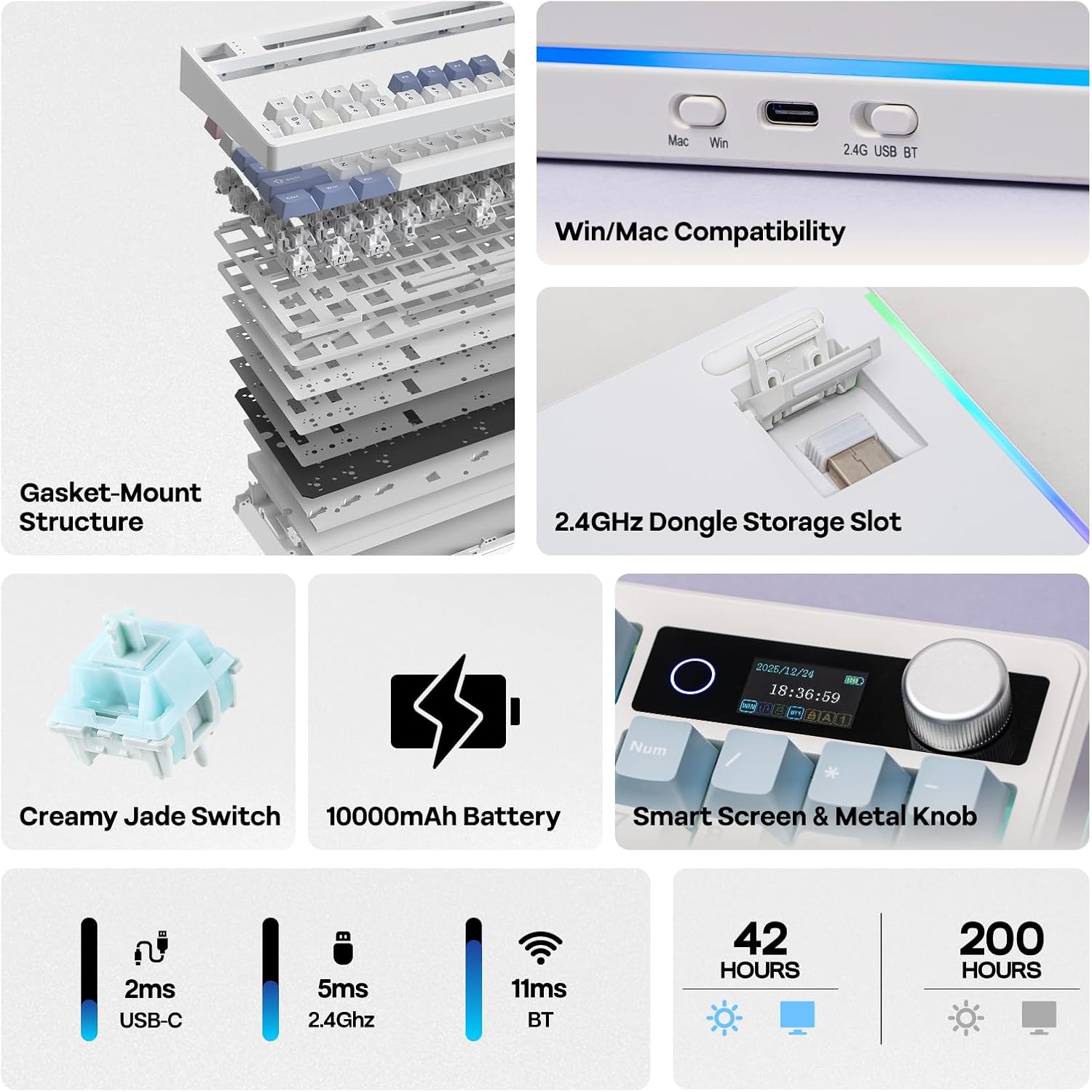
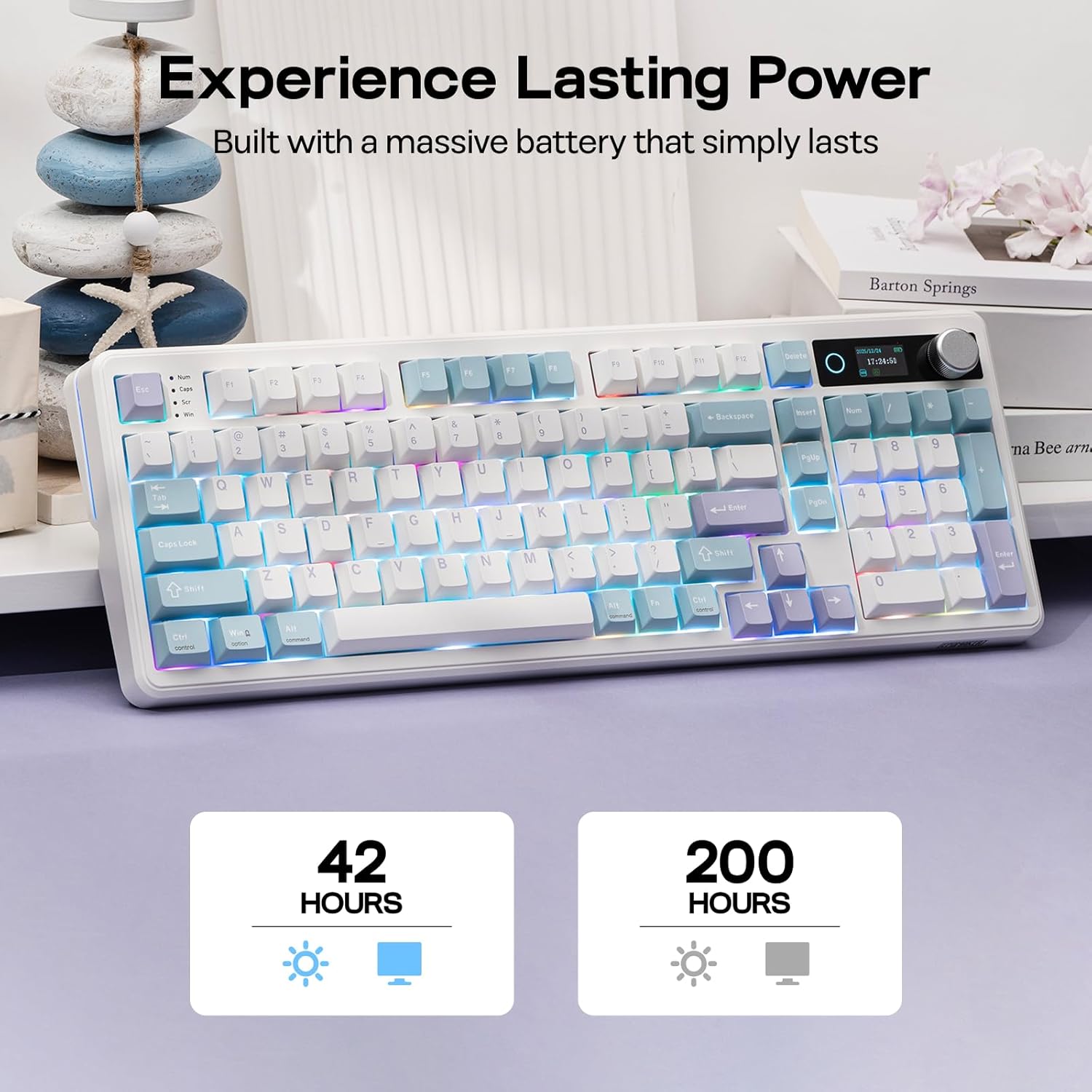
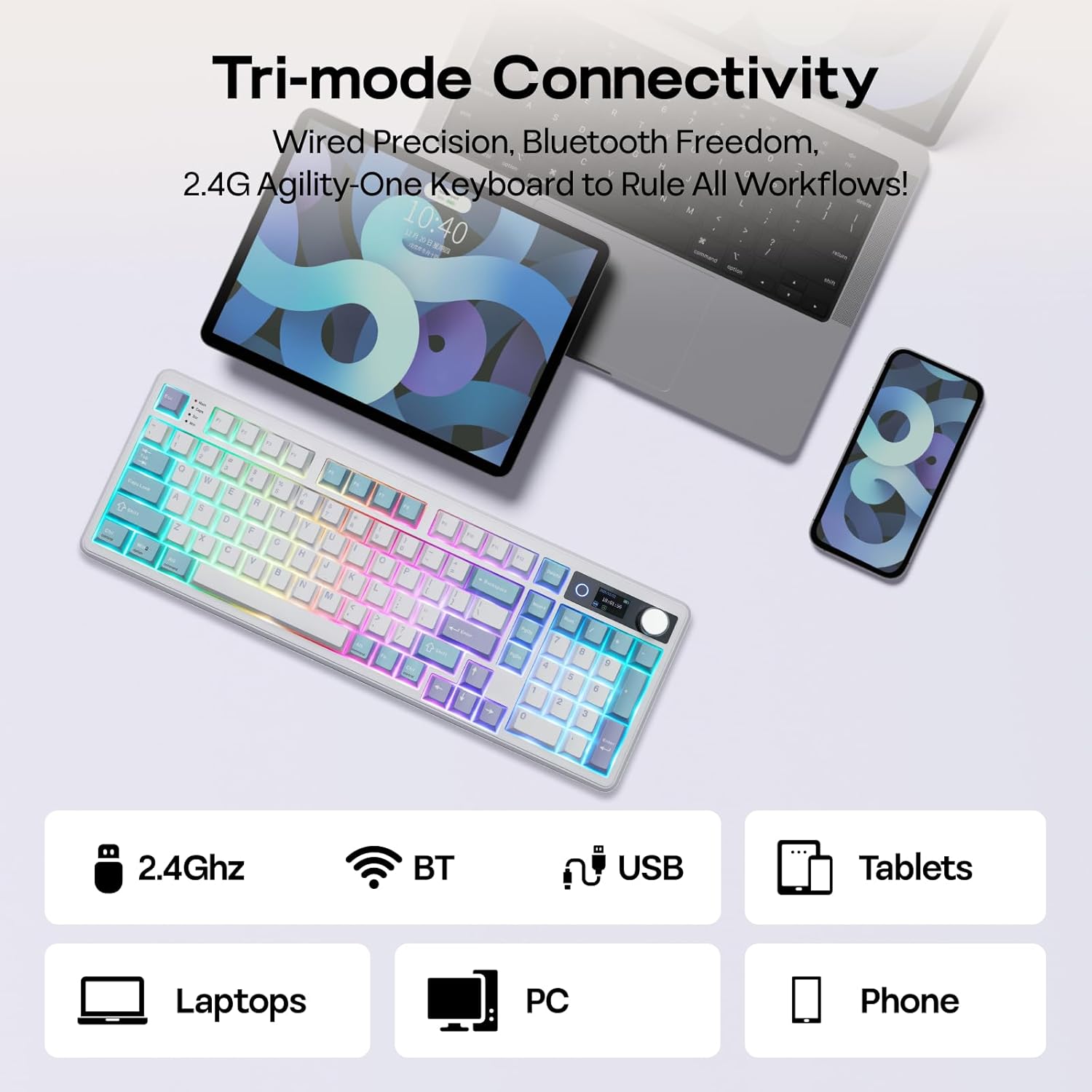
This is a tri-mode wireless gaming keyboard with 2.4Ghz/BT mentioned in the product details. The battery is 10,000mAh, positioned as the reason you can stay mobile and cut down on cable clutter.
The numbers provided are: 150–200 hours of high-performance use with RGB off, or about 40+ hours with RGB on and screen display active. That range matters in real life because it tells you what “always on” looks like.
Worth considering if you want a keyboard that can move between a PC and a laptop setup. The description also notes switching from PC gaming to responding on an Android phone, then jumping to Mac for creative work via shortcuts—so the intent is clearly cross-device desk life.
One limitation to keep in mind: long battery life depends on your lighting and screen usage. If you run everything at full brightness constantly, the high-hour scenarios won’t apply.
Switch and typing feel: hot swap + gasket-style sound tuning
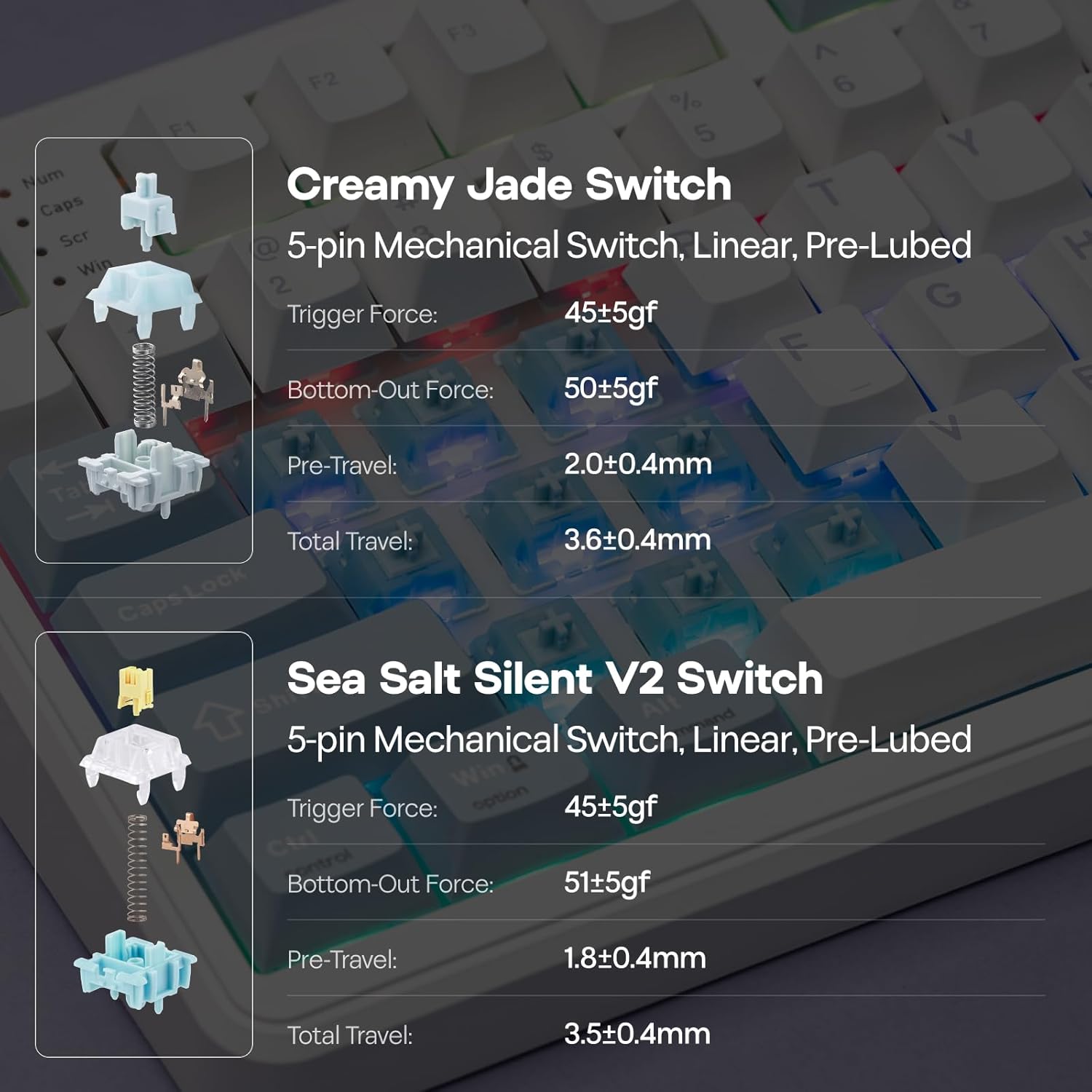
The TH99 Pro is hot-swappable, and it’s described as coming in two switch options, with room for future customization. It uses a multi-layer sound-optimized, gasket-style approach for a more cushioned feel—built with PORON, Latex, IXPE, and silicone layers intended to filter out harsh vibrations and reduce metallic “ping.”
That combination usually appeals to people who care about a softer typing response and a less sharp sound signature. The description also calls out a “thocky melody” for Creamy Jade, and a calmer/silent direction for Sea Salt Silent.
However, if you’re chasing the most minimal, straightforward mechanical experience (no special layers, no screen), this might be more “featureful” than you need. It’s more in the gaming-first, experience-first lane than a barebones enthusiast board.
Layout and keycaps: 96% utility with PBT durability
The keyboard is a 96% layout with 98 keys, described as “full numpad but compact.” That’s useful if you rely on numpad shortcuts but don’t want the overall footprint of a full-size board.
Keycaps are listed as PBT, with a claim aimed at staying looking clean over time (reducing grease buildup and being dust-proof with lubed switches referenced). There’s also an adjustable kickstand, and the weight is stated as over 1.2kg, with the kickstand intended to stay anchored even during intense typing or gaming.
If you’re doing spreadsheet work or you need stable numpad coverage while still keeping your desk space manageable, this layout choice makes practical sense.
Quick purchasing checklist before you commit
This is a buy that makes sense when your priorities match what the TH99 Pro actually brings.
- Make sure you’re genuinely interested in the screen + GIF display + keyboard status monitoring, not just the keyboard itself.
- If you’ll keep RGB and the screen active most of the time, note that the battery-life expectations shift (RGB ON is notably shorter than RGB OFF).
- Double-check your workflow: the knob and macro approach shine if you benefit from instant toggles and programmed actions.
When it makes sense to buy it
Worth considering if you want one wireless mechanical keyboard that’s meant to act like a small control panel—status visibility, audio control via knob, and macro remapping for repeating tasks. It fits well for gamers who hate alt-tabbing mid-action and for office users who want quick automation for spreadsheets.
It may not suit you if you prefer a simple, low-friction 96% board and don’t care about an on-board screen, GIFs, or extra control surfaces.
Mini FAQ
Is the EPOMAKER TH99 Pro good for wireless gaming on a PC?
The product is positioned as a tri-mode gaming keyboard with 2.4Ghz/BT, and it’s built around mobility via the large battery. So if your goal is wireless play on a PC, it’s designed for that.
How does the screen help day to day?
According to the description, the screen shows keyboard status such as battery and time, includes a GIF display, and supports RGB control. That’s meant to reduce the need to check elsewhere.
Does it support key remapping and macros?
Yes. The description mentions Chrome-based software (available online and offline) for remapping keys and recording complex macros.
Does it come with hot-swap switches?
Yes, it’s described as a hot-swappable keyboard, with two switch options listed in the details and room for future customization.
Final verdict
The EPOMAKER TH99 Pro feels like the kind of 96% wireless mechanical keyboard you buy when you want the keyboard to do more than type—screen status, a physical knob for instant control, and a macro/remap workflow that can reduce interruptions. If you’ll use the screen and knob regularly, it’s a compelling “desk command center” approach. If you just want a reliable compact mechanical with no extra distractions, it may be more specialized than you need.