

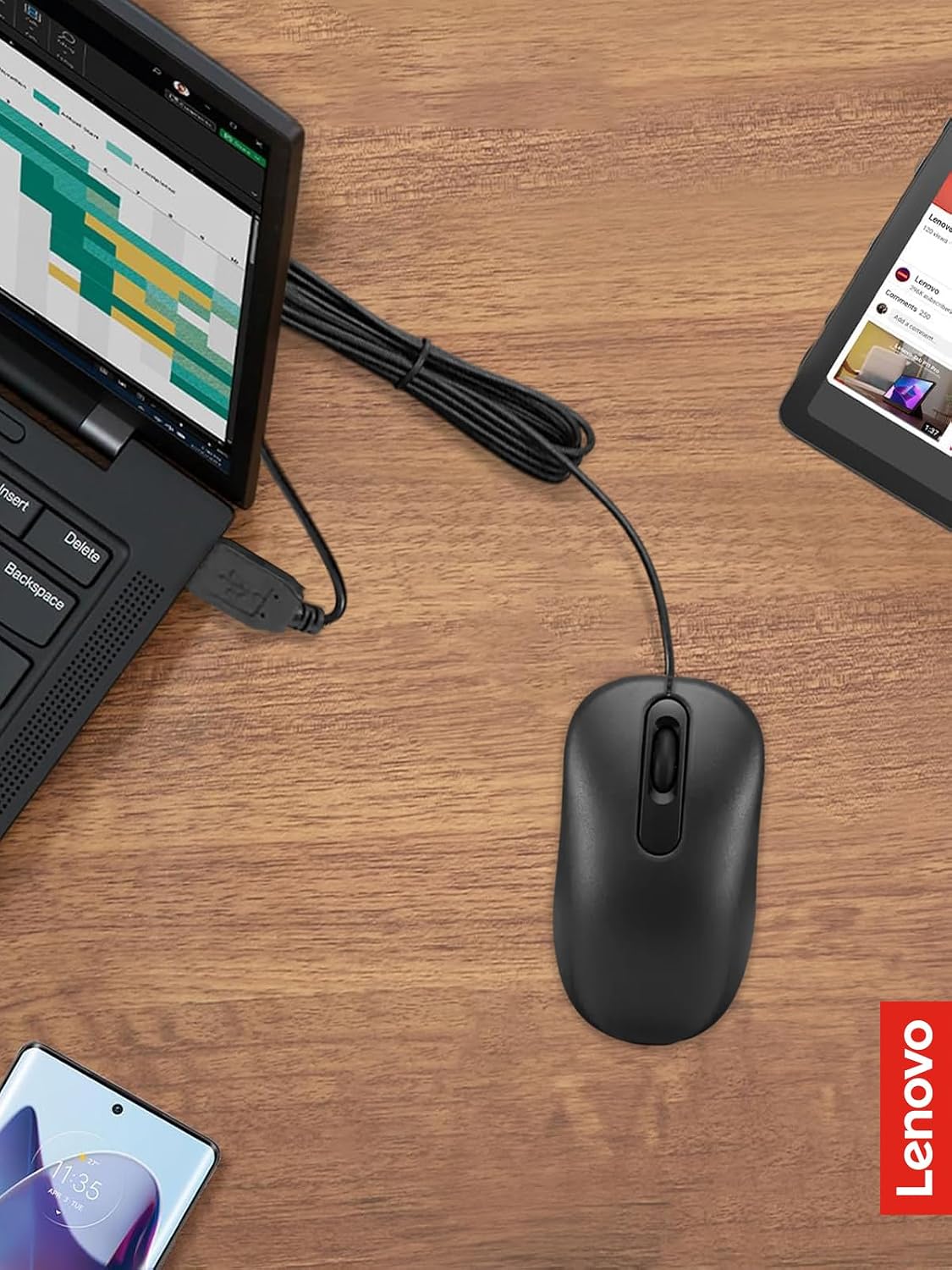
Lenovo wired USB mouse, full-size
Product description
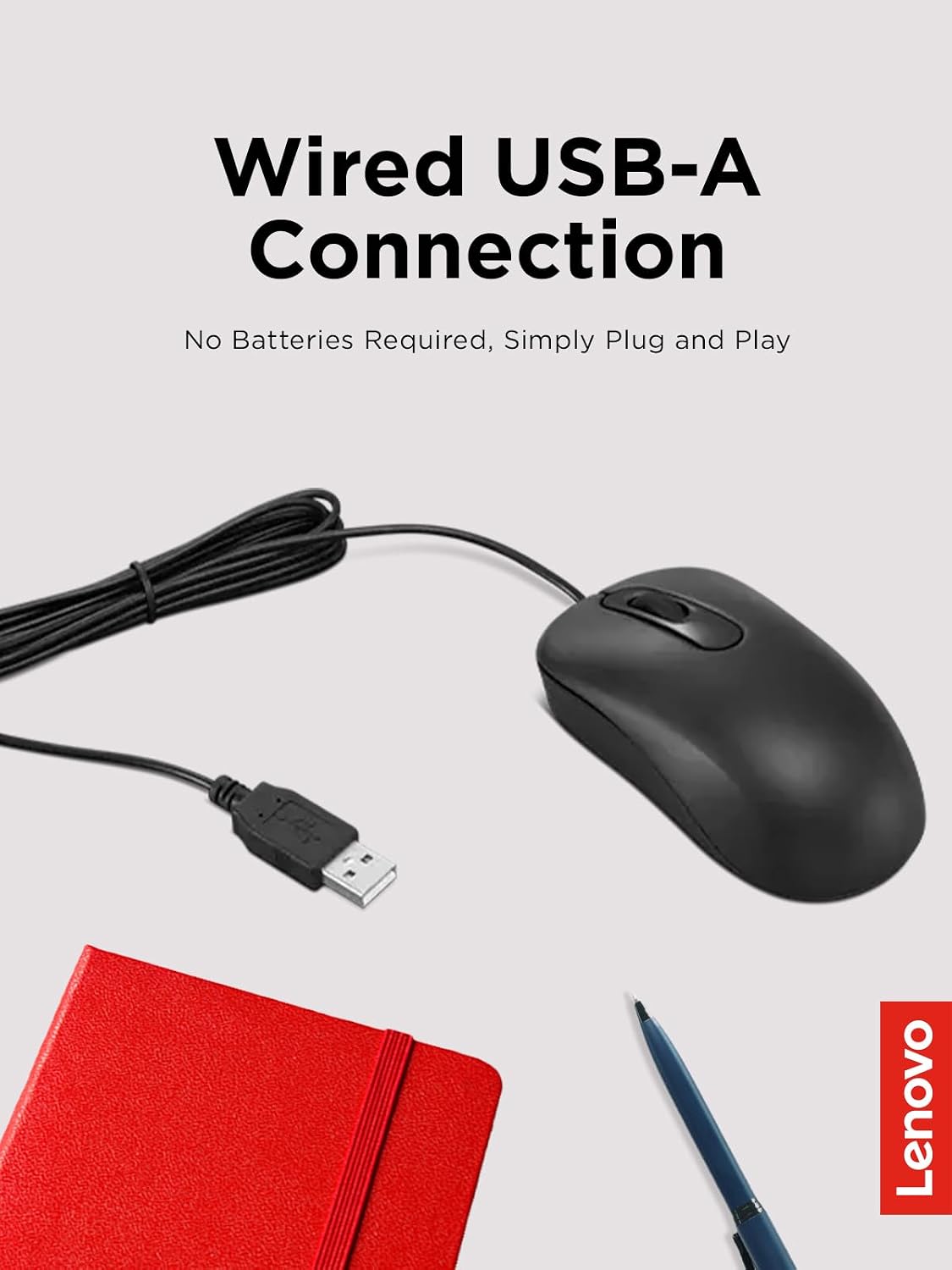
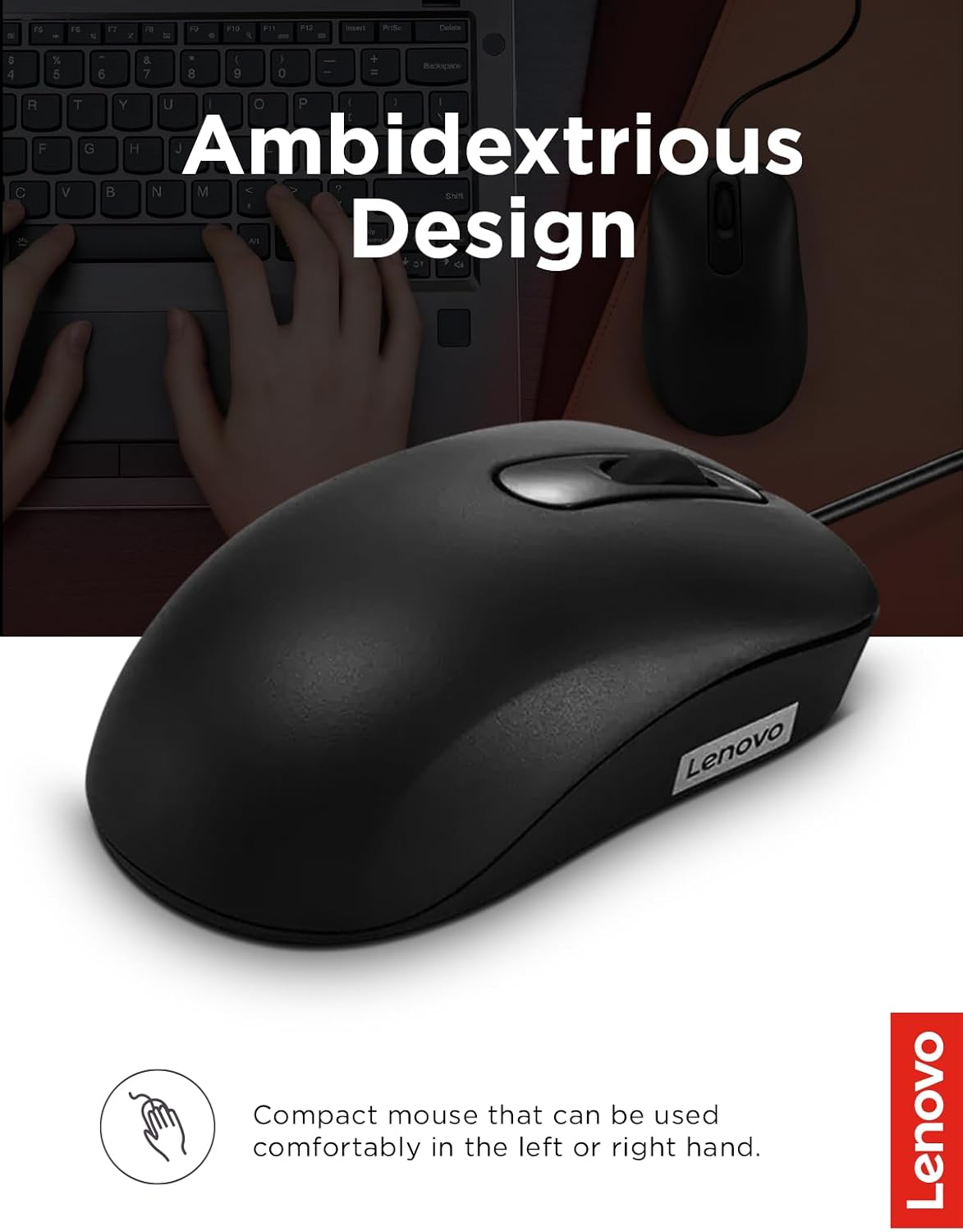
A mouse for everyday computer use does not need to add setup steps, but some buyers would rather avoid a cable altogether. The Lenovo 100 takes the straightforward wired route: connect its USB-A plug to a PC and it is ready to use, with no batteries to replace. Its full-size, ambidextrous shape and three-button layout keep the design familiar for left- or right-handed users. The trade-off is just as clear: your setup needs to accommodate the cable.
Key specifications
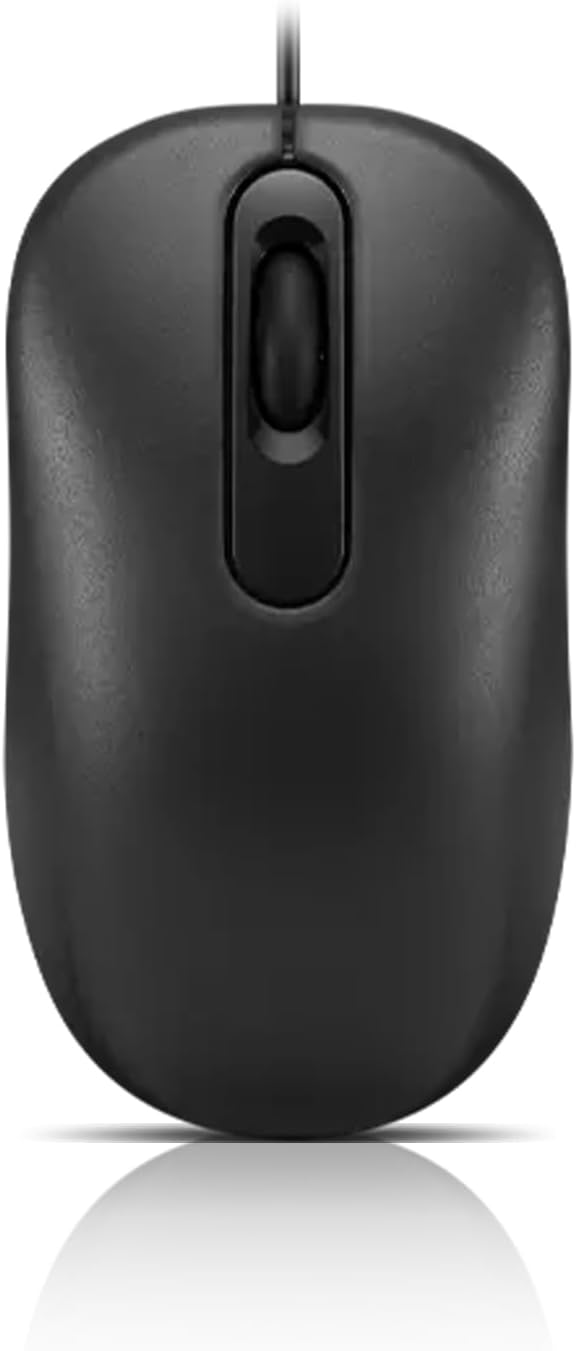
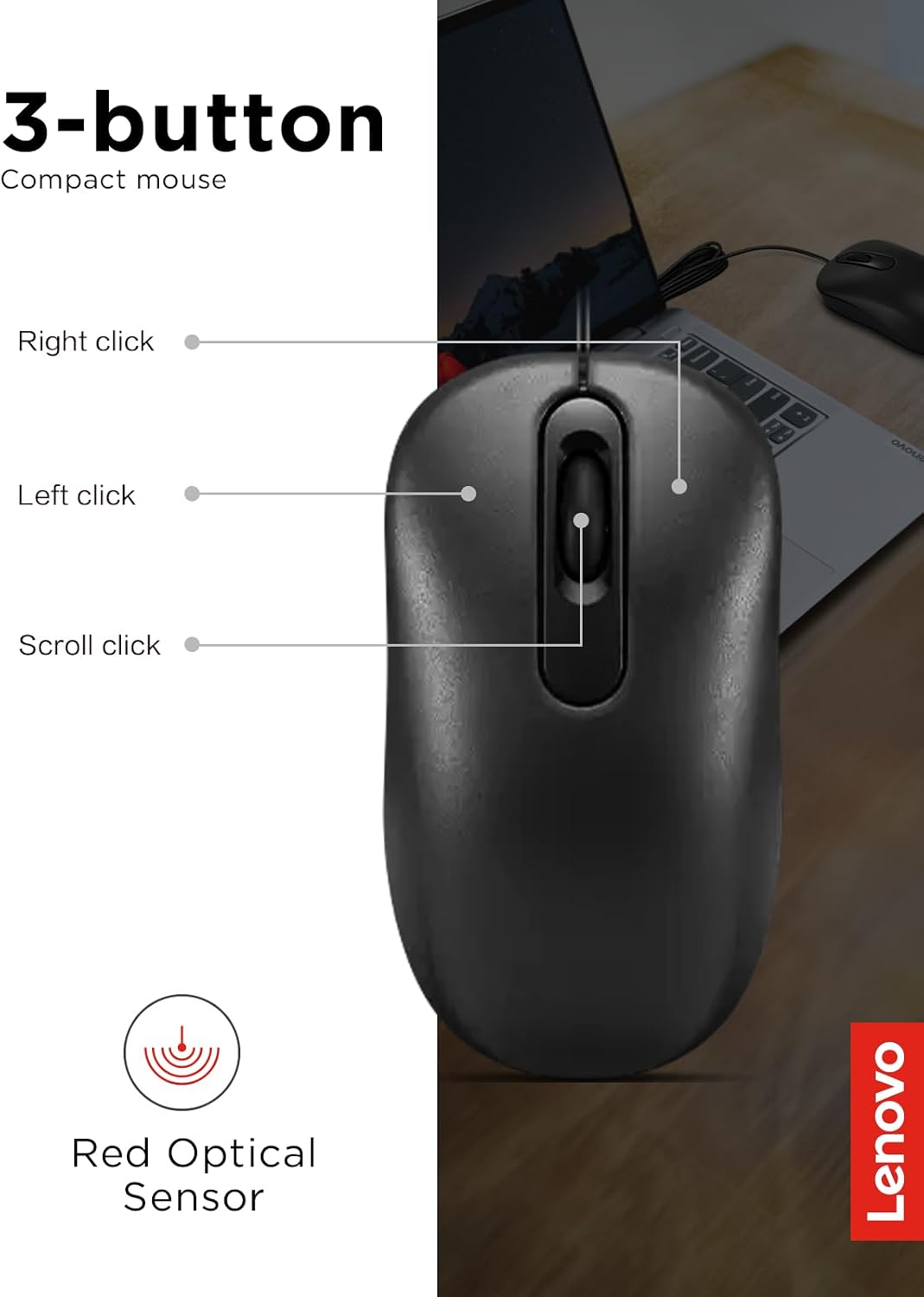
The Lenovo 100 is a full-size wired USB mouse with a red optical sensor, 1000 DPI resolution, and three buttons. It connects through a USB-A cable measuring 1.7 meters, and the listed button life is 3 million clicks. The product is described for PCs, laptops, and computers running Windows. Those details point to a basic navigation tool rather than a mouse with a long list of controls or wireless features.
Who it’s for
It suits you if you want a simple mouse for browsing, documents, and moving between open windows, and you prefer a direct cable connection over managing batteries. The ambidextrous design is useful in a shared workspace, too: a left-handed user can use the same general shape as a right-handed one. For example, plug the USB-A connector into a laptop, move through a spreadsheet, then switch to a browser without pairing or charging first.
Not the best choice if you want a wireless desk setup, more than three buttons, or a model specifically described with advanced controls. The 1.7-meter cable also means placement depends on where your computer’s USB-A port sits, it is not a wireless pointer you can carry freely around a room. The description calls the grip slim and the mouse full-size, but it does not provide dimensions, so shoppers who need a particular fit cannot judge that from the listed details alone.
What you get
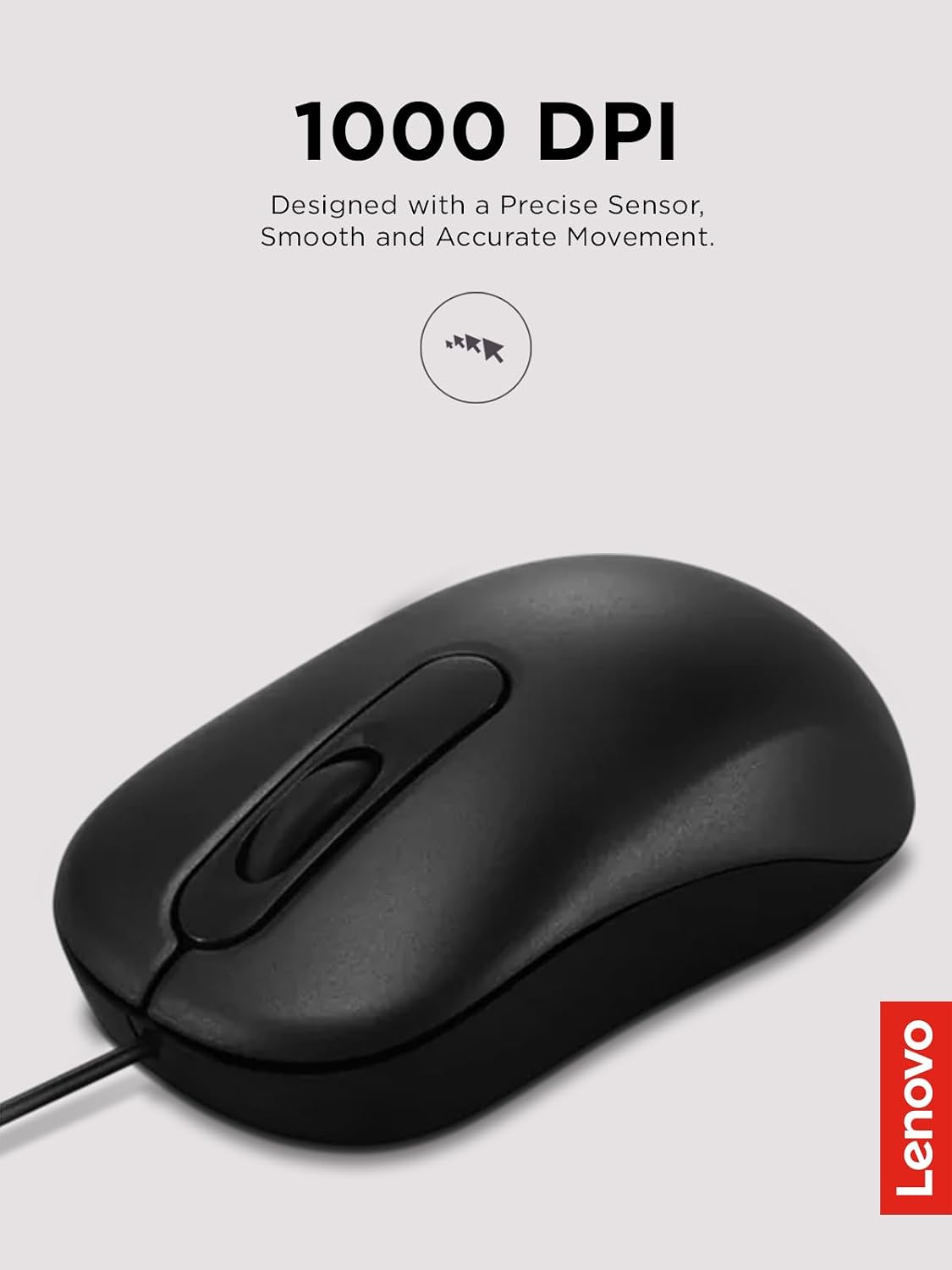
The focus here is uncomplicated operation: a full-size mouse, an optical sensor, three buttons, and a wired USB-A connection. Plug-and-play convenience means there is no separate pairing step described. That can be handy when you want to connect a mouse to a compatible computer and get straight to work, or when you need a basic spare for a desk. Compared with a wireless model, this approach avoids battery changes but keeps the mouse tethered to the computer. The 1000 DPI resolution is specified, though the listing does not describe adjustable sensitivity or extra buttons, so it is best viewed as a simple everyday setup rather than a feature-rich control device.
Before you decide
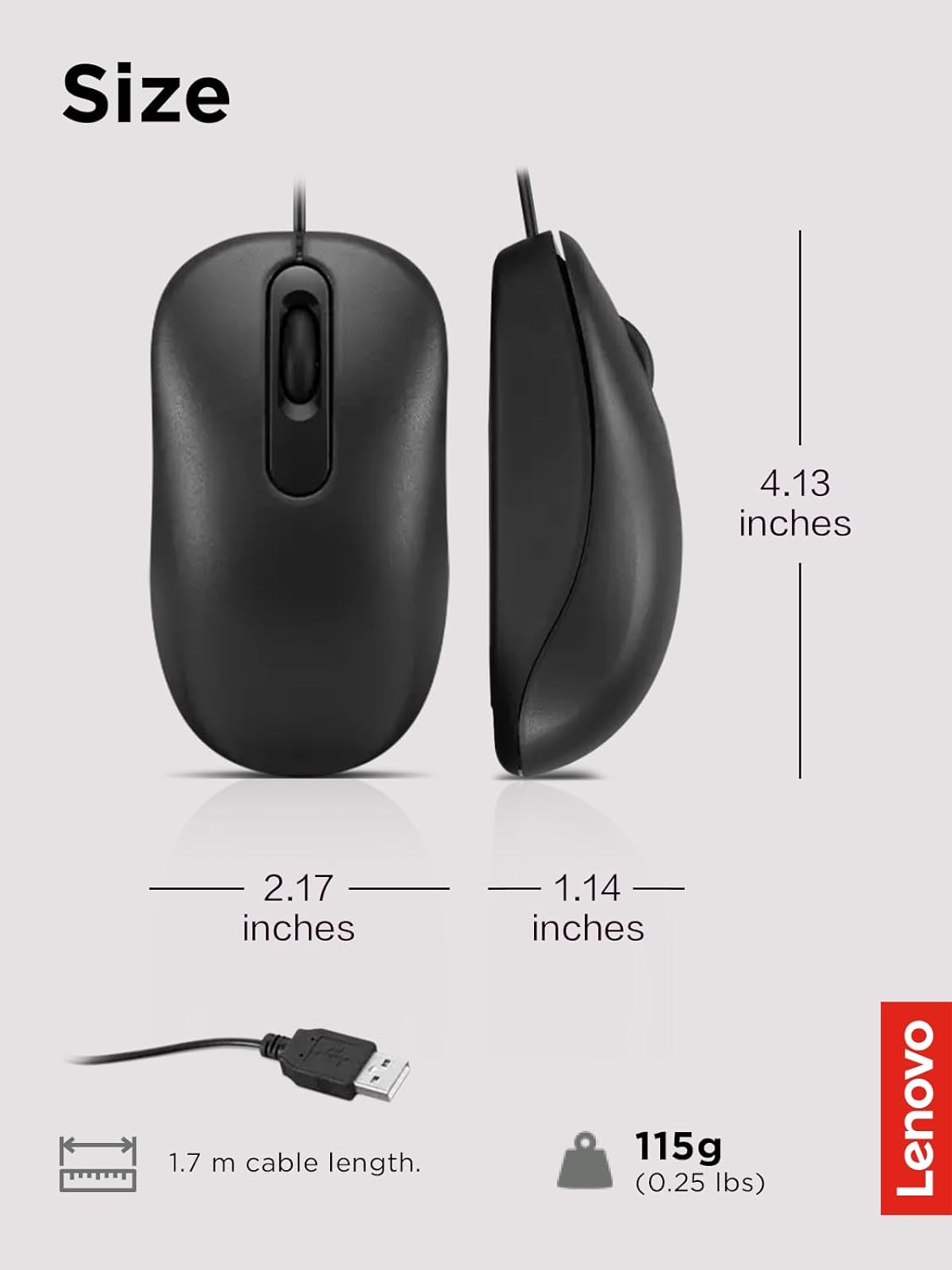
Does it use a wireless connection? No. It connects to a computer with a USB-A cable, listed as 1.7 meters long.
Can left-handed users use it? The design is described as ambidextrous, so it is intended for either hand.
How many buttons does it have? The listing specifies three buttons and a button life of 3 million clicks.
Is it worth it?
The Lenovo 100 makes sense when your priority is a familiar, plug-in mouse for routine computer navigation and you do not need wireless freedom or additional controls. Its clearest advantages are the ambidextrous full-size design, USB-A connection, and stated click-life figure. The main buying limit is practical rather than complicated: you need a USB-A port within reach, and the cable remains part of your desk setup. Choose it for simple wired use, look for a different feature set if cable-free movement or more controls matter more.