

EGK 2 in 1 USB C to USB B Cable for Printer & External Drive, 6.5 ft
Product description
What it is
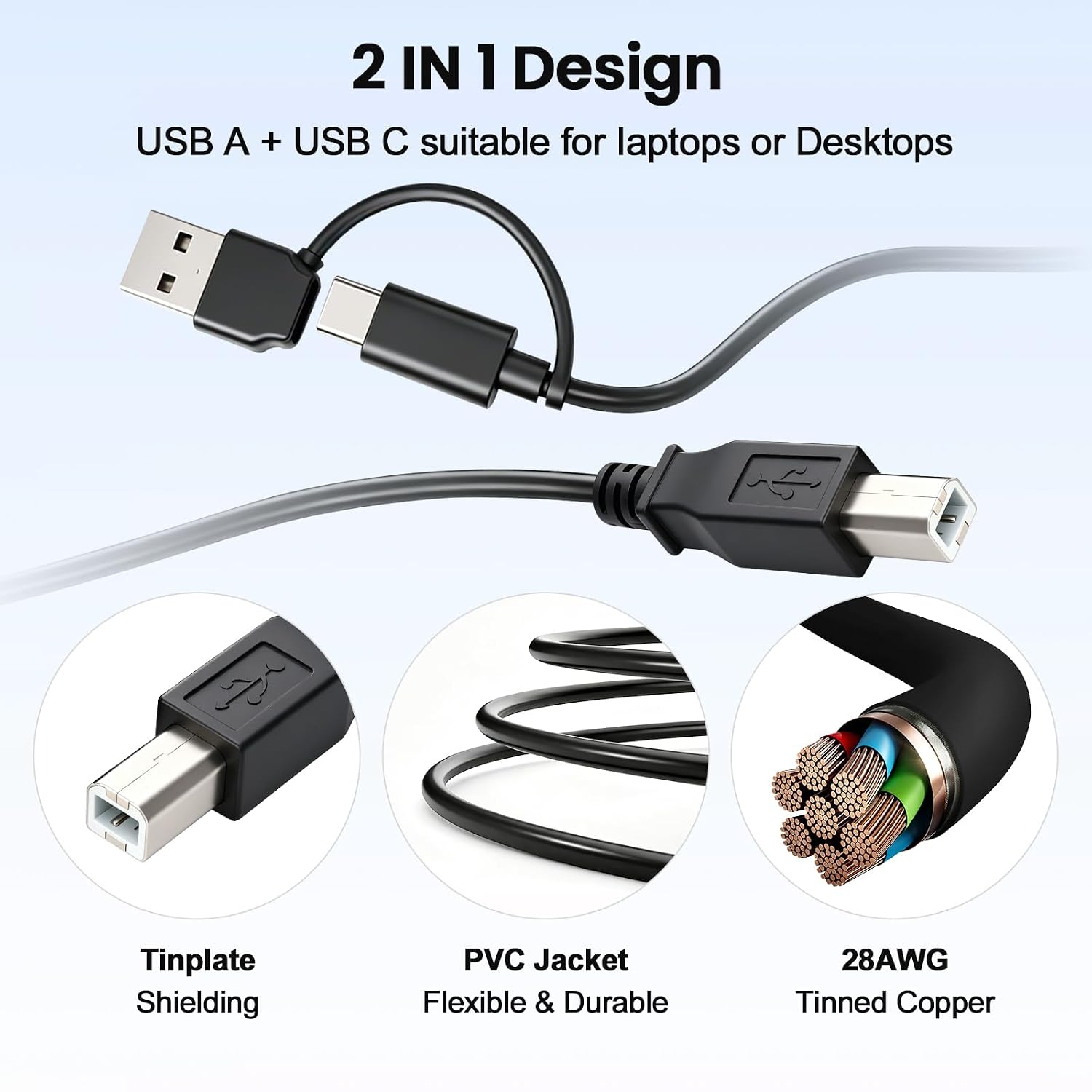
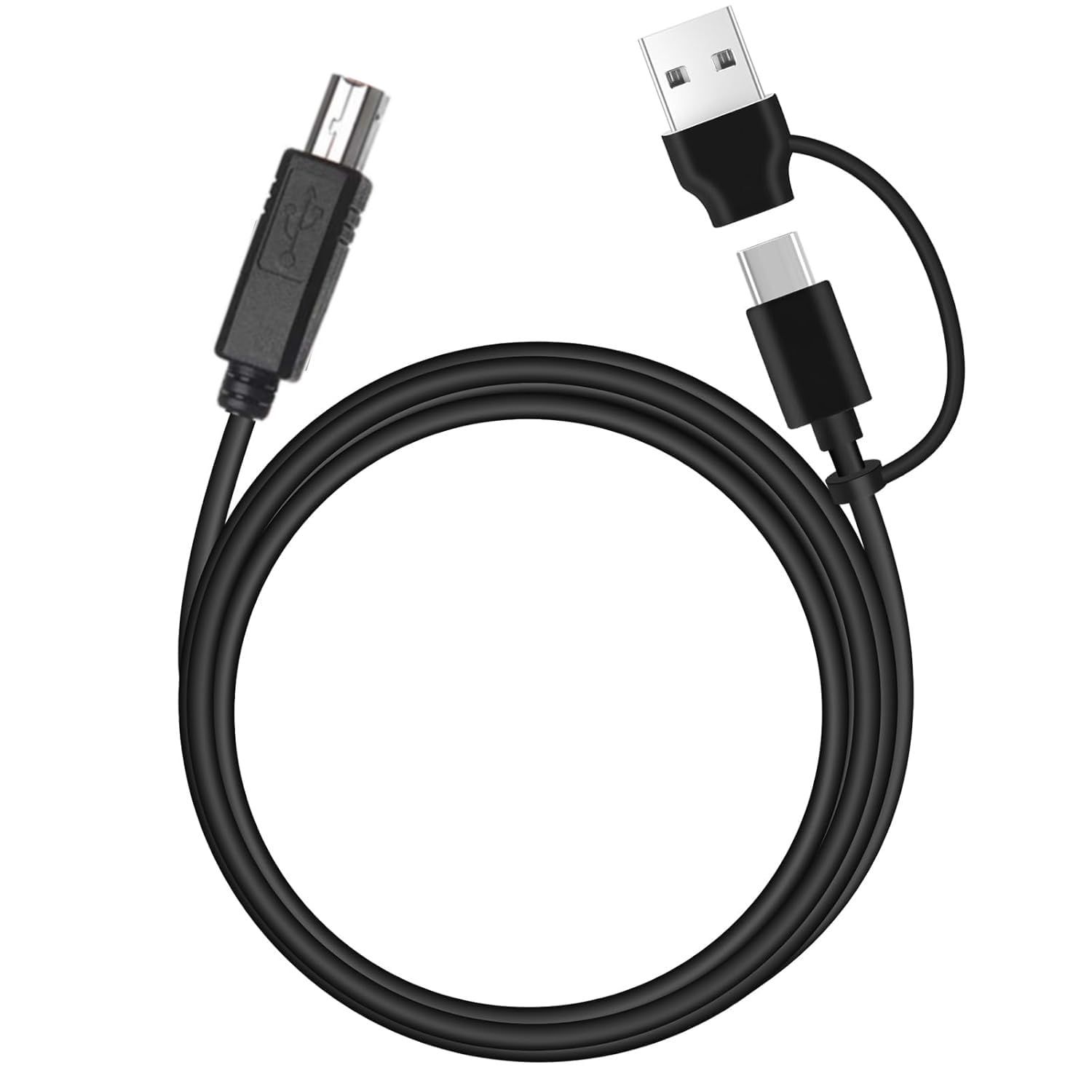
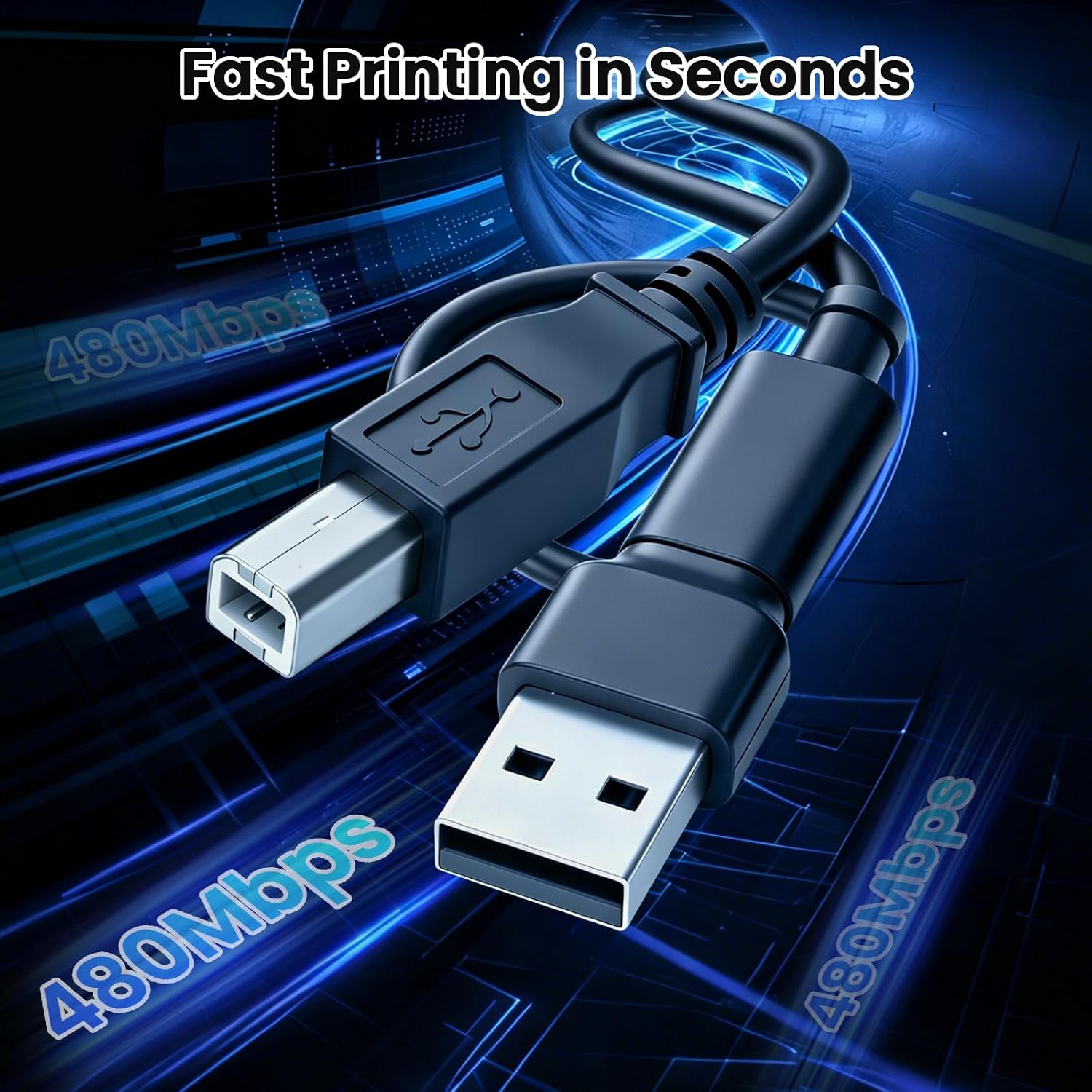
The EGK 2 in 1 USB C to USB B Cable is a dual-ended solution designed to connect modern laptops with USB-C ports to USB-B printers and external storage devices. It combines a USB-C plug on one end with a USB-A and USB-C option on the other side, giving you a practical bridge between legacy gear and newer machines without needing multiple cables. On paper, this setup aims to simplify setup for mixed ecosystems and reduce cable clutter.
Who it’s for
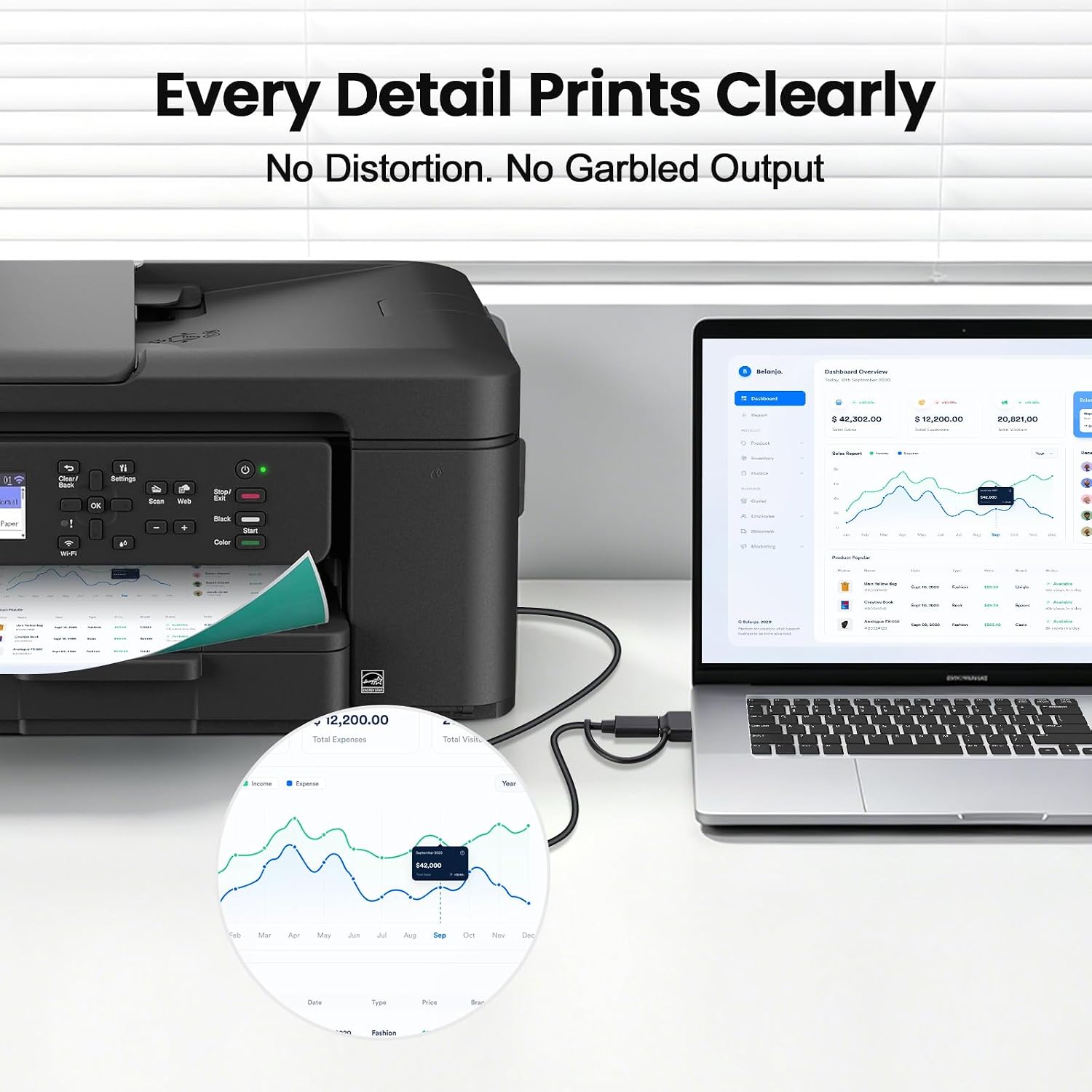
If you frequently print from a MacBook Pro or Air, or you work with printers from brands like HP, Canon, Brother, Dell, Epson, and more, this cable is meant to fit into that workflow. It’s also useful if you occasionally connect an external hard drive via USB-C but still run into USB-B printers that require a USB-B connection. In short, it’s for users juggling newer laptops and older peripherals.
How it performs
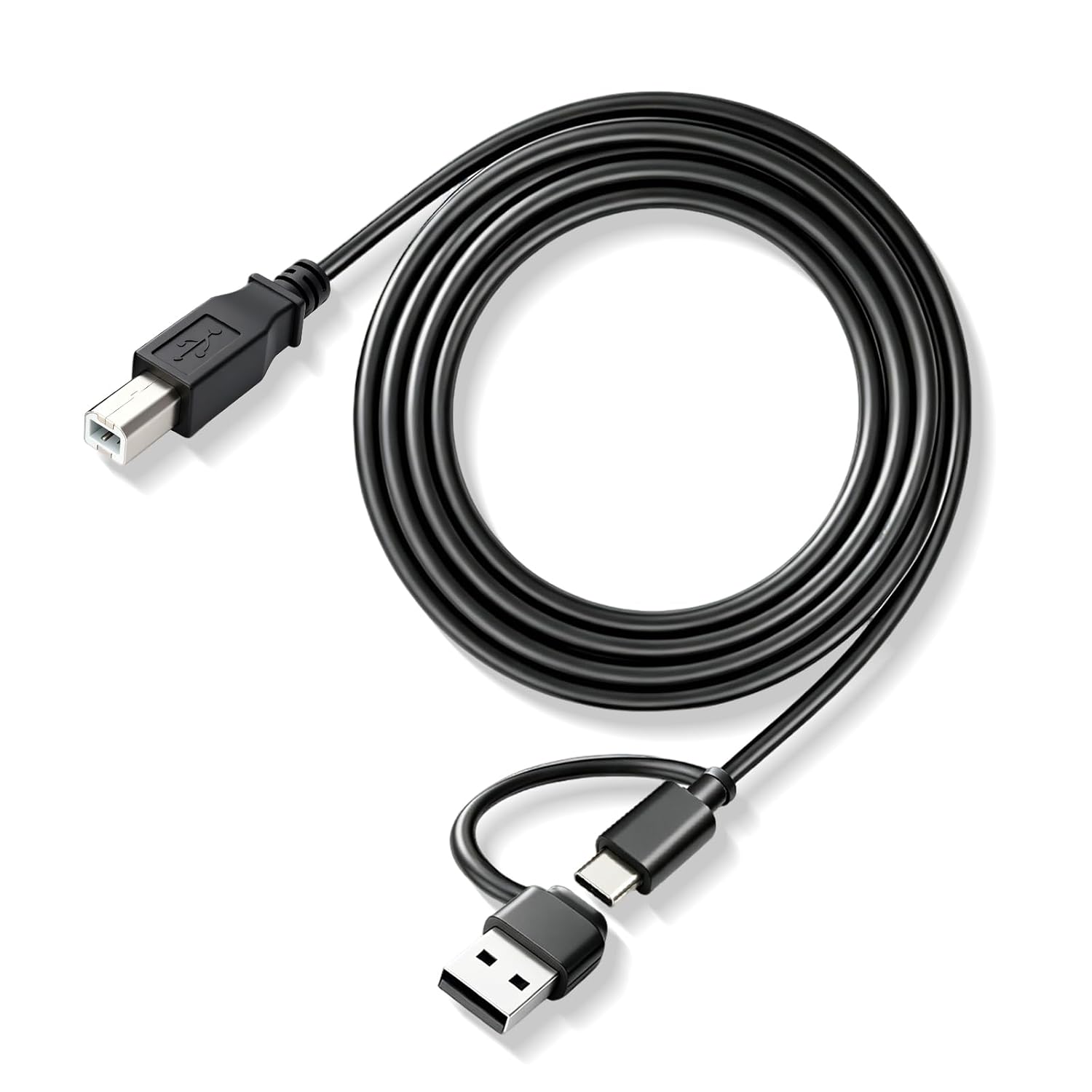
The cable emphasizes high-speed data transfer to keep printing workflows smooth and predictable. The 6.5-foot length offers flexibility in typical home or office layouts, allowing you to position a printer across a desk or room without stretching the cable. The USB-B end is designed to fit standard printers, which reduces the need for extra adapters. If you value a simple, all-in-one cable approach, this model presents a straightforward option.
Pros and what stands out
- 2-in-1 compatibility saves you from buying separate USB-C to USB-B adapters when printers or drives are in play.
- A relatively long 6.5 ft length supports flexible desk arrangements and occasional cross-room use.
- Broad printer compatibility covers many common brands, making it practical for mixed devices.
Cons and potential limitations
- The product relies on the presence of a USB-B printer or USB-C hard drive, if your setup uses USB-C printers exclusively or USB-A devices beyond printers, you may not gain all the intended benefits.
- The description doesn’t specify shielding, connector material, or strain relief details, so if you’re looking for heavy-duty ruggedness, this may not be enough information to judge durability.
- For users who require only USB-C connectivity to printers without USB-A, the extra connector design might feel unnecessary.
How to decide if it’s right for you
Consider this cable if you need a simple bridge between USB-C laptops and USB-B printers, especially in setups with multiple brands. If your workflow centers on USB-C printers or very long-term aggressive daily use, you may want to evaluate durability specs or look for options that emphasize reinforced construction.
What to review before buying
- Confirm your printer or external drive uses USB-B or can adapt via USB-A to USB-B.
- Check the length you actually need in your workspace, 6.5 ft is convenient but not universal.
- Look for any additional accessories or warranty information that isn’t detailed in the base description.
Practical use case


Imagine you’re printing from a recent MacBook Pro while a classic office printer sits across a room. You plug in the EGK cable, select the printer in your print dialog, and you’re off—no scavenging for a different adapter or swapping cables mid-task. If your setup occasionally switches to an external hard drive via USB-C, this same cable keeps those connections within reach.
Quick comparison insight
If you’re choosing between a single-purpose USB-C to USB-B adapter and this 2-in-1 cable, you’re trading a bit of compactness for flexibility. For a compact chair-side workstation with limited ports, a smaller adapter might feel cleaner, if you frequently mix USB-C laptops with USB-B printers or drives, this cable reduces clutter and setup steps.
Final decision
Is it worth it? It makes sense if you value a single, flexible cable for mixed device connections and you’re often switching between USB-B printers and USB-C sources. It may not be the best pick if you’re after rugged construction specs or if all your devices are strictly USB-C or USB-A. For many home offices and light-business environments, this EGK cable offers a pragmatic, low-friction bridge between generations.
FAQ
- Will this cable work with any USB-B printer? It’s designed to fit most standard USB-B printers, but compatibility can vary by device model.
- Do I need extra adapters? Not typically, if your setup includes devices with USB-C and USB-B, this 2-in-1 cable should cover the common cases.
- Is the cable suitable for heavy daily use? The available details don’t specify build materials or durability features, consider your usage intensity when deciding.