

Anker USB-C Cable, 3.3 ft
Product description
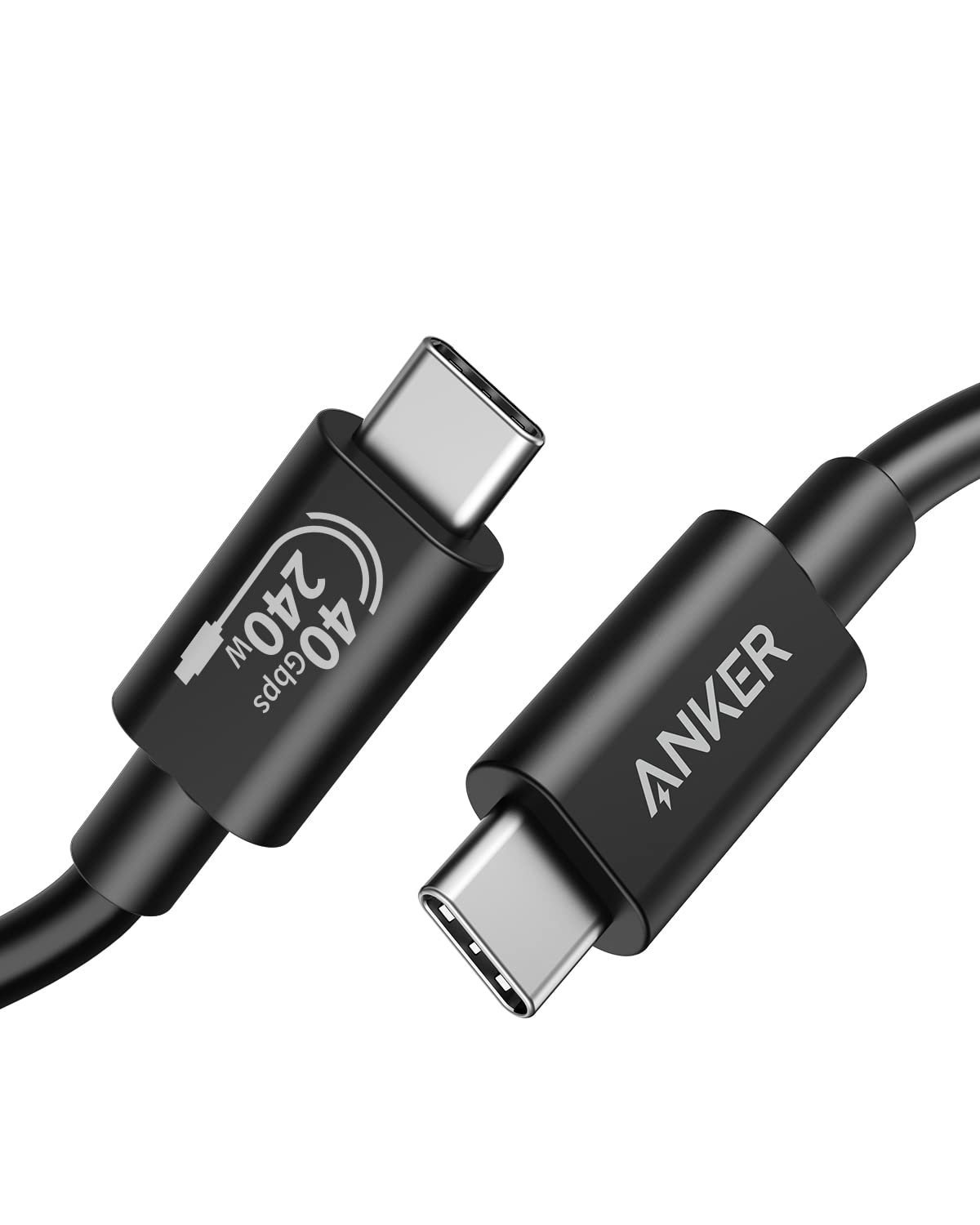
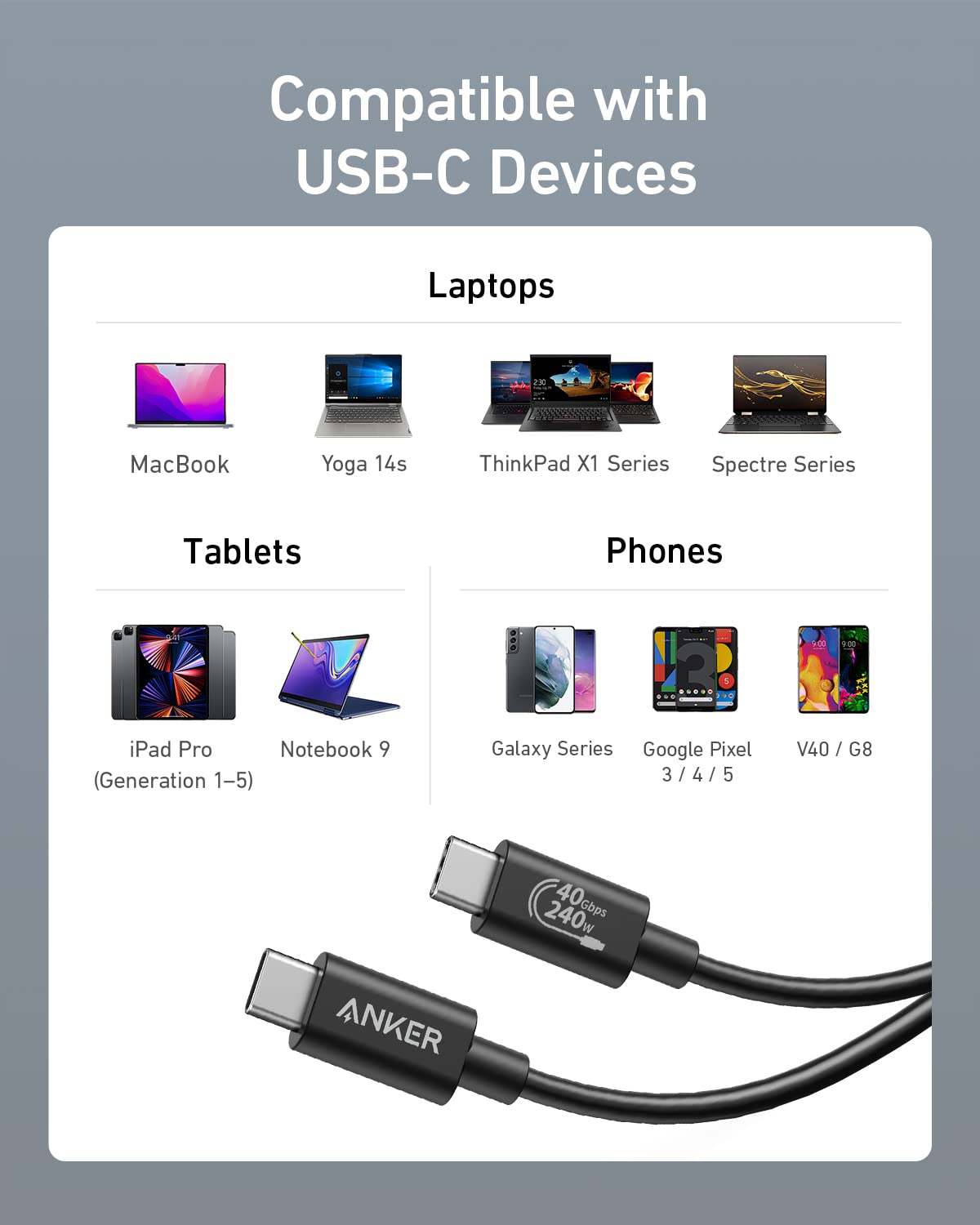
For people who want one USB-C cable to handle fast file transfers, an external display, and charging, the Anker USB-C cable brings several high-bandwidth uses into a short 3.3 ft connection. It’s listed for Thunderbolt 4 and 3, USB4, and devices including MacBook Pro and Air, iPad, iPhone 17, Switch, and Steam Deck.
You’ll appreciate it if you’d rather use one cable for several tasks than keep separate options for charging and data. If you prioritize a compact desktop connection, its 3.3 ft length makes more sense than a longer cable, if you prefer more room to move a laptop around, that reach may feel restrictive.
Getting the most from it
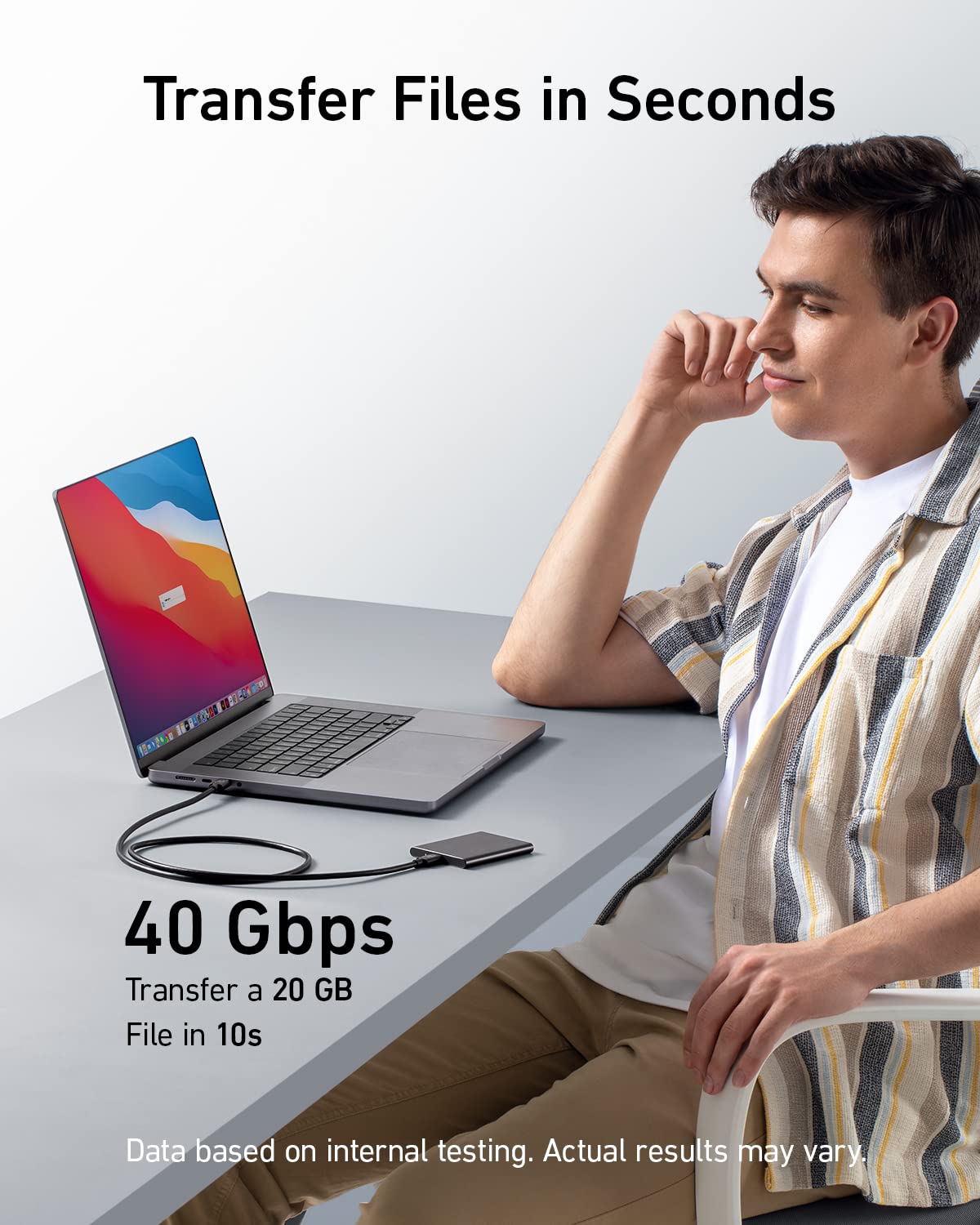
Use it to connect a compatible laptop to a monitor, transfer large files, or charge a USB-C device when paired with a compatible charger. An everyday example: plug a laptop into a monitor at a desk to extend the screen, then use the same cable to move a video file or charge a device. The cable supports display output up to 8K at 60Hz or 4K at 144Hz, but the connected devices and setup need to support the mode you want.
Its maximum charging support is 240W, not a promise that every connected device will draw that much. The charger and device matter. Likewise, the stated 40Gbps transfer speed is a maximum, so actual transfers depend on the connected equipment and files. Without having tried it, those are the practical limits to keep in mind: this cable’s headline capabilities only help when the rest of your setup can use them.
Why it’s worth it
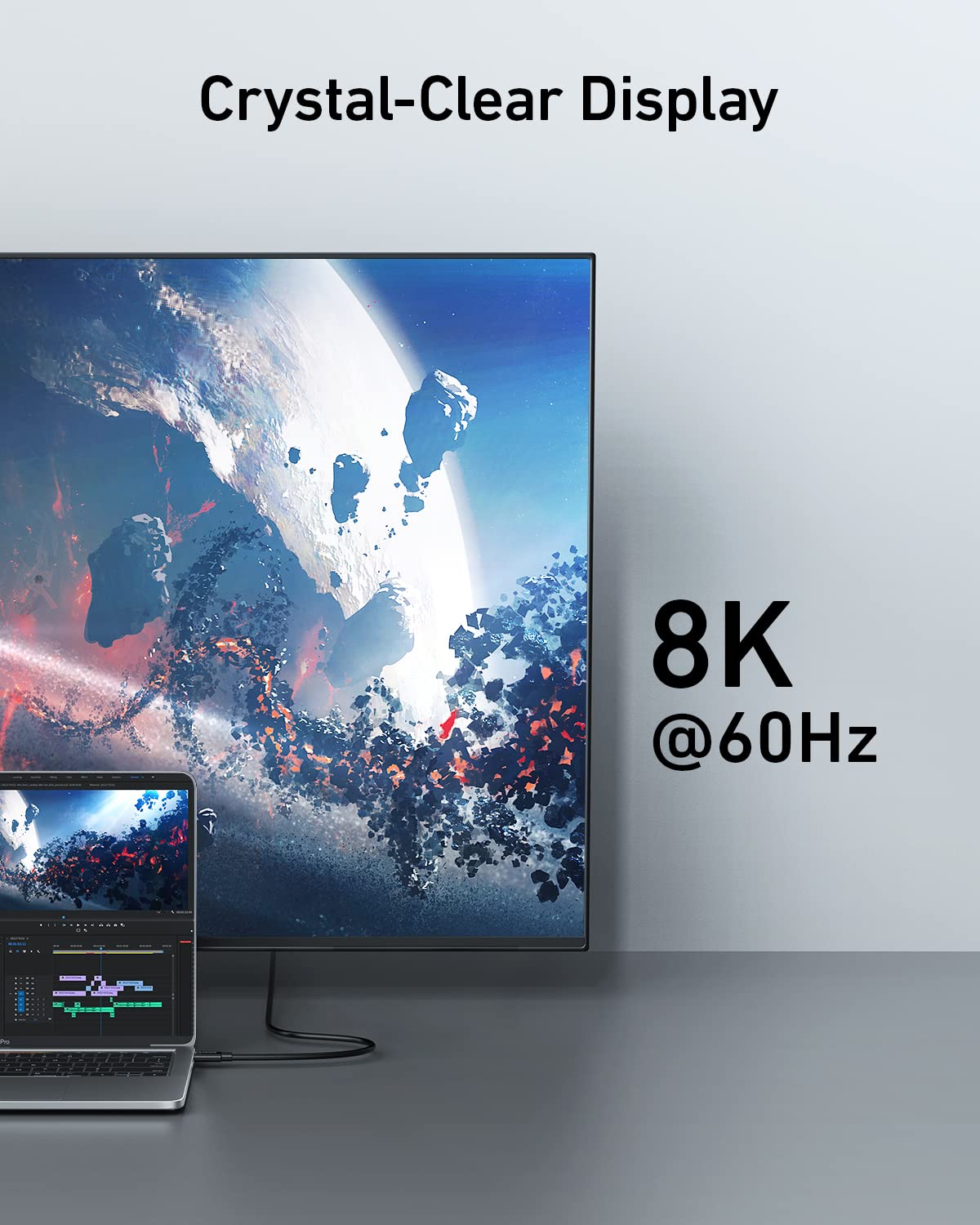
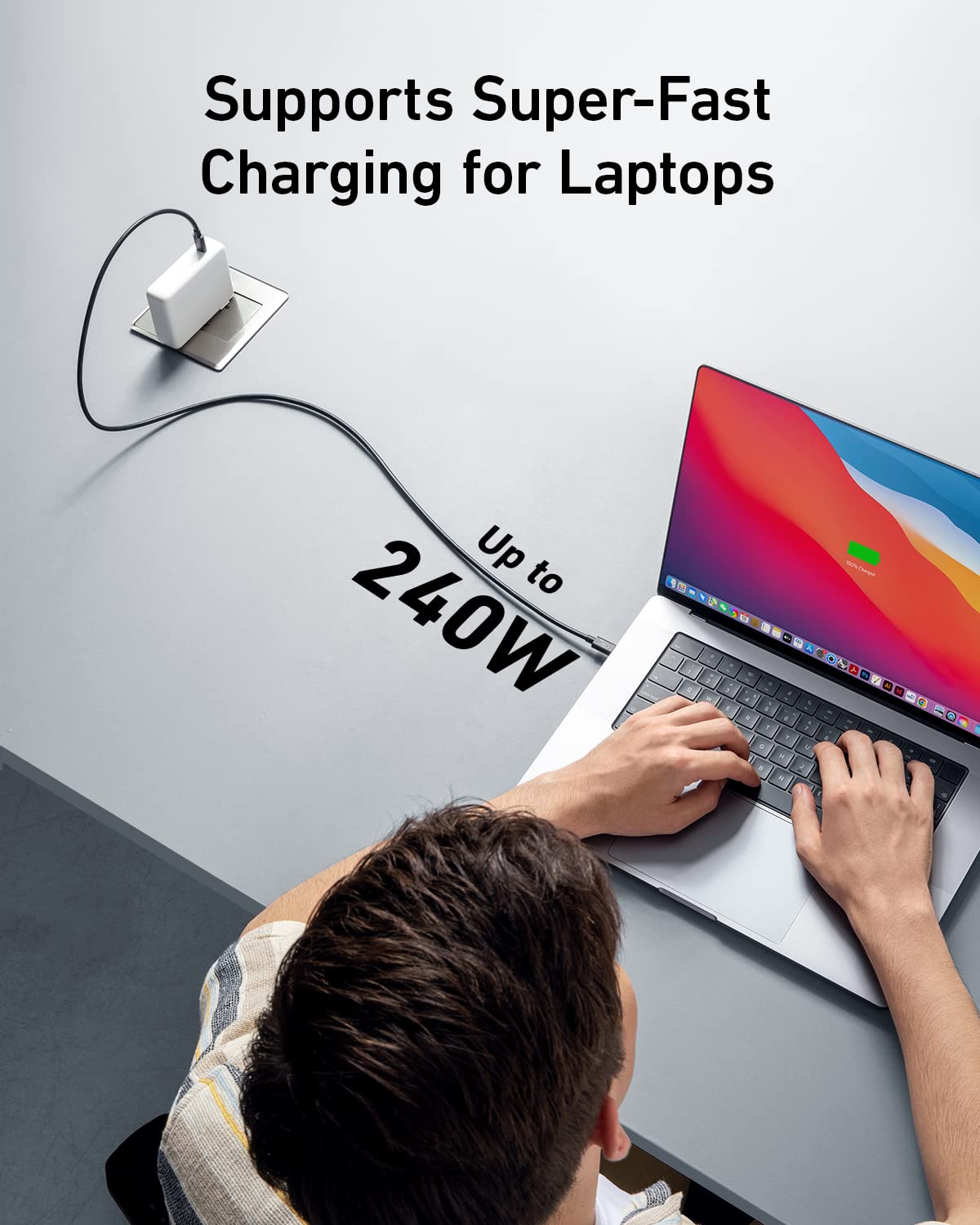
The appeal is less about adding a feature to one device and more about consolidating common desk tasks. A basic USB-C cable may be enough for charging, but this one is aimed at people who also want high-speed data and high-resolution display support from the same connection. Its listed Thunderbolt and USB4 support makes it a more capable fit for compatible laptops, docks, and monitors than a cable bought only for routine charging.
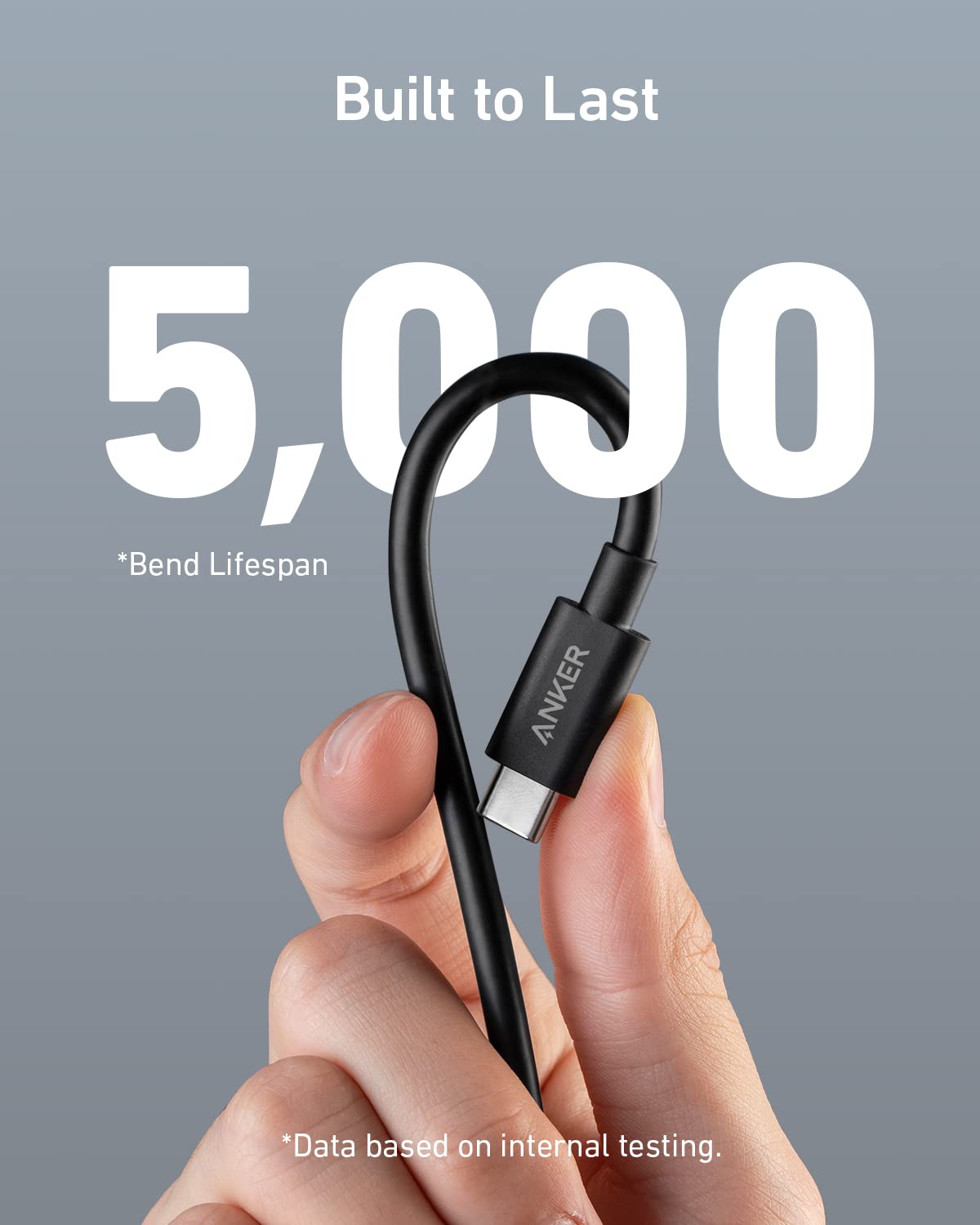
Anker also says the cable passed lab tests for up to 5,000 bends. That gives a useful durability reference, though it doesn’t tell you how it will hold up in every setup or with every pattern of use. It may not suit you if you need a long cable, or if your devices don’t support the data, charging, or display capabilities you’re paying attention to.
At a glance
- Type: USB-C to USB-C cable
- Length: 3.3 ft
- Data: Up to 40Gbps
- Display: Up to 8K at 60Hz or 4K at 144Hz
- Charging: Up to 240W with a compatible charger
- Included: Welcome guide and 18-month warranty
These figures describe supported maximums, not guaranteed performance across every USB-C device. The product listing names Thunderbolt 4 and 3, USB4, and several phones, computers, handheld consoles, monitors, and docks, still, check the capabilities of the specific devices you plan to connect.
Buying verdict
Choose this Anker cable if you have a compatible setup and want a short cable that can cover charging, fast file transfers, and monitor connections without switching between different leads. It’s a less convincing choice for a simple charging-only need, a longer-reach desk arrangement, or hardware that can’t take advantage of USB4 data speeds or the listed display modes. The key decision is whether your devices support the features you want to use—not just whether they have a USB-C port.