

CODOGOY Charging Stand with Cooling Fan for Xbox Series X|S and Controllers (Vertical Dock)
Product description
If you like a clean game setup, this vertical charging dock aims to do two jobs at once: keep your Xbox Series X|S space organized while charging your controllers in a more controlled, cooler-feeling way. It’s a charging stand with a built-in dual cooling fan and extra USB ports, so you’re not just buying a cradle—you’re buying a small charging-and-access hub.
That said, it’s not a universal controller charger. On paper, the compatibility is specifically for Xbox Series X/S controllers, and it explicitly won’t work with Xbox One controllers. So before you get excited about the cooling fans and the extra ports, it helps to confirm your exact controller model.
Key takeaways
The CODOGOY vertical stand is built to hold your console and controllers upright while charging controllers at the same time. It includes two rechargeable battery packs rated at 1100 mAh each (included with the dock) and a dual cooling fan with two speed levels you can switch between.
It also brings three USB hub ports to the station, which can be handy for powering or syncing other accessories. The status indicators are straightforward: a green light for standby/fully charged, and red/green alternating when controllers are charging.
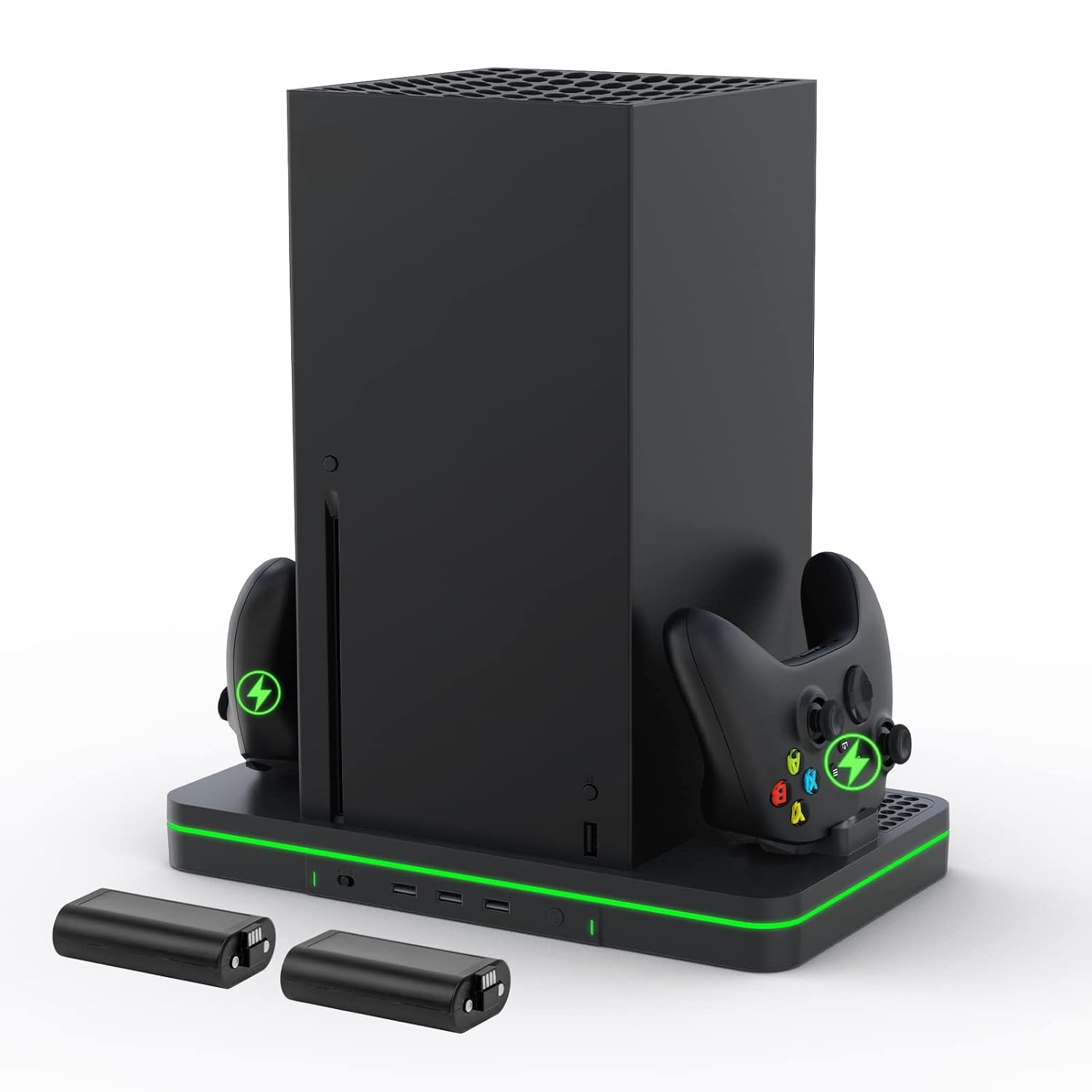
One more practical detail: the stand uses an anti-slip rubber bottom for stability. That matters with vertical setups, because wobbly stands are just annoying every day.
What matters most (and where it fits)
This charging stand is for people who want controllers to live on a dock rather than scattered around the couch, desk, or nightstand. The vertical design is a space-saver by design—holding the console and controllers upright can reduce how much horizontal footprint your setup takes.
It’s also for anyone who tends to forget to charge until the battery is low. With a dedicated docking station, you can plug it in once and make charging part of your normal routine.
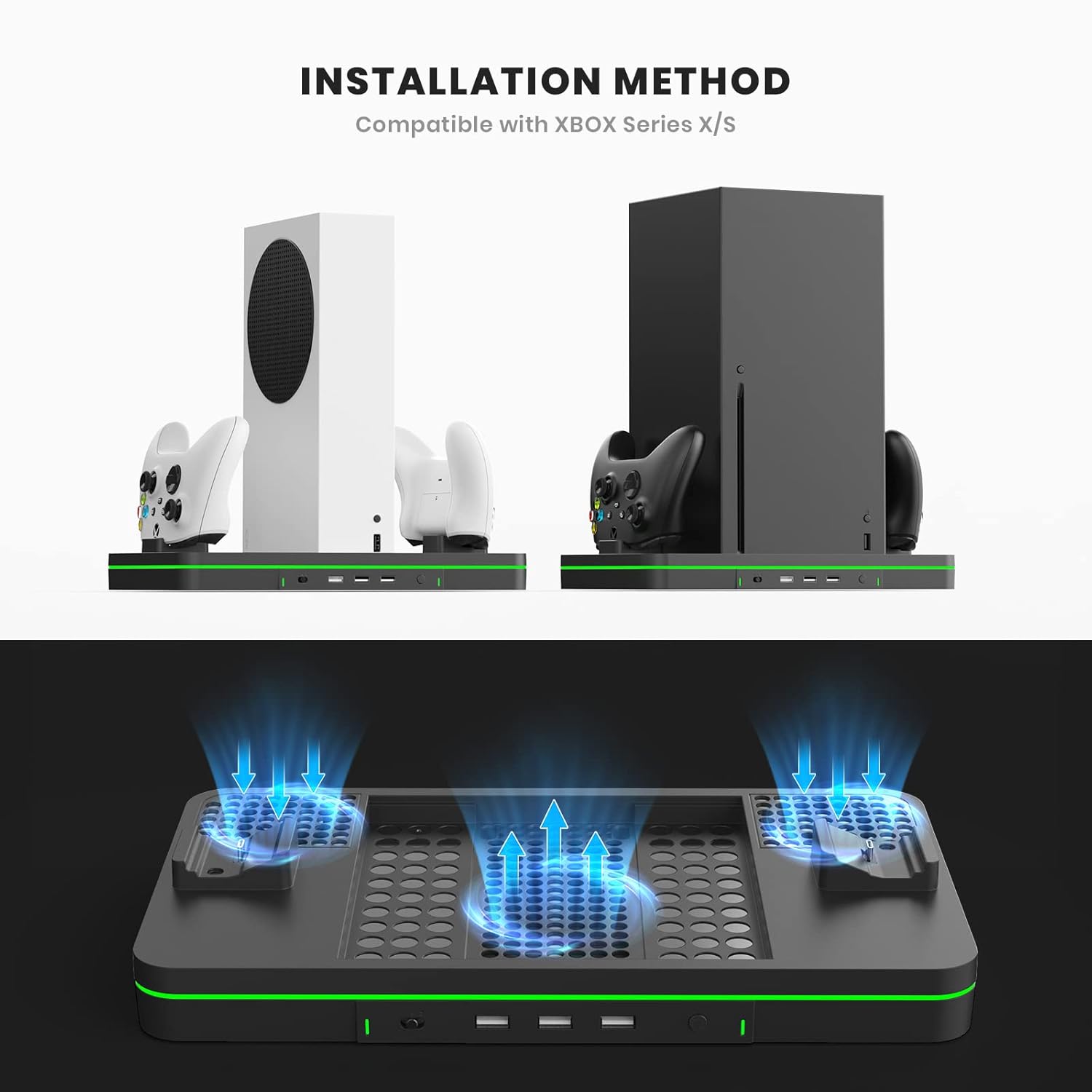
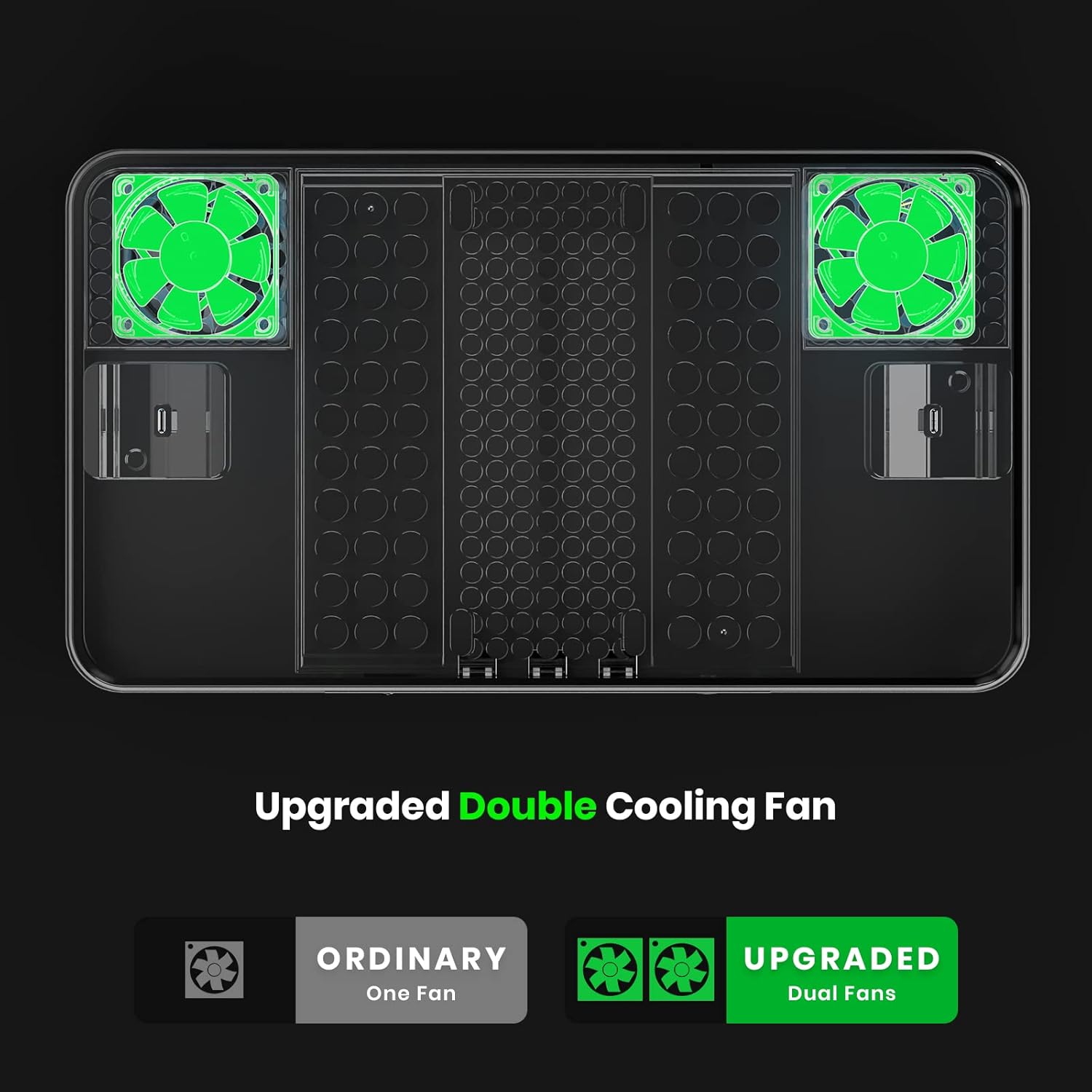
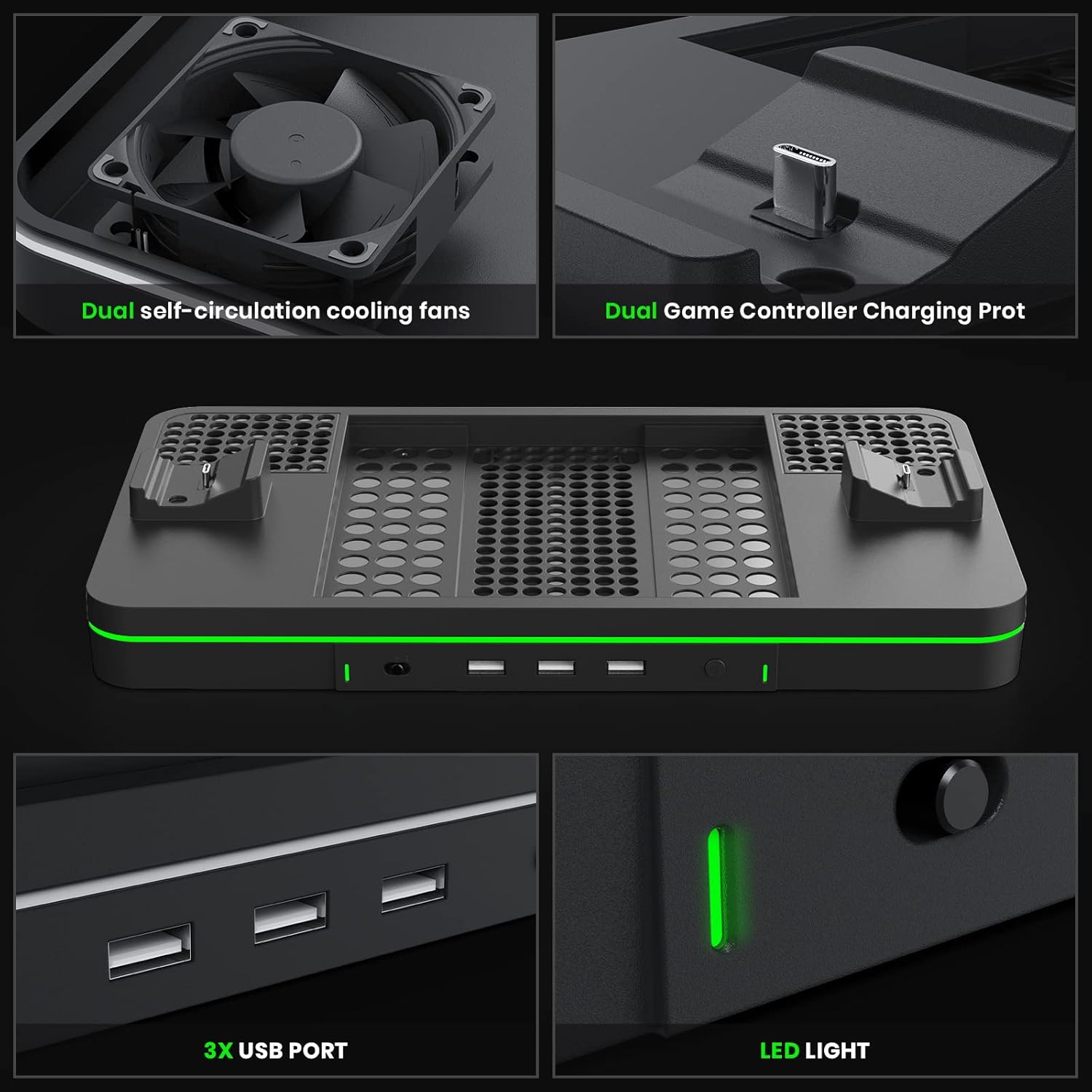
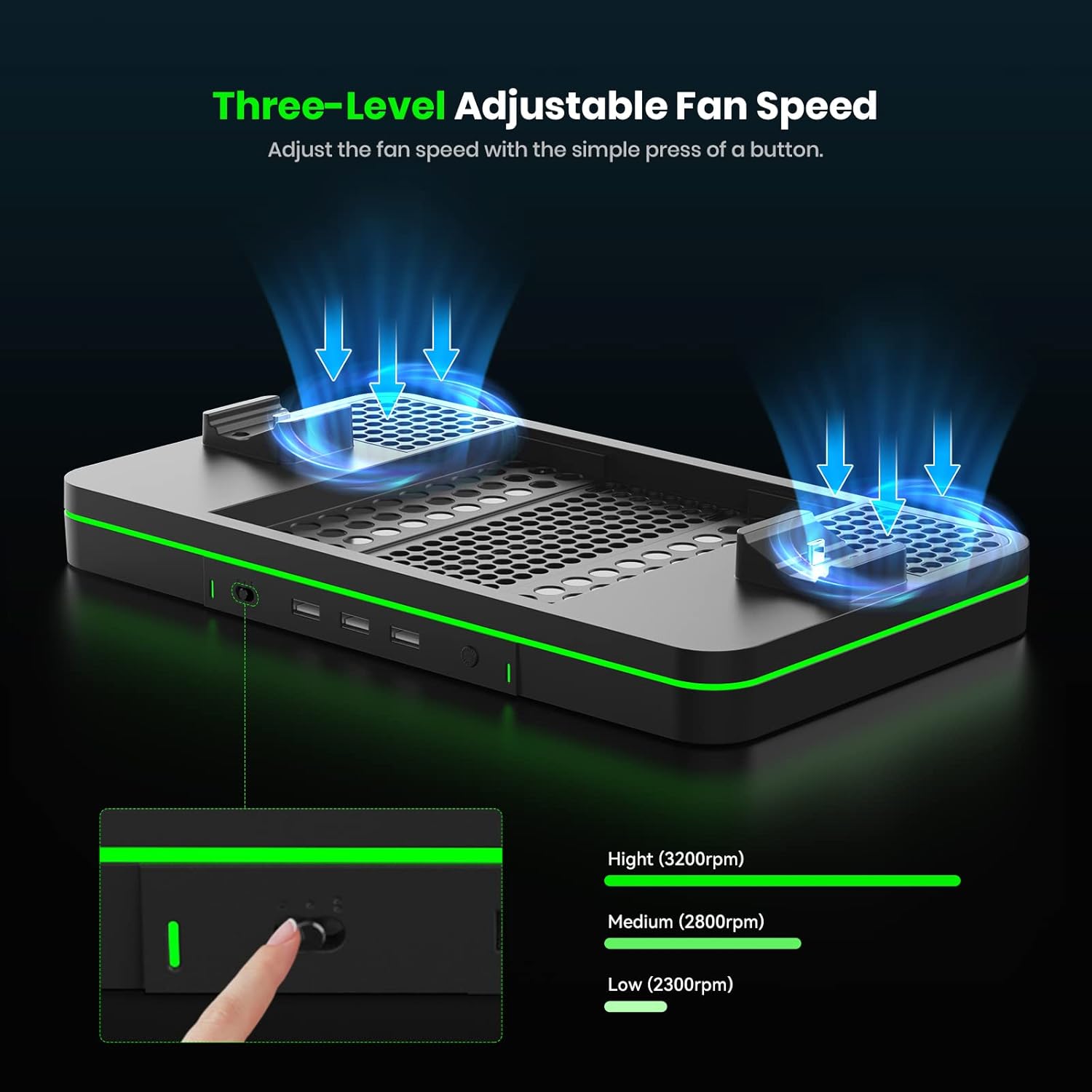
If your priority is heat control while charging, the built-in dual fans are the headline feature here. You get two adjustable fan speed levels, plus an on/off fan button, so you’re not forced to run max cooling all the time.
Worth noting: you can keep the fan on while charging, but the product information doesn’t describe how “quiet” it is in real-world terms—only that it’s designed for low noise. If you’re sensitive to fan noise, it’s a detail to keep in mind.
Where it shines day to day
A good charging dock should make your setup feel more predictable. This one aims for that with three things that are easy to use:
- Vertical stand stability with an anti-slip rubber bottom, so the dock sits firmly.
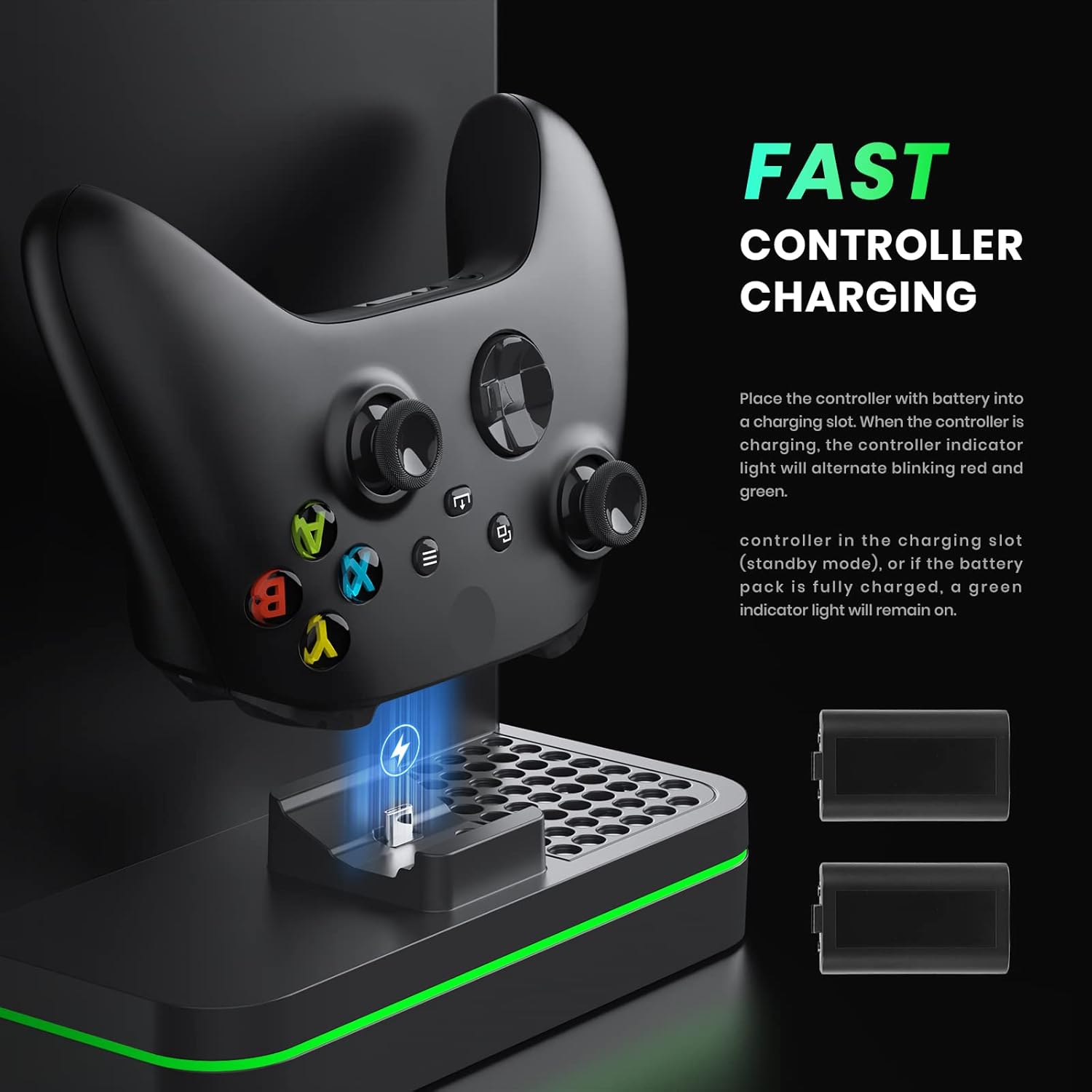
- Controller charging status lights that tell you whether you’re in standby, fully charged, or actively charging.
- Extra USB hub ports, so your accessories don’t all need separate plugs.
Micro example: picture your desk setup after a gaming session—controllers on the dock, then you connect a phone or small device to one of the USB ports for charging/sync while you reset your settings and head off to bed. That’s the kind of “small convenience, daily payoff” this is trying to deliver.
Tech summary
Here’s the spec-level info that matters for purchase decisions.
Tech specs
- Type: Vertical charging stand / controller charging dock with cooling fan and USB hub ports
- Cooling fan: Dual cooling fans with two adjustable levels
- Fan speed levels: First level 3500 RPM, second level 5000 RPM
- USB ports: 3 USB hub ports for connecting devices (charging and data syncing mentioned)
- Rechargeable batteries included: 2 rechargeable battery packs, 1100 mAh each
- Indicators: Green stays on in standby (no controller in slot) or when battery pack is fully charged, charging shows alternating blinking red and green
- Compatibility limitations (per listing): Not fit for One S/X or Elite Series controller, stand does not work for Xbox One controller
Compatibility and requirements
This dock is described as compatible with Xbox Series X/S and controllers. The listing is very clear about what it does not support: it’s not fit for One S/X or Elite Series controller, and it specifically notes the stand does not work for Xbox One controller.
So if you own multiple controllers, it’s smart to check which exact model you’re using before buying. If you have a mix of Xbox controller types, this may feel restrictive compared to more universal charging approaches.
Also note that the listing states that the console, controller, and batteries are not included—however, it separately says you get 2 rechargeable 1100 mAh battery packs with the dock. In practice, that means you should expect the dock and battery packs, but you still won’t be getting your Xbox console or the controller unit(s) themselves.
Is it worth it?
Buy the CODOGOY Charging Stand with Cooling Fan if you want a vertical dock that keeps your Xbox Series X/S setup organized, charges controllers on a stand, and adds practical extras like dual-fan cooling control and 3 USB hub ports.
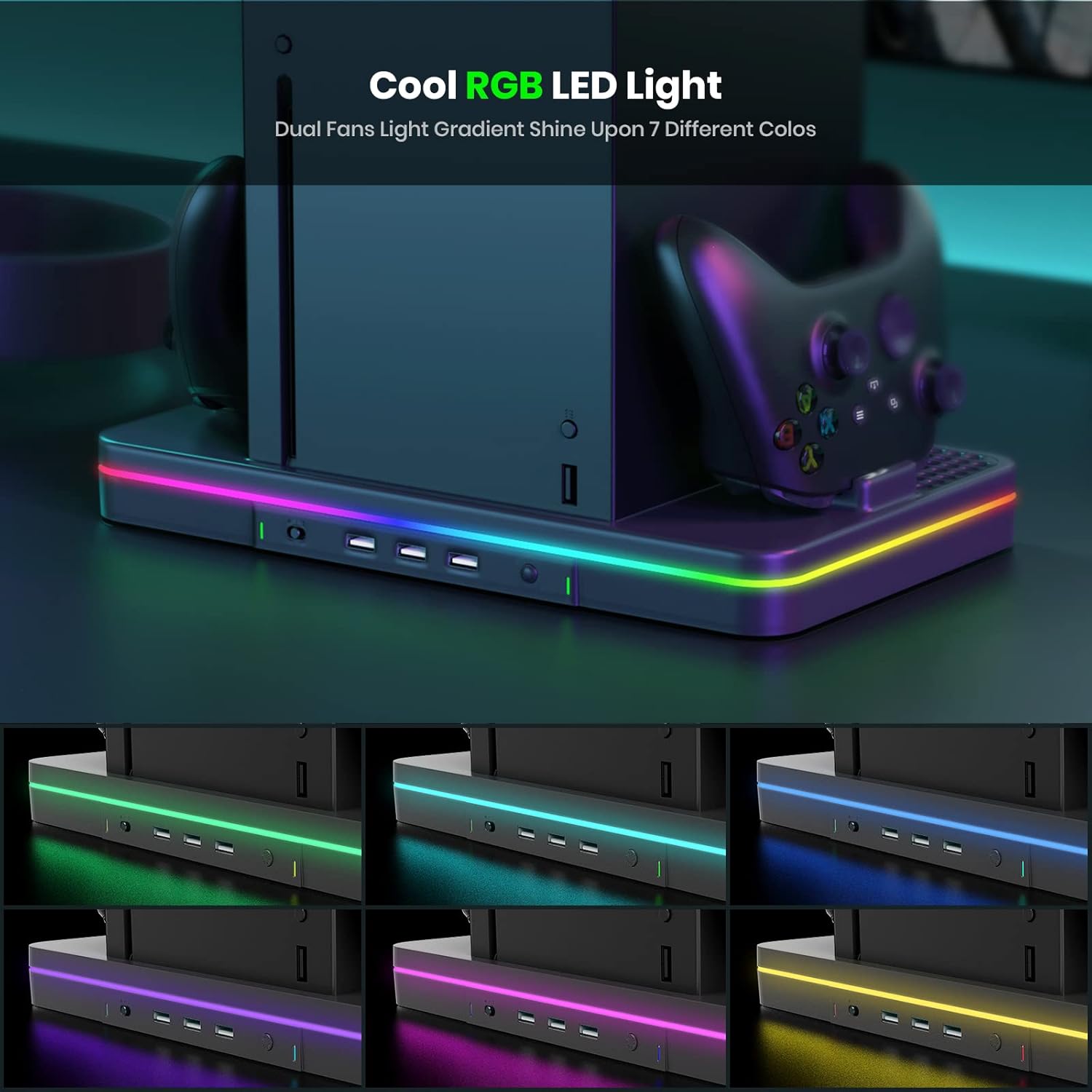
It’s also a strong pick if you’re the kind of gamer who values visible charging status and a stable base for a vertical layout. The anti-slip design and indicator lights are the little details that make this easier to live with.
Skip it (or at least double-check your models) if your controller lineup includes Xbox One controllers or you were hoping for support beyond Xbox Series X/S. The compatibility notes are restrictive enough that it may not match your household setup.
Finally, if your main goal is just “charge controllers,” you may find simpler docks elsewhere—but you’d be giving up the built-in cooling fans and the extra USB hub ports that this one is built around.
Quick FAQ
Will this charge Xbox One controllers?
No. The listing states the stand does not work for Xbox One controller.
Does it support One S/X or Elite Series controllers?
No. The listing says it’s not fit for One S/X or Elite Series controller.
What do the lights mean?
Green stays on when there is no controller in the charging slot (standby) or when the battery pack is fully charged. When a controller is charging, the indicator alternates blinking red and green.
Are the USB ports for charging or syncing?
Both are mentioned: you can connect devices for data syncing and charging.
What’s included in the box?
The listing says you get 1 vertical stand with dual controller charger ports, 2 rechargeable 1100 mAh battery packs, and 1 user manual. It also notes the console, controller, headset, games, and storage expansion card are not included.