

Capture Card Nintendo Switch 4K HDMI to USB 3.0
Product description
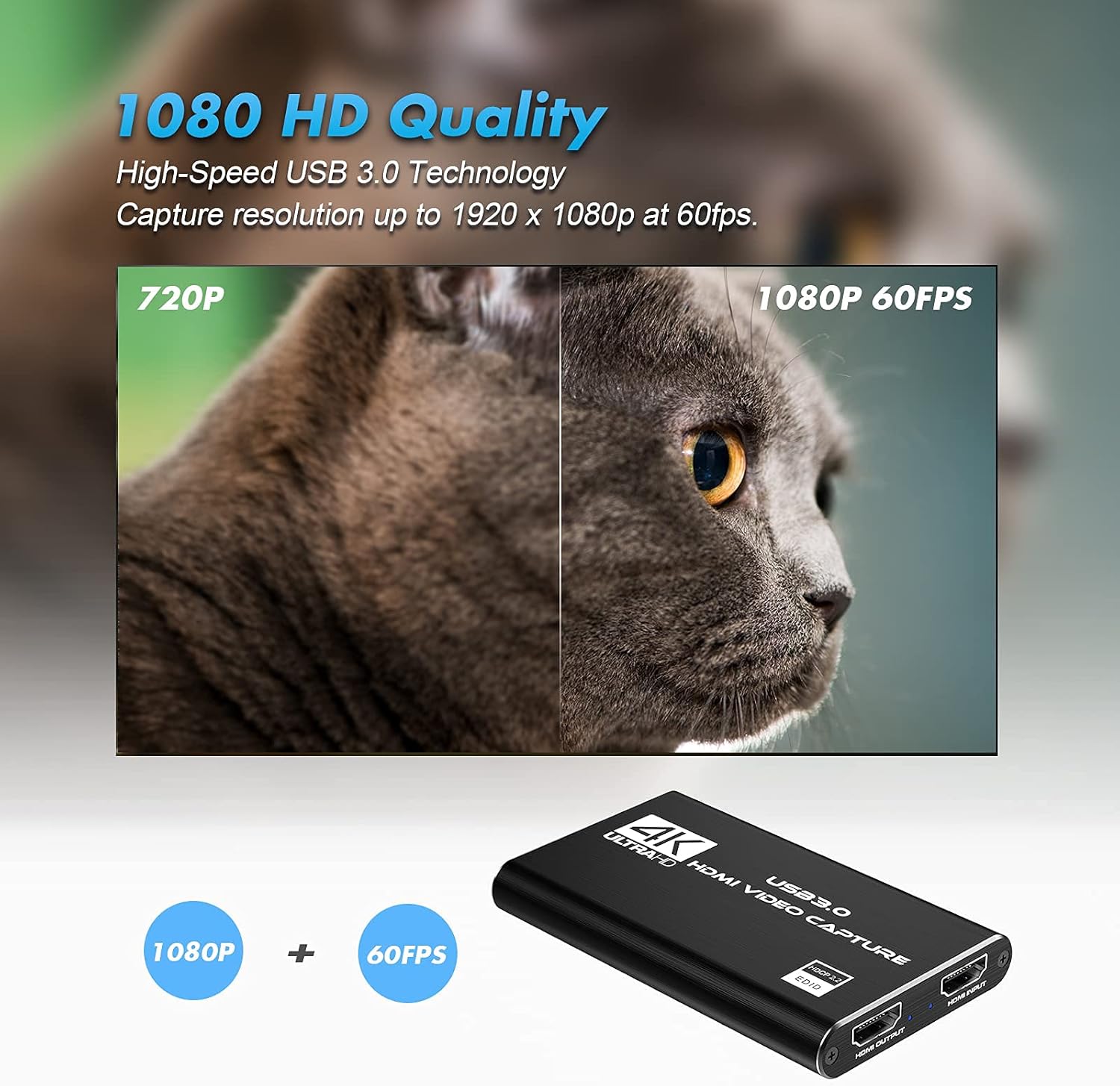
This USB 3.0 capture card lets you stream and record HDMI sources in up to 1080p at 60 FPS, making it a practical choice for gamers, content creators, and anyone who needs to turn a console or camera feed into a webcam-compatible signal. It works with Nintendo Switch, current consoles and DSLR cameras, and plugs directly into a PC or Mac for low-latency live streaming and recording.
Key Points
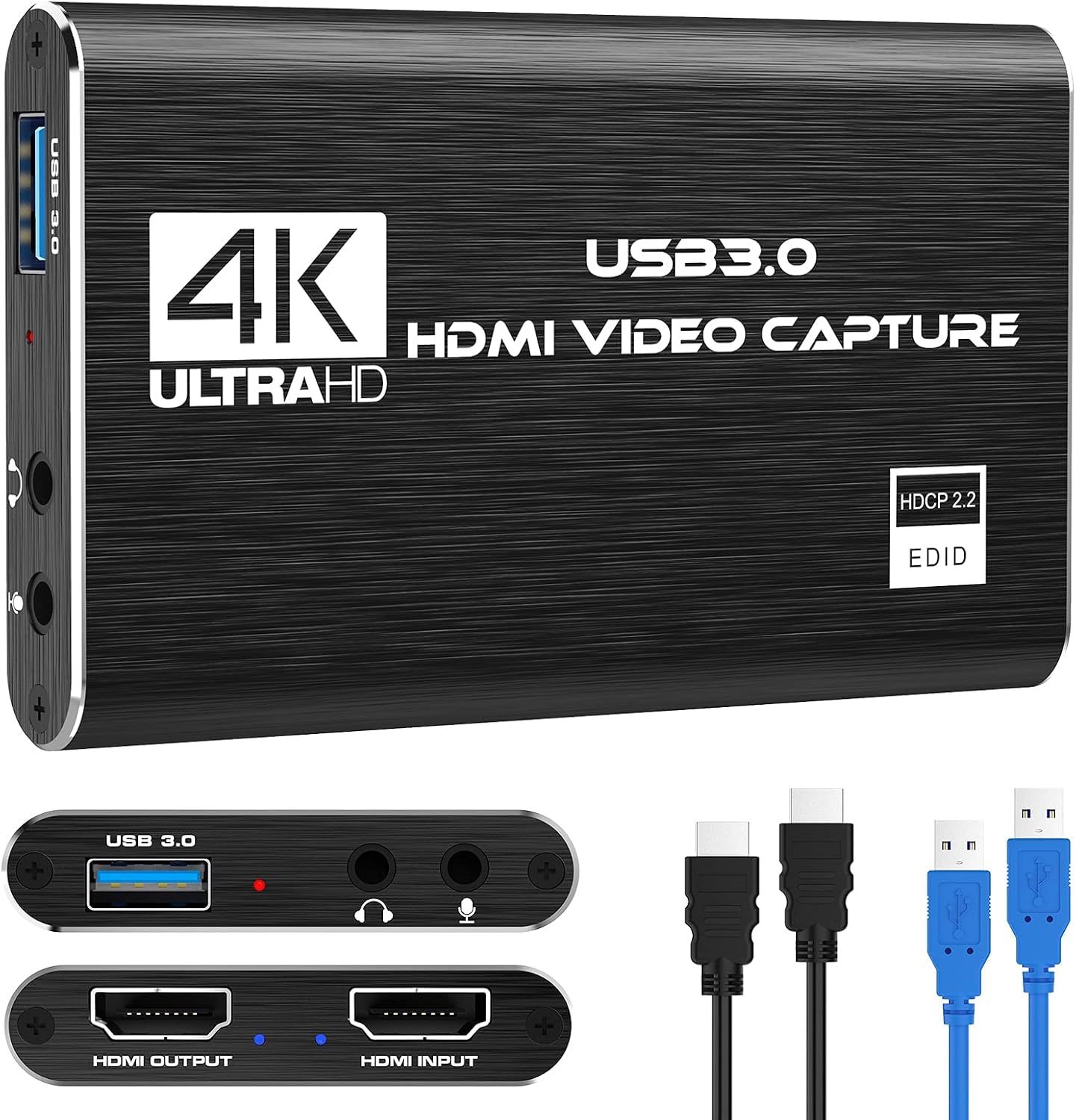
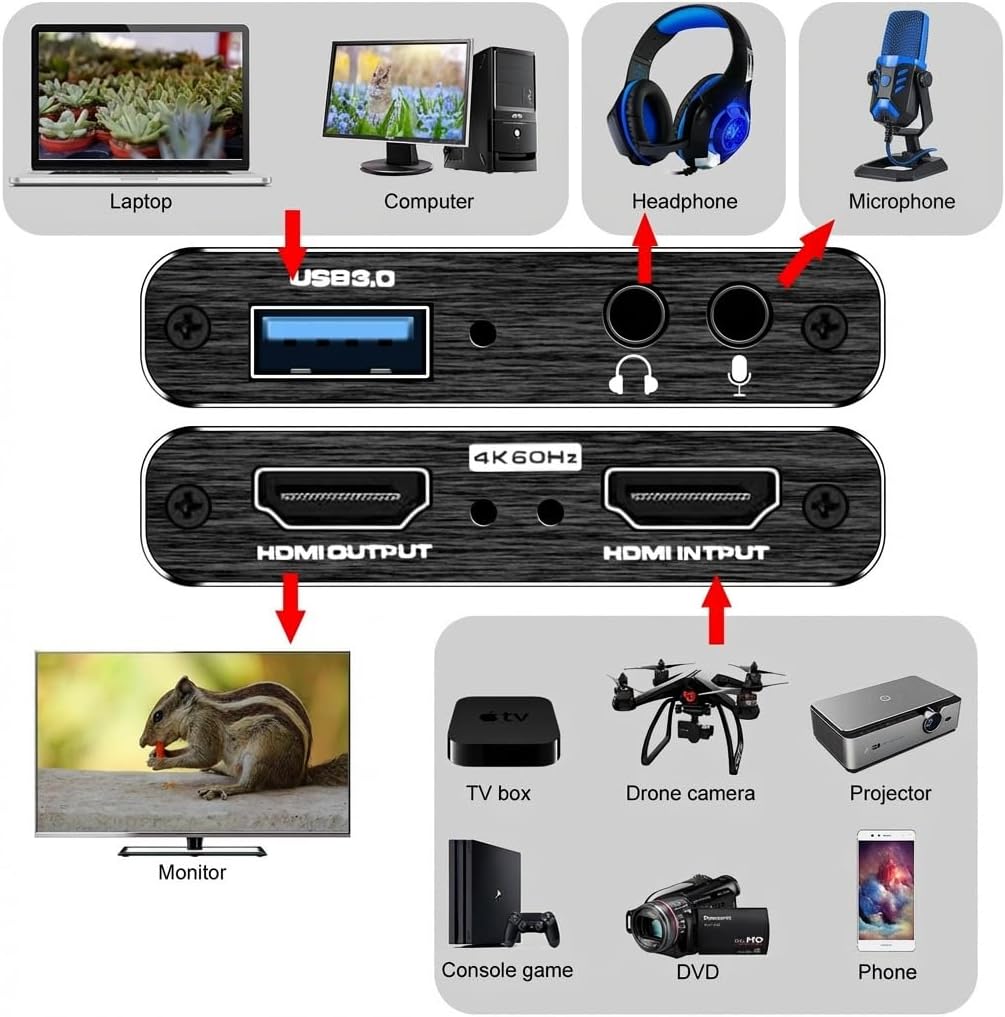
The device is plug-and-play and requires no external power or drivers for typical use, so it appears automatically as a webcam to the host computer. According to the manufacturer, it captures 1080p video at 60 frames per second and supports HDMI loop-out so you can monitor gameplay on a TV while sending the signal to your computer. There is a 3.5 mm mic-in for adding live commentary, which accepts standard TRS headsets.
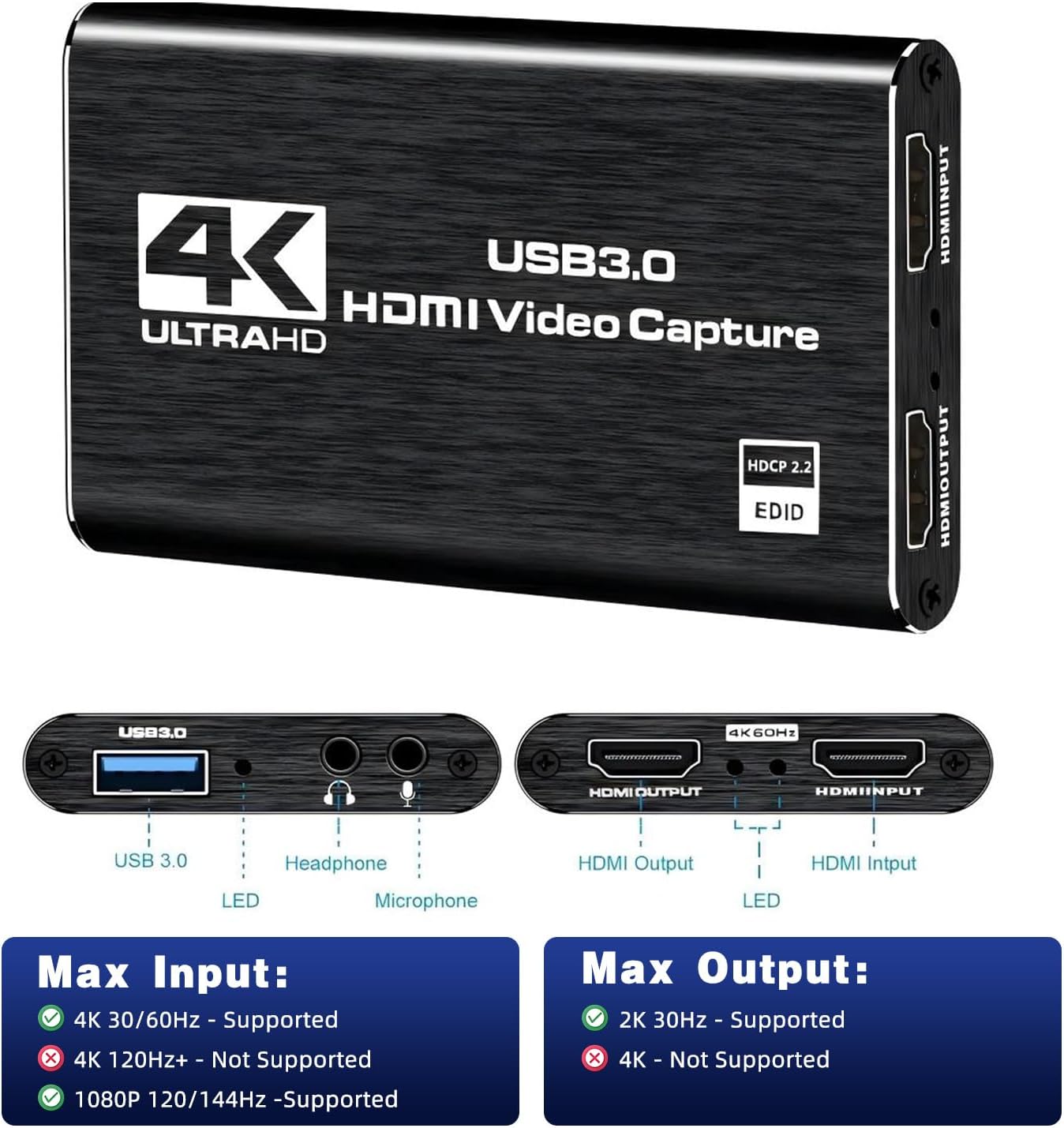
Technical Specifications
- Name: Capture Card Nintendo Switch 4K HDMI Video Capture Card
- Capture resolution: 1080p at 60 FPS
- Interface: USB 3.0
- Inputs: HDMI in, HDMI loop-out, 3.5 mm mic-in
- Compatibility: Windows and macOS (works with OBS, Twitch, YouTube, Facebook)
- Latency: Low latency transmission according to the manufacturer
Practical Tips
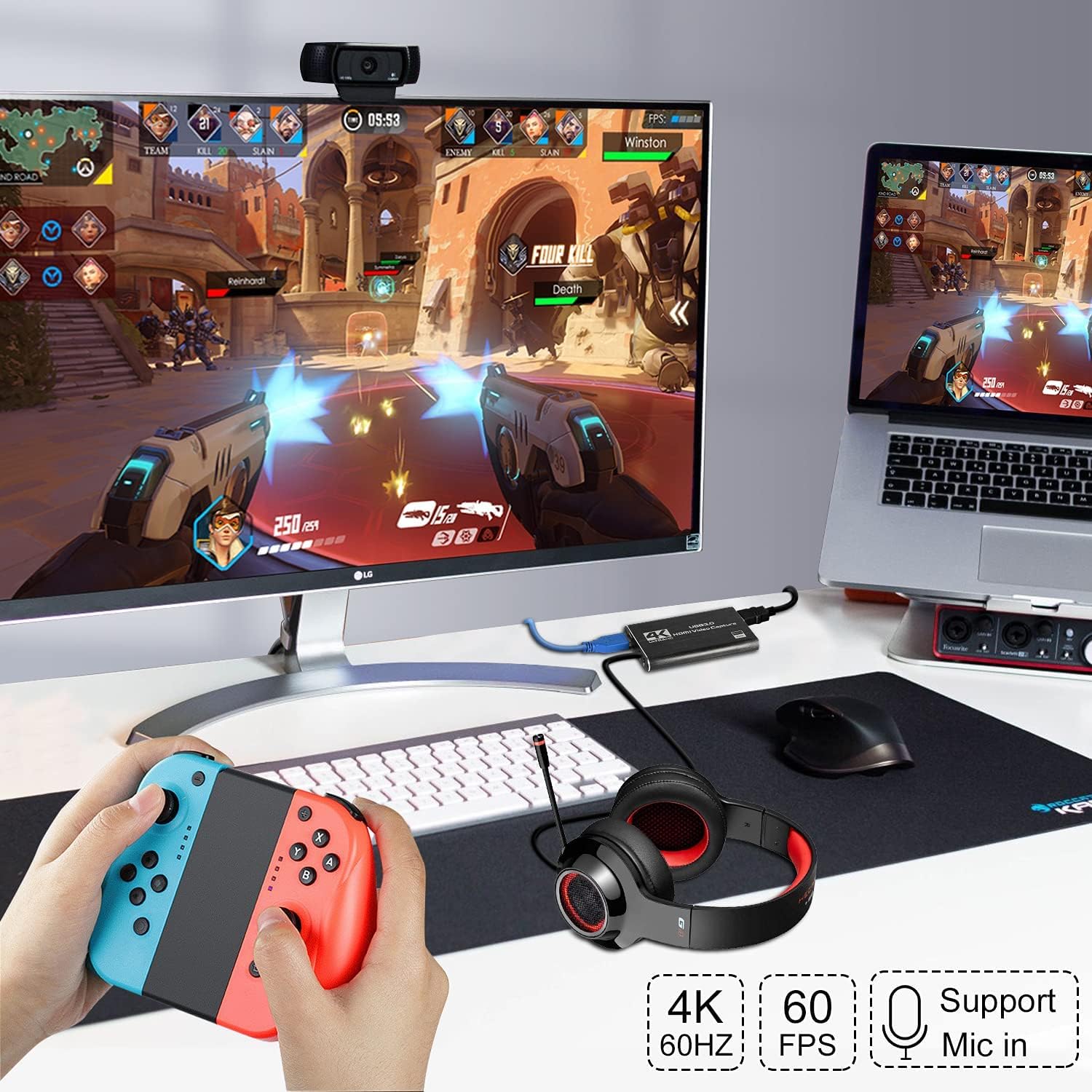
Connect the HDMI source to the capture card and plug the USB 3.0 cable into a free high-speed port on your computer for best performance. If your PC supports USB 3.0, the card will make use of higher bandwidth to reduce lag. Use the HDMI loop-out when you want to play on a TV without interrupting the feed going to your streaming software. For microphone commentary, attach a 3.5 mm TRS microphone; note that TRRS headsets or mics with built-in adapters may not be recognized.
Usage Recommendations
For streaming with OBS, select the capture card as a video source where it will be listed as a webcam device. If you experience dropped frames, try a different USB 3.0 port or close other applications that use significant bandwidth. Consider the limitation that the unit records up to 1080p 60 FPS even though its marketing mentions 4K input pass-through, so native 4K capture is not available.