

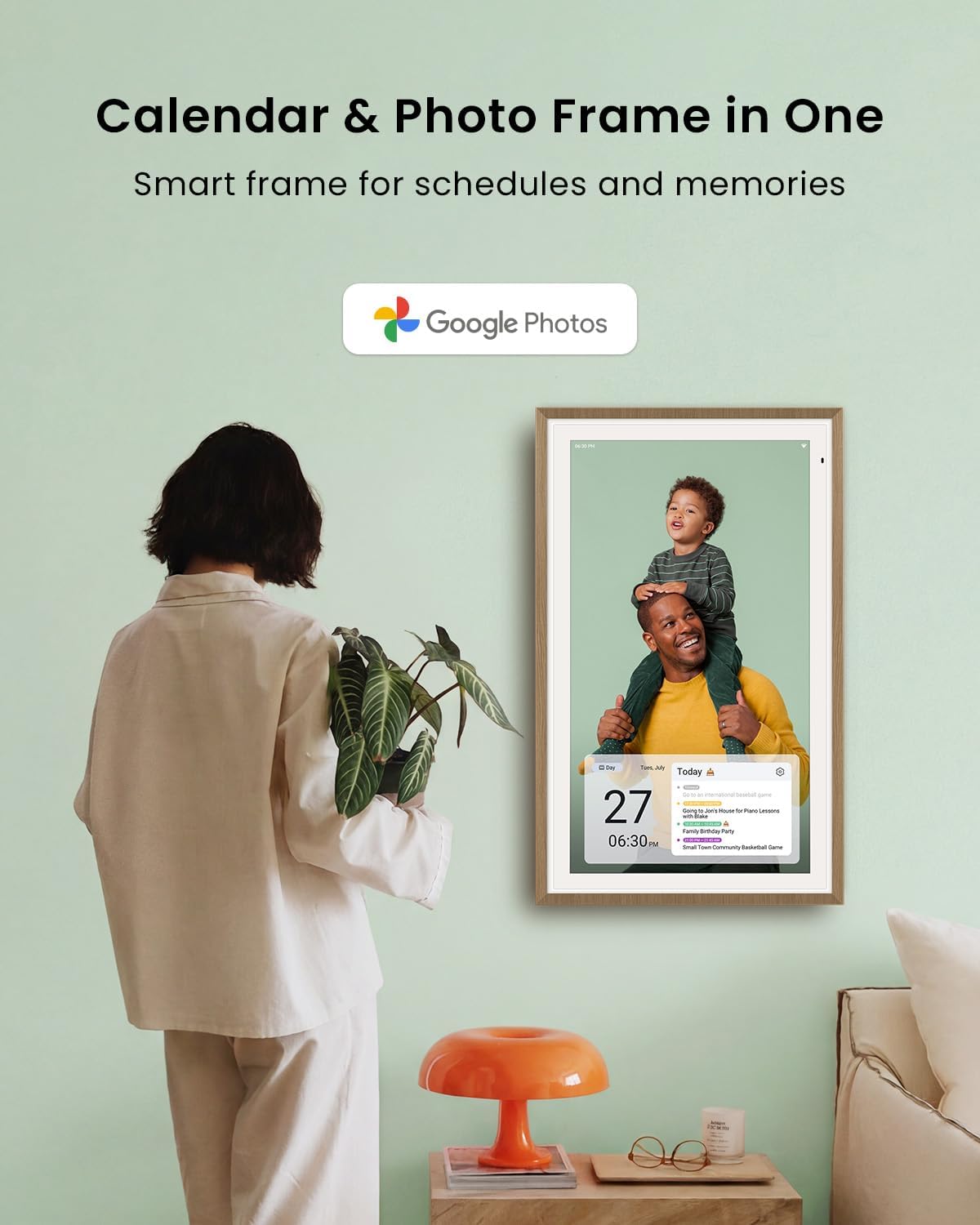
Apolosign 27-inch Digital Calendar: Dual Mode Smart Wall Planner
Product description
What it is and what it solves
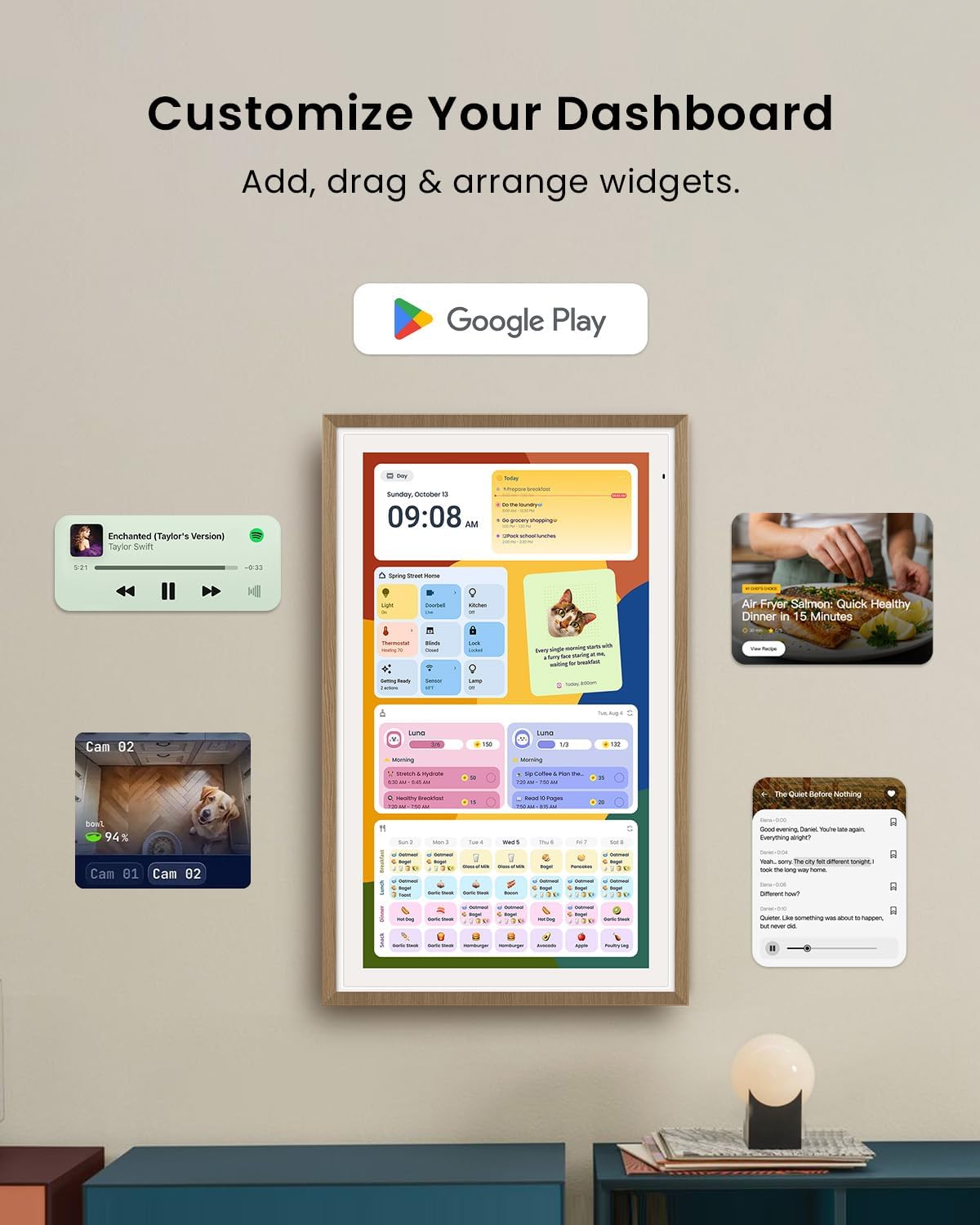
The Apolosign 27-inch Digital Calendar is a no-subscription smart wall planner that combines a calendar hub with a customizable digital dashboard. It aims to bring color-coded schedules, shared calendars, and chores into one accessible display. The device supports Google Play apps, letting you extend functionality without a monthly plan. It’s designed to be a family hub, accessible on a wall or desktop with a warm faux wood frame that fits in living spaces.
How it works and the core idea
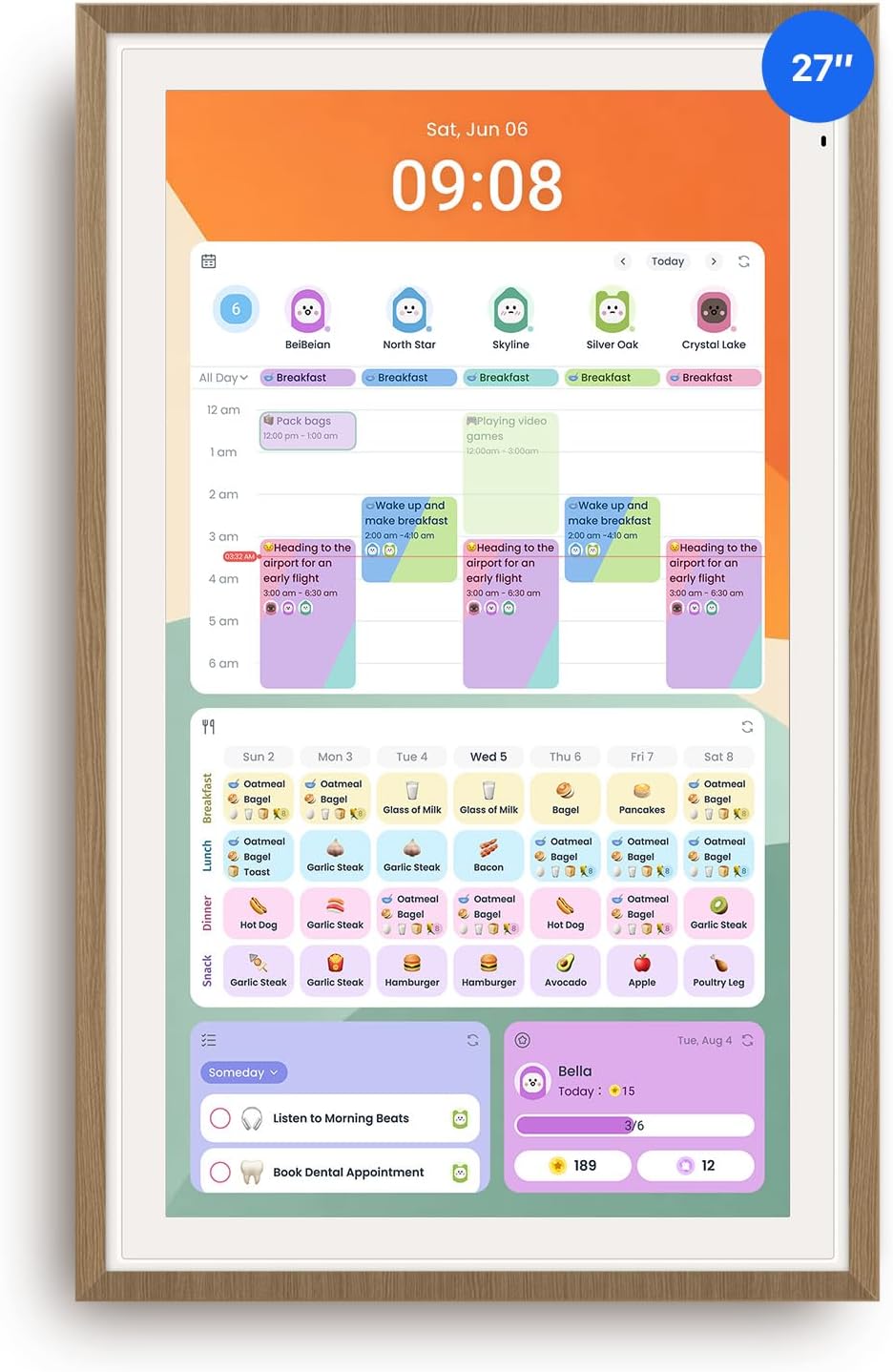
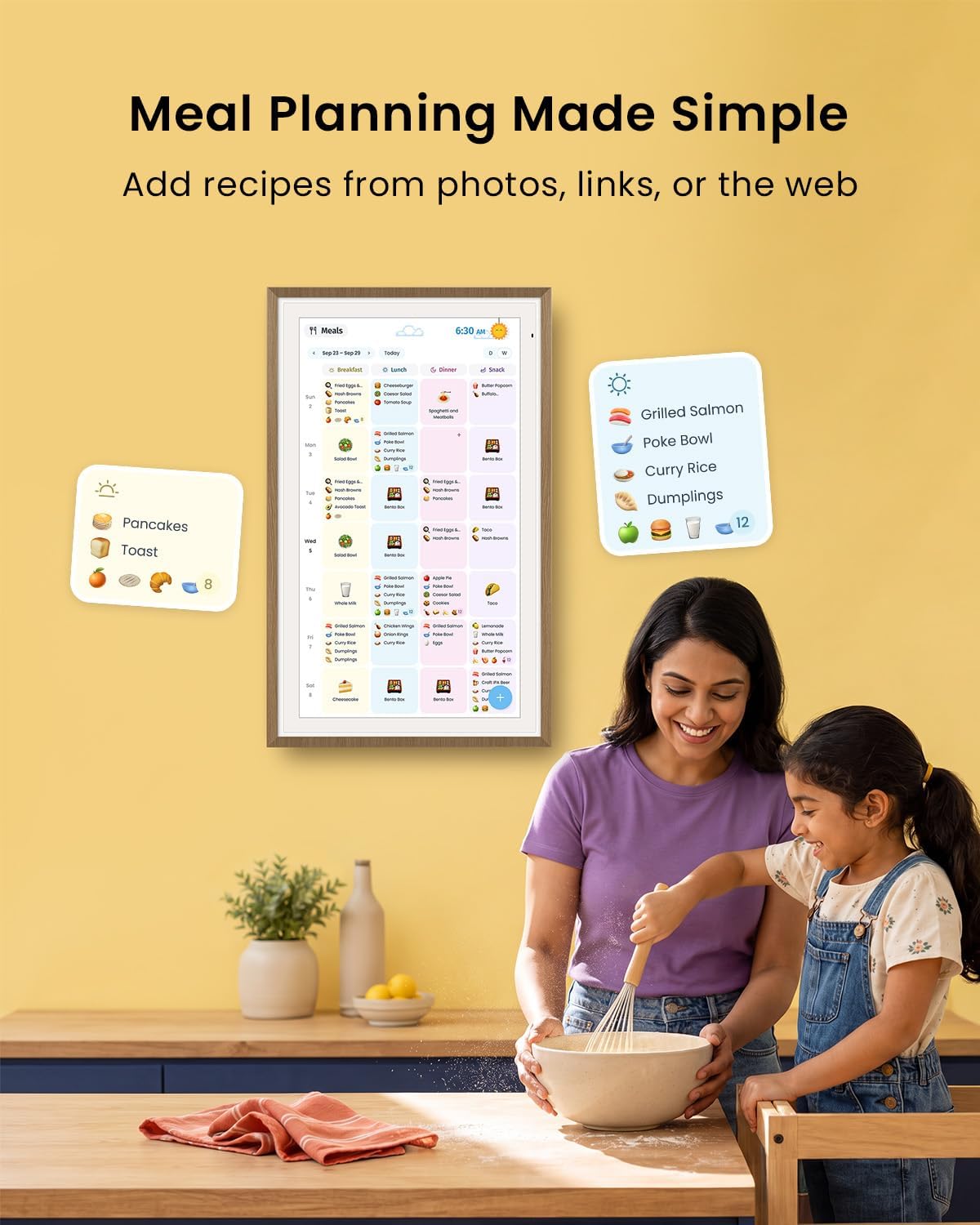
This device integrates two modes: Calendar Mode for standard scheduling and Smart Dashboard Mode for a highly customizable home screen. In Calendar Mode you can manage events and tasks with color coding, while the Android-based dashboard lets you add widgets for meals, weather, music, doorbells, stocks, and more. You can download third-party apps via Google Play to tailor the experience to your family’s routine, shopping lists, meal planning, and reminders.
What stands out in everyday use
For families that want a visible, centralized planning space, this display promises a hands-free interaction with an AI voice assistant for quick tasks like alarms, weather checks, or smart home control. The preloaded Google Gemini AI voice assistant is designed to operate hands-free on the touchscreen, which may feel like a natural way to interact while cooking, cleaning, or coordinating school schedules.
Strengths you’ll notice day to day
- Dual-mode design with a calendar-centric workflow and a customizable Android dashboard.
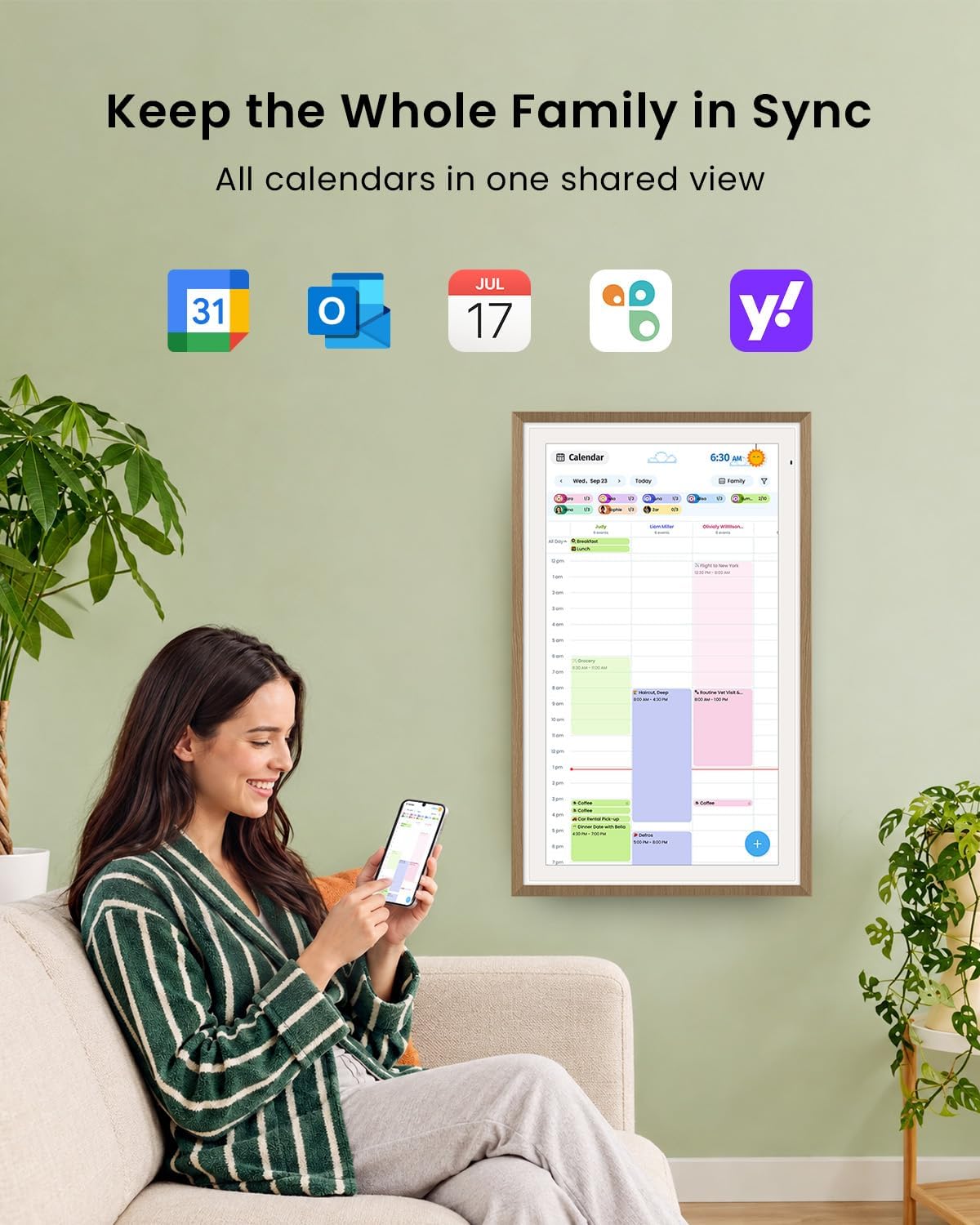
- Color-coded events and shared calendars to reduce confusion among family members.
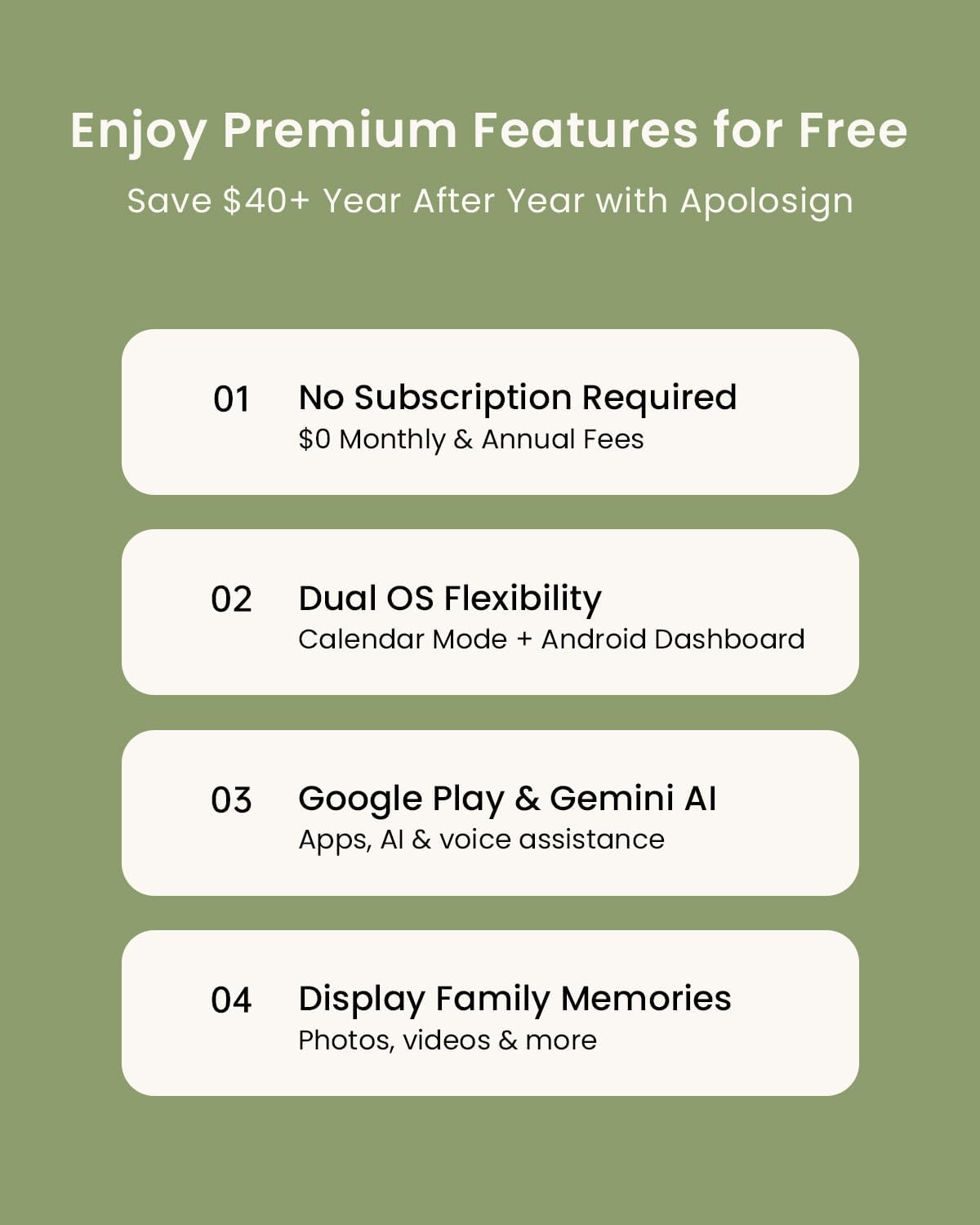
- No subscription required, with access to apps from Google Play to expand capabilities.
- AI voice assistant for quick queries and smart-home control, plus a live photo frame option that can display memories from Google Photos.
- Anti-glare matte display and auto-brightness to minimize eye strain and save energy with Sleep Mode.
Limitations and caveats
- The product relies on Google Play apps and a cloud-connected calendar experience, which may require ongoing setup and some apps to function best with your region.
- The calendar app and features are described as “currently supported in the U.S., Canada & U.K. only” for the Apolosign App, so availability could vary by region or evolve over time.
- It’s a large, wall-mounted device, if you’re tight on wall space or prefer a smaller form factor, this might not be the ideal fit.
- While the device supports many widgets, performance and app compatibility can depend on Android’s app ecosystem and Wi-Fi reliability.
Who it’s for and who might skip it
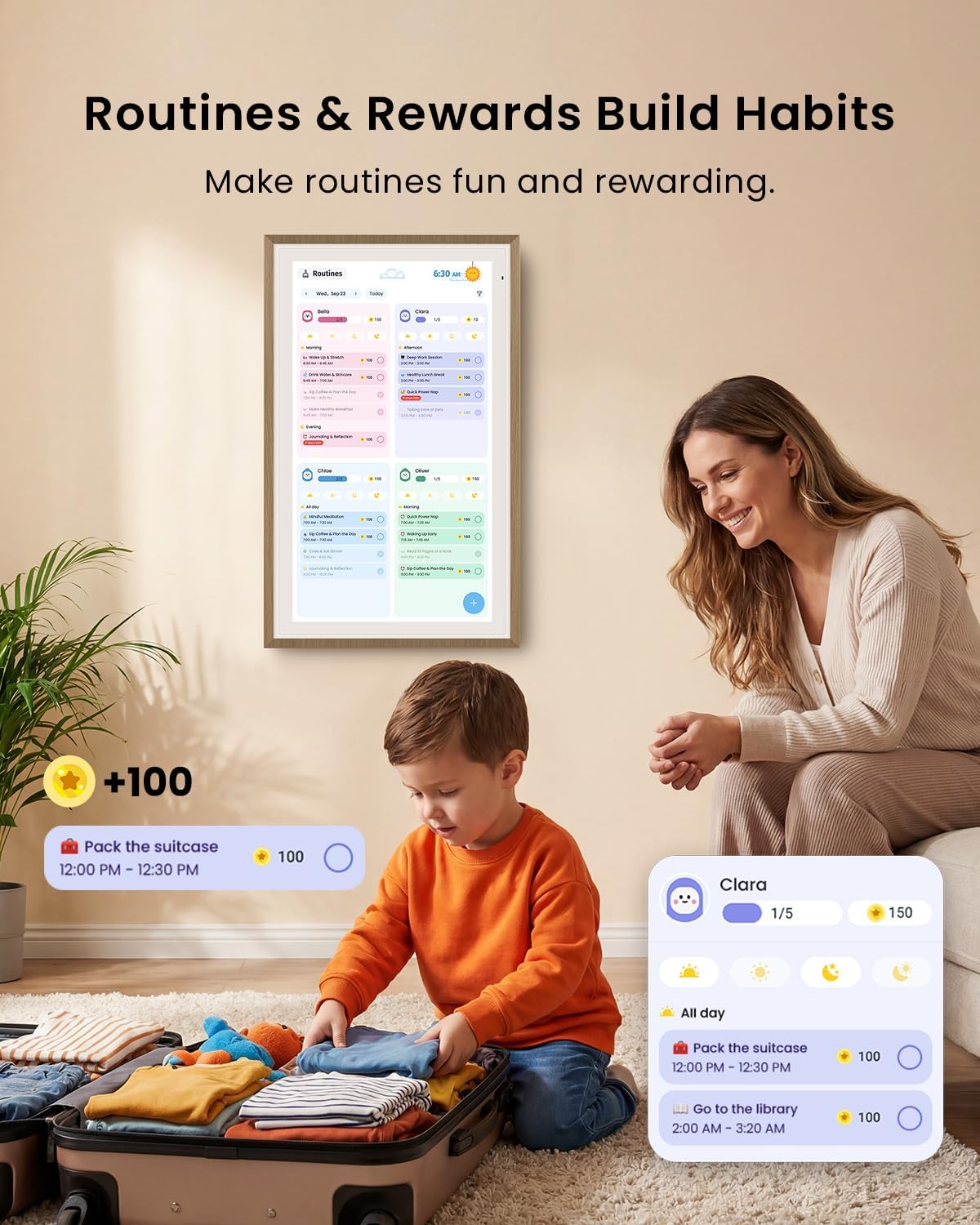
This is suited for families seeking a visually centralized planning tool with a touchscreen, a built-in chore/reward system, and the ability to personalize with widgets and apps. If you’re happy with a paper calendar or a phone-only planning workflow, this may feel like a more involved setup than you need. If you’re not ready to engage with ongoing app installation or if you don’t want a wall-mounted device, it may not be the best match.
What to review before buying
- Confirm your Wi-Fi setup and how easily your calendars will sync across devices.
- Check whether the Google Play ecosystem for this model offers the widgets and apps you actually use (meals, weather, reminders, smart home controls).
- Consider how the 27-inch touchscreen sits in your space, including glare and viewing distance.
- Look at the stand design and whether you’ll use it on a desk or mounted on a wall, the faux wood frame is decorative but check mounting requirements.
How this compares to other approaches
If you want a physical planning center, this is a more feature-rich alternative to a traditional wall calendar or whiteboard, especially with its digital widgets and smart home controls. It can be more capable than simpler digital frames or single-purpose display devices, but it’s also more complex and dependent on app availability and connectivity. If you value a simple, subscription-free calendar with basic reminders, a traditional calendar or a basic smart display might be enough, if you crave customization and a family hub, this could be a compelling middle ground.
What you get and how it can be used in practice
The 27-inch HD touchscreen acts as a central calendar and a smart dashboard. In practice, you can switch from a family schedule view to a daily dashboard with weather and meals for the week, then add chores and reward tracking for kids. You could set up a weekly meal plan on the dashboard, share chores with color-coded tasks, and use AI voice to check the weather while you start dinner.
FAQ (based on available information)
- Is there a monthly fee for the calendar features? No subscription is required.
- Can I add third-party apps? Yes, via Google Play downloads.
- Does it support smart home control? Yes, through the integrated AI voice assistant and connected devices.
Final decision
Is it worth it? Worth considering if you want a large, interactive family calendar with customization options and no ongoing subscription. It suits households that will actively use a calendar, chores system, and smart-home controls on a single wall device. It may not be ideal if you prefer a simple, low-maintenance setup or if app availability and regional support are uncertain in your area.