

Amicool USB 3.0 DVD Drive
Product description
This Amicool USB 3.0 DVD Drive offers a convenient way to play and copy discs on devices without built-in optical drives. Designed for use with laptops, desktops, and Macs, it connects directly via USB 3.0 and Type-C, delivering fast data transfer speeds up to 5 Gbps.
Key Points
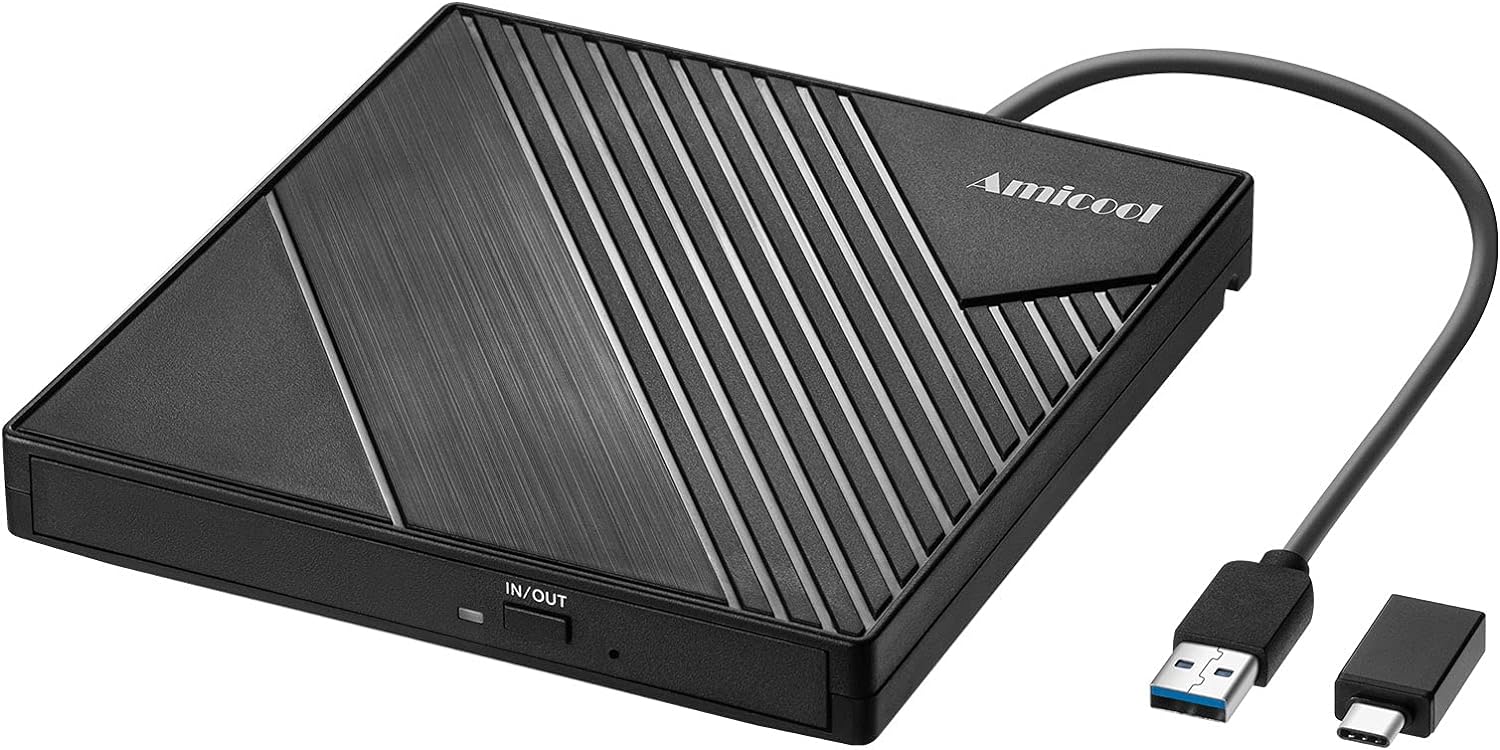
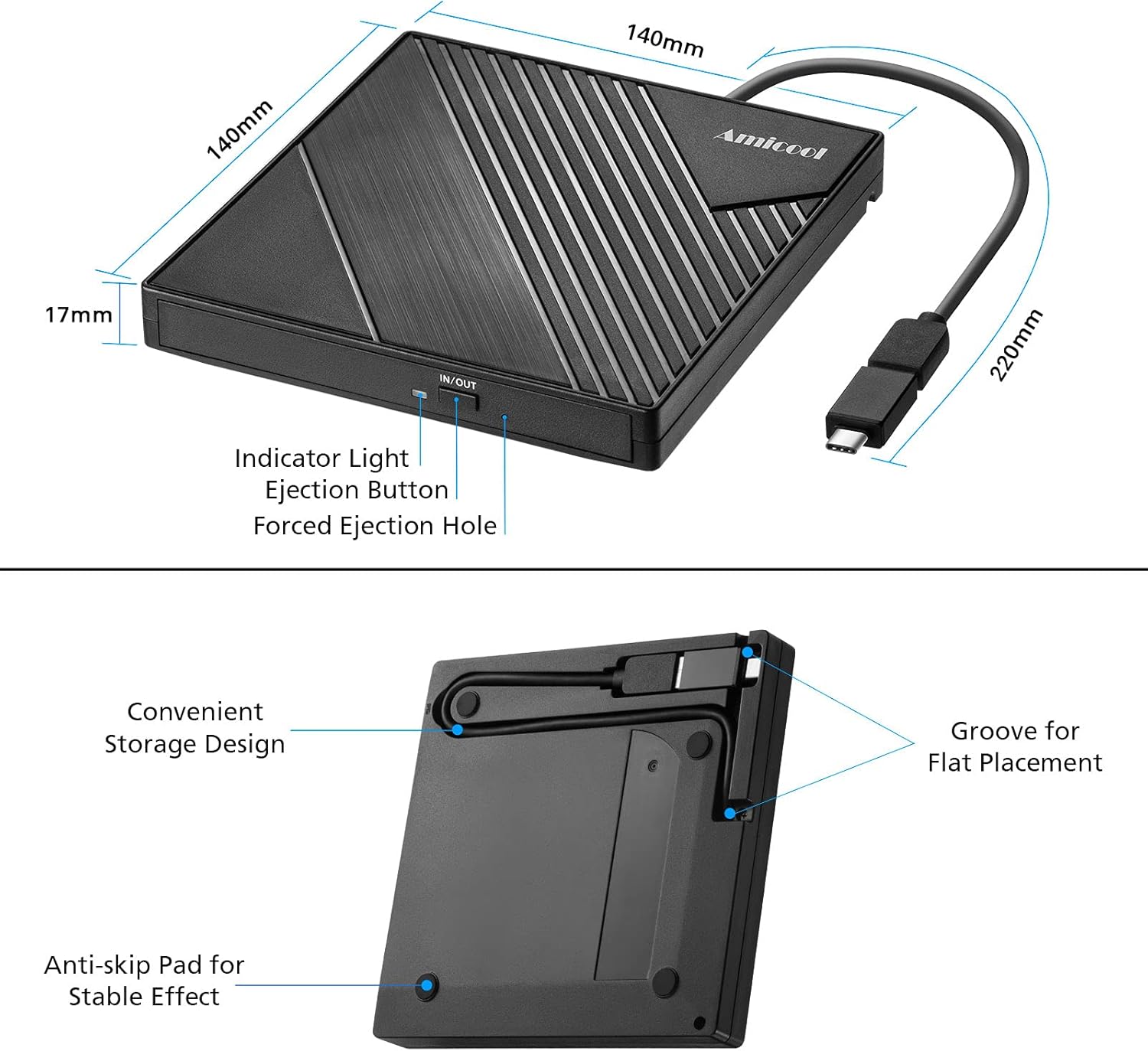
The Amicool USB 3.0 DVD Drive supports a wide range of disc formats including DVD+R, DVD, CD-ROM, DVD-ROM, CD-R, and CD-RW. It provides high-speed reading performance with a maximum DVD speed of 8x and CD reading speed of 24x. The device operates without needing additional drivers or power sources, simply plugging into any USB port. Its compact, lightweight design makes it ideal for travel and on-the-go use.
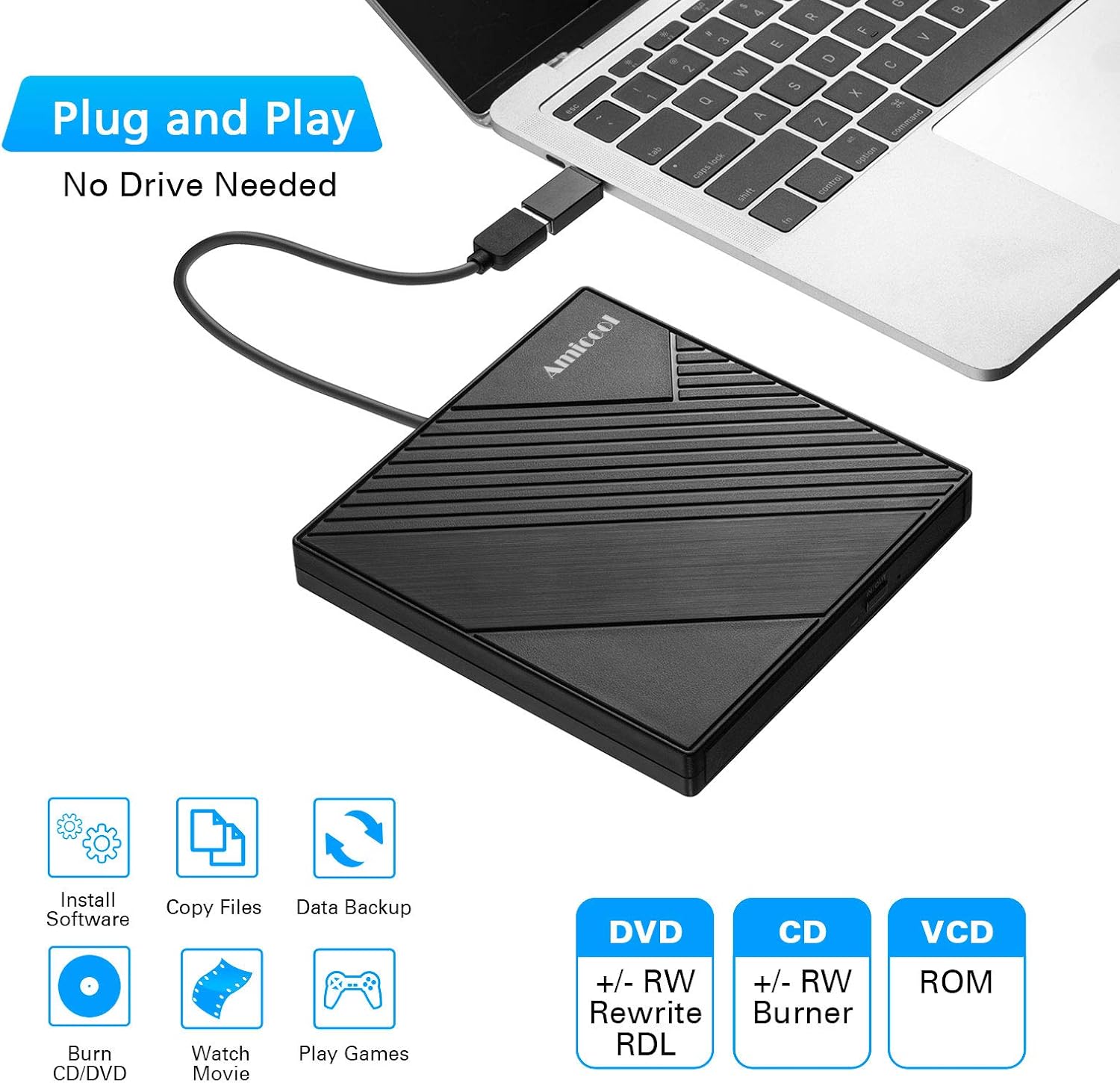
Technical Specifications
Brand and Model: Amicool USB 3.0 DVD Drive
Interface Type: USB 3.0 and Type-C
Maximum Data Transfer Speed: 5 Gbps
Supported Disc Formats: DVD+R, DVD, CD-ROM, DVD-ROM, CD-R, CD-RW
Maximum DVD Read Speed: 8x
Maximum CD Read Speed: 24x
Maximum CD Write Speed: 8x
Benefits
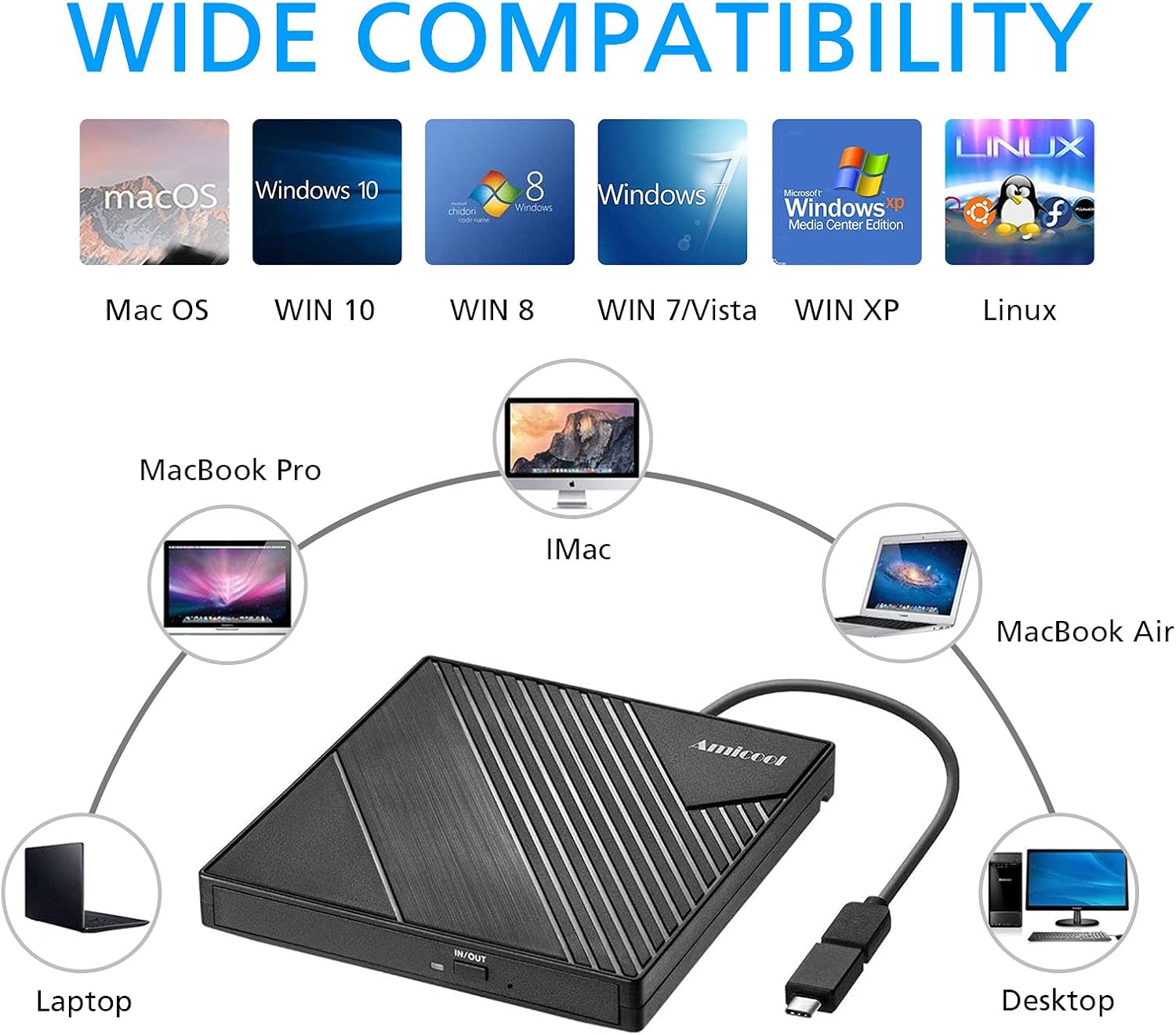
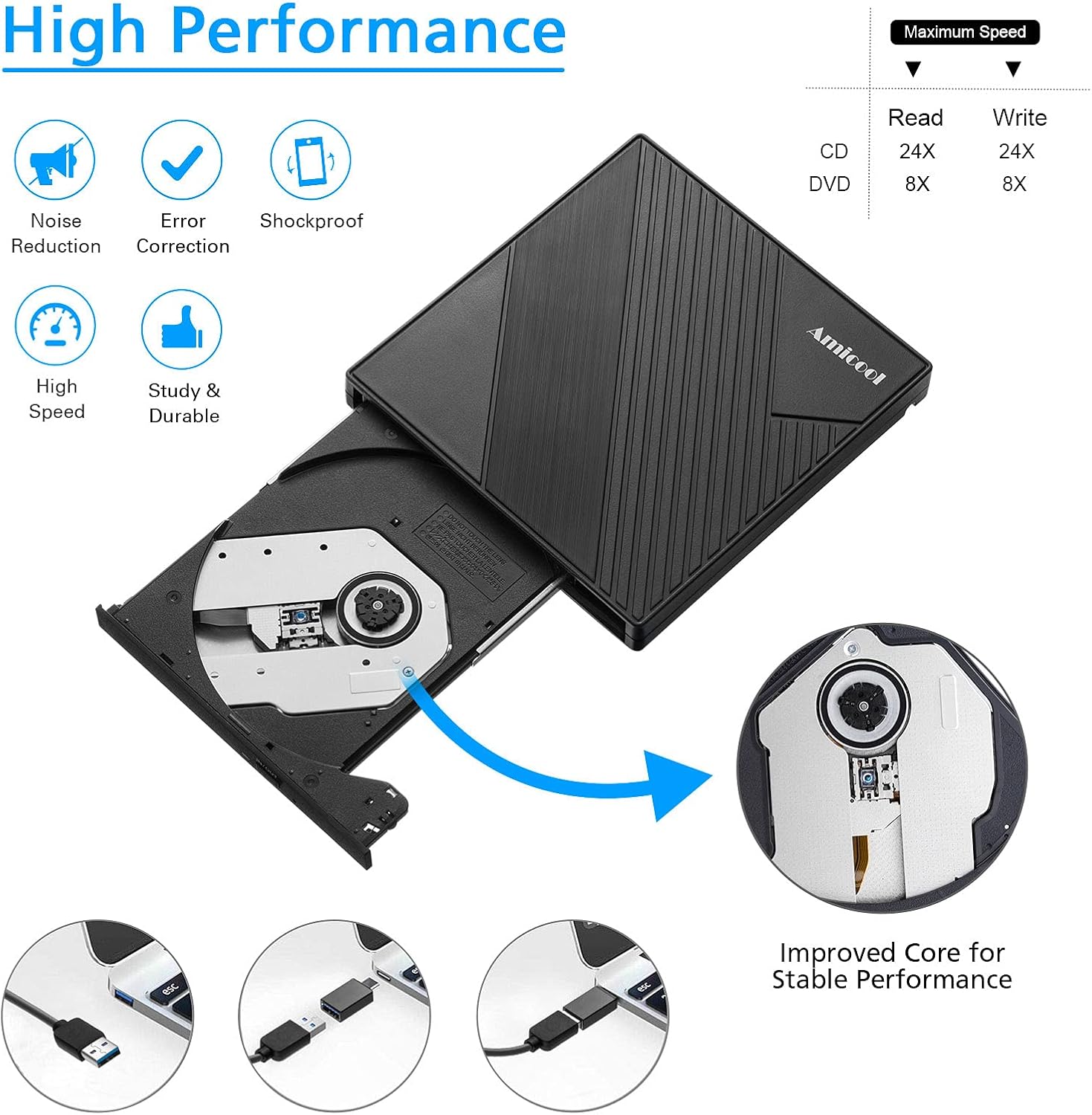
This external drive enables users to access stored media without relying on internal optical hardware. The fast transfer speeds help reduce loading times for music and video files. With intelligent technology, it allows for smooth playback and easy control over start, pause, and stop functions. The integrated cable design simplifies setup and keeps the device secure when in use.
Usage Recommendations
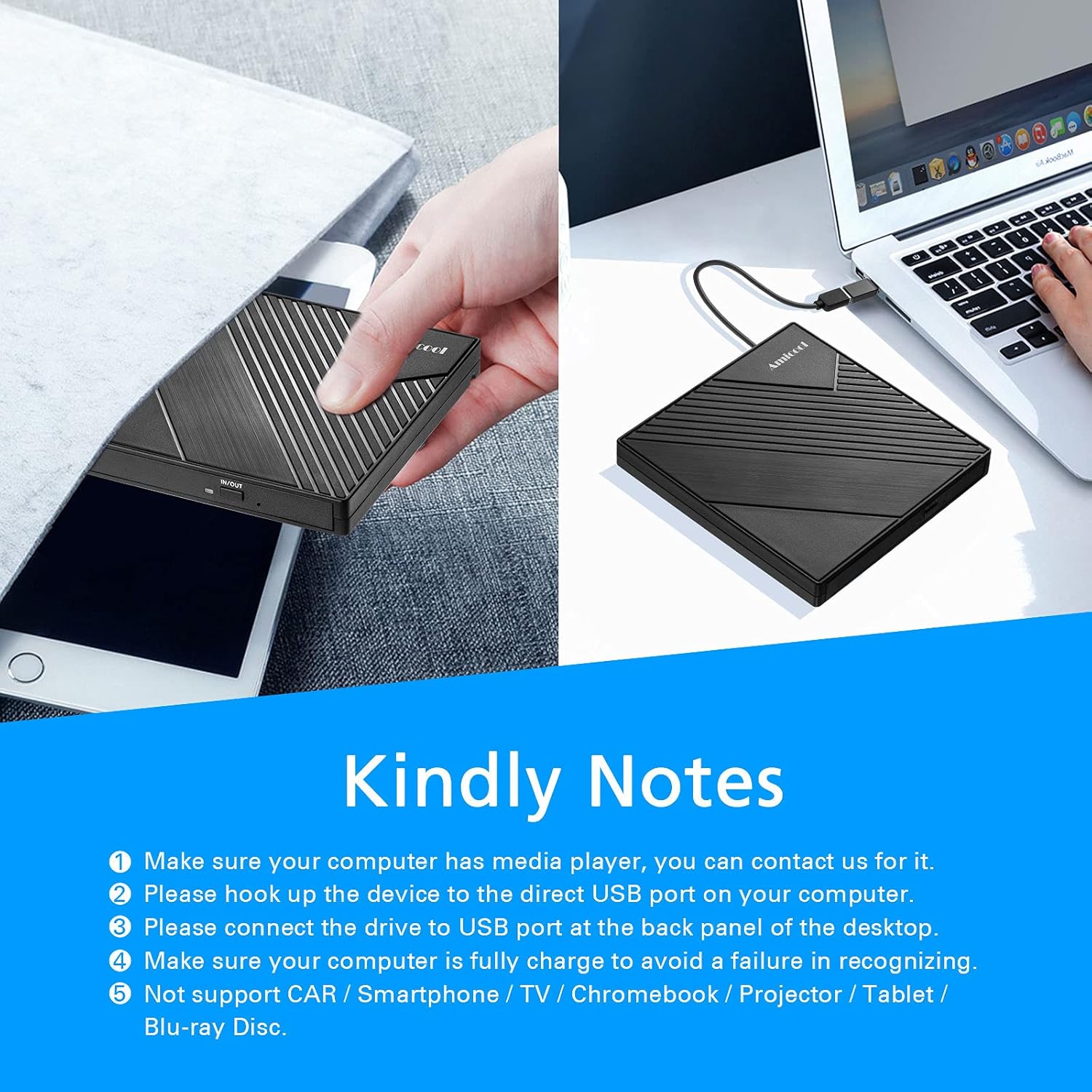
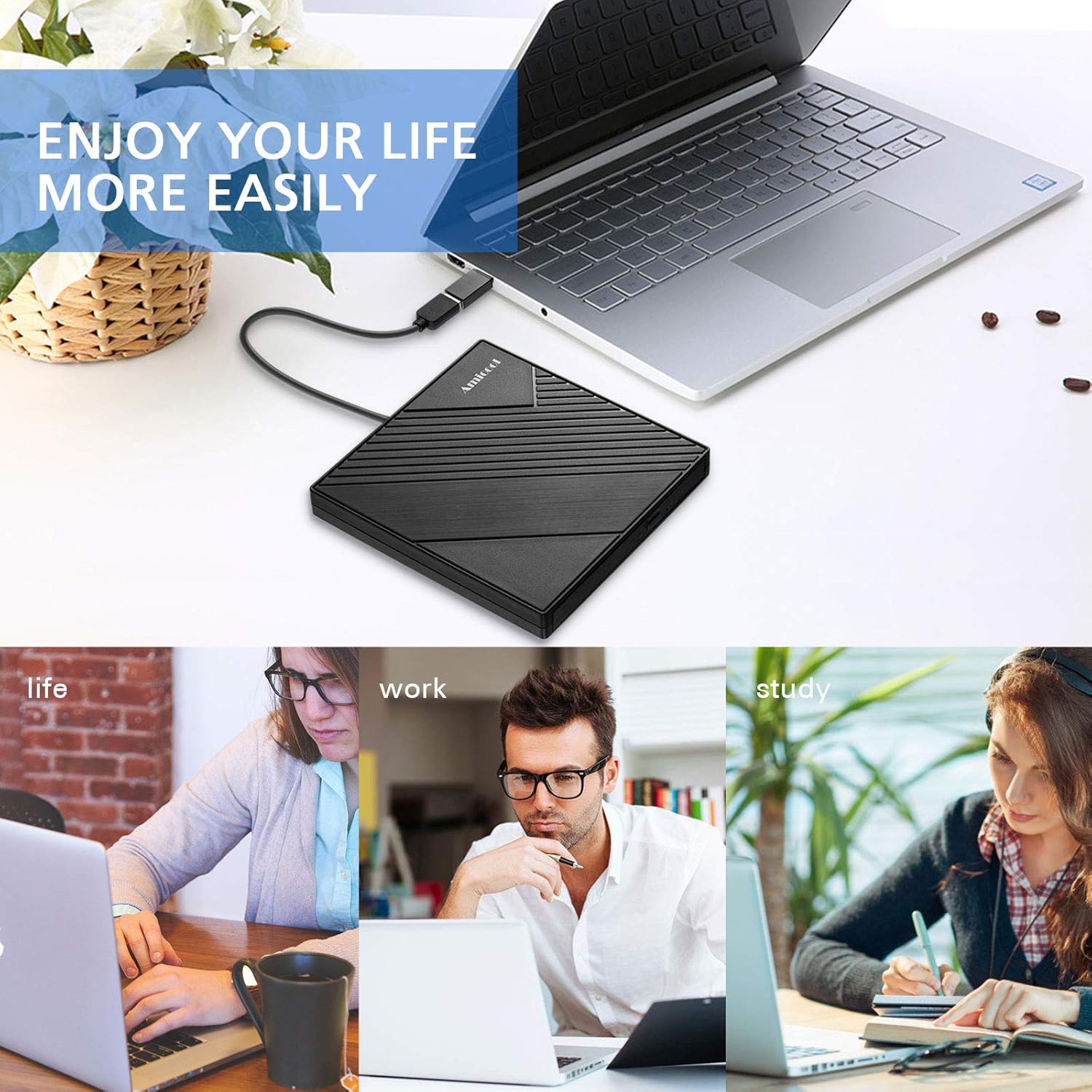
For optimal performance, connect the drive directly to a USB 3.0 or Type-C port on your computer or laptop. It works seamlessly with Windows, Mac OS, and Linux systems. Avoid using it with devices such as TVs, cars, or tablets, as it is not designed for those platforms. When in use, ensure the disc is properly inserted into the tray to prevent reading errors. The device is best suited for home, office, or travel environments where access to physical media is needed.