

ASUS ROG Strix Arion ESD-S1C M.2 NVMe SSD Enclosure, 10 Gbps USB-C
Reviews
Price
Product description
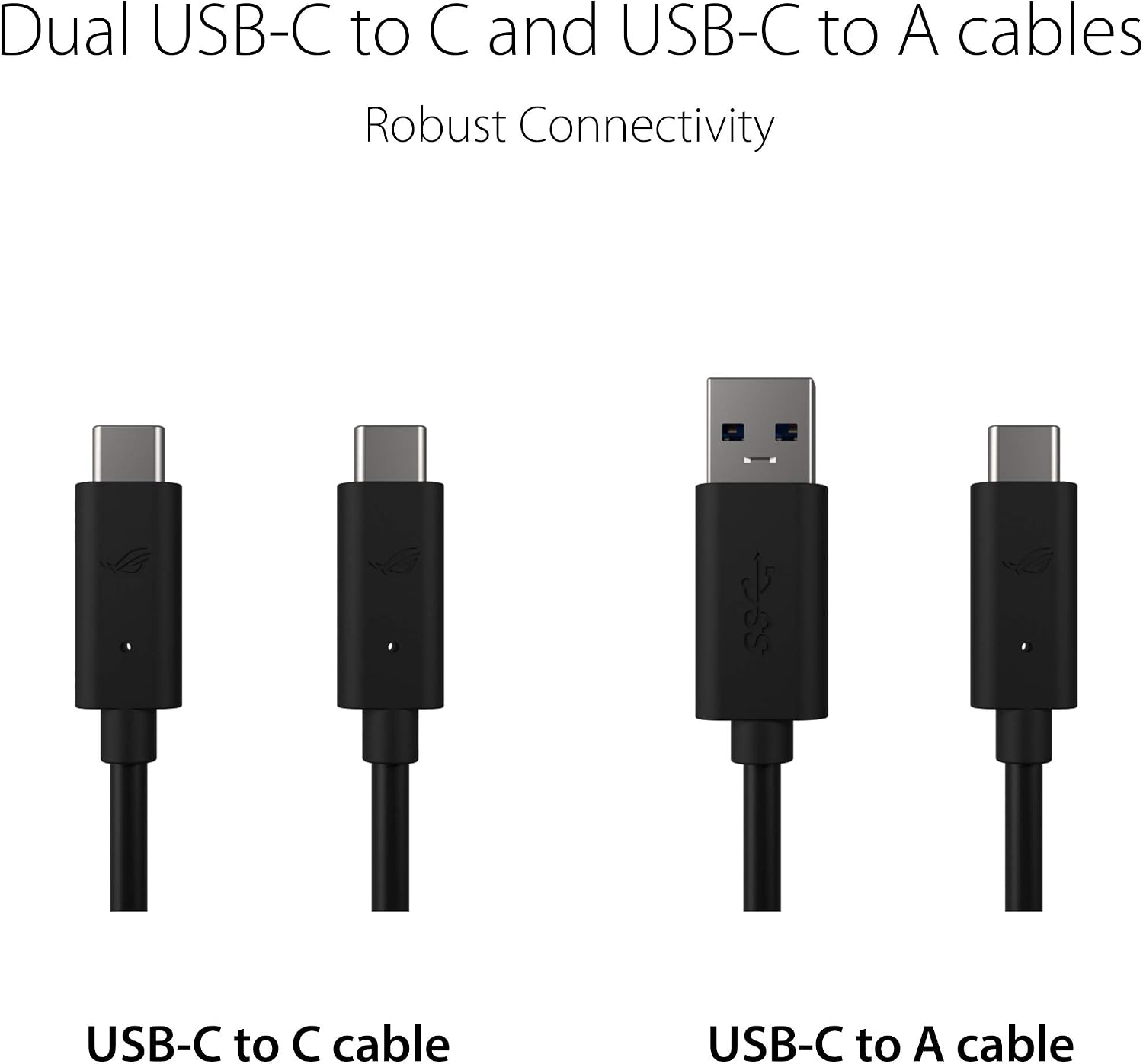
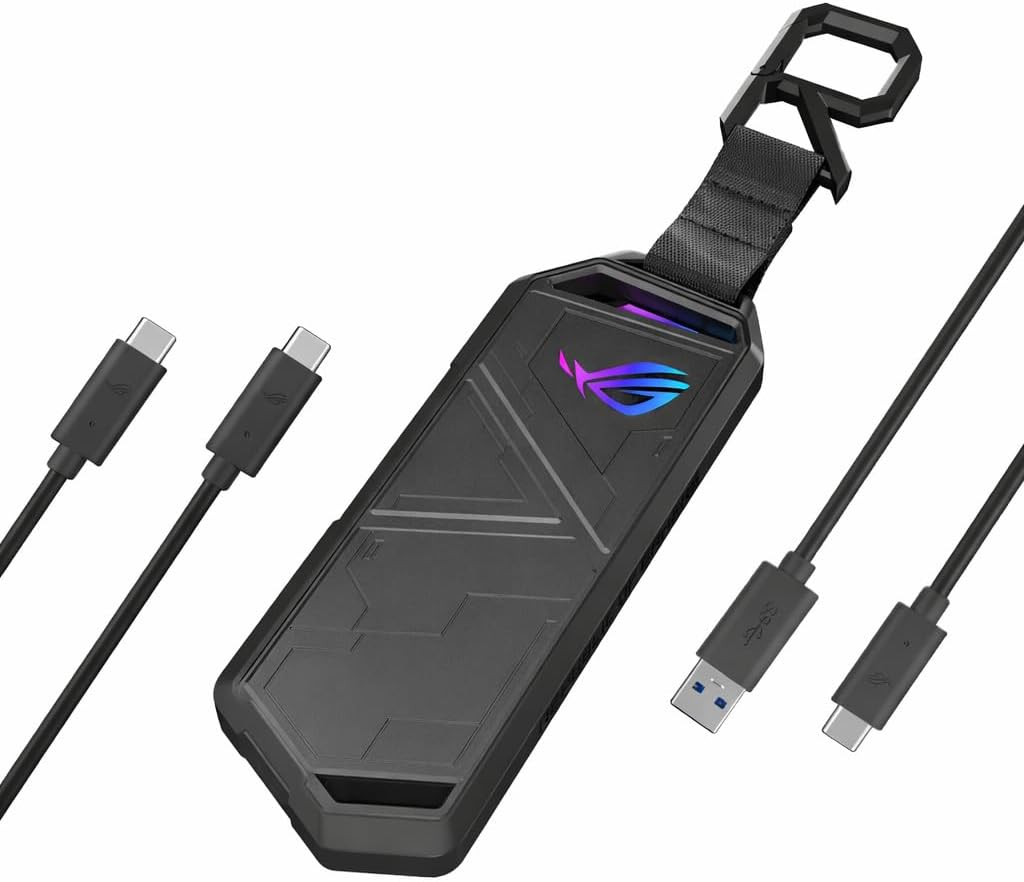
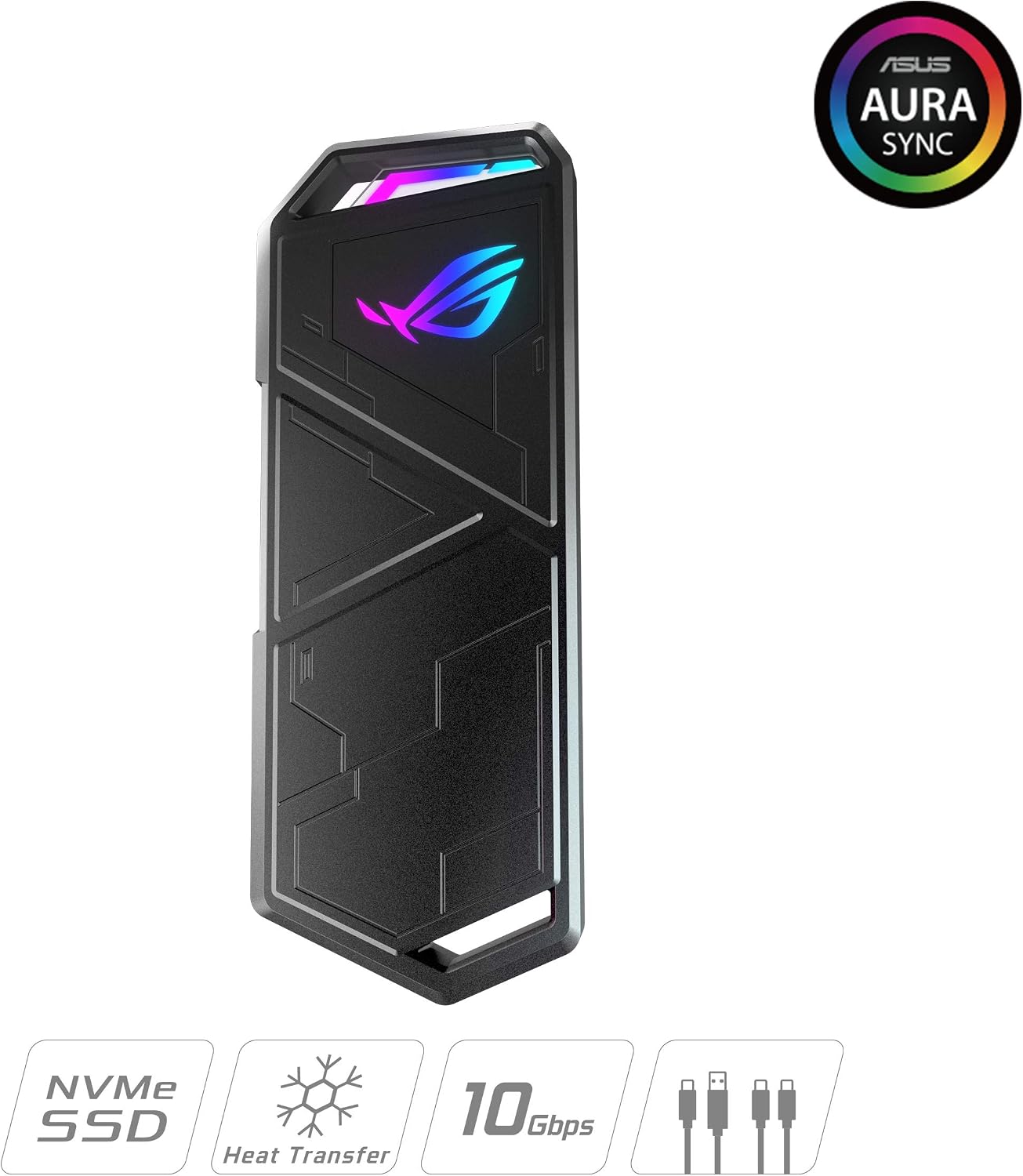
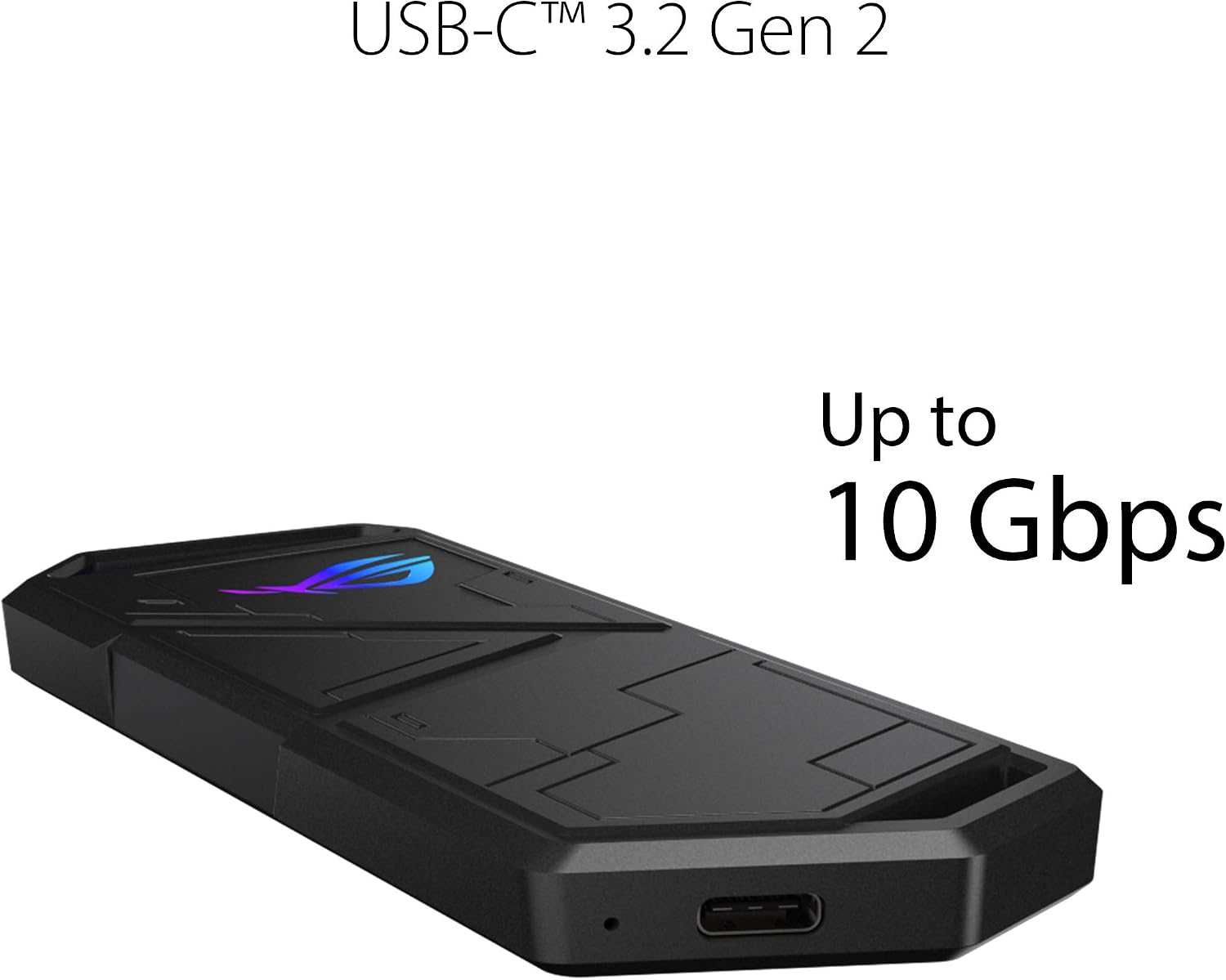
The aluminum alloy ASUS ROG Strix Arion ESD-S1C turns a compatible M.2 PCIe NVMe SSD into portable external storage. Its USB-C 3.2 Gen 2 connection supports data transfer speeds up to 10 Gbps, while the included USB-C-to-C and USB-C-to-A cables make it easier to connect with different USB ports.
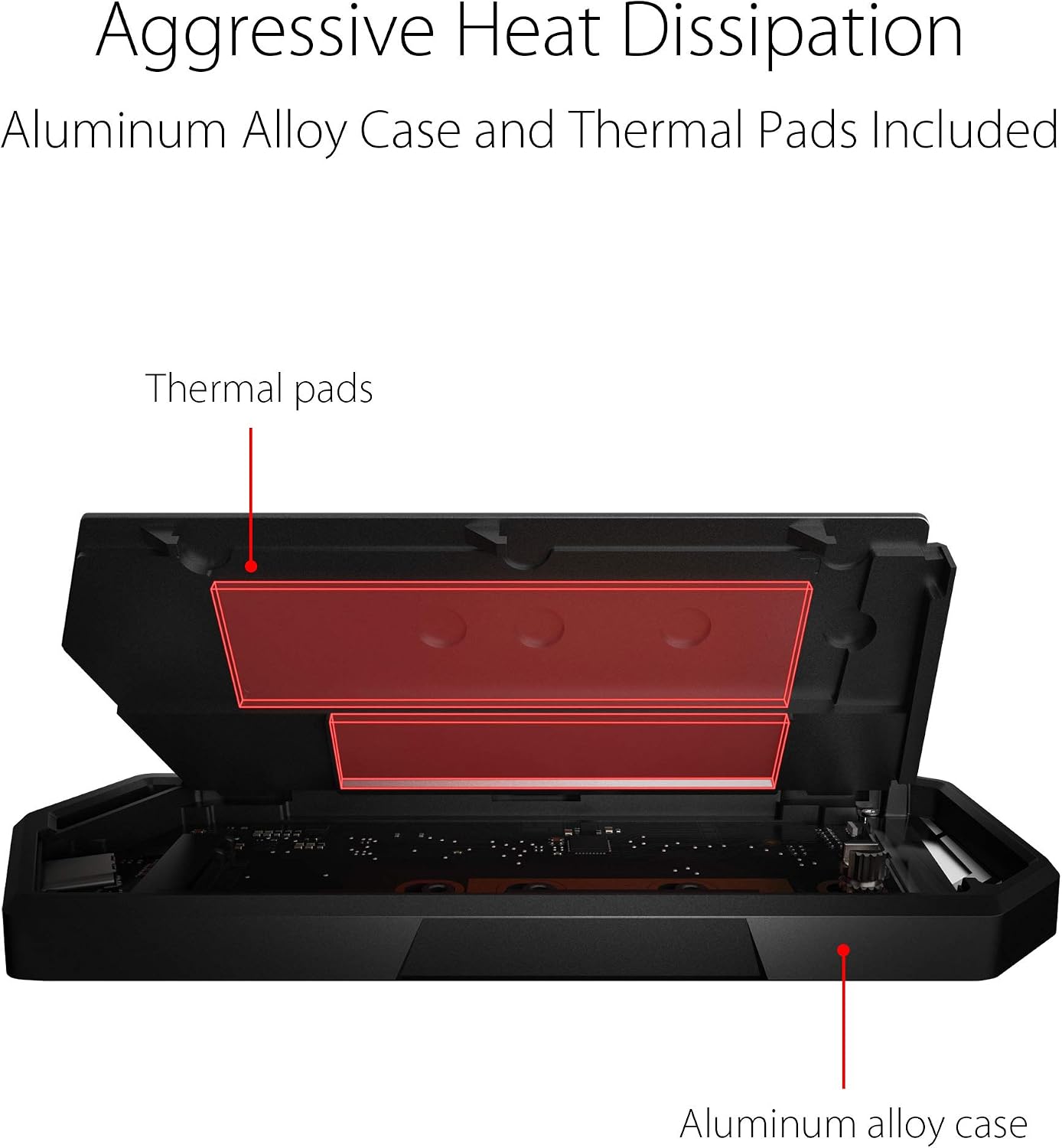
For a compact drive you can carry between devices, this enclosure offers a flexible alternative to buying a prebuilt external SSD: choose a compatible M.2 drive and install it in the case. Thermal pads, Aura Sync lighting, and a protective bumper add practical and visual details for everyday use.
Product specs
- Type: M.2 PCIe NVMe SSD enclosure
- Interface: USB-C 3.2 Gen 2, up to 10 Gbps
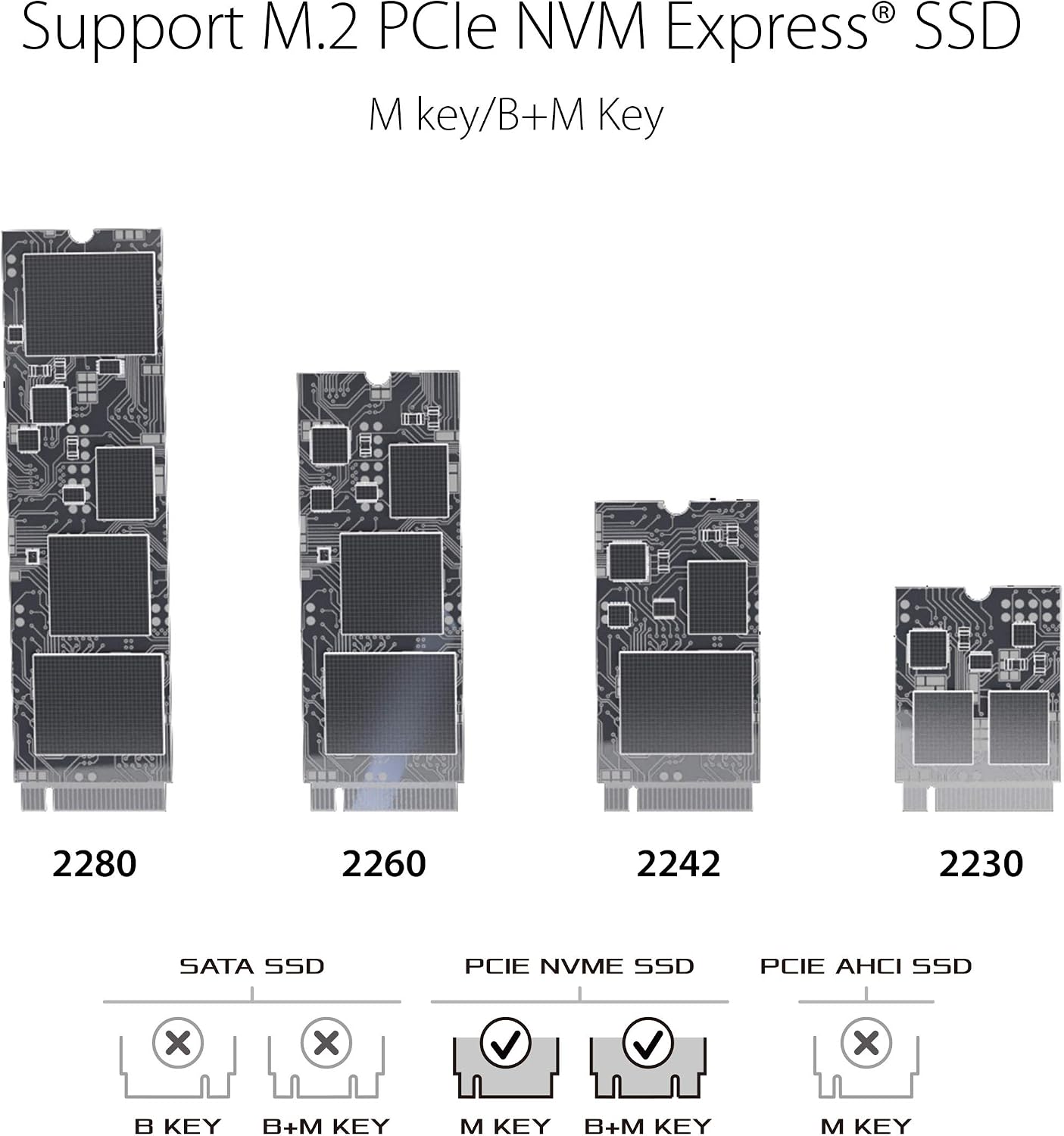
- Supported SSDs: M.2 2230, 2242, 2260, or 2280, M key or B+M key
- Supported capacity: Up to 2 TB
- Enclosure material: Aluminum alloy
- Included cables: USB-C to USB-C and USB-C to USB-A
- Other features: Thermal pads, ASUS Aura Sync lighting, protective bumper, and detachable R-hook strap
- Warranty: 1 year
The enclosure’s push-pin design and thumbscrew locking mechanism are made for screwdriver-free installation. Once a compatible SSD is fitted, the USB connection supports uses such as moving files, keeping backups, or carrying a game or media library between supported devices. The M.2 SSD is not included, so choose the drive separately to match the storage capacity you need.
Everyday compatibility
Connect the enclosure to a laptop for external storage, file transfers, or backups. ASUS also identifies it for use as external storage with ROG Ally, PS5, and Xbox. It can be accessed from iOS and Android devices that support external drives, the SSD partition must use a supported format. The two included cables cover USB-C and USB-A connections, making it practical to switch between compatible ports without relying on just one cable type.
Aura Sync lighting adds a customizable visual accent to a gaming setup, while the aluminum alloy case, thermal pads, and protective bumper are useful details for a drive that travels between a desk and a bag. Buyers often praise the enclosure’s straightforward installation, appearance, and transfer performance. Feedback on heat management is mixed, and some buyers report issues with the lid staying closed, so take care when handling and carrying the enclosure.
Practical tips
Match the SSD’s interface, key type, and physical length to the supported M.2 PCIe NVMe formats before installation. Fit the drive using the push-pin and thumbscrew mechanism, and position the thermal pads with the SSD to support heat transfer to the aluminum case. For use with a phone or tablet, format the SSD partition in a format supported by that device. Pick the included cable that matches the port on the device you are connecting.
Practical questions
Does the enclosure come with an SSD? No. The M.2 PCIe NVMe SSD is sold separately, so you can select a compatible drive up to 2 TB.
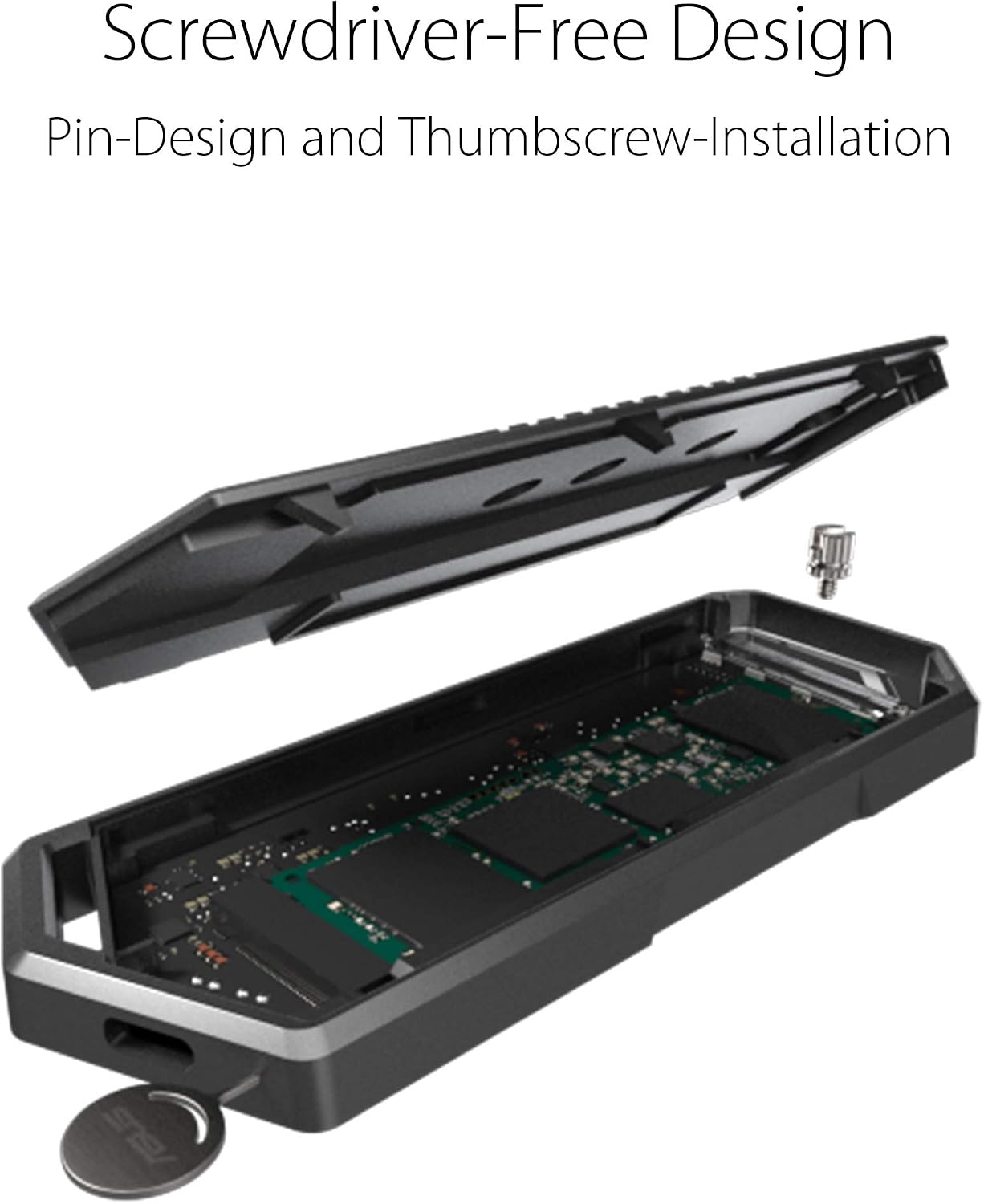
Which SSD sizes does it support? It fits M.2 2230, 2242, 2260, and 2280 PCIe NVMe drives with an M key or B+M key.
Can it connect to devices with USB-A ports? Yes. A USB-C-to-USB-A cable is included, along with a USB-C-to-USB-C cable.
Is it worth it?
Choose the ROG Strix Arion ESD-S1C when you want to build portable external storage around your own compatible M.2 NVMe SSD. Its up-to-10-Gbps USB-C connection, two cable options, screwdriver-free installation, and protective design make it suited to moving files or carrying storage between compatible devices.