

AINOPE USB A to A Cable (2 Pack) | USB 3.0 5 Gbps, Nylon-Braided, Never Rupture, A to A Male to Male
Reviews
Price
Product description
What to know
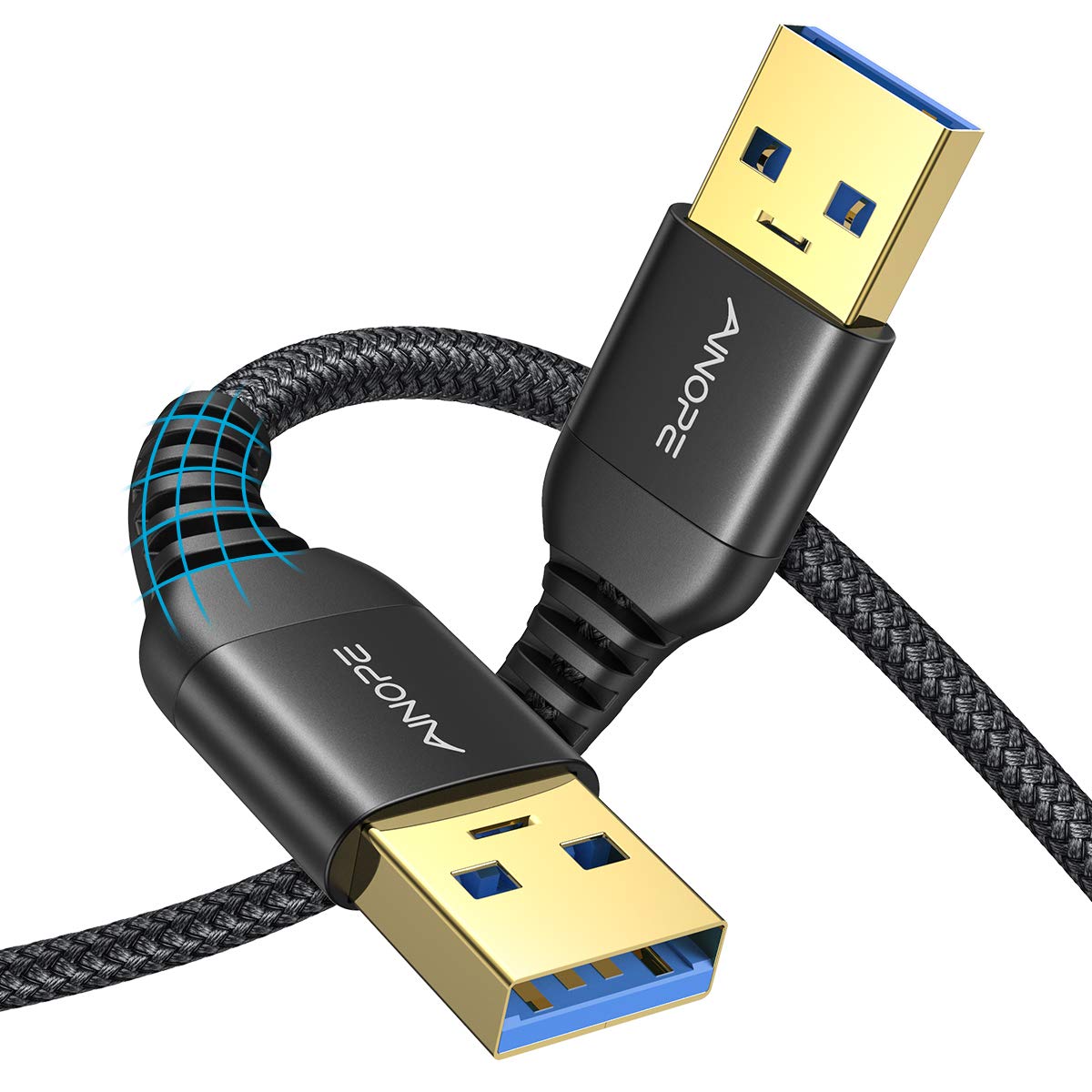
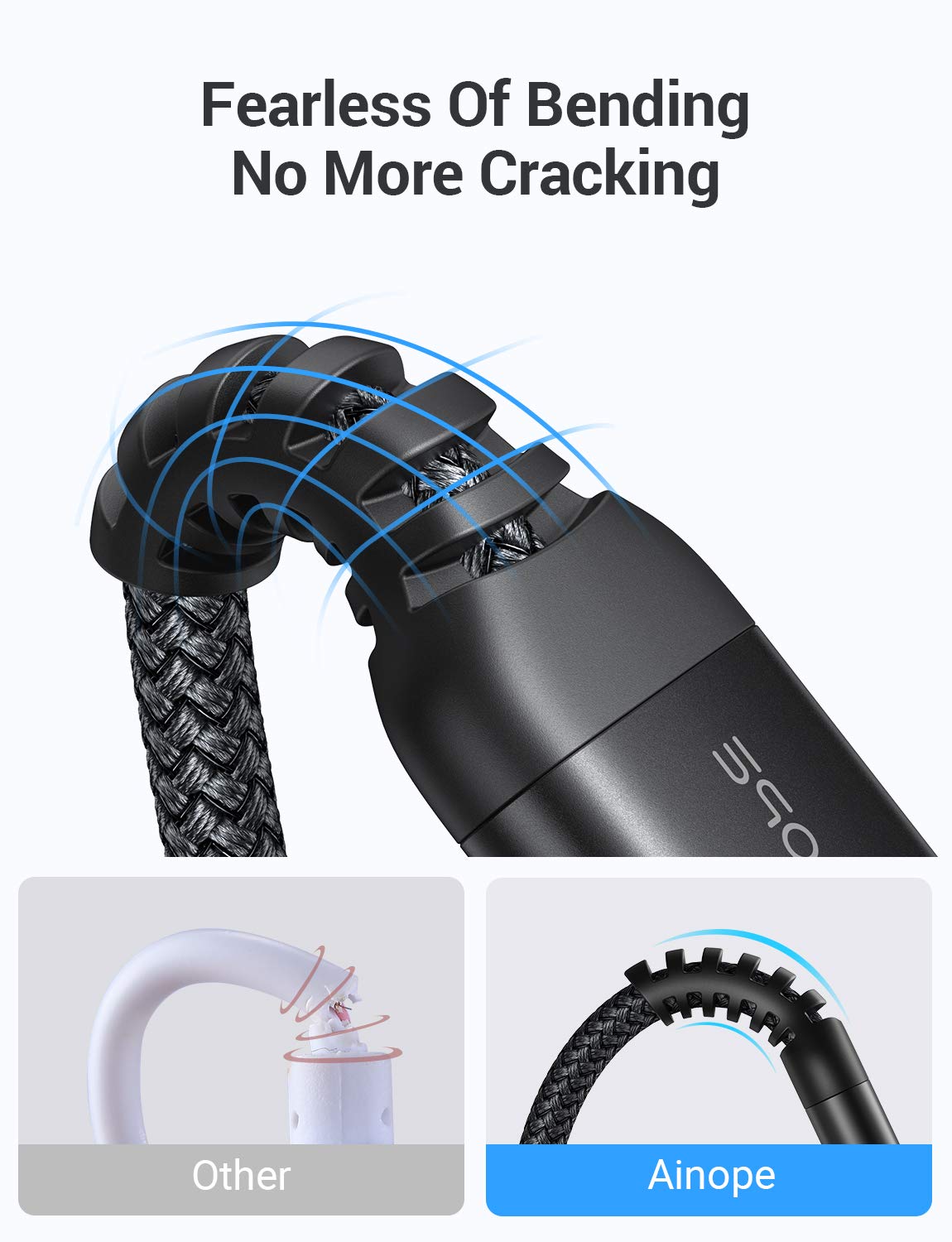
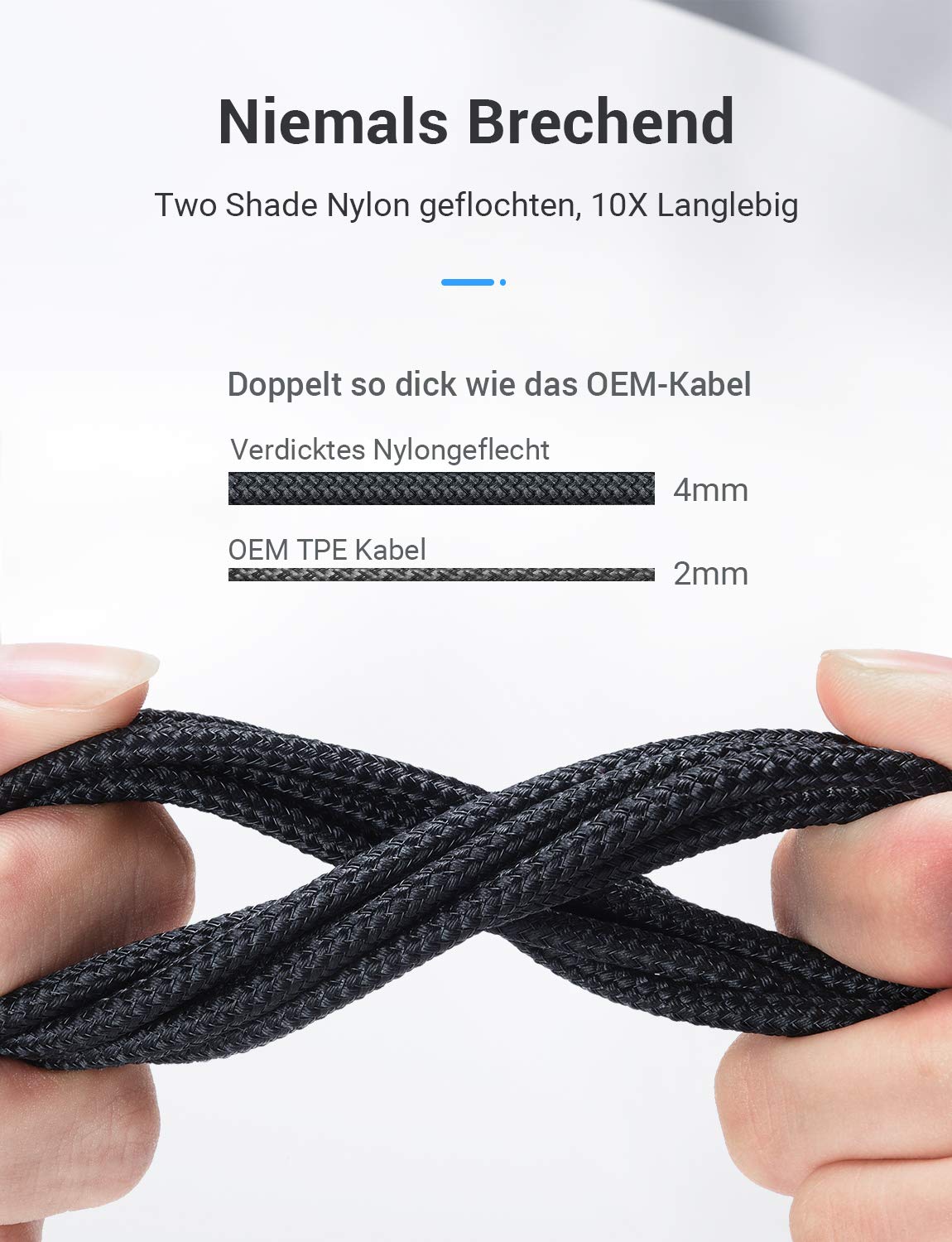
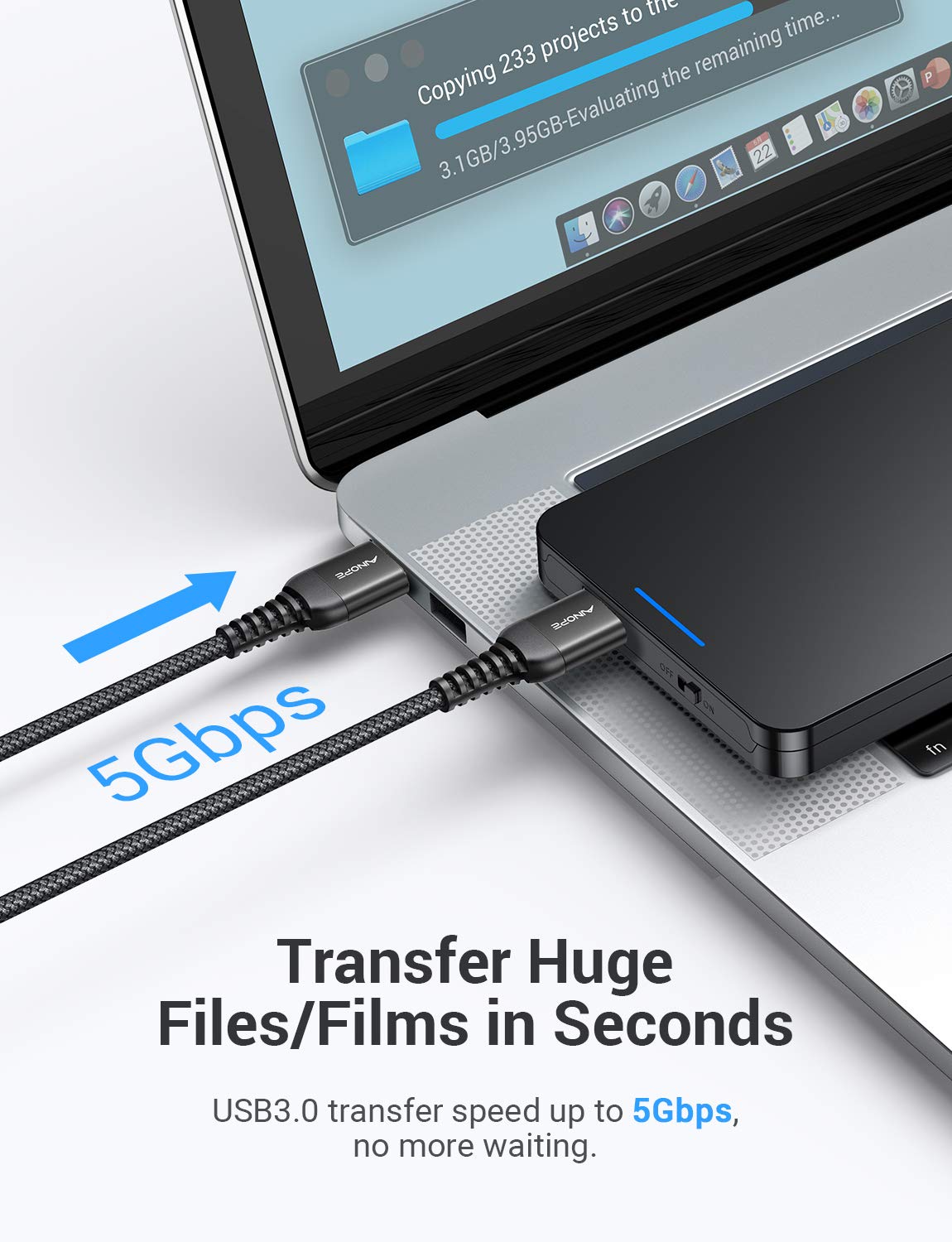
The AINOPE USB to USB cable is a dual-pack USB 3.0 A to A male to male cord designed to connect USB peripherals with a USB 3.0 Type A port to a computer or compatible device. It emphasizes durability with a reinforced anti-breaking design and a two-shade nylon braid, aiming to resist tangling and everyday wear. Tested for many bends, the construction prioritizes longevity in setups that involve frequent plugging and unplugging, such as external drives, docking stations, fans, and media devices. The cable supports data transfer up to 5 Gbps and is backward compatible with USB 2.0/1.1 ports, making it versatile for mixed device ecosystems. It is plug-and-play, requiring no drivers, which keeps setup simple for quick file transfers or device synchronization.
How it’s built for real use
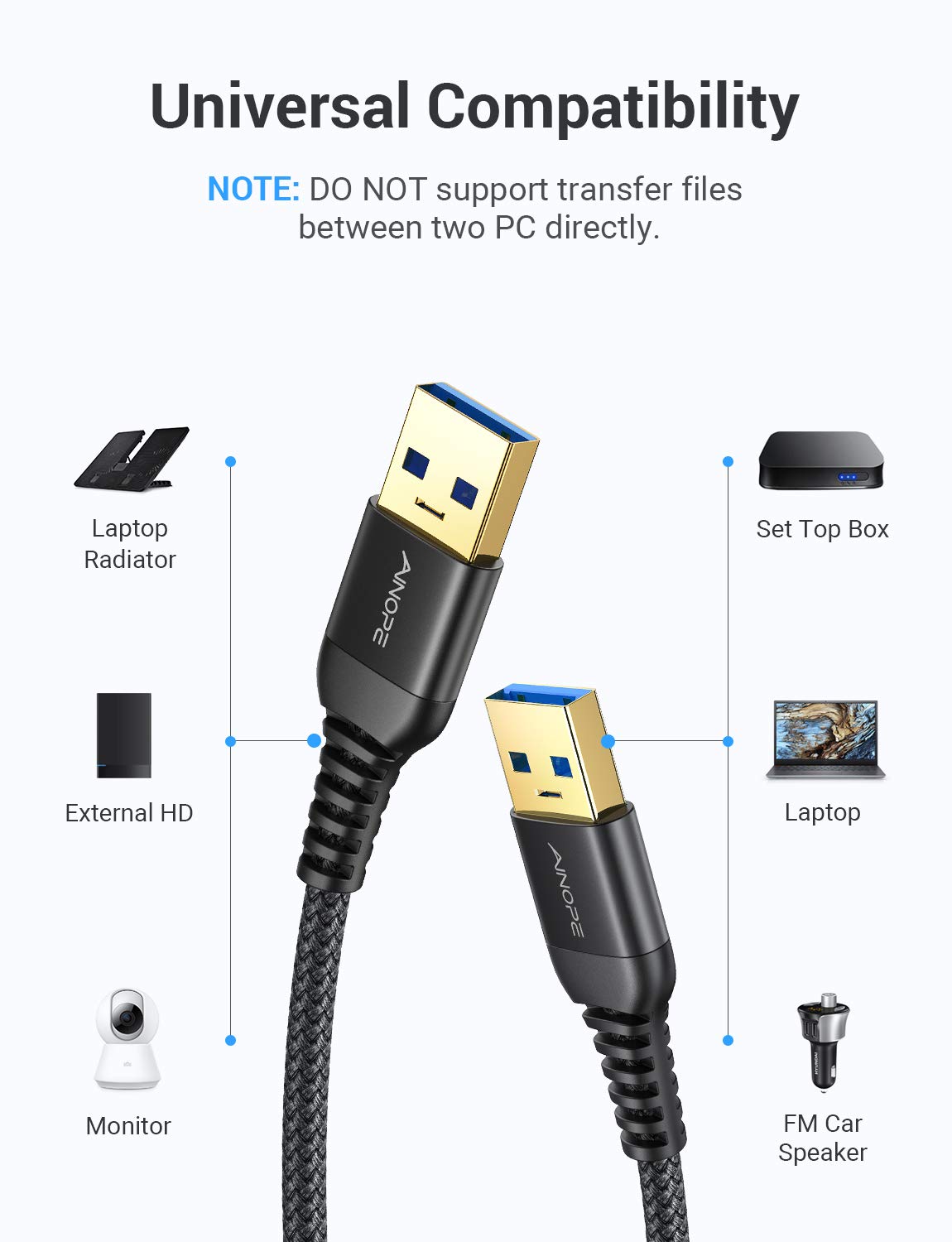
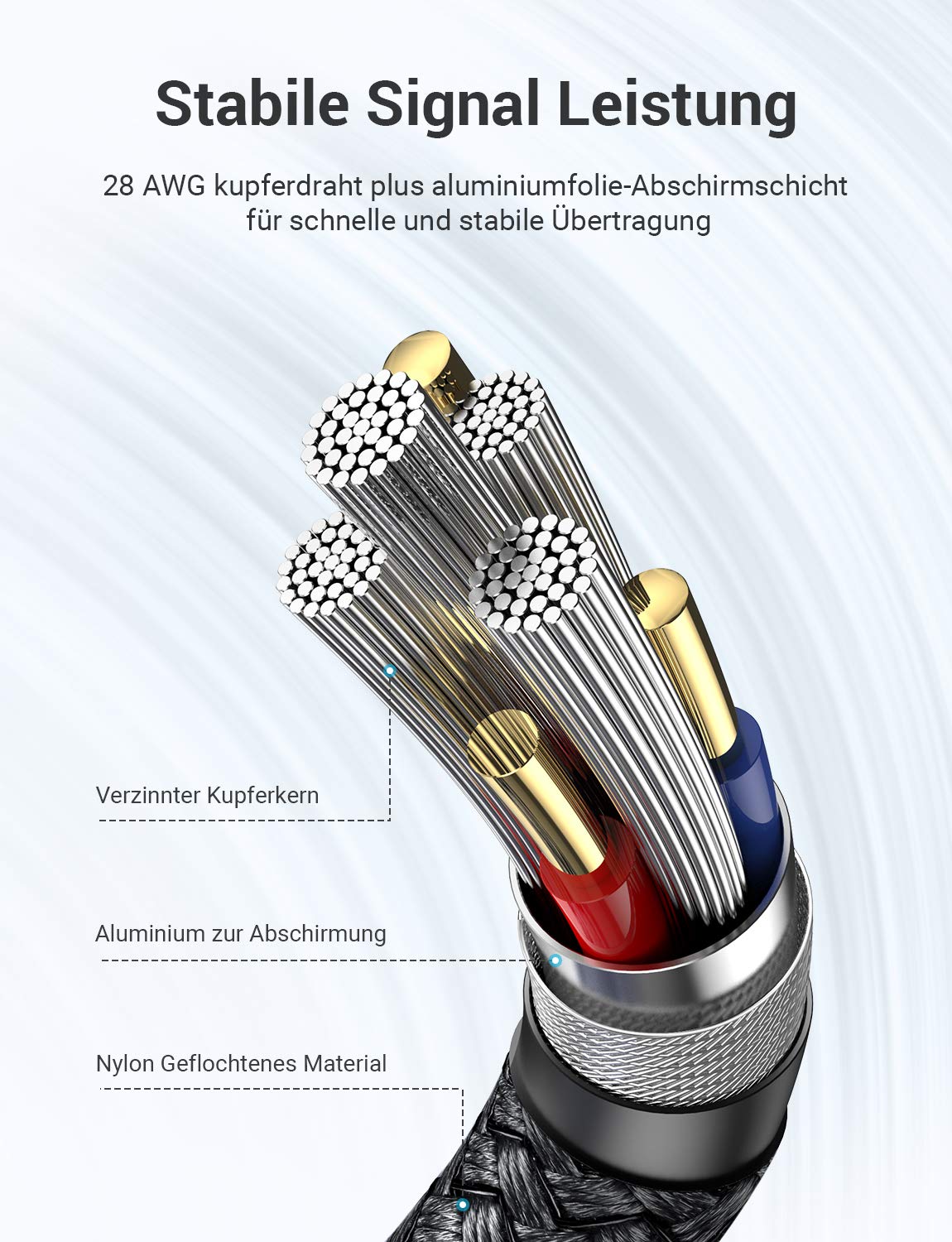
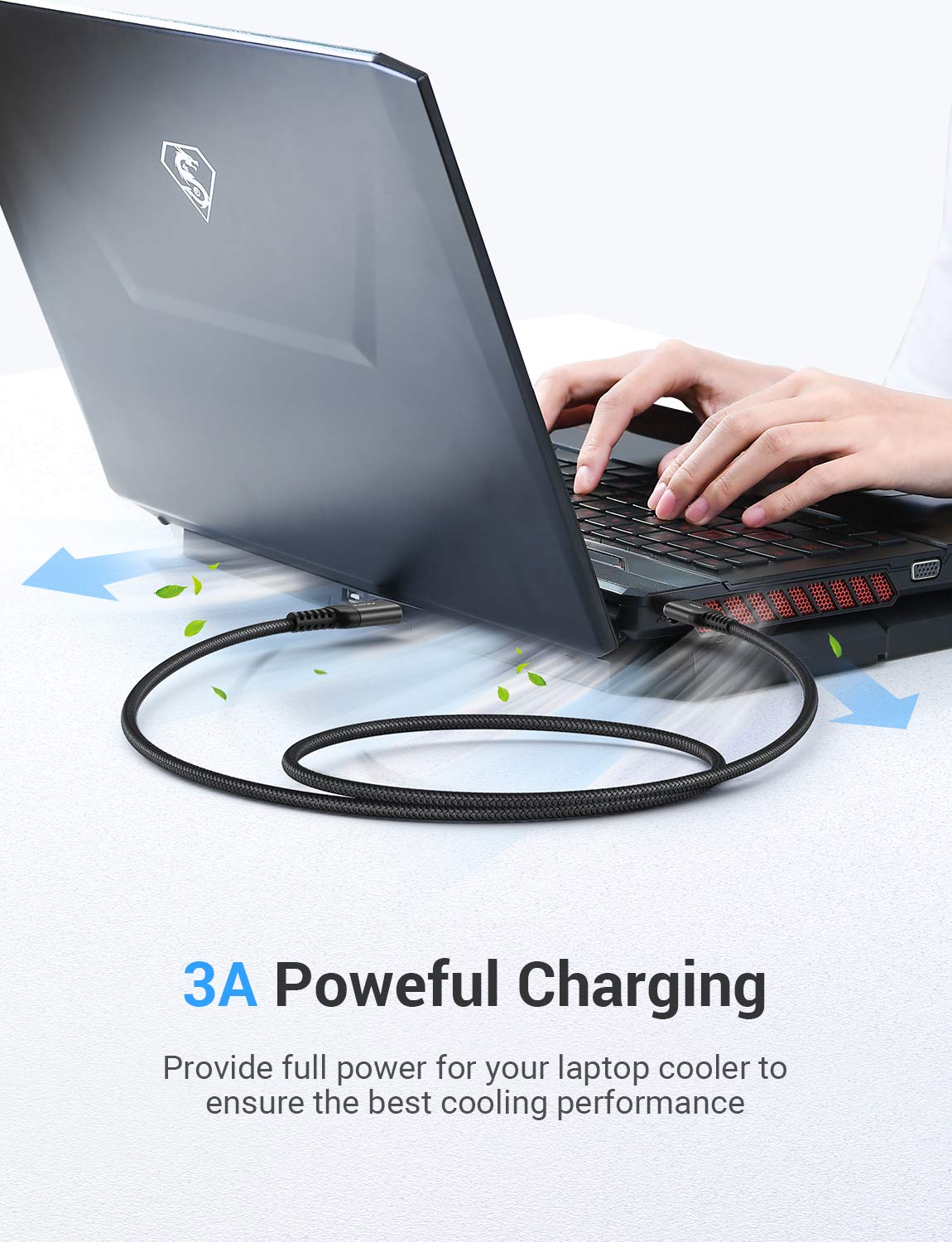
On paper, the combo of tinned copper conductors, aluminum-foil shielding, and braided shield is aimed at stable, low-error transmission. The SR reinforced design is presented as a key differentiator for durability under repeated flexing. The cables are 3.3 feet long, a length that works well for desktop setups where a hard drive enclosure, a laptop cooler, a monitor, or a media player sits within arm’s reach.
What stands out in everyday use
If you frequently swap drives or peripherals between a laptop and a desktop, these cables can reduce friction: the braided nylon helps resist kinking, the reinforced build promises fewer frays after regular plugging, and the 5 Gbps spec supports faster transfers compared to older USB 2.0 connections. A practical note: even though the cable is designed for high-speed data, real-world speeds depend on the devices and ports you’re pairing it with.
What could be improved or to watch for
No cable is perfect for every setup. The A to A male to male form factor is best suited for direct host-to-device connections in compatible configurations (for example, external enclosures or hubs that accept this polarity). Some users might find the rigid length or the cable stiffness a drawback in tight spaces. Also, while backward compatibility is stated, performance can vary when used with older USB interfaces or non-USB 3.0 devices.
Who it’s for
This cable line is a good fit if you regularly connect USB 3.0 peripherals that use Type A ports to computers or enclosures and you value durability and a tidy, tangle-resistant setup. It’s particularly practical for users who rely on external drives, USB hubs, or peripherals like cameras and writers tablets that sit within a reasonable reach of the host device.
Who it isn’t the best for
If your use case requires a USB-C connection, a different adapter or cable is needed. If you’re looking for the absolute lowest price or a lightweight, ultra-flexible option for portable on-the-go use, this model’s emphasis on durability and two-cable packaging may feel overbuilt or less convenient than simpler options.
When it makes sense to buy
Consider this duo when you want a dependable, plug-and-play USB 3.0 link between a host and a Type A peripheral, especially in a stationary setup with several devices nearby. The 3.3 ft length is convenient for desktop layouts where a hard drive enclosure or a laptop cooler sits on the desk and you don’t want excess slack.
Before you buy
- Check that your devices have USB 3.0 Type A ports to maximize performance. Backward compatibility means you can still connect to older ports, but speeds will align with USB 2.0/1.1 limitations.
- Consider your desk layout, in cramped spaces, the cable’s stiffness might matter. The included sticky buckles help with cable management, which is a small but welcome convenience.
- If you’re buying for a specific enclosure or hub, verify that the connection orientation and length fit your setup.
Practical usage example
Imagine backing up a 2.5-inch external drive to your desktop using a USB 3.0 enclosure. The A to A cable slides in smoothly, and you notice the transfer progress without worrying about the cable kinking as you reach for the drive. The two-cable pack means you can keep a spare connected to a secondary chassis or keep one tucked in a drawer for future use, reducing downtime when a cable fails.
Quick comparison to common alternatives
Compared with standard USB 2.0 cables, this USB 3.0 A to A cord promises higher transfer rates (up to 5 Gbps). It’s not targeted at USB-C or special-purpose gaming cables, but for everyday storage and peripheral connections, the focus on durability and a tidy build can pay off in longer cable life and fewer tangles.
Final verdict
Is it worth it? Worth considering if you need a durable, high-speed USB 3.0 A-to-A link for external drives or external peripherals and you value a braided, reinforced build that’s designed to withstand repeated bending. It isn’t the lightest option, and if your setup calls for USB-C or ultra-short flexible cables, you may want to evaluate other formats. Overall, for a stationary desk with multiple USB devices, this 2-pack provides practical value with better organization and resilience than typical budget cables.
FAQ (condensed)
- Do these cables require drivers? No, plug-and-play.
- Are they backward compatible with USB 2.0/1.1? Yes, but speeds will reflect the older standard.
- How many cables are included? Two cables with included sticky buckles for organization.
- Can I use these for power delivery? They’re designed for data transfer, power delivery capabilities depend on the connected devices and ports.