

11.3" QLED Android 8-Core 4G+64G CarPlay/Android Auto Screen with GPS, Split Screen & 1080P Rear Camera
Product description
What this is for (and why people buy it)
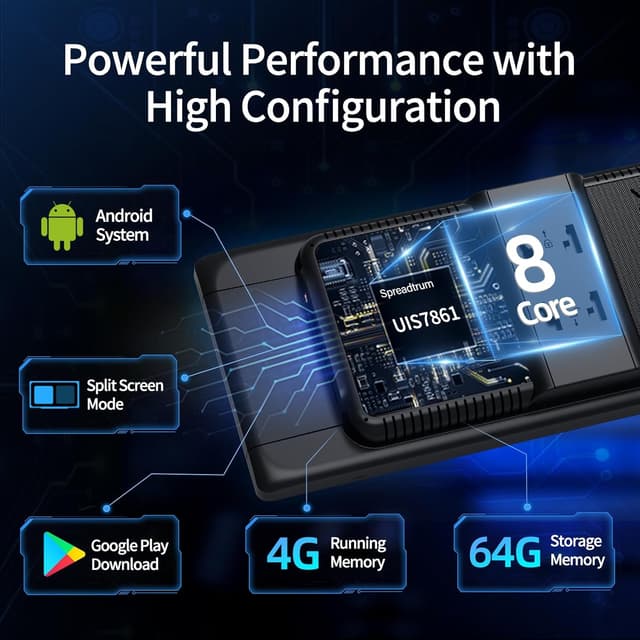
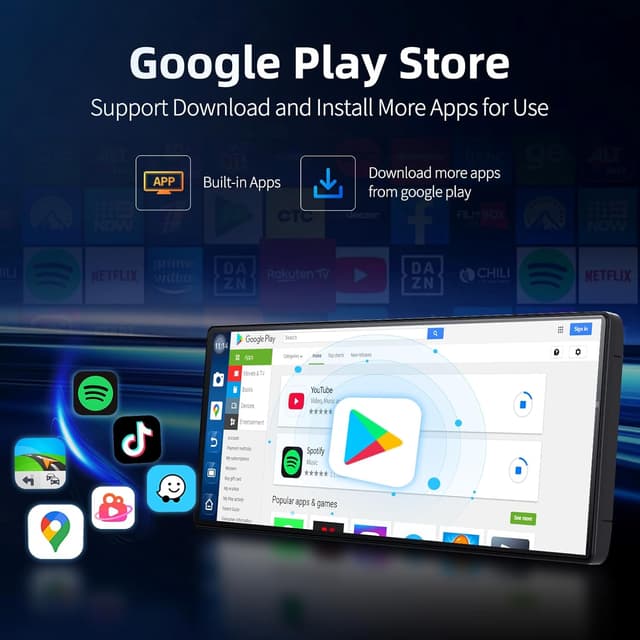
If you want a bigger, more app-like in-car screen—one that can do more than just mirror your phone—this 11.3" QLED Android CarPlay screen is built around that idea. Over the paper, it combines an Android-based interface (8-core performance, 4GB RAM, 64GB storage) with smartphone features like wireless CarPlay/Android Auto, plus built-in entertainment through Google Play.
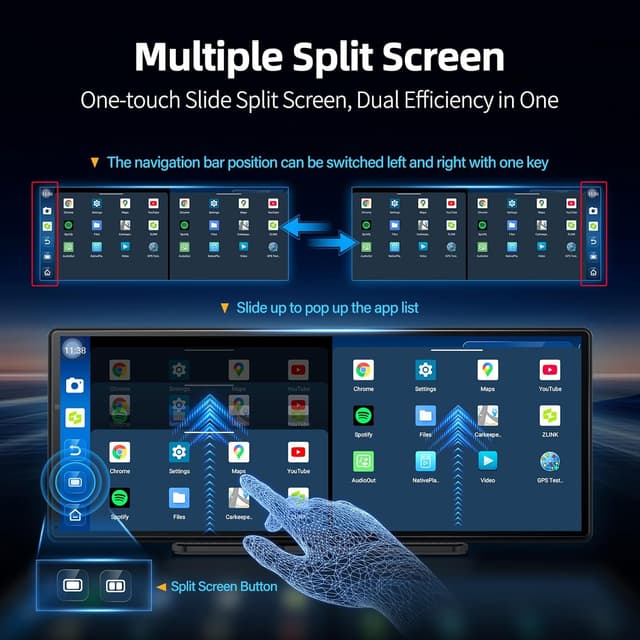
The practical appeal is simple: navigation, media, and other apps on one large display, without feeling like your car system is stuck in “one purpose only” mode. And if your daily driving includes family trips or long highway stretches, split-screen multitasking can feel genuinely useful—navigation on one side, something to watch or control on the other.
Key takeaways you’ll notice in real use
The screen is positioned as a tablet-style head unit experience in your vehicle. The Android side is meant to keep things responsive while you jump between apps, and the inclusion of Google Play is what enables that “install and go” entertainment angle (YouTube, Netflix, and other apps are specifically mentioned in the description).
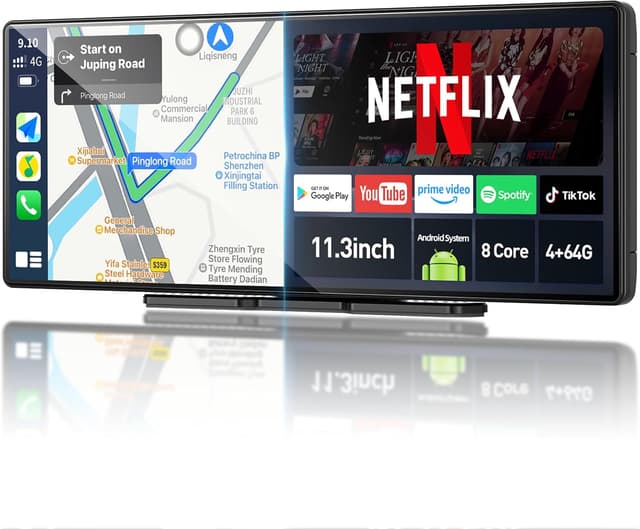
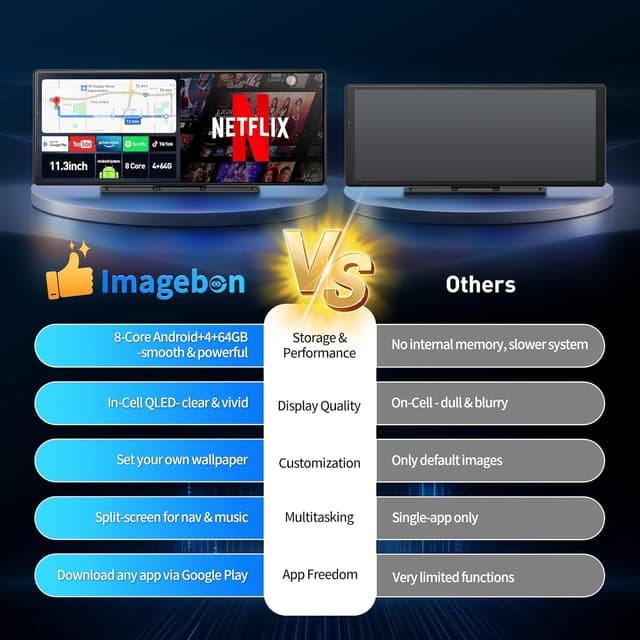
There’s also a dual focus on convenience and visibility: the 11.3" IN-CELL QLED panel is designed to deliver higher clarity and brightness than standard on-cell displays, which matters when maps need to stay readable in daylight. For reversing, the included 1080P rear camera aims to give a wider and clearer view, with night vision support called out for low-light situations.
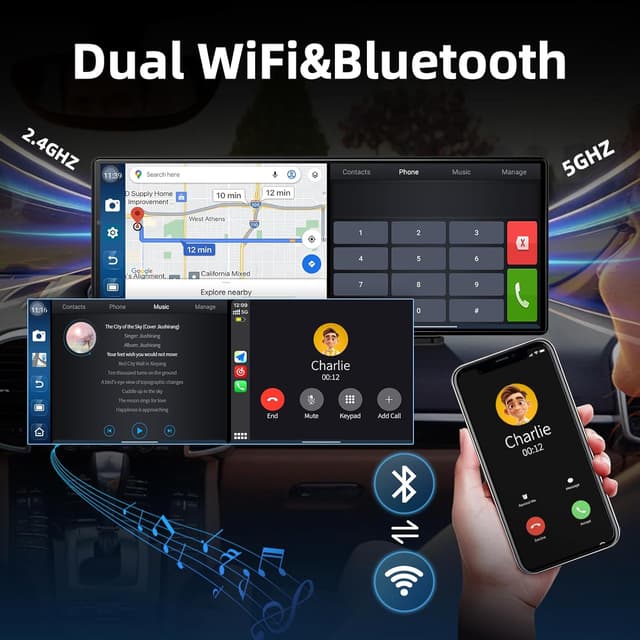
And connectivity is handled through dual-band Wi‑Fi (2.4GHz and 5GHz) plus Bluetooth for hands-free calling and wireless music playback.
Where it shines (and where it might fall short)
What stands out most is the “more than CarPlay” approach. If you like using navigation apps directly, streaming video, or running more than one app at once, the split-screen mode plus Android/Google Play access are the core reasons it makes sense.
That said, it’s not automatically perfect for everyone. This is clearly centered on an all-in-one media and navigation workflow, so if you only want the simplest possible CarPlay/Android Auto setup, you may find it a bit more complicated than you need. Also, the description doesn’t spell out vehicle-specific installation details or compatibility specifics—so it’s smart to double-check how the screen will integrate with your dashboard and what your car setup requires before buying.
You’ll appreciate it most if you regularly switch between navigation and media, or if you’ve been frustrated by small displays that make maps hard to read.
Tech specs that matter for the purchase
This is where the spec sheet helps you judge day-to-day performance.
- Processor / compute: 8-core Android performance - Memory / storage: 4GB RAM + 64GB storage - Display: 11.3-inch IN-CELL QLED - Resolution (camera): 1080P rear camera - Connectivity: dual-band Wi‑Fi (2.4GHz + 5GHz) and Bluetooth
There are mentions of AI tools and a voice control feature as well, but the entry doesn’t go deep on how advanced the AI/voice side is in practice.
Setup & everyday use tips
Getting the most out of this kind of screen usually comes down to two things: connectivity and how you use split-screen.
On the first day, plan to spend a few minutes pairing and testing wireless connections (Wi‑Fi and Bluetooth are explicitly part of the design). Once it’s stable, try a realistic multitasking scenario: start navigation, then open YouTube on the other side in split-screen while you’re parked or when conditions allow. The point is not “always watch video,” but having maps stay visible while you manage music, streaming, or app controls without constant switching.
For driving confidence, make sure the rear camera view feels properly aligned for your vehicle. Because night vision support is mentioned, it’s worth checking the camera output after dark, not just during daytime shopping trips.
Who should buy it (and who should skip it)
Worth considering if you want a larger QLED display for maps and media, and you care about having Google Play apps available inside the car experience. It’s a solid match for people who enjoy multitasking—navigation plus entertainment—and who want an Android-based interface that can run apps beyond basic mirroring.
It might not suit you if your priority is a “minimal, plug-and-play” CarPlay-only solution, or if you don’t want to think about Android apps, connectivity behavior, and screen integration details. You may want to skip it if you’re expecting super-specific compatibility guarantees from the listing, because the entry doesn’t provide that kind of vehicle-by-vehicle certainty.
Is it worth it?
On balance, this 11.3" QLED Android CarPlay/Android Auto screen looks worth it if your goal is a tablet-like in-car setup: bigger, clearer visuals for navigation, Google Play for entertainment, and split-screen multitasking for long drives.
Buy it when you’ll actually use the Android app ecosystem (YouTube/Netflix-style entertainment is specifically mentioned), and when a 1080P rear camera with night vision support improves your day-to-day reversing.
Skip it if you only need the simplest mirrored CarPlay experience, or if you can’t confirm how it will fit and integrate with your car setup. When something is this “feature-rich,” getting the basics right—dashboard fit, camera placement, and stable wireless connections—matters more than the headline specs.
Mini FAQ
Does it support both CarPlay and Android Auto?
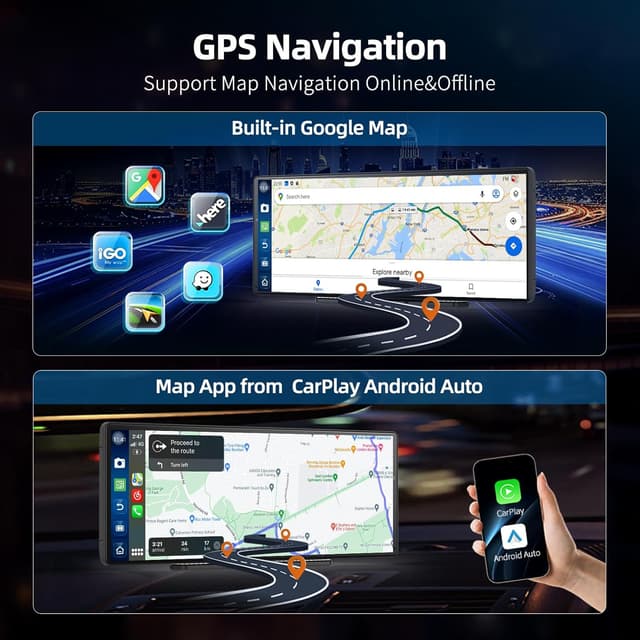
The entry describes it as a CarPlay screen and also mentions Android Auto, with flexible navigation options that include both systems.
Can I use Google Play apps in the car?
Yes—Google Play access is a main part of the description, and popular apps like YouTube and Netflix are explicitly mentioned.
Is the rear camera included?
Yes. A wireless 1080P rear camera is included, with night vision support mentioned.
Does it support split-screen multitasking?
Yes, split-screen mode is highlighted as a way to view navigation alongside another app.
What kind of connectivity does it have?
It’s described with dual-band Wi‑Fi (2.4GHz and 5GHz) and Bluetooth for hands-free calling and wireless music playback.