

(Pack of 2) Universal Remote Controls for Samsung Smart TVs with Netflix shortcut buttons (EWO)
Product description
The essentials
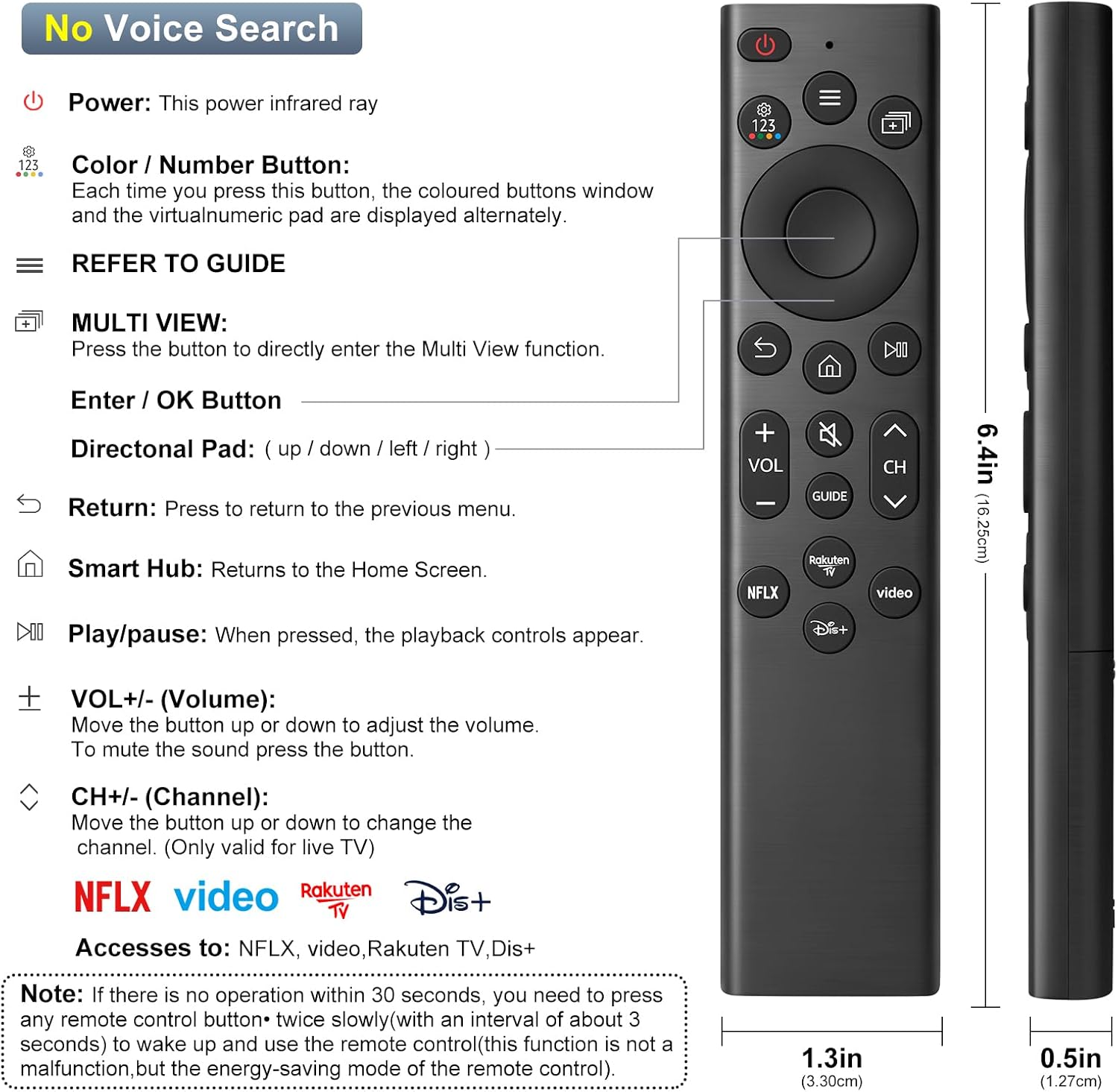
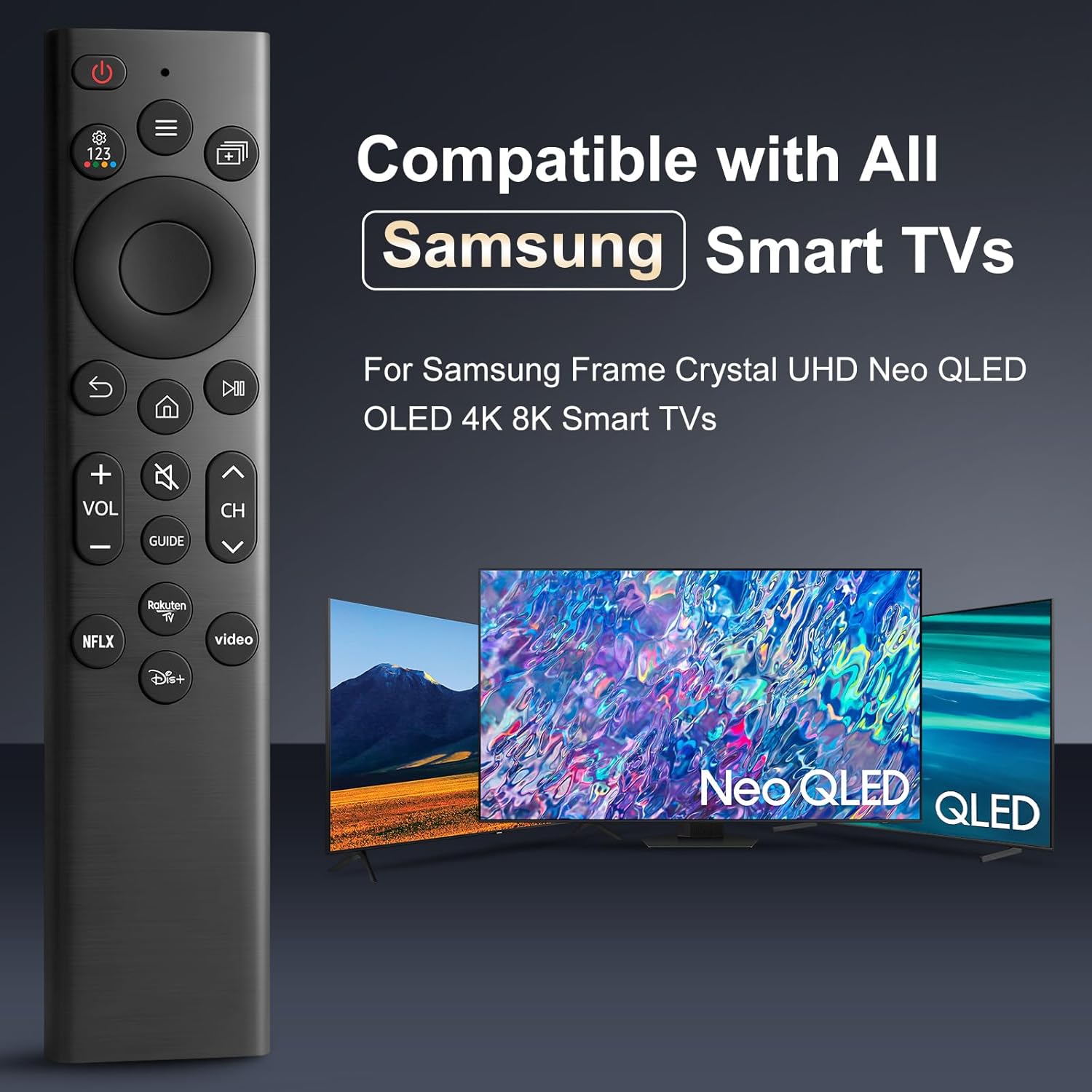
If your Samsung TV remote has gone walkabout (or starts missing buttons), a universal replacement can feel like an instant fix. This (Pack of 2) universal TV remote is designed for use with a wide range of Samsung LED/LCD/Smart TVs, and it focuses on day-to-day convenience via shortcut buttons for services such as Netflix and Rakuten TV.
On paper, it ticks the big boxes people usually care about: you don’t have to program or set it up, it uses standard AA batteries, and the company claims an improved transmitting distance of over 40 ft with stable performance. Still, it’s worth bearing in mind that universal remotes usually work best when your TV model and/or existing remote code match the ones they support.
Key features that matter in use
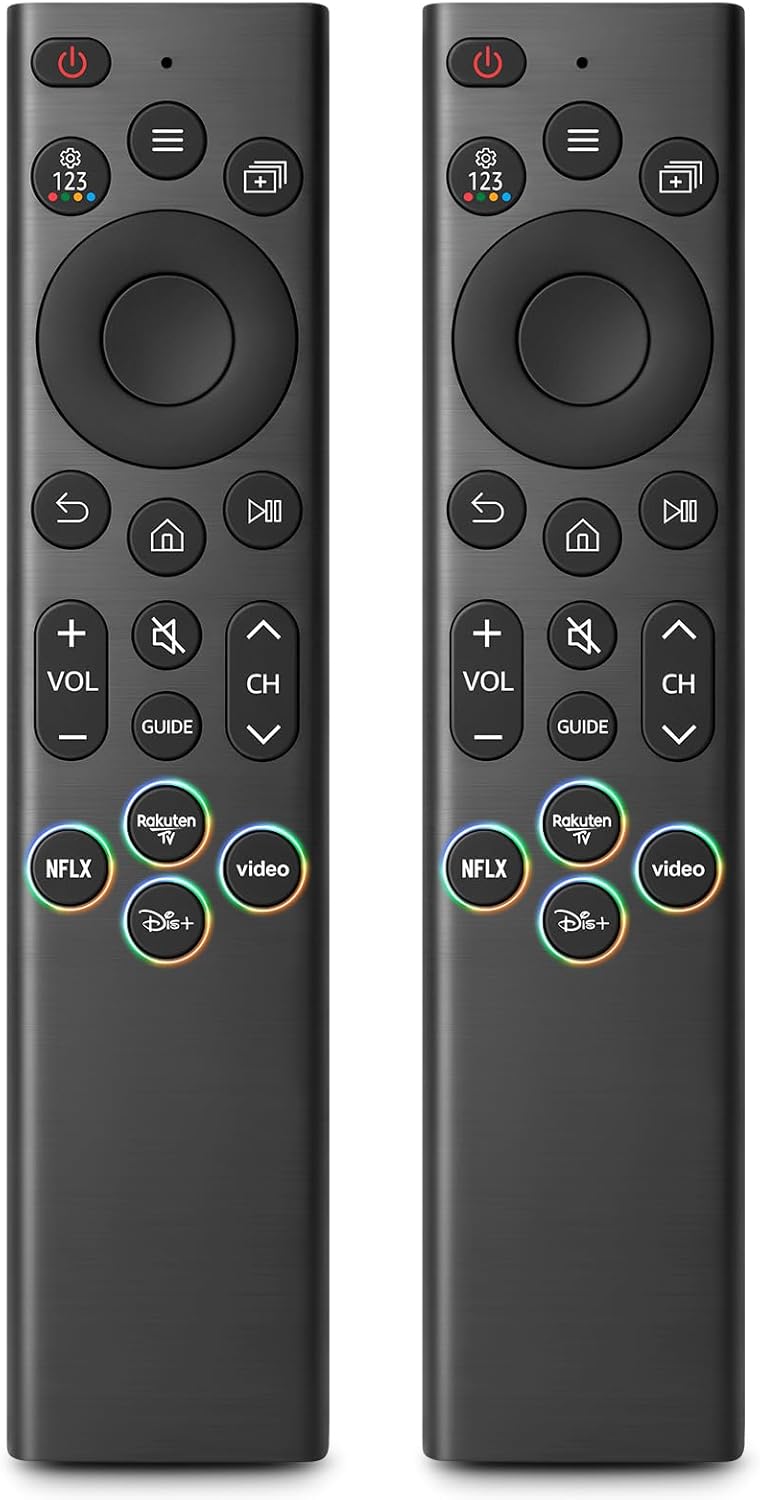
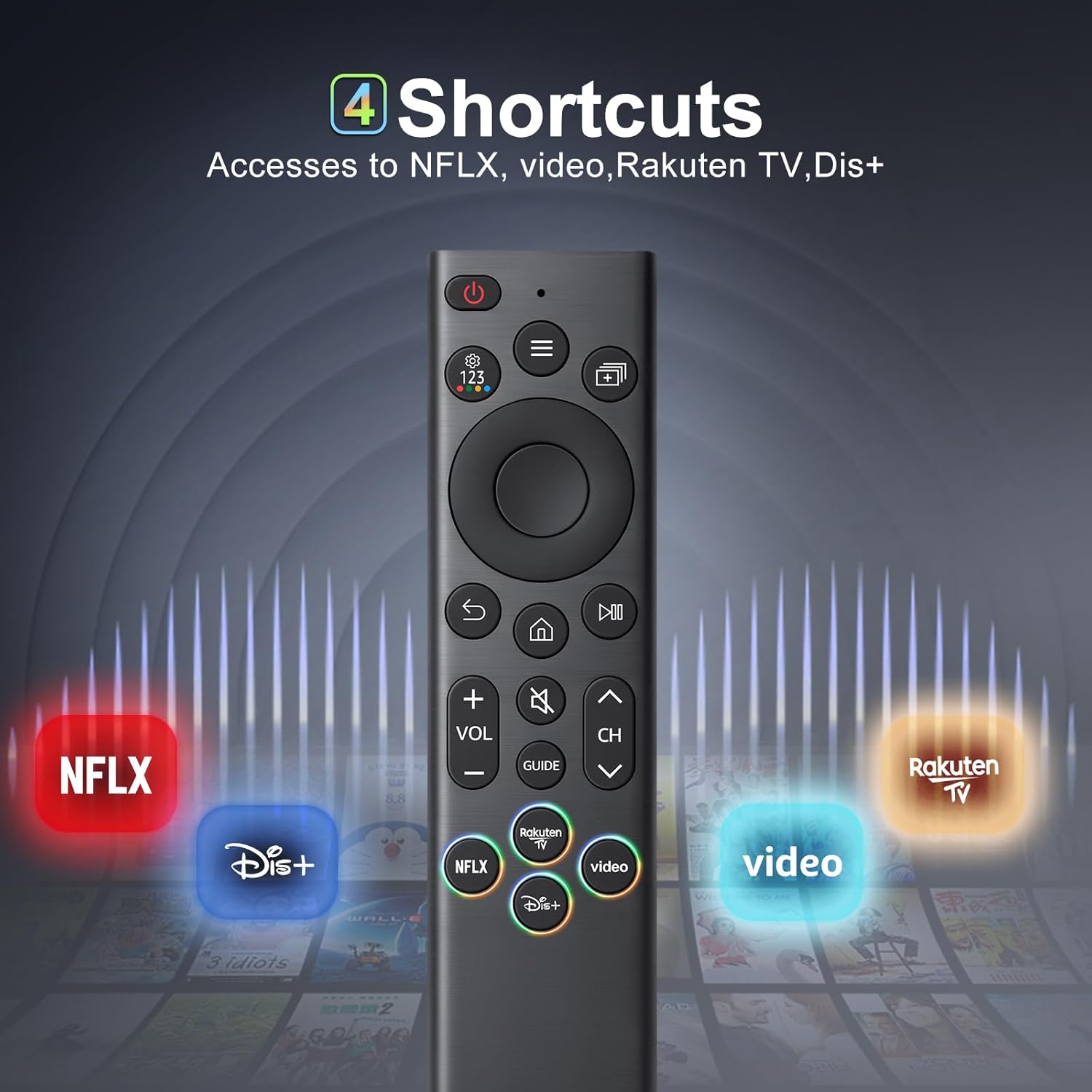
The headline features here are the shortcut buttons and the “ready to use” approach. Rather than digging through menus every time you want an app, the dedicated buttons for Netflix (and Rakuten TV) aim to cut the steps.
A practical way to think about it: imagine settling down in the evening, switching the TV on, and jumping straight to Netflix without hunting for the on-screen app. That’s the kind of small convenience that adds up if you use streaming services regularly.
What you need to check before buying
Compatibility is the main thing to scrutinise. The listing states compatibility with many Samsung Smart TV ranges and also provides examples of compatible original remotes by model number (for example, it mentions remote models like BN59-01266A, BN59-01312A, BN59-01312G, BN59-01310A and several others).
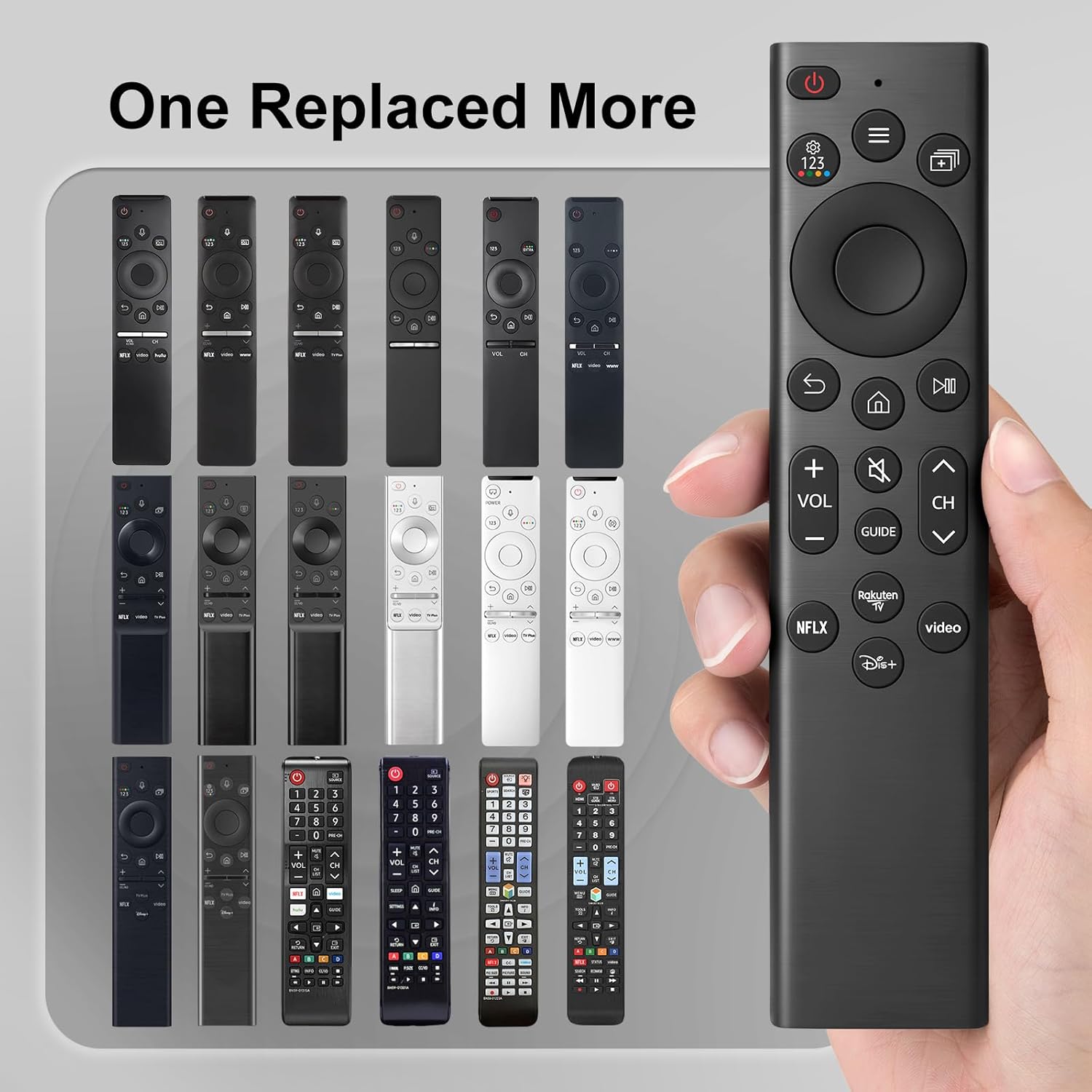
Here’s the reality: the more “universal” a remote looks, the more you should double-check matching details. If you can, compare your existing remote model number against the compatible remote list, or confirm your TV series appears in the supported TV model list. If your TV is a newer or less common variant not covered there, this may not be a great match.
Key takeaways for everyday convenience
This remote is positioned as an easy replacement rather than a “smart” remote with lots of advanced control. It’s also designed to be straightforward: no programming or setup required—just insert two 1.5V AA batteries.
Do note the small limitation from the listing: batteries and a manual are not included. That’s easy to remedy, but it’s still one of those details that can catch you out if you’re expecting everything in the box.
Who it suits (and who should be cautious)
It suits you if you want a simple, functional Samsung remote replacement for home use, ideally for a lounge-and-bedroom setup (the pack includes two remotes).
It may not suit you if your priority is highly specific control or you need certainty without being able to check compatibility against your TV series or your current remote model number. Universal remotes can be a bit hit-and-miss when the device is outside the stated model support.
As for performance claims like “over 40 ft” range, it sounds promising for typical home distances, but real-world results can vary with layout, walls and interference—so it’s not something to treat as guaranteed in every room.
What stands out vs. other replacement approaches
Compared with hunting for the exact original remote, this is designed to be the low-fuss route: broad Samsung model coverage and no programming required. Compared with cheaper, more generic replacements that may not include useful shortcuts, the dedicated Netflix and Rakuten TV buttons are a tangible quality-of-life upgrade.
If you mainly switch inputs and change channels while rarely using streaming apps, you might not benefit as much from the shortcut buttons. In that case, compatibility and button feel become more important than the extras.
Is it worth it?
Buying this makes sense if you have a Samsung Smart TV from the listed series, and especially if you can verify your TV/remote model falls within the compatibility details provided. The “insert AA batteries and go” approach is a big plus when you just need it working again.
Skip it (or at least double-check first) if you can’t find your TV model in the supported list, or if your current remote model number isn’t among the compatible remote examples. It’s a practical replacement, not a magic universal that will definitely cover every Samsung variation.
Mini FAQ
FAQ: Do I need to program this remote?
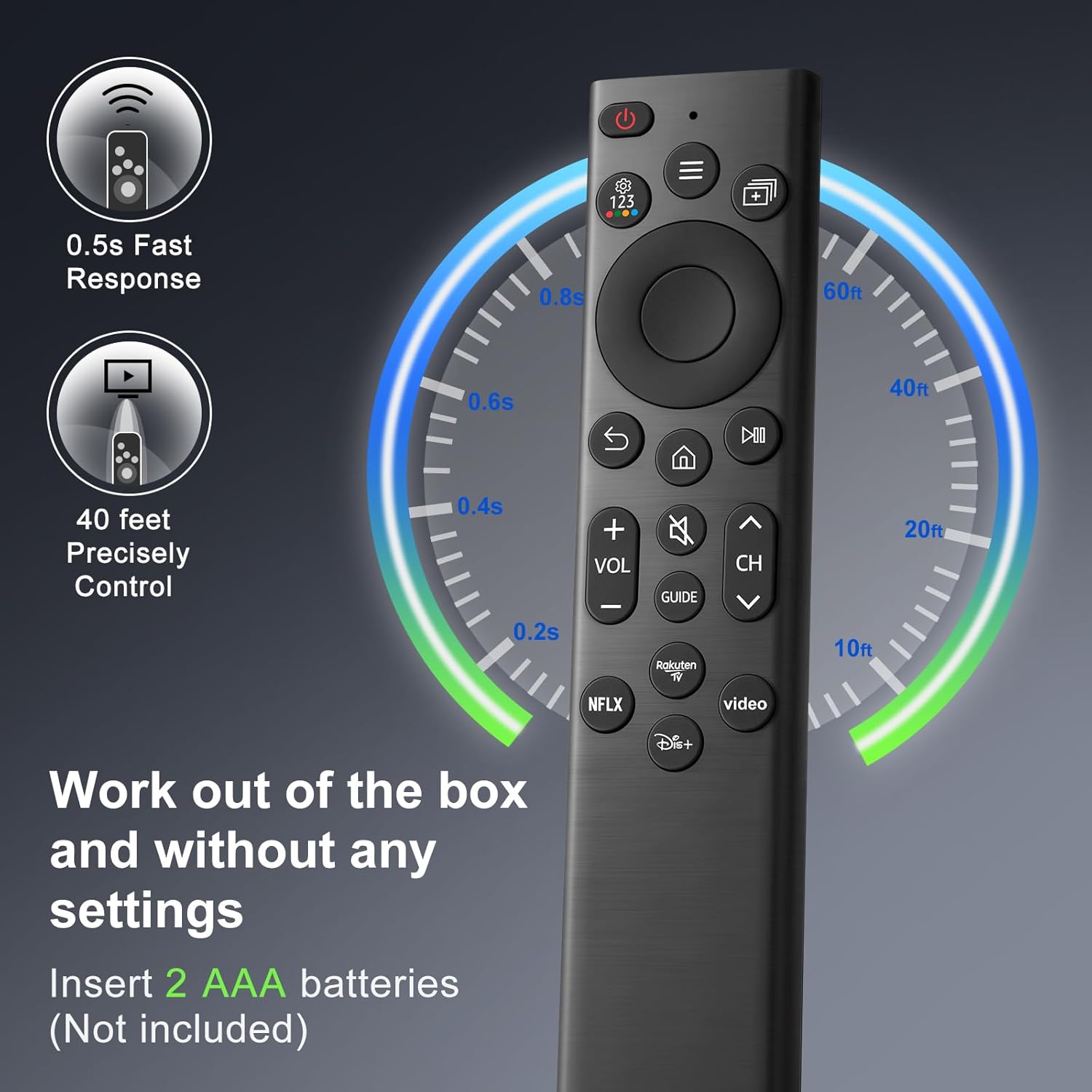
No programming or setup is required, according to the listing. You insert two 1.5V AA batteries and it’s ready to use.
FAQ: Are batteries included?
No. Batteries and a manual are not included.
FAQ: Does it include Netflix shortcut buttons?
Yes. The listing specifically highlights shortcut buttons for Netflix (and also Rakuten TV).
FAQ: How can I confirm it will work with my Samsung TV?
Check whether your TV series is included in the compatible TV model list, and (if possible) compare your existing remote’s model number against the compatible remote model examples provided.
FAQ: What if there’s an issue after ordering?
The listing mentions after-sale support and says they’ll get back within 12 hours if you contact them with questions or concerns.