

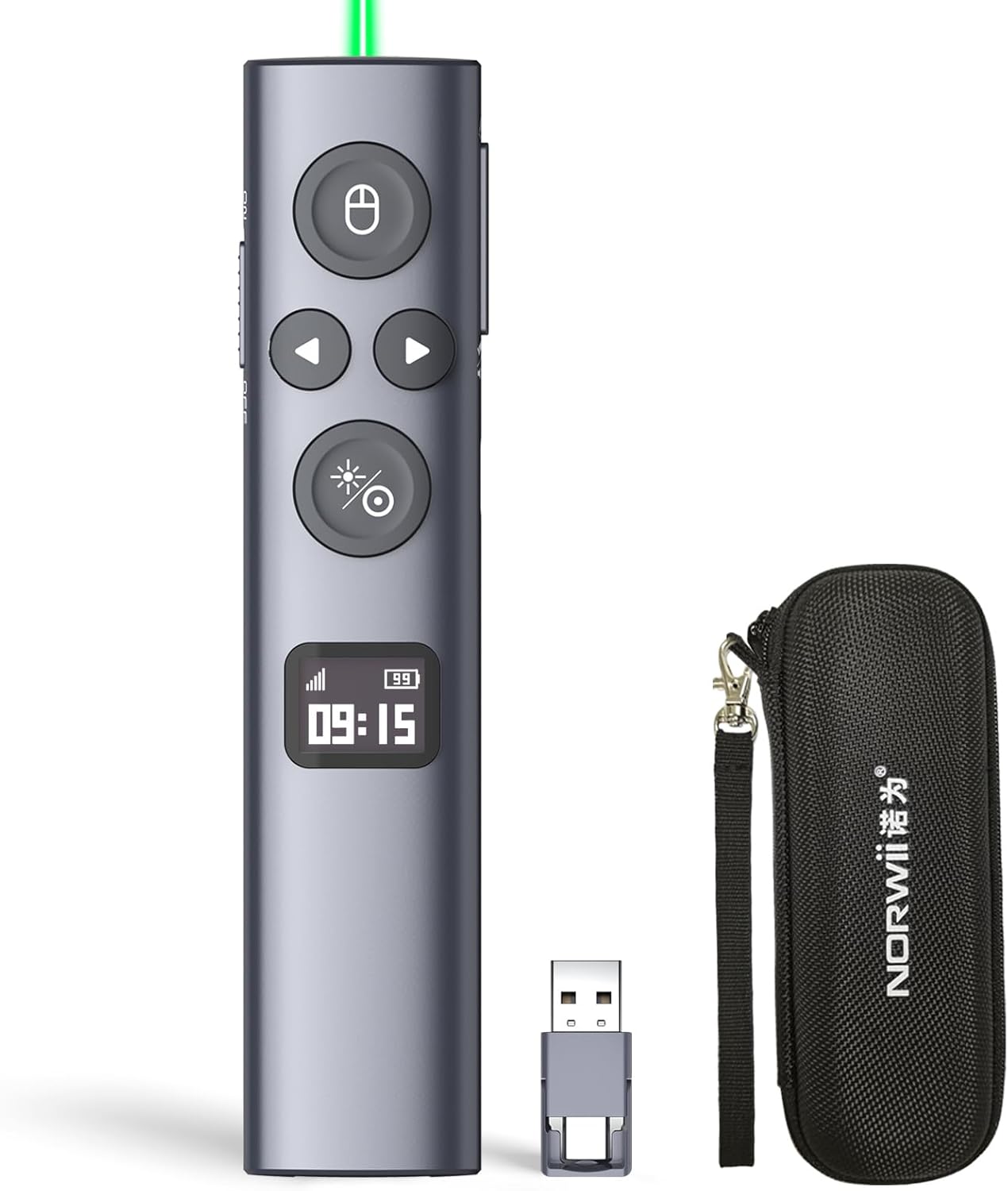
Norwii N95s BLE Presentation Clicker with Digital Pointer (Green Light USB-AC)
Product description
What this is for
The Norwii N95s is a wireless presentation remote designed to help you run PowerPoint more smoothly from the front of the room. On paper, it targets two common problems: losing control of the pacing and being stuck pointing vaguely while the audience follows along. It includes a digital pointer plus on-screen controls (like magnification and marker), and it aims to make countdown management feel visible and organised.
If you regularly present in meetings, training sessions, or classrooms, a clicker like this can reduce the “walking back and forth to the laptop” routine. It’s also the sort of gadget that can make your delivery more consistent—particularly when you need to land at specific time marks.
The screen that keeps you in control (OLED display)
A standout detail here is the OLED high-definition display. It’s built to show things like the signal strength, remaining power, and the clock/countdown settings. It also indicates pairing/connection status, which is useful because a lot of presenter remotes only become “annoying” once they’re already failing mid-session.
There’s also a countdown vibration alert described in the base information. The idea is that you can set alerts either on the clicker itself or via software, so you’re notified 10, 5 and 0 minutes before the end of your countdown. That’s practical if you’re trying to keep a structured agenda—though it does depend on setting the countdown correctly before you start.
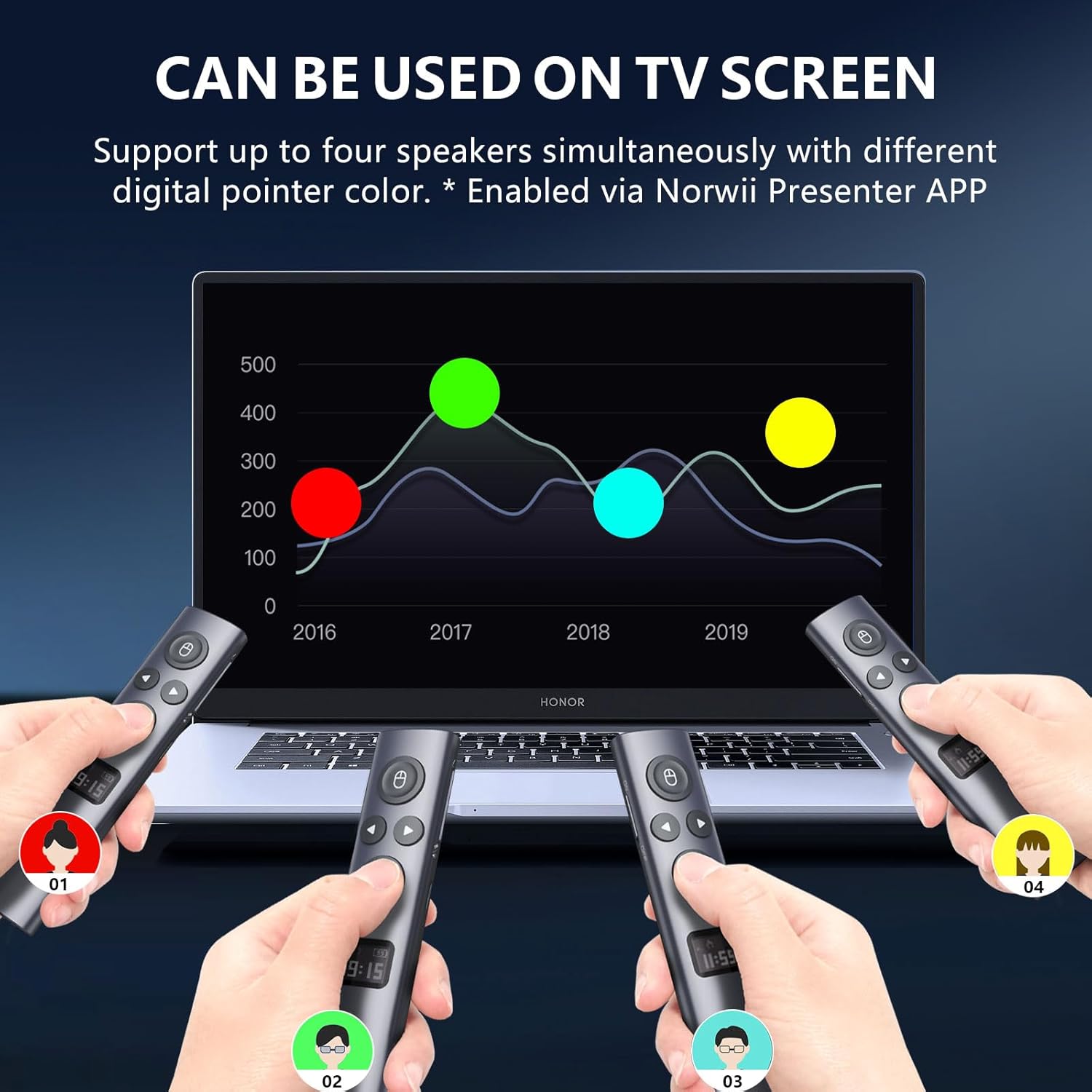
Pointer, magnification and on-screen tools for TV and projection
This remote is meant to work on both a TV screen and a projection screen. For the TV setup, the functions of the digital pointer, magnification, marker and custom symbol are described as clearly visible on the TV image. For projection screens, it mentions physical light used to indicate the projection screen.
In day-to-day use, that can change what “good pointing” looks like. With TV, the overlays are shown on-screen, with a projection setup, you may rely more on the physical light cue. It’s not necessarily a deal-breaker, but it’s worth thinking about which display type you use most.
Mouse cursor control and click behaviour
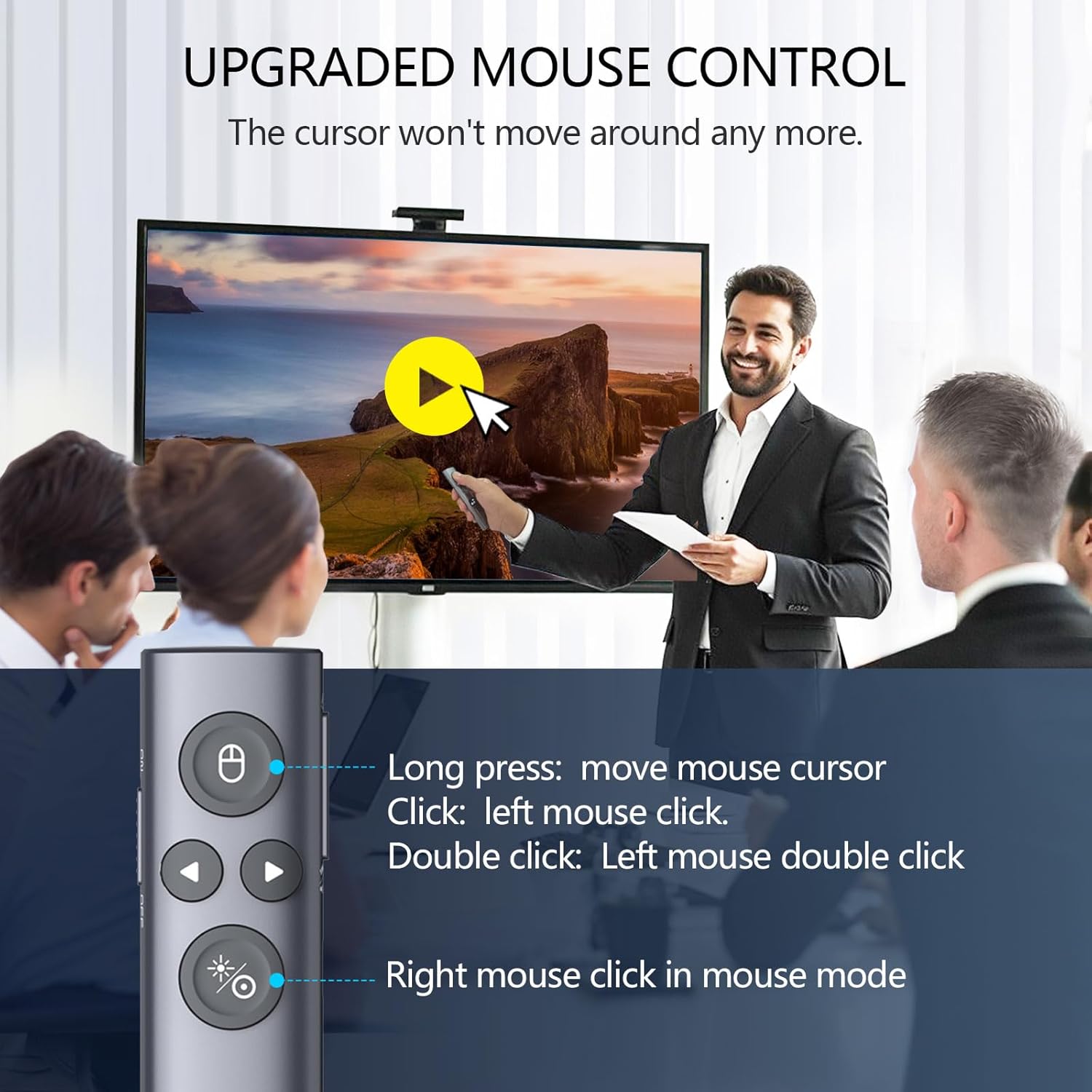
The N95s includes mouse cursor control, covering left click, double click and right click. That matters if you need more than just slide advance—for example, navigating within a deck, clicking to expand something, or interacting with basic menus.
It also mentions a modern slim design with a lightweight housing made from an ABS and PC mixture, aimed at comfortable all-day use. That’s a sensible target for lecturers and trainers who hold the remote for long stretches.
PowerPoint virtual pointer support (and its limitation)
One of the more specific points in the description is “Instant Access to PowerPoint’s Built-in Virtual Pointer” with no installation required. However, it also states that it only works in Full-Screen Mode on Windows.
So the remote is best suited if you typically present in full-screen on a Windows laptop. If your workflow is windowed mode, or you often present in a different configuration, this is where it could get frustrating. It’s a limitation to keep in mind before you commit.
Connectivity choices and what to check before buying
The base info mentions multi-connection, offering three types of USB receiver to choose from: USB-A, USB-C, or USB-A & USB-C. Important clarification: only one type of receiver is included in a package, not multiple at the same time. Which receiver you get depends on your buying choice.
This is one of those “small detail, big impact” checks. Make sure the receiver type matches the ports on your laptop/PC, otherwise you might spend the first few minutes of a presentation solving a hardware mismatch.
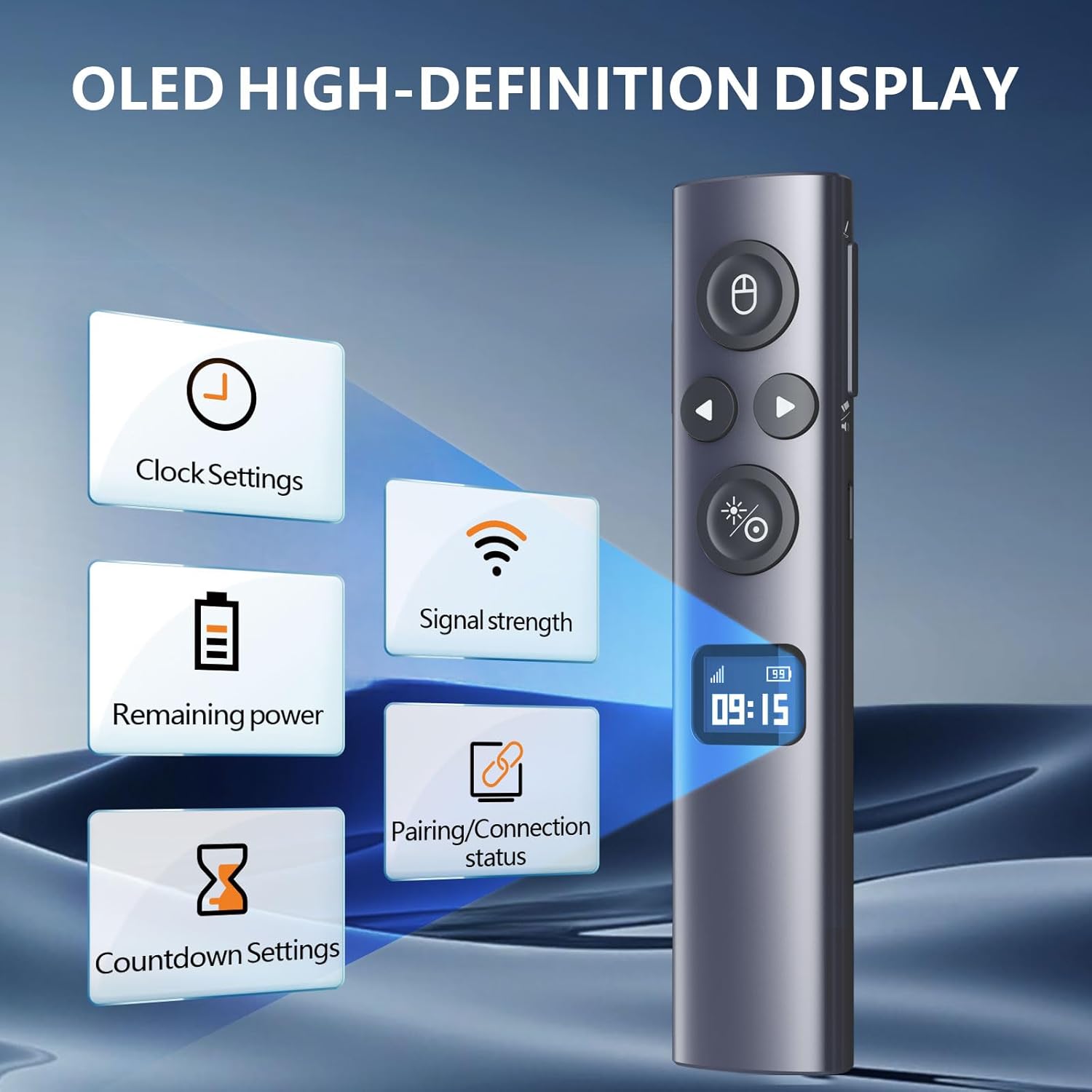
Also described is BLE, and the OLED display includes pairing/connection status, which should help if you’re switching between devices.
Tech specs you might care about
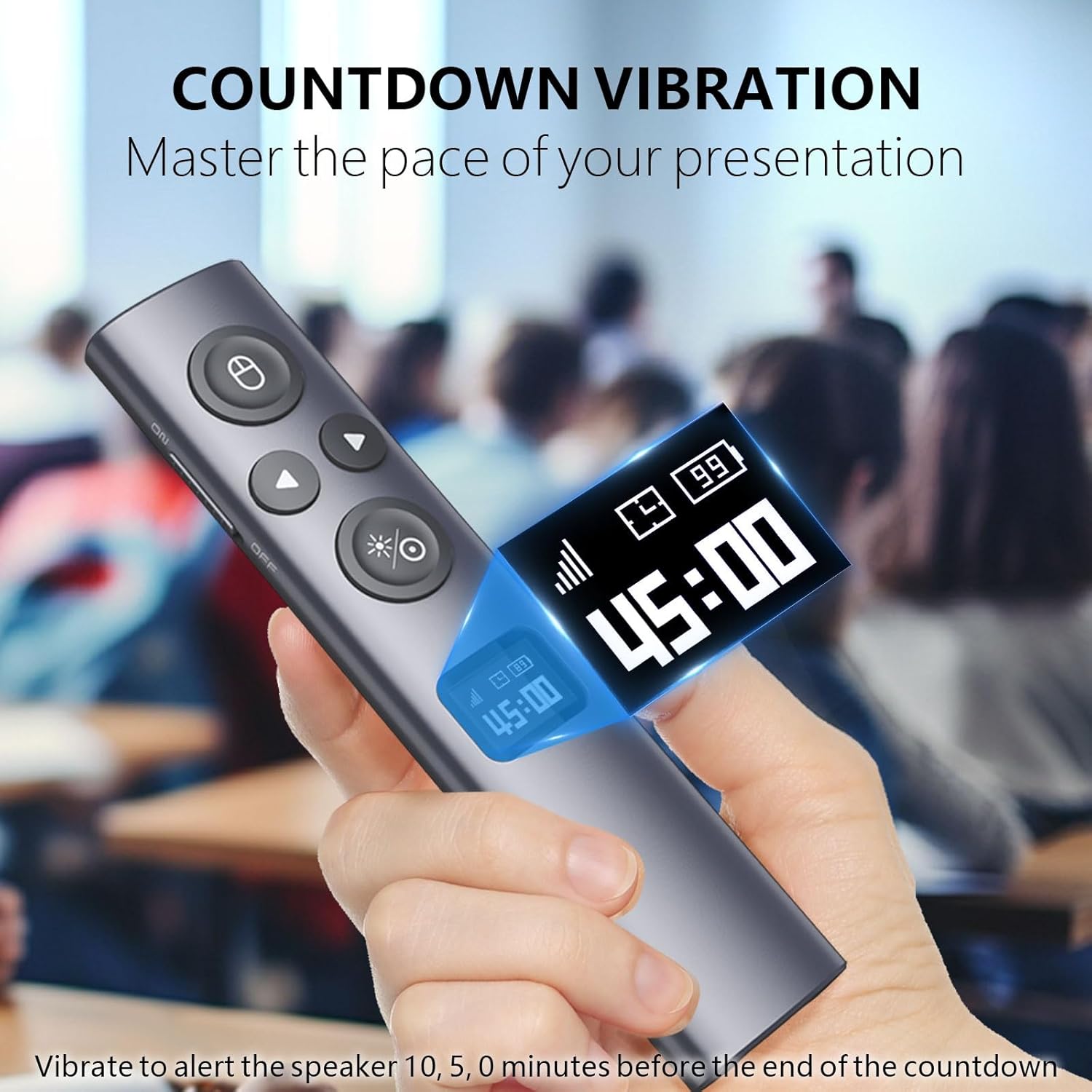
The details provided include a safety note (Safety Class II) and output power listed as under 1mW. The remote uses a slim ABS/PC mixed housing for signal transmission friendliness, and it includes the countdown/pairing and strength/power information via the OLED display.
Pros, but with a realistic view
On the good side, the OLED display and countdown vibration alert are genuinely aimed at presentation discipline, not just page turning. The digital pointer tools for TV visibility are also a practical “see what you’re doing” approach.
Where it may feel more mid-range than premium is how dependent the setup is on your presentation mode and screen type. The full-screen Windows limitation is the main caveat from the information given. And for projection screens, the description suggests a physical light indication rather than the same on-screen overlay behaviour, which may or may not match your expectations.
Who it suits, and who should skip it
It makes sense if you want a wireless presenter remote with visible guidance (pointer, magnification, marker/custom symbol) and a countdown you can feel via vibration. It’s especially relevant if you run time-boxed sessions and dislike guessing how close you are to the end.
It might not suit you if you regularly present in non-full-screen mode on Windows, or if your setup doesn’t align with the receiver type you choose. In that case, you may be better off looking for a remote that matches your exact display and presentation workflow.
Buying verdict
Is it worth it?
The Norwii N95s looks worth considering if your main goal is steadier delivery: clear pointer tools on TV, a countdown vibration alert, and an OLED display that keeps you aware of connection and remaining power. It’s built around doing the job at the front of the room without constant laptop handling.

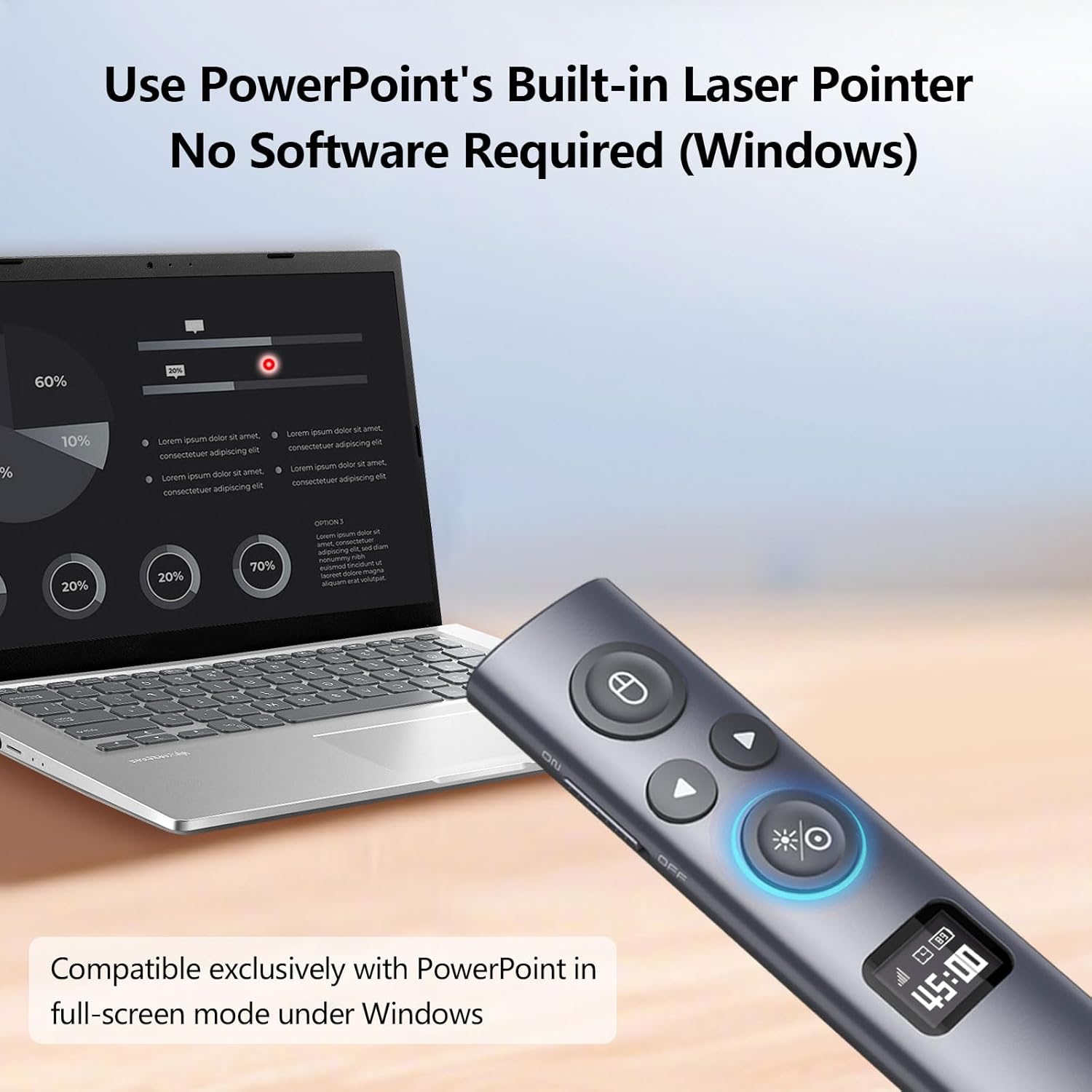
But don’t ignore the limitation: the PowerPoint built-in virtual pointer support is only described as working in full-screen mode on Windows. If your presentations don’t follow that pattern, it may end up being less useful than you hoped. Finally, double-check the USB receiver type you’re selecting, because the box includes only one receiver format.
Mini FAQ
Does it work on both projection screens and TVs?
Yes, the description says it works on both. For TV, the pointer and related tools are visible on the screen, for projection, it uses physical light to indicate the projection screen.
How does the countdown alert work?
It includes a countdown vibration alert. Once set (on the clicker or via software, per the description), it alerts you 10, 5 and 0 minutes before the end.
Will it work for PowerPoint virtual pointer in any mode?
The description specifies it only works in full-screen mode on Windows, so it may not suit windowed presentations.
What USB receiver do I get?
You choose between USB-A, USB-C, or a combined USB-A & USB-C option, but only one receiver type is included in the package based on your buying choice.
What can I control besides slide advancing?
The remote supports mouse cursor control including left click, double click and right click, so it can help with basic on-screen interactions.