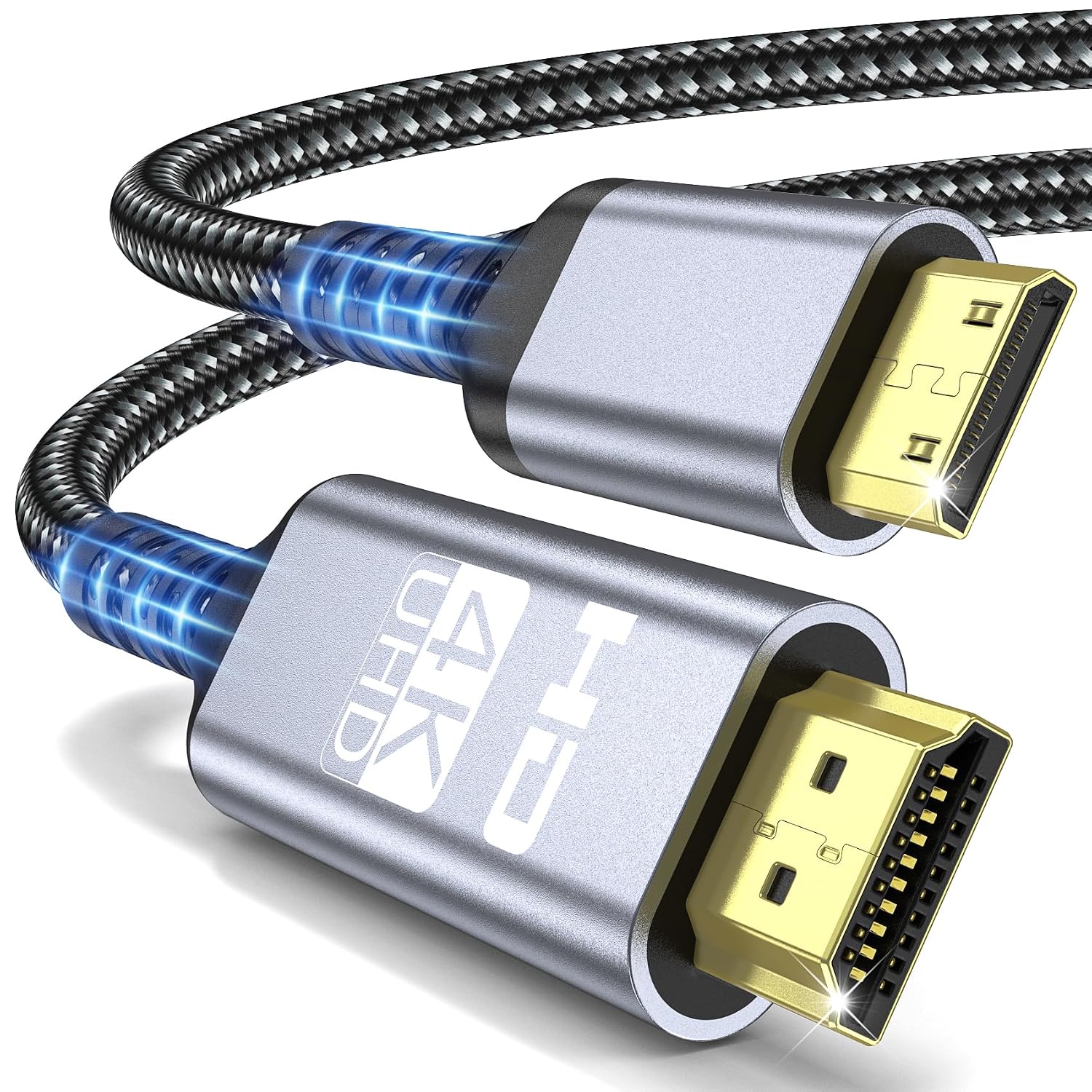
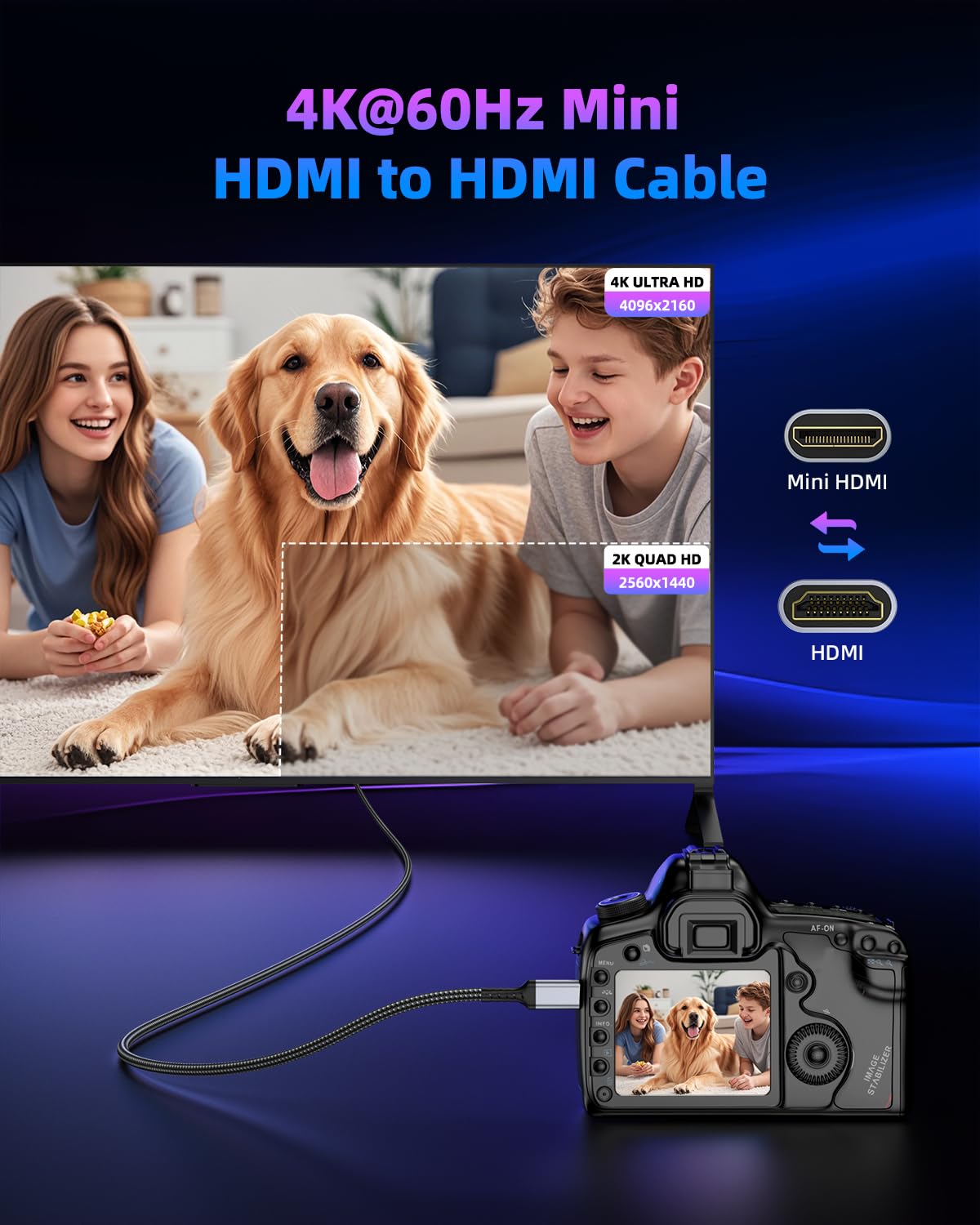
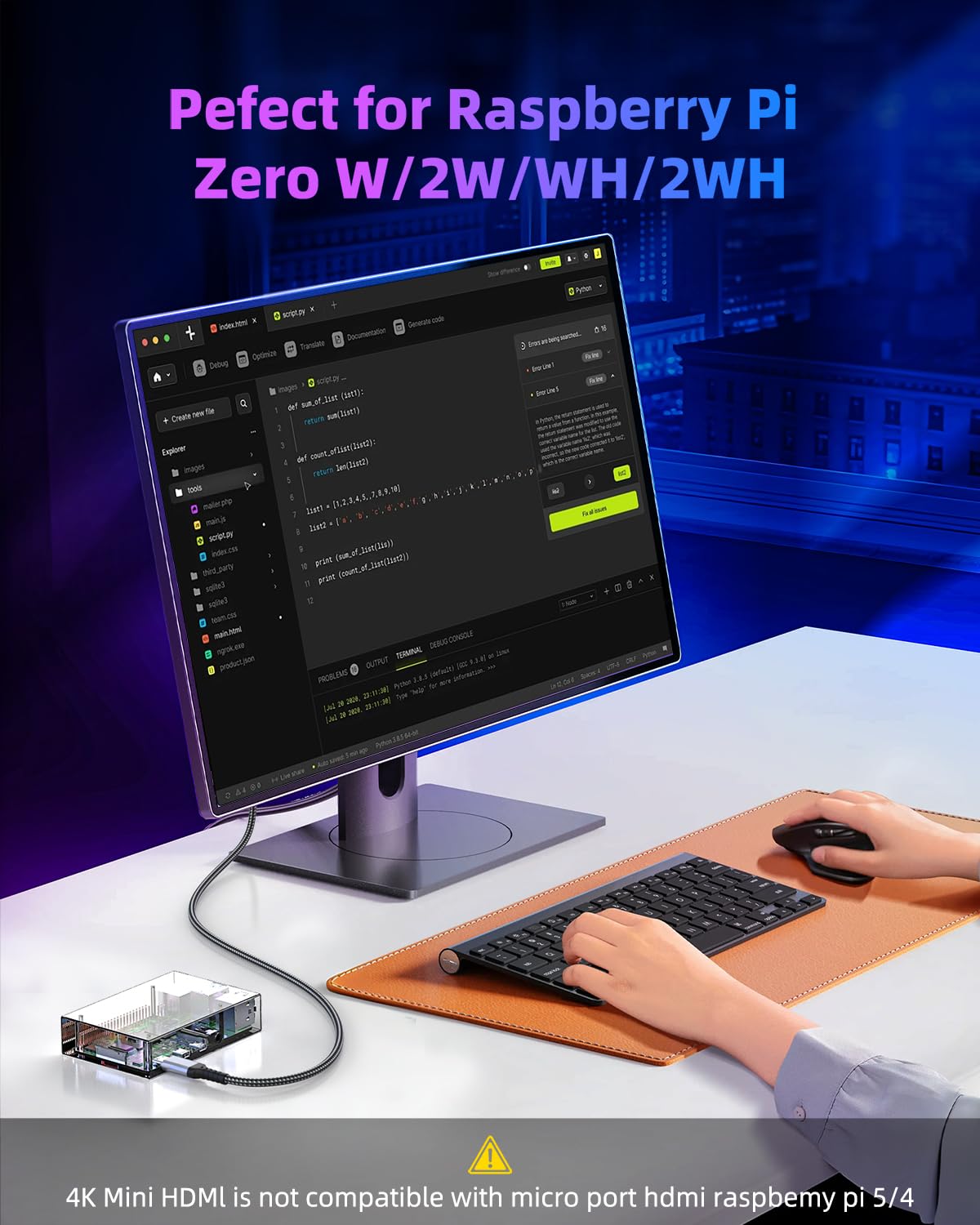
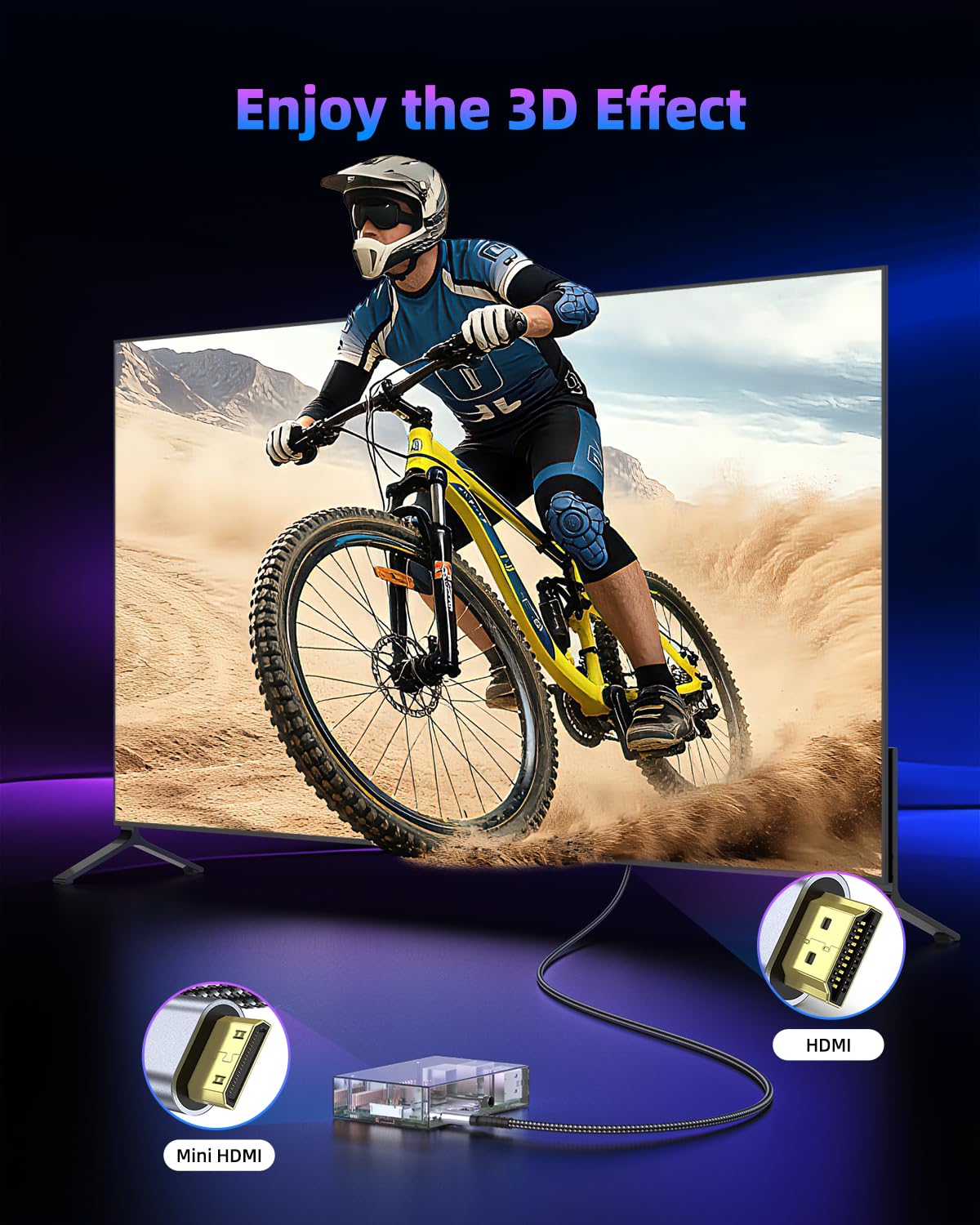
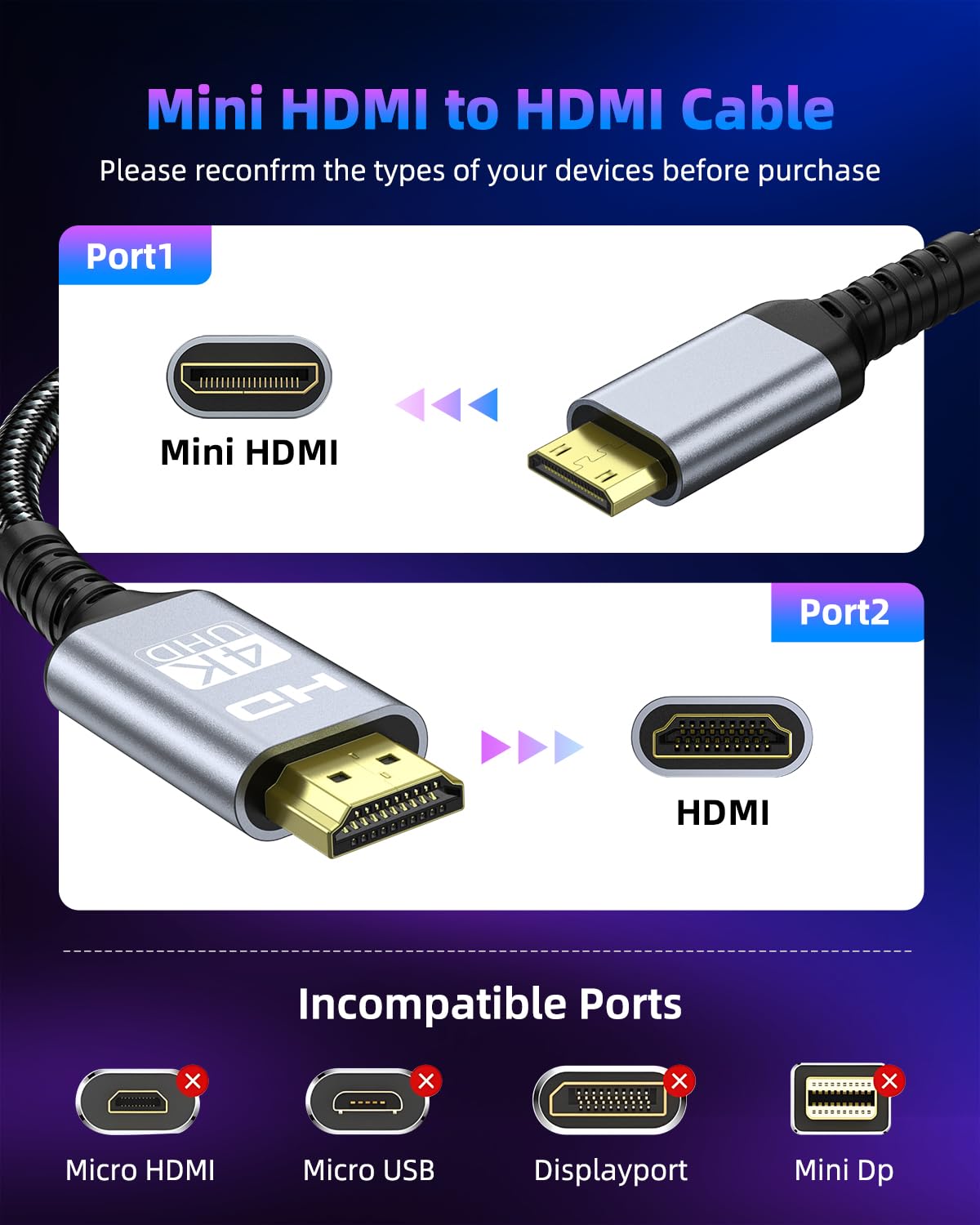
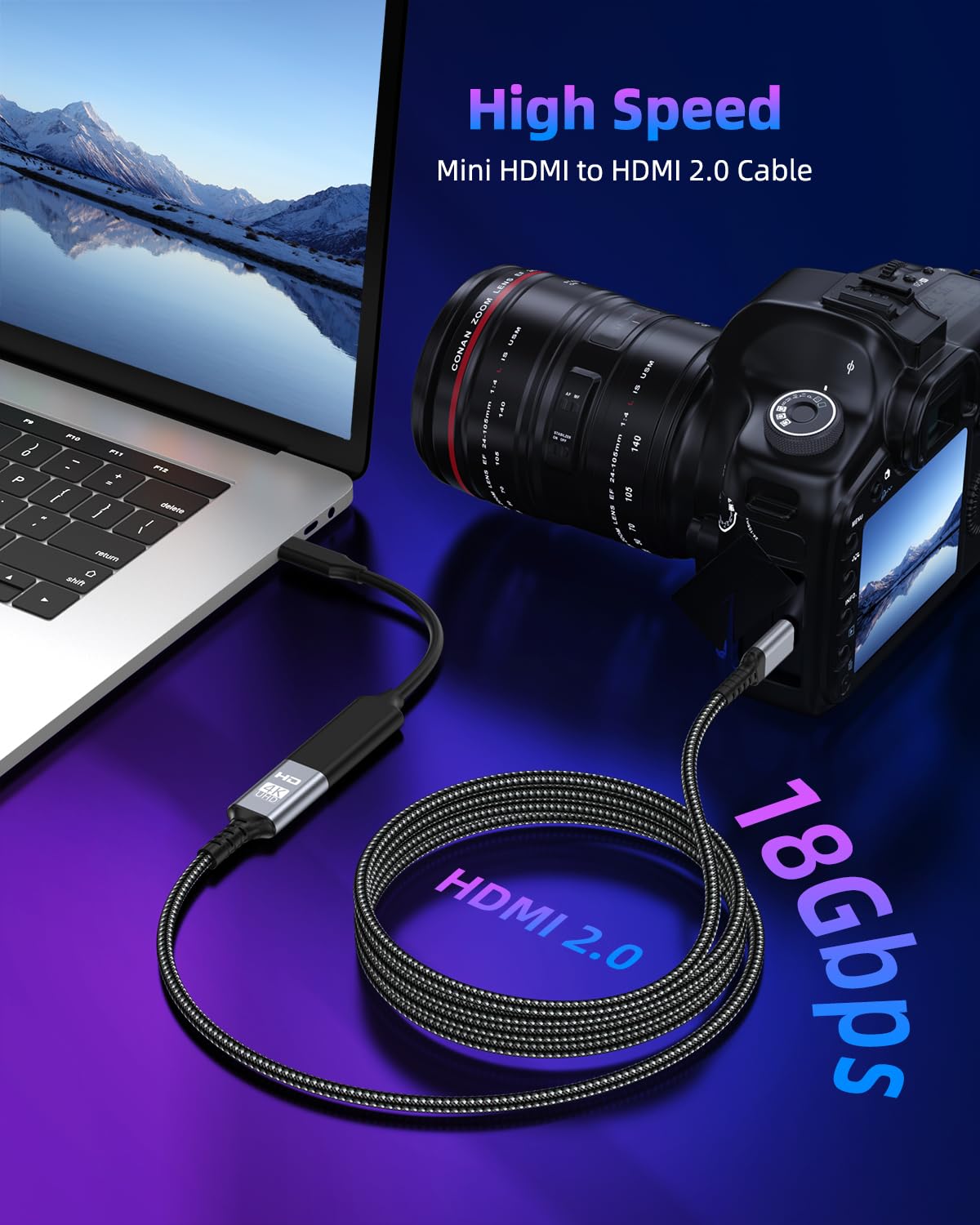
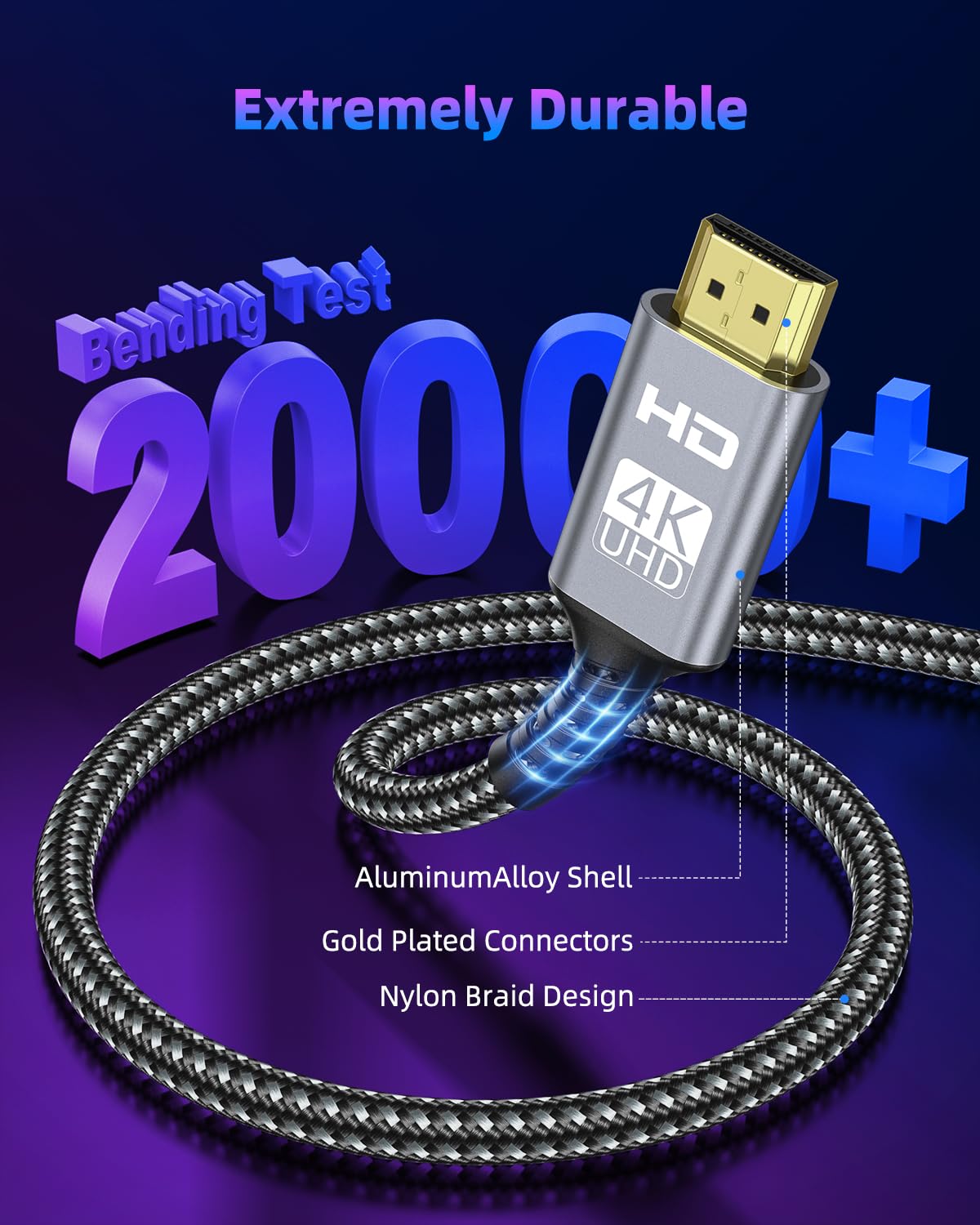
What it is and what it solves\nThe ZEENVIC Mini HDMI to HDMI Cable is a 3-metre, durable HDMI 2.0 lead designed to link Mini HDMI devices—such as Raspberry Pi Zero/W and certain cameras—to standard HDMI displays like TVs, monitors or projectors. It targets compact setups where space is at a premium, for tasks ranging from photography previews to portable office displays. On the paper, it provides a straightforward, bidirectional connection, letting you mirror or extend content to larger screens without needing a specialised adaptor. If your setup involves a Mini HDMI output and you want reliable, single-cable video with sound, this cable aims to cover that need without fuss.\n\n## Key features at a glance\nThe cable supports up to 4K at 60Hz in full 18 Gbps bandwidth, with backward compatibility for 2K at 120Hz and 1080p. HDR capability and ARC (Audio Return Channel) are noted advantages for compatible equipment, which can make streaming and media playback feel smoother, especially when you’re using the display as a hub for content. The build combines a nylon braided jacket, an aluminium shell and gold-plated connectors, offering a tidy balance of durability and signal integrity over longer runs. It’s designed to reduce interference through multi‑layer shielding, a practical detail if you’re using the cable in environments with other electronics nearby.\n\n## Who it’s for\nThis is a practical choice if you’re leveraging Raspberry Pi Zero/Zero W in a small desk or living room setup, or you’re using a camera or other Mini HDMI device that you want to preview on a larger screen. It also suits lightweight portable projects, mini PCs, and compact workstations where a single cable needs to carry both video and audio. If your use case involves regular high‑resolution gaming or fast‑paced media editing on very demanding displays, the stated bandwidth and resolution support remain the baseline to expect, and results may vary with the source device and memory card speeds.\n\n## What stands out in use\nOn the positive side, the bidirectional nature offers flexibility: you can connect a Mini HDMI device to an HDMI display, or connect an HDMI source to a Mini HDMI monitor. That flexibility is particularly handy when you’re cycling between a compact projector or portable monitor and a laptop or camera. The physical design aims to resist wear: nylon braiding helps with longevity, while the gold‑plated connectors can improve contact reliability across repeated plug‑ins. In real-world use, you’ll likely notice clean signal delivery for 4K@60Hz video and audio, provided the source and display support that bandwidth.\n\n## Limitations and things to check\nA sensible caveat is that the full performance hinges on the connected devices and the memory card speeds in use with cameras or Pi boards—faster cards can help sustain 4K workflows, while slower ones may bottleneck transfers. Also, some cameras or mini devices may implement Mini HDMI differently, ensure your device uses Mini HDMI and confirm the directionality you require (the cable is bidirectional, but you still need the appropriate connectors for each end). It isn’t a universal cure‑all for every Mini HDMI scenario, and if you’re aiming for the very highest refresh rates consistently across all content, you may encounter occasional compatibility considerations depending on source/ display capabilities.\n\n## How it compares to common alternatives\nCompared with two‑cable solutions or dongle adapters, this cable offers a direct connection with fewer intermediate components, which can reduce potential signal loss over a long run. For everyday streaming, presentation mirroring, or basic editing previews, a single 3 m lead with robust shielding is typically easier to manage than adapters that add extra joints. If you prioritise maximum flexibility with multiple ports, you might look at multi‑port hubs or active adapters, but those can introduce extra latency or price.\n\n## Practical usage example\nImagine a small home‑office setup: a Raspberry Pi Zero sits behind a compact monitor, and you want to show camera previews on a larger display during a shoot. You connect the Mini HDMI end to the Pi, the full HDMI end to the monitor, and you’re able to view the feed in real time without swapping cables. In a living room scenario, you could connect a micro projector to stream media from a Mini HDMI device, enjoying a neat, clutter‑free setup.\n\n## Before you buy: quick checks\n- Confirm your device uses Mini HDMI and identify which end should connect to the display vs. source.\n- Ensure your display supports at least 4K@60Hz if you expect those higher resolutions, or be prepared to operate at 2K/1080p depending on the device.\n- Check memory speeds and card types if you’re using cameras that rely on fast data transfer for video capture.\n\n## Final decision: Is it worth it?\nFinal verdict: a sensible, value‑for‑money option for those with Mini HDMI devices who want a simple, robust link to HDMI displays. It’s not the ultimate ultra‑high‑end solution, but for many hobbyists and portable setups it delivers dependable performance with a straightforward setup. If your needs include frequent 4K work on high‑end gear or you require absolute edge‑to‑edge gaming performance, you may want to compare with higher‑spec alternatives and verify compatibility with your exact camera or Pi model.\n\n## FAQ (practical answers to common questions)\n- Does the cable support HDR? Yes, HDR is mentioned among the capabilities, subject to the source and display compatibility.\n- Can I use it with a standard HDMI monitor? Yes, the bidirectional design supports connecting Mini HDMI devices to HDMI displays.\n- Is it suitable for long‑term use? The nylon braided jacket and robust connectors suggest good durability, but like any cable, longevity depends on how often it is plugged and unplugged and the handling it receives.\n