

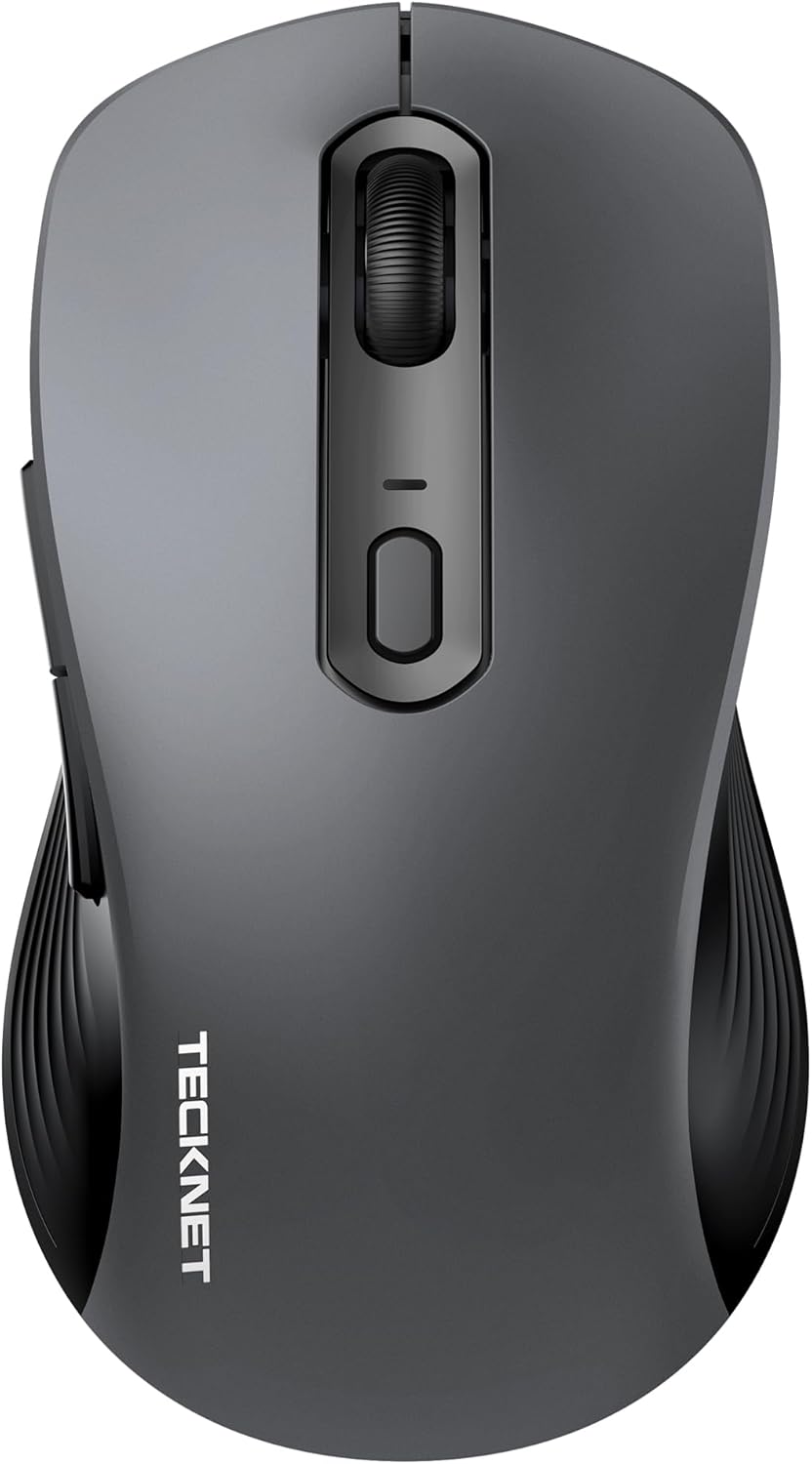
TECKNET Tri-Mode Wireless Mouse for Laptop (Bluetooth 5.0/3.0 + 2.4G, 4800DPI, silent clicks)
Product description
The essentials (and why it’s different)
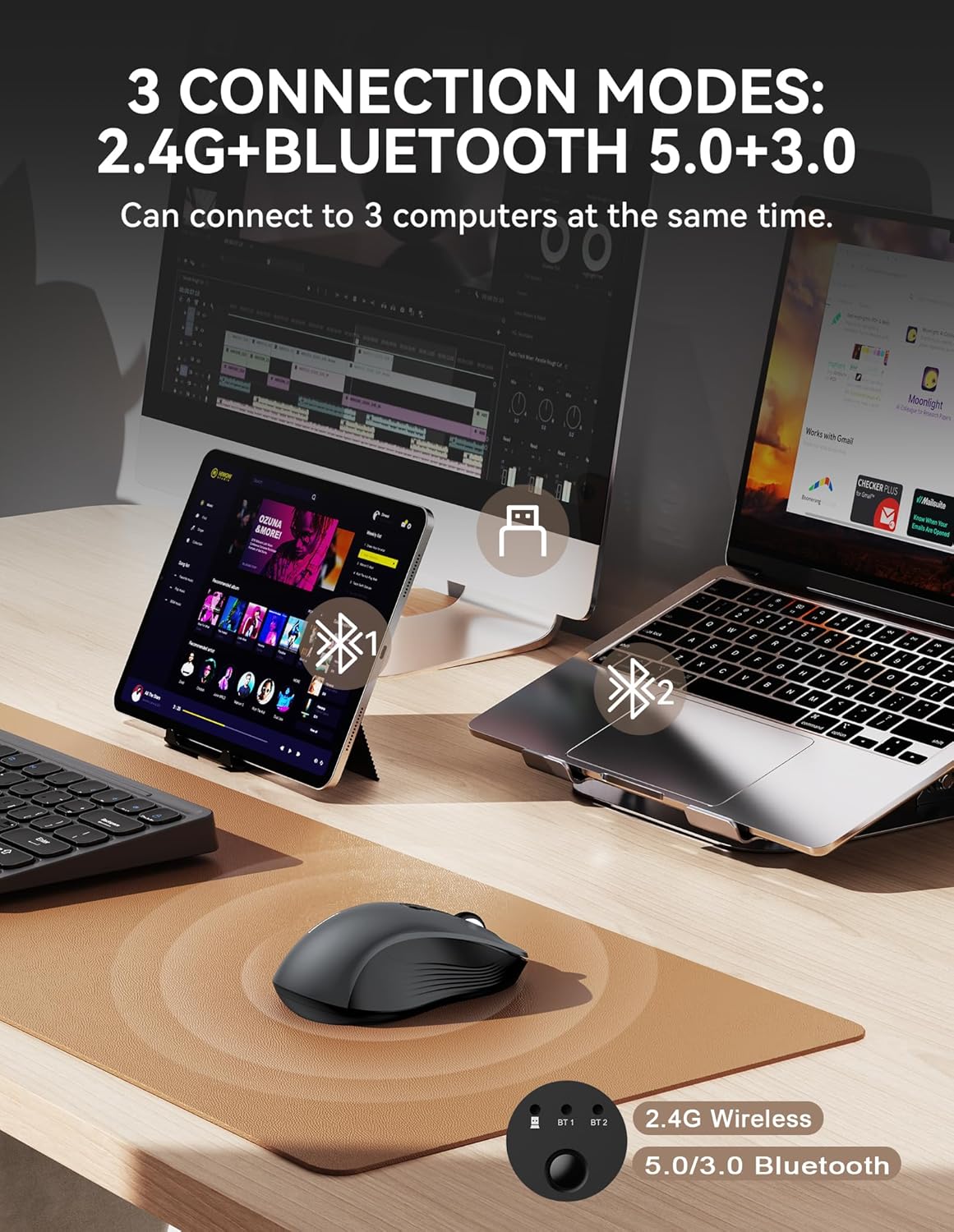
If you bounce between a laptop and a desktop (or you use a tablet as well), a basic wireless mouse can feel like one more thing you have to keep re-pairing. This TECKNET tri-mode wireless mouse is built around the idea that you can connect to multiple devices and switch without fuss.
On paper, it does this by offering two Bluetooth options plus a 2.4G USB connection, with the manufacturer saying the Bluetooth connection can be used to connect three devices simultaneously. That’s the real hook here: less faff, more “get on with work”.
Key features that matter in day-to-day use
The biggest practical advantages are straightforward: smooth tracking, quiet clicks, and the ability to switch between devices.
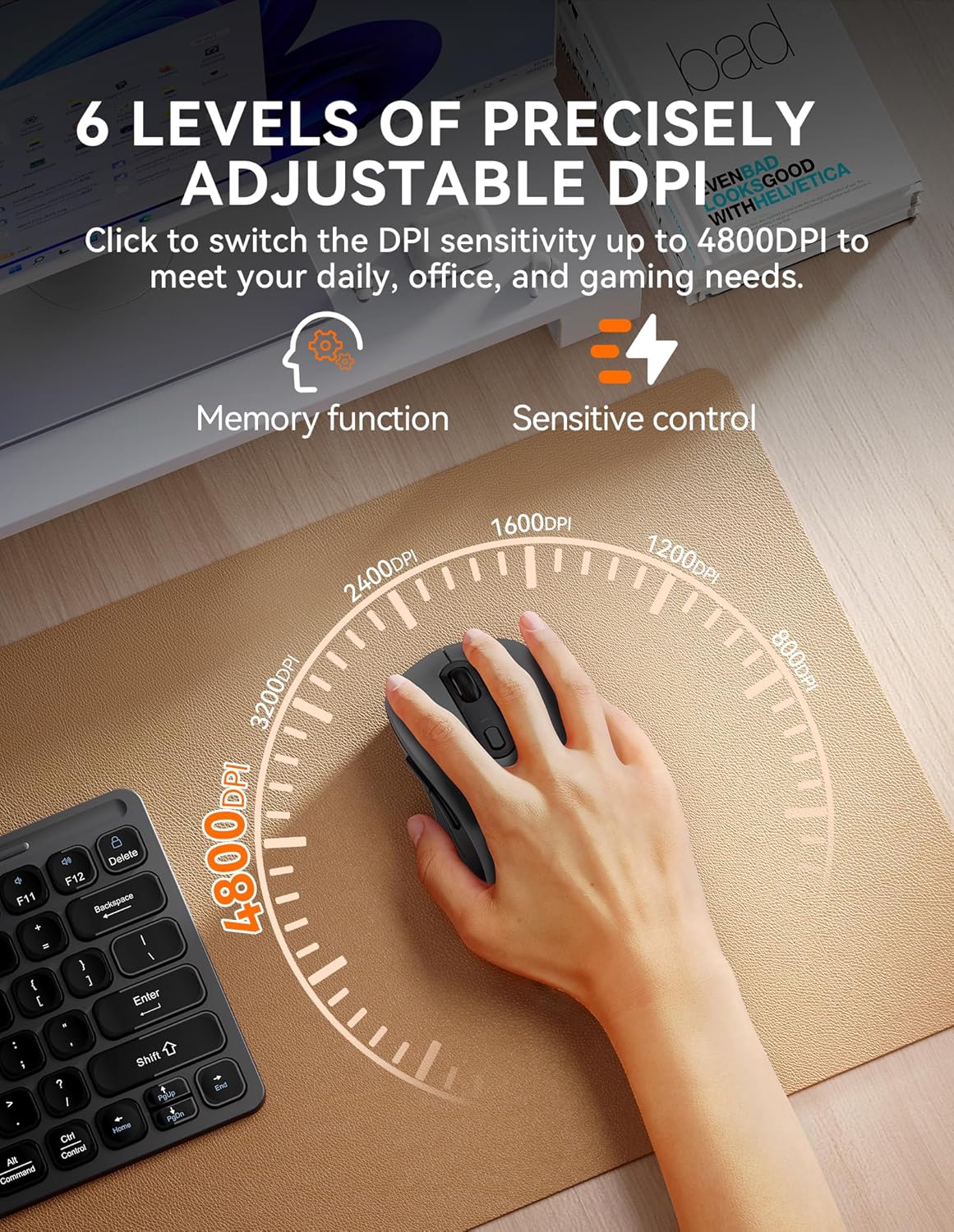
Tracking-wise, it uses optical tracking with adjustable DPI in six steps: 4800, 3200, 2400, 1600, 1200, and 800. The DPI also has a memory function, and it’s set to 1600 by default. If you prefer consistent cursor speed across sessions, that default plus the memory feature is a nice touch rather than something you have to keep changing.
On noise, it’s positioned as a silent mouse. The base description claims it reduces clicking sound by 90%, which is exactly the sort of detail you notice in shared spaces like libraries, open-plan offices, cafes, or even during travel. It’s not “silent” in the absolute sense (no click device is), but it’s clearly meant to be less distracting.
What to expect from the tri-mode setup
The tri-mode approach is aimed at people who want one mouse to cover different setups. The Bluetooth side is described as Bluetooth 5.0 and 3.0, alongside a 2.4G connection.
In normal use, you’d typically rely on the 2.4G USB connection for a PC setup where you want stability, and use Bluetooth for a laptop or tablet when you don’t want another dongle hanging around. The switching promise is the reason this mouse exists—so if you’re the sort of user who usually keeps multiple devices on your desk, this may fit your workflow.
One limitation to keep in mind: the base description talks about compatibility broadly, but it doesn’t spell out exact pairing behaviour or how quickly devices switch in practice. For some buyers, that “feel” is just as important as the specs.
Universal compatibility (and where it’s likely to land)
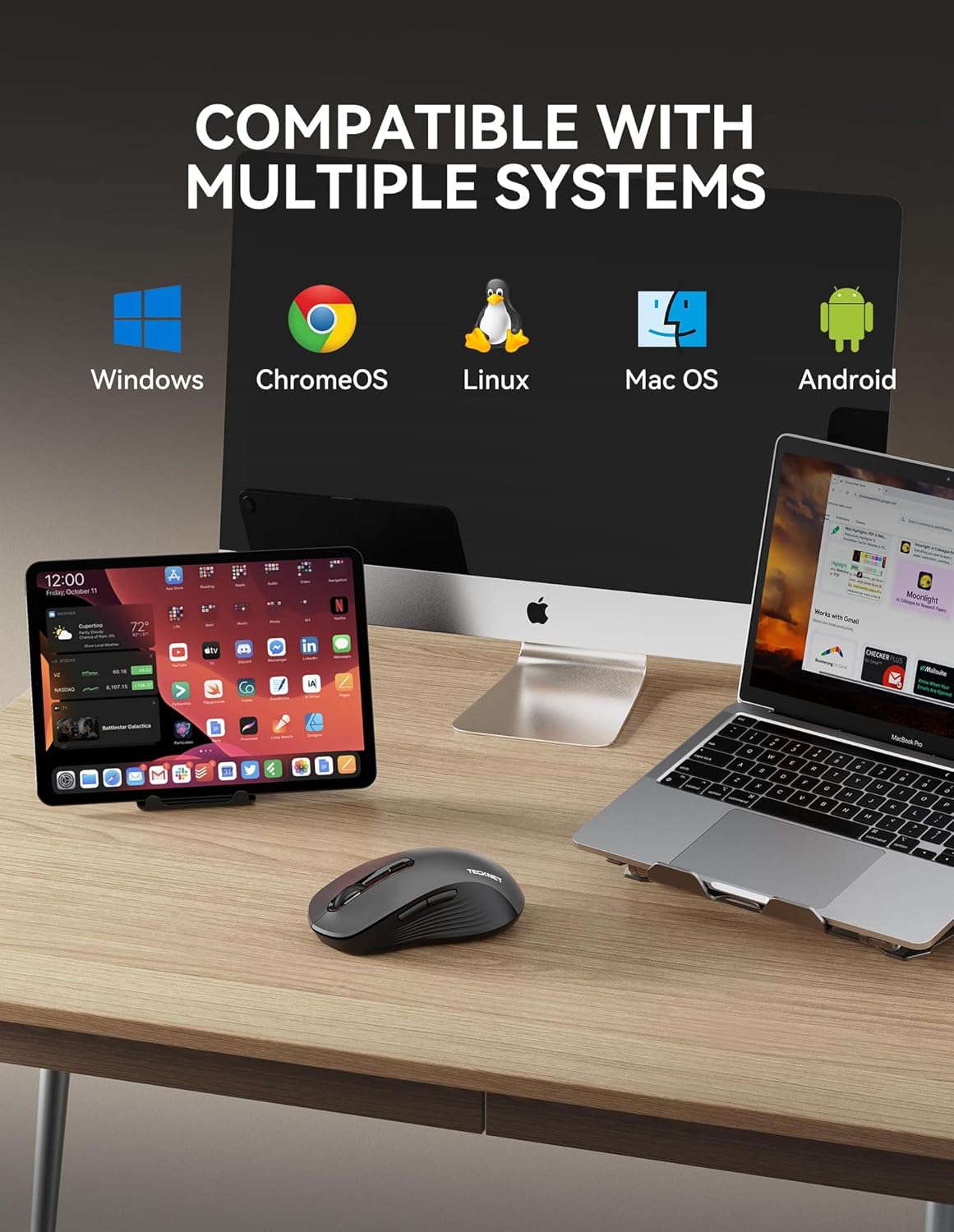
Compatibility is described as wide: Windows XP/7/8/10/11, Mac iOS X 10.4 or above, Android, Linux, and Chrome, with support for desktops, laptops, PCs, MacBooks, and tablets. It also notes no drivers are required.
That broad statement is useful if you’re mixing operating systems at home or work. It also suggests this is intended as a low-maintenance everyday mouse—plug in via USB for simple scenarios, or pair over Bluetooth when you need device flexibility.
Worth noting: “Chrome” compatibility is mentioned, but the exact experience can vary depending on the Chromebook or setup you use. If you’re buying for a specific device, it’s still sensible to check that your exact model supports external Bluetooth mice (most do, but it’s not universal).
Battery life and real-world convenience
Power is via 2 AAA batteries (not included). The base info states it can last up to 18 months, and it automatically enters sleep mode after 3 seconds of inactivity, waking on click.
That sleep behaviour is a practical detail. It reduces the chance you’ll drain batteries just because you’ve stepped away. It also has the side benefit of making the mouse easier to “grab and go” when you return to your desk.
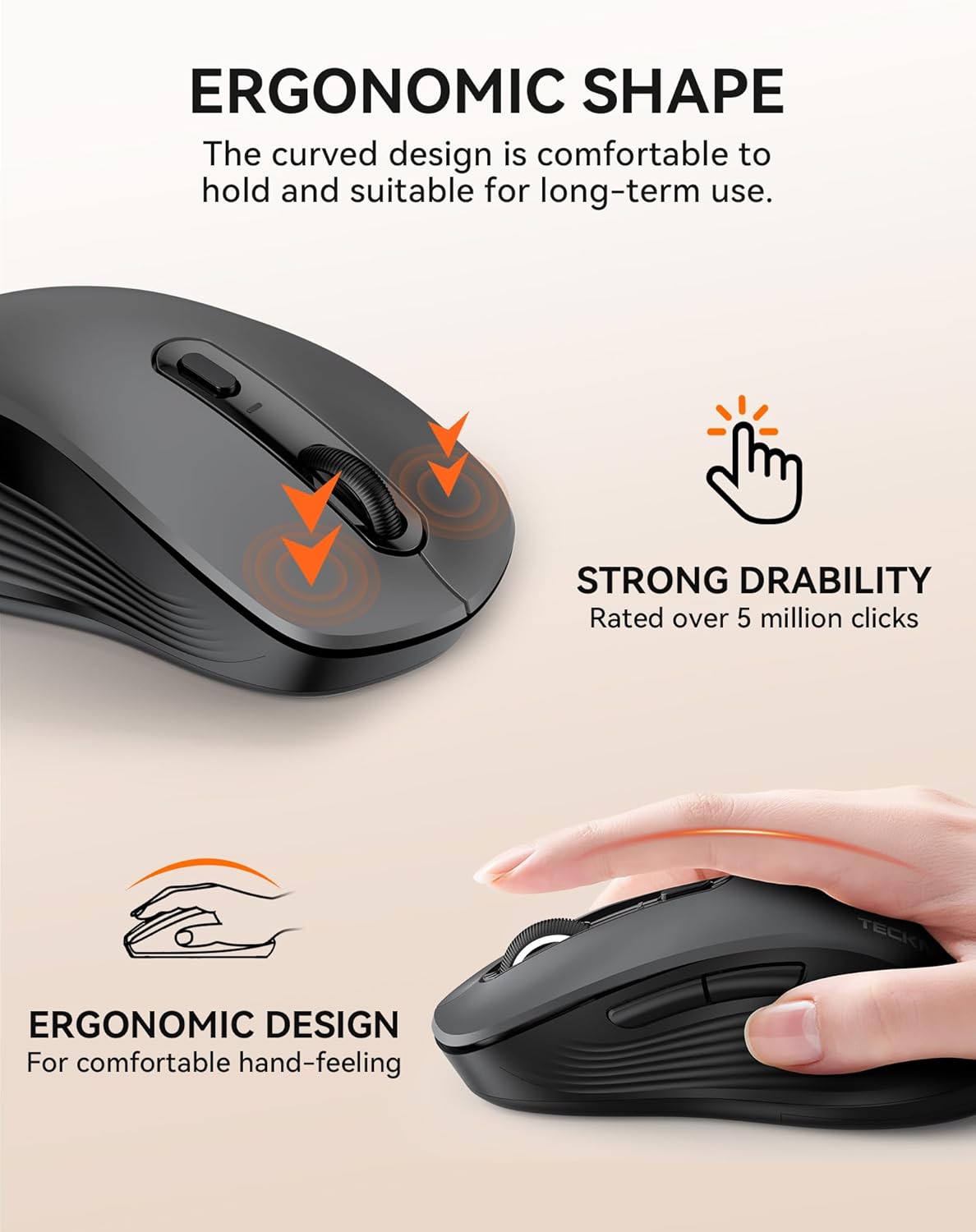
The key life is quoted as up to 5 million clicks, which points to durability being a focus rather than the mouse being a short-term replacement.
Where it shines, and who may want to skip it

It’s not trying to be a gaming mouse first and foremost. Instead, it looks designed for everyday productivity—office work, home use, and general computer navigation—where switching between devices and keeping things quiet matters.
It’s a good fit if:
You regularly use more than one device and want to swap connections without hunting for cables. You work in places where clicking noise can be an issue. You like being able to change DPI levels for different tasks (for example, higher DPI for quick navigation and lower DPI for precise cursor control).
You may want to skip it if:
You’re specifically after a high-end gaming-grade sensor and response tuning (the description doesn’t position it that way). You expect “perfect silence” rather than a significant reduction in click sound. You need very specific pairing performance and want guarantees beyond the manufacturer’s claims.

Tech specs (only the bits that affect buying)
- Type: Wireless mouse (tri-mode: Bluetooth 5.0/3.0 and 2.4G)
- DPI levels: 4800, 3200, 2400, 1600, 1200, 800
- Default DPI: 1600
- Tracking: Optical tracking
- Click noise: silent click, claimed 90% reduction in sound
- Power: 2x AAA batteries (not included)
- Battery life: up to 18 months (claimed)
- Sleep mode: after 3 seconds of inactivity (claimed)
- Connectivity: Bluetooth and 2.4G USB
- Compatibility: Windows, Mac (iOS X 10.4 or above), Android, Linux, Chrome (as listed in the base description)
FAQs
Does it need drivers to work?
The base description says the tri-mode mouse provides connections without needing drivers, so it should be more straightforward to set up than some older wireless mice.
Can it connect to multiple devices at once?
Yes—on paper, the Bluetooth mouse can connect to three devices simultaneously, with the tri-mode design aimed at switching between desktops, laptops and tablets.
What DPI should I use day to day?
It’s set to 1600 by default, and you can change between six levels. If you’re unsure, starting from the default (1600) is the simplest route, then adjust if you want faster cursor movement or more control.
Are the clicks actually quiet?
The manufacturer claims it reduces clicking sound by 90%. In practice, that usually means less distraction in quiet environments, but it’s still a mouse—so expect some sound rather than true zero.
Final verdict
Is it worth it?
This TECKNET tri-mode wireless mouse is worth considering if you want one mouse for laptop + desktop (and possibly a tablet), especially because the tri-mode idea is designed to cut down on connection swapping. The silent-click approach and the adjustable DPI range also support the “quiet, everyday productivity” vibe.
If you’re the kind of buyer who only ever uses one computer and doesn’t care about switching connections, you might not need tri-mode features. And if you’re shopping with gaming-level sensor expectations or you need guaranteed, instantaneous switching behaviour beyond the claims, it could feel like a slightly safe, mid-range choice rather than a specialised tool.
A sensible approach is to buy it for the workflow it’s designed for: office/home use where multi-device switching, quieter clicks, and battery life are the priorities—then judge it against your actual devices before committing.