

XPPen Magic Note Pad 10.9-inch
Product description
A tablet-style note pad from XPPen that aims to feel closer to writing on paper, with a 10.9 inch colour display and a 90Hz refresh rate for smoother reading and mark-up. If you want instant note-taking, document annotation, and comfortable reading in one device, the XPPen Magic Note Pad is built to help you capture ideas quickly, then switch between different colour viewing modes as your task changes. 📓
It also leans into creative workflows. With support for 16.7 million colours and 16K pen pressure levels, it is positioned for more natural looking strokes, sharper detail, and clear pen control when sketching or editing images. For students, office use, and anyone who annotates files regularly, this can be a practical way to keep your documents organised and your notes easy to access.
The essentials
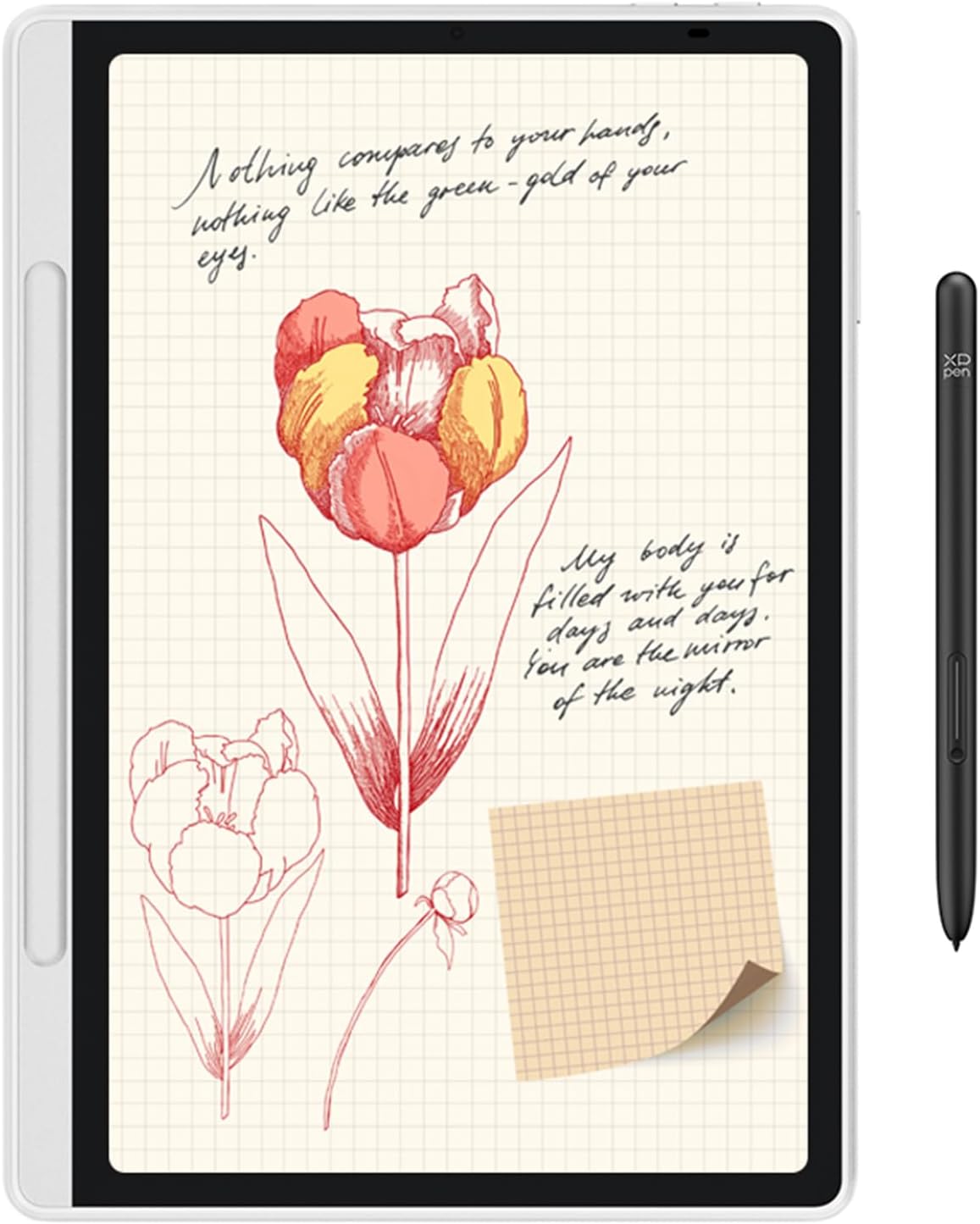
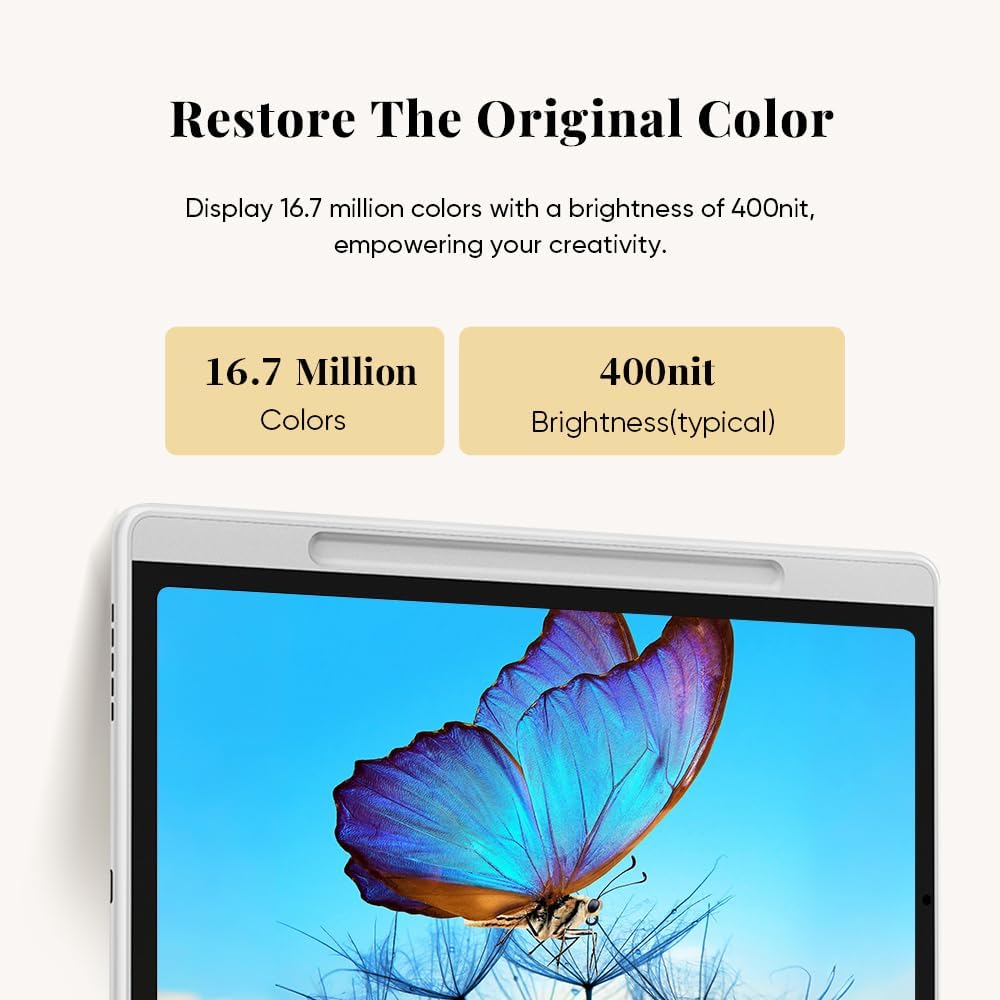
The XPPen Magic Note Pad brings together a paper-like writing and reading experience with a colour screen that is designed to reduce distraction from glare. You get a 10.9 inch AG nano-etched display and a 90Hz refresh rate, which can help make fast movement feel more fluid when you are watching content or scrolling through material. The colour output is built around 16.7 million colours and 400 nit brightness, so reading and viewing should remain vivid and clear across different tasks.
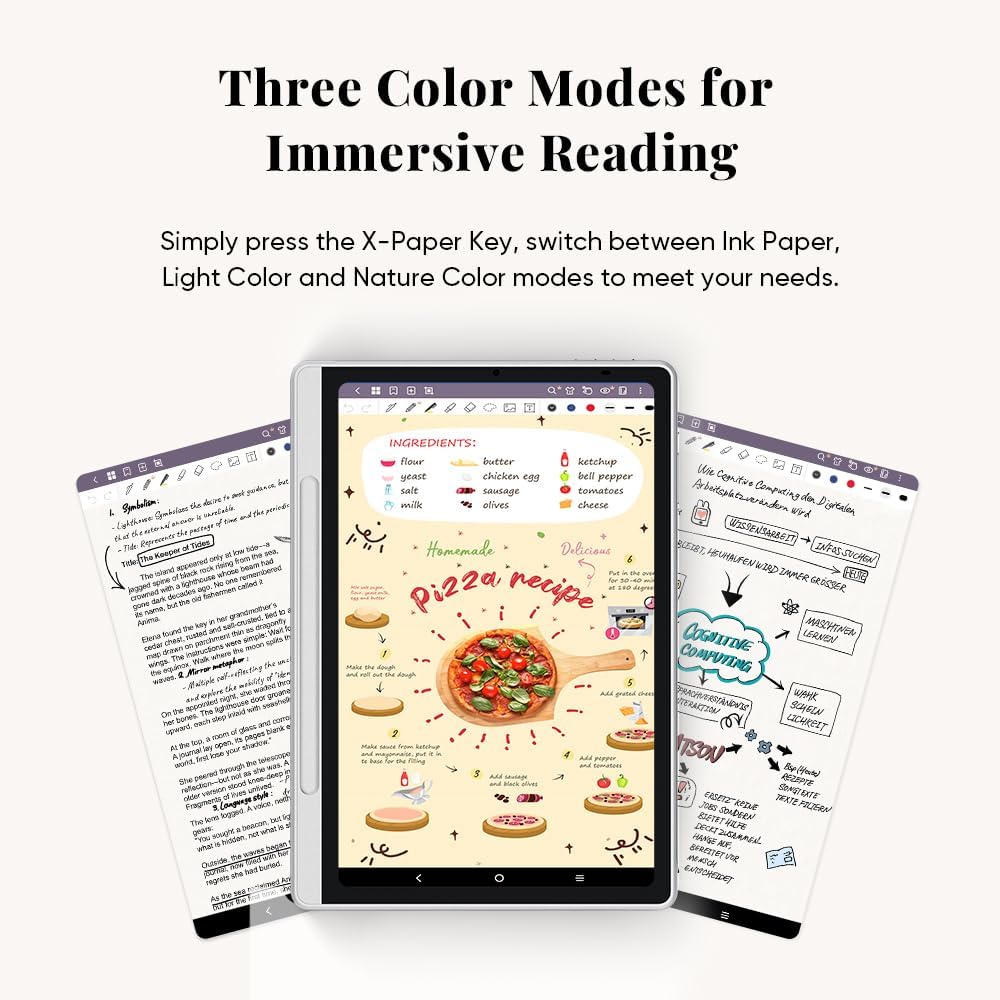
Switching the way the screen looks is part of the everyday experience. Using the X-Paper Key, you can move between three colour modes, which include Ink Paper for classic black and white, Light Color for lower saturation comfort, and Nature Color for truer hues. That flexibility matters when you alternate between lecture notes, document reading, and creative editing, because the display can be tuned to match what you are doing.
There is also a dedicated note-taking app for the workflow. The native XPPen Notes app is developed to help with lecture notes, document annotation, and creating artistic paintings. When you need to capture something straight away, having a purpose-built app can remove friction compared with using general purpose tools.
Key features
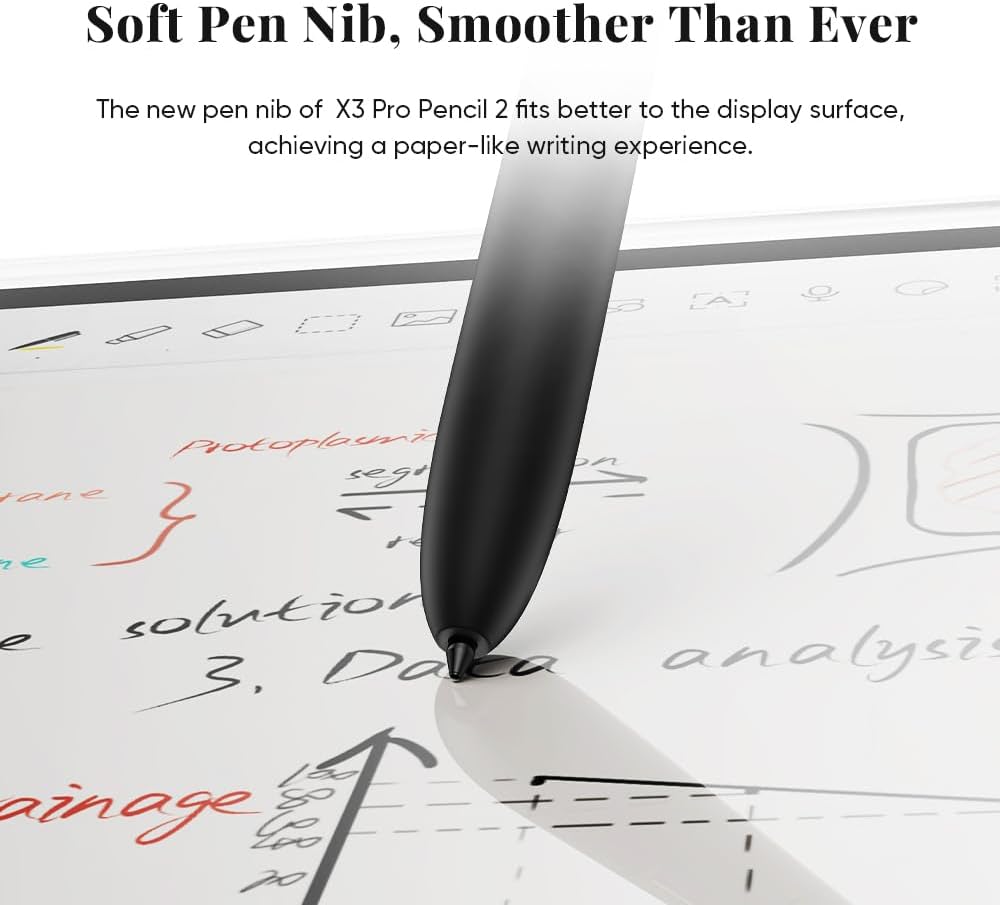
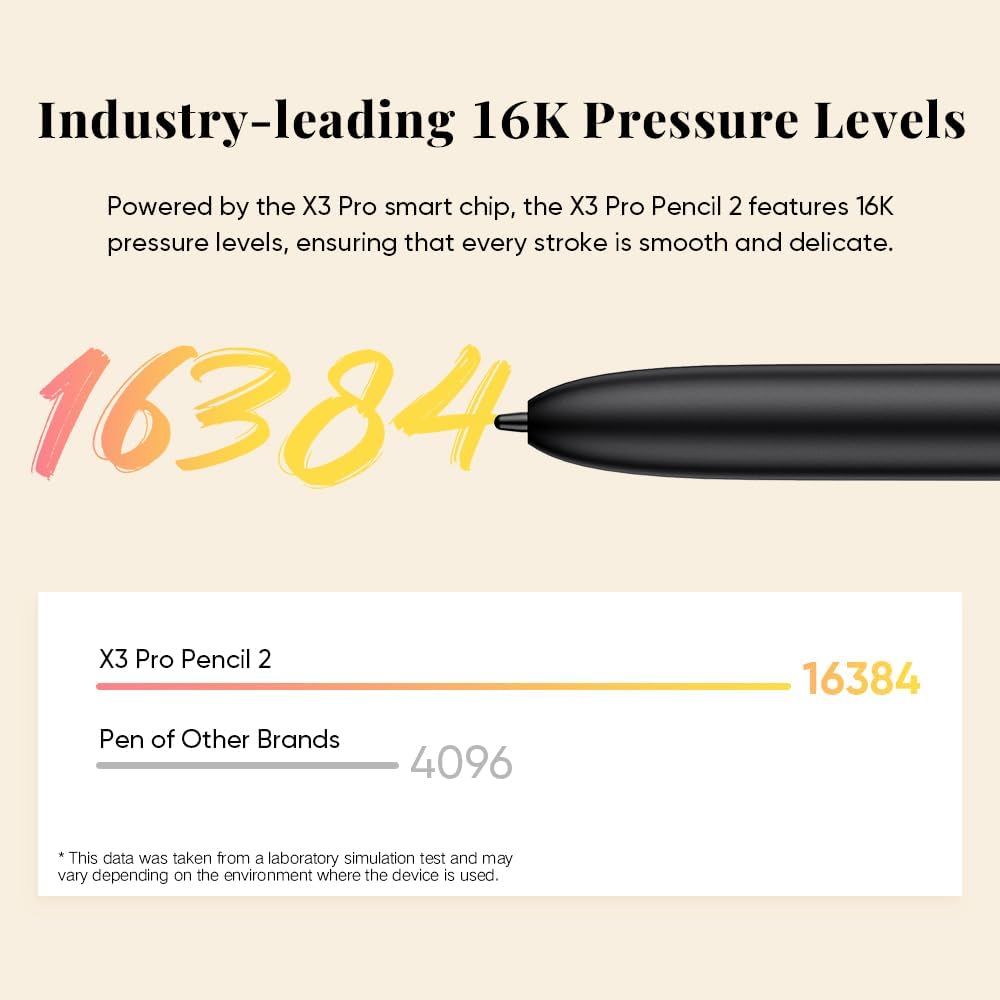
The writing experience is supported by the pen system described for this kit. The included XPPen X3 Pro Pencil 2 is powered by the X3 Pro smart chip and is said to use 16K pressure levels. In practice, that is intended to help your strokes feel smooth and delicate, while the pen nib is described as being as soft as a gel pen for writing.
On top of pressure sensitivity, the pencil design includes features intended to speed up your day. There are customizable shortcuts on the pen to boost efficiency, and the magnetic suction design is made to let you capture your inspiration or take a break quickly. This is useful if you work in short bursts, for example, jotting down points during a meeting or annotating sections while reading.
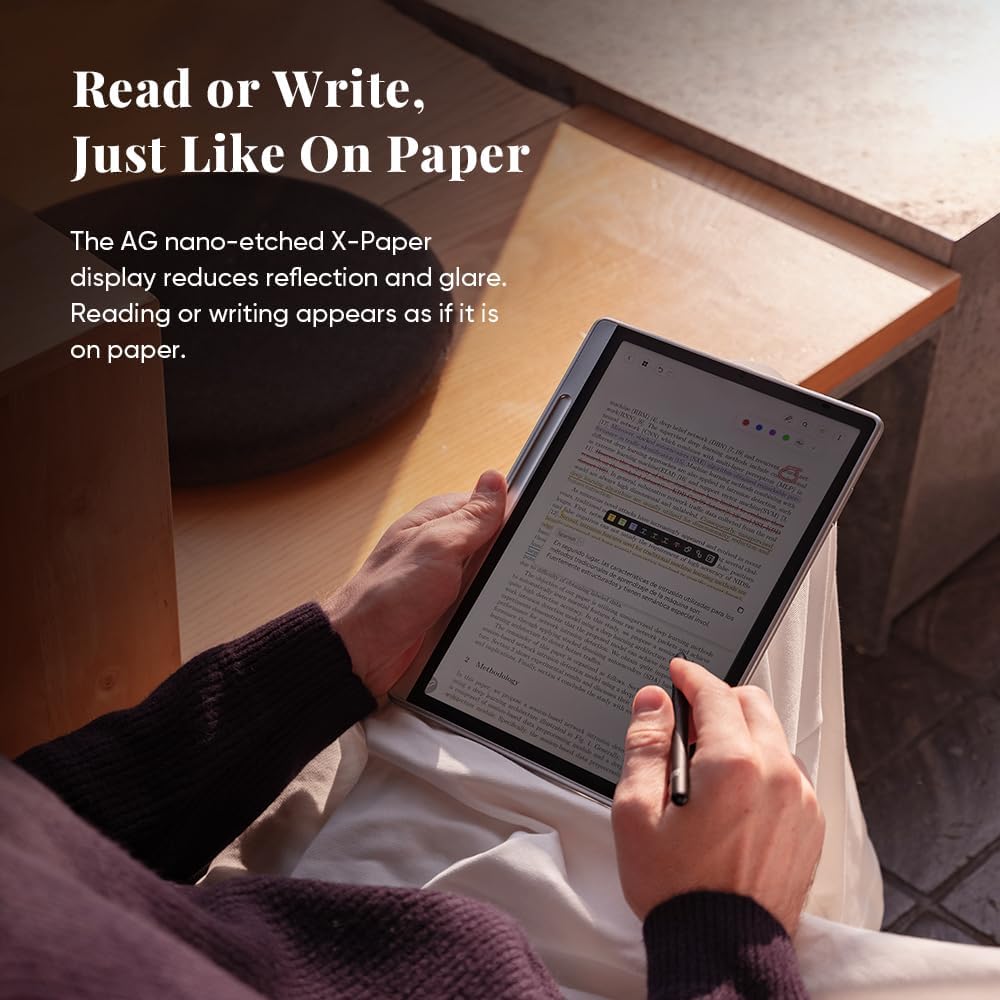
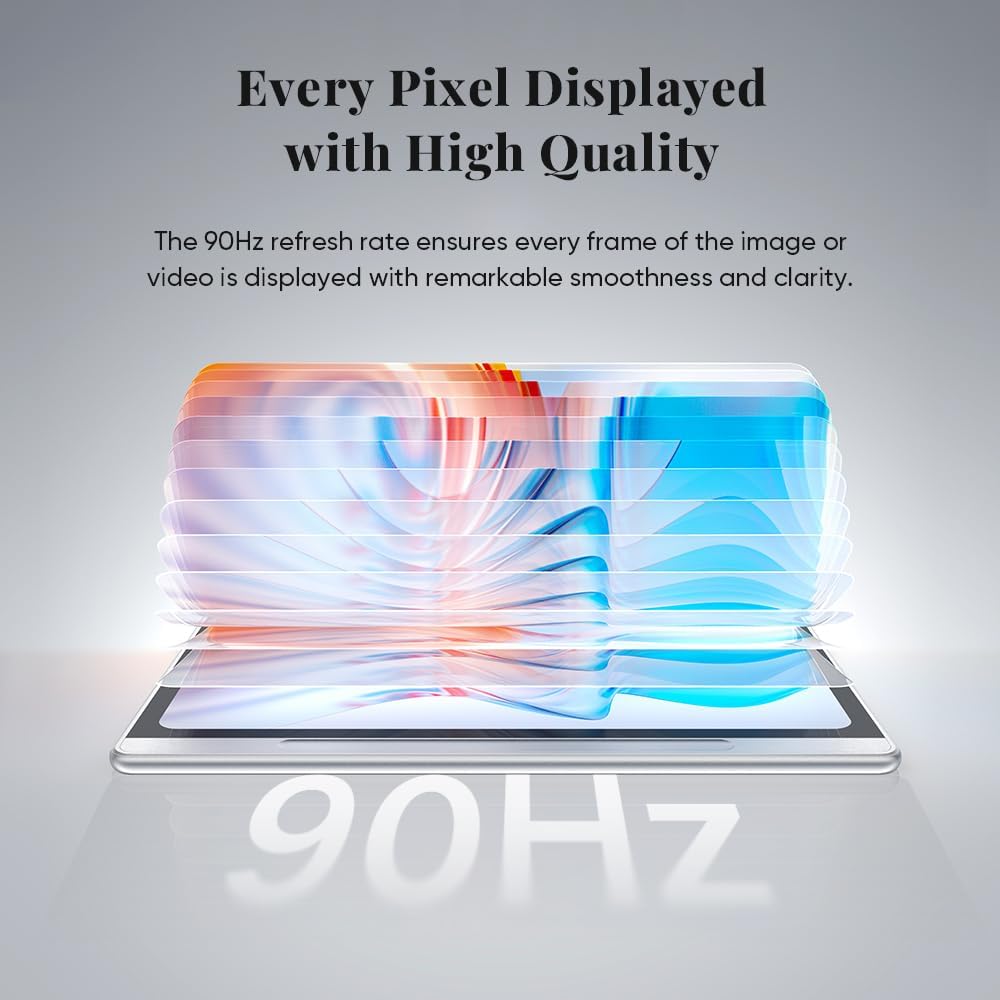
For display performance, the focus here is on comfort and clarity. The display is described as zero glare, with sharp details for reading and writing. The 90Hz refresh rate is specifically highlighted for reducing motion blur when viewing fast-moving content, which can be helpful for video based learning, remote calls, or general media use. 🌈
Storage and power handling are also part of the practical mix. The Magic Note Pad is listed as having 128GB of ROM storage and an 8000mAh battery, so you can keep documents locally and reduce battery anxiety. At 495g and 7mm thick, it is positioned for everyday carrying, and it is designed to fit into the magnet folio mentioned in the description.
It also supports a range of use cases. The product description calls out instant note-taking, document annotation, digital reading, remote meetings, creative drafts, and entertainment viewing. That breadth suggests it is meant to cover study, work, and creative sessions, rather than being only a single-purpose device. ✅
Tech specs
- Screen size: 10.9 inch display
- Refresh rate: 90Hz
- Colour depth: 16.7 million colours
- Brightness: 400 nit
- Pen pressure levels: 16K
- Storage: 128GB ROM
- Battery capacity: 8000mAh
Who it’s for
It’s a good fit if you want a colour digital note pad for reading, writing, and document annotation with a display that aims for paper-like comfort. It also makes sense if you switch between different visual modes during study or work, because the device offers three colour modes via the X-Paper Key. You may like it if you take lecture notes, mark up documents, or do creative drafting where pen feel and stroke control matter. ✍️
It might not be a great match if you only need basic note storage and do not plan to annotate, read, or use multiple display modes. Better avoided if you do not want a pen based workflow or if you prefer a purely screen-free approach to writing. Keep in mind that some features depend on using the included ecosystem described, including the XPPen Notes app and the pencil support.
The most relevant question is how you work day to day. If you are often moving between reading, writing, and editing, the combination of 90Hz smoothness, vivid colour, and 16K pen pressure levels is designed to support that mix without forcing you to change tools every time.