

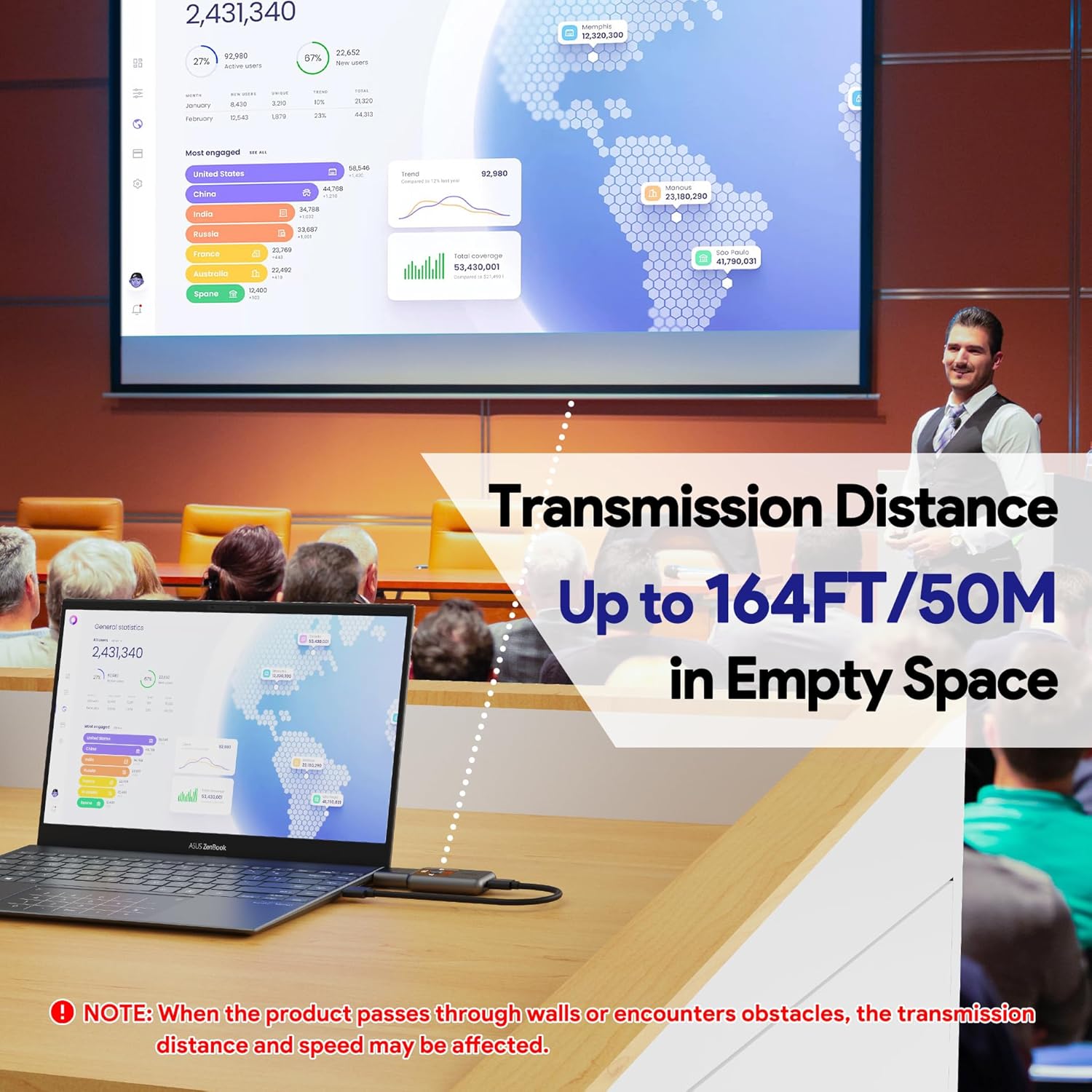
4K@30Hz Wireless HDMI Transmitter & Receiver with LCD Screen and Dual WiFi (2.4G/5.8G) – 3 Modes, up to 165ft
Product description
If you need a bigger screen without running a new cable across a room, a wireless HDMI setup like this 4K@30Hz transmitter and receiver can be genuinely handy. On paper it’s aimed at everyday sharing for study, work, home use and even gaming, with 4K/30Hz output and low-latency wireless via dual WiFi modes.
That said, it’s the kind of gadget where results depend quite a lot on your environment. Walls, obstacles, and how you power it will affect stability and range, so it’s worth checking the real-world expectations before you buy.
The essentials
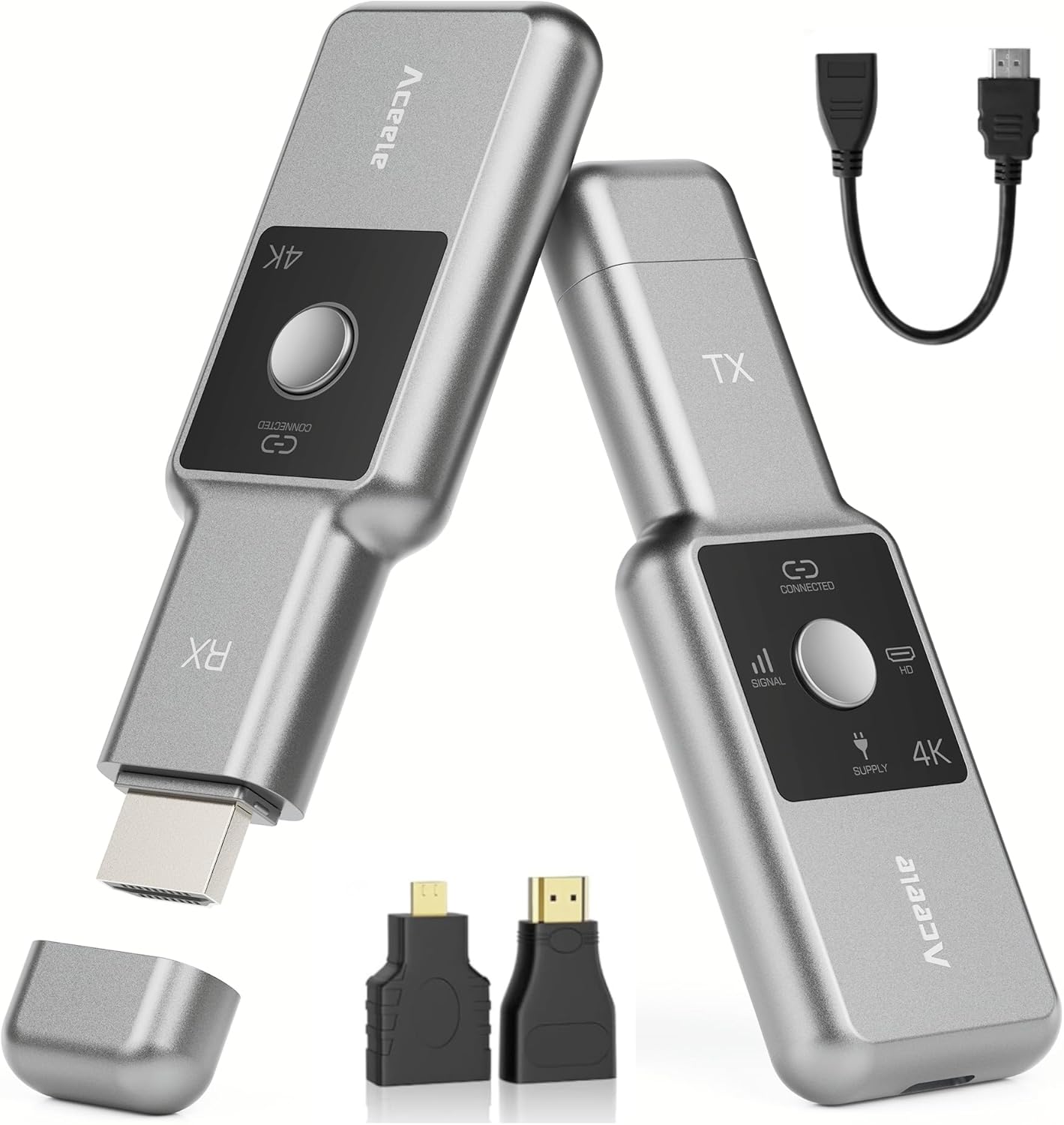
This wireless HDMI transmitter/receiver kit sends video and sound from a source device to a display without needing an app, Bluetooth, extra software, or Wi‑Fi set-up. It includes an LCD screen on the units so you can see the connection status at a glance. The manufacturer also points out that both transmitter and receiver need to be connected to power during use to help keep picture quality stable.
There are multiple operating modes (the listing mentions 3 modes), and the wireless link uses 2.4G/5.8G with the aim of better reliability and anti-interference. Claimed transmission distance reaches up to 50 metres / 165ft, but the same note also makes it clear that passing through walls or encountering obstacles may reduce distance and speed.
What stands out in day-to-day use
The most appealing part of this kit is how quickly it’s meant to work. The connection flow described is straightforward: power the receiver first, plug the receiver into the TV/monitor HDMI port, then power the transmitter and connect it to the source device (like a laptop). After waiting around 10 seconds, the TX and RX are intended to connect automatically.
For a practical example, imagine you’re doing a presentation in a meeting room: you plug the receiver into the room’s TV, connect the transmitter to your laptop, wait a short moment, then you’re mirroring your screen. When you’re done, you disconnect with the one-click style button operation mentioned in the product description.
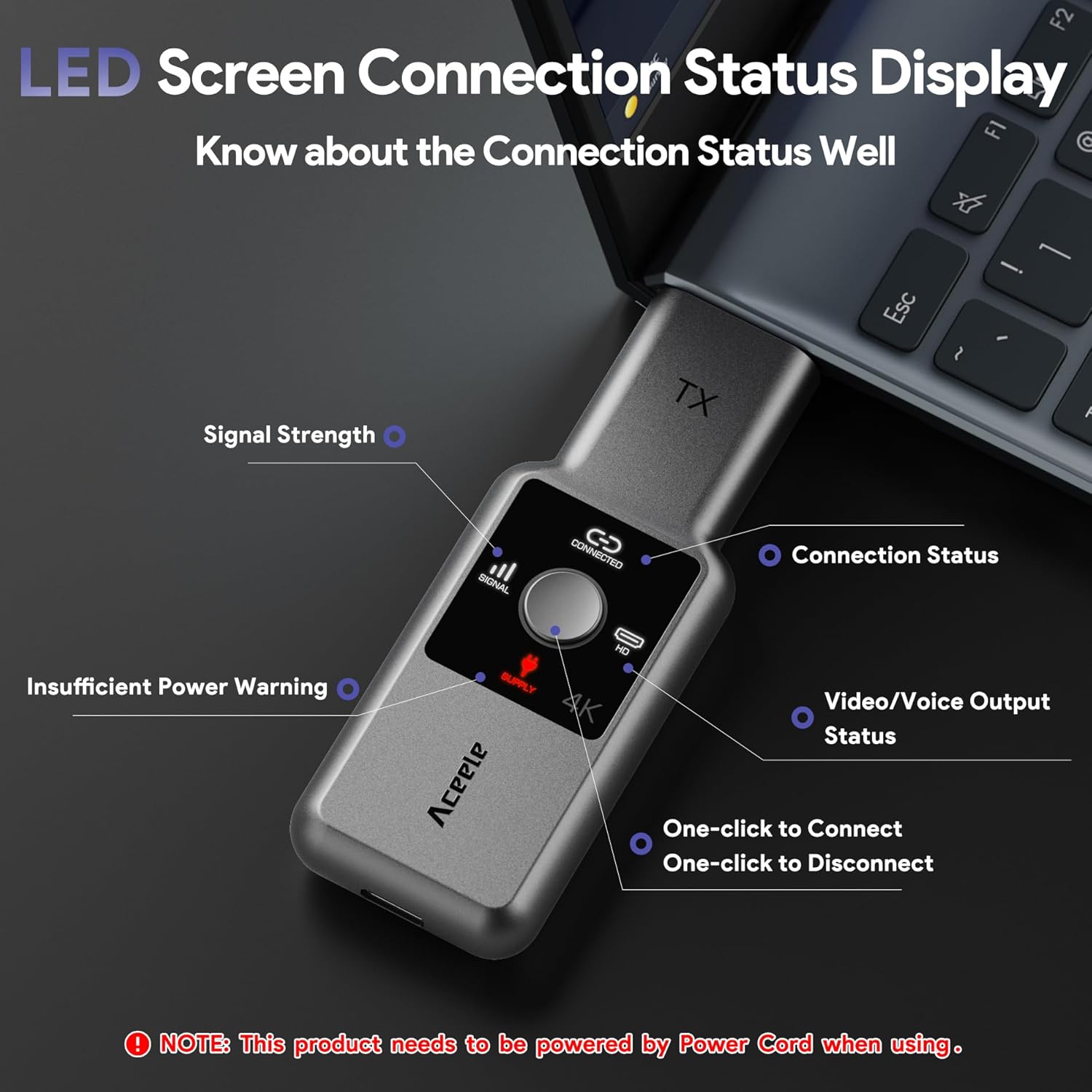
The LCD screen helps remove guesswork too. If you’ve ever used wireless adaptors that leave you staring at blank ports, that little bit of visible status can be surprisingly useful.
Picture and sound expectations (and a limitation to note)
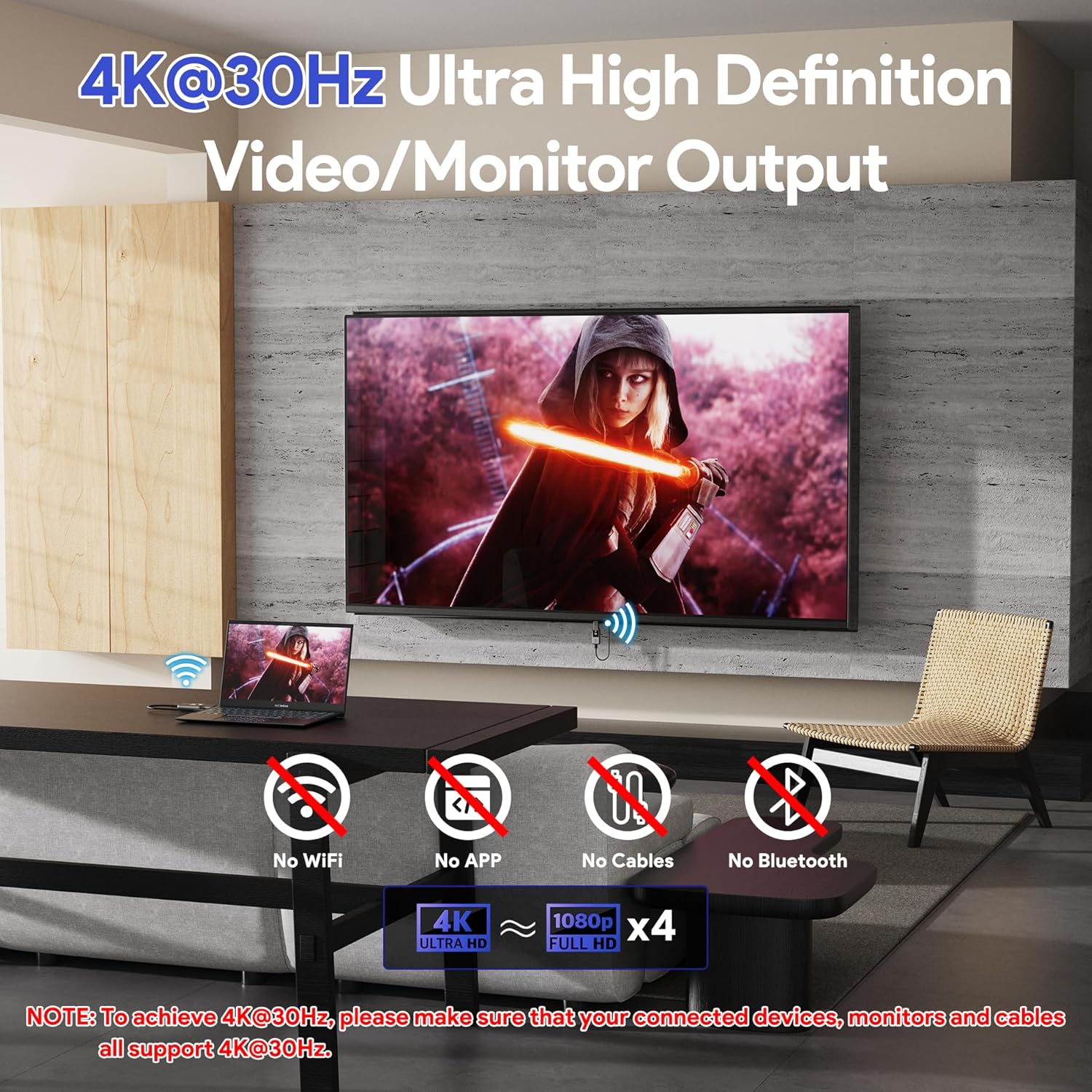
The listing states support for 4K@30Hz Ultra HD output, with smooth and stable images, rich colours, and high/steady sound quality. That’s a decent target for typical office use, home entertainment and teaching.
However, wireless video can be less forgiving than a direct cable, and the product description makes it explicit that picture stability depends on powering both the transmitter and receiver during use. It also flags that physical barriers can impact transmission distance and speed. If your setup needs to go through multiple walls, you may find the system performs below the headline range.
Dual WiFi and range: where it fits
Using both 2.4G and 5.8G is the right idea when interference is an issue. In practice, what matters most is whether your transmitter and receiver have a clear enough path.
If you’re setting this up in the same room, or with line-of-sight (or minimal obstacles), you’re more likely to get the “stable and smooth” experience the listing describes. If your use case involves placing the receiver behind furniture, thick walls, or far corners, it’s sensible to temper expectations: the listed notes warn that range and speed can change.
Mirror and extended modes: flexible for devices
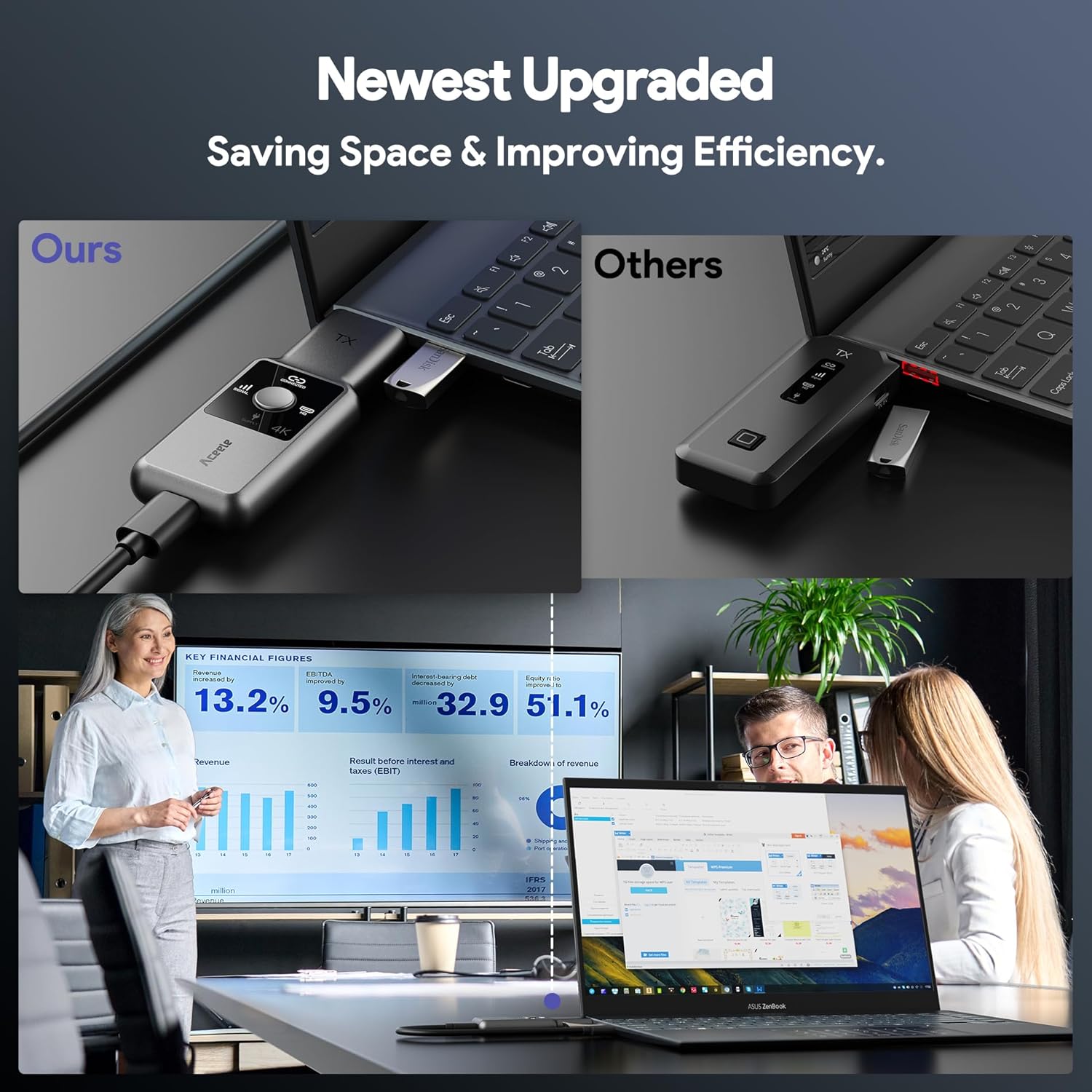
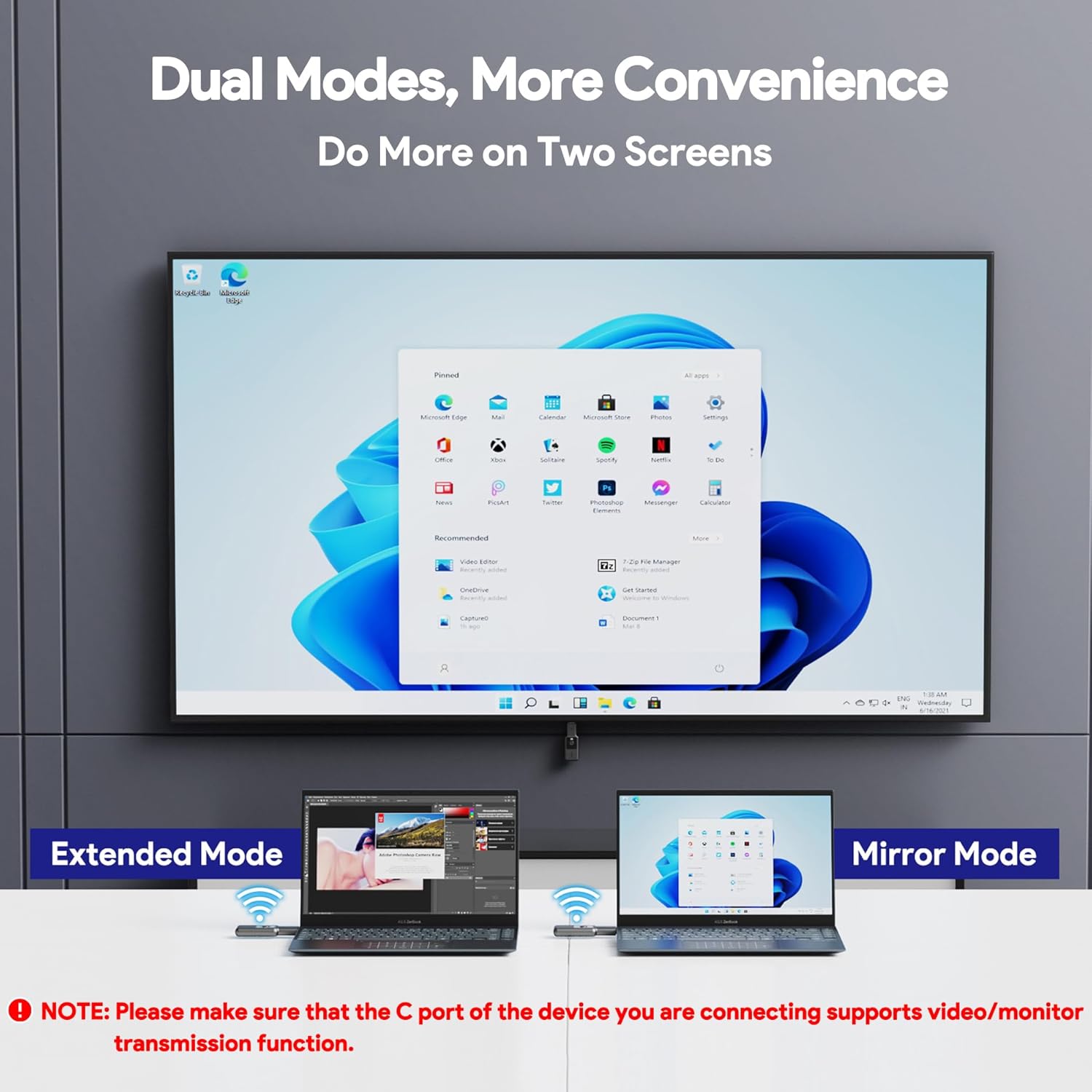
The kit is described as supporting both mirroring and extended modes, which is useful because not every task is the same. Mirroring is typically what you want for presentations, teaching, or showing something on a large display. Extended mode can suit workflows where you want more screen space.
The product description also claims compatibility across a broad mix of devices listed on the page: laptops, PCs, smartphones/tablets, cameras, TV boxes, camcorders, karaoke machines and surveillance cameras as TX, and projectors, monitors, HDTVs and LED screens as RX.
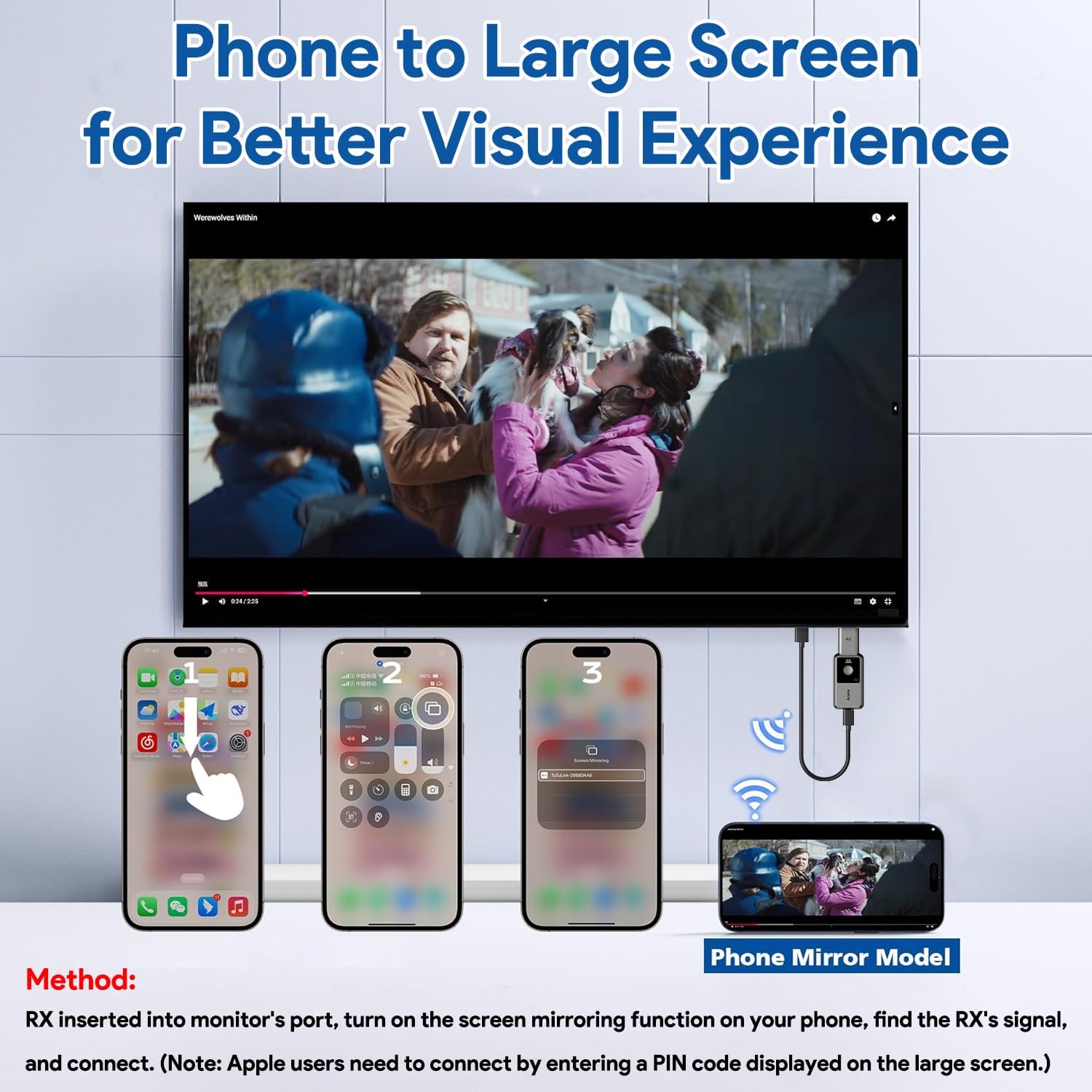
One specific phone single-projection mode is also mentioned. The process differs depending on the device: for iPhone/iPad users, after searching for the RX signal, you may need to enter a PIN code shown on the TV screen.
Tech summary (based on the listing)
- 4K output support: up to 4K@30Hz
- Wireless modes: 3 modes
- WiFi protocol: 2.4G/5.8G
- Wireless range: up to 50 metres / 165ft (with possible reduction through walls/obstacles)
- Connection method: plug and play, no app/Bluetooth/Wi‑Fi set-up required
- Power note: both TX and RX should be connected to a power supply during use for stability
Is it worth it?
This is a solid choice if you want a wireless HDMI transmitter and receiver that’s quick to set up, doesn’t rely on an app, and is aimed at everyday screen sharing across a home, classroom or meeting space. It makes particular sense if your main priority is mirroring a laptop/tablet/phone to a TV or monitor, and you can place the units so the signal isn’t forced through lots of obstacles.
You may want to skip it if your environment is very challenging for wireless (multiple walls, long distances with no clear path), because the listing itself warns that transmission distance and speed may be affected. Also, if you’re planning to use a USB Type‑C to HDMI or HDMI to Type‑C adapter, check the note about the C port supporting video transmission—otherwise it simply may not work.
Mini FAQ
Do I need an app or Bluetooth to connect?
No. The listing says there’s no need for an app, Bluetooth, an app, or Wi‑Fi set-up—aimed at straightforward plug and play.
Will it work through walls?
Not reliably at the best-case distance. The product notes that when the signal passes through walls or hits obstacles, transmission distance and speed may be affected.
Does it need power on both units?
Yes. The description specifically says that to ensure stable picture quality, both the transmitter and receiver need to be connected to the power supply during use.
What if I’m using an iPhone or iPad?
In phone single-projection mode, you may need to enter a PIN code displayed on the TV screen after searching for the RX signal.
Can I use it with a Type‑C adapter?
Only if the device’s C port supports video transmission. The listing includes a caution that without that support, it can’t be used in that way.