

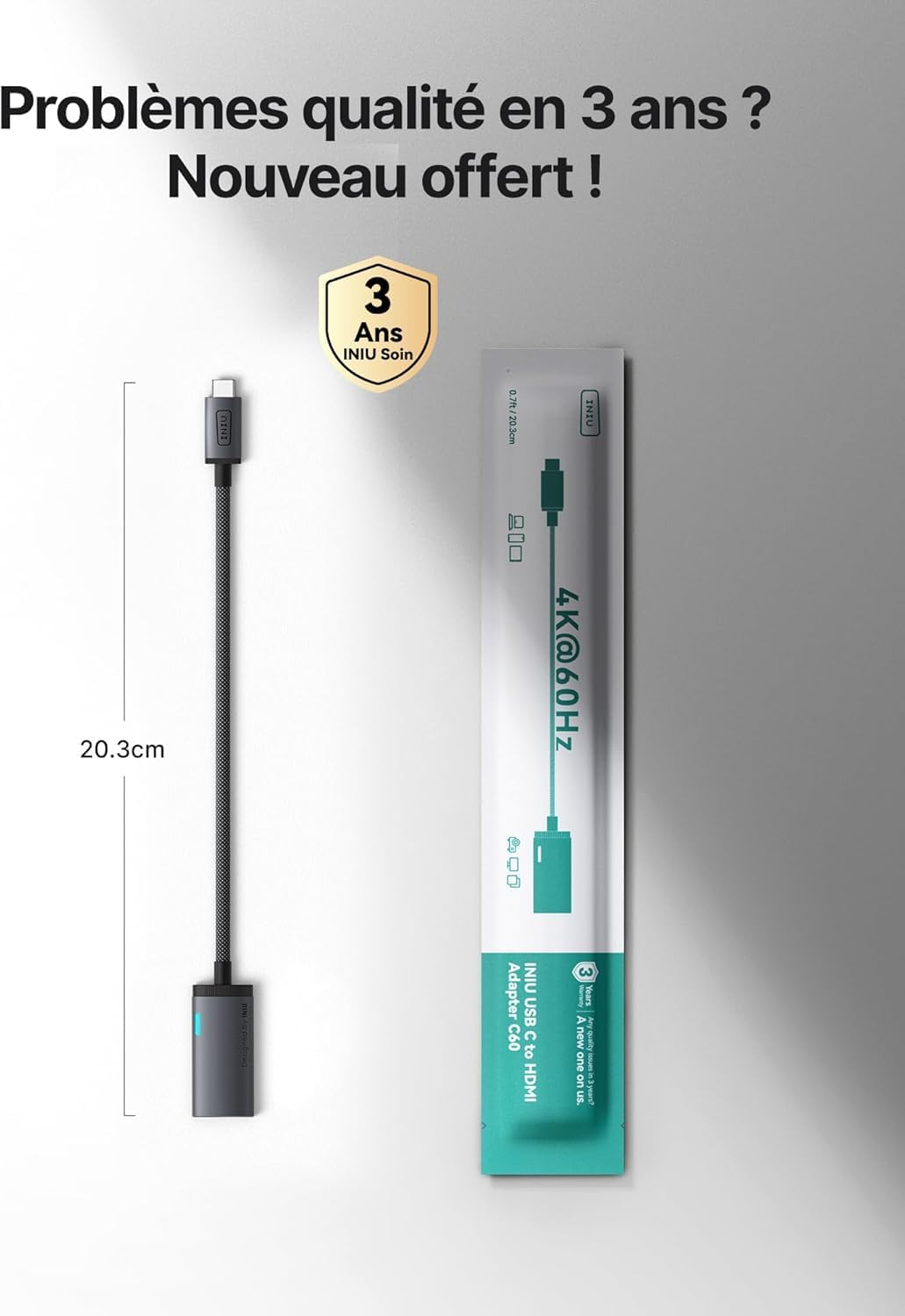
INIU USB C to HDMI Adapter with Smart Diagnostic LED — 4K@60Hz, Original HDMI Certified
Product description
What it is
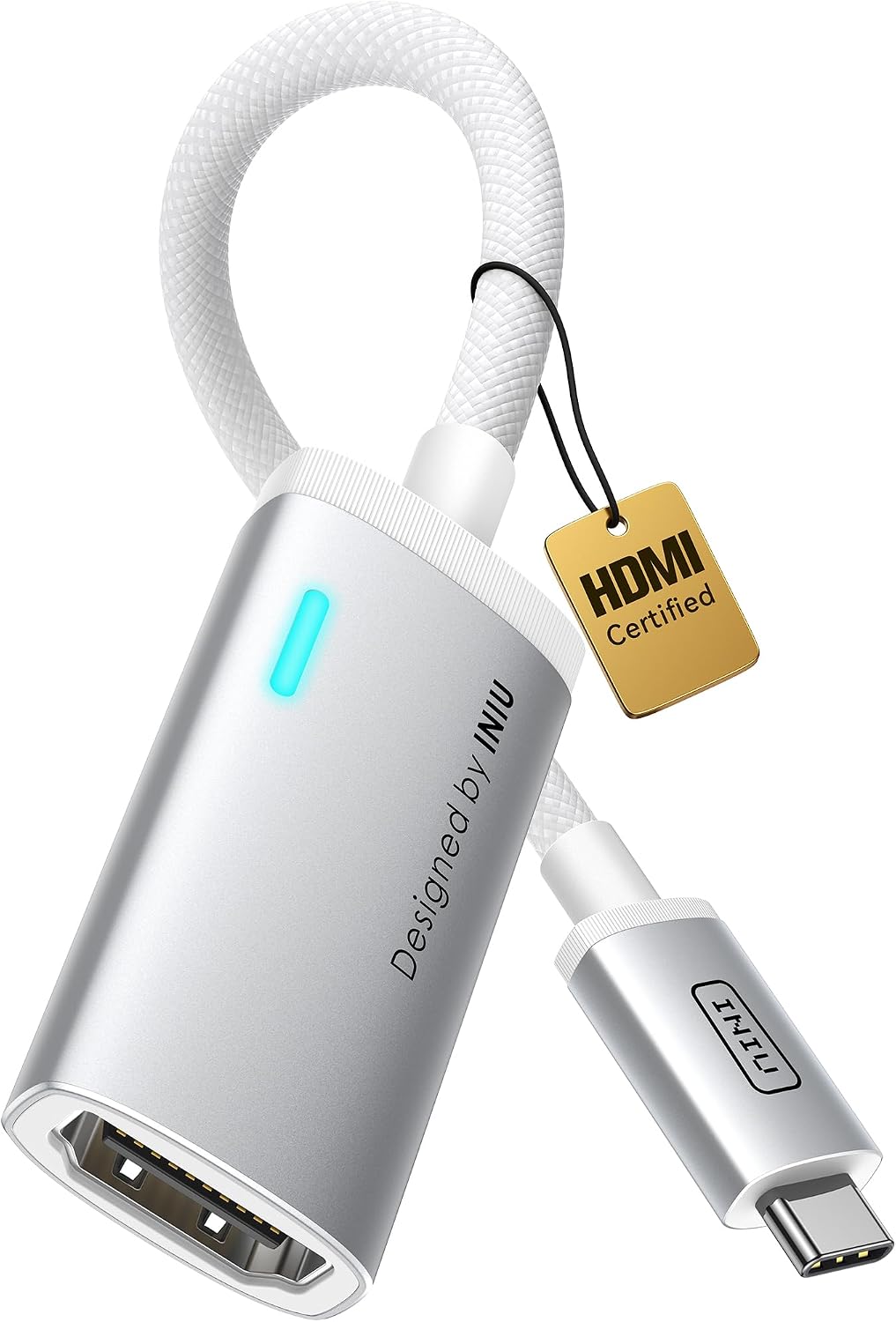
The INIU USB C to HDMI Adapter is a compact, HDMI-certified dongle that converts a USB‑C port to an HDMI output, aimed at quick connections to screens and displays. It emphasises a “plug & play” approach with a smart diagnostic LED to help you spot connection issues at a glance.
Who it’s for
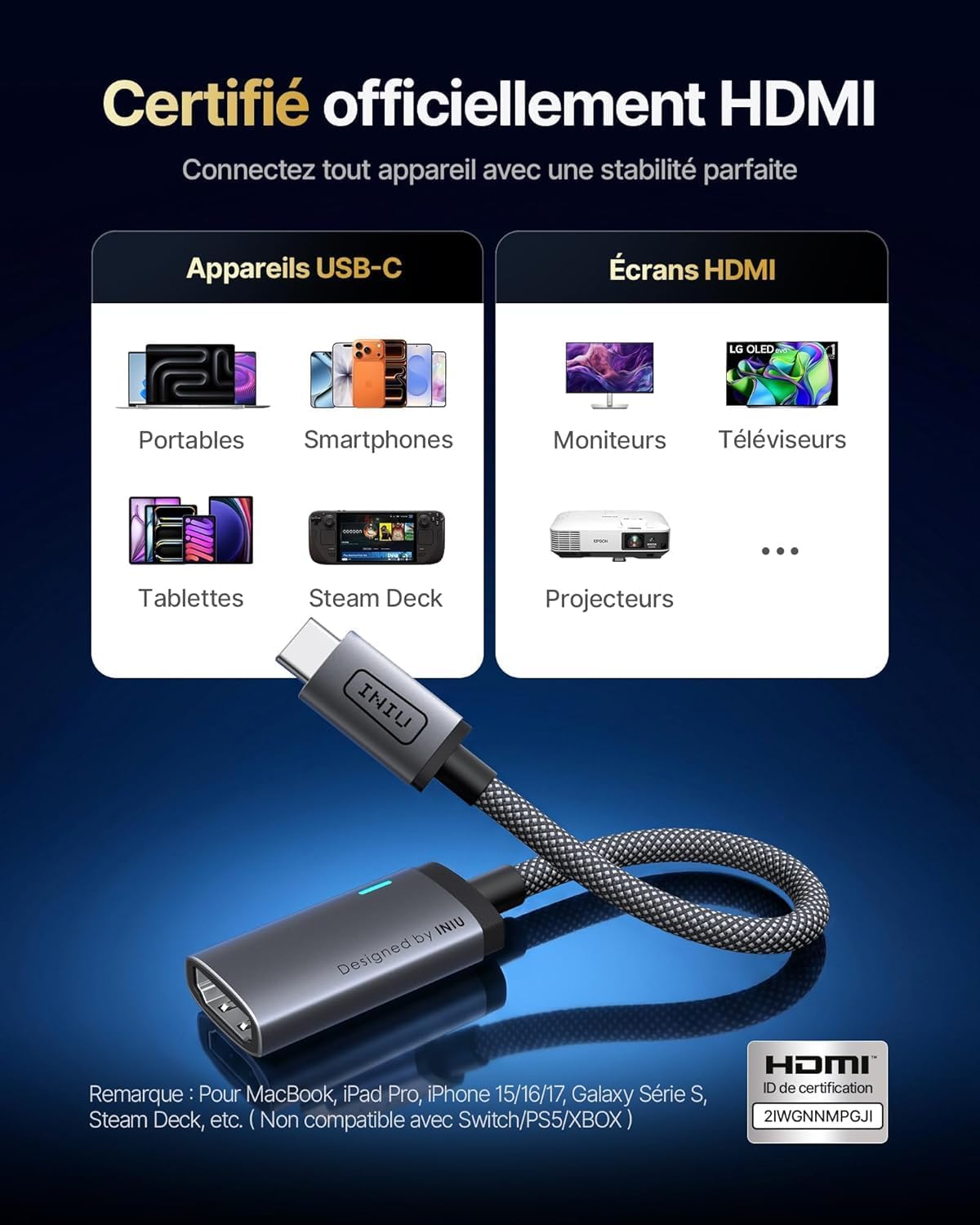
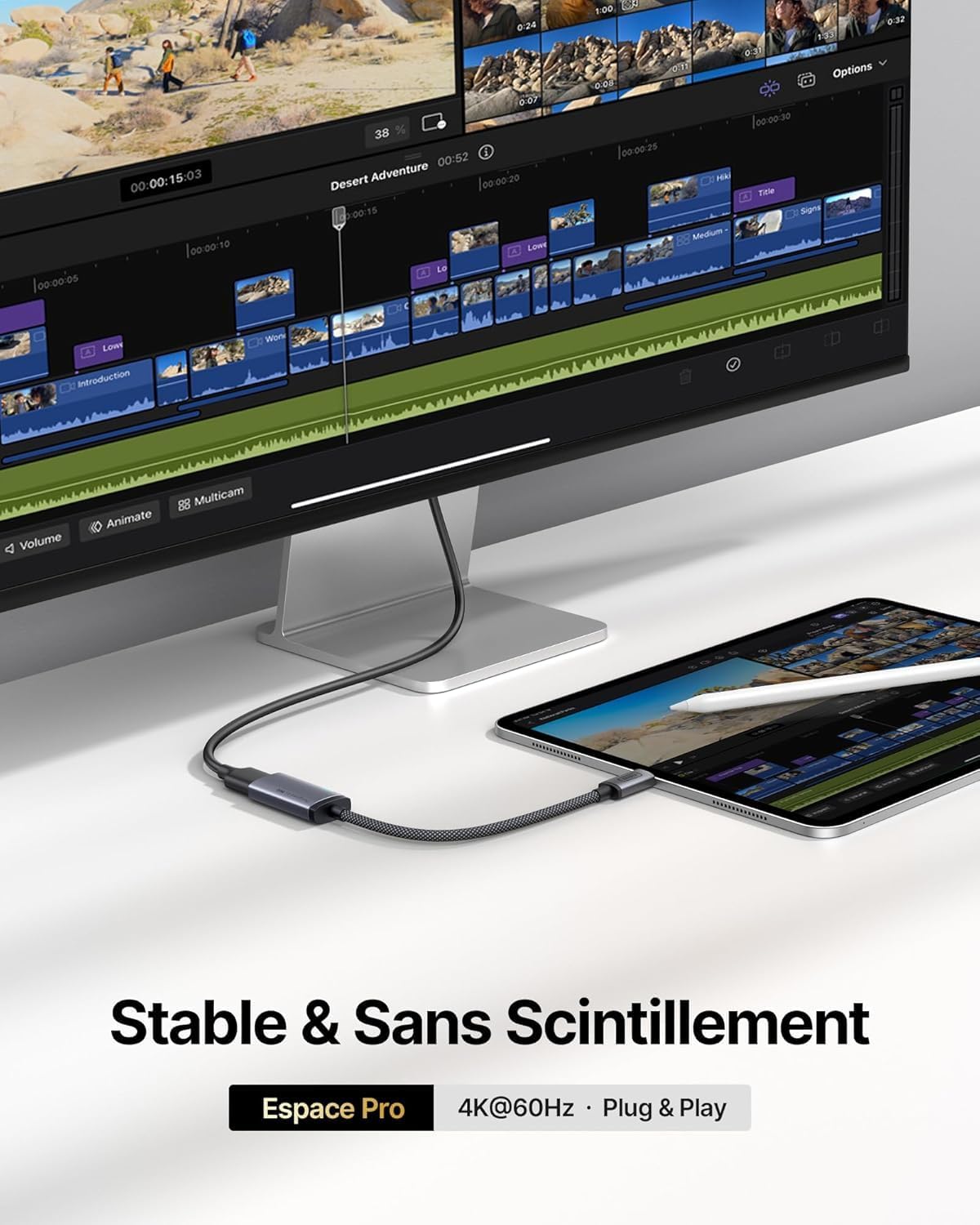
If you use a MacBook (Pro/Air), iPad, iPhone 17/16/15 Pro Max, Samsung Galaxy with DeX, or a Steam Deck and you want a straightforward way to mirror or extend to a monitor or TV, this adapter is designed for you. It’s particularly useful in setups where a stable 4K@60Hz signal is valued for meetings, coding, editing, or casual media playback. Note that this is a unidirectional USB‑C to HDMI adapter and requires DP Alt Mode on the source device.
How it performs
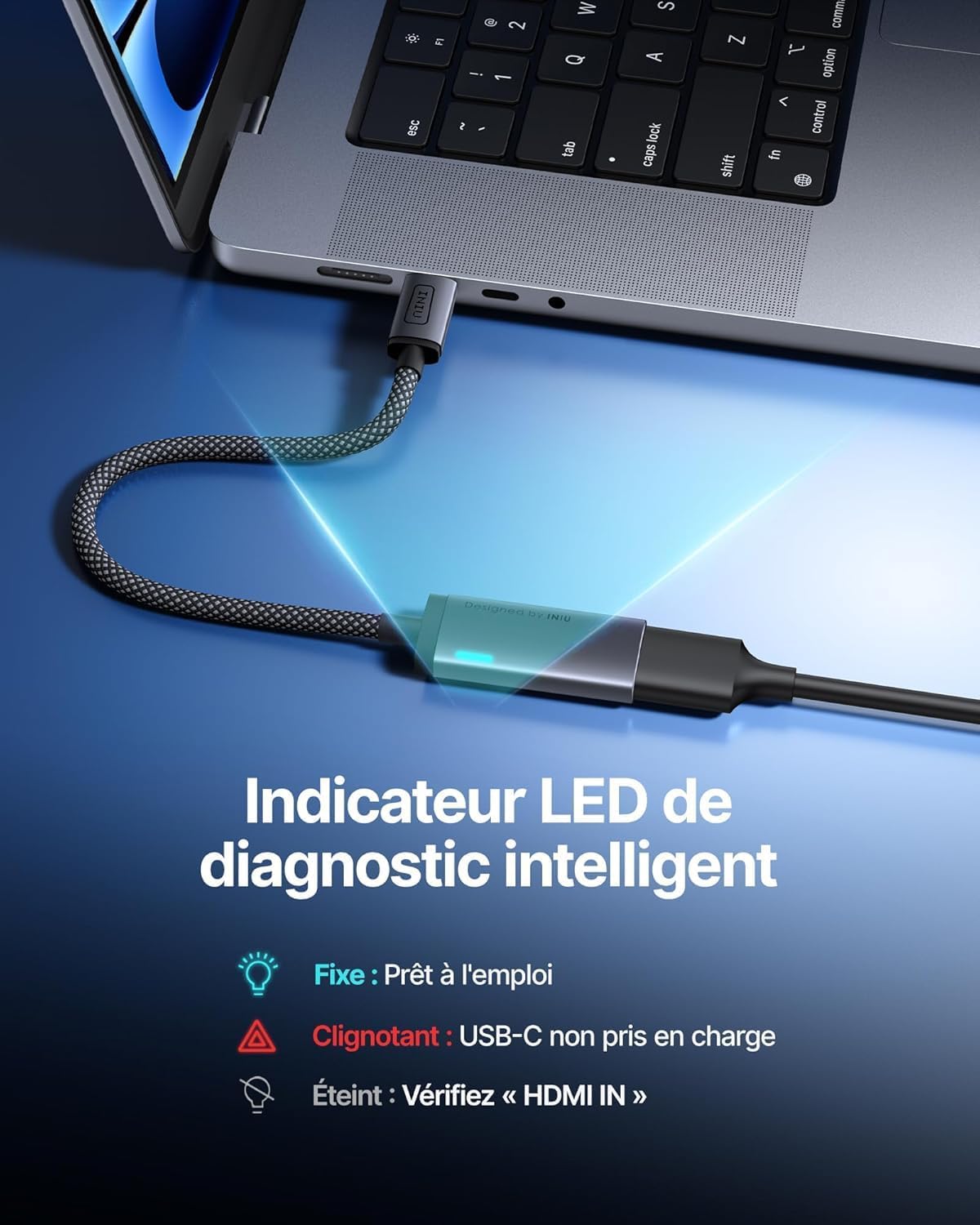
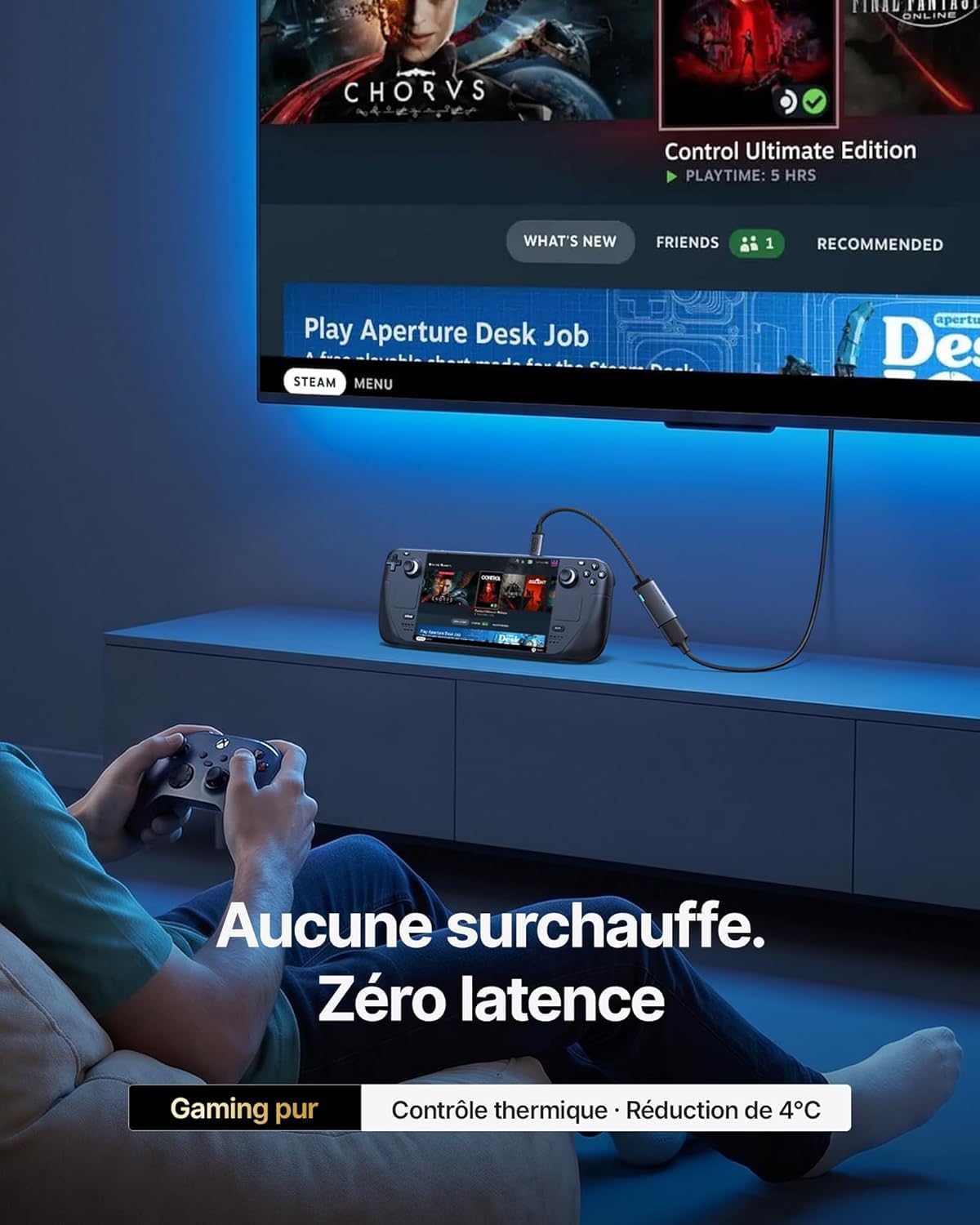
On paper, this adapter supports true 4K@60Hz and uses a thermal design and aluminium shell to keep temperatures down during long sessions. The build includes nylon braiding for durability and a claim of reduced signal drop-ins during heavy use. The Smart Diagnostic LED is intended to save time by indicating Solid (ready), Flashing (unsupported USB‑C port/change port), or Off (check HDMI input).
What stands out
- Official HDMI certification promises stable compatibility with a broad range of devices.
- LED indicators aim to simplify setup and troubleshooting, potentially reducing setup delays.
- Durable construction with a focus on heat management and bend endurance, supported by a three-year care policy.
What may be less convincing
- Real-world performance depends on the source port’s DP Alt Mode support and the display’s capabilities, if a device does not provide proper alternate mode, you may not see the expected output.
- The device is unidirectional (USB-C to HDMI), so it won’t work in reverse as an HDMI input to a USB-C display.
- While marketed as 4K@60Hz, actual output can be affected by the HDMI sink device and cable quality, this is common with any HDMI dongle of this kind.
Ideal use cases
- Presentations or coding sessions where you need a reliable secondary screen from a MacBook, iPad, or Steam Deck.
- Quick hotel or travel setups where you want a compact, robust solution without fuss.
- Scenarios favouring a “diagnostic” indicator to quickly verify connection status.
When to potentially skip it
- If you require bidirectional HDMI or USB-C input support at the display side, this adapter won’t cover that need.
- If your device port does not clearly state DP Alt Mode, you may not get the expected output.
- If you prioritise the absolute maximum possible refresh rate or HDR performance, you might look for higher-end options or direct cabling with proven specs.
What to check before buying
- Confirm your source device supports DP Alt Mode over USB‑C.
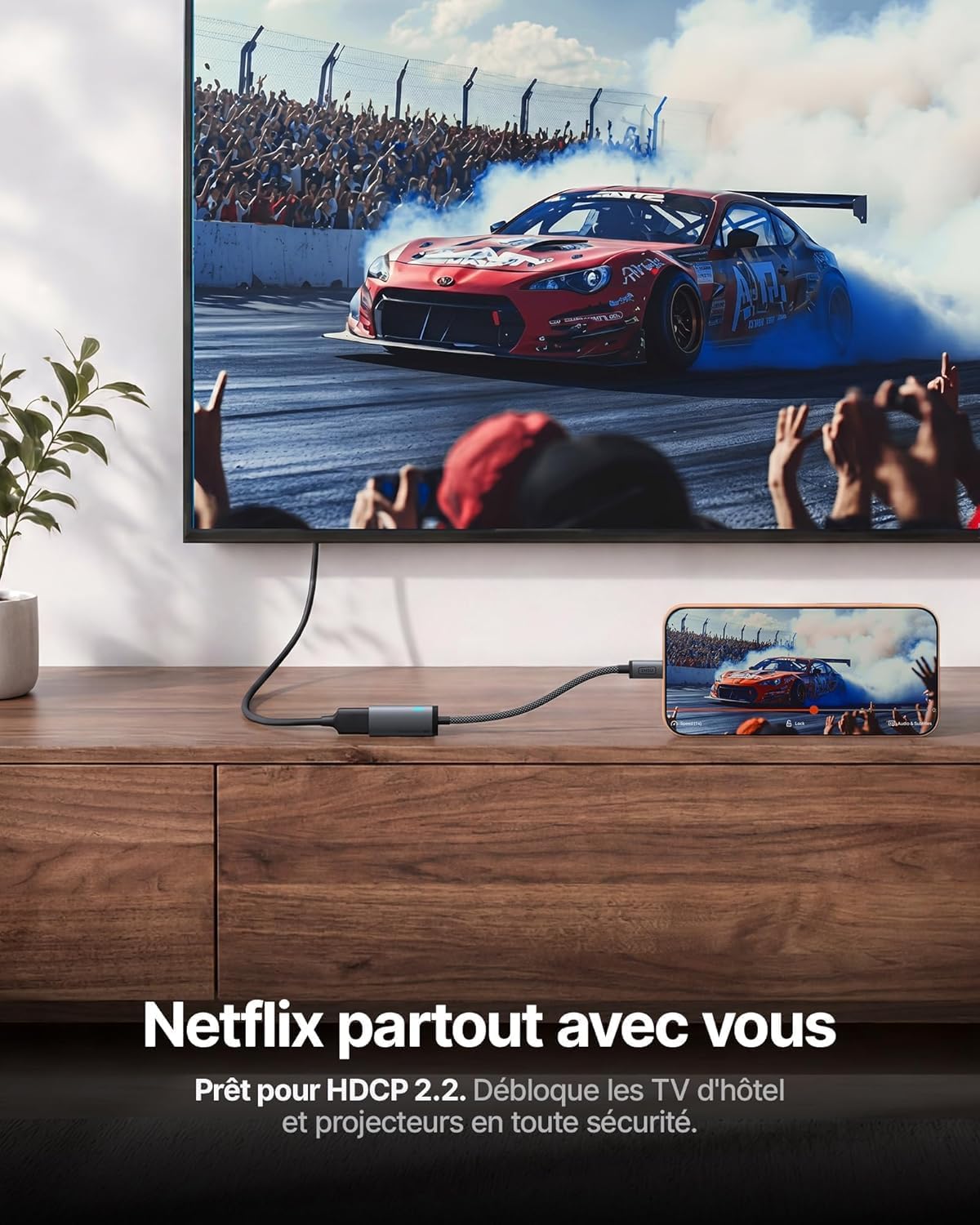
- Ensure the monitor or TV accepts 4K@60Hz via HDMI and HDCP 2.2 for streaming services.
- Consider whether you value the diagnostic LED and whether the three-year INIU Care aligns with your expectations for longevity.
Practical example of use
In a typical day, you might connect a MacBook Pro to a conference room display for a presentation. The LED can confirm a solid connection quickly, reducing fiddling with ports. If you’re editing on a laptop, a second screen can help with timelines and code windows, and you’ll benefit from the supposedly cooler operation during long sessions.
FAQ (based on available information)
- Does it work with all USB-C laptops? It works with devices that support DP Alt Mode and HDMI output via USB-C, performance may vary by port specifications.
- Is the output always 4K@60Hz? The product advertises 4K@60Hz, but actual output depends on the source device, cable, and display capabilities.
- Can it be used with any HDMI display? It should work with HDMI displays that accept 4K@60Hz input and are HDCP 2.2 compatible.
Final decision
Final verdict: Worth considering if you need a compact, HDMI-certified USB‑C to HDMI adapter with a diagnostic LED and solid build for everyday use with a range of popular devices. It makes sense for reliably extending to a monitor or TV on laptops and tablets that support DP Alt Mode, provided you are comfortable with its unidirectional nature and potential variability in peak performance depending on your setup.