


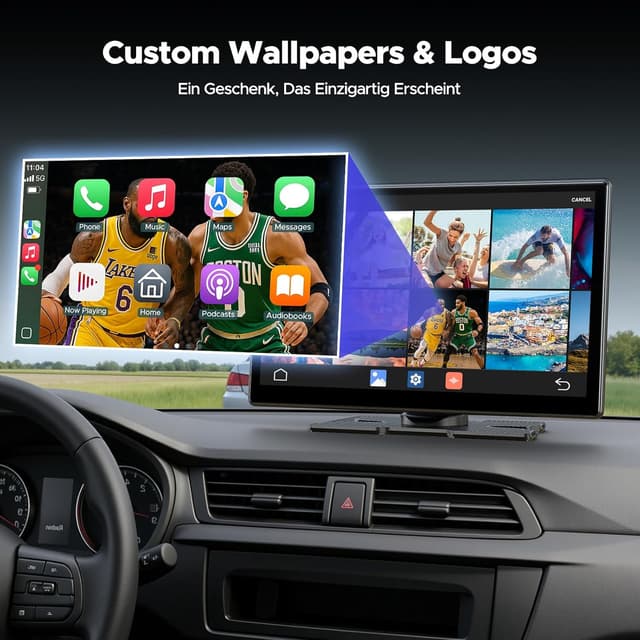
Volam Wireless CarPlay screen 5.2-inch
Product description
This 9-inch portable multimedia screen from Volam brings wireless CarPlay and Android Auto together with built-in streaming apps to make longer journeys more entertaining and parking manoeuvres easier. It suits drivers who want a detachable HD display with wireless connectivity, a rear-view camera and Bluetooth 5.2 for smoother audio and video playback.
Key Points

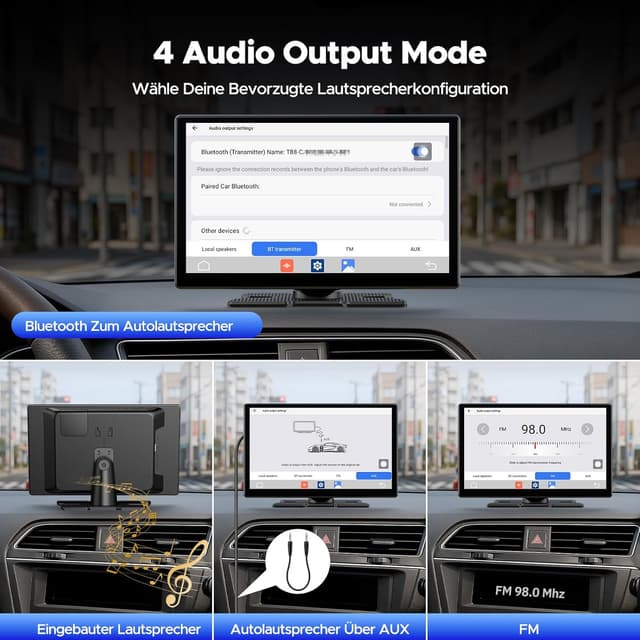
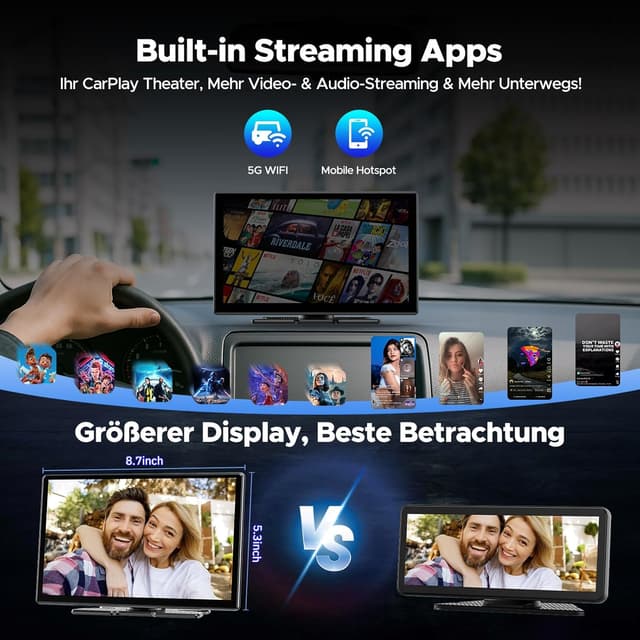
The unit supports wireless Apple CarPlay and Android Auto while also allowing direct access to popular streaming platforms via Wi‑Fi. Setup is simple by using your phone as a hotspot and the screen claims one-second boot time, which helps reduce waiting when you start the vehicle. A built-in AHD reverse camera provides a high-definition rear view that can be shown on the display at the touch of a button, making reversing and tight parking simpler. The device offers four audio output methods—Bluetooth, FM transmitter, AUX and internal speakers—so it can work with a wide range of car audio systems.
Technical Specifications
- Name: Volam 9-inch Wireless CarPlay Smart Screen
- Screen size: 9 inches
- Bluetooth: 5.2
- Camera: AHD reverse camera included
- Connectivity: Dual-band Wi‑Fi, wireless Apple CarPlay and Android Auto
- Updates: Over-the-air (OTA) updates supported
Benefits
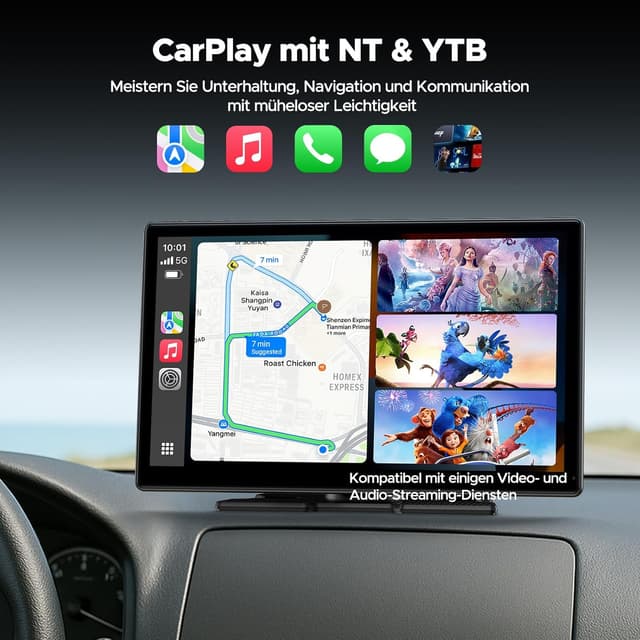
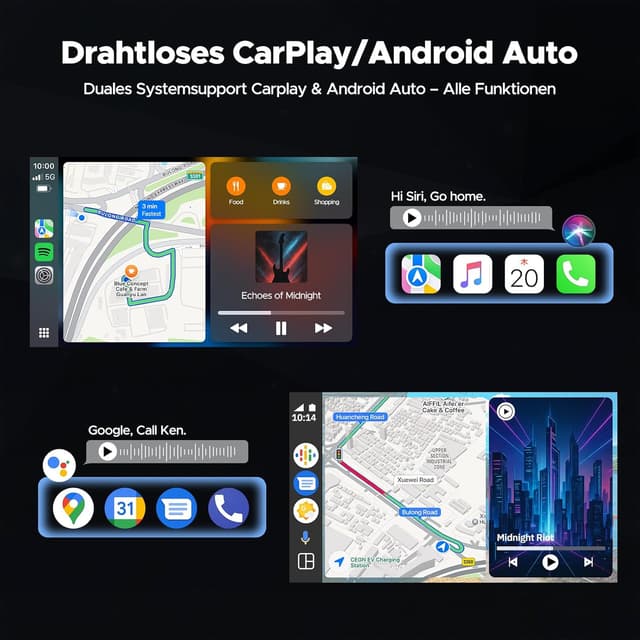
Streaming video and navigation can run together without extra wiring thanks to the wireless connections and dual-band Wi‑Fi. The variety of audio output options increases compatibility with older and newer cars, which is useful if you change vehicles often or use the screen on more than one car. OTA updates mean the software can be refreshed remotely according to the manufacturer, which may add features or improve stability over time. Consider that streaming video while driving may be restricted by local laws and that playback quality depends on mobile network signal or hotspot stability.
Usage Recommendations
Position the screen where it does not obstruct the driver’s view and connect the reverse camera to the rear of the vehicle following standard installation practice. Use a stable mobile data connection or a reliable Wi‑Fi source for the best streaming results. When pairing audio, try each available output method to find the clearest sound for your vehicle, and enable OTA updates when connected to a secure network to keep the system current.